
Microsoft has confirmed that it is retiring Outlook’s Meeting Insights feature and replacing it with Microsoft 365 Copilot in early September 2026.
The move is quite interesting, as not many people liked Outlook Meeting Insights. In fact, some truly hated the feature because of how it was integrated.
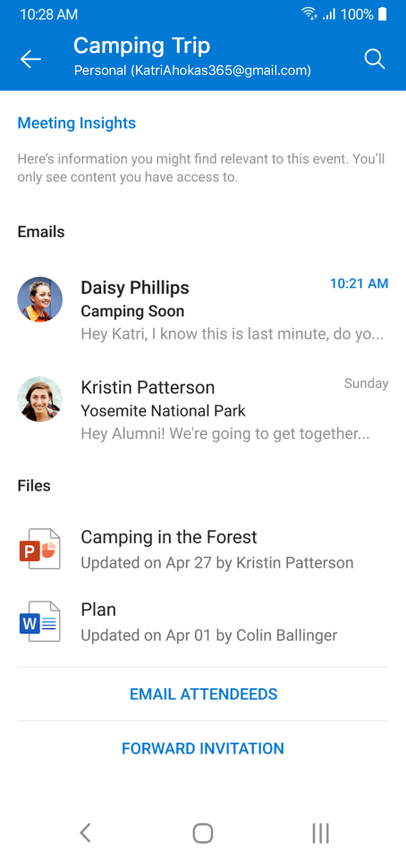
Meeting Insights is also an AI-powered feature that debuted in 2020, but unlike today’s AI tools, it is not based on large language models that try to understand your content. Instead, it uses machine learning methods to surface files, emails, and other content that may be relevant to an upcoming meeting.
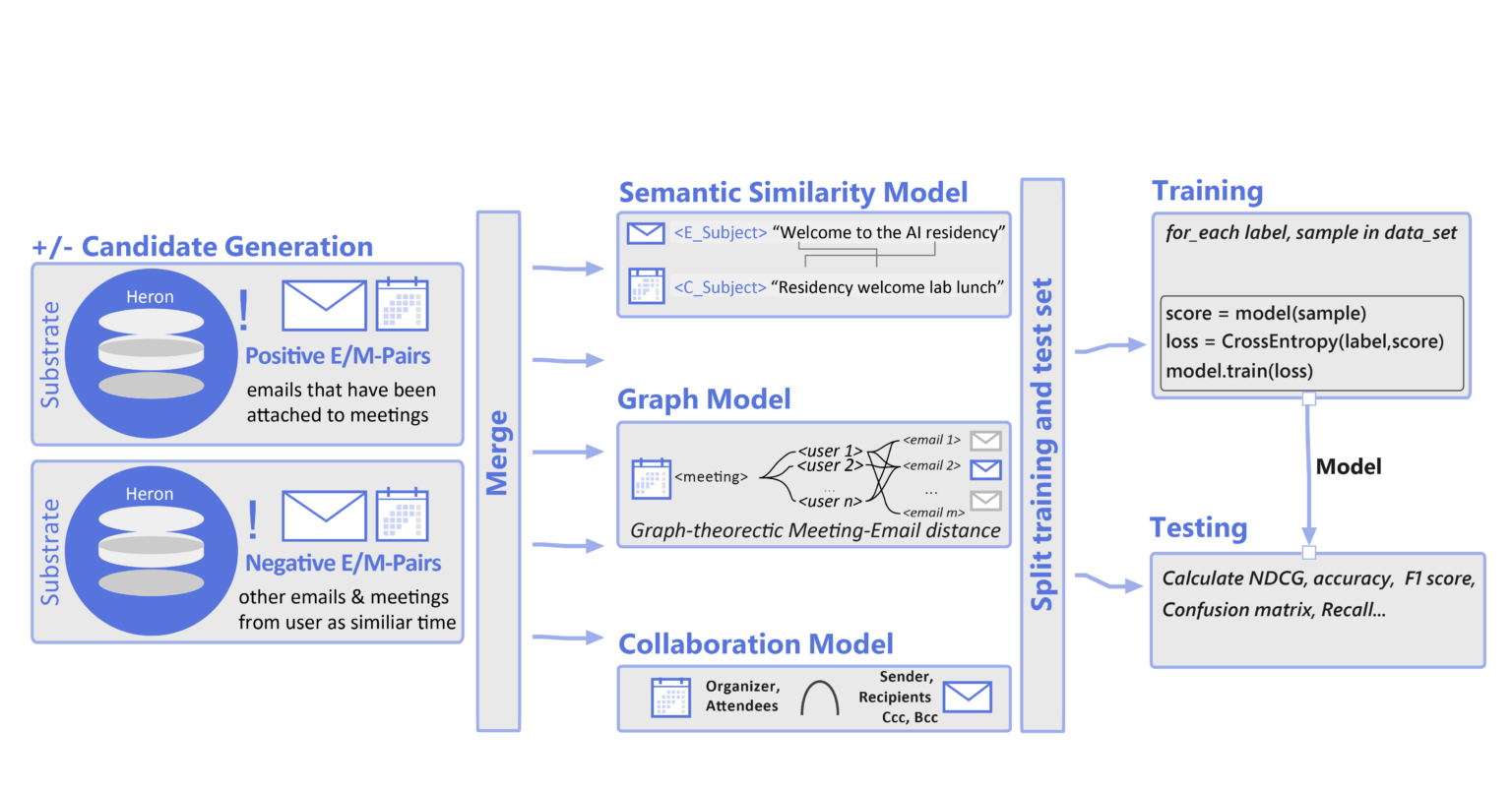
When Meeting Insights is enabled, Outlook automatically pulls recently modified files and documents as “insights” and displays them directly in the meeting invite UI. At times, users would freak out because it looked exactly as if those files had been attached and sent to everyone invited to the meeting.
For example, if you have never used Outlook Meeting Insights and it suddenly shows all your files, related emails, or documents inside a meeting invite, you might panic and assume that sensitive documents have been sent to external clients. We have plenty of examples where this has actually happened.
“I freaked out a while ago even though I’m familiar with the feature and I’m a long-time sysadmin, and Insights showed an internal document that should ABSOLUTELY NOT have been sent to the customer. I realized 5 seconds later it was in Insights and not attached,” one user shared in a Reddit post last year.
“We’ve had Outlook proudly display a list from accounting in the “insights” because someone from accounting accidentally shared the wrong file. Before they could redact it, multiple people have seen the file and the contents of it,” another user wrote.
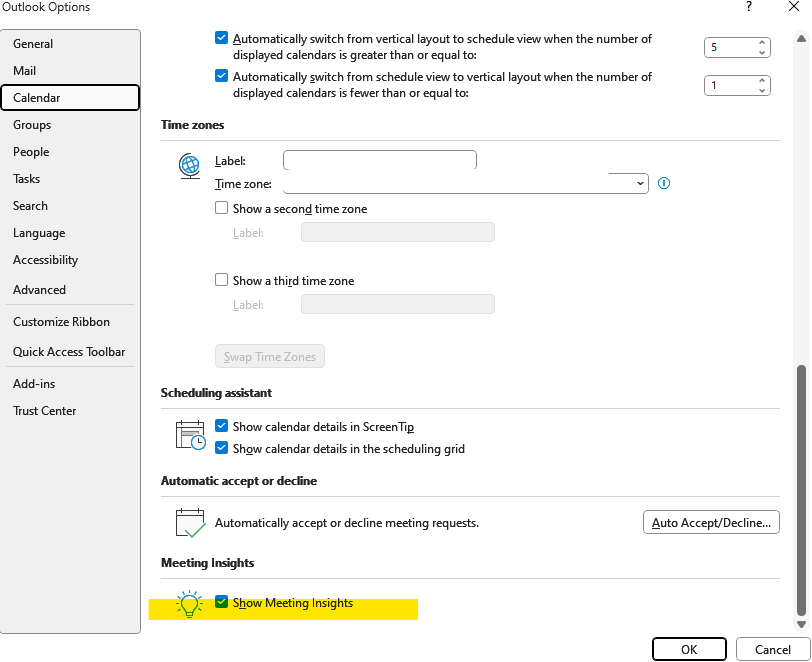
I am not selectively sharing two examples to prove my point. We’ve come across many similar incidents where Outlook’s Meeting Insights confused users by making files appear to be attachments, and the worst part is that the feature is turned on by default in all Outlook products.
Microsoft is replacing Meeting Insights with Copilot
The good news is that Outlook Meeting Insights is finally being retired. The bad news is that Microsoft is likely removing Meeting Insights to push Copilot, rather than because it realized how many customers disliked the feature.
In an admin post first spotted by Windows Latest, Microsoft says Copilot can provide better insights than the old Meeting Insights feature because it can understand context and offer a “more intelligent” experience.
Copilot-powered meeting insights will summarize relevant content and tasks before a meeting. Meeting Insights will stop appearing in Outlook starting in September 2026, and once it is removed, you will:
- No longer see Meeting Insights containing relevant files and emails.
- See a new “Prepare for the meeting” experience that can generate a Copilot summary.
At the end of the day, I’m glad Meeting Insights is being retired. While the Copilot integration is annoying, at least it won’t show up if you don’t pay for Microsoft 365 Copilot.
Also, for those who care, this is not the only big change coming to Outlook. The new Outlook for Windows is testing a bunch of other improvements, including deeper Copilot integration where AI appears within the compose box and allows you to summarize existing content or write from scratch, with a warning that AI could make mistakes.
New Outlook is also slowly catching up with Outlook Classic, with one of the recent updates adding support for email snippets, Planner integration instead of Microsoft To Do, and a notification that pops up when you reply to an old email in a conversation when there is a newer one.
The post Microsoft is retiring the Outlook feature that made users think they leaked documents, replacing it with Copilot appeared first on Windows Latest