
Until now, Microsoft Teams could answer a question like, “Is Jack available to talk right now?” as part of its built-in “online presence” feature. You have this feature almost everywhere, including Google Meet, and if you dislike it, you’re going to hate the new workplace check-in feature, which can answer a question like, “Where is Jack working from today?”
In a new document spotted by Windows Latest, Microsoft calls the work location feature an extension of its existing online presence system
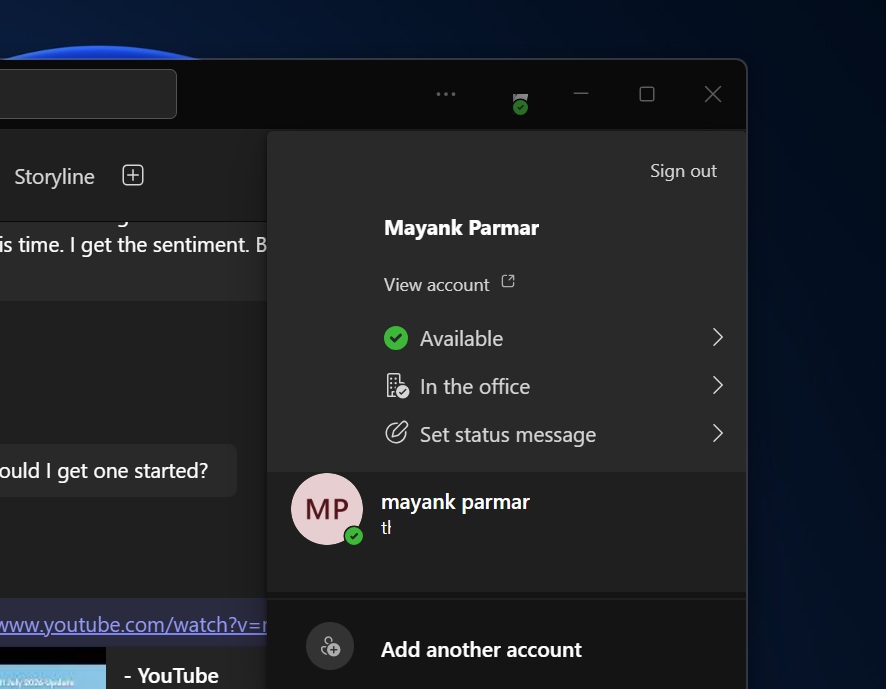
While online presence is similar to WhatsApp’s “last seen” feature, except that you don’t have much of a choice, Teams’ new workplace check-in is almost a surveillance feature, but Microsoft wants you to believe it’s not.
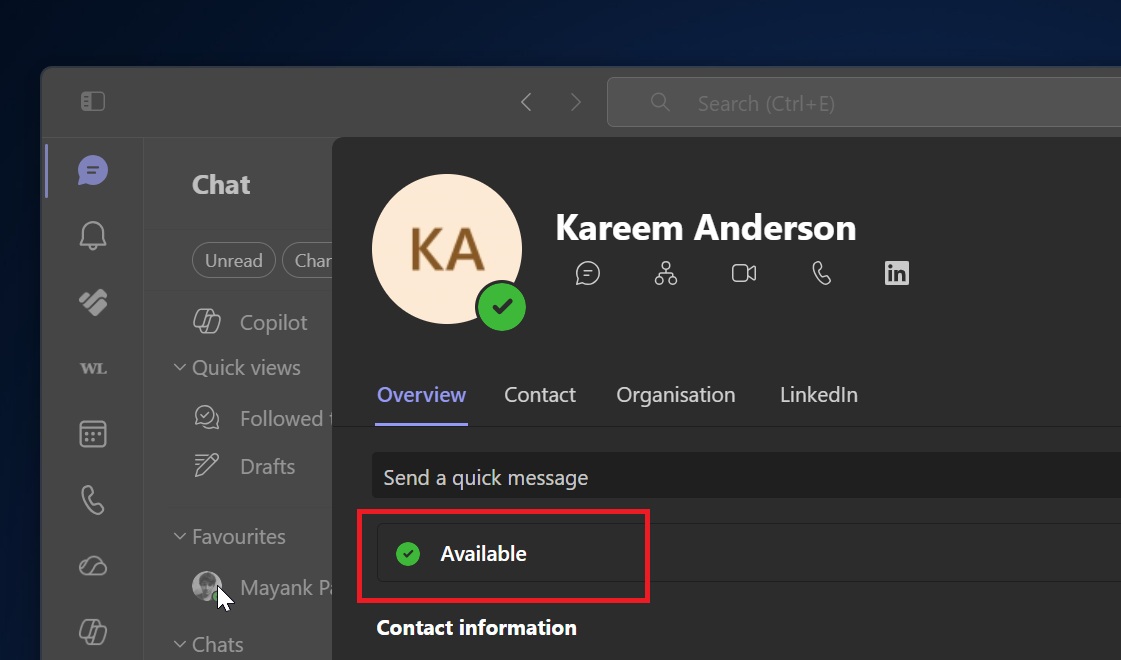
In a statement, Microsoft said it is not building a monitoring tool or surveillance system for employees.
“Employee privacy is at the core of how we innovate and build,” the company said. “We do not support employee surveillance in any way.”
I pressed for more details and was redirected to the support document, but it’s clear that Microsoft won’t call workplace check-in “surveillance,” and it probably isn’t in the sense most people think it is.
I don’t think Microsoft is lying or ragebaiting, and Teams’ workplace check-in idea may not be about surveillance, but about making it easier for colleagues to find out where their coworkers are currently working.
However, at the same time, how a tool is used depends on the organization, and it’s likely that some organizations could very well use it for surveillance.
“We want employees to enjoy in-person collaboration rather than manually updating their status,” Microsoft says in defense of the feature.
Most organizations have now switched to a hybrid style of working, and it’s often unclear whether an employee is at the office or working from home. With workplace check-in, Microsoft’s argument is that it could help you become more productive and improve in-person collaboration because you’ll spend less time manually updating your status.
Right now, you can only check whether somebody is idle, online, or in a call on Microsoft Teams, but when the check-in feature is turned on, Teams will combine three pieces of information:
- When you are working
- Whether you are currently available
- Where you are working from
In a way, it makes sense when Microsoft says it is “extending” the existing online presence feature. We’re going from understanding whether you are currently online to knowing whether you are physically present in a particular office building.
How Teams workplace check-in actually works
Teams workplace check-in can detect whether you are in the office by checking whether your PC is connected to a corporate Wi-Fi network. But my worry is that you can’t skip it if you don’t use the corporate Wi’Fi. That’s because the feature also works with a registered peripheral, such as a monitor.
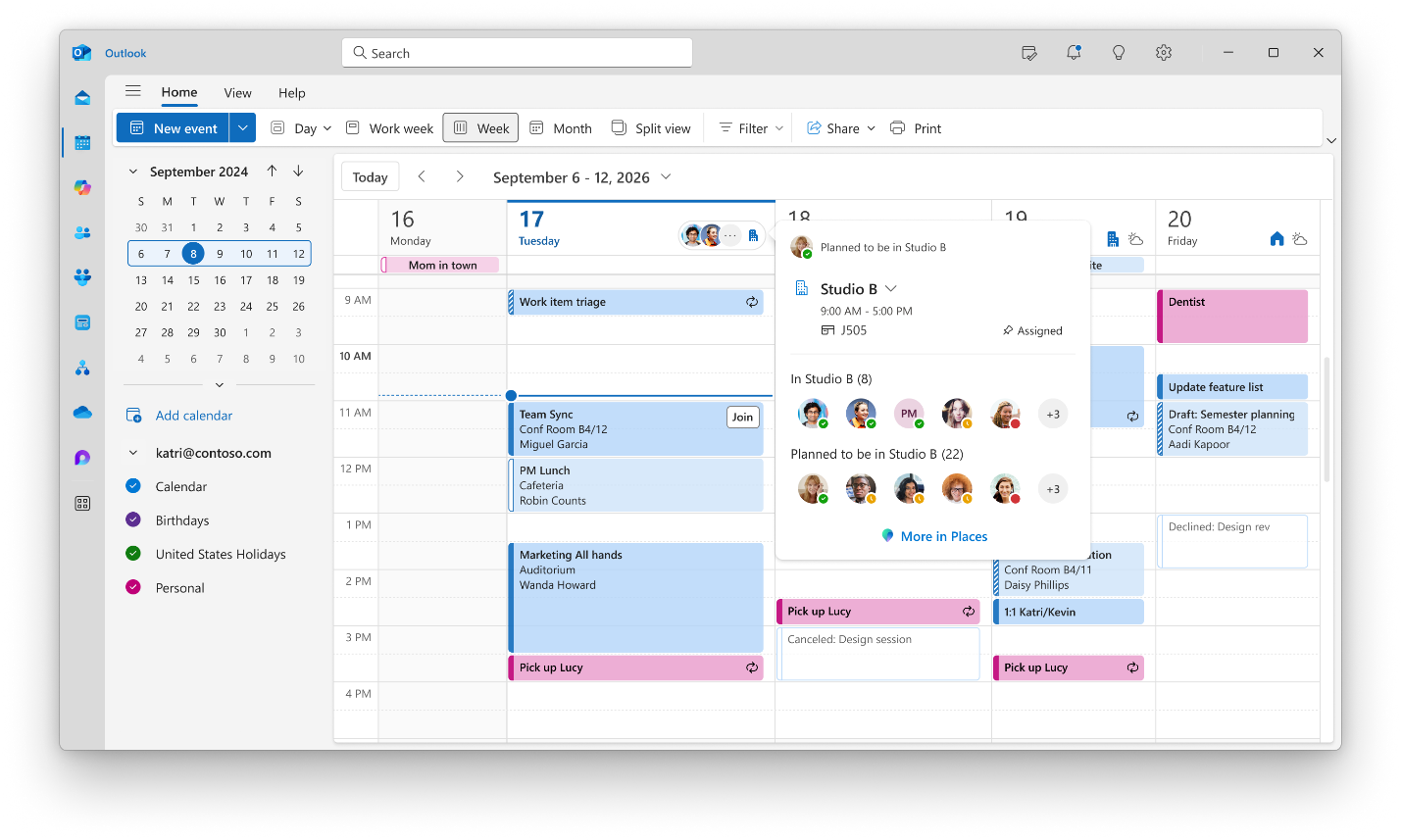
For example, suppose your planned location in Outlook says that you will work from the office on Tuesday. You arrive at the office and connect your laptop to the company’s Wi-Fi. Teams can update your actual work location to “In the office” or the name of a specific office building.
Take a look at the screenshot below, where “Studio B” is highlighted as the present location, along with a list of individuals who plan to be in Studio B but aren’t here yet.
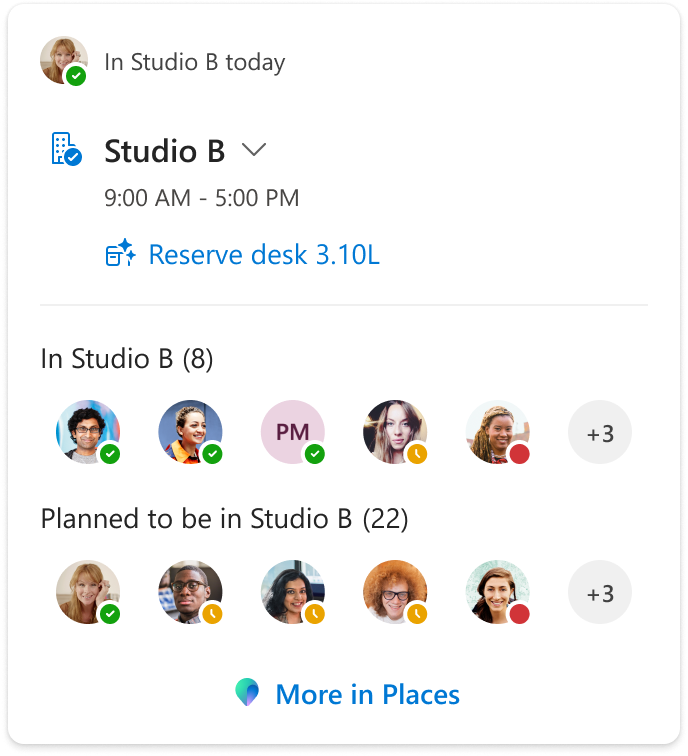
“Workplace check-in applies to the actual work location signal,” Microsoft noted in a document spotted by Windows Latest. “Planned location remains unchanged.”
It’s not your traditional surveillance system, but we cannot deny the fact that it could be used by organizations to watch their employee’s behaviour.
Your coworkers could see that you’re available on Teams and currently working from that building. If you join a call, your online presence may change to “In a call,” but your work location would continue to show the office building.
Teams does not continuously track your movements. The location is updated when Teams detects events such as connecting to a configured Wi-Fi network, switching networks, waking the device from sleep, or plugging into a registered desk peripheral.
Based on Microsoft’s documentation, Teams can identify whether you are in the office or in a specific building, but it does not show coworkers your exact floor, room, desk, or movements inside the building.
As I noted, Microsoft is making it clear that Teams workplace check-in is not a monitoring tool, and that is true to some extent. It’s not your usual monitoring system, but it could be used as one, which is why it’s controversial, and many users are upset with the move.
“Furthermore, if a user connects after their set work hours, their work location won’t be updated,” the company explained. “Users can go to Set your work hours and location in Outlook for more information on setting work hours.”
Teams workplace check-in is optional, but don’t be surprised if your organization turns it on anyway
Microsoft is obviously not enabling the controversial feature by default, and it must be turned on manually.
When your organization enables the feature, you still have some control, as the administrator needs to choose between “Inform” and “Ask” modes. They do not have a simple “enable for everyone” option.
For example, if the organization chooses Inform mode, Teams workplace check-in will be enabled for everyone without their permission, and they’ll see a banner that allows them to opt out.
Of course, an organization can enforce its own HR policies and make the opt-out feature useless.
The other mode is “Ask,” where you will see an optional opt-in button, which could again be used by an organization to pressure employees into opting in.
My point is that Microsoft has everything in place to make the idea less invasive, but at the same time, it is forgetting that organizations may care less about their employees and more about revenue. I wouldn’t be surprised if some organizations used HR policies to enforce the feature.
Microsoft also does not seem to understand that if everyone else on a team shares their location, the employee who disables the feature may immediately stand out… You wouldn’t want to be that one employee.
Teams’ workplace check-in is rolling out, and your organization could soon enable it. When that happens, you’ll see a banner in your Teams app.
In addition, Teams is testing AI-powered meeting archives for Copilot insights, a toggle to turn off all AI features, and another controversial feature where Teams’ AI can listen to your meetings to find knowledge gaps.
The post “Not employee surveillance,” Microsoft defends Teams’ new location tracking feature, now rolling out appeared first on Windows Latest