
Microsoft says it’ll automatically generate AI archives for eligible Teams meetings unless the feature is turned off. In addition, there are six major changes coming to Microsoft Teams in the next few weeks, including unfiltered live captions by default, more granular controls for notification presets, and new restrictions for delegated calls.
Right now, Teams does not automatically create these AI-generated `.meeting` archive files. Some of you may want to reference previous meetings, especially when you need to quickly review everything related to a call, but others may not want Teams creating a long-term AI record of their meetings.
We all have our own use cases for archiving meetings, or not archiving them at all.
In a post on the admin portal first spotted by Windows Latest, Microsoft says Teams will automatically begin generating AI meeting archive files to improve Microsoft 365 Copilot and Facilitator responses.
“Stored in tenant-owned SharePoint, archives are enabled by default with admin controls available before rollout in August 2026,” Microsoft noted.
Microsoft says not every Teams meeting will be affected by the new AI archive feature. A `.meeting` archive file will only be generated when all of the following conditions are met:
- A meeting transcript is created and saved.
- At least one invited participant has a Microsoft 365 Copilot license.
- The “Allow Copilot and Facilitator” meeting option is set to “During and after the meeting.”
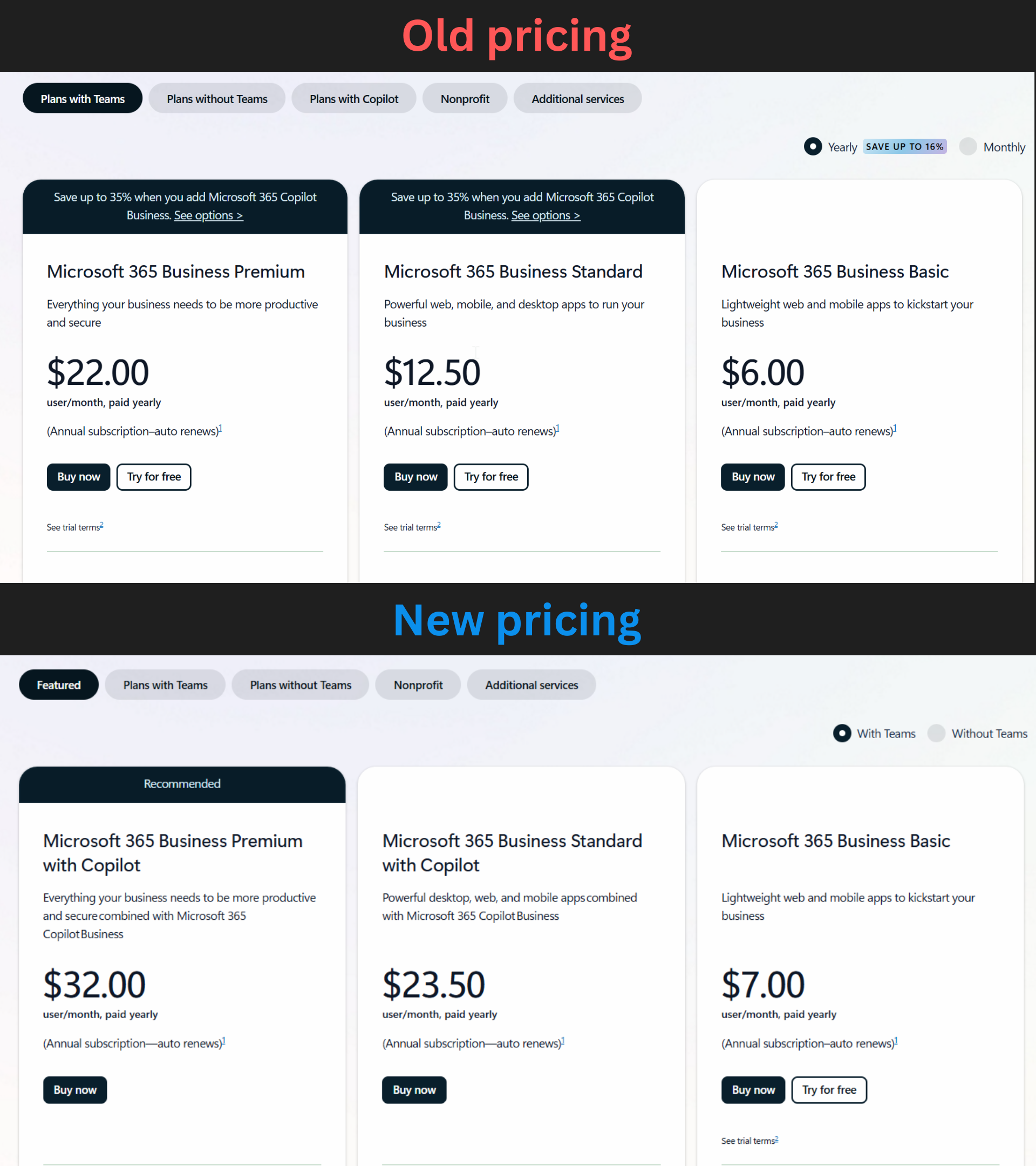
It is also worth noting that many organizations actually meet the conditions automatically because Microsoft bundles Copilot with a 365 subscription.
The above requirements could be relaxed in the near future, and when that happens, your meetings would be automatically analyzed by Copilot to generate insights. Of course, it’ll happen only when the meeting turns on any of the AI features, or if AI is enforced by the admin.
Also, the archive files will be stored in a tenant-owned SharePoint Embedded container, not in an individual user’s storage. You also cannot directly open, rename, move, or modify the archive files.
Teams’ AI-generated archive feature is supposed to help Microsoft’s other AI integrations understand the context of previous meetings. When the feature begins rolling out, Facilitator will use the archive to answer questions about meetings and provide citations that link back to meeting recaps or invitations.
Microsoft also directly confirmed that Copilot will use these files later.
“In the future, Copilot will also use the archive to answer questions about meetings,” Microsoft explained. “Archive files cannot be modified, renamed, or moved.”
In other words, Facilitator will use the AI archive when the feature launches, while Microsoft 365 Copilot support is planned for a future update.
Microsoft says the `.meeting` archive will contain AI-generated information and will not store raw transcript snippets. However, Teams will still process the meeting transcript and metadata to create the structured archive file.
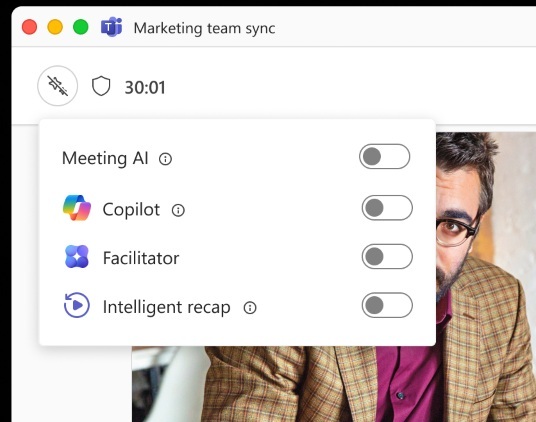
If you do not want AI to archive a meeting and generate information from it, you can use the new “Meeting AI” toggle to disable Copilot, Facilitator, and other AI features for future meetings.
You can also disable the organization-wide feature called “Allow AI to archive meetings with .meeting file generation” under Meeting Policies > AI Memory and Archive.
The organization-wide setting will be enabled by default, and you will need to turn it off manually if you don’t want AI to take over your archiving job.
Teams testing granular channel notification presets
In late 2026, you’ll be able to customize how your channel notifications appear using three new presets. The first is all new messages, the second is mentions and replies, and finally, you have the “mute” preset. You can also use it to manage your tags, channel mentions, and team mentions for each channel.
The new granular channel notification settings will even let you control banner notifications for all of your channels.
Microsoft Teams will send separate event invites based on participant roles
Microsoft says it’ll let you send dedicated event invites based on the role, so attendees and presenters will have their own emails. Each organizer will get an email that helps them understand the roles of the participants in the event, and presenters will have access to a separate calendar invite as well.
This change begins rolling out in September 2026 and will become widely available by the end of October 2026.
Profanity filter to be disabled by default for live captions
Right now, live captions hide profanity by default, but this behavior will change in the coming weeks, as Teams will turn off the filter by default.
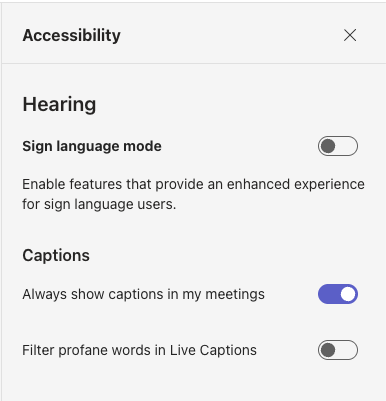
You can always choose to disable or enable it, and it will not affect your existing preference.
The post Microsoft Teams will use AI to archive your meetings for Copilot analysis by default, plus 6 more changes appeared first on Windows Latest