
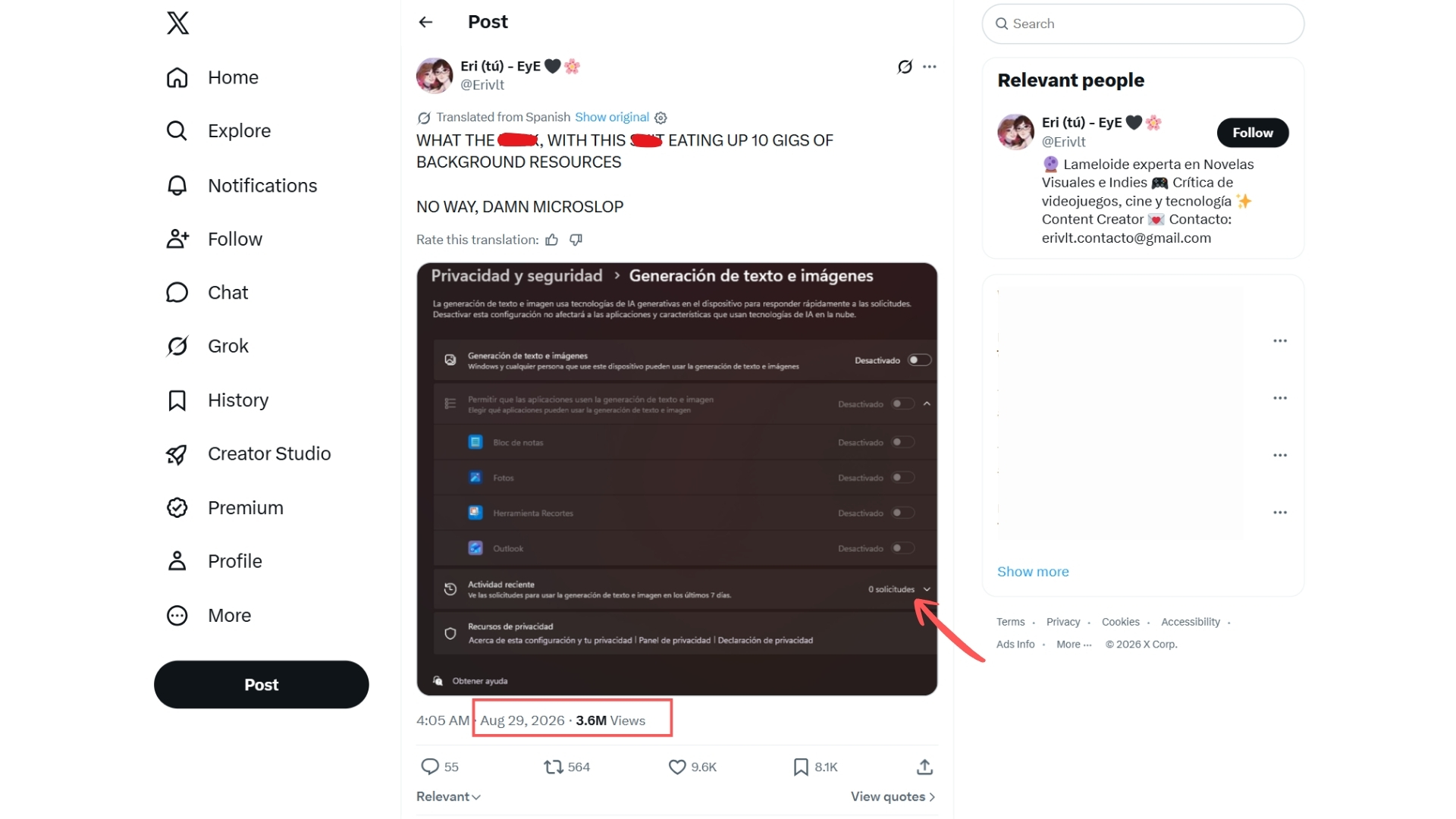
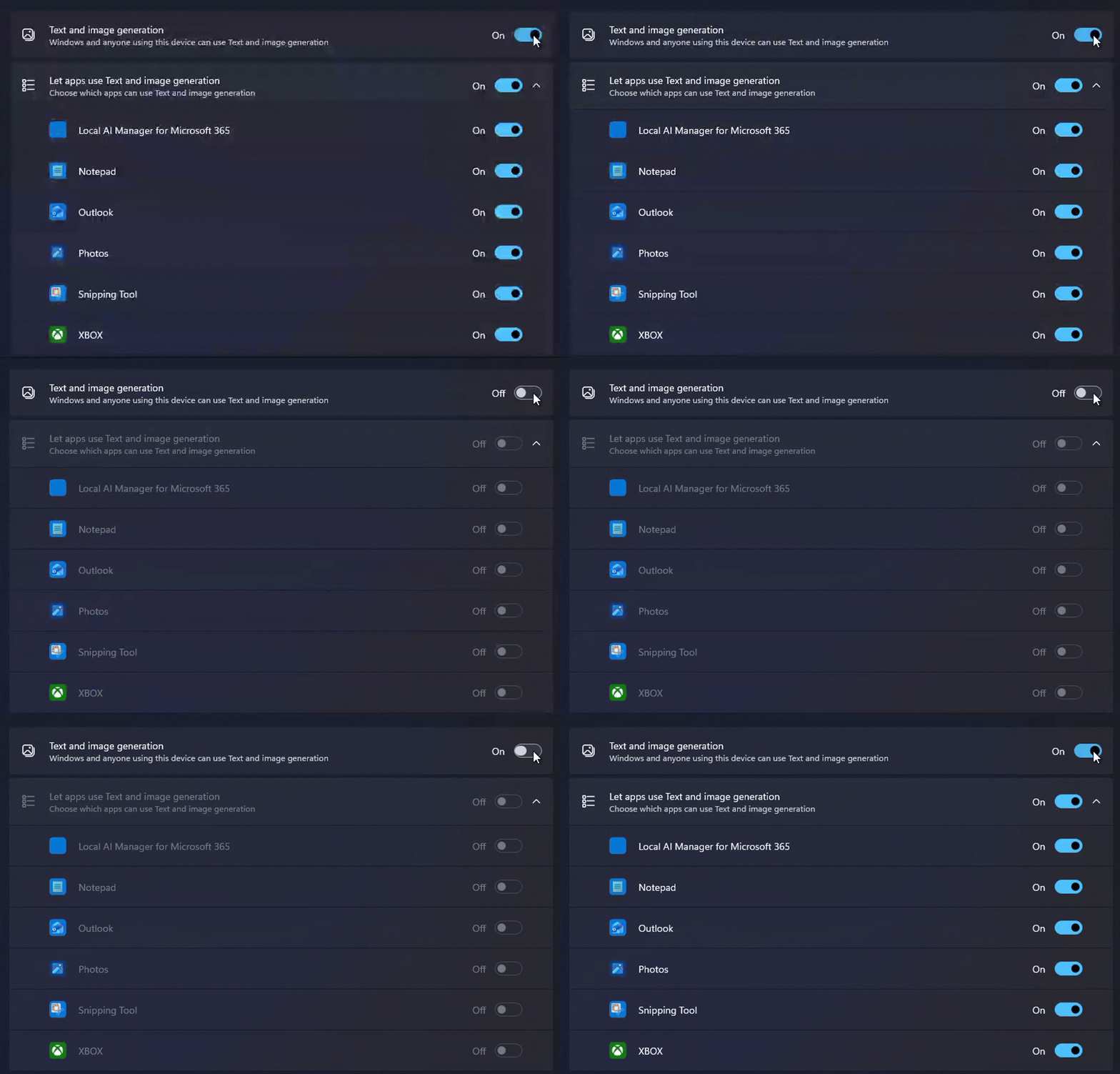
A screenshot of Windows 11’s Settings > Privacy & security > Text and image generation page has gone viral, racking up millions of views. It lists Notepad, Photos, Snipping Tool, Outlook, and more apps under a setting for on-device AI, and users are misinterpreting that as “proof” Windows secretly runs AI in the background and eats up system resources.
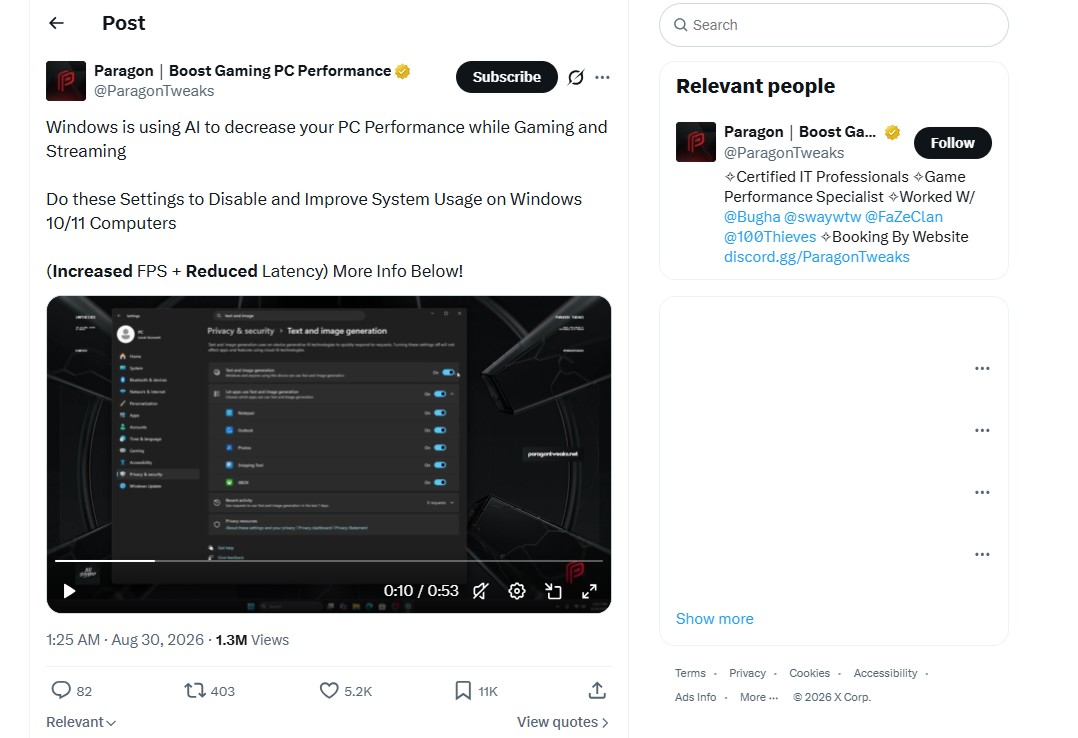
Some posts have used the opportunity to sell their Windows tweaking service, while claiming Microsoft is hurting gaming performance by running AI without your permission.
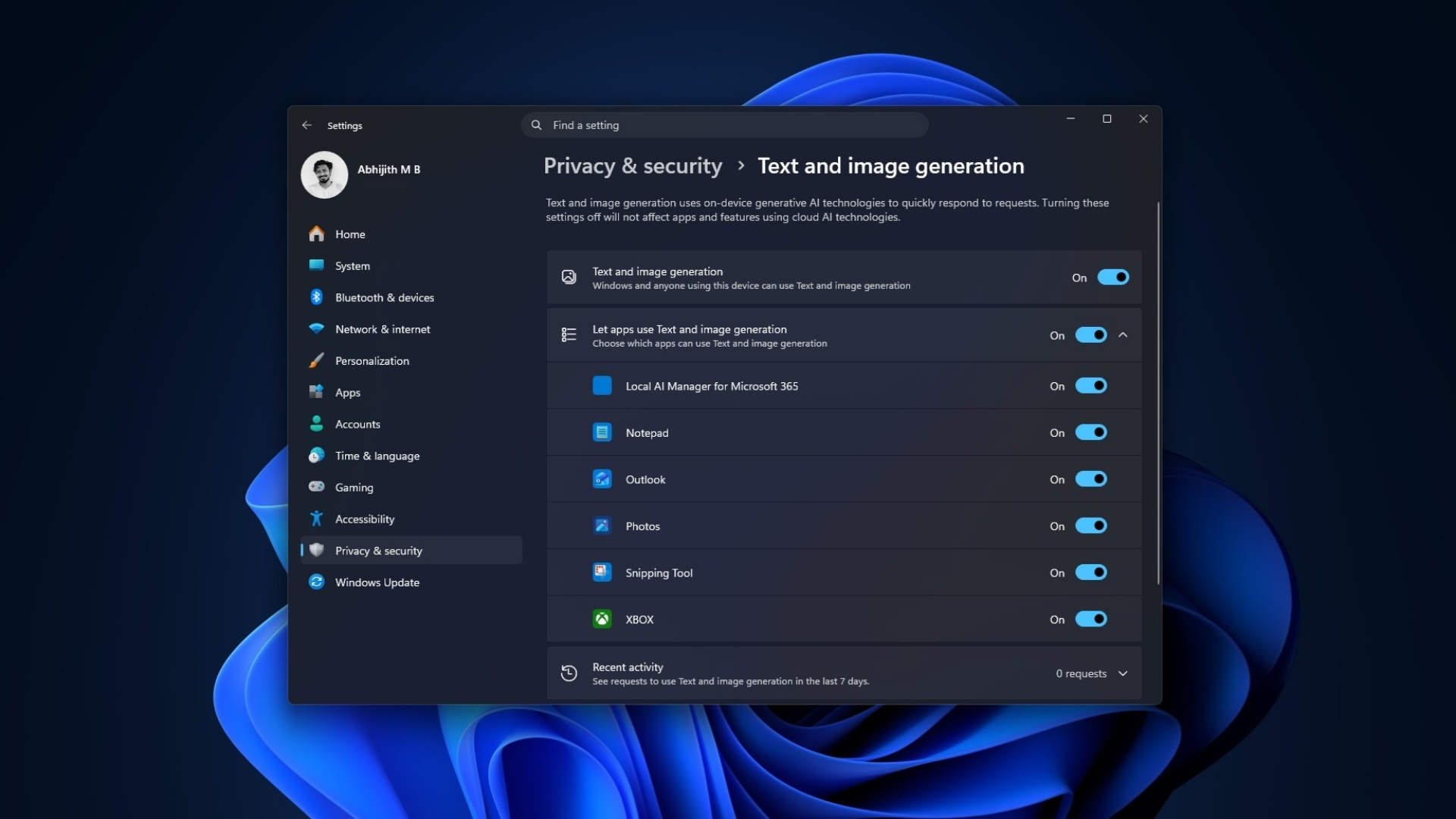
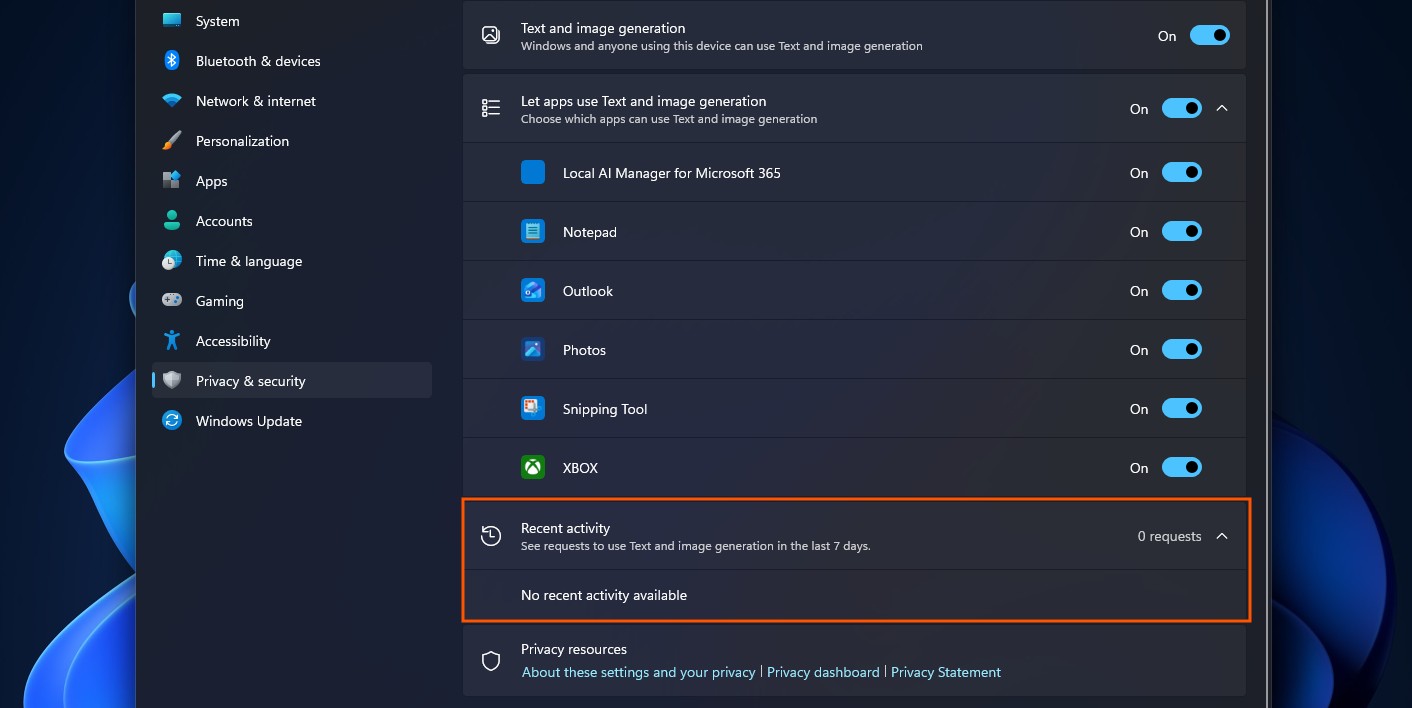
Funnily enough, the scaremongering screenshots that started the panic also show that there is nothing to worry about. All you need to do is scroll down to Recent activity, and it literally shows “zero” requests. So, if Text generation shows 0 requests, how could it possibly consume these users’ RAM?
Windows 11’s Text and image generation setting does not mean AI is running
Microsoft added this page to track which apps have used its on-device generative AI models, and to let you control which ones can. Nothing more.
Official documentation says the page “displays the apps that have recently used on-device generative AI models provided by Windows,” and lets users “choose which apps are permitted to use the generative AI technologies.”

A list of apps with permission is obviously not the same thing as a list of apps doing something. Every app on that page could just be there without making a request to use AI. But the page will still list them, because it is supposed to track activity by apps that are capable of AI text and image generation.
And most importantly, it’s the “on-device” part that such posts are conveniently avoiding. Windows describes this as running on the NPU in a Copilot+ PC, a chip built for AI workloads that Microsoft requires to hit 40 or more TOPS.
This means that such text or image generation (if it is even done) does not go through your CPU, GPU, or regular RAM. But not every Windows AI feature is locked to Copilot+ hardware anymore; Phi Silica now runs on some Nvidia and AMD GPUs too, but that is a story for another day. What this page shows is the built-in models Windows ships with.
I do not have a Copilot+ PC. No NPU. I toggled the setting off and on and watched RAM usage. As expected, there is no change.
If you zoom into these viral screenshots, you’ll see these ‘AI settings” make zero requests, meaning they didn’t even run an AI model.
Running AI inference continuously would show up as continuous requests. “0 requests” directly contradicts the idea that something is chewing through resources in the background. One account, ParagonTweaks, posted that “Windows is using AI to decrease your PC Performance while Gaming and Streaming,” guiding people toward a paid tweaking tool to fix it.
Obviously, this is just them using the opportunity to sell their tweaking tool, which we don’t recommend in the first place.
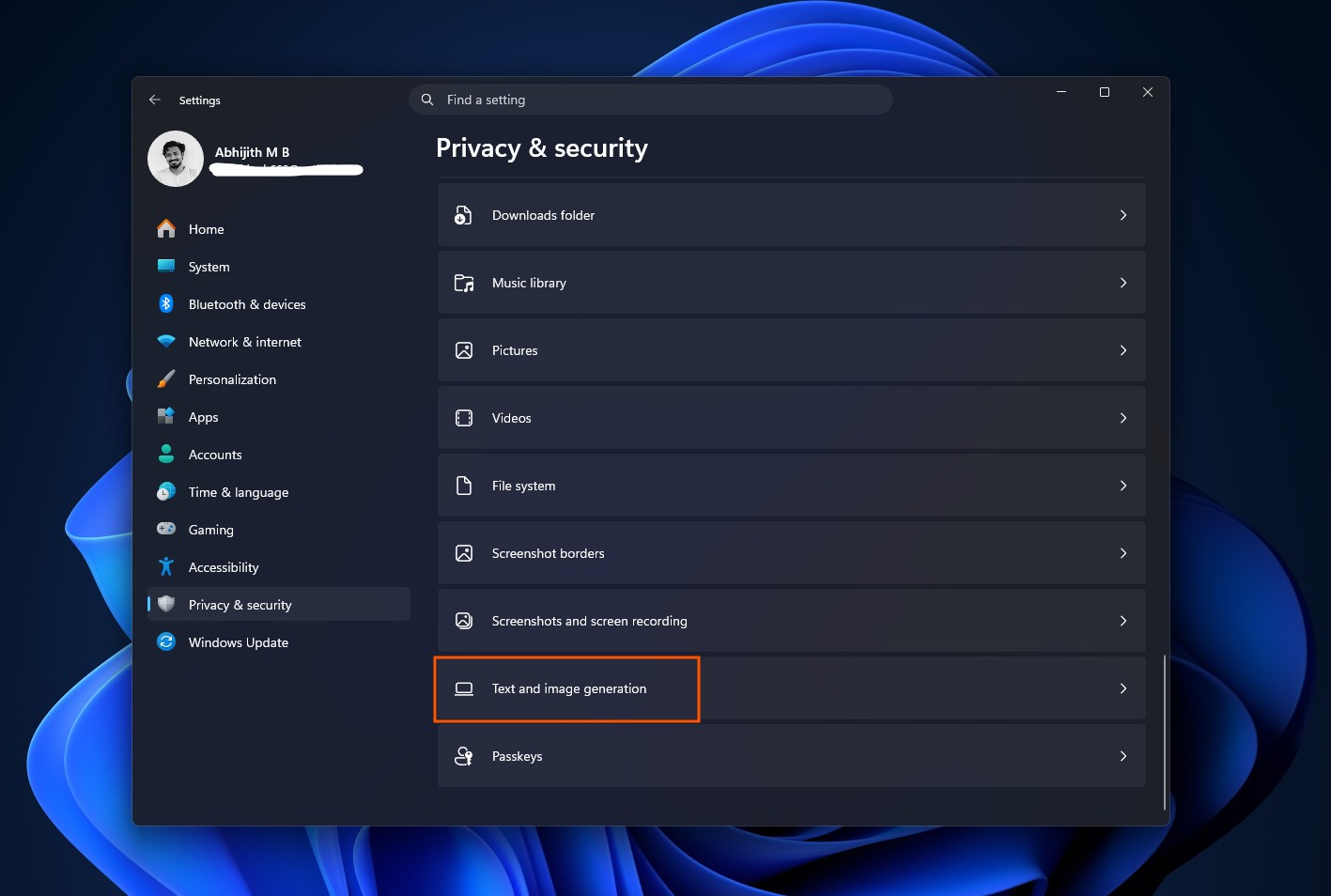
That said, if you still want to turn off Text and image generation in Windows 11, go to Settings > Privacy & security > Text and image generation and just turn off the main toggle.
Microsoft built the setting for users to control on-device AI usage, but their reputation made this worse
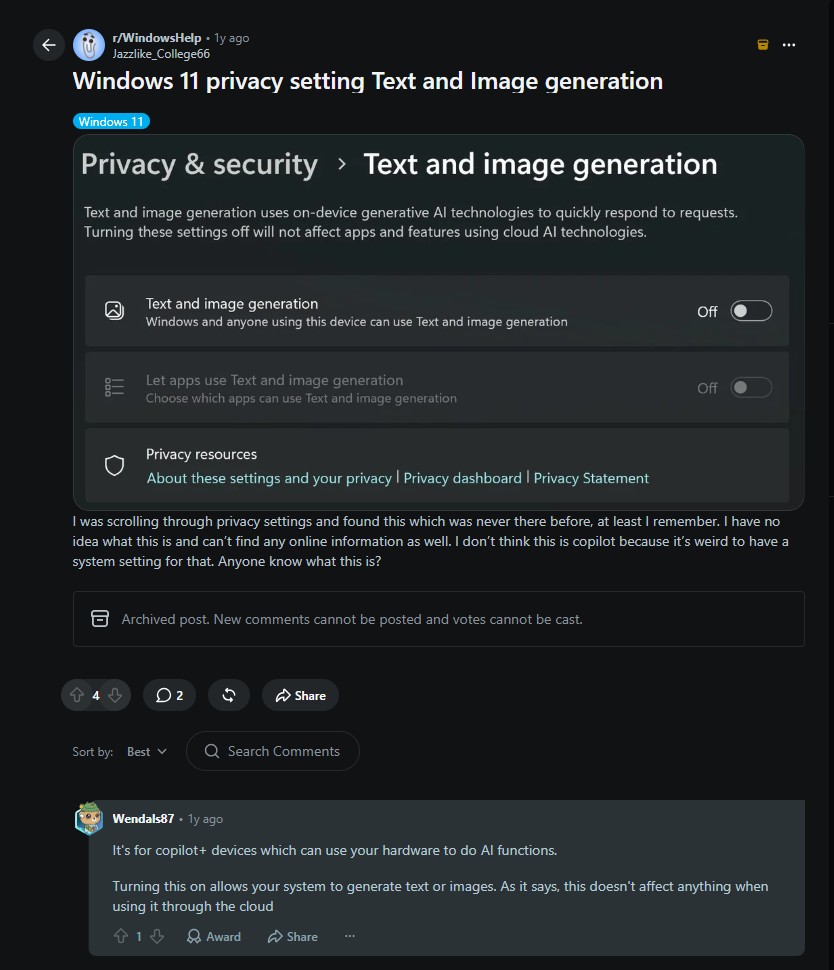
Of course, we are not denying that Microsoft has given people plenty of legitimate reasons to distrust what Windows does in the background. However, a viral screenshot showing zero AI requests is not one of them. Also, this now viral screenshot isn’t even new:
The issue starts with the wording used in the OS. It’s called “Text and image generation,” which sounds like Windows is generating text and images across your system. It lists apps you already know: Notepad, Photos, Outlook, so it is an easy jump to assume they are actively doing something.
The page does not make clear, at a glance, that this is a permissions list connected to a hardware feature most PCs cannot even use. Recent activity, the one section that answers the question, is collapsed at the bottom by default.
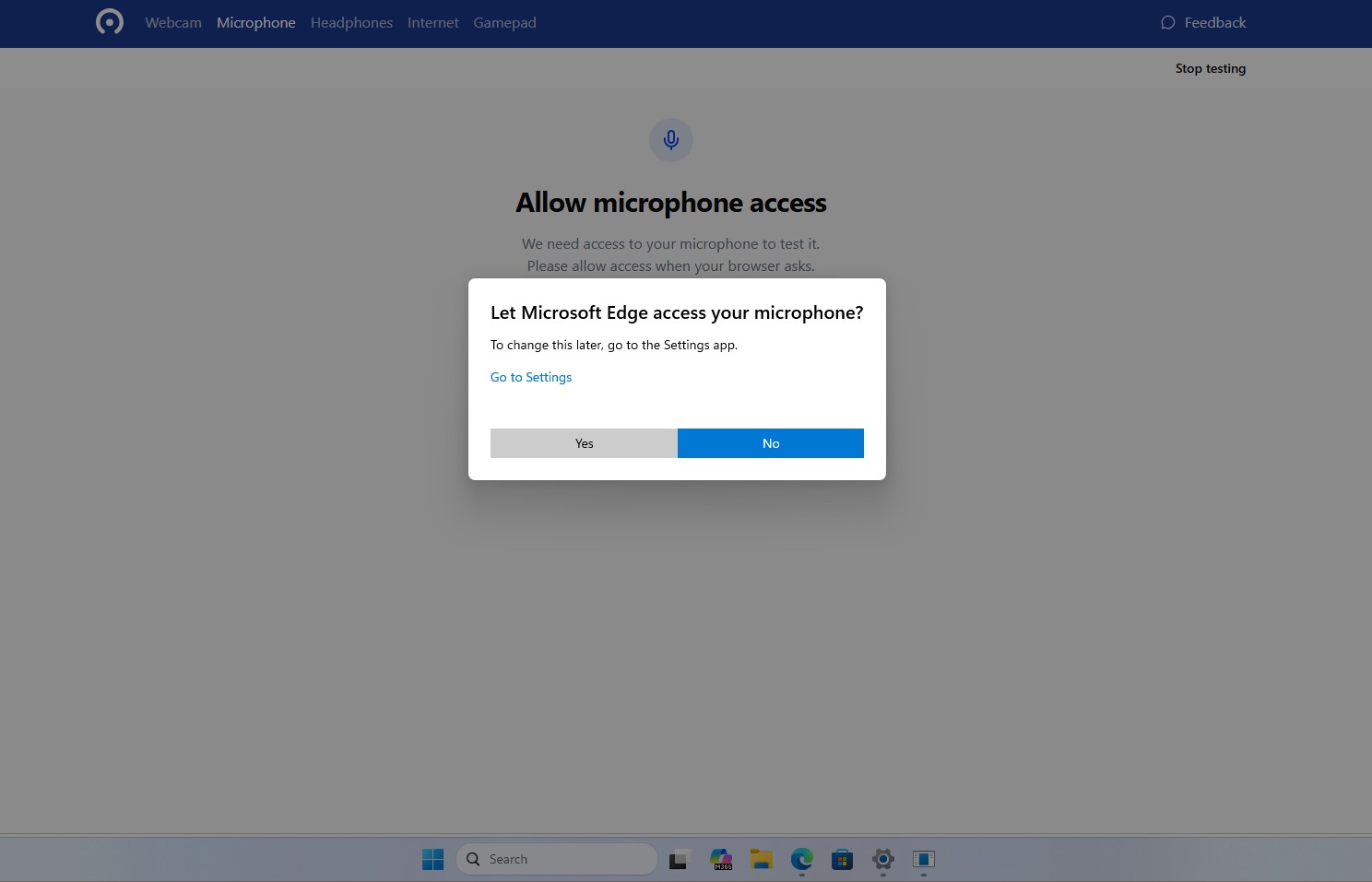
And it doesn’t help the fact that the entire setting was turned on by default instead of Windows asking a prompt when an app would ask permission to use Text and Image generation for the first time, like how we get a prompt when an app first tries to access the Microphone.
Redmond has earned this kind of suspicion before, even recently. We first covered how Windows force-installed an AI-powered OneDrive Photos app on enterprise PCs, then admitted the rollout went further than intended.
Copilot buttons have shown up across Notepad, Paint, and File Explorer with little explanation, to the point that Windows Latest put together a guide for turning off 13 separate AI features users didn’t ask to have. When a company keeps adding things quietly and turning them on by default, people stop giving it the benefit of the doubt, even when a specific claim about it turns out to be wrong.
The viral claim is misleading. Windows is not proven to be running AI in the background to hurt your FPS. That said, the software giant must first do their part correctly. Microsoft should not be shipping AI permission toggles switched on by default in the first place, and it should make the difference between “can use” and “is using” obvious the moment you open the page.
The post Windows 11 is accused of using AI to slow your PC, but it’s not what you think appeared first on Windows Latest