
Microsoft only seems to care about getting Copilot/AI right in the Edge browser, and it’s slowly removing everything that made it a bit appealing. First, Microsoft removed Collections, then Sidebar, and now it has removed Drop, a feature that let you share files between PCs and mobile devices.
Edge Drop is no longer available in Edge 152, which is now rolling out.
Microsoft Edge isn’t popular, and I know it’s based on the same underlying engine as Chrome (Chromium), but it has its own niche. Some people prefer it for the nifty features that make it unique, such as Windows 11’s design standards, Video Translations, Sidebar, Collections, and more useful ideas like “Drop.”
I personally loved Edge Drop, and if you’ve ever used it, you probably agree.
What is Microsoft Edge Drop?
With Drop, you could copy a huge chunk of text on your PC or mobile and quickly share it with any other device. You could also share screenshots, images, videos, and even files as large as an .ISO.
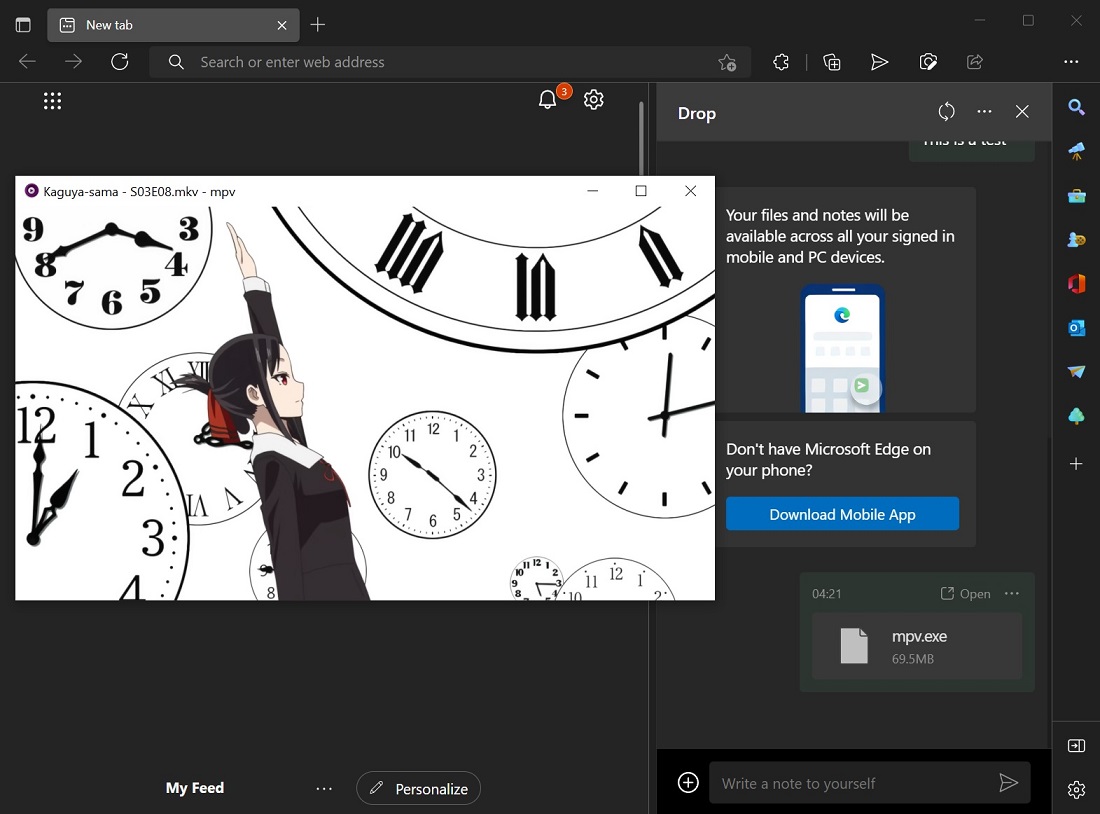
Edge Drop was basically that “email yourself” feature, but with a proper interface. You just needed to drag and drop files, and they were immediately accessible on your other devices running Edge.
As you can see in the above screenshot, everything appeared in a simple, conversation-like timeline, and Edge could notify your other devices when something new arrived. Microsoft also did not compress files, and they remained in your OneDrive until you deleted them yourself.
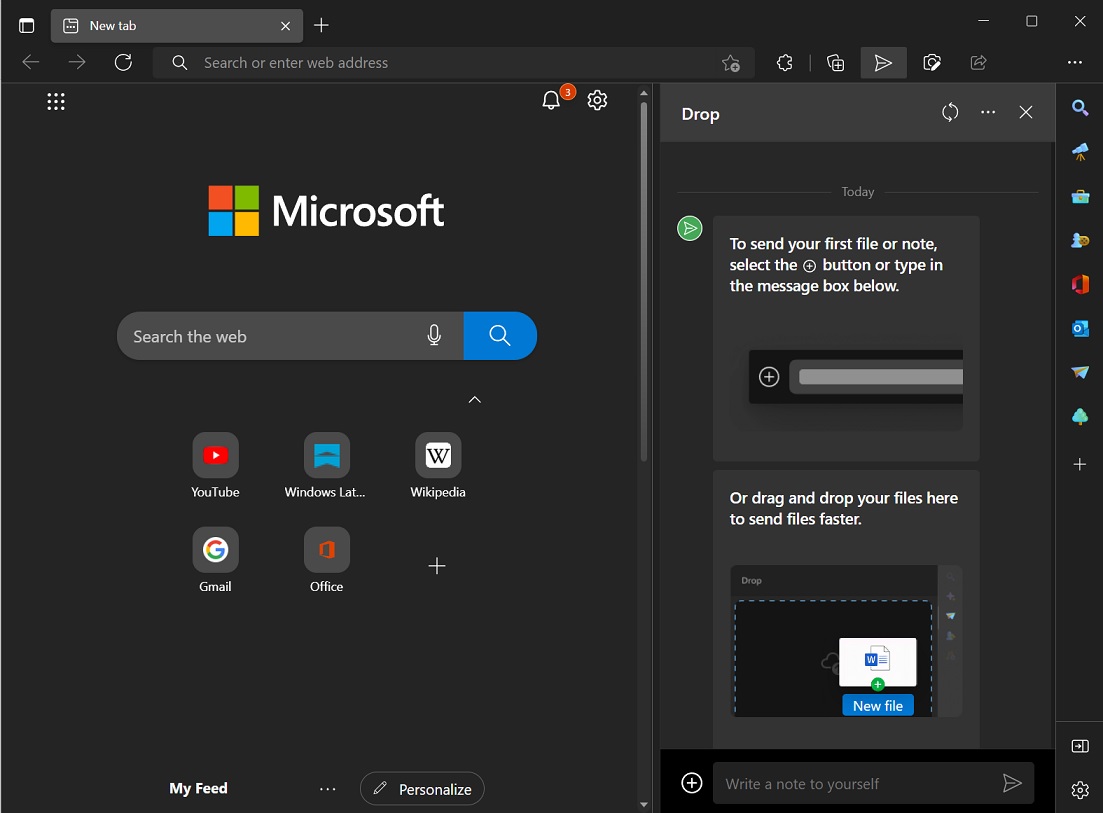
If you use WhatsApp Web, for example, to share an image, it does not always retain the original quality. You did not have these issues with Edge Drop, largely because the feature was powered by Microsoft’s OneDrive. The usage counted against your cloud storage quota, but you had about 5GB of free storage to spare.
And because Drop lived inside Edge, it wasn’t really tied to Windows. You could send something from a Windows PC and pick it up on Android, iOS, macOS, or Linux, as long as you were signed into Edge with the same Microsoft account.
Alternatives to Microsoft Edge Drop exist, but they fail to meet my expectations
There are plenty of options to choose from. Windows 11 has Nearby Share, so does Google Android, and there are countless other ways to sync files between mobile devices. However, Microsoft Edge Drop stood out because of its simplicity and how well it worked across platforms.
I know quite a few people who used Edge Drop as a file-sharing feature, and they’re totally disappointed that Microsoft removed something that gave them a reason to use Windows 11’s default browser.
As the company noted in the release notes:
Drop is retired. We’re simplifying Microsoft Edge. Drop is retired in Microsoft Edge version 152.
I do not understand how removing something like Drop, which was optional and lived peacefully in the menu or toolbar if pinned, made the Edge browser complicated. If anything, it’s the Copilot-related features on the New Tab Page, Sidebar, and right-click menu that make Edge far more complicated.
Microsoft began warning users about Drop’s retirement a few weeks ago and urged them to download any text notes they wanted to keep before the feature disappeared.
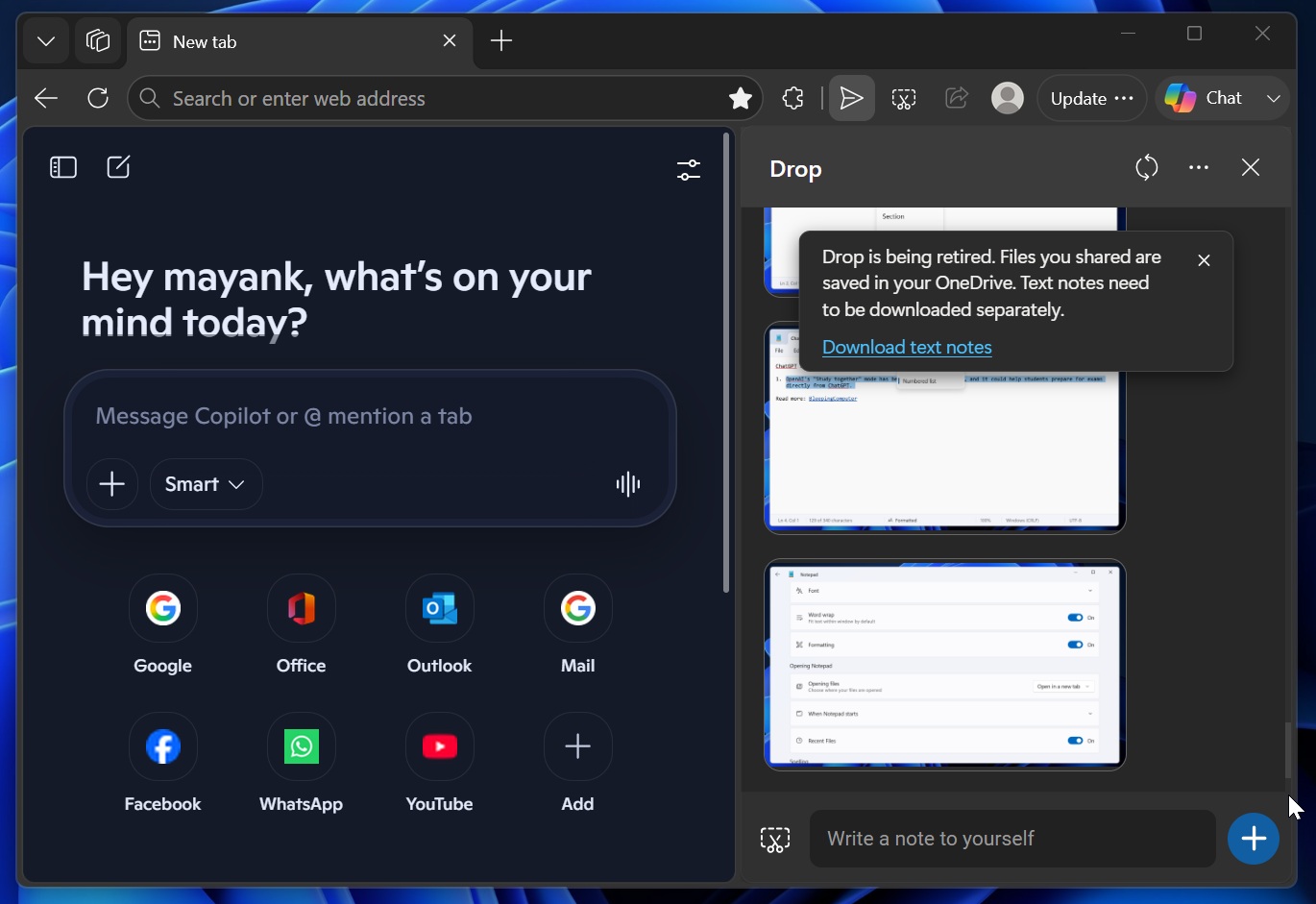
According to Microsoft, files, screenshots, and other attachments shared through Drop aren’t being deleted because they’re stored in OneDrive. But the text you’ve sent through Drop isn’t stored there in the same way, so Microsoft offered a “Download text” button that exported those notes to a .txt file before the feature was removed.
If you did not save your texts, there’s no way to get them back.
The post Microsoft dumps its best file-sharing tool for Windows-Android-iOS, called Edge Drop appeared first on Windows Latest