
AutoPlay, the pop-up that asks what to do when you plug in a USB drive or SD card, is next in line for a WinUI 3 rebuild. Microsoft confirmed it in a July 31 update on its Windows quality commitment.
So, the AutoPlay dialog is finally getting proper dark mode support, Fluent typography, and the rounded, consistent design language the rest of Windows 11 has had.
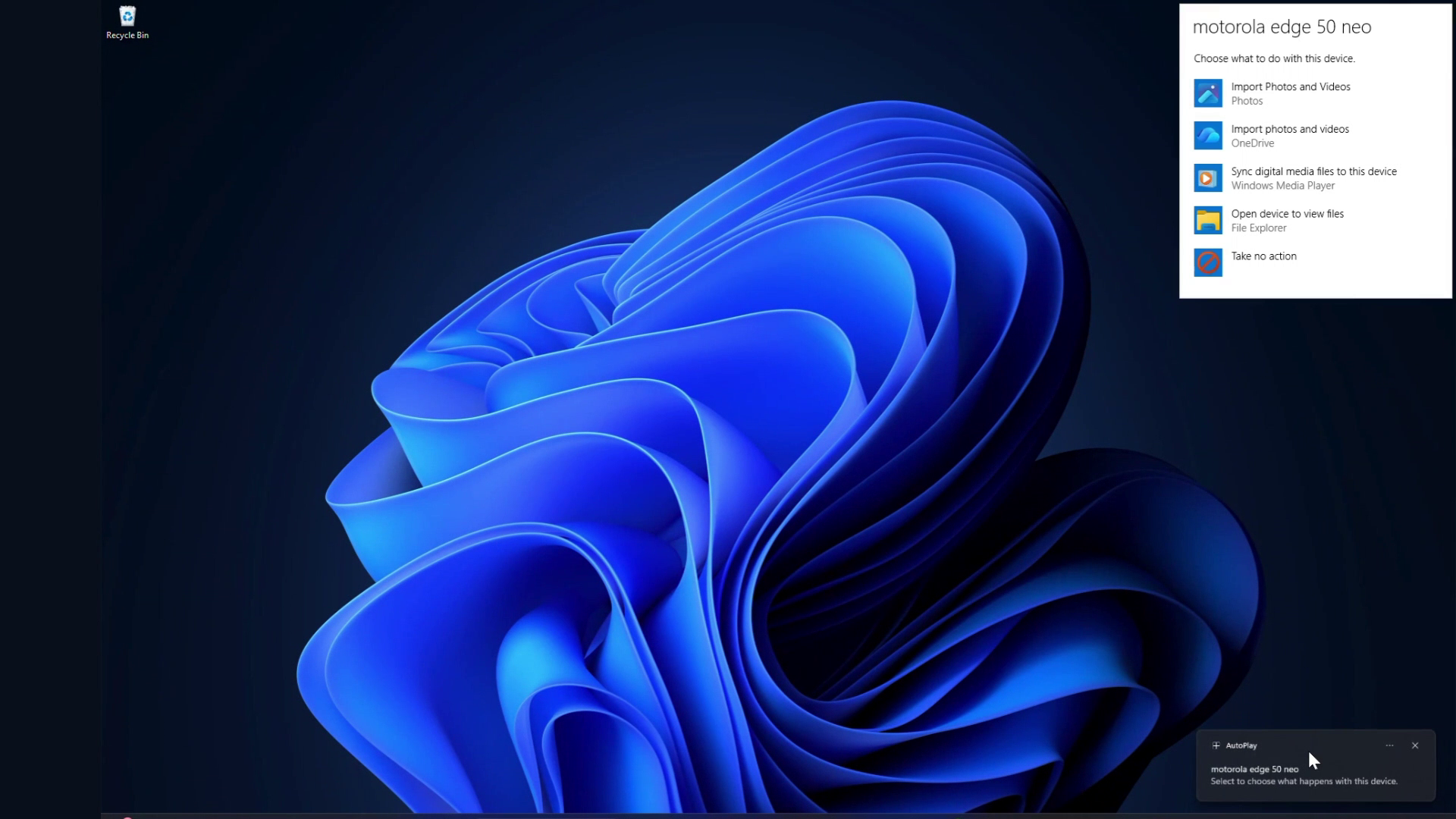
Windows 11 still runs on a patchwork of code from wildly different eras, some dialogs redesigned for Fluent Design, others untouched since Windows 7 or earlier. It’s a running joke that the OS can look modern in one window and decades old if you go into deeper settings.
Considering the complexity and risk, rebuilding it all at once wasn’t realistic, so Microsoft has been working through it dialog by dialog.
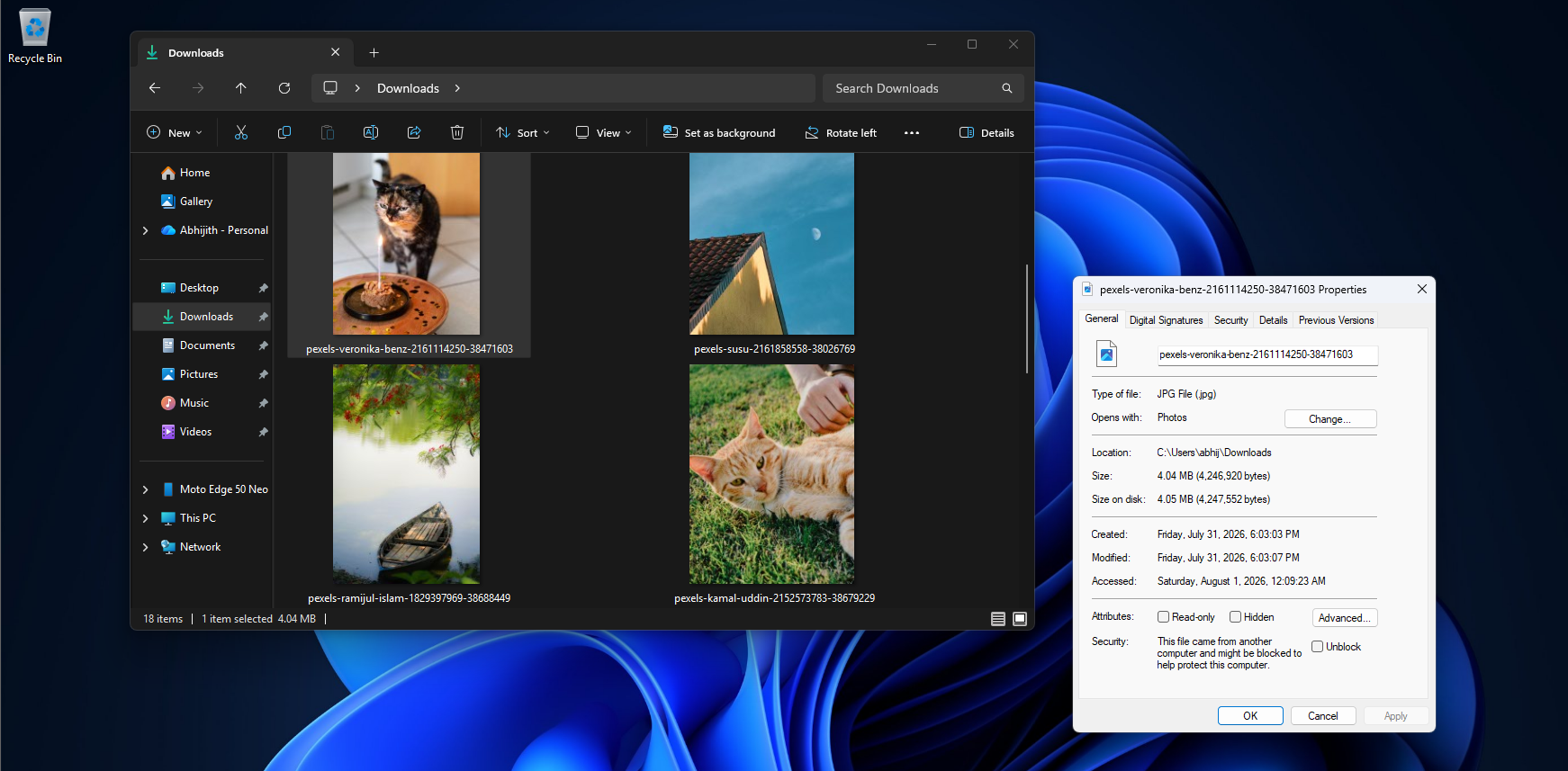
Microsoft has already been chipping away at this. Windows Latest has covered the File Explorer Properties dialog getting rebuilt in WinUI, a growing list of other legacy dialogs headed the same way, and most recently, Print Management getting an early WinUI-based test build. AutoPlay is the next name on that list, and testing is already underway ahead of a planned drop into Windows Insider Preview Experimental builds.
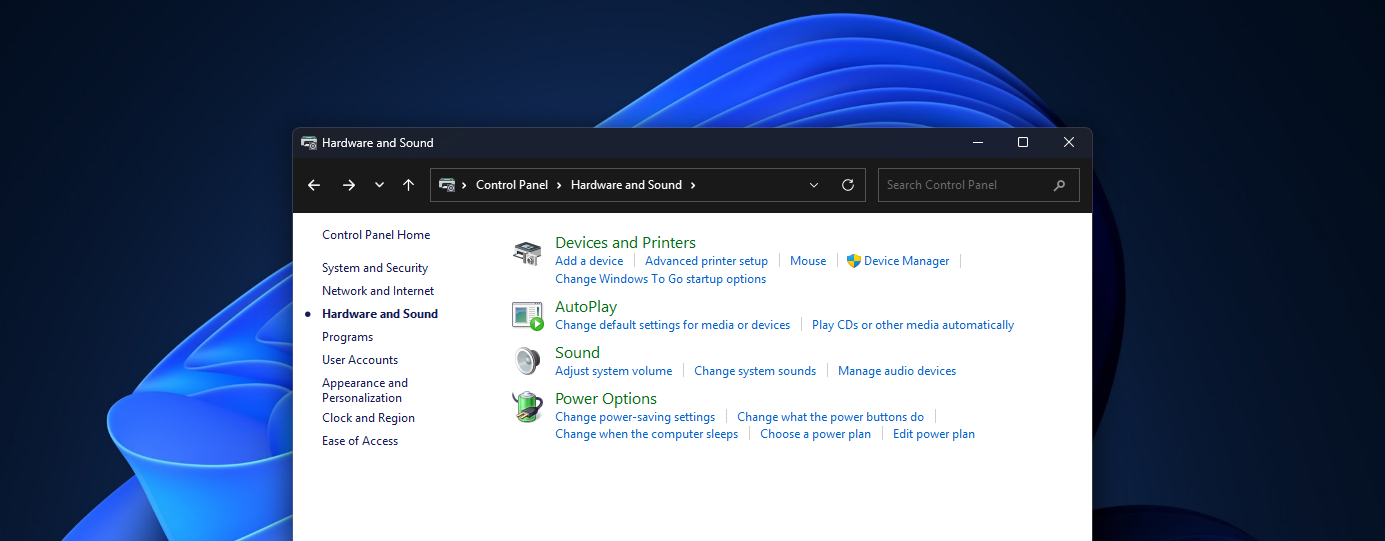
AutoPlay in Windows 11 is getting a WinUI 3 update
AutoPlay first showed up in Windows XP in 2001, and refined the older AutoRun feature so that inserting a disc or drive prompted you with choices instead of silently launching whatever program the media pointed to.
Vista tightened it for security, and from Windows 7 onward, AutoPlay has looked basically the same with a plain white background, basic Win32 controls, and a list of app icons to pick from. It’s one of the most-seen dialogs in Windows, and one of the least changed.
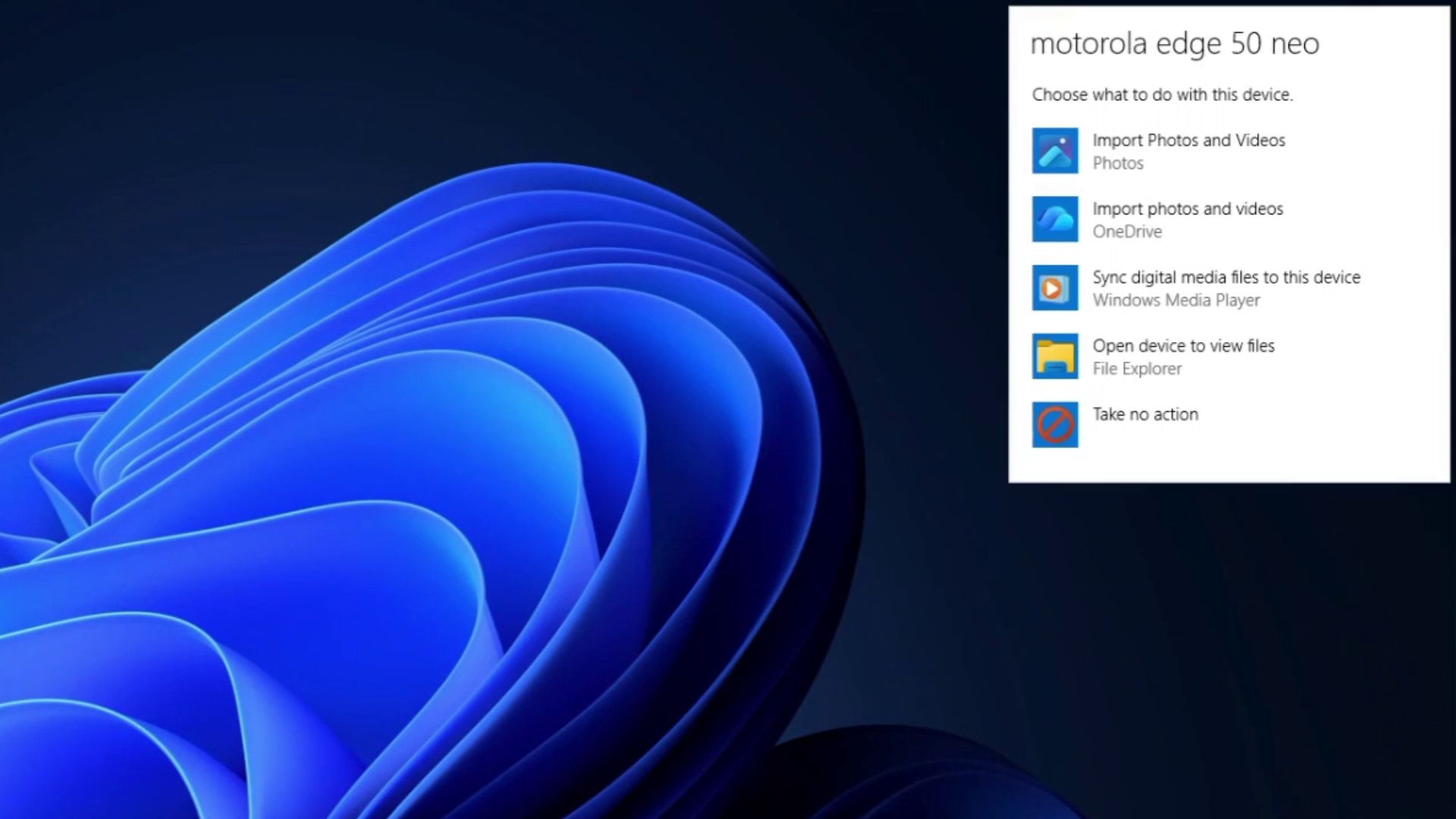
Fortunately, this will be the last year that we have to see this, as Microsoft’s blog says:
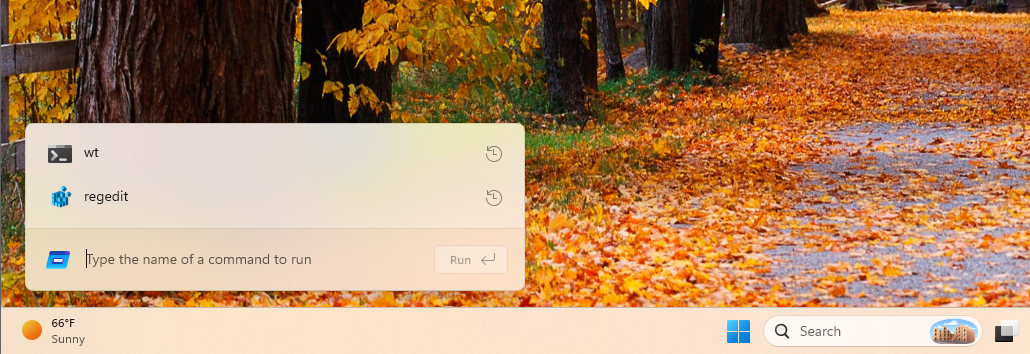
“We’ve strengthened the fundamentals of WinUI 3 and extended it into more of the Windows shell, including Widgets and the new Run experience, with Autoplay dialog and more File/Folder Properties dialogs coming soon to Windows Insider Preview Experimental builds.”
Technically, that means AutoPlay is being rebuilt from scratch on WinUI 3. Win32 dialogs like AutoPlay don’t inherit Windows’ system-wide dark mode automatically; each one has to explicitly opt in and paint itself for it, which is why so many old dialogs flashed white even with dark mode switched on everywhere else.
WinUI 3 framework handles theming, scaling, and Fluent styling natively instead of requiring a manual patch. Marcus Ash, CVP Design and Research for Windows, while replying to a request for AutoPlay to get modernized back in May, said he was looking forward to the day he could confirm it was happening, instead of promising a quick dark mode fix.
Microsoft is making WinUI 3 even better
The Windows President’s blog post also mentions extending WinUI 3 into more of the Windows shell, the collective term for the interface layer users interact with directly, including the taskbar, Start menu, File Explorer, and system dialogs like this one.
Widgets and the new Run experience are already strengthened, with more File and Folder Properties dialogs coming next to Experimental builds.
Microsoft also mentions “substantial improvements in memory efficiency and latency” behind this work. WinUI 3 apps are tuned to use less memory by design, and the company has also confirmed a more efficient memory allocator and reduced overhead in the Chromium and WebView2 components still running inside parts of the OS.
That said, every dialog moved off legacy Win32 or WebView2 code and onto native WinUI is one less piece of inefficiency in Windows.
A lighter Windows 11 is Microsoft’s goal
Microsoft has previously admitted Windows 11 has become a memory hog and promised optimization work for PCs with 8GB of RAM and above by the end of 2026.
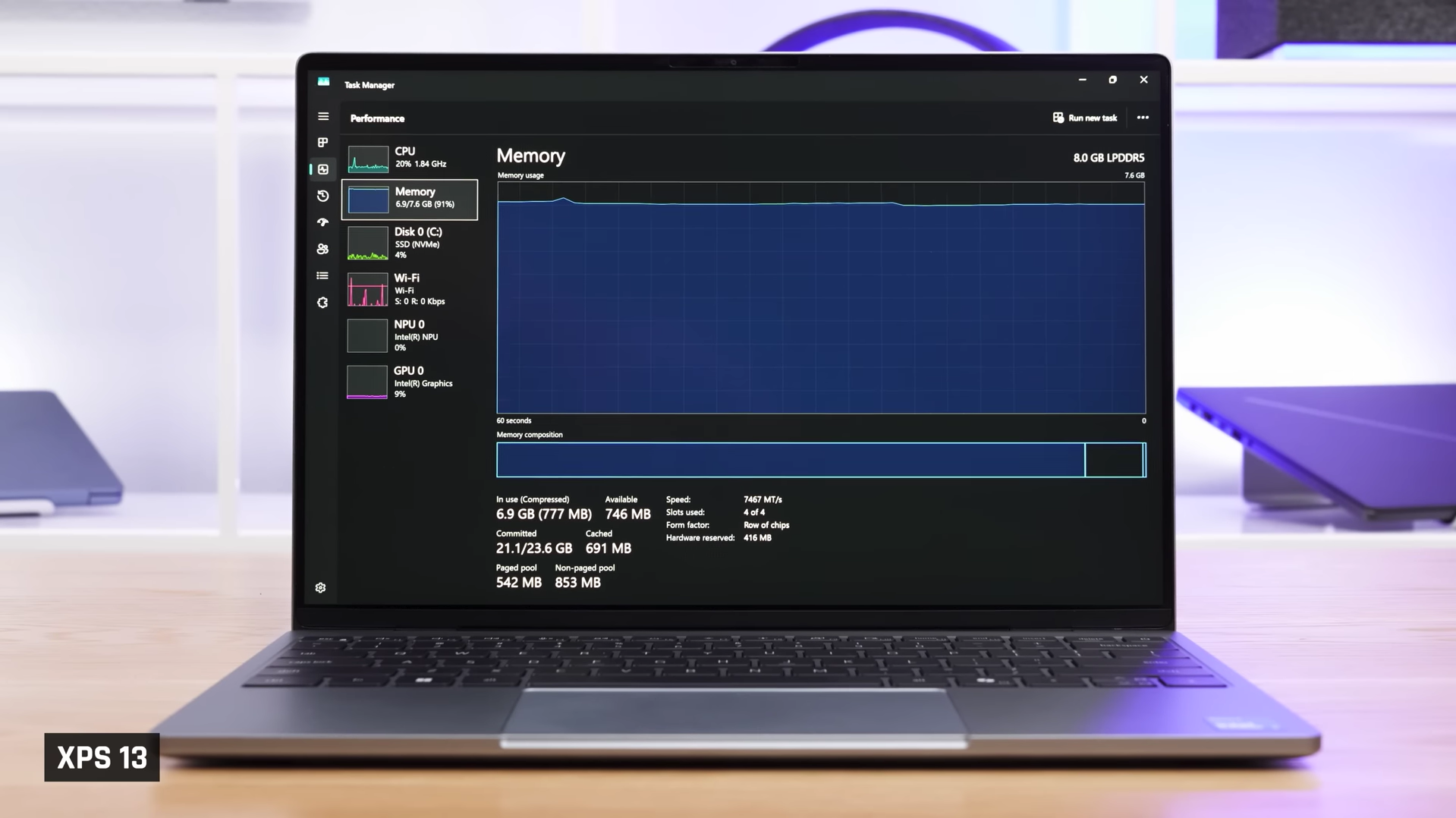
The company is also going back on their previous statements recommending 32GB RAM as a “no-worries upgrade” for serious gamers, as RAM prices climbed and 8GB machines became the reality Microsoft has to build for.
AutoPlay in Windows 11 is one more legacy dialog that stops carrying Win32’s dead weight, and with WinUI-based Widgets, Run, Properties, Print Management, and everything still left on Microsoft’s list, Windows 11 will finally stop feeling inconsistent.
The post Microsoft is burying Windows 11’s legacy UI one by one, and AutoPlay is next for WinUI 3 appeared first on Windows Latest