
I expect Windows 11 26H2 to ship in October 2026 as an enablement package. Based on past trends, it’ll roll out sometime between the last week of September and the last week of October. Windows 11 25H2 shipped in the last week of September, but versions 24H2 and 23H2 were released in October of their respective years.
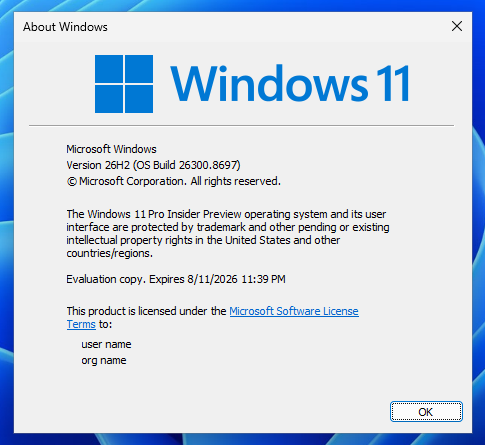
But is there anything new in this year’s annual update? I’d say nothing major in particular.
Windows 11 26H2 is the annual feature update for the operating system, but it doesn’t come with anything exciting. If you’ve read headlines that claim otherwise, you’ve been clickbaited. Windows 11 26H2 exists only to give you another year of servicing, which means more stability for enterprises.
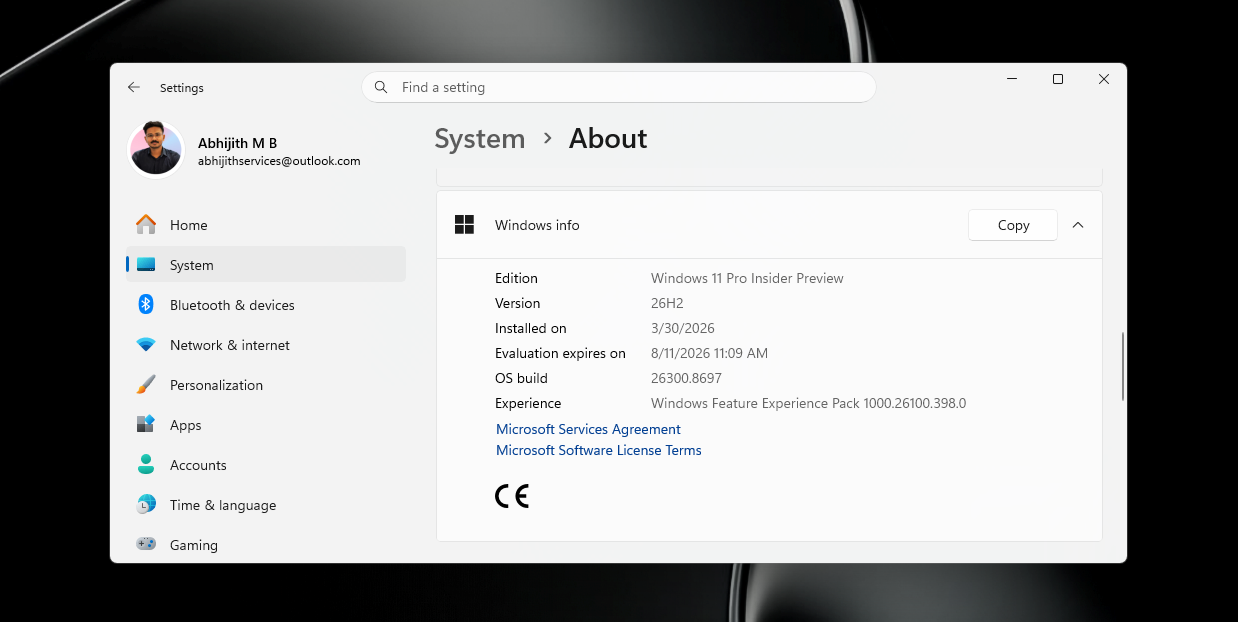
For example, Windows 11 24H2 support ends on October 13, 2026, but Windows 11 25H2 remains supported until October 12, 2027. That means you have only a year of support remaining if you’re using Windows 11 25H2.
At this point, Microsoft can either release a major platform update, which could potentially cause issues, or ship another minor release, 26H2, which provides another year of support until October 2028. The company is choosing the second route for good reason.
It’s also true that Microsoft has teased major performance and quality improvements throughout the year, with the biggest changes slated to arrive later this year, but it isn’t locking anything to a specific Windows platform release. That means you’ll get everything whether you run Windows 11 24H2, 25H2, or 26H2.
All quality improvements will ship to everyone via monthly cumulative updates, and you don’t have to wait for any specific Windows feature release like 26H2.
Windows 11 26H2 shares the same servicing model as versions 25H2 and 24H2
Right now, Windows 11 24H2 and 25H2 receive the exact same set of improvements through monthly cumulative updates or even out-of-band releases. That’s because the two releases share the same servicing model, and Windows 11 26H2 is going to become part of it.
If you’re on Windows 11 24H2 or 25H2, you can directly upgrade to Windows 11 26H2, and it’ll take less than five minutes.
Windows Latest previously reported that Windows 11 26H2 is just 174KB, which is only 0.003% of the original Windows 11 24H2 release.
No changes to system requirements
Microsoft says nothing changes with Windows 11 26H2’s system requirements. If you can run Windows 11 24H2, you can also run 26H2, and it’s really that simple.
But if you purchase a new Arm PC, such as one powered by Snapdragon X2 or Nvidia RTX Spark, your PC will run Windows 11 26H1 out of the box, and you cannot move to Windows 11 26H2. You’ll be upgraded to Windows 11 27H2 in the second half of 2027 alongside those already on version 26H2.
What’s actually ‘new’ in Windows 11 26H2?
There are at least two behavioral changes that are exclusive to Windows 11 26H2, and you won’t have them in version 25H2.
The first is related to Windows Backup, which is now being rebranded as “Windows settings backup and restore.” Starting with Windows 11 26H2, Microsoft says it’ll automatically back up your settings and some personal files to the cloud. You’ll need to turn off the feature if you don’t like the idea, as it’ll be enabled by default.
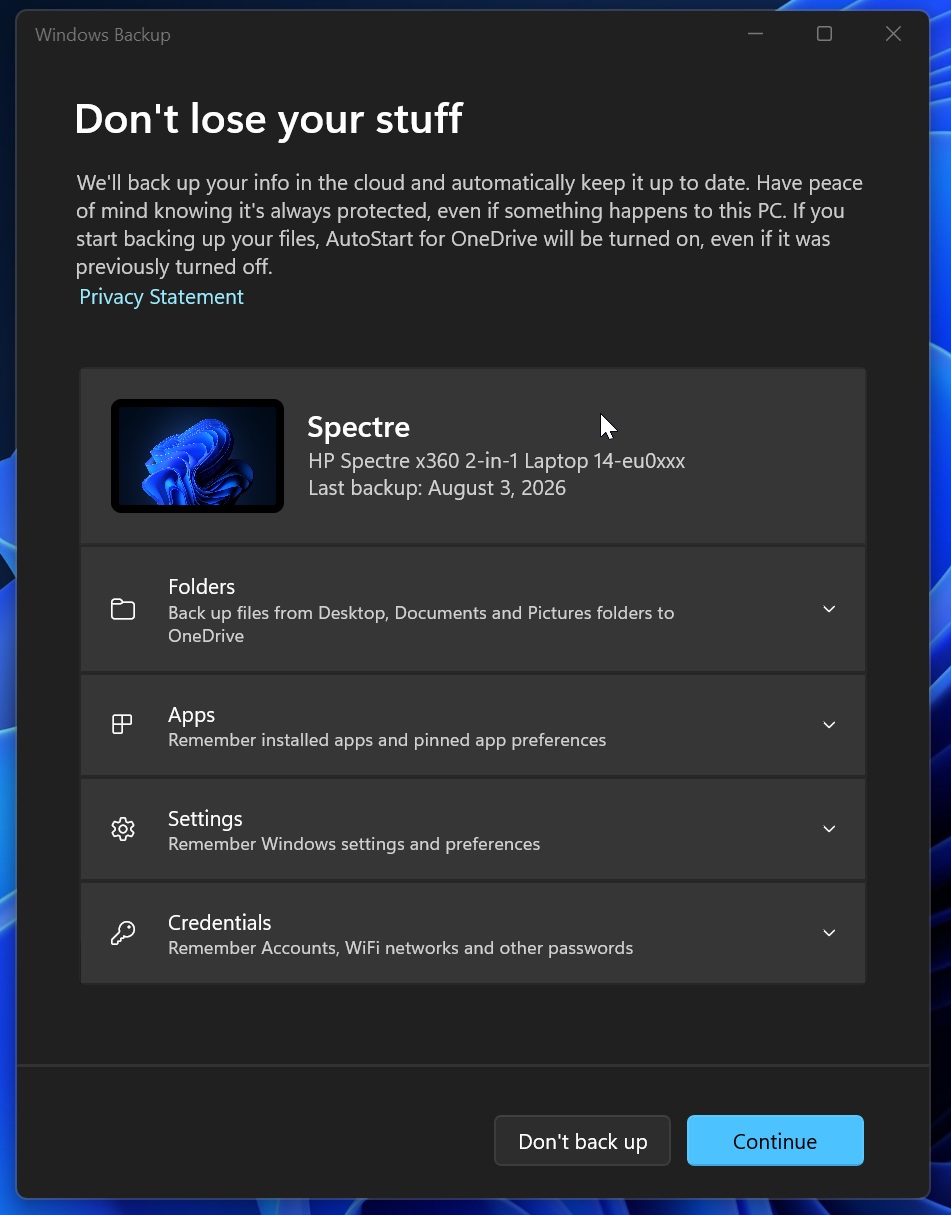
“Starting with Windows 11, version 26H2, Windows backup will be enabled by default for eligible devices. Any existing administrator-configured policy (enabled or disabled) will continue to be honored,” Microsoft noted in a support document spotted by Windows Latest.
I also found that only the following items are synced to the cloud:
- Windows settings
- Microsoft Store apps list
- Some personal files or changes, so you can easily move to a new device and resume working. And yes, you still have the choice to restore from a backup or start fresh when setting up Windows 11 on a new PC. This behaviour is not changing.
“Whether upgrading from Windows 10 or refreshing PCs, it delivers a consistent user experience and enhances business continuity through robust backup and rapid recovery capabilities,” the company explained.
Point-in-time restore
Microsoft recently rolled out Point-in-time restore to all existing PCs running Windows 11 25H2 and 24H2, so you might wonder how it’s new in version 26H2. It isn’t. As I said, the two noticeable changes are related to behaviour, not entirely new features.
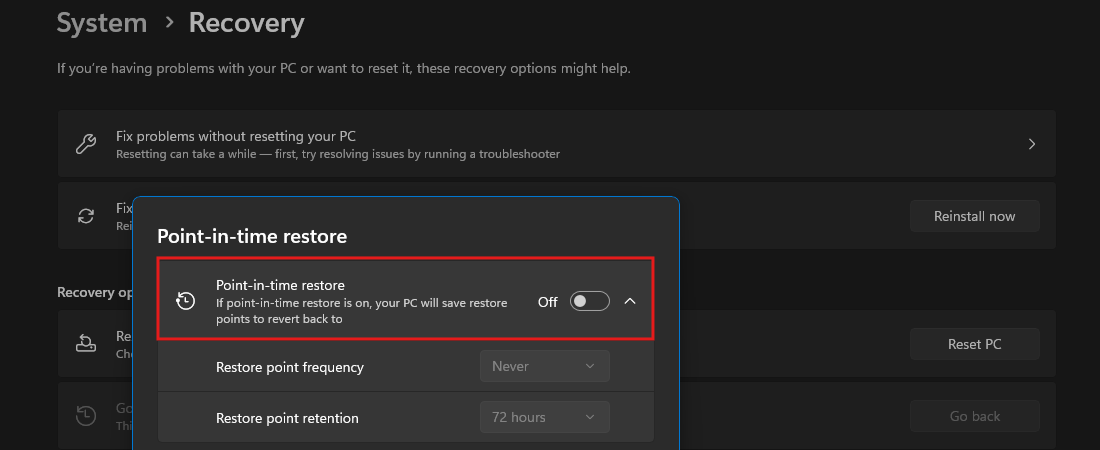
In this case, Microsoft says Point-in-time restore will be turned on by default for everyone with Windows 11 26H2.
For those unaware, Point-in-time restore allows you to create system restore points and even modify their frequency, so you can always restore Windows if something goes wrong, including due to third-party apps or drivers.
Until now, Microsoft has been gradually turning on the feature, and it’s entirely disabled on Enterprise PCs, but Windows 11 26H2 makes it the default behaviour for everyone unless you choose to turn it off.
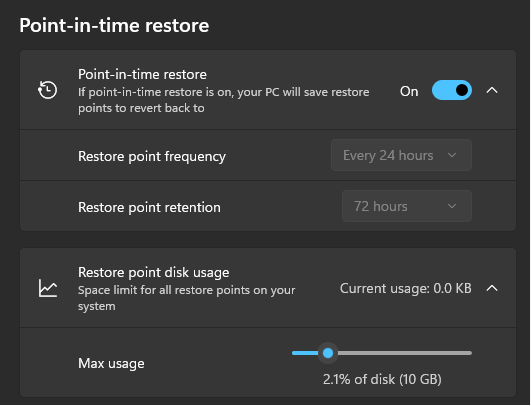
It is worth noting that Point-in-time restore can use up to 50GB of storage, but you can always adjust how much space it can use and purge previous restore points when you no longer need them.
Windows 11 26H2 is not a full OS upgrade, and it’s a good thing for everyone. If you care about stability, Windows not changing the platform release means you’re in the safe zone, and you don’t have to worry about the next big release breaking anything. On the other hand, if you care about new features, you don’t have to worry, as Microsoft now releases features on a monthly cadence.
The post Here’s when Windows 11 26H2 will roll out, and what’s actually new on existing PCs appeared first on Windows Latest