
Imagine changing your PC wallpaper to a plain blue, green, or black color, and Windows strangely shows the Welcome screen for 30 seconds after you type your password. Fortunately, I’m not talking about Windows 11. The issue was in the crowd-favourite Windows 7, and lasted for a few months before being fixed in November 2009.
A solid color is possibly the easiest thing for Windows to render, as there isn’t any image to decode or a large bitmap to load. And yet, shortly after Windows 7 launched, an innocent setting such as this could make logging in slower. Here is what happened:
Windows 7 was not spending 30 seconds loading a color
After your password gets accepted, Windows doesn’t switch to the desktop in an instant. The taskbar has to load, background services have to initialize, desktop icons need to populate, and the wallpaper has to be printed on screen.
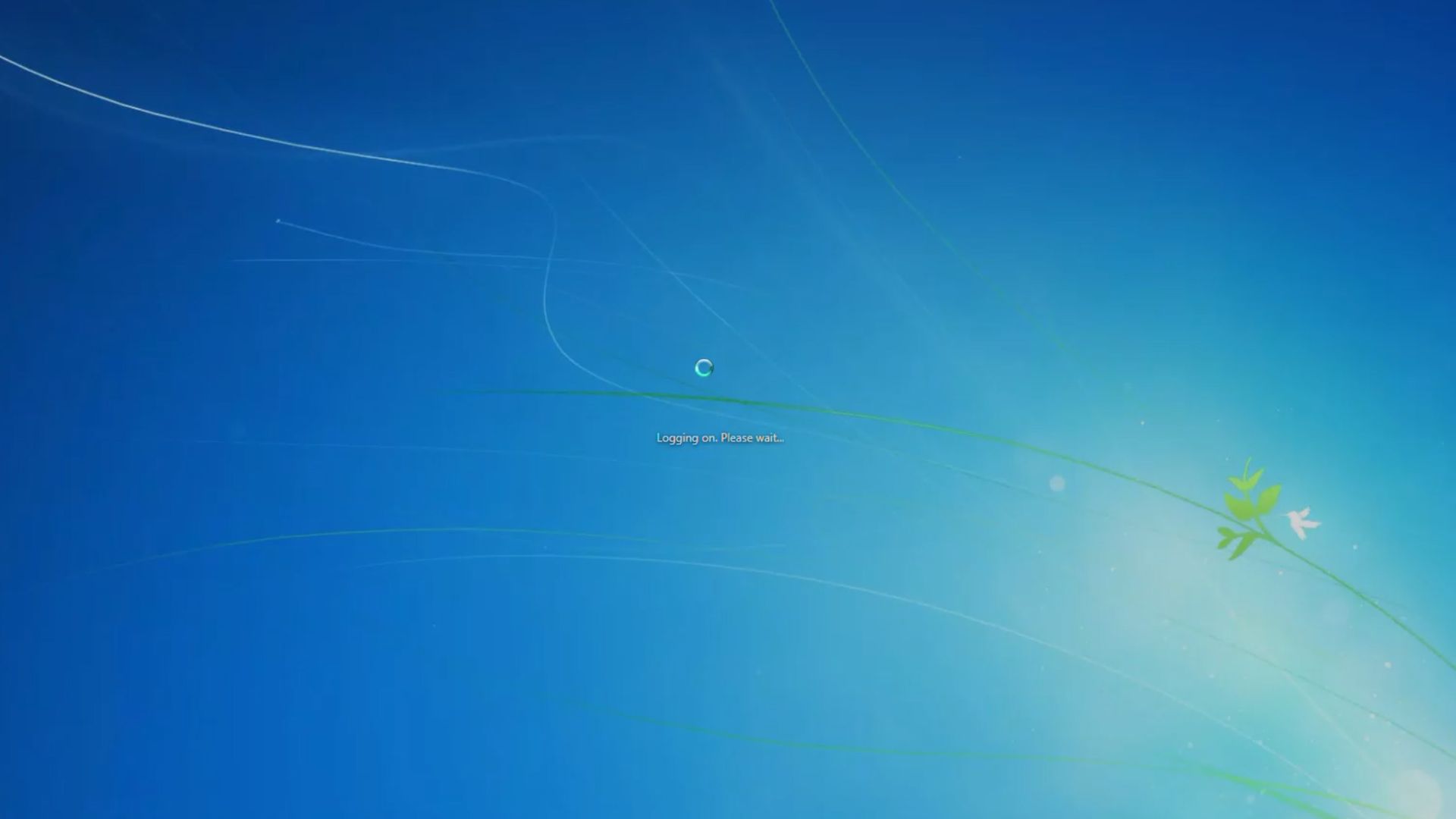
The logon system waits for each of these pieces to report back that it is ready, and once the last one checks in, or once 30 seconds pass, whichever comes first, it moves past the Welcome screen.
However, when a solid color was set as the desktop background, the Welcome screen always chose to wait 30 seconds. Microsoft documented this problem for both Windows 7 and Windows Server 2008 R2 and confirmed that switching to an image file made the delay disappear.
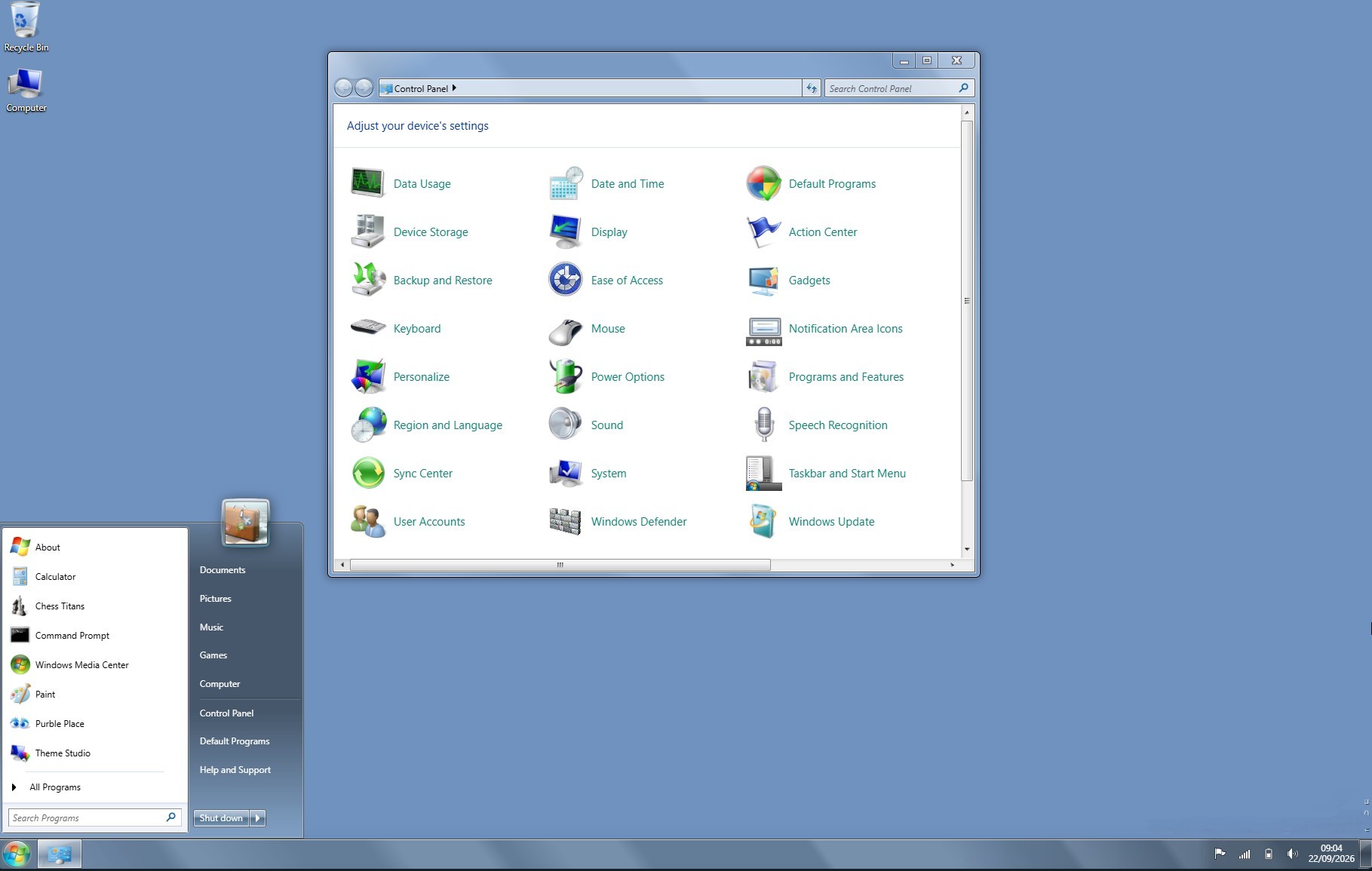
“This issue does not occur when one or more of the following conditions are true:
-
- You log on to the computer by using Remote Desktop Connection.
- The Desktop Window Manager Session Manager service is stopped or is disabled.
- You set an image file as the desktop background.”
The wallpaper component can send its “I’m ready” signal only when it is inside the code path that loaded an image file. So, when you pick a solid color, that code path doesn’t run, and the signal doesn’t get sent.
Windows 7 waits for a message that won’t come, and 30 seconds later, it gives up and shows the desktop anyway. Here’s the step-by-step process:
- Enter password; Windows waits for shell components to report “ready.”
- With an image wallpaper: bitmap loads, paints, and sends the WallpaperReady signal.
- With a solid color: no bitmap, so the image-loading code doesn’t run.
- The WallpaperReady signal is skipped and doesn’t reach the logon manager.
- Windows idles for 30 seconds until its failsafe timer expires.
- Timeout hits; Windows gives up waiting and finally shows the desktop.
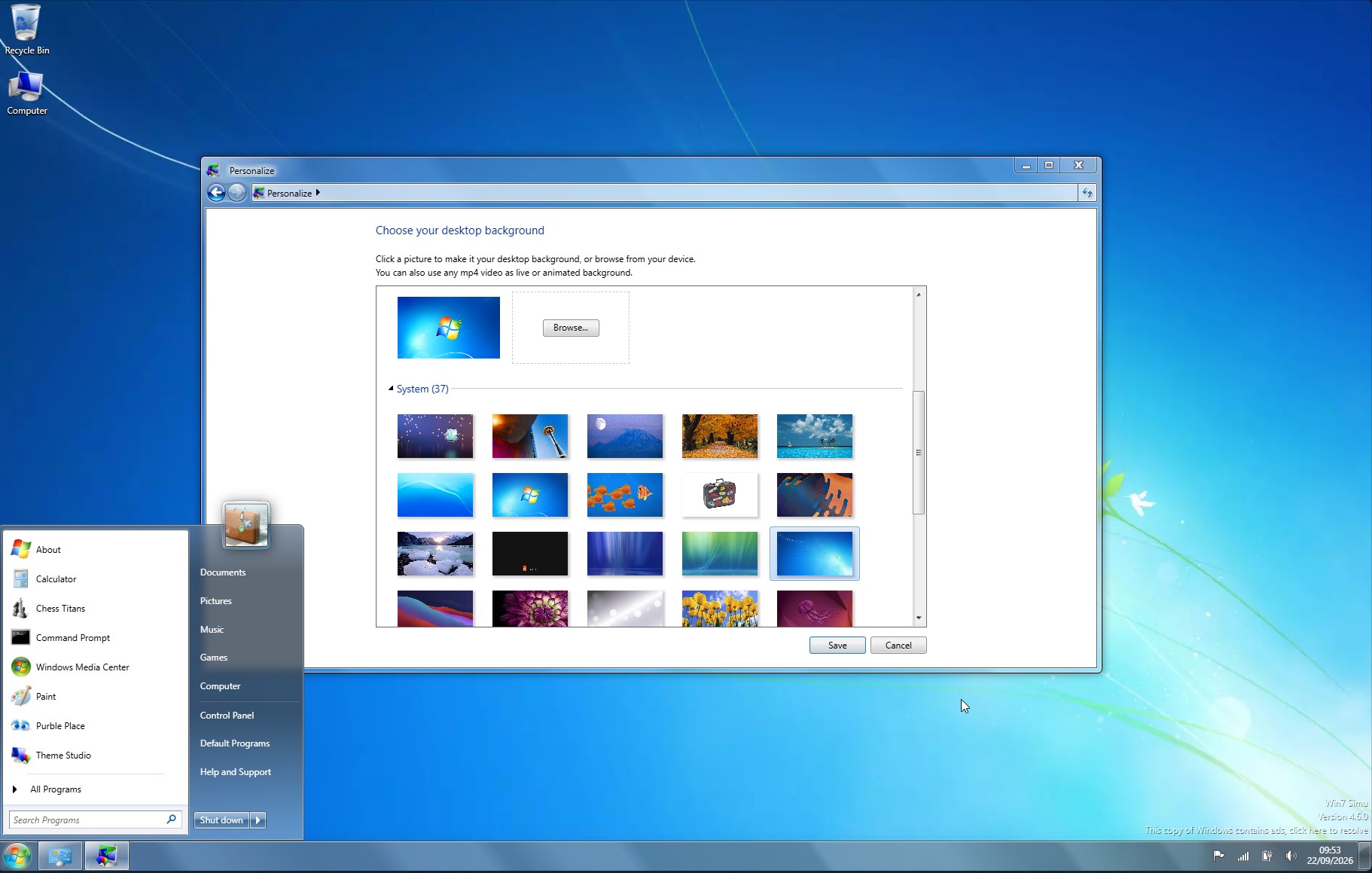
The bug did not mean Windows was doing 30 seconds of extra work. Every other component could finish in five seconds, and the Welcome screen would still hang around for the full 30, because the system had no way to know the wallpaper situation. It was just waiting on a report that logically could not arrive.
“Note that in both of these cases, it’s not that the logon is extended by 30 seconds”, Chen said on The Old New Thing blog, “Rather, the Welcome screen stays on for the full 30 seconds rather than the actual time it took for all systems to report ready (which could be 5 seconds, or it could be 25 seconds, depending on your system’s performance).”
A missing signal was enough to fool the whole logon process
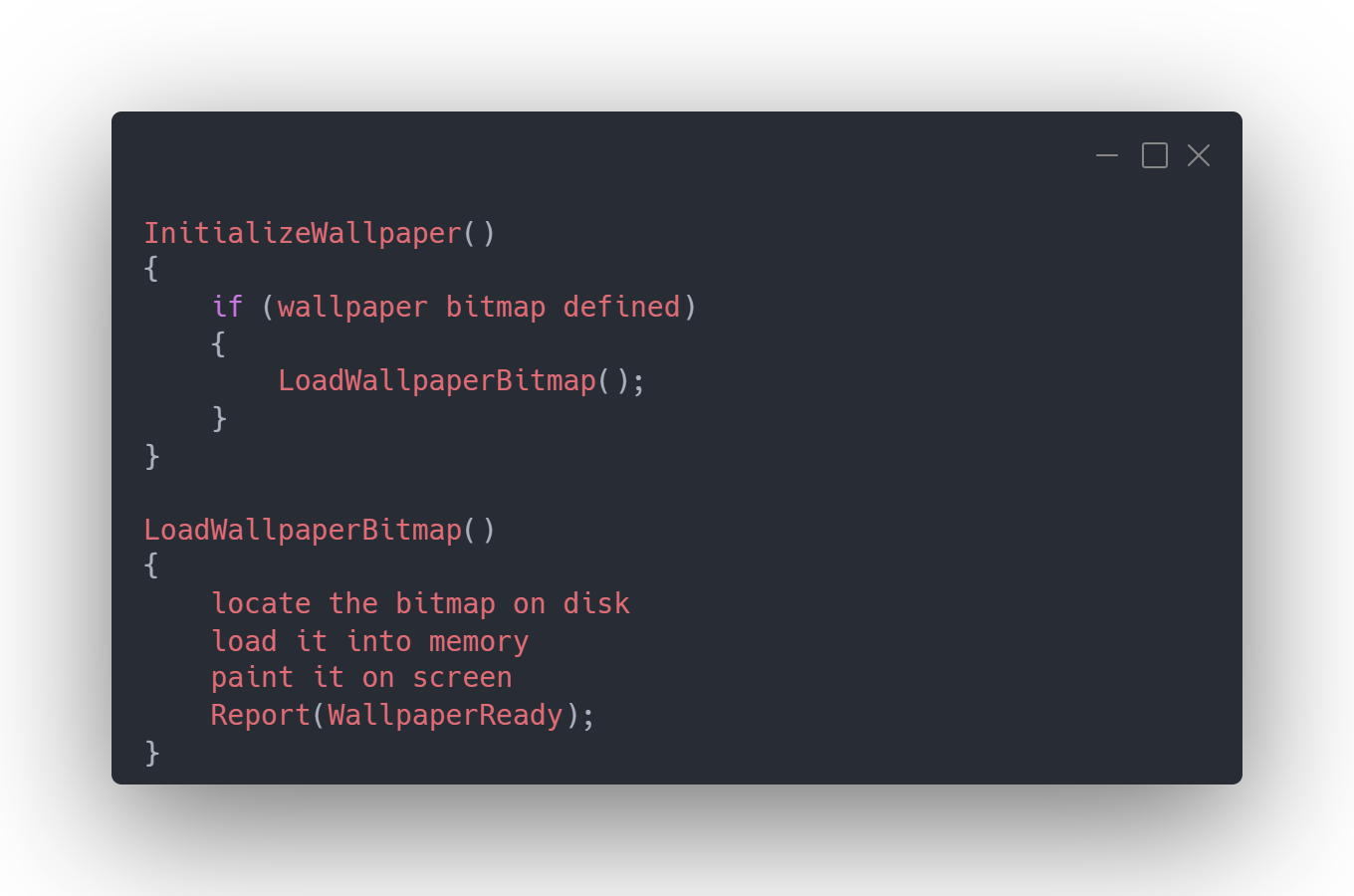
“The code to report that the wallpaper is ready was inside the wallpaper bitmap code, which means that if you don’t have a wallpaper bitmap, the report is never made, and the logon system waits in vain for a report that will never arrive.”, Chen explained.
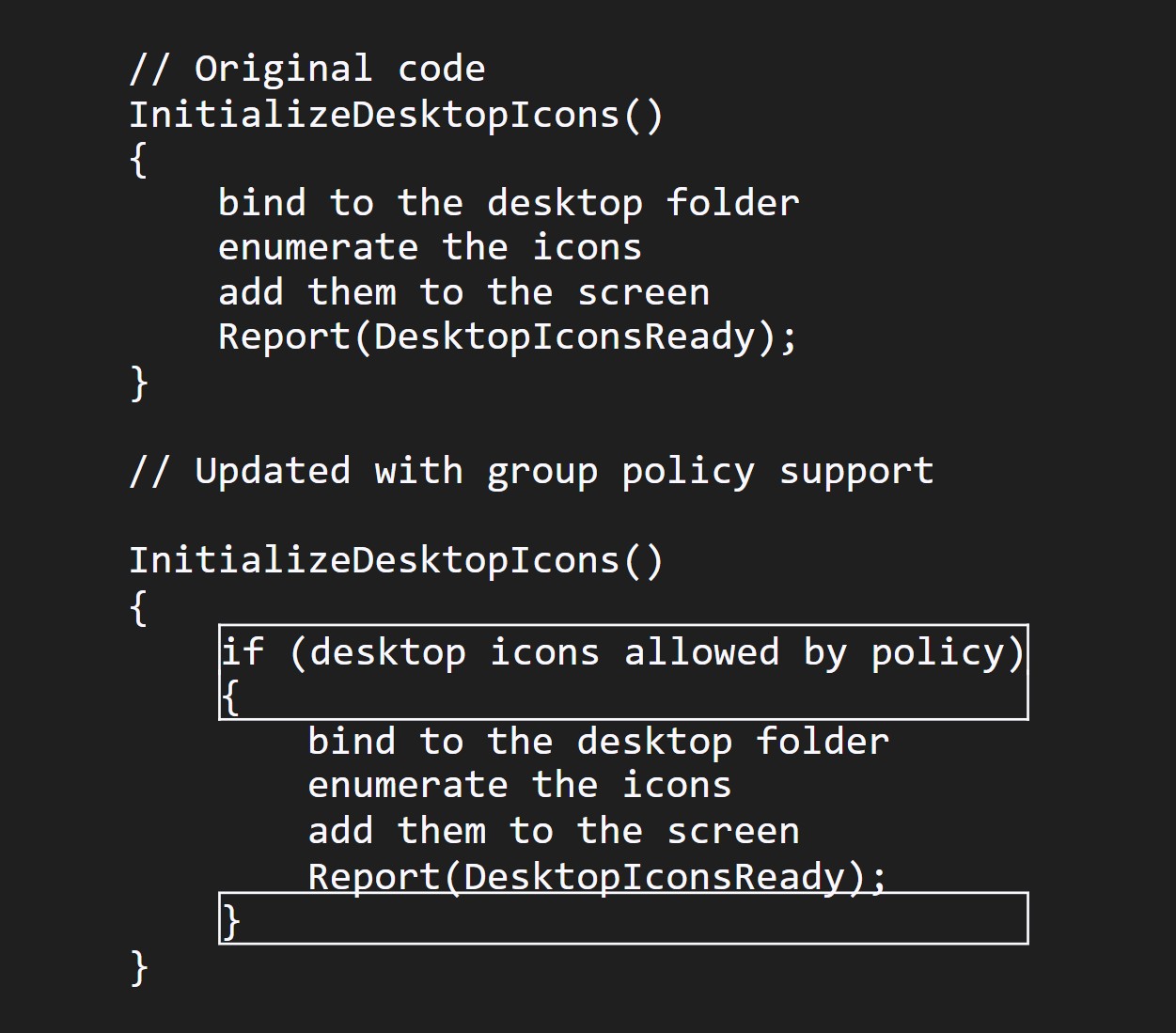
The long-term Microsoft engineer also mentioned a related bug involving Group Policy. Enabling the “Hide all icons on Desktop” and “Normal Wallpaper” policies together caused the same 30-second delay, for a nearly identical reason.
The original code that initialized desktop icons reported completion once it finished. When Microsoft added policy support later, the initialization work got wrapped inside an “if allowed by policy” block, and the completion report ended up trapped inside that same block. Disable icons through policy, and the report doesn’t fire.
Windows 7 users had already found the fix
Although Microsoft pushed a Hotfix update by November 9, 2009, people found a fix the hard way. A December 2009 AnandTech forum thread has a user describing the symptom of a slow Welcome screen that can be cured by switching from a solid color to an image.
But for those who wanted to use a solid color as the wallpaper, a commenter suggested creating a small solid-color image and using that instead, which was the same workaround Microsoft listed as an official fix. Microsoft also documented a registry option, adjusting the DelayedDesktopSwitchTimeout value.
Tiny assumptions buried inside an operating system can produce some deeply bizarre results once a user does something the original programmer didn’t quite picture.
That said, it’s not easy for everyone to forget about Windows 7, and even for Microsoft themselves. Less than 2 years ago, Windows Latest found Microsoft still recommending Windows 7’s Backup and Recovery tool on Windows 11.
The post Microsoft engineer explains what made Windows 7 take 30 seconds to show the desktop appeared first on Windows Latest