
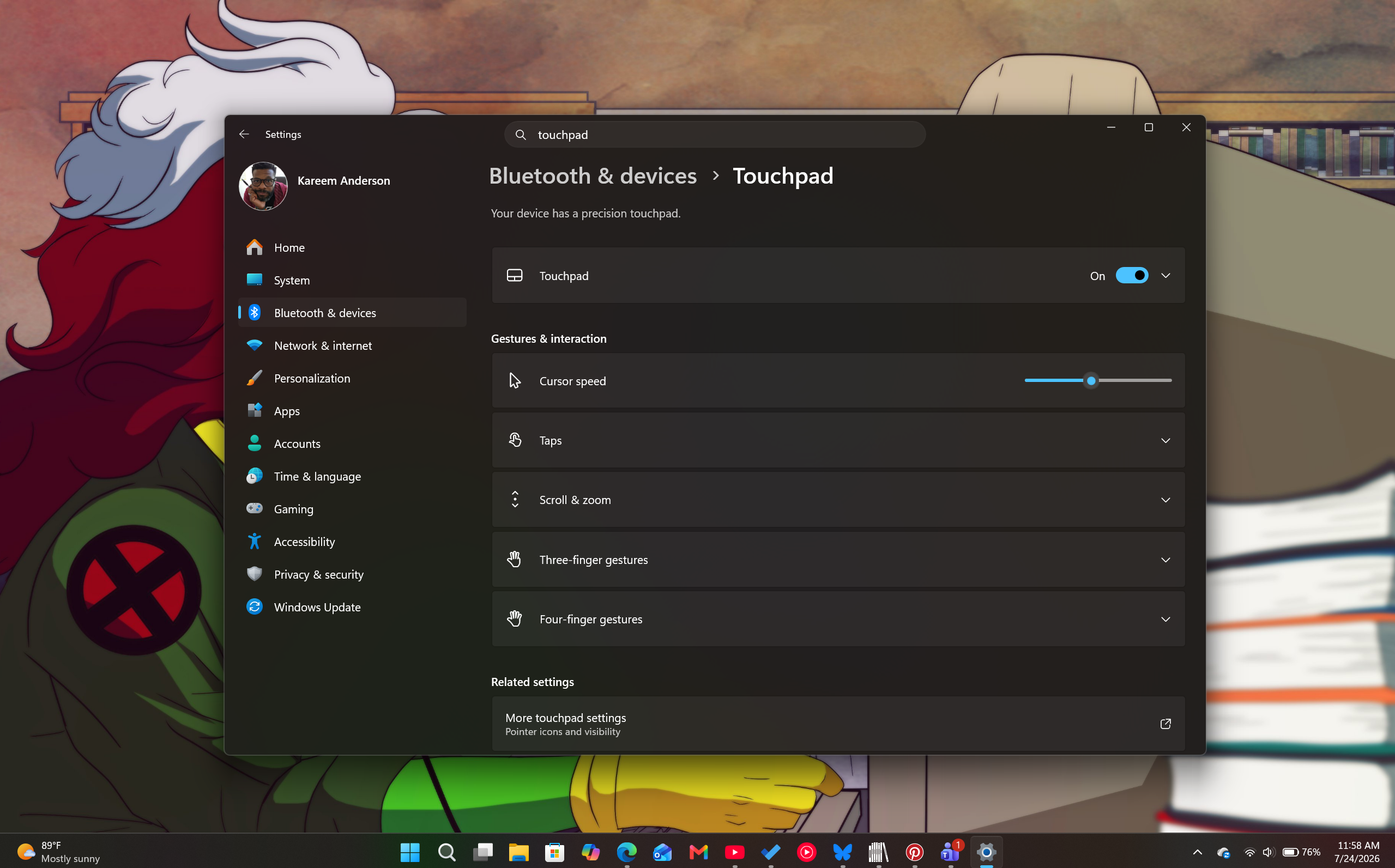
Windows 11’s right-click zone resizing for touchpads is officially out now. Now, you’ll be able to gain direct control over how large the bottom-right-click region is on your trackpad. The idea is to reduce accidental clicks on precision touchpads, while also making right-clicks more intuitive.
The feature first appeared in Insider testing back on March 30, 2026, then reached the June 23 optional preview update KB5095093. It is now available on your laptop with the mandatory July 2026 Patch Tuesday update, released as KB5101650 on July 14 (OS builds 26100.8875 and 26200.8875 for versions 24H2 and 25H2).
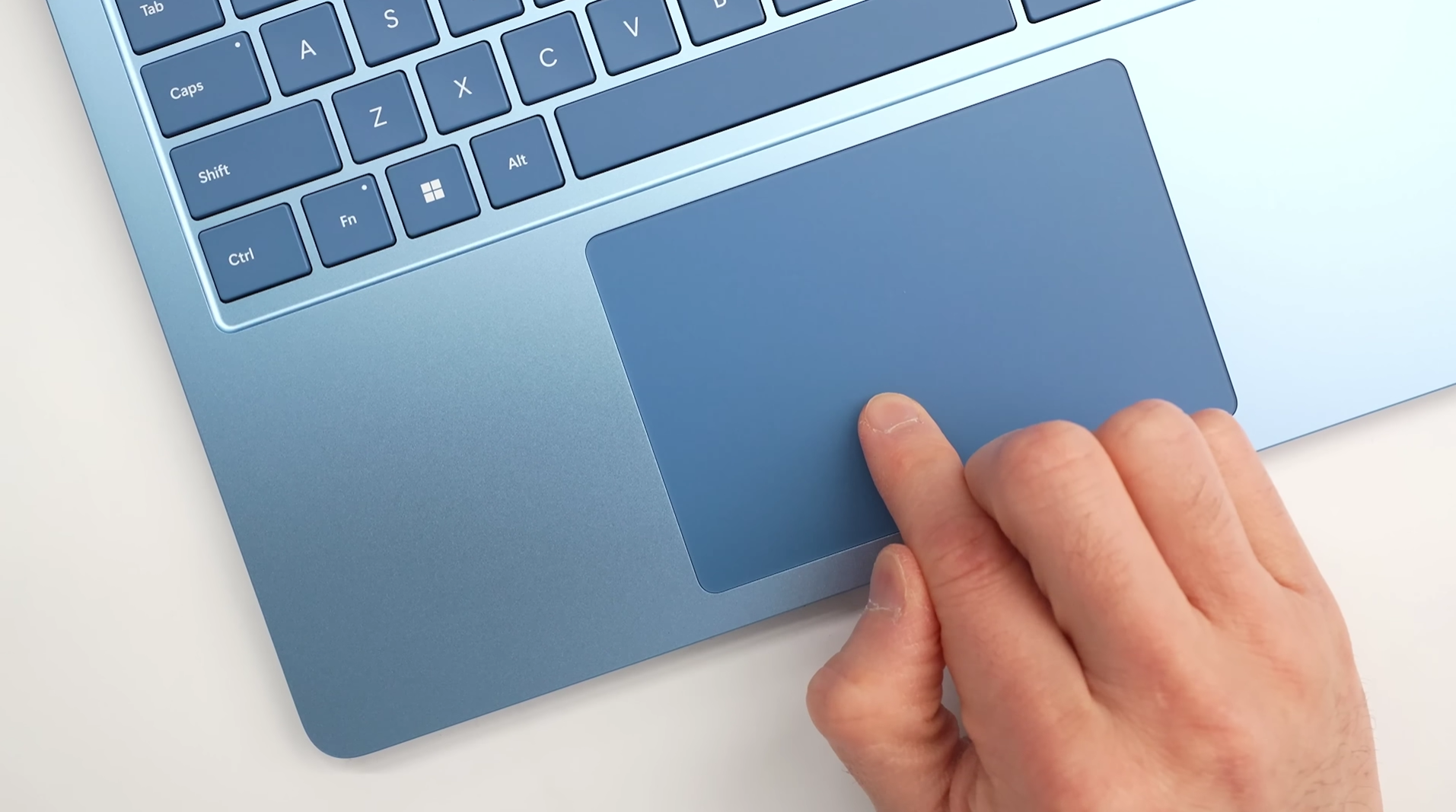
Microsoft says: “You can now customize the size of the right-click zone in Settings > Bluetooth & devices > Touchpad. Choose from default, small, medium, or large to control how much of the bottom-right corner responds to a single-finger right-click.”
However, the company also notes that the resizable right-click zone feature is only available on touchpads with a pressable surface.
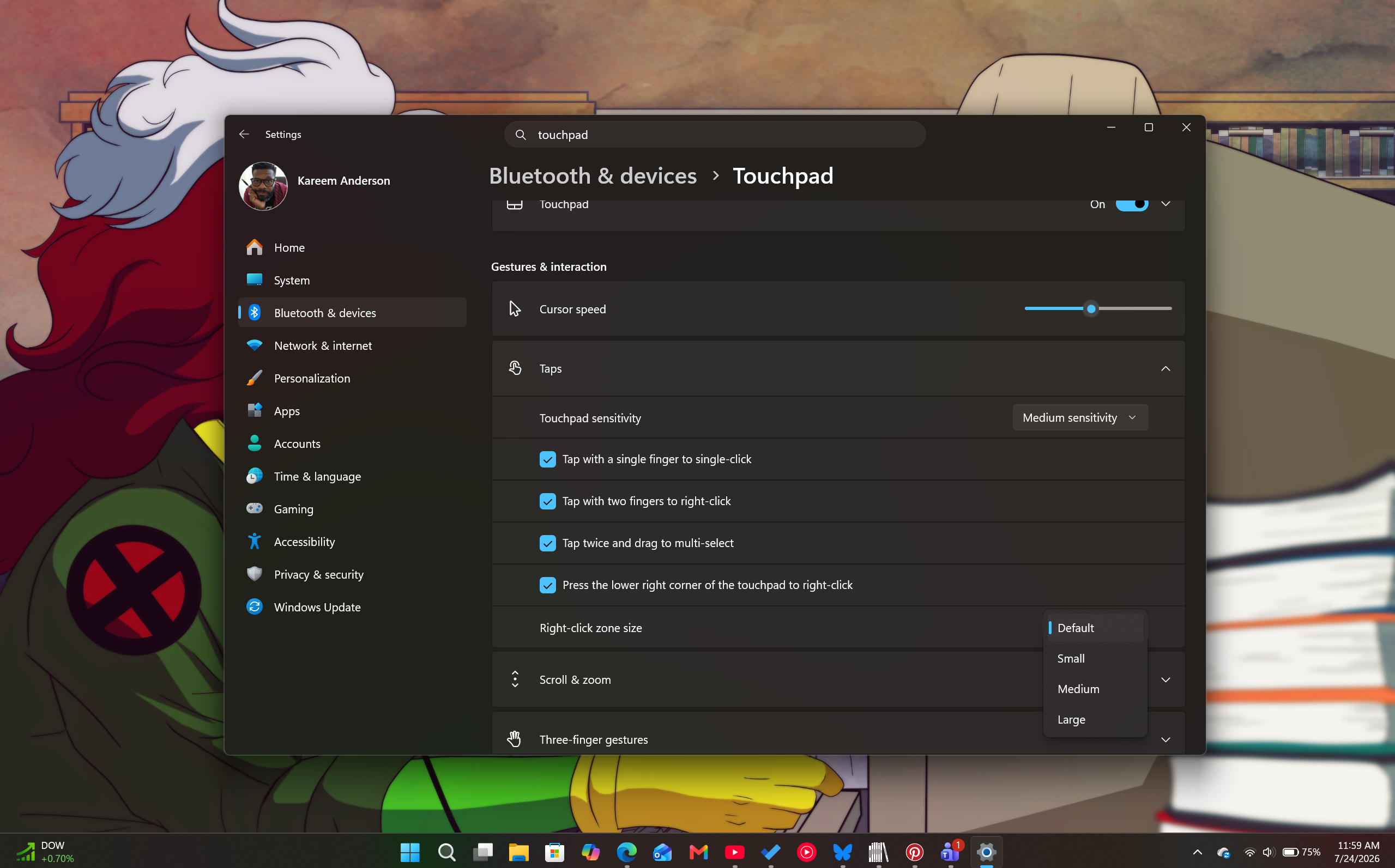
The trackpad settings right-click resizing is nestled in Settings> Bluetooth & Devices >Touchpad > Touchpad, under Gestures & Interaction. Once selected, you’ll get a drop-down menu that offers selection sizes of Default, Small, Medium, Large, or a Custom value if your device’s OEM offers its own tuning support.
Support for native right-click resizing is a first in Windows history. While Microsoft may have supported these tweaks before via registration hacks for the fully initiated power user or third-party input remappers such as AutoHotkey and TouchPal, the new July 2026 update now brings that adjustment to the Settings app in plain view.
As someone who splits time between a MacBook and several Windows PCs, this update feels like Windows is catching up in the small convenience feature sets that Macs often offer. It’s a level of polish that I think most Windows users have been yearning for as they watch their friends skate across their trackpads less incumbered than they are.
How Windows 11’s new resizable touchpad setting compares to macOS
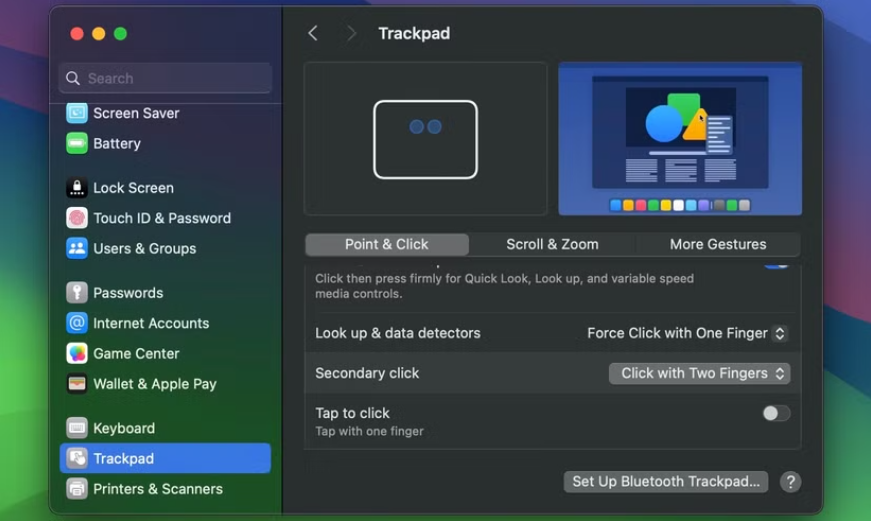
To be clear, MacBooks don’t have a feature that allows users to change the right-click zone on their haptic trackpads. While macOS allows you to choose where a right-click happens, the boundaries of that zone are locked and cannot be scaled up or down
On a Mac, right-click settings are adjusted by heading to System Settings > Trackpad > Point & Click. Within that menu, under Secondary click, you’re presented with the following three options:
- Click or Tap with Two Fingers (Default)
- Click in Bottom Right Corner (the most similar to the new Windows 11 setting)
- Click in Bottom Left Corner (moves the secondary click zone to the bottom left)
For most of you, this may be an eye-roll feature, but for the niche amongst us, this is yet another note that the Windows team is keeping its head down and improving OS interactions one step at a time. It’s also a sign that Microsoft is becoming more confident in its OEM partners to ship touchpad hardware that helps expand the user experience in Windows.
Windows 11’s Precision Haptic touchpads are getting more intuitive
Microsoft has been making haptics better in Windows 11 for most of this year, and the resize feature is really a small piece of a much larger push to make touch-based feedback a first-class citizen on the OS.
In June, Microsoft published its full haptics design guidelines for developers, with a new InputHapticsManager API as well that lets apps trigger specific vibration patterns on supported mice, touchpads, and pens.
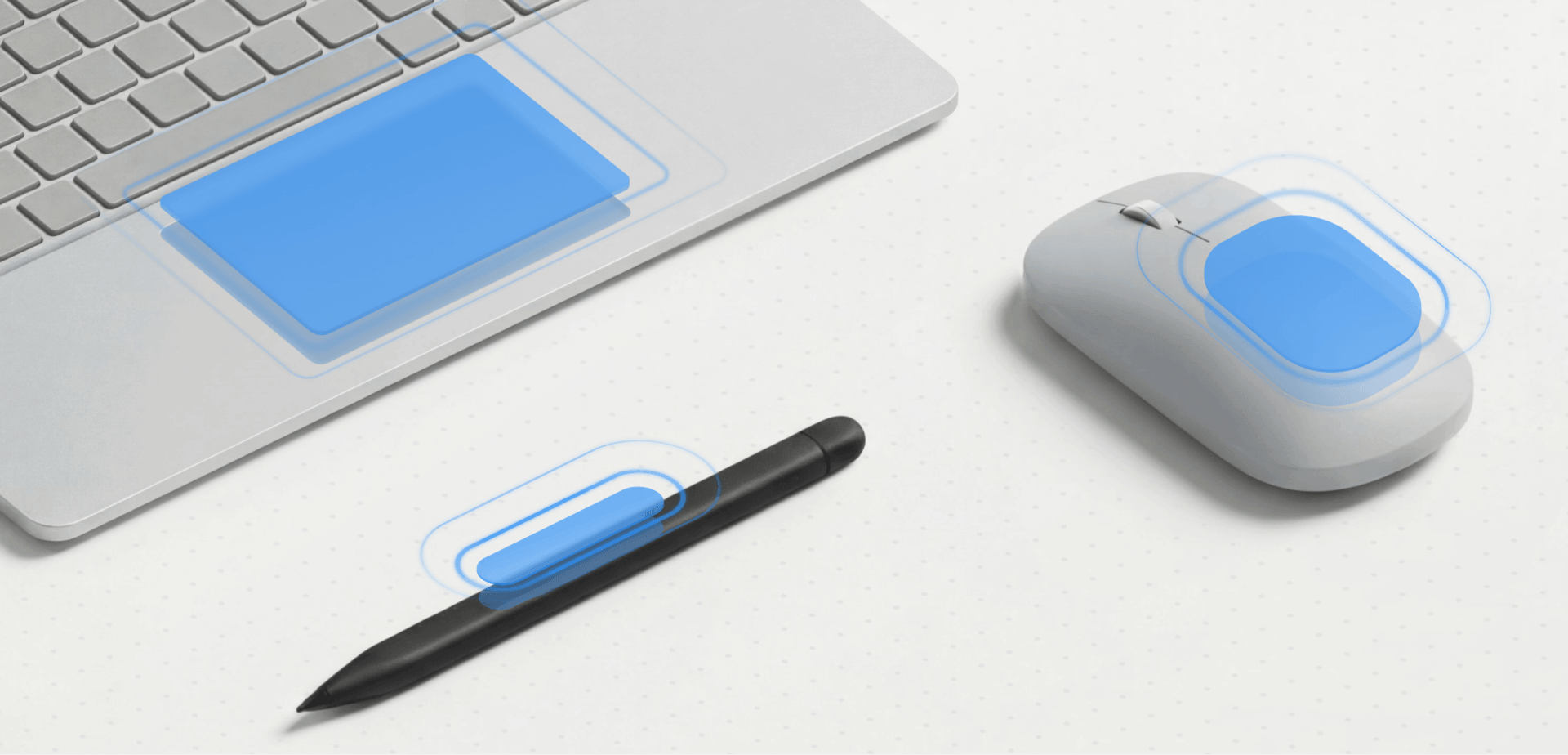
Nobody likes haptics to be a generic buzz, and fortunately Windows now ships with a defined vocabulary of feedback types, split into two categories:
- Interaction feedback covers moments during an action, like a light pulse when hovering over a drop target, a sharp pulse when an object snaps to an alignment guide, or a firm pulse for moving through discrete steps like a slider.
- Process confirmation covers the outcome of a completed action, with an ascending pattern for success and a descending one for errors.
Each of these waveforms is tuned by three variables: intensity, decay, and sharpness, and Microsoft is asking developers to stick to consistent patterns instead of reinventing the wheel here.
I like that the guidance is specific down to the millisecond, and it shows that Microsoft has now started caring more about the user experience. Feedback should land in under 50ms of the triggering action, or the connection between what you did and what you felt starts to break down.

Yes, vibrations aren’t anything new to be excessively excited about. Microsoft’s companion piece on advanced haptics traces the feature back further than you’d expect. Windows Mobile and Pocket PC apps had basic vibration feedback for taps and errors as far back as 2003, and Xbox controllers have used rumble since the original Xbox era.
But what’s new here is treating touch feedback as a designed system on the desktop OS itself. Microsoft is also framing this partly as an accessibility feature, arguing that touch can give blind and low-vision users, along with people who are deaf or hard of hearing, a way to confirm an action without relying on a screen or speaker, and it makes sense.
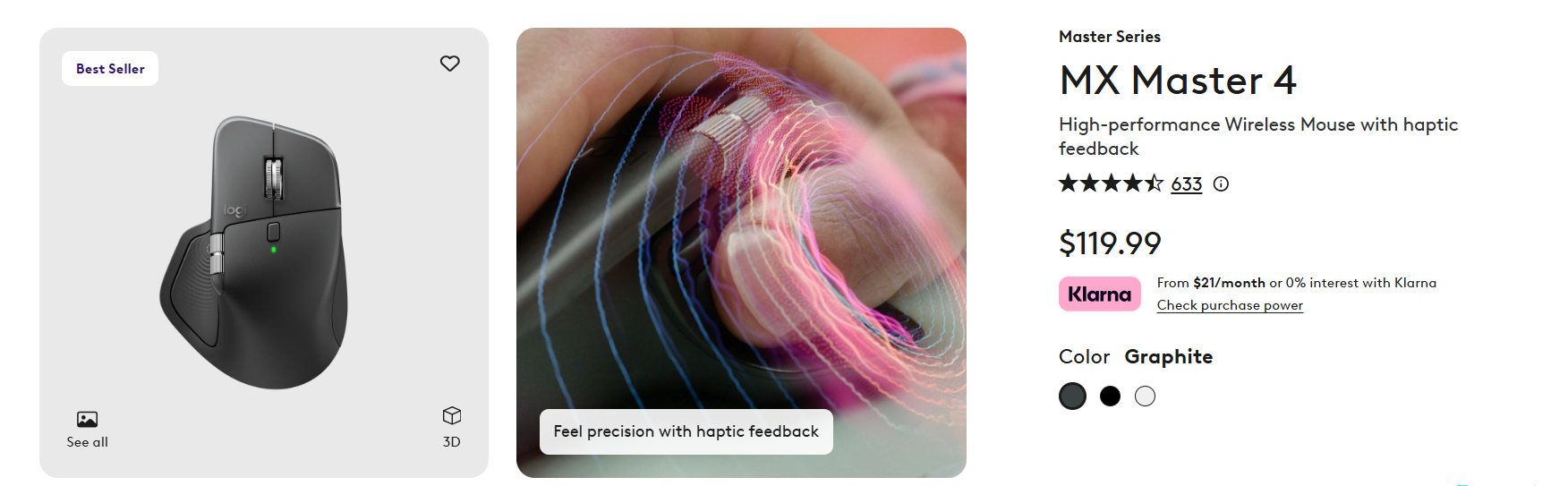
The internet’s favourite, Logitech MX Master 4, which Microsoft also calls out as a supported device, gets support for subtle haptic pulses when scrolling hits a boundary or an object aligns to a guide. That’s a fairly direct parallel to what Apple has been doing on Mac trackpads for a decade.
Apple’s Force Touch trackpad launched on the 2015 MacBook and has shipped on every MacBook Pro and Air since, along with the Magic Trackpad 2.
Force Touch trackpads don’t physically move at all. Instead, a set of pressure sensors and Apple’s Taptic Engine simulate the feel of a click through vibration, and the same mechanism gives you tactile feedback when dragging a shape into alignment with a margin or another object in apps like Keynote and Pages, which is close to identical in concept to the Align waveform Microsoft is now shipping on Windows.
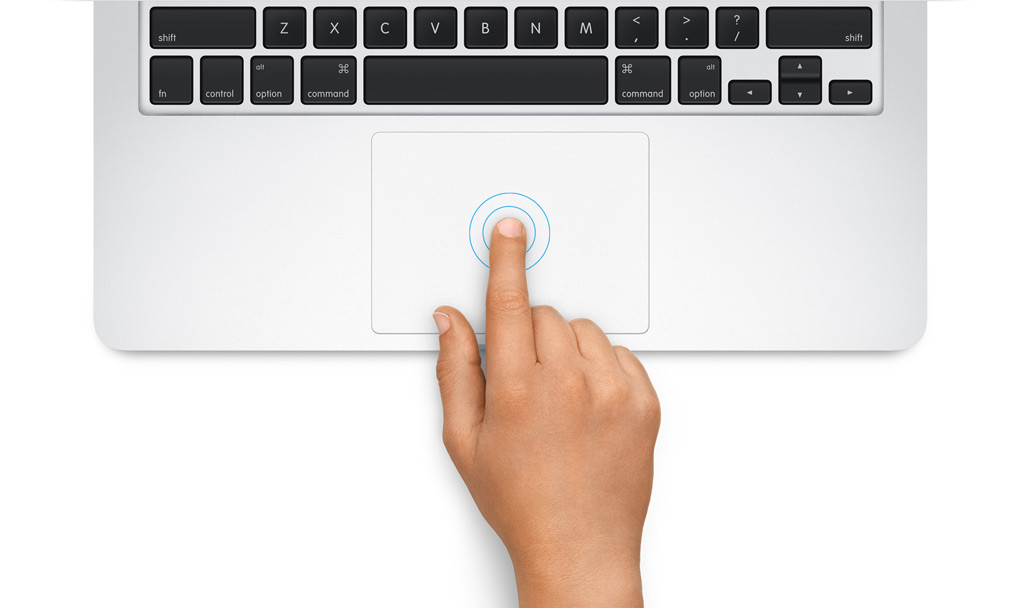
Apple has had roughly ten years to refine this, so it’s a fair standard for Microsoft to be measured against.
Of course, the caveat here is that Precision Haptic Touchpads are still a specific hardware category that OEMs have to build and ship. But with the new right-click resize setting, the new API, and the design guidelines now published for developers, OEMs have all the more reason to include modern haptic touchpads on all their Windows laptops.
The post Windows 11 now lets you resize the touchpad right-click zone, something even macOS can’t do appeared first on Windows Latest