
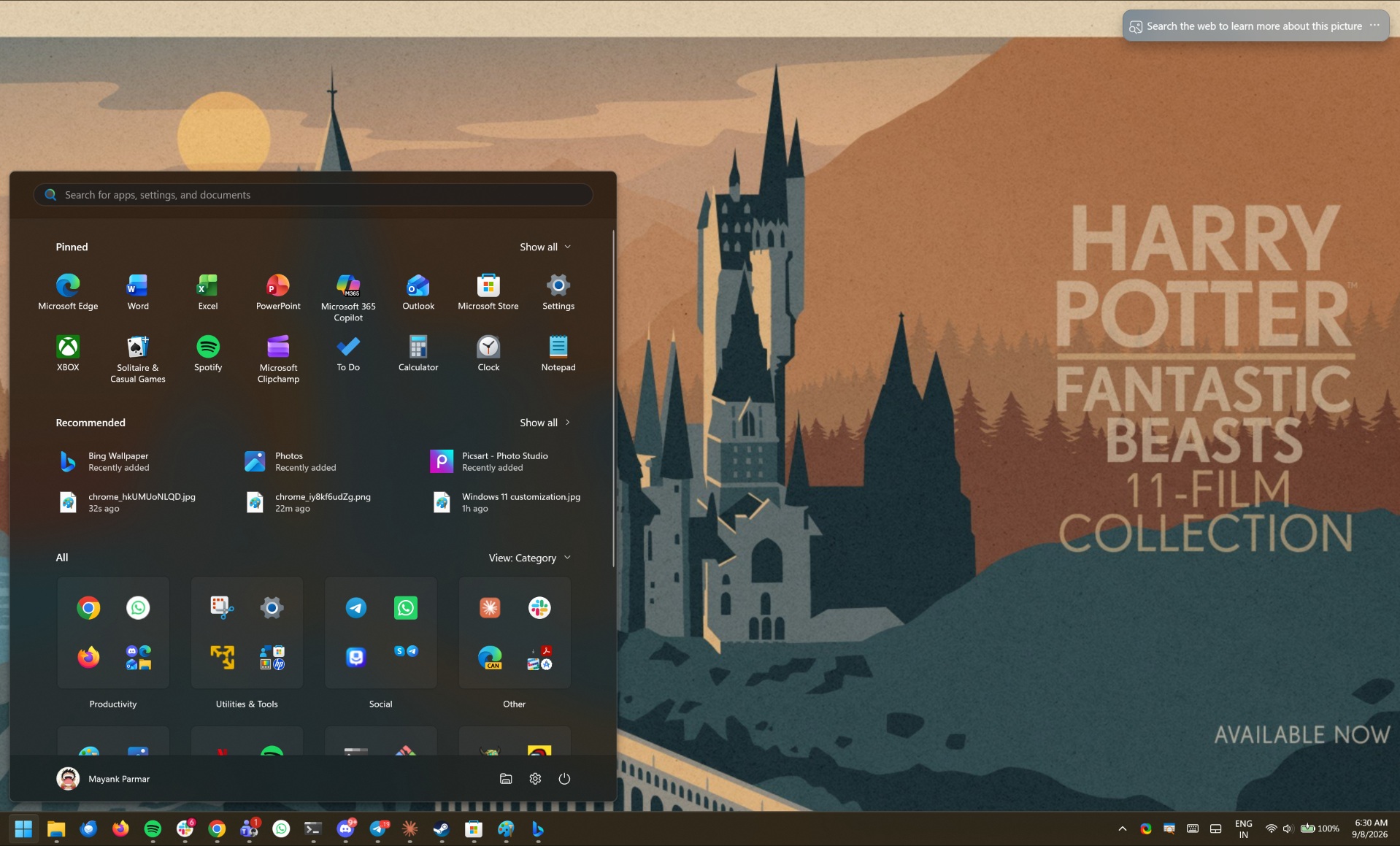
If you’ve set up Bing-powered wallpapers on Windows 11 (and Windows 10), you might see a full-fledged advertisement for J.K. Rowling’s Harry Potter + Fantastic Beasts 11-film collection. And if you haven’t seen it yet, the ad doesn’t appear to be showing up on every PC because of how Bing chooses wallpapers, which are auto-rotated and can vary by region.
As much as I love the Harry Potter franchise, I’ve gotta admit that I do not want to wake up and see a full-fledged ad for it on my desktop. This sort of practice is quite unacceptable, especially because Microsoft never really loudly announced that Bing Wallpaper can also show full-feature ads.
I put special emphasis on “loudly” because it’s not like the company is completely hiding mentions of promotional offers.
I read the Bing Wallpaper download page again, and I noticed that Microsoft quietly confirms below the download button that you’d receive in-app notifications with promotional offers from the company if you use its wallpapers on your PC.
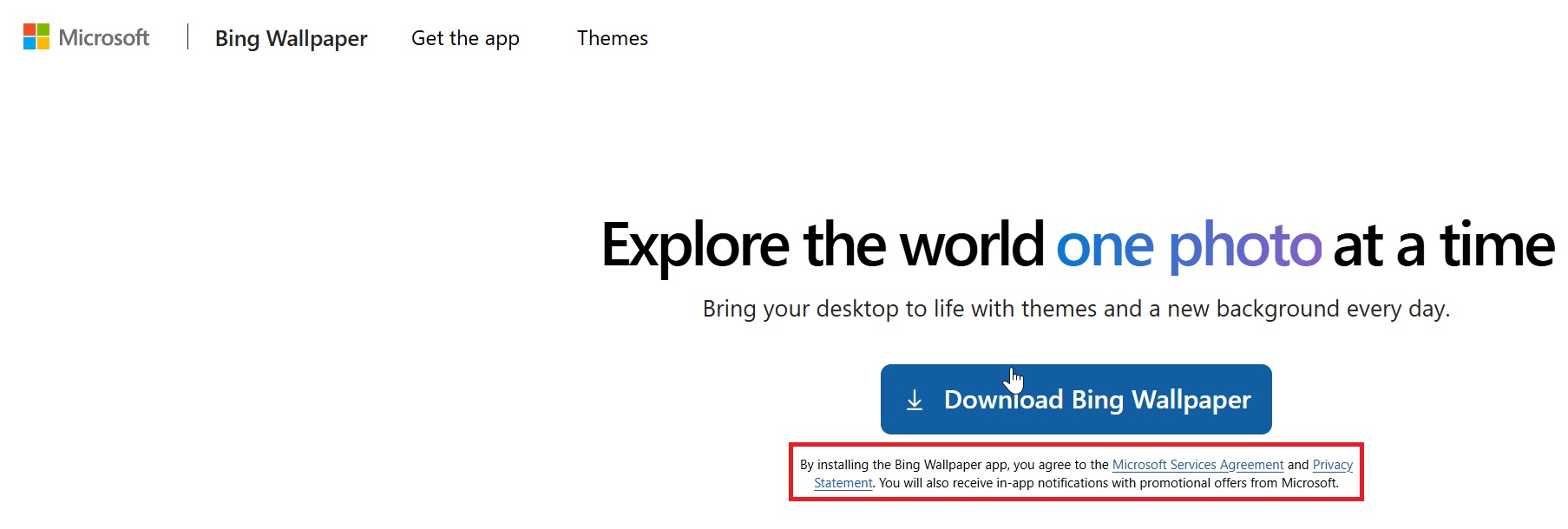
Most people do not read terms & conditions, or even cookie alerts, thanks to frequent GDPR pop-ups, EU! And it’s easy to overlook wording below a download button, too.
But even if you read it, “in-app notifications” doesn’t really tell you that your entire desktop wallpaper could become an advertisement. I wouldn’t read that and expect a Harry Potter banner on my desktop. If that’s what Microsoft means by promotional offers, I think it should say so clearly.
The Harry Potter ad isn’t showing up on every PC
Windows Latest understands that the Harry Potter ad popped up on PCs using the dedicated Bing Wallpaper app, but it’s unclear whether it also showed up on PCs with Windows 11’s built-in Spotlight feature.
Spotlight also pulls wallpapers from Bing, but you’re less likely to see the same thing there because it usually does not refresh wallpapers multiple times a day.
One user told Windows Latest that they used four PCs on the same day, and only one showed the Harry Potter ad. The other three had a nice view of Bamberg, so not everyone appears to be getting the same wallpaper.
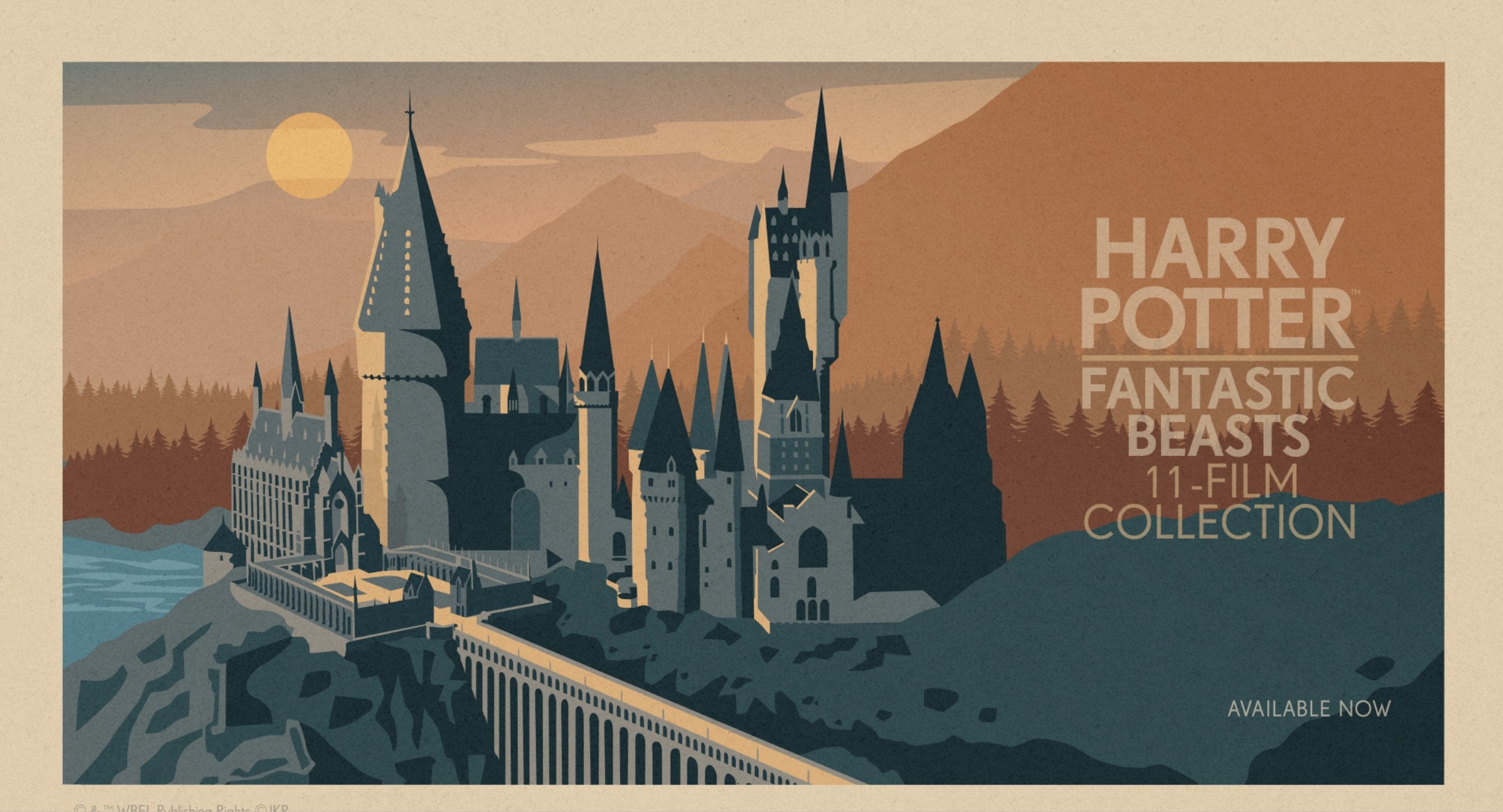
The Harry Potter community also stumbled upon the ad on their PCs and wondered how much the franchise paid Microsoft.
“Damn at first I thought they were advertising a Fantastic Beasts critical collection or something and I was like “who on earth asked for that?” but instead it’s 8 HP movies plus we’ll throw in 3 FB movies free, take it or leave it, whatever, we don’t care,” one user wrote, while another called it the enshittification of Windows.
I don’t exactly disagree. I can like the artwork and still dislike Microsoft using my desktop to sell something. You get used to seeing nice landscapes and wildlife photos, and then there’s suddenly an ad for a film collection.
Bing Wallpaper used to be a nice little app, and I don’t think every part of it needs to become an opportunity to sell us something. However, it’s not the first time we’ve found Bing Wallpaper doing sketchy stuff on PCs.
Bing Wallpaper previously added a click-anywhere-to-open Bing.com feature
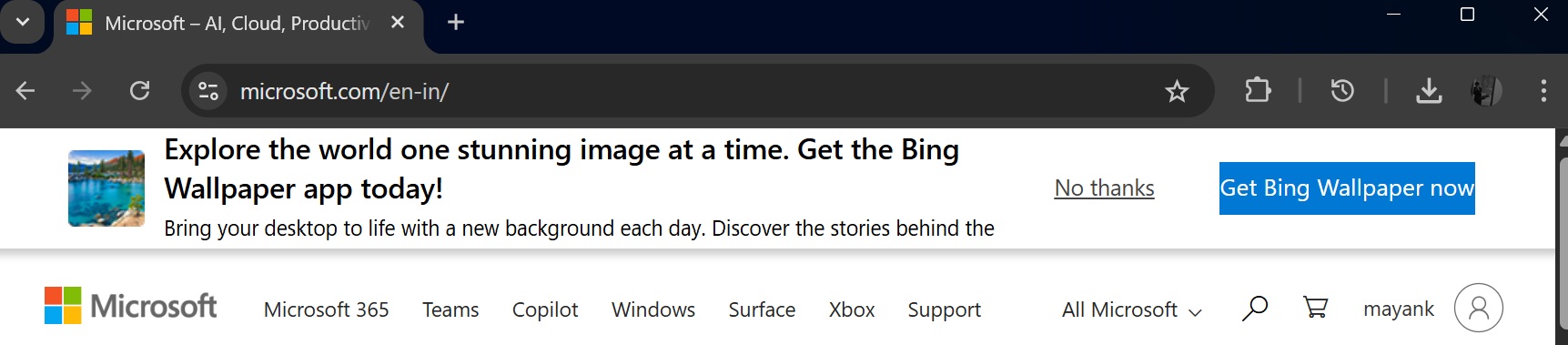
Bing Wallpaper is usually not enabled on PCs by default, and most people download or enable it when they visit Microsoft’s websites and are prompted to try Bing Wallpaper:
Last year, we noticed that Bing Wallpaper quietly added a toggle called “Desktop click opens Bing”, and as the name suggests, it opens Bing.com if you click anywhere on the desktop. This “feature” was turned on by default on some PCs, and it was eventually pulled back after outrage.
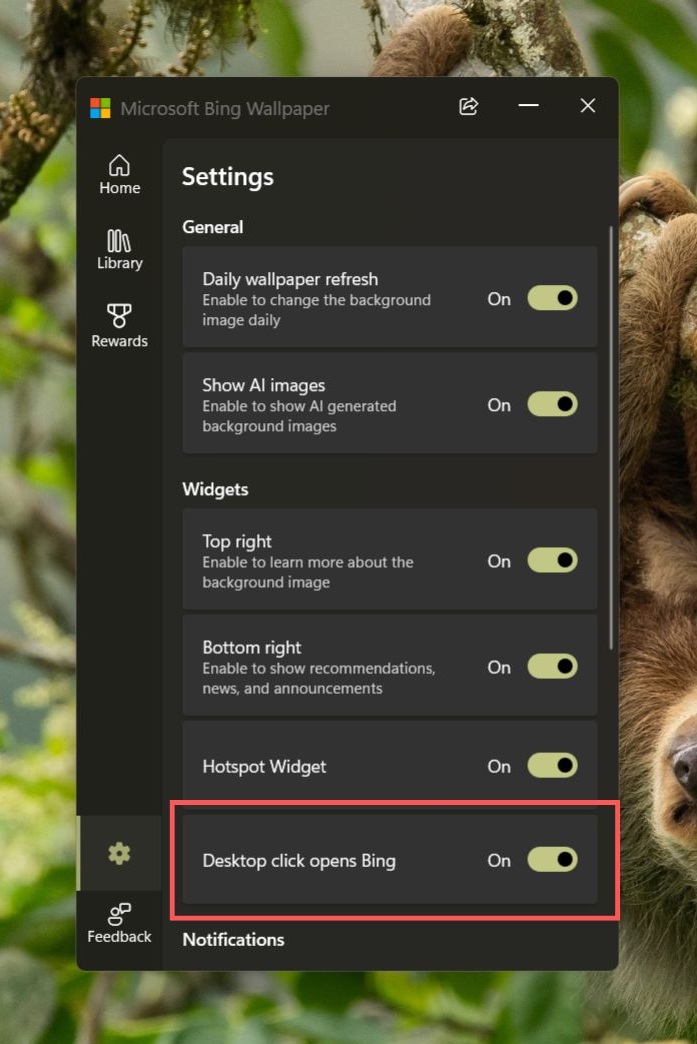
In our tests, we were able to reproduce the “feature,” where the Windows desktop opens Bing.com if you click anywhere, not just right-click. But this would happen only once in 24 hours, so if you clicked multiple times, you wouldn’t be sent to Bing every time.
And it was a clever decision because you’d quickly realize what’s happening if Bing automatically opened every time you clicked the desktop. When it opens just once, you may not realize what actually triggered it, and some users might continue using Bing without thinking much about it.
This was eventually removed, but there have been similar incidents with other Microsoft products.
For example, Windows Latest recently found that the company built a full-fledged app that simply installs Bing in all browsers, including Chrome, Firefox, and Brave. In a statement, Microsoft told us that the app is optional, and you have full control over your search or browser settings.
I haven’t heard back from Microsoft about Bing Wallpaper’s Harry Potter ad yet, but I can tell you that it wasn’t a mistake, and it showed up widely enough for people to notice.
The post Microsoft said it would cut Windows 11 ads, then put a Harry Potter ad on your desktop if you use Bing Wallpaper appeared first on Windows Latest