
Speaking at IFA 2026, Microsoft confirmed it will add more customization and personalization features to Windows 11, giving you greater control over the operating system. The ability to move the taskbar or resize the Start menu is just the beginning, as the company pledges to listen to your feedback.
Microsoft’s IFA 2026 presentation had several notable moments. First, the company promised it’ll make Windows 11 boot faster and reduce its overall memory footprint, so PCs with 8GB of RAM can feel great again.
Later, we heard that Microsoft has no plans to give up on AI, but you can expect fewer Copilot buttons going forward, as the focus is now on getting local models up and running on powerful PCs.
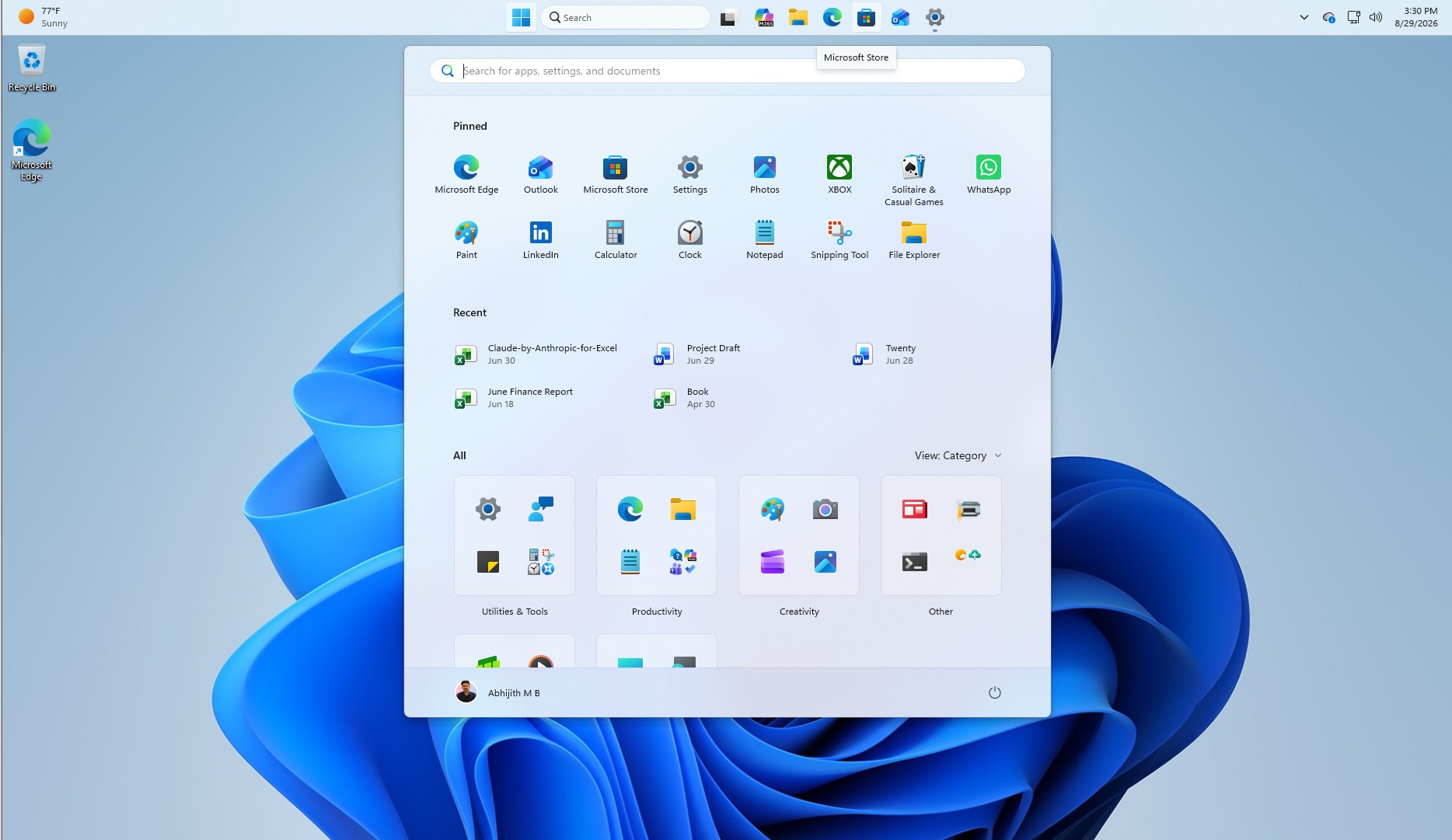
And now, we noticed that Microsoft also teased more customization options for Windows 11. At IFA 2026, the company pointed to the movable taskbar as one example of what listening to feedback does for Windows. Although it did not explain why it removed such a basic feature in the first place, it was clear that feedback is now shaping Windows’ future.
“We’re helping users customize their machine more,” Linton said. “If you like your taskbar in the left-hand side or up the top, you can do that again.”
“Again” is probably the most important word here, or the funniest, I’d rather say.
Microsoft made a huge deal out of Windows 11 in 2021, calling it one of its best operating systems and also the most secure version of Windows. But it was a disaster at launch wth several basic features simply missing.
For those who may not remember, Windows 11 shipped with a completely rebuilt taskbar that dropped several capabilities available in Windows 10, and one of those was the ability to move the taskbar to the top, left, or right side of the screen. You also couldn’t drag and drop files between apps on the taskbar for months!
For years, Microsoft defended the streamlined taskbar experience and justified removing basic features like the ability to move it because of issues that could disrupt the flow and animations.
At one point, it appeared that Microsoft was entirely disconnected from reality, and its designers had no idea what consumers wanted. And I wouldn’t be surprised if some of the designers were not regularly using Windows.
Thankfully, Microsoft is bringing back the movable taskbar with the September 2026 update, and the company won’t tell us what changed now versus five years ago. It’s also adding the ability to resize the Start menu, which has grown in size over the past few years.
“So, we’re listening to customer feedback, continuously improving Windows, and you’ll see those updates as Windows just gets better as the updates come through,” Linton said at IFA 2026.
Windows 10 still does things better
Windows 11 is becoming more customizable and better, but I strongly believe Windows 10 handled some of these features much better.
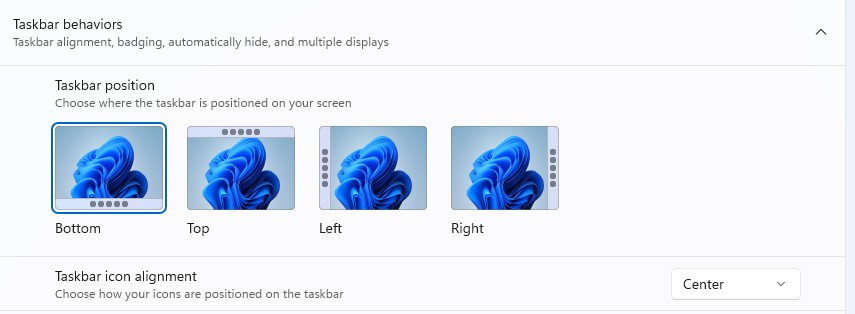
For example, you could just right-click Windows 10’s taskbar, unlock it if it was locked, and then hold and drag the taskbar to change its position. In Windows 11, you have to go to Personalization settings and choose your preferred position.
Likewise, Windows 10 allowed you to hover over the edge of the taskbar and simply change its size, including making it larger than usual. This isn’t yet possible in Windows 11.
The same applies to the Start menu. In Windows 10, you could resize it by hovering over its edges and dragging it to the size you wanted.
However, you can’t do that in Windows 11. You have the option to choose between Small, Large, or Adaptive, but you can’t drag and adjust its size to your preference.
I don’t think it’ll ever come to Windows 11, given how the Start menu is currently built.
Regardless, I’m glad Microsoft is listening to feedback and that more customization options are coming, but if you simply miss the Windows 10 experience, I don’t think that is ever coming back.
The post Windows 10 users were right: Microsoft confirms it’ll add the missing options to Windows 11 appeared first on Windows Latest