
Windows 11 is testing a new “feature” that will let you reassign the Copilot key to do nothing. Yes, literally.
Newer Windows PCs have shipped with a dedicated Copilot key for almost two years now, starting in 2024. Fast-forward to 2026, and Microsoft is not backing down. It still insists that a PC is an AI PC only if it comes with a Copilot key.
This means that even if you have a perfectly capable PC with enough computing power, Microsoft and its partners do not consider it an AI PC if it lacks a Copilot key.
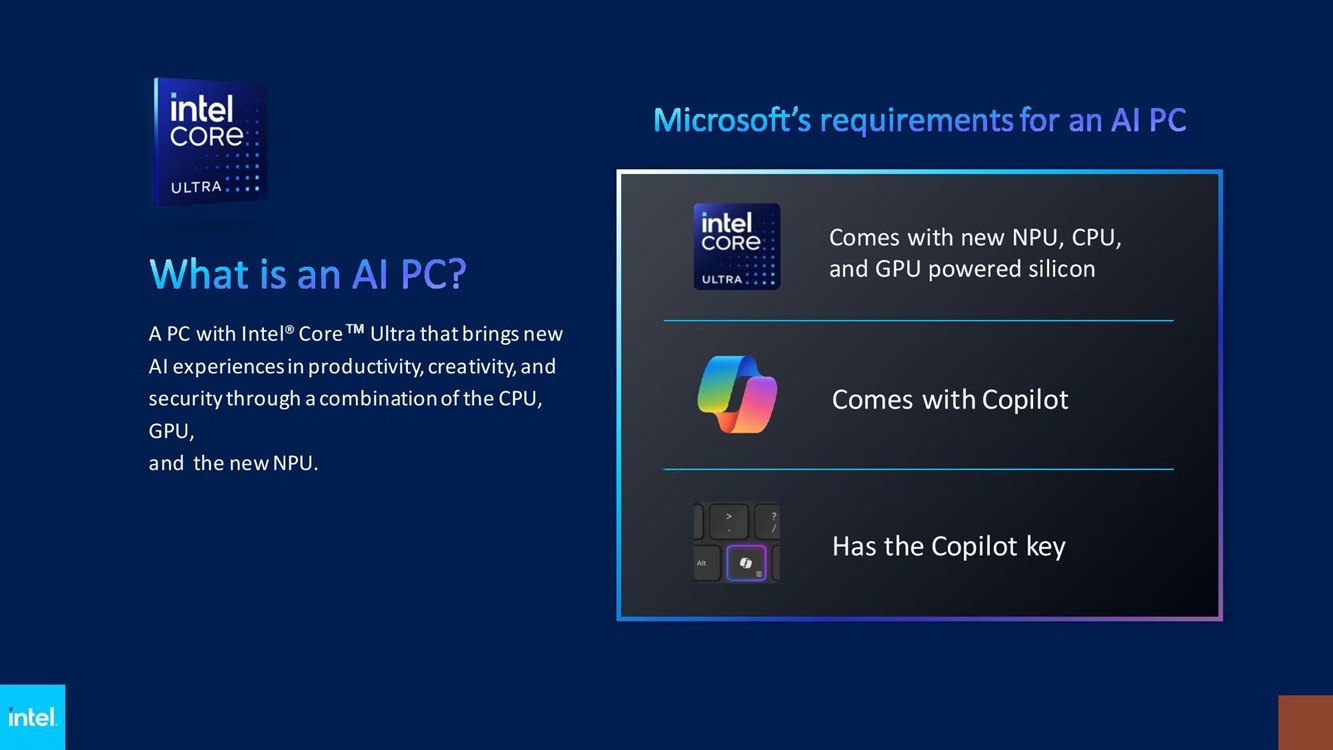
Despite Microsoft’s efforts, the dedicated Copilot key has become little more than a meme at this point, and even those who cannot live without an AI agent do not find themselves interacting with it. That leaves Microsoft with two options: remove the key entirely and restore the Right Ctrl key, or let users remap it.
Unsurprisingly, Microsoft is opting for the second route by making it easier for everyone to remap the key. In a support document, Microsoft recently confirmed that it will let you reassign the Copilot key to your preferred app, such as ChatGPT or Claude, or switch it back to the Right Ctrl key.
Now, it looks like Microsoft has found another option for remapping the key: “Do nothing.”
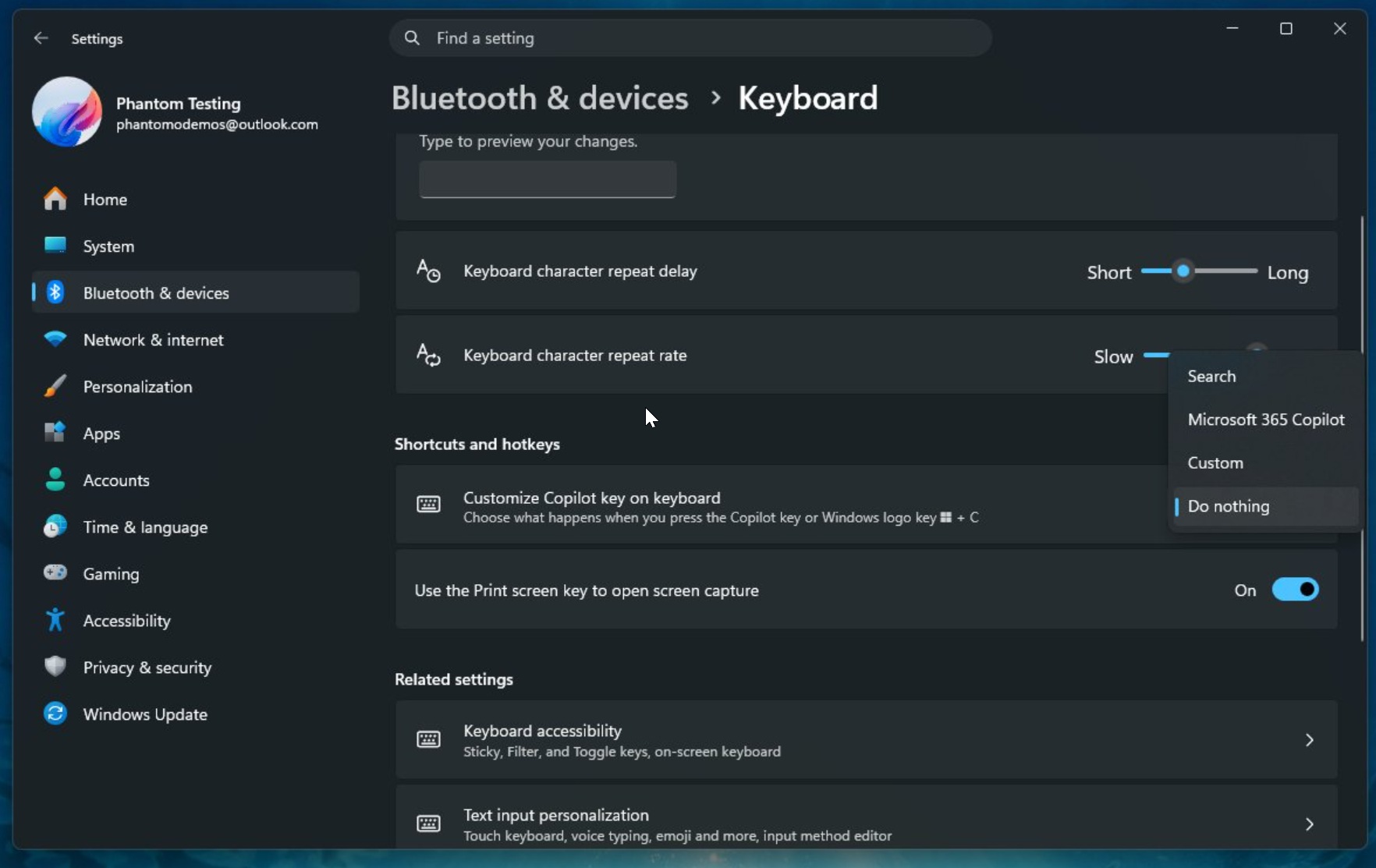
As Microsoft watcher PhantomOfEarth noticed, there is a new “Do nothing” option for the Copilot key in Windows Insider preview builds. When you choose this option, the Copilot key simply stops working and will not respond whether you press or hold it.
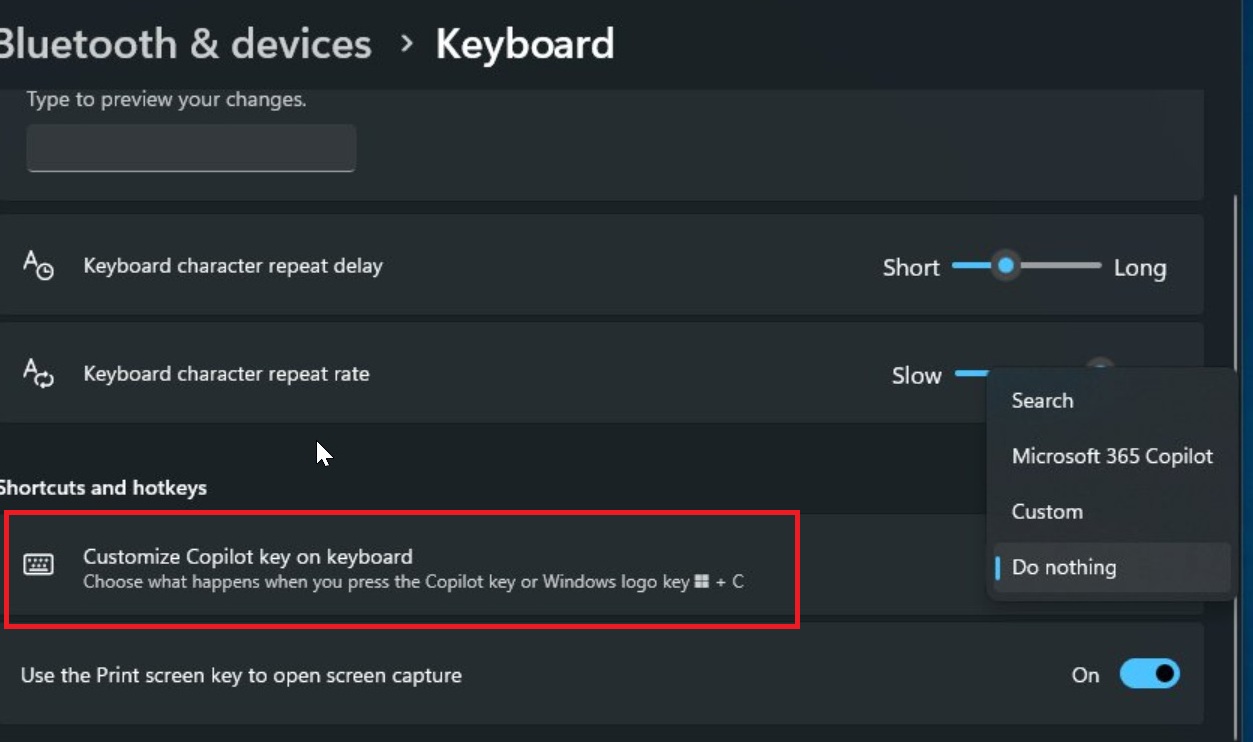
This is basically a kill switch for the Copilot key on PCs, and the next thing you may want to do is place a sticker over it.
It’s unclear when the feature will begin rolling out to the public, but I’m expecting it within the next few weeks rather than toward the end of the year. That’s largely because Microsoft promised it’ll give you greater control over the Copilot key sooner rather than later.
Microsoft says the Copilot key has created new challenges for some users, and it’s listening to feedback
In a document published a few months ago, Microsoft said many users relied on the Right Ctrl key or Context menu key, particularly those who prefer keyboard shortcuts for their daily tasks and those who depend on screen readers or other assistive technologies.
Microsoft also admitted that the new Copilot key challenged those use cases, but that doesn’t mean it’ll stop shipping PCs with the key.
“Customers who rely on the Right Ctrl key or Context menu key for keyboard shortcuts or assistive technologies (such as screen readers) experienced some challenges to their workflows when using these devices,” Microsoft noted in a document.
Microsoft also confirmed that you’ll be able to customize the Copilot key in Settings > Bluetooth & devices > Keyboard.
Originally, the plan was to add only two options: remap it to the Right Ctrl key or the Context menu key. It turns out the company ultimately decided that there should be a third option, “Do nothing,” which explains why we’re now seeing references to it in preview builds.
What you should know before remapping the Copilot key
Microsoft warns that if you remap the Copilot key to Right Ctrl, some keyboard shortcuts that use the physical Left Shift key together with the Right Ctrl key might not work consistently on all keyboards.
If you run into issues, Microsoft recommends using the physical Right Shift key for those shortcuts.
Microsoft is hopeful that these changes will improve consistency and accessibility across Windows PCs.
“Microsoft continues to work toward consistent and accessible experiences across Windows devices while minimizing disruption to productivity and accessibility workflows,” the company noted.
The post Microsoft accepts defeat on the Windows 11 Copilot key with a “Do nothing” switch, but PCs still ship with it appeared first on Windows Latest