
Windows never had a consistent design language. It’s largely due to how it’s built, but also because Microsoft doesn’t really stick to one idea or even a framework. However, things might soon get better, as Microsoft confirmed it’s going after every design element in the OS, including the “Installing Windows 11” screen, which rarely appears.
If you can’t recall the “Installing Windows 11” screen, take a look at the screenshot below.

The above “Installing Windows 11” screen appears only when you try to reinstall the operating system using the Media Creation Tool or setup.exe found in an ISO file. Now, the interface isn’t necessarily bad, and it’s actually a non-issue, but it’s one of the UIs that doesn’t align with Windows 11’s overall design direction.
Microsoft has already confirmed that it’s focused on the design aspect of Windows 11 and is going after all UI elements. But you wouldn’t expect the company to address less-used UI surfaces like the “Installing Windows 11” screen, right? Well, to my surprise, Microsoft’s design director says the company also has plans to redesign the Windows installation screen.
“This screen is on our craft list. It’s very rarely seen, so we’ve prioritized other UI craft projects above it, but we’ll get there,” March wrote in a post on X.
It might not sound like a big deal, but it’s actually a very interesting move. Microsoft has never truly cared about the design of core components, let alone less-used UI surfaces like the “Installing Windows 11” screen.
The approach appears to have changed, and we’re finally going to see some real work on the design, including for lesser-known features.
Windows 11 still has a lot of legacy UI features
Windows 11’s design has definitely gotten better over time, but you can still run into legacy components. For example, you can come across a Windows 8-era interface on the lock screen or inside Windows Settings. In fact, you might also end up in a Windows 3.1-era dialog if you use Control Panel.
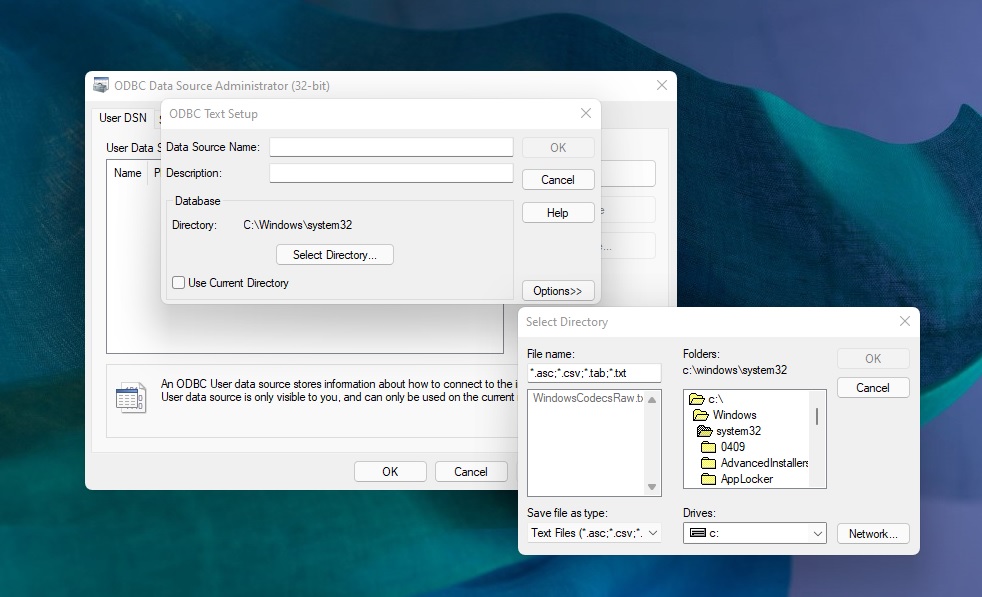
Of course, the biggest problem is that most of the advanced features depend on Control Panel and legacy dialogs, so until Microsoft figures out a plan to ditch Control Panel, we’re not really moving forward.
Microsoft previously confirmed that it’s looking into fixing various design elements of Windows Settings before removing Control Panel. Also, it’s not just about the design, but also the user experience. It takes fewer clicks in Control Panel to perform the same task as Windows Settings, and Microsoft is aware of the problem.
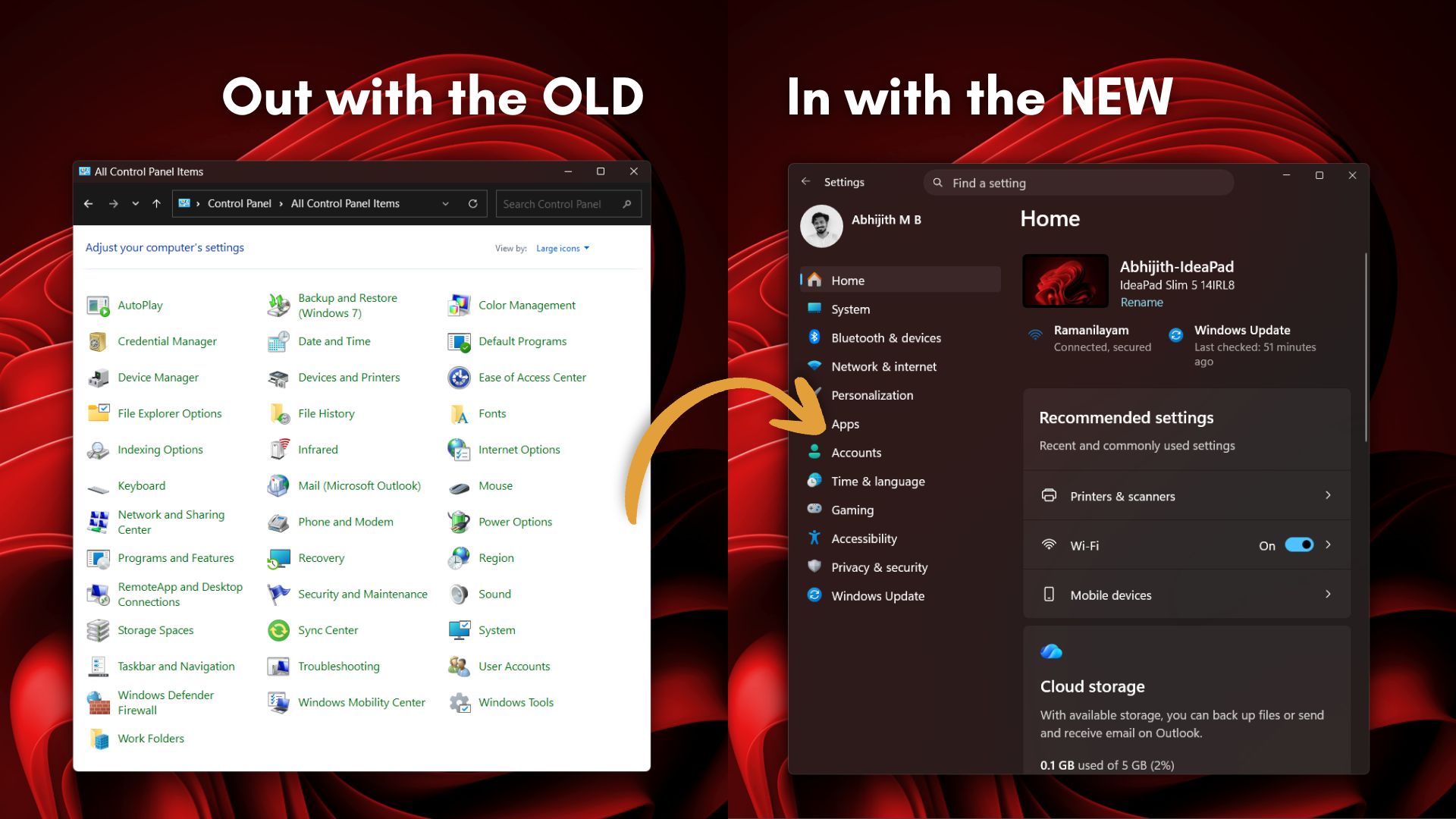
Another issue is that Microsoft can’t upset power users by removing Control Panel when Settings is not in the best shape.
For example, the Control Panel includes many network and printer drivers and settings that haven’t been migrated to Windows Settings yet. This is because Microsoft is being careful, as it fears the migration process could break multiple features and disrupt the experience for power users, especially enterprises or developers using old endpoints.
“We’re doing it carefully because there are a lot of different network and printer devices & drivers we need to make sure we don’t break in the process,” says the Microsoft Design lead.
Either way, I’m hopeful that Microsoft can turn things around and finally bring a more consistent design to Windows 11. What do you want Microsoft to fix in Windows 11 UI? Let me know in the comments below, and we’ll forward it to Microsoft.
The post Microsoft is going after every part of Windows 11’s legacy UI in major design update appeared first on Windows Latest