
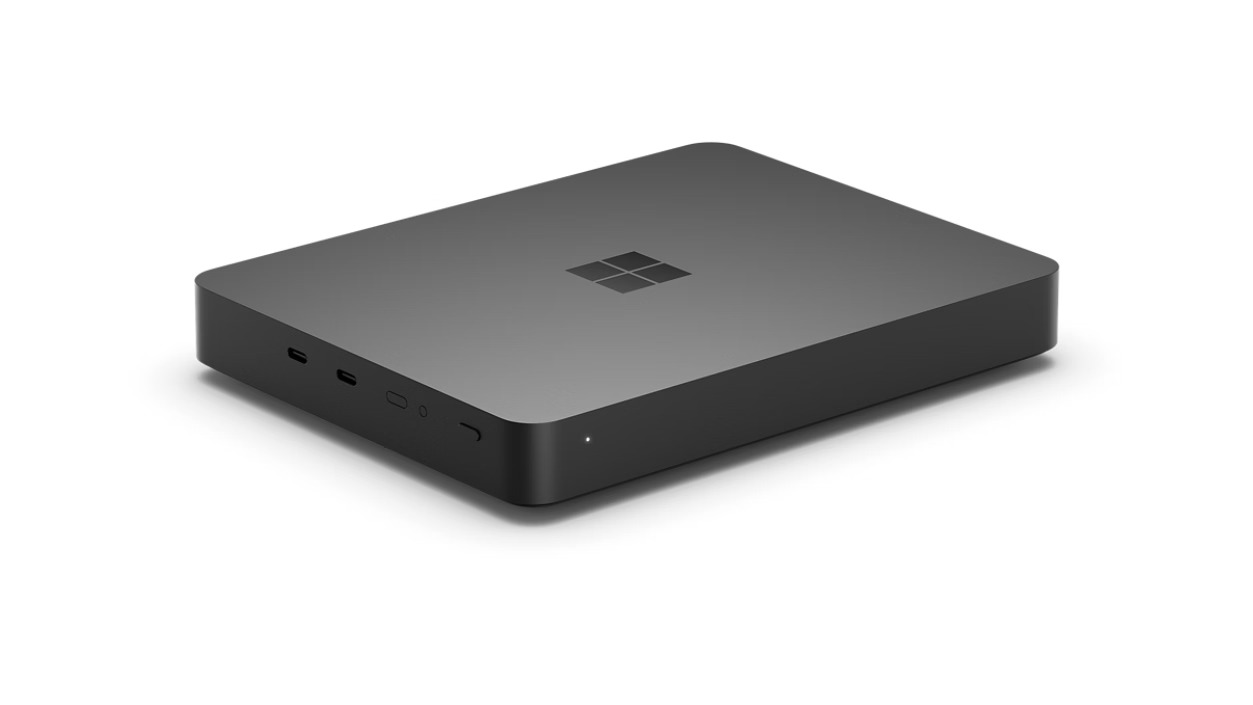
Microsoft just announced the Surface RTX Spark Dev Box at Build 2026, and for the first time in years, a Surface device made me stop scrolling my X feed for all the Build 2026 news and stare at the quirky design.
The compact AI-focused desktop is designed for developers building local AI workloads, fine-tuning models, running agentic workflows, and experimenting with on-device inference without constantly depending on cloud compute. Microsoft says the system delivers up to one petaflop of AI compute using NVIDIA’s RTX Spark superchip with 128GB of unified memory.
But the specifications aren’t what intrigues me.
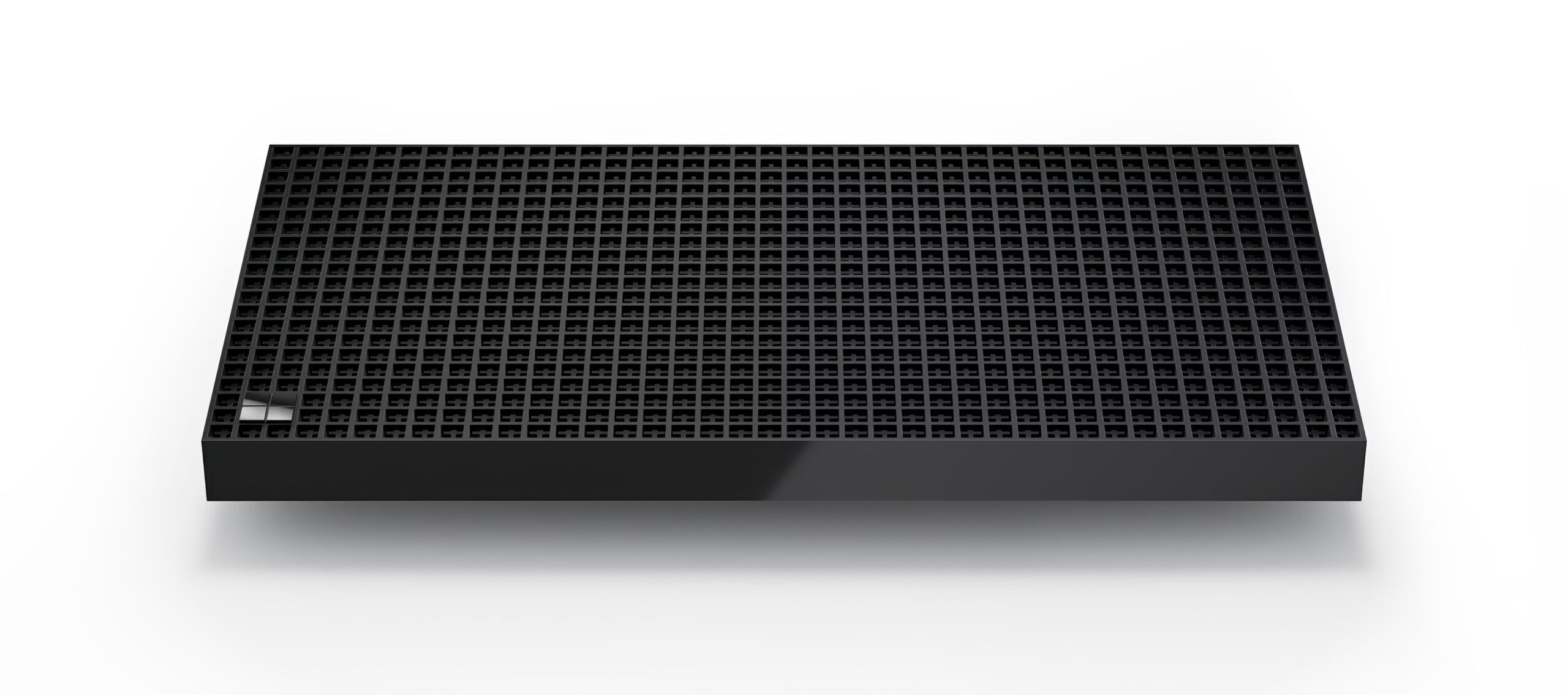
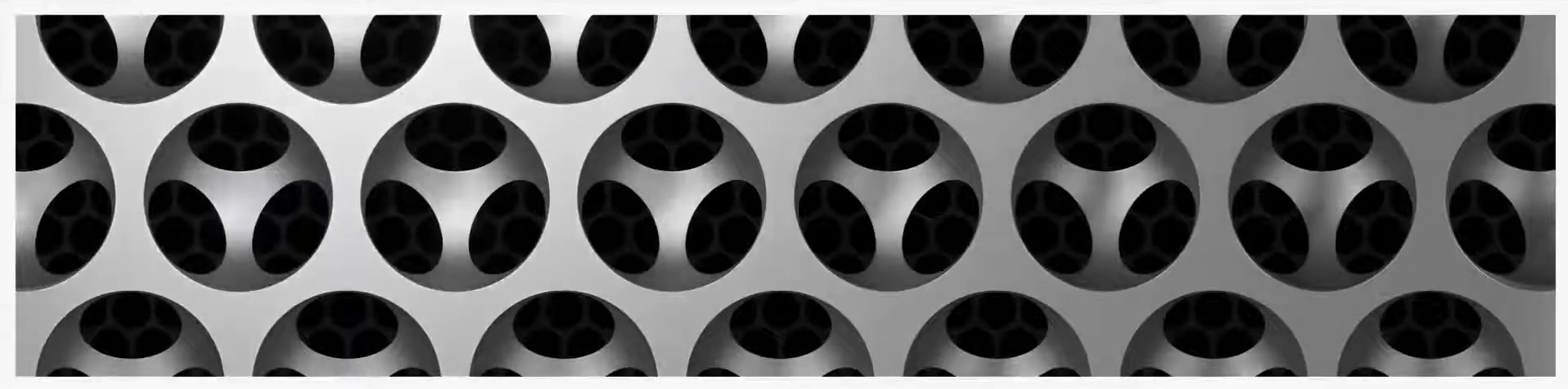
The Surface RTX Spark Dev Box looks bizarre in the best possible way. Microsoft built the machine using a monolithic aluminum chassis covered in roughly 1,000 ventilation holes, which functions as both the thermal system and the visual identity of the product. Microsoft references the “1,000 teraflops” of compute performance as the inspiration behind the number of holes in the industrial grille design.
And yes, it absolutely reminds me of Apple’s infamous “cheese grater” Mac Pro design from 2019. Except here, the holes actually feel more purposeful because this thing genuinely needs cooling for sustained AI workloads.
Surface has been missing this kind of hardware personality for a long time.
After Panos Panay left Microsoft, the Surface lineup slowly shifted into making safer, more mainstream hardware. Recent Surface Laptop and Surface Pro generations have been premium and polished, but they are in no way outstanding when compared to other premium Windows PCs from the likes of Dell and Lenovo. Sadly, Surface stopped feeling experimental.
But I’m delighted to see the Surface RTX Spark Dev Box change that notion.
Of course, the performance claims need to be treated carefully until real-world benchmarks arrive. However, seeing Microsoft build something unapologetically niche and visually aggressive feels refreshing.
Specifications of the Surface RTX Spark Dev Box
| Specification | Details |
|---|---|
| Processor (CPU) | NVIDIA Grace CPU (Up to 20 Arm-based cores) |
| Graphics (GPU) | NVIDIA Blackwell RTX GPU (6,144 CUDA cores) |
| System Platform | NVIDIA RTX Spark Superchip |
| Memory (RAM) | 128GB Unified Memory (Dynamically shared between CPU and GPU) |
| AI Compute Performance | Up to 1 Petaflop (Capable of running 120-billion parameter models locally) |
| Thermal & Power | 100W sustained thermal envelope |
| Chassis & Cooling | Compact aluminum housing acting as a heatsink with a ~1,000-hole ventilation grille |
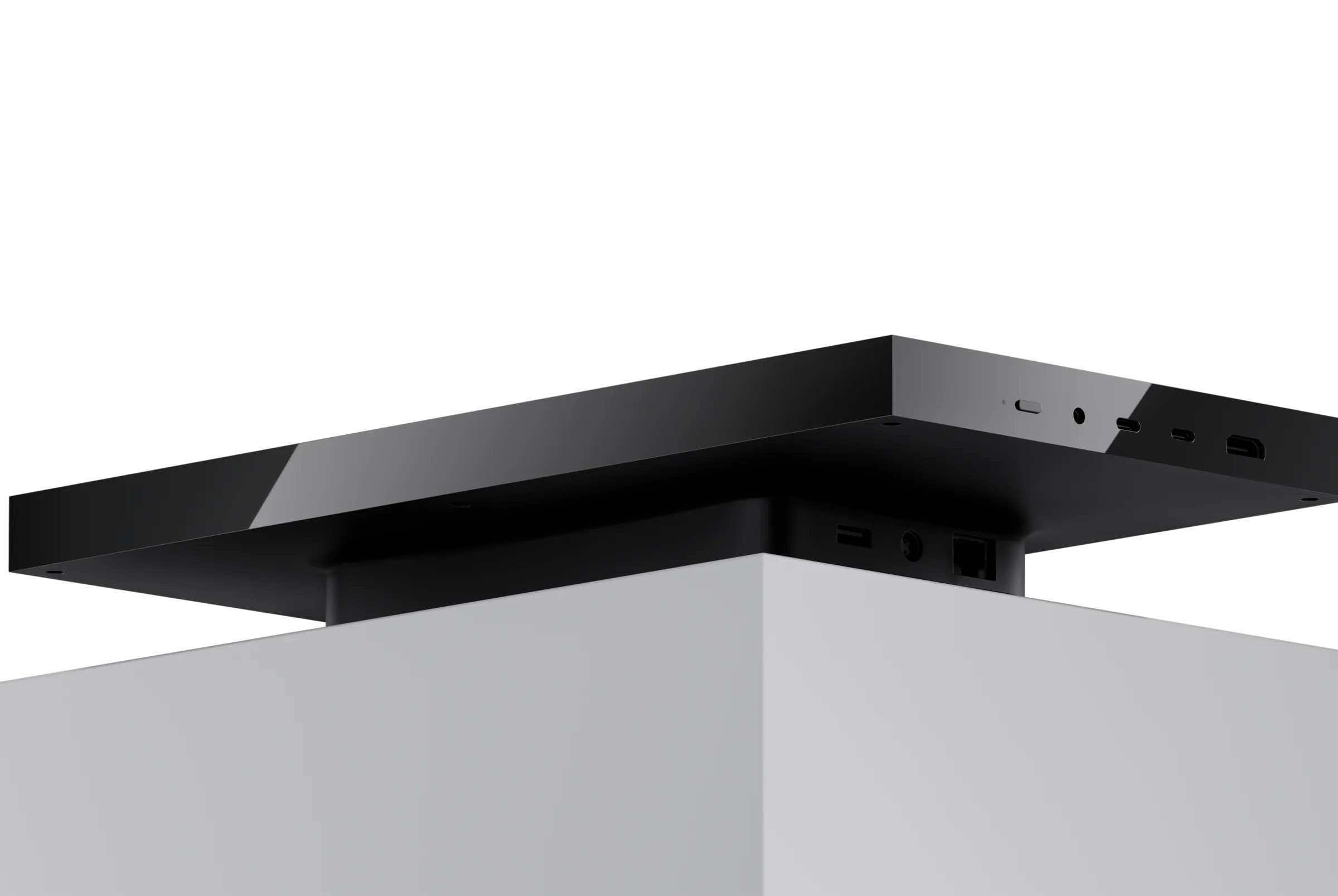
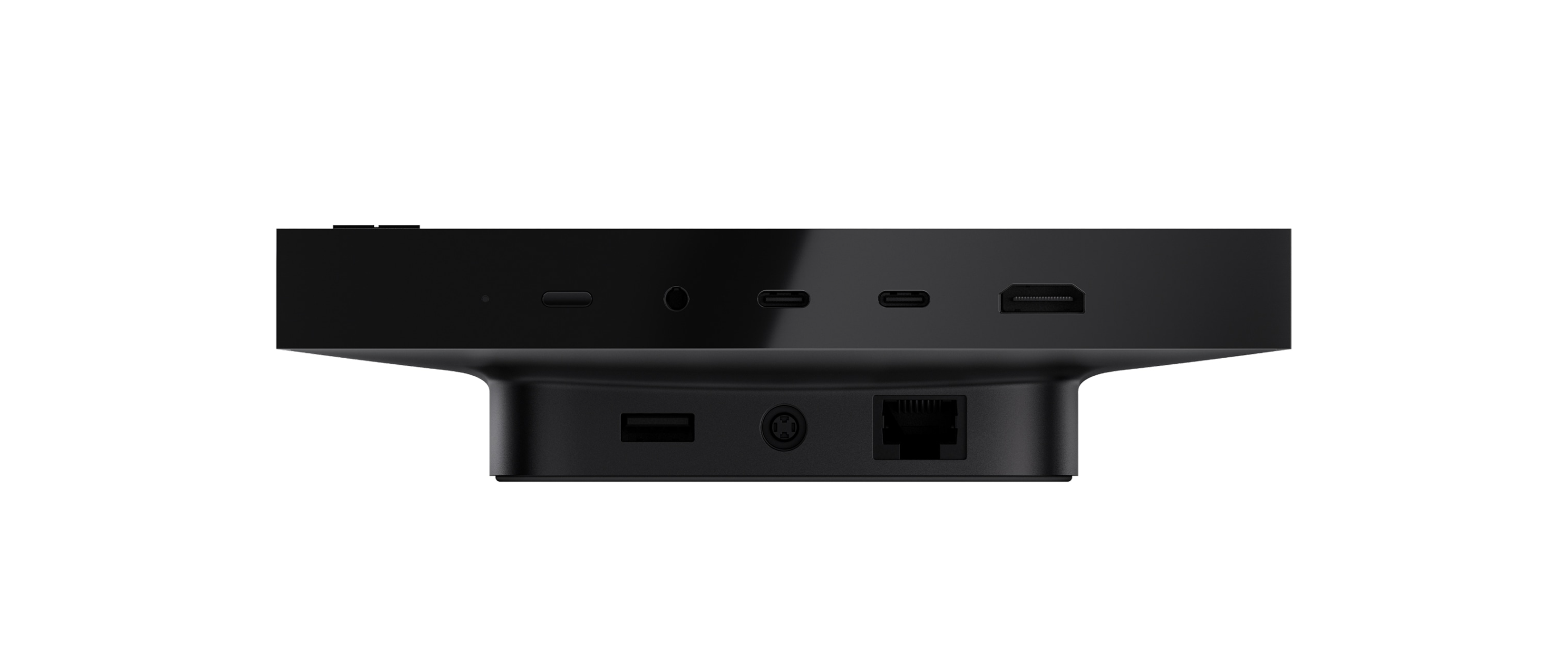
| Ports & Connectivity | 2x USB Type-C, 2x USB Type-A, 1x HDMI, 1x Ethernet (RJ45), 1x 3.5mm headphone jack |
| Operating System | Windows 11 Pro (Developer-optimized image) |
| Pre-configured Software | Visual Studio Code, GitHub Copilot, WSL 2, PowerShell 7, Git, Python, Node.js, native CUDA support |
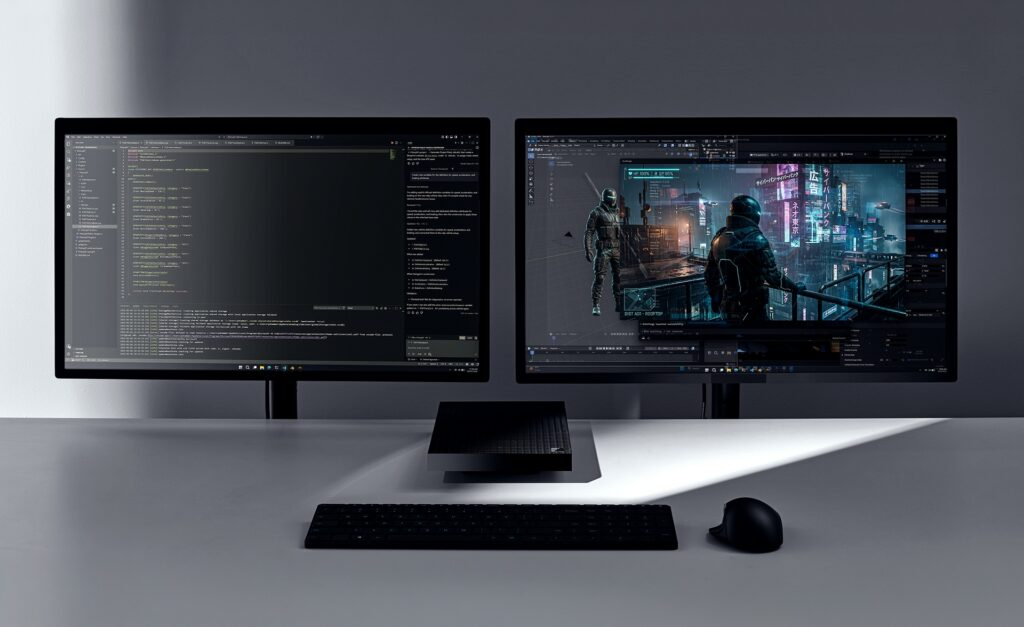
Surface RTX Spark Dev Box is built entirely around local AI development
Microsoft says the new Dev Box ships with a developer-optimized version of Windows 11 Pro configured specifically for AI workloads.
According to the official Surface documentation, developers will be able to start coding “on day one” because Microsoft preconfigures the system with Visual Studio Code, GitHub Copilot in Windows Terminal, WSL, PowerShell 7, Git, Python, Node.js, GPU passthrough, CUDA support, and multiple developer-focused settings already enabled.
Even Windows 11 is modified around developer workflows.
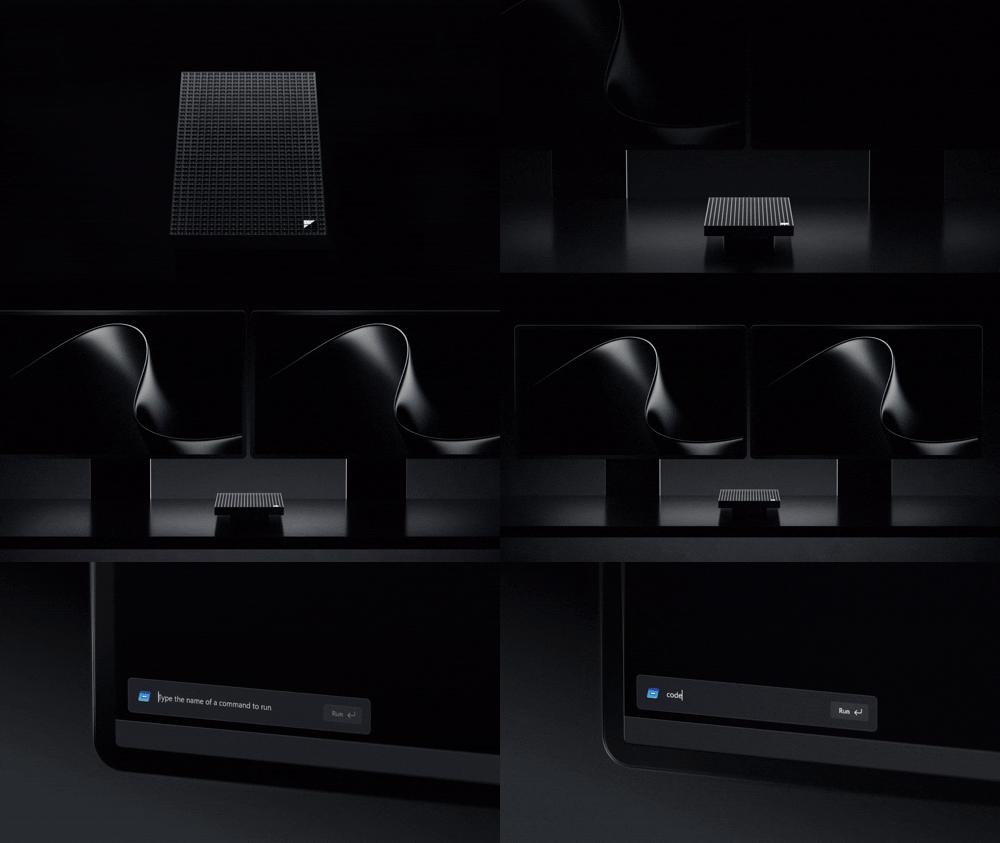
Dark mode is enabled by default. Widgets are removed. Do Not Disturb is enabled. PowerShell 7 becomes the default shell. Microsoft says the entire idea is to eliminate the hurdles of setting up so developers can begin working immediately after first sign-in.
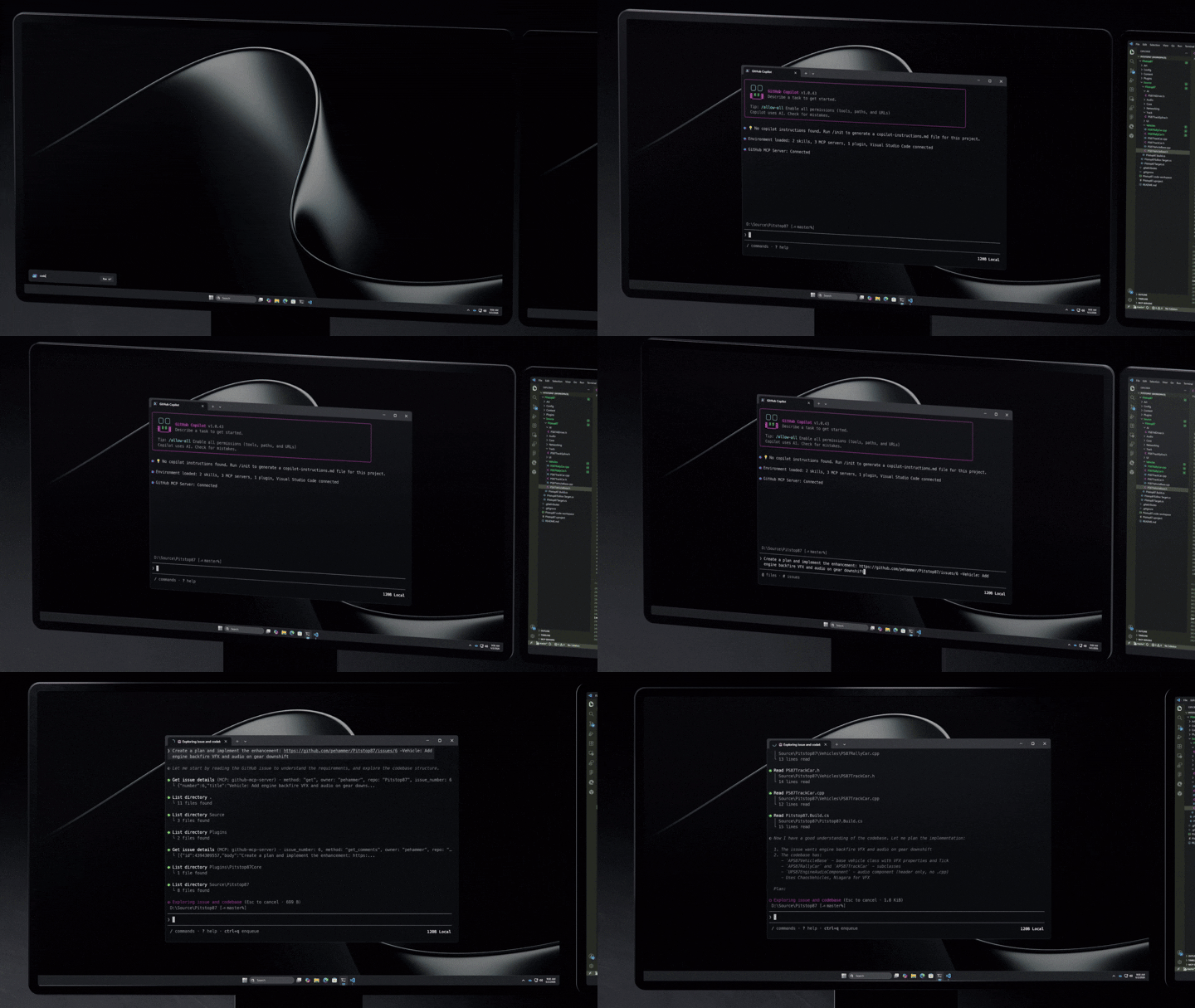
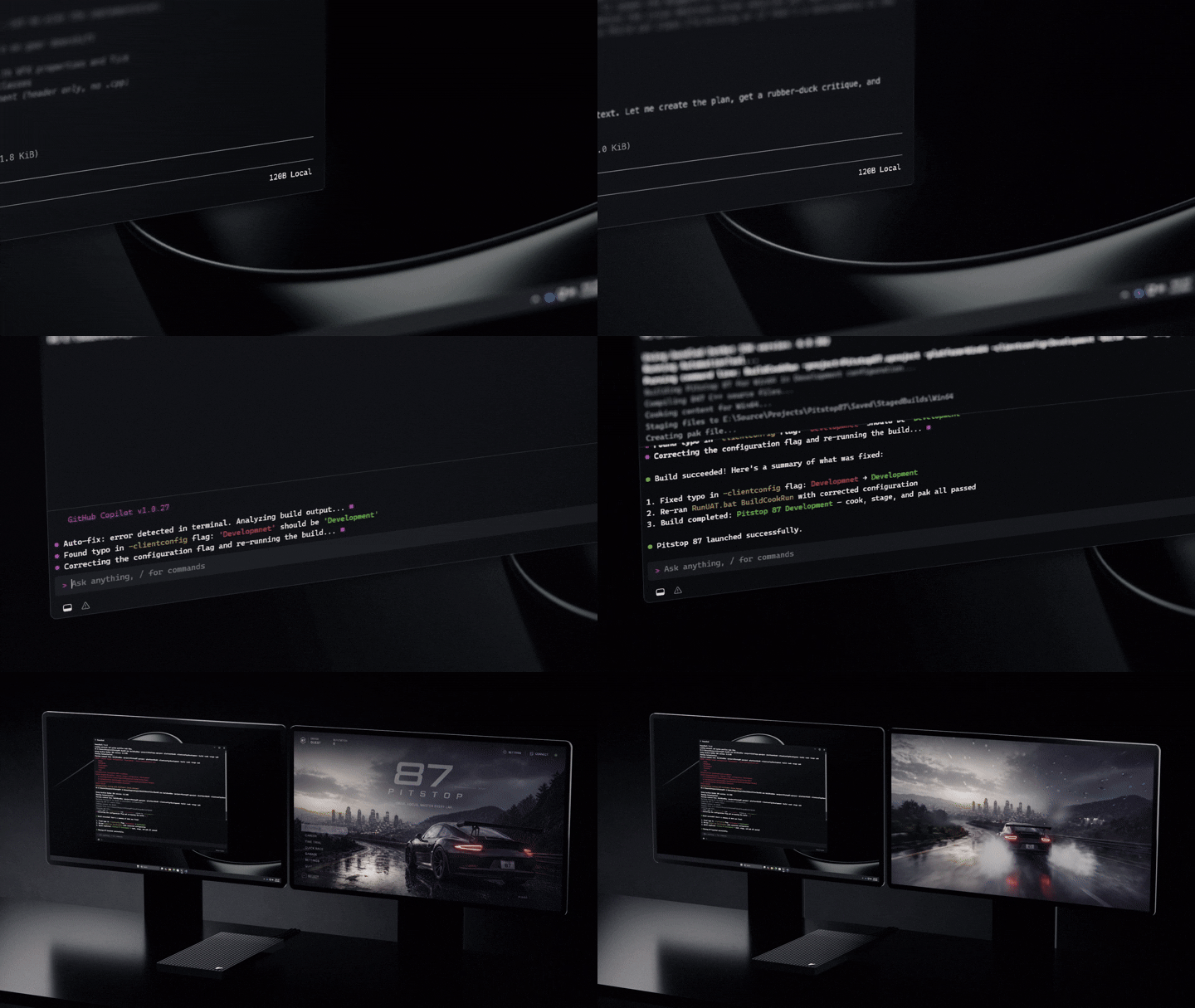
Most AI developers today spend hours configuring environments, debugging dependencies, fixing paths in Python, setting up CUDA drivers, installing WSL packages, and dealing with all the headaches in the container before even touching a model.
Microsoft appears to be trying to turn Windows into a ready-made AI workstation instead of just an operating system.
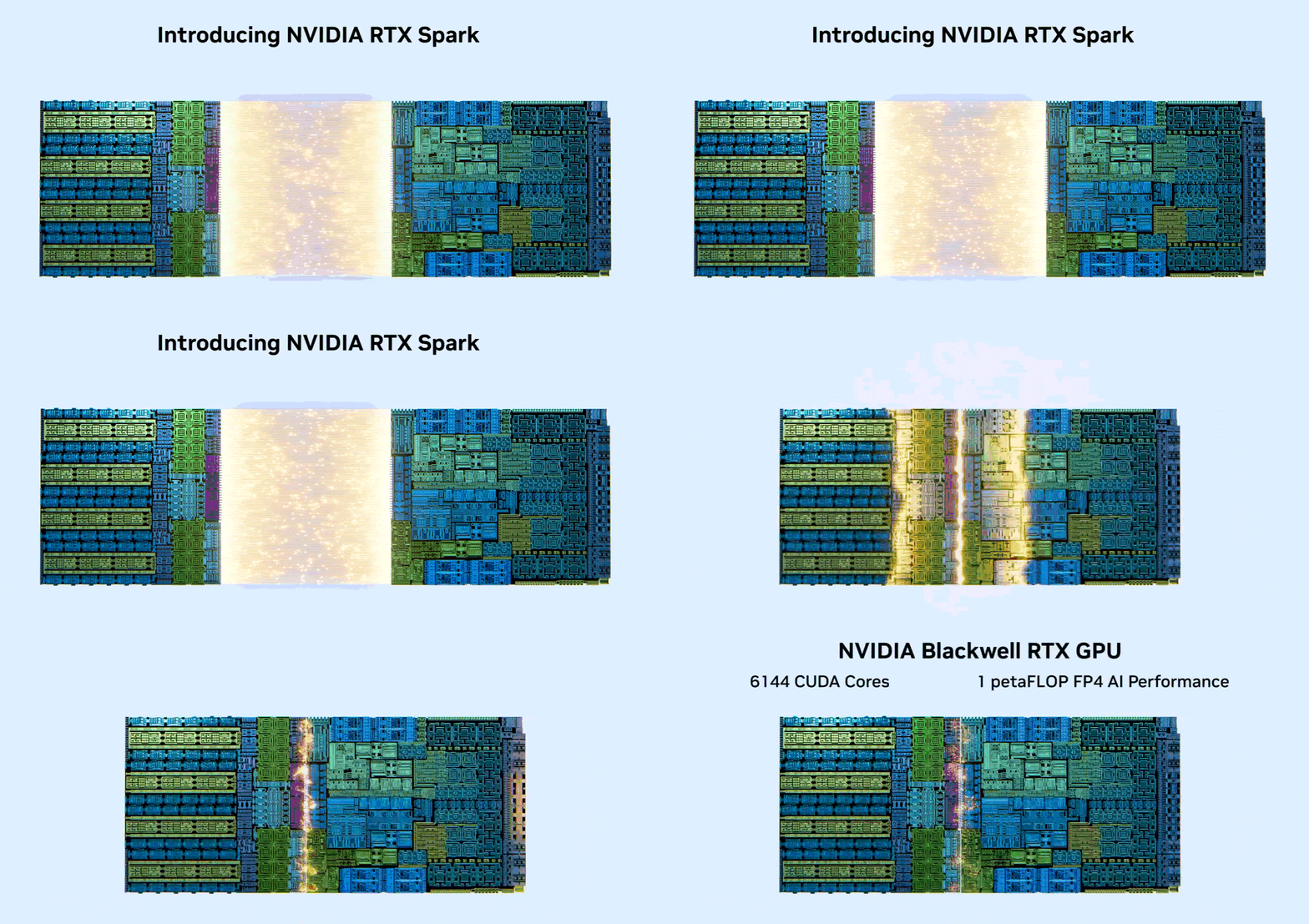
At the center of the system is NVIDIA’s RTX Spark superchip, combining a Grace CPU and Blackwell RTX GPU into one package. Microsoft claims the machine can run AI models with over 120 billion parameters locally using up to 128GB of unified memory. The company also says the system supports local inference with one million token context windows and enough sustained compute to fine-tune models that previously required expensive cloud GPU instances.
Again, all of that sounds incredibly ambitious. No independent performance numbers exist yet, and people should absolutely remember what happened with Microsoft’s earlier Snapdragon-powered Windows Dev Kit 2023.
Microsoft heavily promoted the Qualcomm developer system before quietly cancelling it later. Surface RTX Spark Dev Box is still awaiting FCC approval, too, so some caution is warranted here.
Still, from a design and positioning standpoint, Microsoft clearly understands where AI development is heading. Cloud AI costs are becoming absurdly expensive. Developers are looking for hybrid workflows where smaller models, inference tasks, and experimentation happen locally while larger workloads move to the cloud only when necessary.
Microsoft repeatedly used the phrase “unmetered intelligence” during Build 2026. The idea is that local AI compute reduces token costs, lowers cloud dependency, and allows developers to iterate faster. The Dev Box looks like a product designed by people who understand those workflows.
The duality between the Surface RTX Spark Dev Box and the Surface Laptop Ultra
The Surface Laptop Ultra looks fantastic. In many ways, it feels like Microsoft’s answer to the MacBook Pro, and while the inspiration is obvious, I honestly think Microsoft’s version looks cleaner and more refined. The hardware design is premium, modern, and distinctly Surface, even if it still follows the familiar high-end MacBook-ish formula.
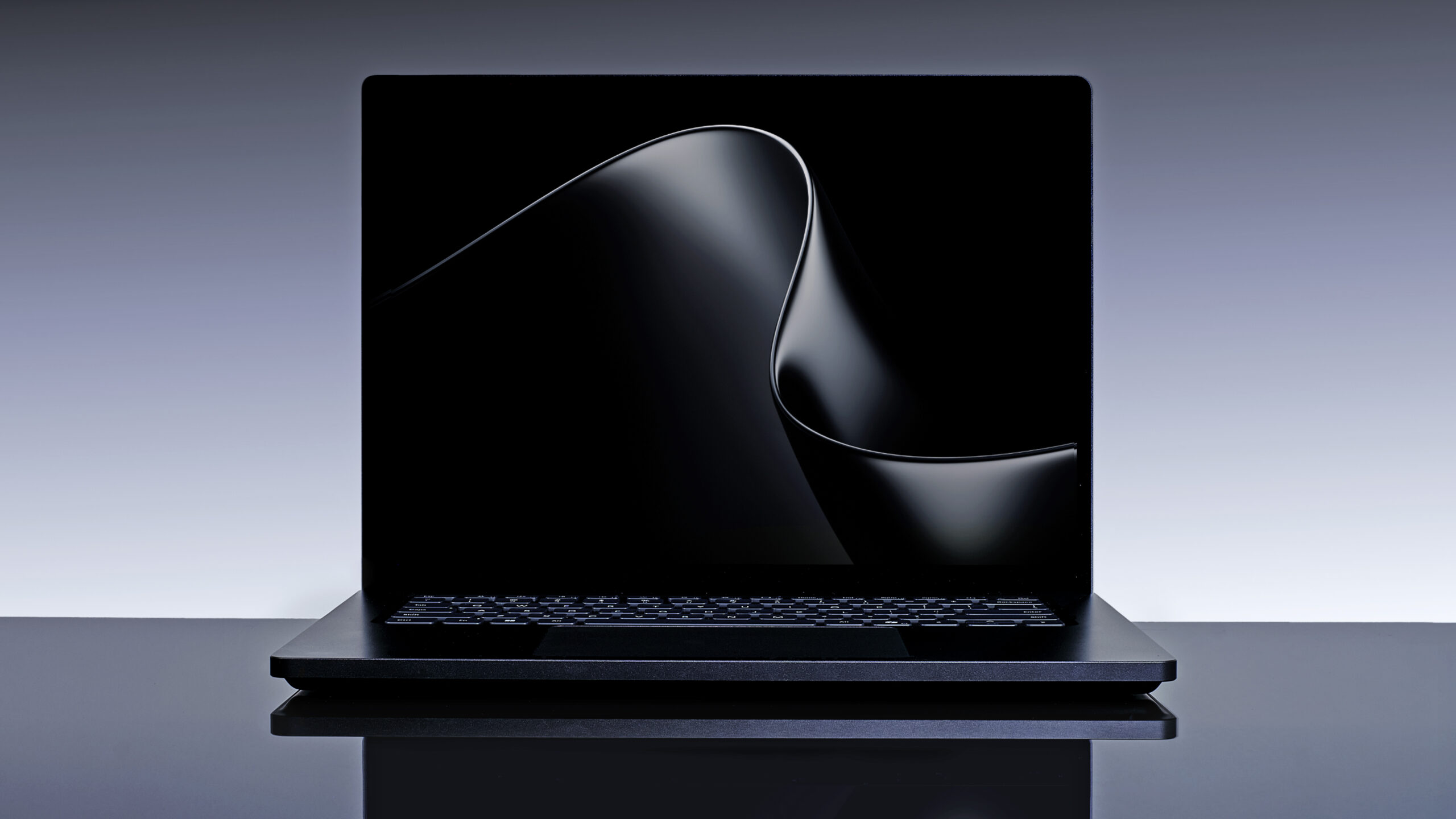
But then you look at the RTX Spark Dev Box, and it feels like it came from an entirely different era of Microsoft hardware design philosophy.
One product is polished, mainstream, and commercially safe. The other is aggressively niche, covered in ventilation holes, and unapologetically weird, which is understandable as it is positioned for devs.
But while the Surface Laptop Ultra may be the more practical product, the Dev Box is the one that reminds me of the era when Surface hardware constantly experimented with unusual ideas, strange form factors, and ambitious industrial design.
That’s the version of Surface I’ve missed the most.
The best-designed Surface devices showed Microsoft at its most ambitious
Microsoft built the Surface brand around hardware experiments that were years ahead of the rest of the PC industry. Some products succeeded commercially, while others struggled because Windows or Intel hardware was not fully ready for the ideas Microsoft wanted to push.
Even so, it’s the designs and the ideas from the Surface line that made the PC industry interesting as opposed to the mainstream Windows PC and MacBook Pros that have grown to be boring with every passing year. A Surface inspires you to do greater things, at least, that’s what I felt years ago.
Surface Pro (2013)
Back in 2013, the original Surface Pro completely changed how I thought about Windows hardware. A full PC inside a tablet with a kickstand and detachable keyboard sounded impractical at the time, yet Microsoft somehow made the concept feel usable for everyday work.
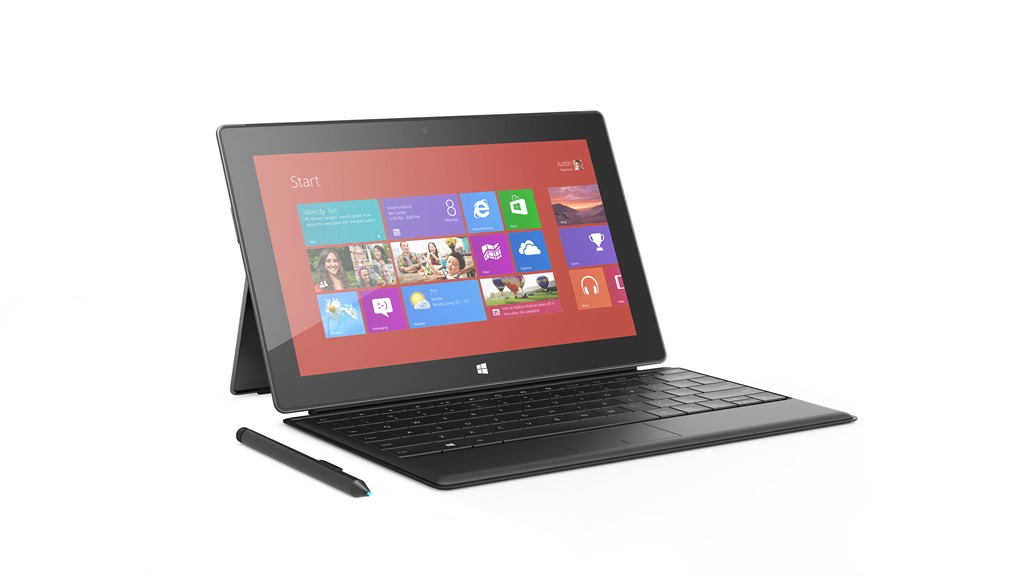
The integrated kickstand became one of the defining Surface design elements, and nearly every Windows tablet manufacturer eventually copied some version of it.
Surface Pro X (2019)
Surface Pro X pushed the Surface aesthetic even further with ultra-thin bezels, ARM hardware, LTE connectivity, and magnetic Slim Pen storage built directly into the keyboard. The device looked futuristic long before Windows on ARM matured enough to support the experience properly.
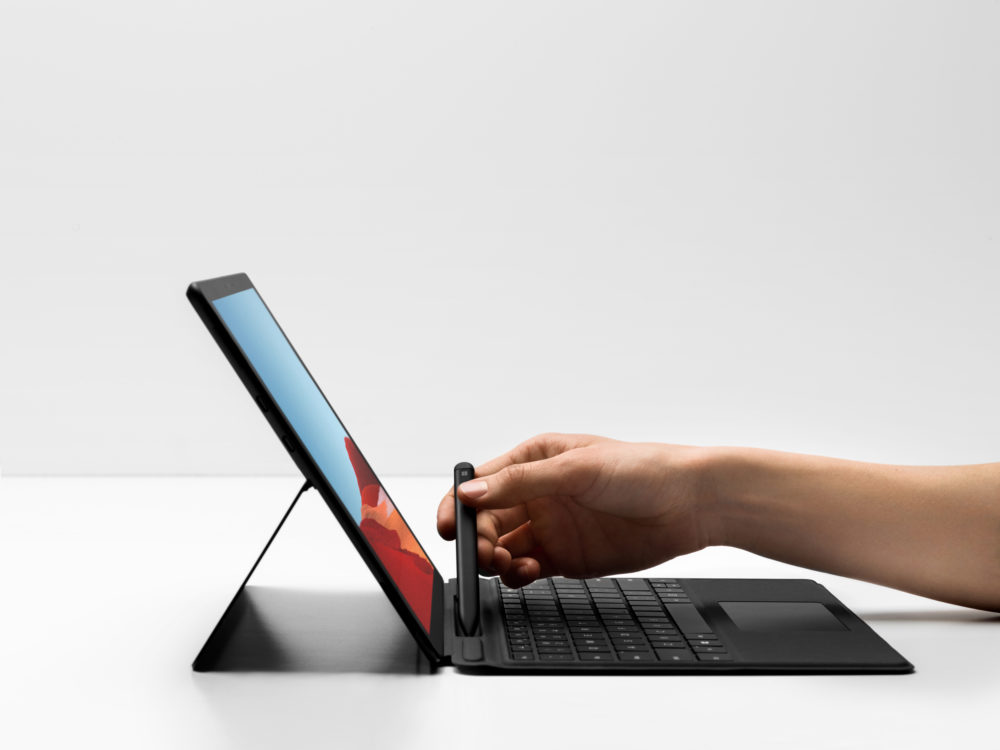
Even today, Surface Pro X still looks more modern than many current Windows laptops.
Surface Laptop (2017)
The original Surface Laptop deserves far more credit than it usually receives. Alcantara keyboards sounded like a terrible idea on paper, but the device looked clean and premium compared to the endless wave of generic aluminum laptops available at the time (even MacBooks).

Microsoft managed to make Surface Laptop feel warm and distinctive instead of cold and industrial.
Surface Laptop Go (2020)
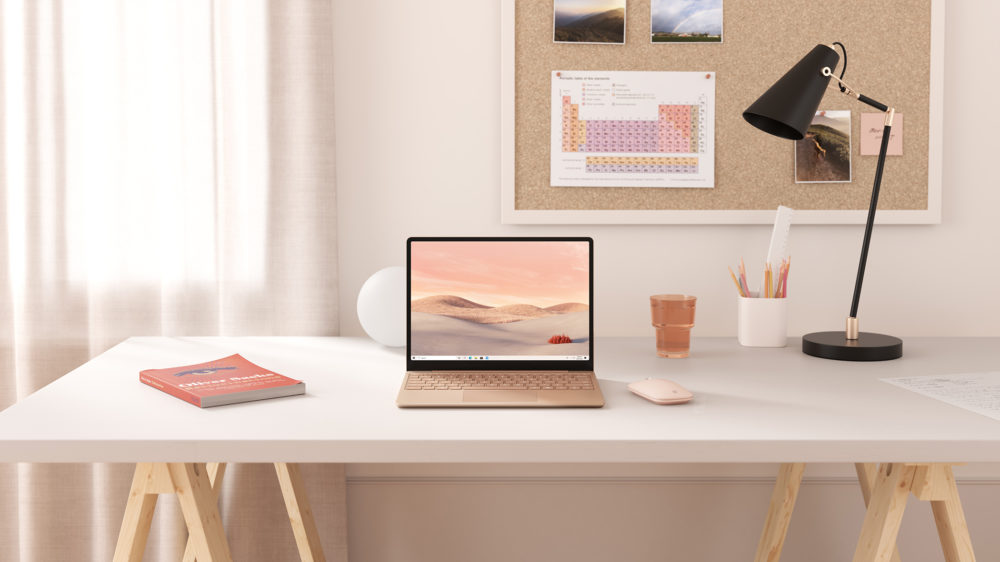
Surface Laptop Go took that same design language and compressed it into a smaller, more affordable machine. Compact premium laptops barely existed in the Windows ecosystem back then, and Microsoft somehow made an entry-level Surface device feel desirable (just like what the MacBook Neo did 6 years later).
Surface Book (2015)
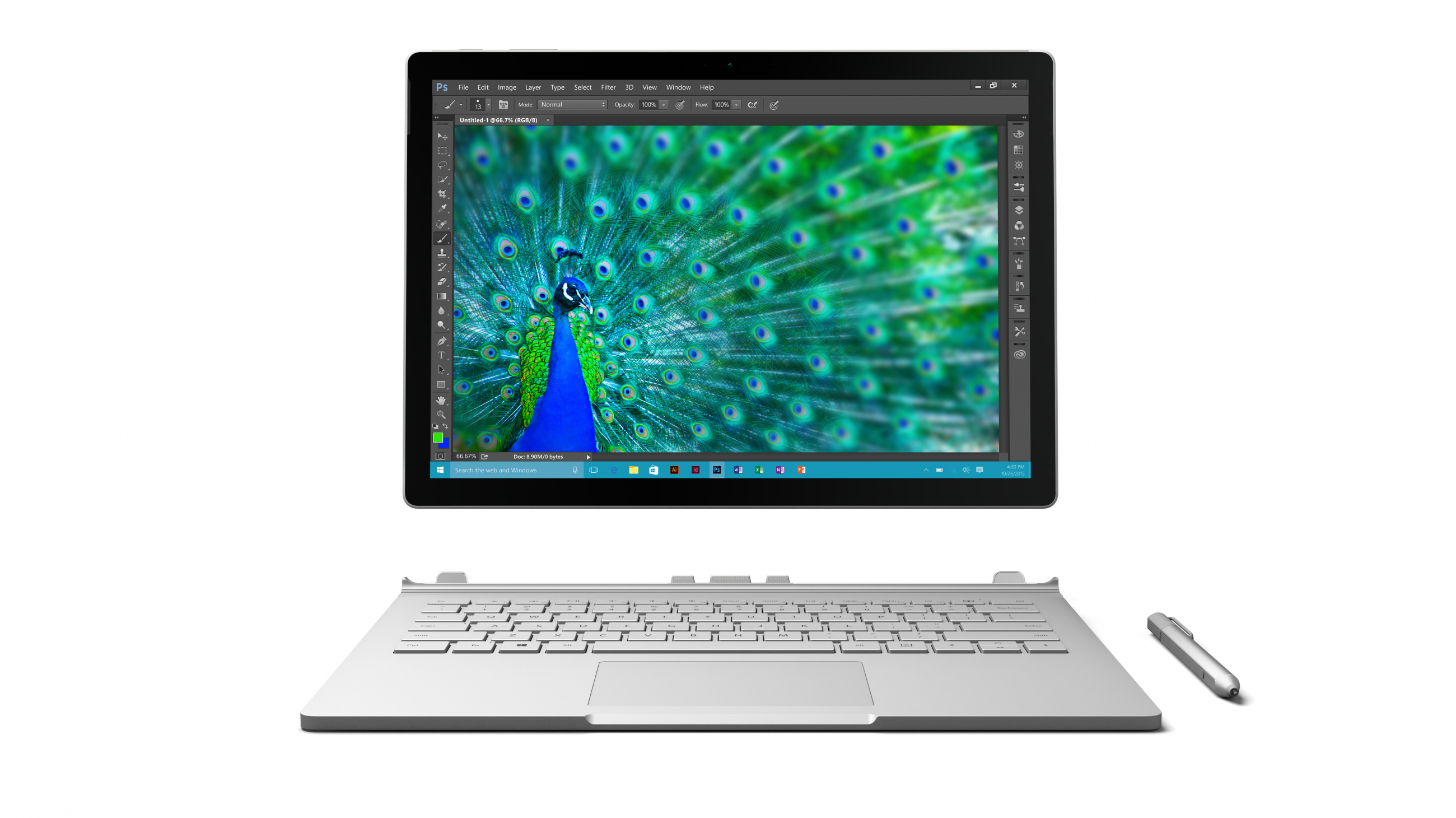
Surface Book is one of the wildest laptop designs Microsoft has ever shipped.
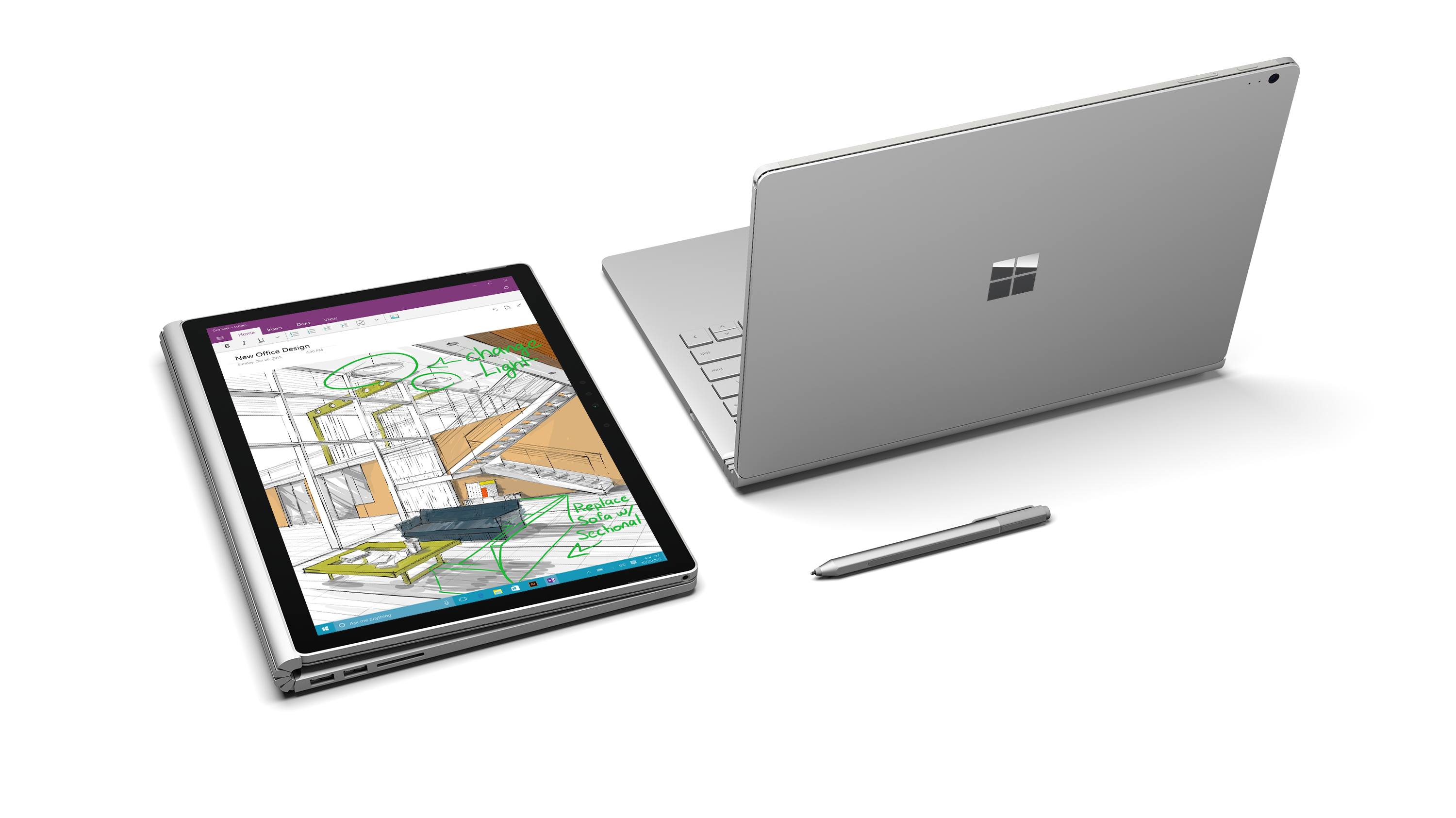
The fulcrum hinge looked unlike anything else on the market, while the detachable display transformed into a standalone tablet with the GPU housed inside the keyboard base. Closing the laptop left a visible gap between the display and keyboard, which admittedly looked strange, but the engineering ambition behind the product was impossible to ignore.
Surface Laptop Studio (2021)
Surface Laptop Studio carried that same experimental energy forward with its floating pull-forward display mechanism. The screen could transition between laptop, stage, and tablet modes in a way that still feels unique today. I still remember how my eyes glimmered when I watched Panos Panay’s legendary presentation on my normal laptop, wishing to buy it in a couple of years, but it never received an update!
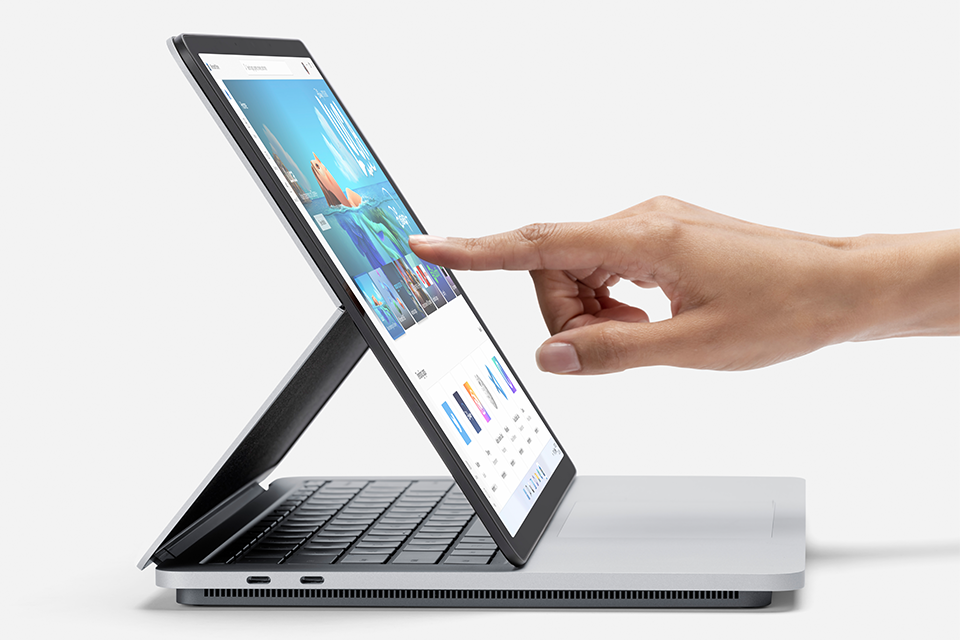
I haven’t ever gotten a similar feeling since then, and I watch keynotes of all major device launches. Microsoft clearly wanted to rethink how creative professionals interacted with Windows hardware instead of simply building another premium notebook.
Surface Studio (2016)
Surface Studio remains my favorite Surface product Microsoft has ever created.
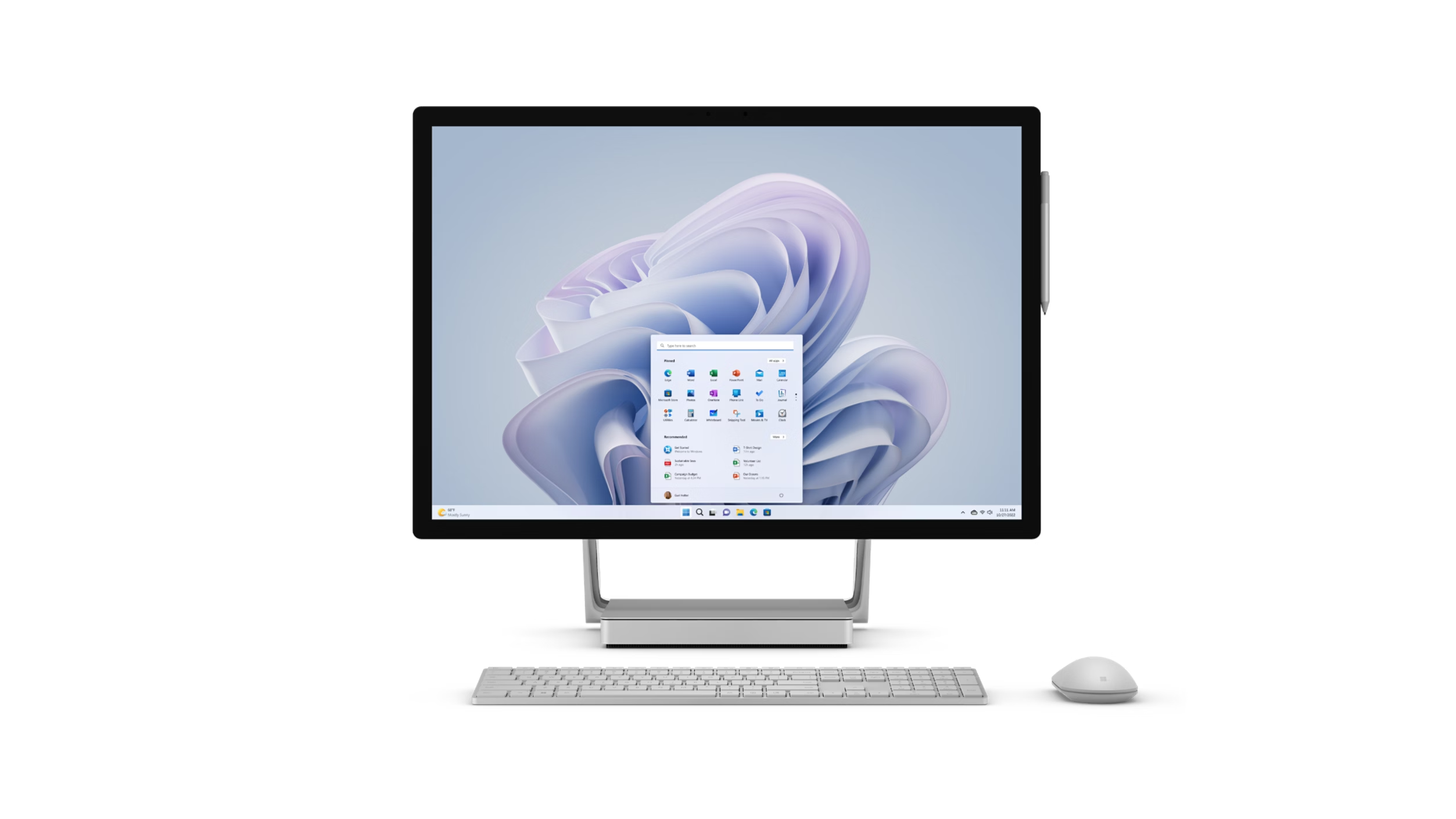
The introduction video alone still stands out years later because Microsoft transformed a giant all-in-one PC into a drafting table using a gravity-defying hinge system. Combined with Surface Dial support, the entire experience felt completely different from anything Apple or other PC makers were attempting at the time (and even now).
Microsoft should seriously consider reviving Surface Studio using RTX Spark hardware because architects, designers, creators, and AI developers would probably love a modern Studio built around local AI compute.
Surface Duo (2020)
Surface Duo deserves recognition because, despite the software problems, the hardware itself was beautiful. I still prefer the dual-screen approach over many modern foldables because Surface Duo felt thin, elegant, and mechanically satisfying in a way most foldables still struggle to achieve.
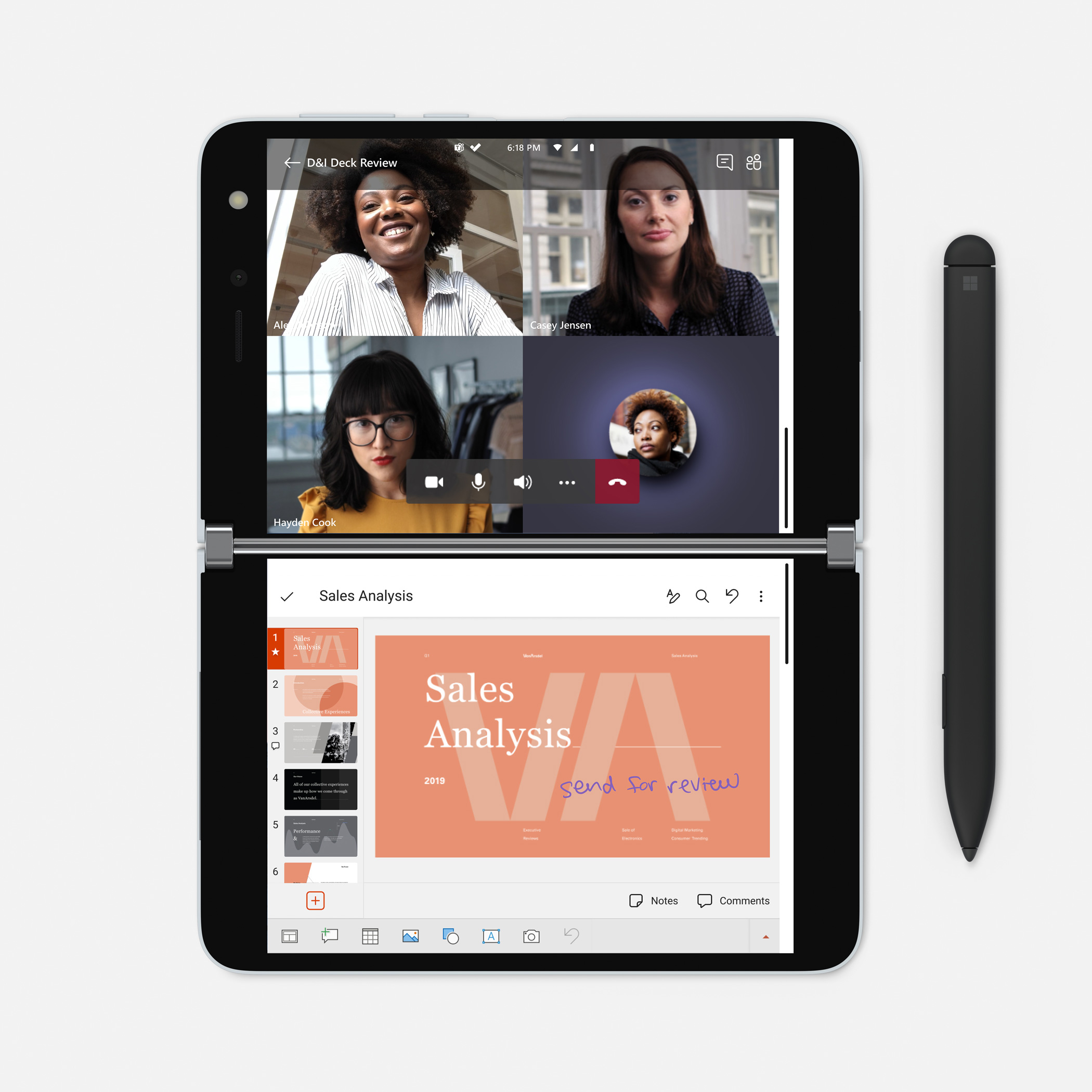
The hinge engineering alone made the device feel special. Also, I feel the original version looked better than the Duo 2.
Surface Neo (2019)
Surface Neo was another Surface product I genuinely wanted to exist. Modern, efficient chips from Qualcomm, Intel Lunar Lake, or Panther Lake could finally make that form factor practical today.
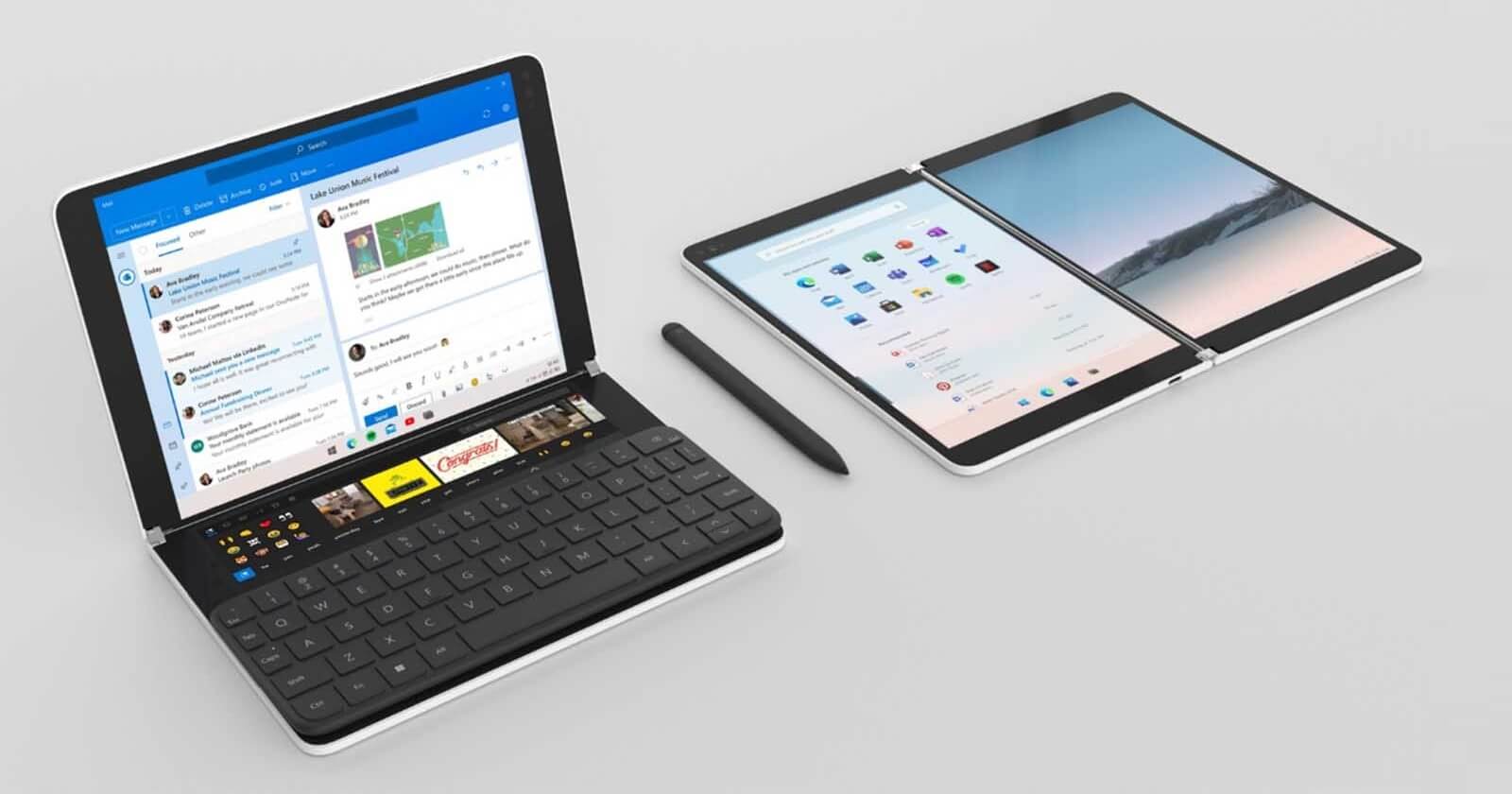
Microsoft may have cancelled Neo too early. Well, now another company has made the “Neo” name ubiquitous.
Surface Hub 2 (2018)
Surface Hub was equally ambitious because giant collaborative displays running Windows always felt incredibly “Microsoft.” The product line represented Microsoft’s vision for workplace collaboration long before hybrid work became mainstream.
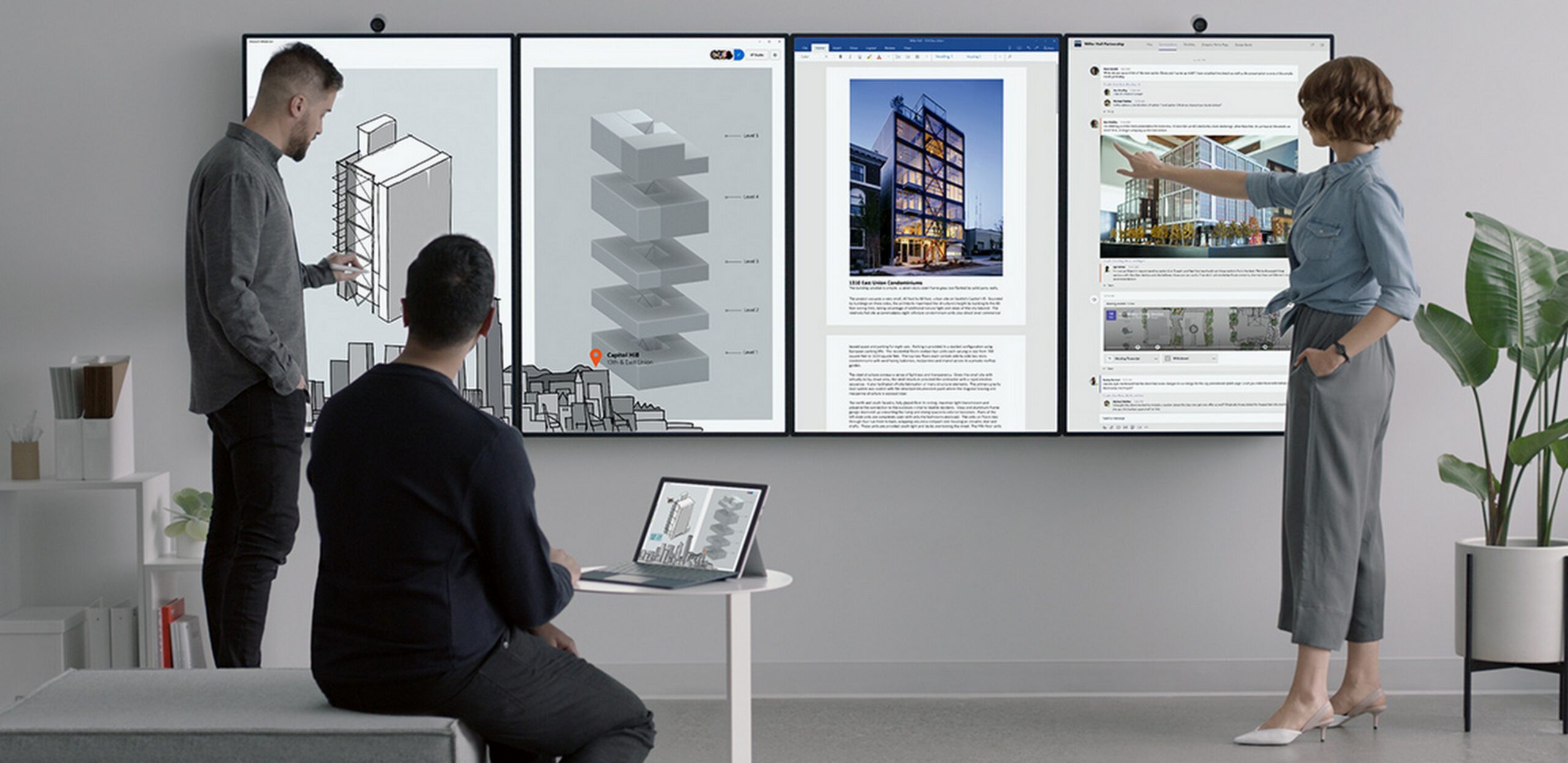
I still think killing Surface Hub was a mistake.
Surface lost its identity for a while
Older Surface devices always tried to reinvent what PCs could look like. Some ideas failed. Some were impractical. Some launched before Windows itself was ready for the hardware.
But at least Microsoft was trying.
Windows and Intel processors were usually the limiting factors. Battery life was poor. Performance consistency struggled. Touch-first experiences were okay-ish. Many of those ambitious form factors arrived before the software ecosystem could properly support them.
Ironically, modern ARM chips, better efficiency, stronger GPUs, local AI processing, and Microsoft’s renewed focus on native Windows performance might finally make some of those old Surface ideas viable again.
Surface RTX Spark Dev Box feels like the first sign of Microsoft rediscovering that confidence. And even if the product itself ends up being niche, I hope Microsoft keeps going down this path again. Because boring laptops are everywhere.
The post Microsoft’s new Surface RTX Spark Dev Box is like the cheese grater Mac Pro, and that’s why I love it appeared first on Windows Latest