
In a bid to make Copilot more like a helpful “personal” assistant that knows everything about you, Microsoft gave its AI the ability to sync your passwords, but only if you choose to.
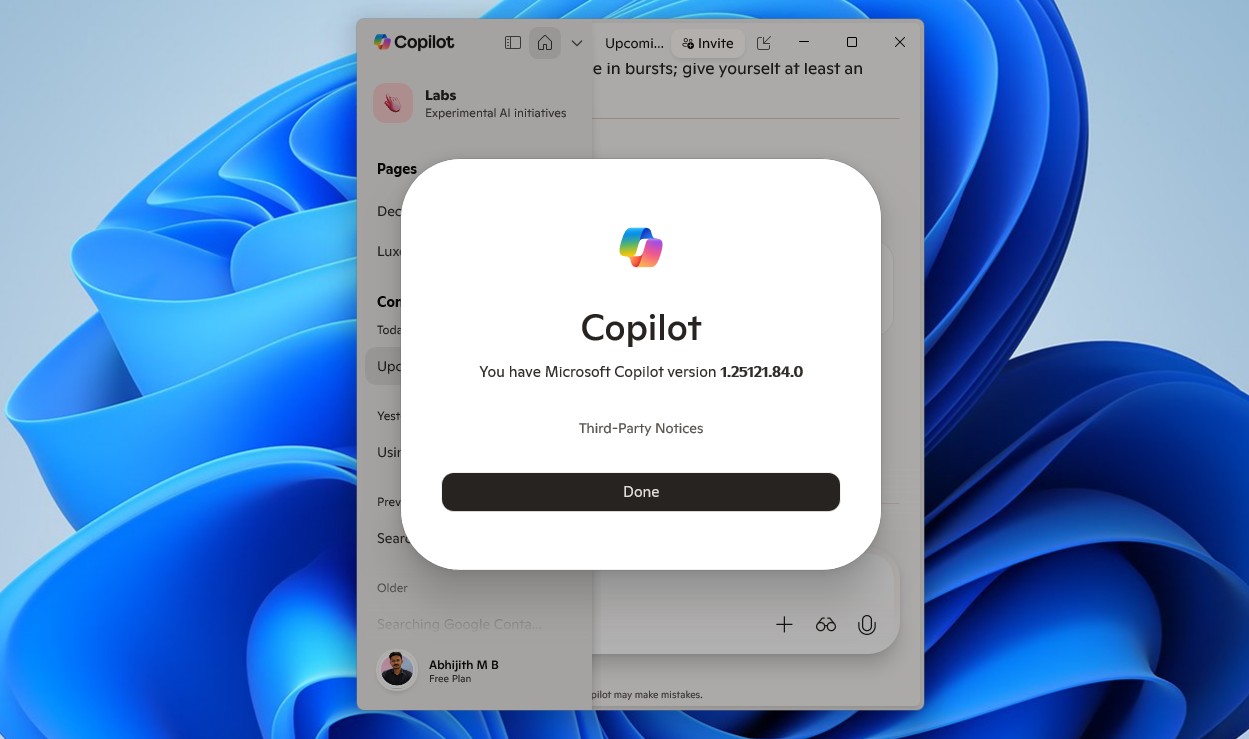
The new update to the Copilot app is currently rolling out gradually to Windows Insiders in all channels, but of course, availability may vary. The feature is available on the Copilot app version 1.25121.xx.x+ higher.
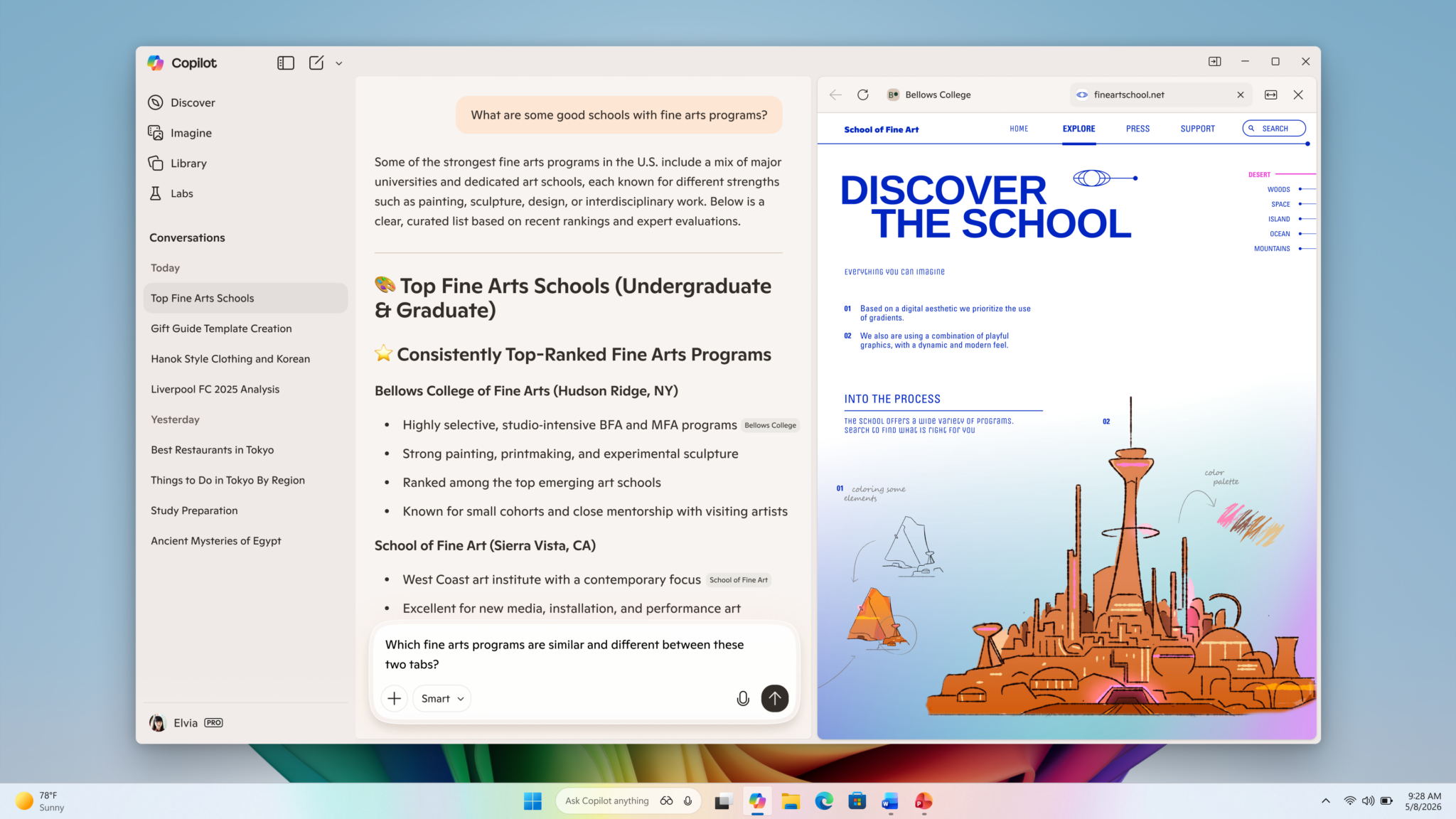
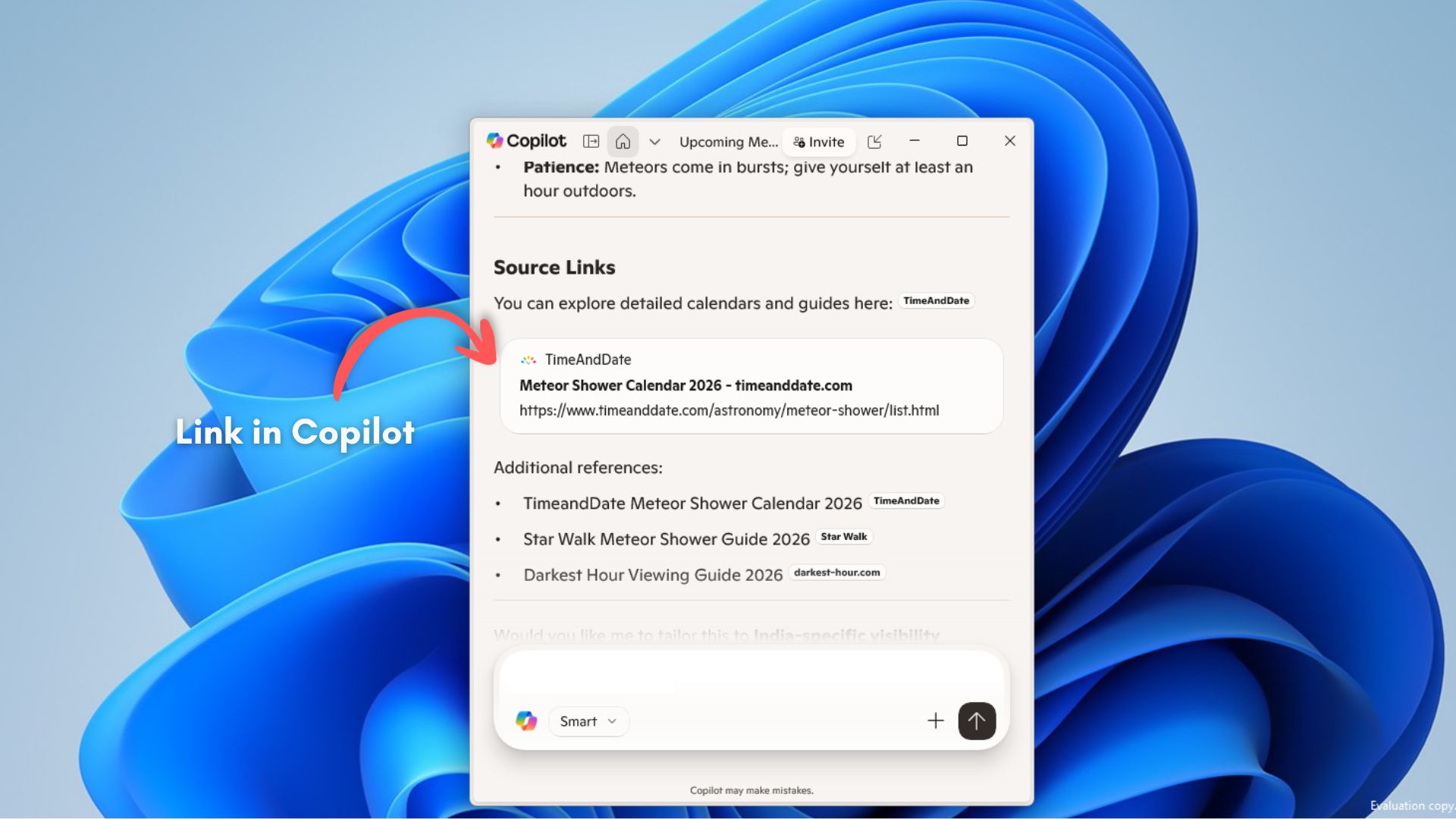
But why let Copilot sync your passwords? Well, in a recent blog post, Microsoft introduced a “new way to get things done in the Copilot App on Windows”. When the update reaches you, any link you open in the Copilot app will stop opening in your default browser and will instead open in a sidepane next to the conversation, essentially turning Copilot into a web browser.
While Microsoft says this new change is to help you avoid losing context, since going back and forth between Copilot and your browser is a chore, this will also give Microsoft’s AI assistant the capability to access the context of each tab you open in that particular conversation. Note that Copilot will not be able to access such context unless you give it explicit permission.
Having browser windows open in Copilot means that you would have to sign in again to websites and their services, and nobody likes it, which could be why Microsoft added the ability to sync passwords and form data in the Copilot app. Most importantly, this feature also requires you to enable it manually.
Copilot app can now sync passwords just like Microsoft Edge
Password syncing is easily one of the most helpful features in the Edge browser. I have Edge as the default browser on both my Windows PC and my Android phone. A couple of years ago, I used Chrome, like everyone else, and all passwords were synced with Google. Then, Microsoft added the ability to bring data from Google to Edge, and that’s when Edge became my password manager.
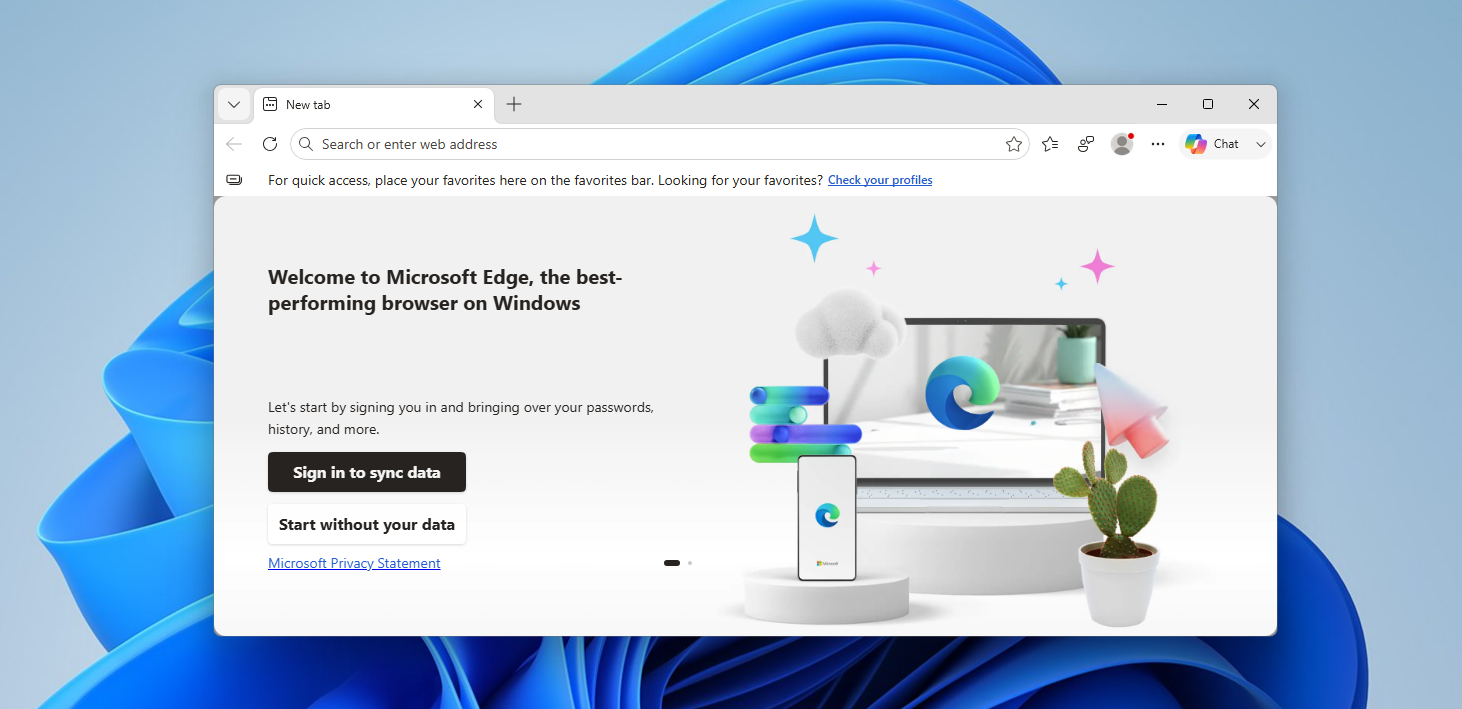
Of course, it syncs easily with my Android phone too, so the passwords are, in fact, stored somewhere on Microsoft’s servers via my Microsoft account. For someone like me, the idea of allowing Copilot to sync passwords and form data isn’t hard to pass by.
It’s easy to be critical of a feature that permits AI to sync sensitive information like passwords, but note that it exists because the Copilot app is also getting a mini browser.
So, logically, if you are chatting with Copilot, and it gives you a link to a site that you have already signed into, and if you choose to open the link in Copilot’s side pane, it’s also possible that you want to log in to that site without having to enter your credentials every time. This is the feature gap that the new Copilot update aims to solve.
Certainly, there are users who wouldn’t want any of this, and fortunately, allowing Copilot to access the context of the tabs you open in the app and allowing it to sync your passwords and form data, like addresses and usernames are completely optional.
Unfortunately, you cannot turn off the mini browser feature, and going forward, all links you click in the Copilot app will open in Copilot itself, unless Microsoft decides to go back with this feature, or better, give us a toggle to turn it on or off.
Password sync and mini browser window are unique to Copilot
I use Gemini, ChatGPT, Claude, and Copilot. The first three are undoubtedly the better language models. But as of now, none of them are built to work standalone. You’ll have to switch between different browser tabs and applications. Of course, I’m not talking about Agentic AI models here.
Copilot’s ability to be useful without leaving the app is unique, and features like sync password, built-in browser for opening links, and the ability to access tab context without having to prompt every time are all unavailable in the other popular AIs, including Copilot’s ability to access Google contacts.
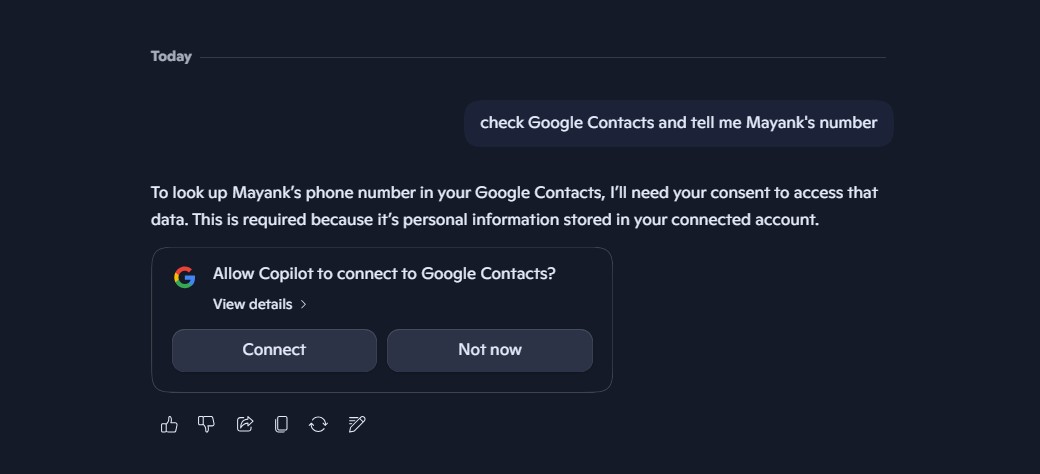
It’s apparent that Copilot is a web wrapper in itself, and getting a mini browser and password syncing doesn’t mean that it is trying to replace a browser, although Edge and Copilot are now starting to look alike.
Also, syncing your passwords in the Copilot app likely happens through your Microsoft account, and in that case, all the existing passwords you have in Microsoft Edge, including the ones from your Google Account, can also be synced with Copilot. So, even if you uninstall Copilot, any new passwords you create in the AI’s mini-browser tabs won’t be lost.
In the best-case scenario, keeping all the Copilot negativity aside, you could do everything you do on your browser right in Copilot, with an extra help from the AI, as it can understand context too. Add the upcoming Copilot Tasks to the mix, and we could be looking at an incredible Agentic AI in the works for Windows.
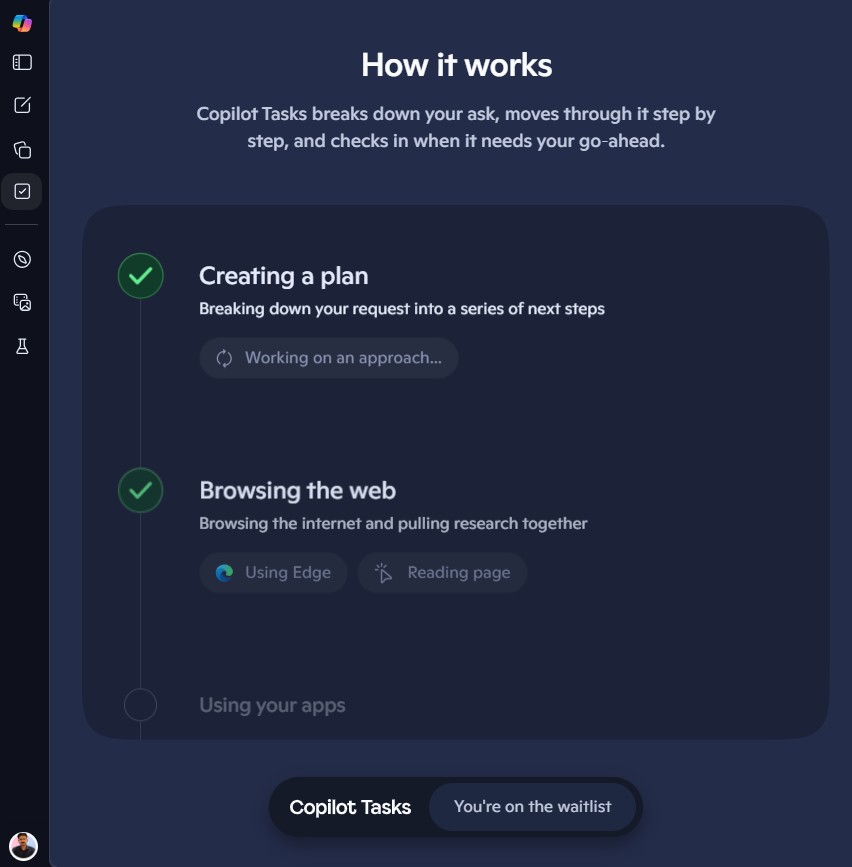
As of writing, sync password to Copilot is not available on my PC. To check if you have it, click your profile icon in the Copilot app, select About, and see if the version number is 146.0.3856.39 and higher.
The post Microsoft Copilot on Windows 11 can now sync your passwords as AI gets a built-in mini browser appeared first on Windows Latest