
Windows 11 KB5078127 is rolling out on 25H2 or 24H2, and Microsoft told Windows Latest it’s an ‘out-of-band’ patch to fix an issue that broke Outlook Classic (POP, PST), among other apps on Windows 11. However, even if you didn’t run into any problems after the January 2026 Update, you’ll still be offered KB5078127.
This emergency update shows up as “2026-01 Update (KB5078127) (26200.7628) is available” on the Windows Update page. If you’re on version 24H2, it’ll bump the OS to Windows 11 Build 26100.7628. It takes approx 5 minutes to finish downloading at about 200mbps internet speed, and another 3 minutes to install (a single reboot is required).
KB5078127 is the second emergency update for Windows 11 in less than ten days. The first emergency update (KB5077744) was released on January 17, but it was optional. However, today’s emergency patch is mandatory because it fixes more severe and widespread problems.
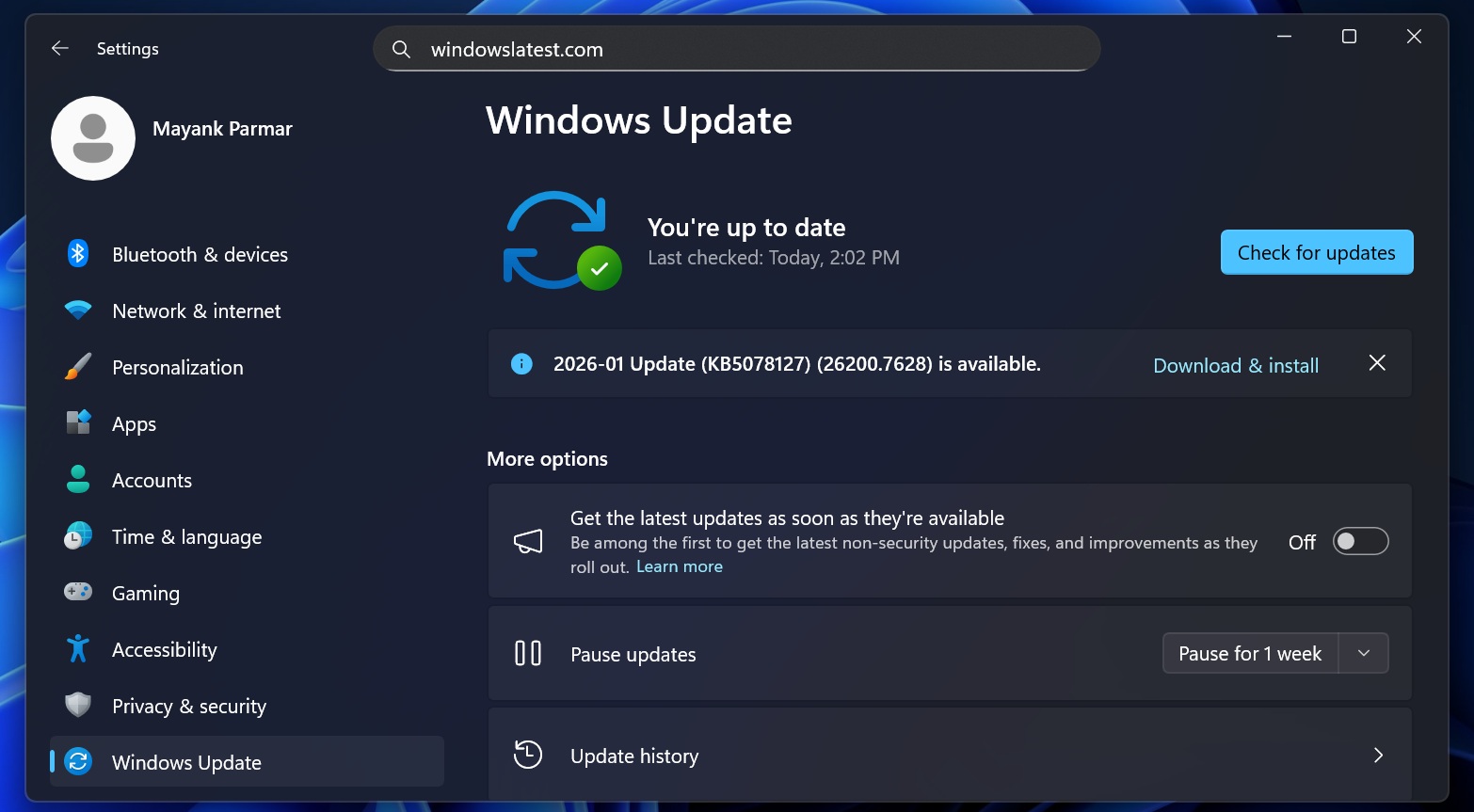
After installing Windows 11 KB508127, Outlook Classic with POP accounts or PST files will work again alongside other third-party apps that were “unresponsive” after the January 2026 Patch Tuesday update.
“In certain Outlook configurations that store PST files on OneDrive, Outlook may hang and fail to reopen unless the process is terminated or the system is restarted. Users may also see missing sent Items or previously downloaded emails being re‑downloaded,” Microsoft said.
In a statement, Microsoft previously clarified that the bug also affected third-party apps that saved files to the cloud, such as OneDrive or Dropbox.
Direct download links for Windows 11 KB5078127
Windows 10 KB5078127 Direct Download Links: 64-bit and ARM-64
What is Windows 11 KB5078127, and should I install it?
Windows 11 KB5078127 is dubbed as an ‘out-of-band’ emergency update, and it’ll download automatically to address a bug that makes apps unresponsive, including Outlook Classic. You should install the update if you have issues, but technically, it’ll apply to your PC automatically.
In our tests, Windows Latest observed that Outlook Classic would not open when you use POP accounts (and save PST files). For example, if you only had a Microsoft 365 account configured, you would still be able to use Outlook. But if you added a POP account or used PST files, Outlook Classic won’t open, and gets stuck at the following screen:
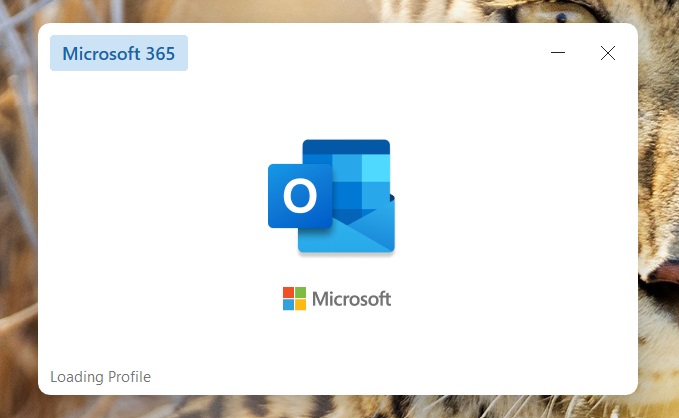
In that case, you need to open Task Manager and manually end the Outlook.exe process or reboot Windows each time you want to open Outlook.
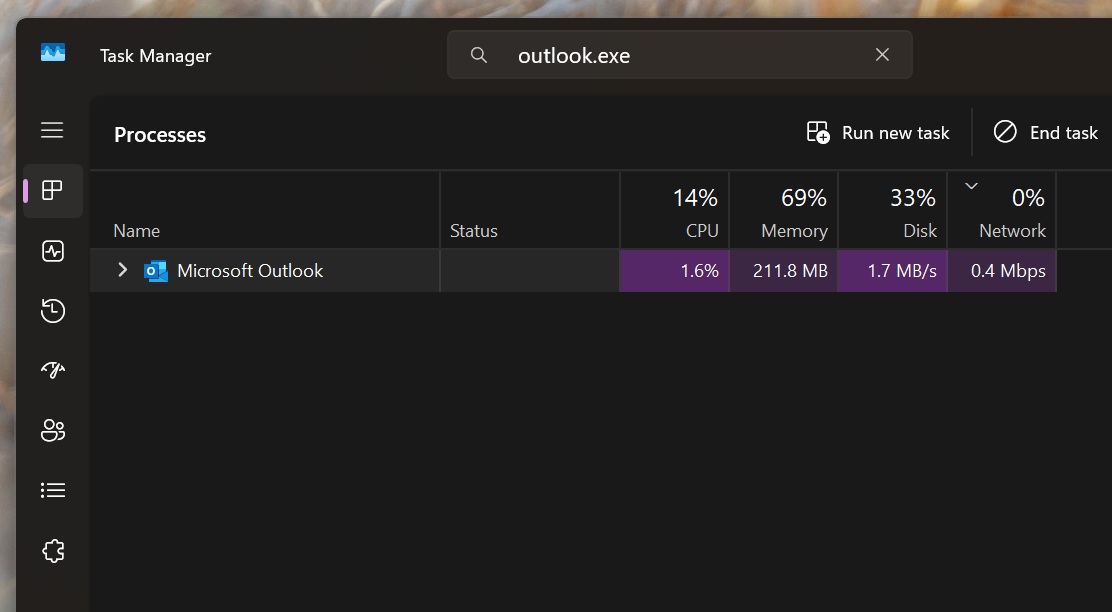
However, the issue was linked to a broader problem that, according to Microsoft’s spokesperson, also affected third-party apps that relied on the cloud for file syncing.
Microsoft urged users to uninstall Windows 11 KB5074109 to patch Outlook crashes and other bugs, but it was still not the ‘recommended’ workaround because the update contains up to 100 major security fixes. You’d not want to miss important security fixes, so Microsoft suggested that everyone use webmail if Outlook Classic isn’t working.
As I mentioned, the Outlook Classic bug that blocks POP and PST files is widespread and affects nearly all versions of Windows. I made a table that explains how to patch your systems:
| Windows version | Build | How to download | Direct download link |
|---|---|---|---|
| Windows 11 25H2 and 24H2 (KB5078127) | 26200.7628 / 26100.7628 | Settings > Windows Update > Check for updates | Microsoft Update Catalog |
| Windows 11 23H2 (KB5078132) | 22631.6495 | Settings > Windows Update > Check for updates | Microsoft Update Catalog |
| Windows 10 23H2 and 22H2 (KB5078129) | 19045.6812 / 19044.6812 | Settings > Windows Update > Check for updates | Microsoft Update Catalog |
| Windows Server 2025 (KB5078135) | 26100.32236 | Settings > Windows Update > Check for updates | Microsoft Update Catalog |
| Windows Server 2022 (KB5078136) | 20348.4651 | Settings > Windows Update > Check for updates | Microsoft Update Catalog |
| Windows Server 2019 (KB5078131) | 17763.8281 | Settings > Windows Update > Check for updates | Microsoft Update Catalog |
January 2026 Patch Tuesday (KB5074109) has been a mess for Windows 11
Windows Latest first found that some Azure-based Remote Desktop sessions were failing because users could not log in. Microsoft later confirmed the January 2026 issues and released an emergency update to fix the Remote Desktop issue. It also addressed a shutdown bug affecting older versions of Windows.
The Remote Desktop problem was widespread. The Windows 11 shutdown bug, however, seems much more limited and likely affected only a small number of users.
Later, Windows Latest reported that File Explorer’s customization (desktop.ini), Sleep mode (S3), and Outlook Classic were broken after Windows 11 KB5074109.
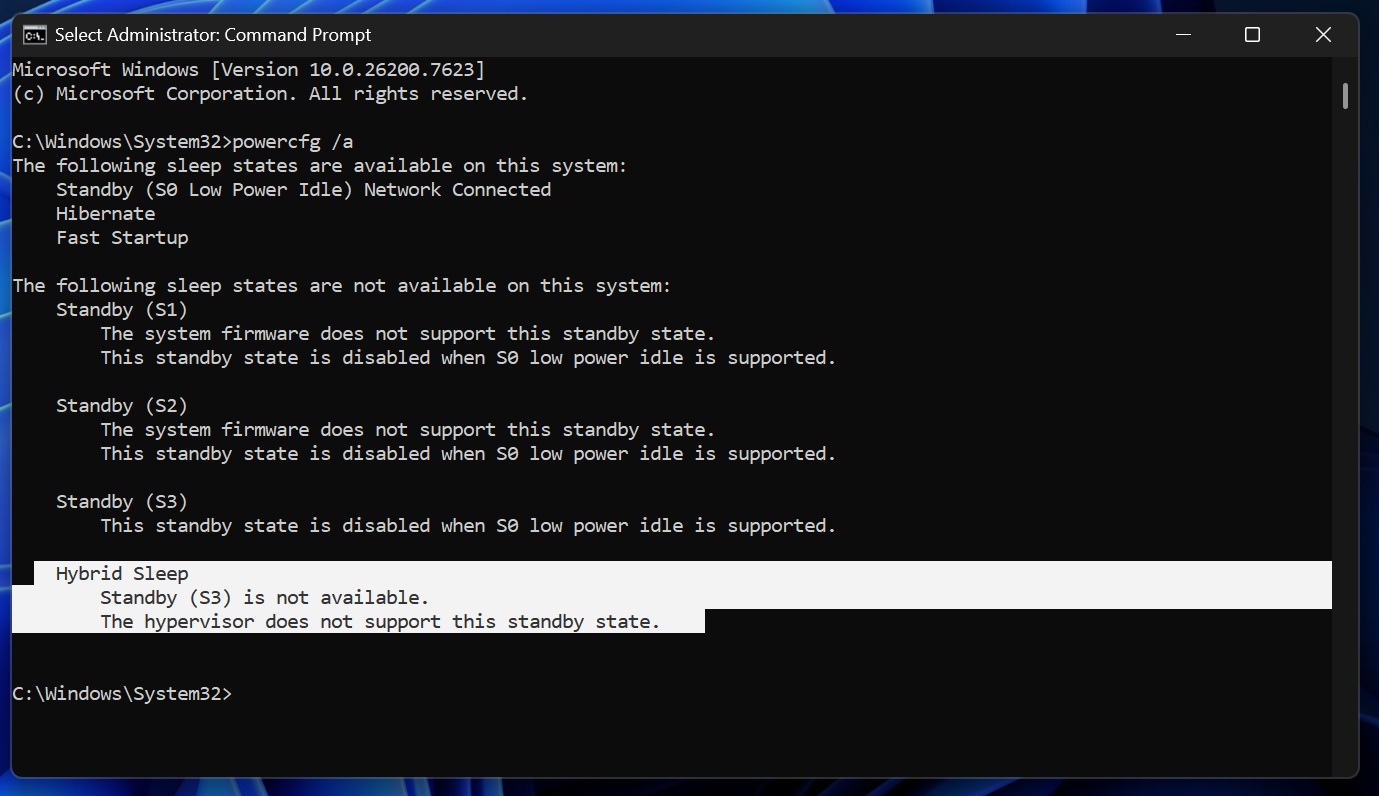
Microsoft won’t tell us if it’s aware of sleep mode and File Explorer issues, but today’s KB5078127 emergency update fixes the unresponsive Outlook and third-party apps bug.
The post Windows 11 KB5078127 emergency update (25H2) fixes Outlook POP, PST crashes, unresponsive apps after January 2026 Patch Tuesday appeared first on Windows Latest