
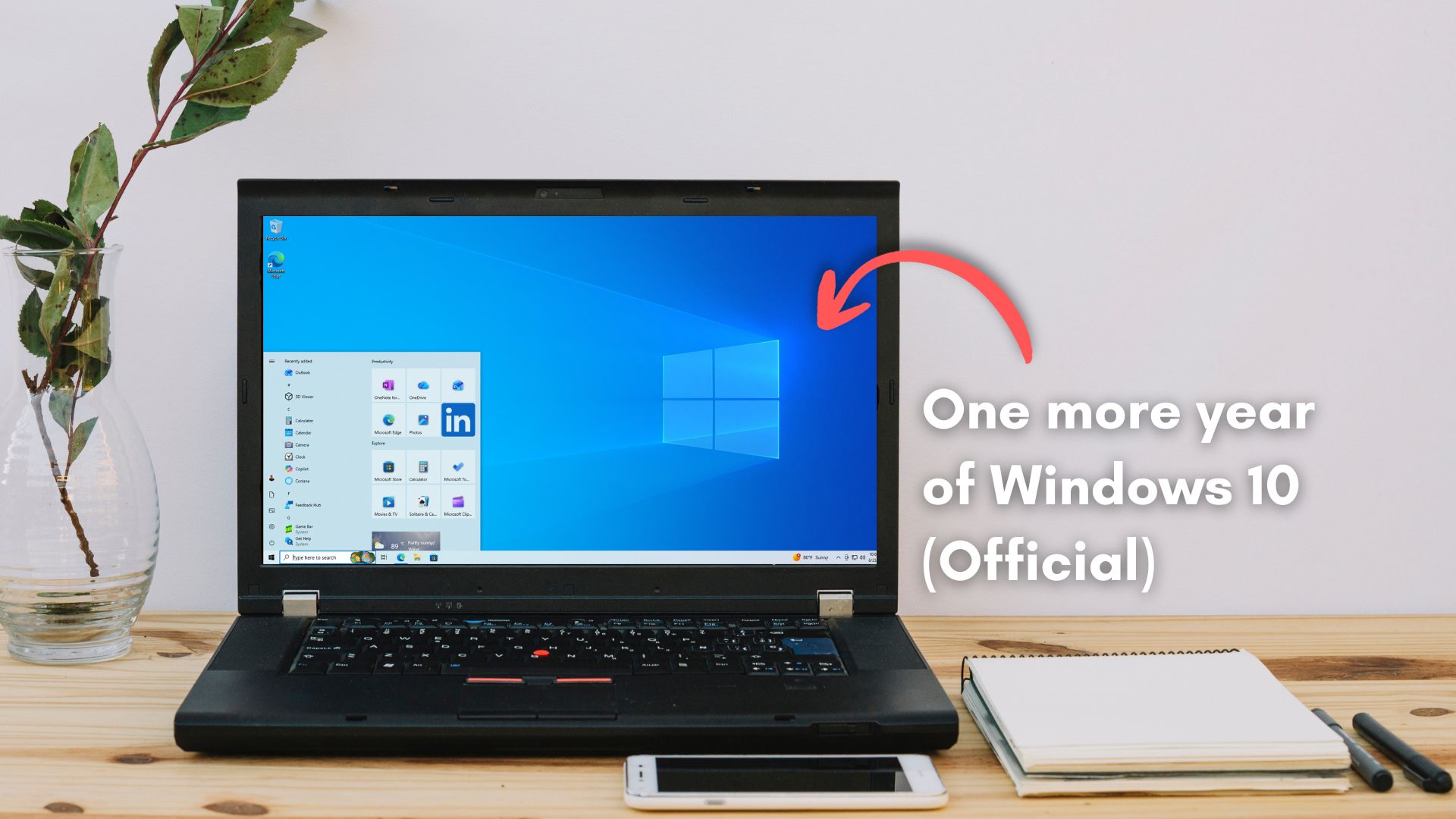
Microsoft is now emailing Windows 10 users about the ESU extension to October 2027, with the headline being “Stay secure for another year,” and that enrolled users get the extra year automatically, no action required.
Funnily enough, the email did not show up in Outlook’s Focused inbox, and went straight to Other, the folder most people never check.
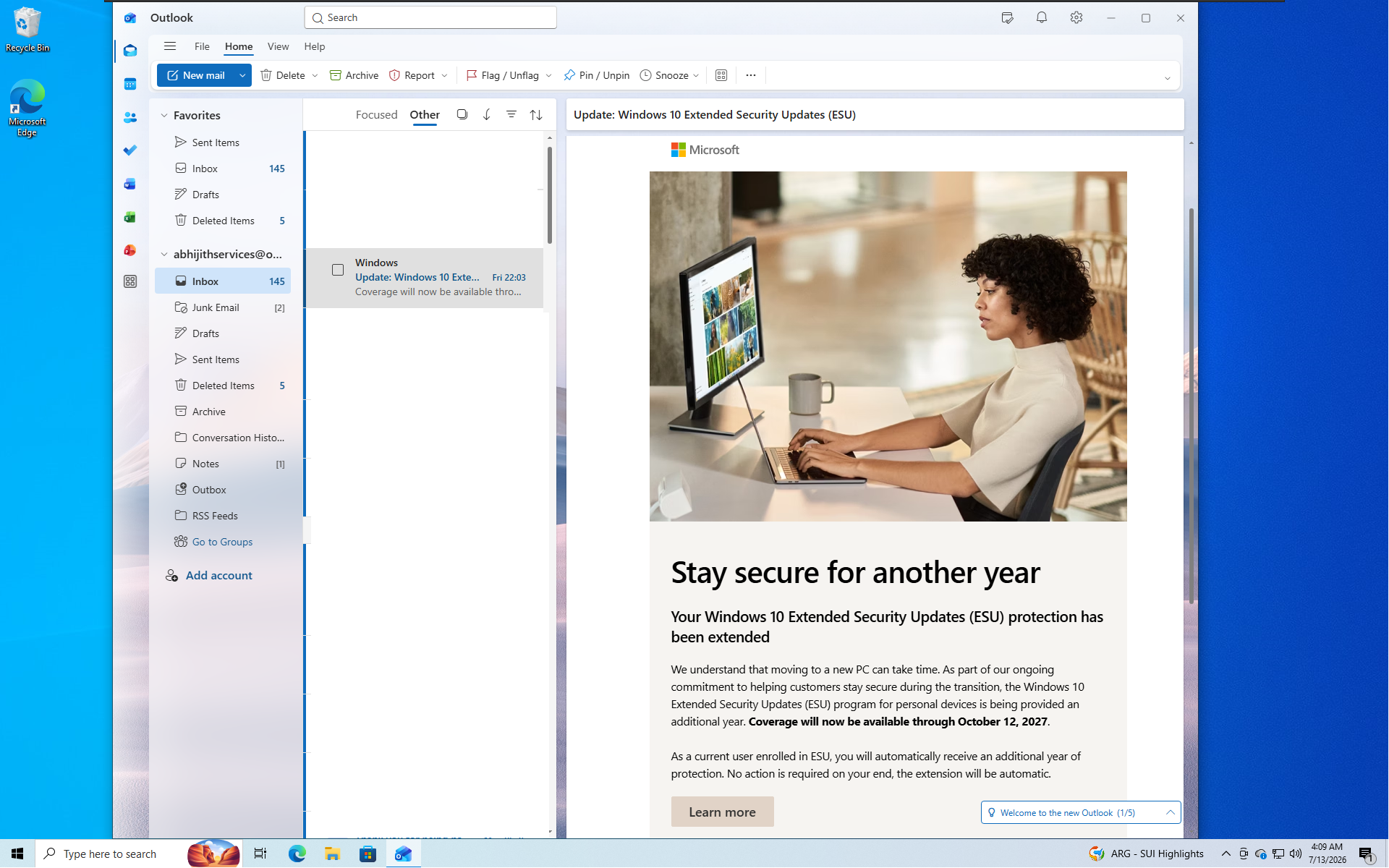
What Microsoft’s Windows 10 ESU extension email says
Microsoft says it understands that moving to a new PC takes time, so the ESU program for personal devices is getting an extra year, with coverage now through October 12, 2027. A Learn more button links to the official Windows 10 ESU page, which already carries the new date.
The email is sent to users already enrolled in ESU, and it tells them the extra year is automatic. If you haven’t enrolled, this note was never coming.
Most people who enrolled took the free path, which means signing into a Microsoft account and syncing PC Settings, the option Microsoft pushes hardest during setup. The alternatives are 1,000 Rewards points or a $30 one-time payment, and we cover all three enrollment routes here.
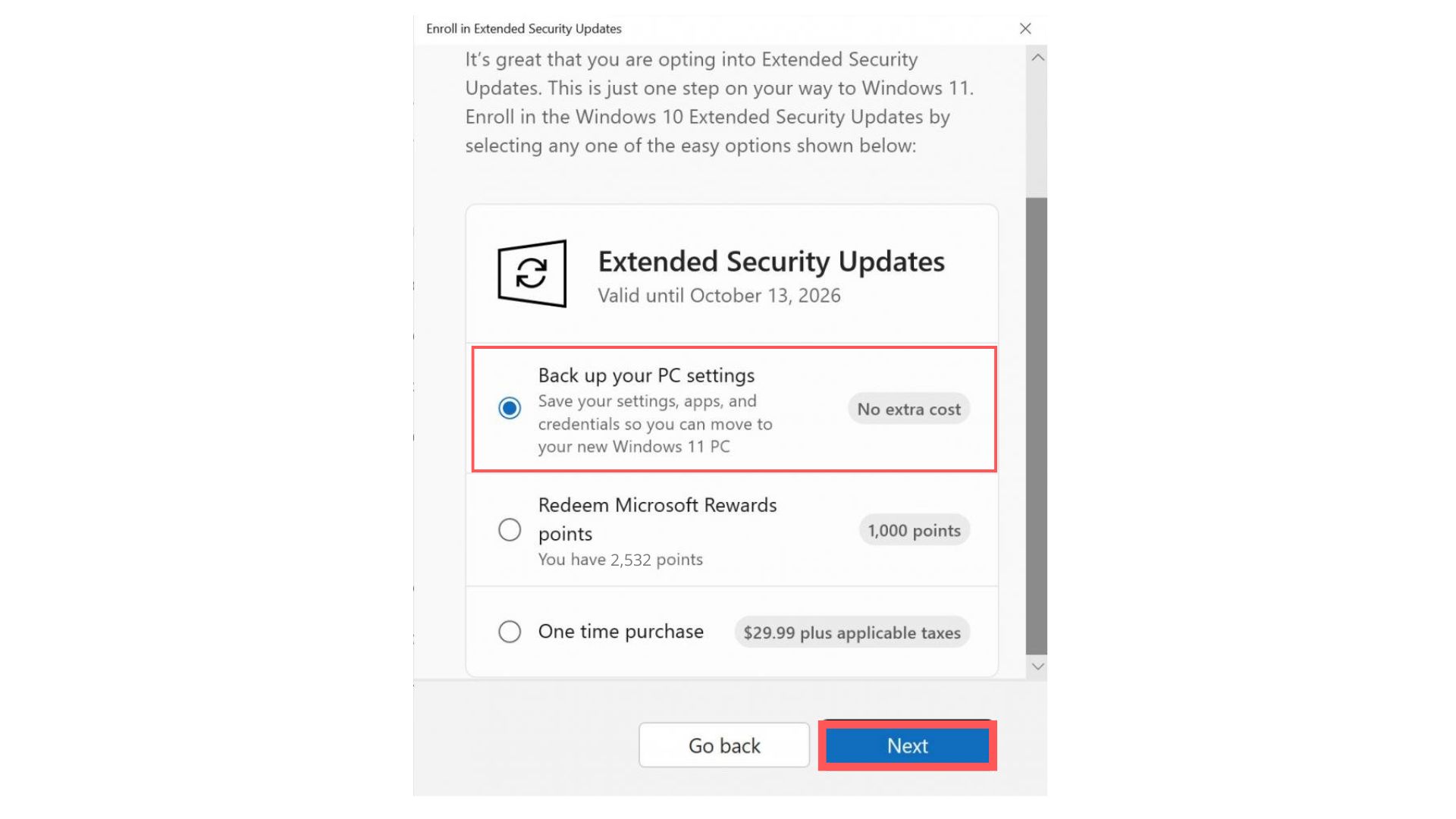
ESU has never needed a Windows 11-capable PC, and Microsoft confirmed as much last year, which is exactly why the program exists for hardware that cannot make the jump. And in Europe, Microsoft told Windows Latest that a Microsoft account is still mandatory, even after dropping the settings-backup requirement to satisfy local rules.
Windows 10 still beats Windows 11 in the places people care about
The email makes the extension seem as if Microsoft is being patient with users. Fair enough. But on second thought, many people have not switched because, for the way they use a PC, Windows 10 is the better product. Microsoft has spent all of 2026 quietly proving that point while trying to close the gap.
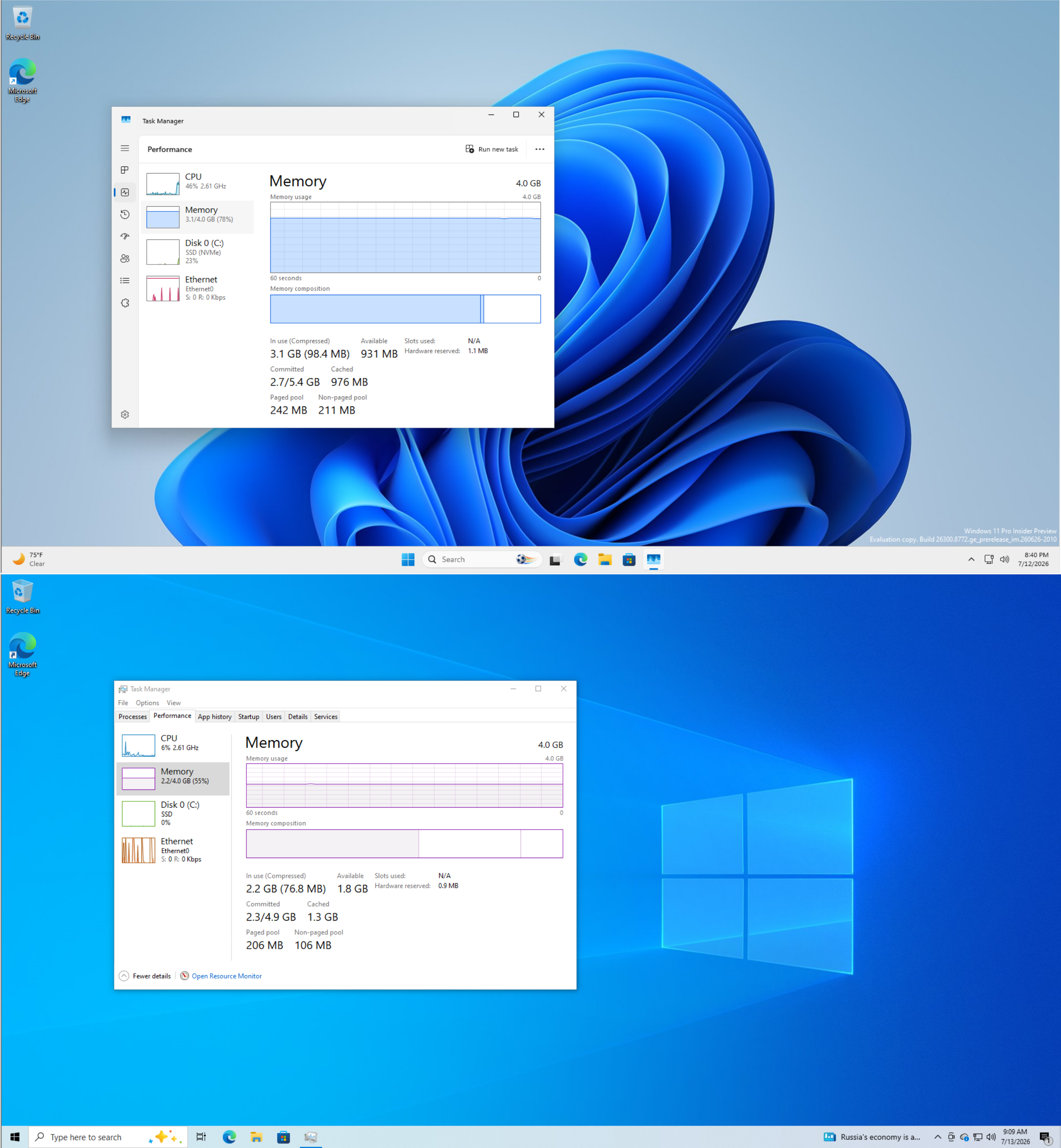
Start with memory, the sorest spot right now given the RAM prices, which was partly Microsoft’s fault. Windows 10’s taskbar, clock flyout, and Action Center are native Win32 shell code that opens instantly on modest hardware. Large chunks of the Windows 11 shell were rebuilt on WebView2 and XAML, which is why even the returning Agenda view in the Notification Center runs as a web component instead of native code.
Microsoft had to build a Low Latency Profile that briefly spikes the CPU just to make its own Start menu feel snappy, which Windows 10 never needed.
File Explorer is the same story. Microsoft has admitted that Explorer has been slower than the Windows 10 version for years. Preloading Explorer into memory made it launch faster, but our testing found it still slower than Windows 10 while using extra RAM.
The right-click menu takes its own sweet time loading Copilot actions, Clipchamp, and extensions one line at a time. Windows 10’s context menu was instant.
Then there is the taskbar comparison. Windows 10 let you drag the taskbar to any edge, shrink it with one toggle, and see stacked lines under an app with multiple windows open. Windows 11 removed all of it, and Microsoft blamed the rebuilt architecture for making it so hard to restore the taskbar. Repositioning is back now, but through Settings, and the compact size options are still in testing.
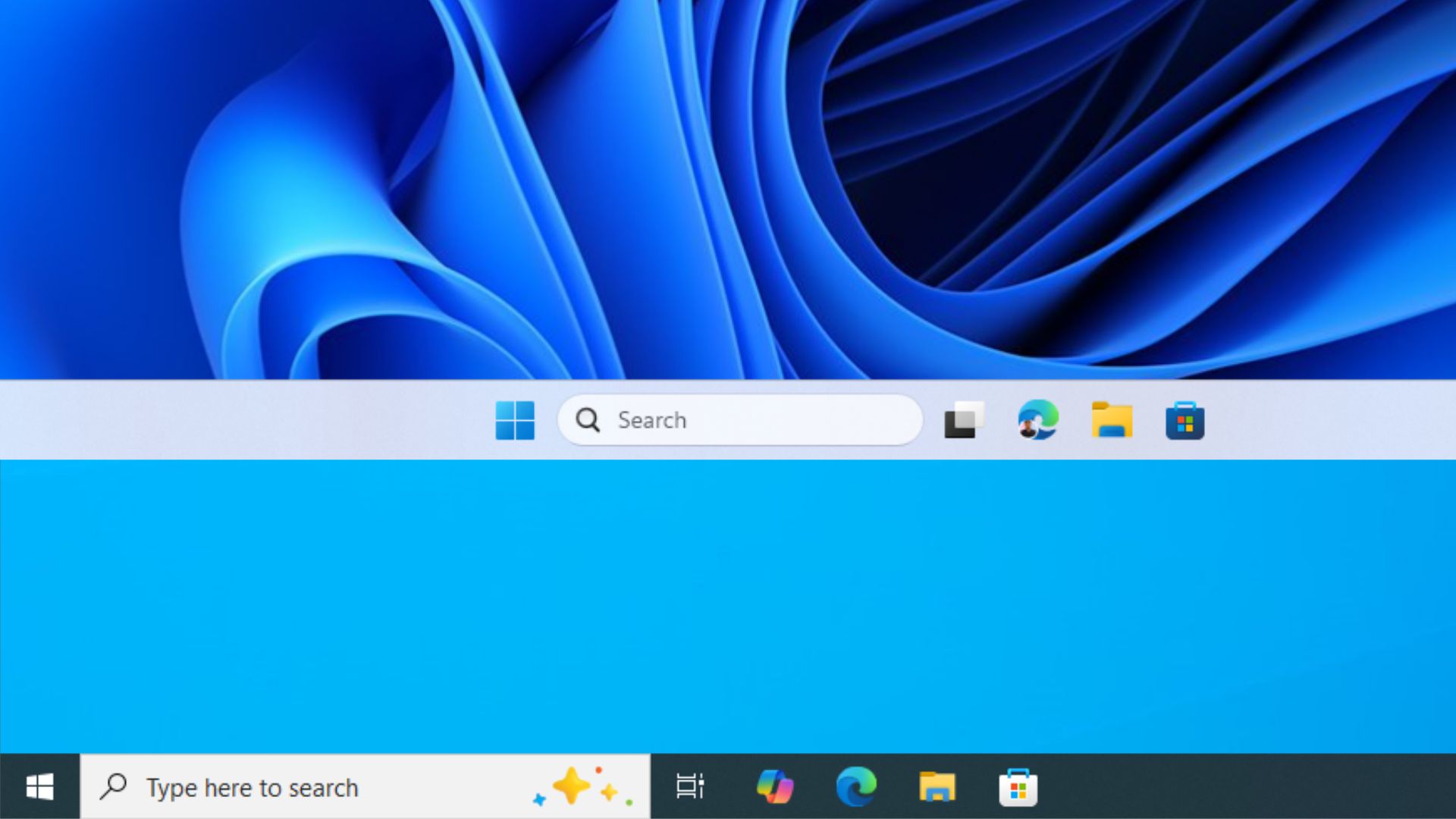
AI in Windows 11 single-handedly makes the newer OS the more hated one. Windows 10’s inbox apps are just apps, while Windows 11 has been fitting Copilot buttons into Notepad, Paint, File Explorer, and the taskbar.
So is Microsoft being the good guy, or covering for a slow migration
Both can be true. A free extra year of patches is a good thing; I didn’t find any catch buried in the email. But the extension is also convenient for the software giant. Windows 11 is only now getting fast and quiet enough that leaving Windows 10 does not feel like a downgrade, and October 2027 buys Microsoft the runway to finish that work.
Note that if your Microsoft account is unused for 60 days, ESU updates stop until you sign back in. The free year keeps you inside Microsoft’s ecosystem, which was the point of routing enrolment through an account to begin with.
What to do if you are still on Windows 10
If you already enrolled, ignore the email. Your coverage runs to October 12, 2027 with nothing to click. If you have not enrolled, open Settings > Update and Security > Windows Update, hit Enroll now, and take the free path with a Microsoft account. And maybe glance at your Outlook Other folder now and then, since that is apparently where Microsoft keeps the good news.
The post Microsoft’s new Windows 10 ESU email doesn’t push Windows 11, just reminds users of the year extension appeared first on Windows Latest