
Microsoft released Edge 150 a few days ago, and I’ve been bouncing between Windows and macOS devices to dig into it and see what the company has cooked up. Edge 150, aka version 150.0.4078.48, comes with neat technical adjustments for IT admins and two large workflow shifting changes.
Unbeknownst to me, Microsoft dropped in support for signing into Edge with a Google account.
That’s right. Microsoft says the rollout is gradual, but once it hits your device, the options will appear tucked into the profile menu. It’s a surprisingly practical move from the company that’s been in a browser cold war with Google. However, the reality is that millions of people live inside Google’s ecosystem day in and day out, but are forced to spend their working hours inside Microsoft’s Edge browser because it’s the default browser on the company-provided computer.
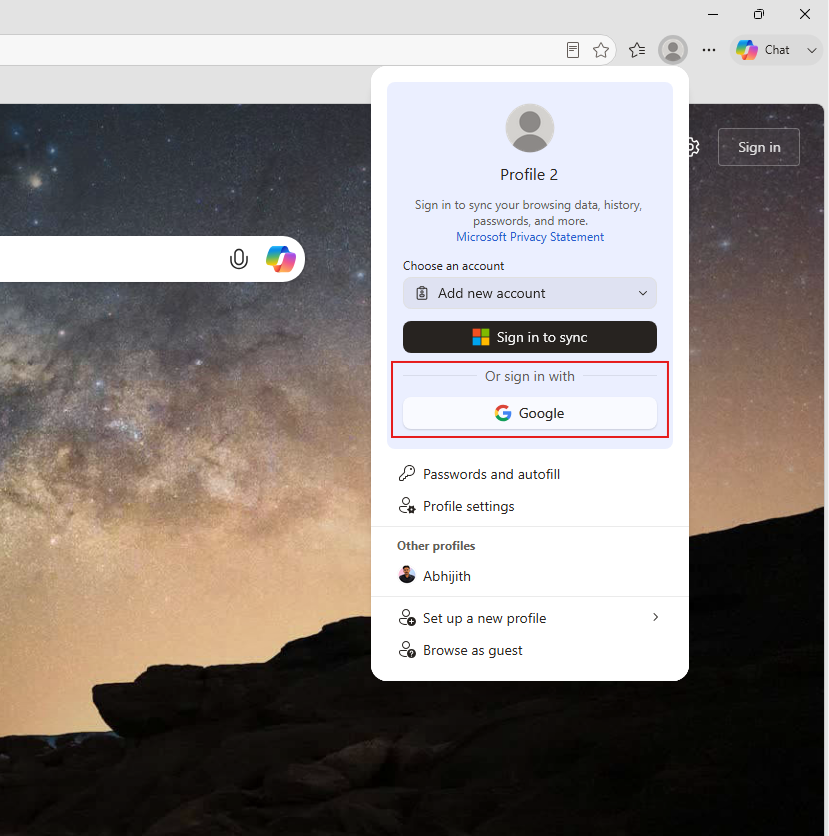
How to sign in to Edge with a Google account
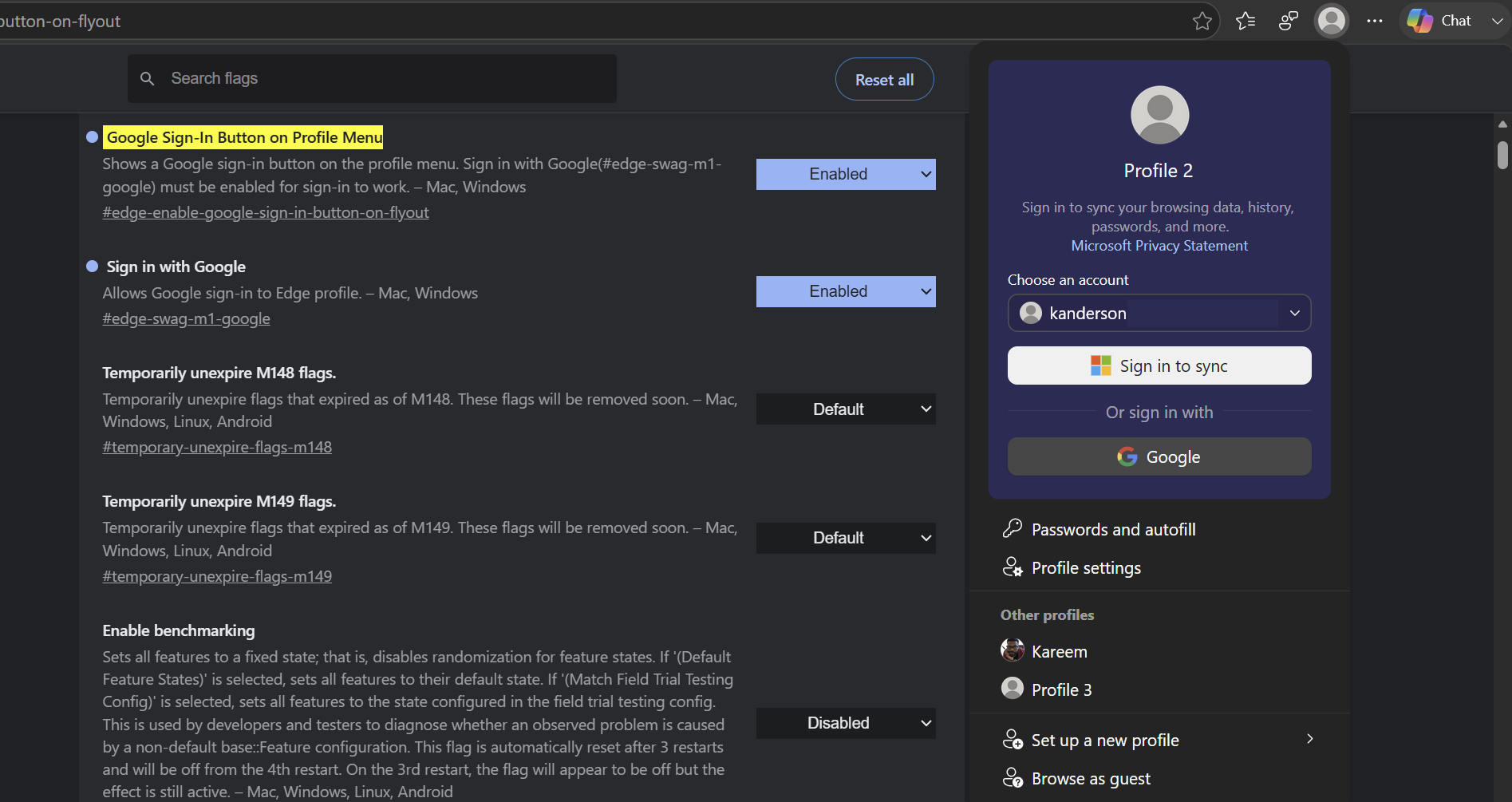
Instead of the usual “use Edge to download Chrome” routine, Microsoft is giving you a way to bring your Google identity into Edge in a more intuitive way. Microsoft has been softening its account lock-in across products this year, and Google sign-in in Edge is the most direct concession to Chrome users so far. The company’s level of pragmatism on this addition should net them a few more Edge users who otherwise would have quickly replaced and forgotten Microsoft’s first-party browser experience.
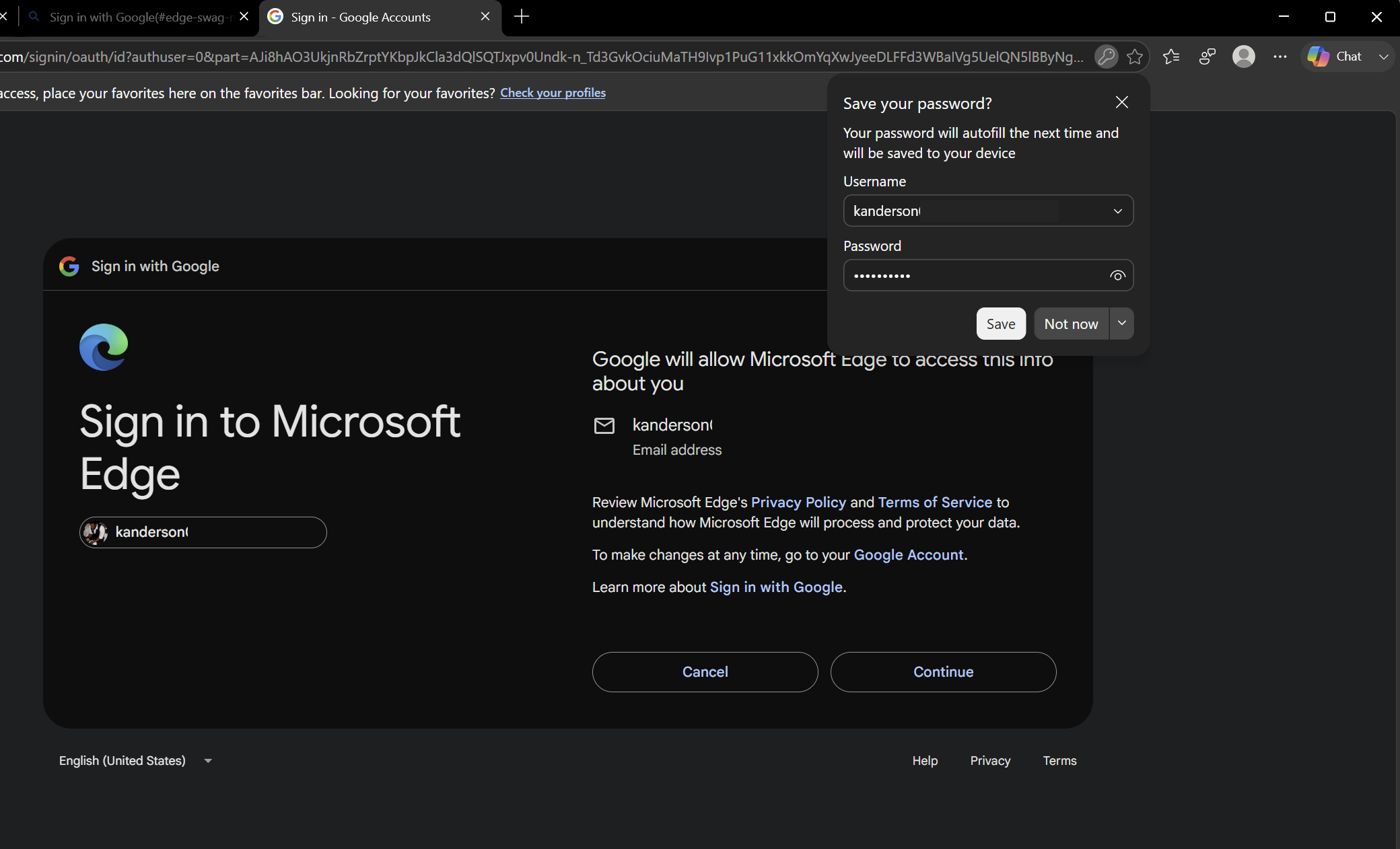
It should be noted that since it is gradually rolling out, you may need to do a little bit of footwork to enable it before Microsoft is ready to give it to you on their own initiative.
To get started, I had to:
- Search for the right flag to enter. You can either look at release notes, Bing, or Google search under Edge 150 – Google Account Sign In – Flags
- Head over to Edge and enter edge://flags/#edge-enable-google-sign-in-button-on-flyout
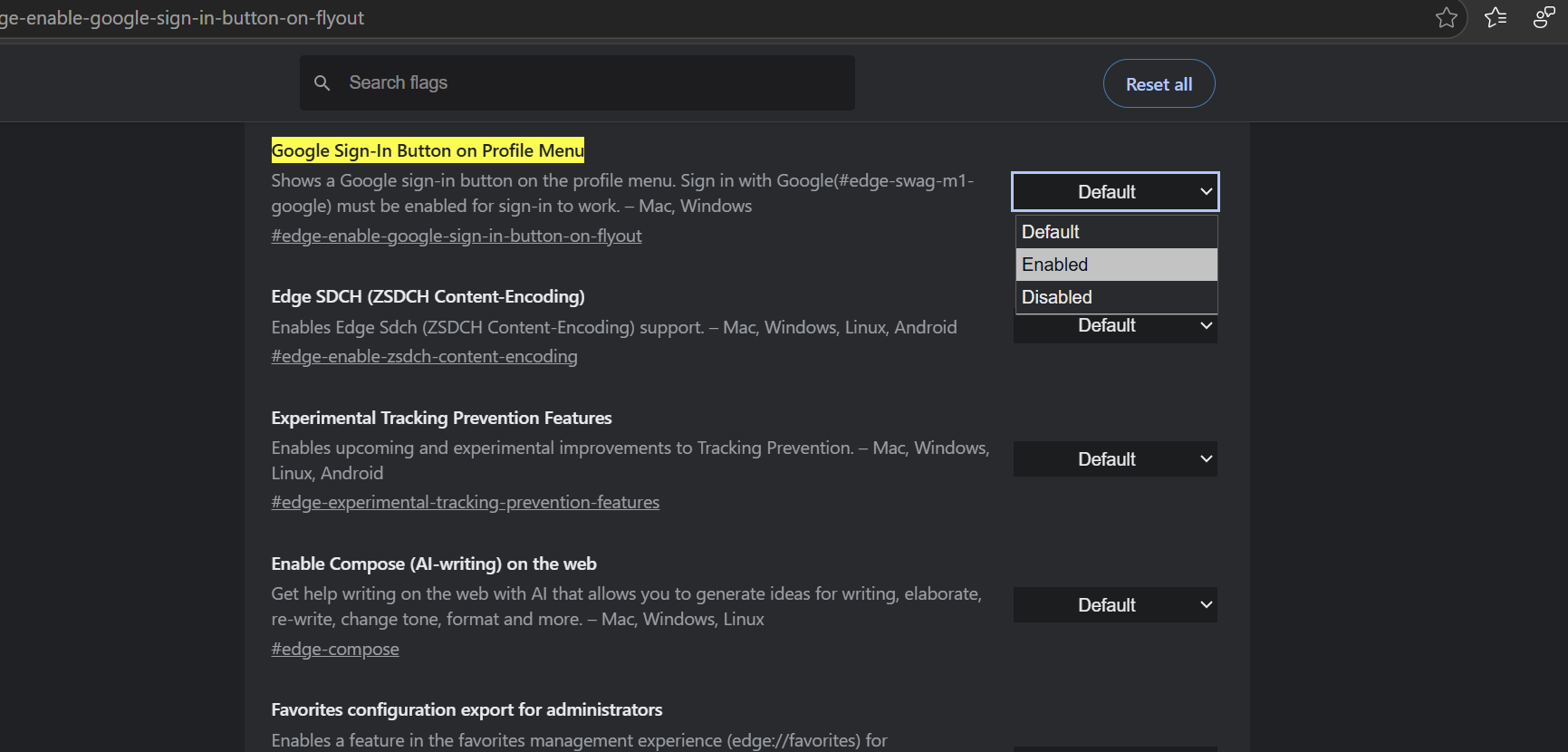
- Flick enabled, and restart the browser
- Open the profile menu in the top right, and if your device is part of the rollout channel, you’ll now see “Sign in With Google” in addition to the good ol’ Microsoft account option.
Note – Even after going through all of those hoops, you may still not see the update.
However, if you do succeed in getting the prompt to show up, you should expect to see a prompt that will guide you to importing Google account credentials, Chrome bookmarks that can be found in the dedicated “Imported” folder in the bookmarks bar.
Browsing history, passwords, and settings can also be imported and found in their respective homes alongside Microsoft alternatives.
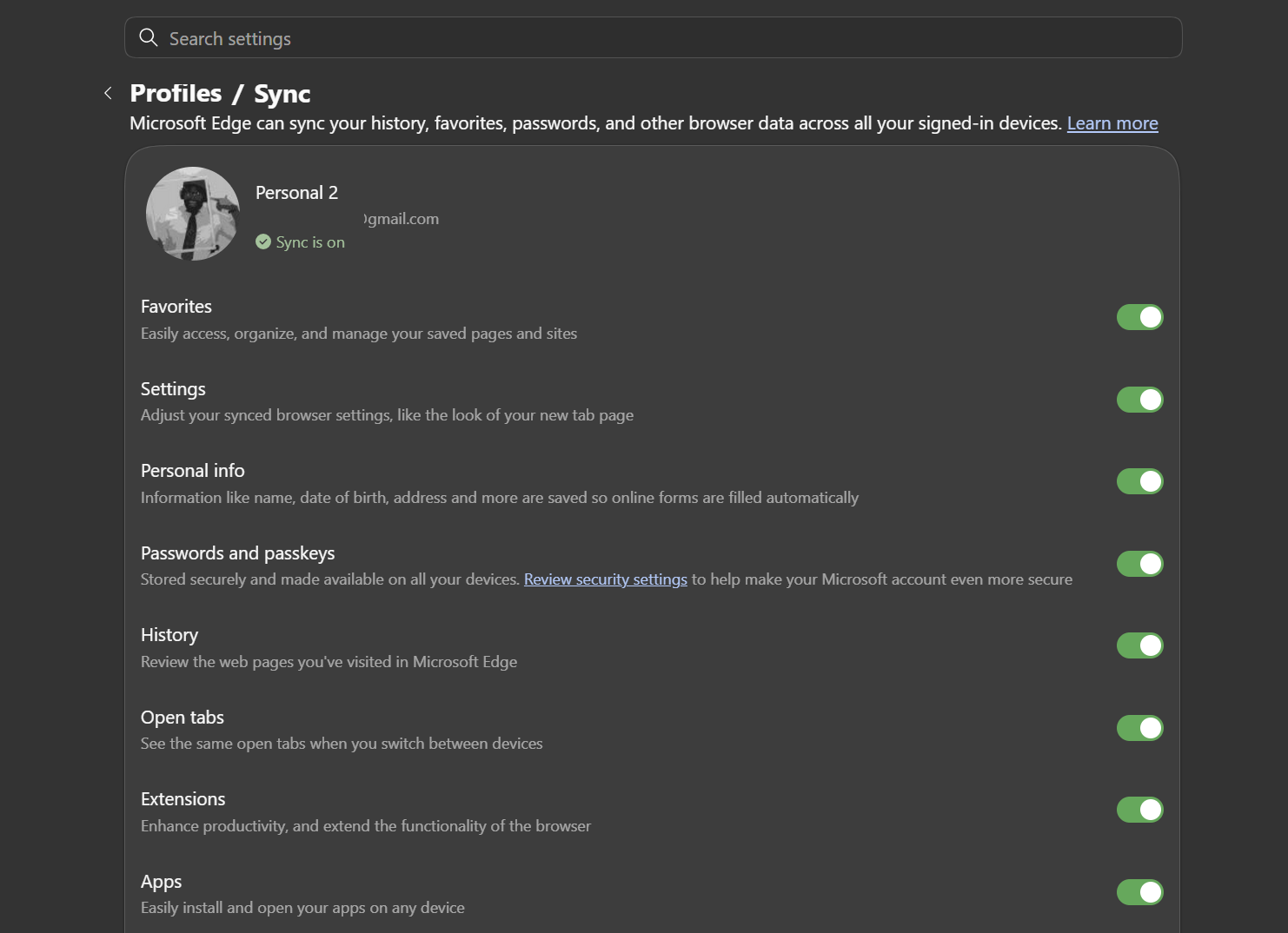
What you will miss out on with this shift includes Chrome extensions, and theming is a no-go. You will also lose out on Chrome flags and Chrome data sync beyond your initial import.
Yes, the move is a consumer-friendly change, but it’s also a sigh of relief for IT admins who may no longer need to manage two browser identities across a fleet of machines. Instead, IT admins can now rely on a single new policy called
NonMicrosoftAccountSignInEnabled to control the browsing experience without having to keep an eye on Chrome-specific exceptions.
Once you’re up and running, you’ll get to play around with profile switching, where you can maintain separate windows for Microsoft and Google profiles. You’ll also be able to link autofills, passwords, and browsing personalities to your Google Account rather than holding them in Edge’s ecosystem.
Workspaces, Admin Tools, and a Few Small Refinements in Edge 150
Beyond the headlining Google sign-in feature, Edge 150 also delivers a handful of refinements, mostly aimed at IT admins and a couple of end-of-life nudges for both Windows and Mac users. For starters, Workspaces are moving to a new V2 architecture, shifting their data from OneDrive and SharePoint into Edge Sync. Unfortunately, the change is a bit of a trade-off that may not sit well with everyone.
On the one hand, you will notice faster load times, but you will be giving up collaboration. Workspaces no longer sync across devices because everything now lives locally, which makes them more reliable and secure but ultimately less flexible.
Enterprise-focused changes round out this release. Intune MAM-protected downloads now reside in OneDrive under Documents > Microsoft Edge > Downloads, which may feel more consistent for IT admins, even if it’s not the most intuitive storage management for you and me.
Microsoft also added Security Update Alerts to the Edge management service in this release, letting admins pick a severity threshold and get notified when an update includes security fixes at or above that level, including zero-day fixes. It’s still a public preview feature that requires opting into Targeted Release in the Microsoft 365 admin center, but it’s a useful addition for anyone tracking patch urgency across a fleet.
WebView2 also received a new DowngradeVersion policy that lets admins temporarily roll back runtime versions if an internal app wreaks havoc on your device. Even better, the rollback is a set-it-and-forget-it implementation that automatically expires once a newer version ends up on your device.
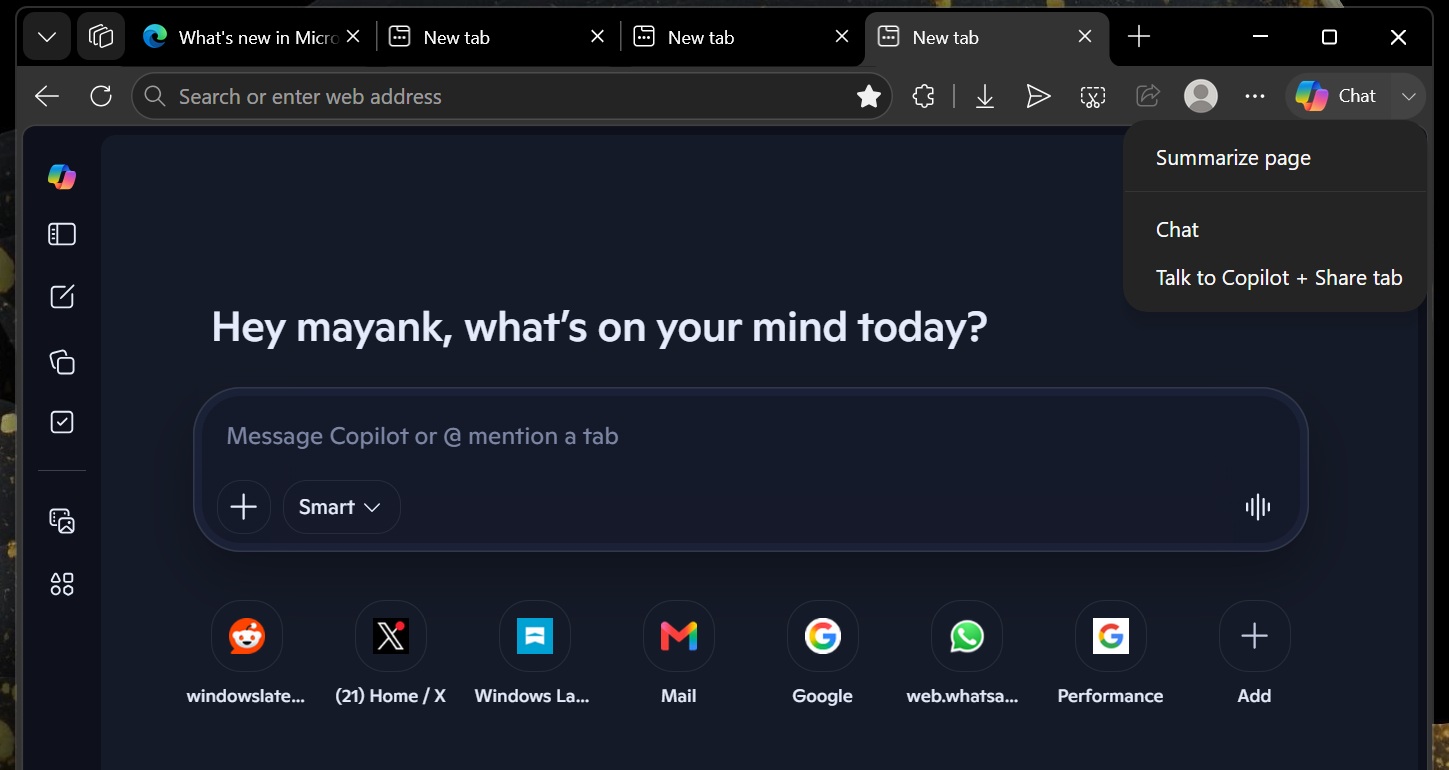
Edge 150 continues to phase out the often confusing sidebar app experiment from Microsoft. Going forward, you won’t be able to add new apps, and your currently pinned ones will just disappear as Microsoft barrels forward with its Copilot-powered alternative.
Windows users, the View in File Explorer prompt will come with an additional validation prompt to help reinforce the idea that anything touching local file systems should remain locked down. On that note, third-party cookie settings get clearer language, making the privacy toggles easier to read and comprehend.
Lastly, if you’re on macOS 12 Monterey, Edge 150 is your last stop. The next version of Edge will require Ventura or later. Make the appropriate changes soon. Edge surprisingly has some fans in macOS and the Google sign-in is one more reason for Mac users wary of a Microsoft account to give Edge a shot.
The post Microsoft’s Edge 150 caves to Chrome users with Google sign-in, but sidebar apps got dropped in the same update appeared first on Windows Latest