
Windows 11 is getting haptic feedback feature when you snap or resize windows, hover over the close button, and align objects in PowerPoint. Of course, you’ll need compatible hardware, like a laptop with a haptic trackpad, which isn’t very popular with Windows OEMs, but gives them all the more reason to include it.
The feature is gradually rolling out to Windows Insiders with Preview Build 26300.8155 or higher in the Dev channel, which will soon be converted to the Experimental channel, as Microsoft recently announced.
March Rogers, Partner Director of Design at Microsoft, mentioned that haptic feedback during these actions is one of those features that users don’t know that they want it, until they feel it, which sounds like something that Steve Jobs once said: “People don’t know what they want until you show it to them.”
Two of the biggest things for which I am grateful to Apple are capacitive touch screens and haptic feedback. While capacitive (no need for this word now!) touch screens are ubiquitous, even found in some budget Windows laptops, haptic trackpads didn’t really take off in Windows laptops, which is confusing, especially considering that the feature is something YouTubers constantly rave about while “reviewing” MacBooks.
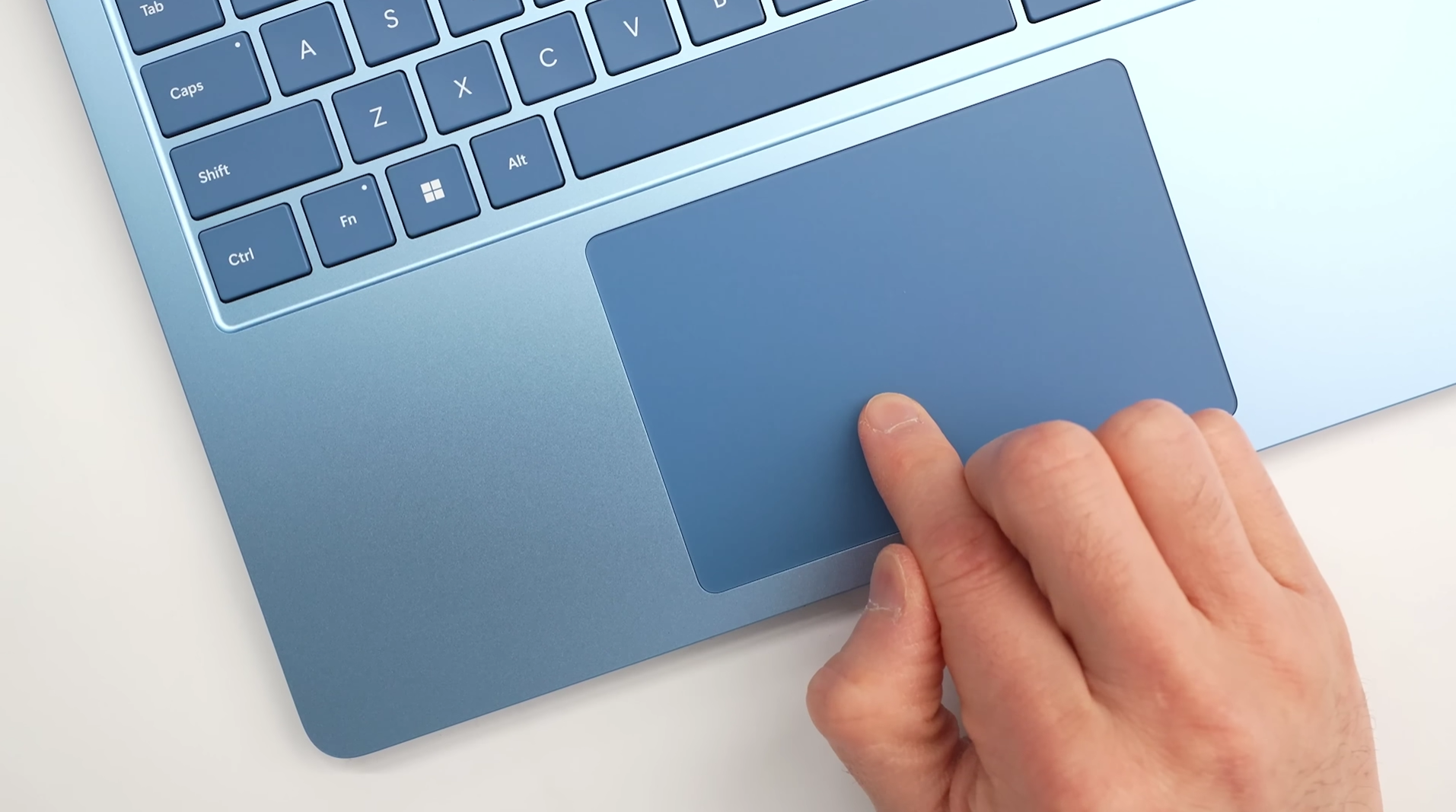
Of course, many of the flagship Windows laptops include haptic trackpads, but reviewers don’t shy away from pointing out that they don’t feel as intuitive as the ones in MacBooks. Surface Laptops are the only PCs that come close to MacBook levels of haptic feedback tuning, or so they say.
Microsoft announces haptic feedback effects for Windows PCs with compatible input devices
The company hasn’t given out the full list of interactions that support haptic effects. The following are the confirmed actions:
- Aligning objects in PowerPoint
- Window snapping
- Window resizing
- Hovering over the Close button
Microsoft’s design challenge here was determining which interactions with the mouse pointer should have haptic feedback. As you’d know, presently, haptic touchpads just simulate a physical left or right click without actually moving.
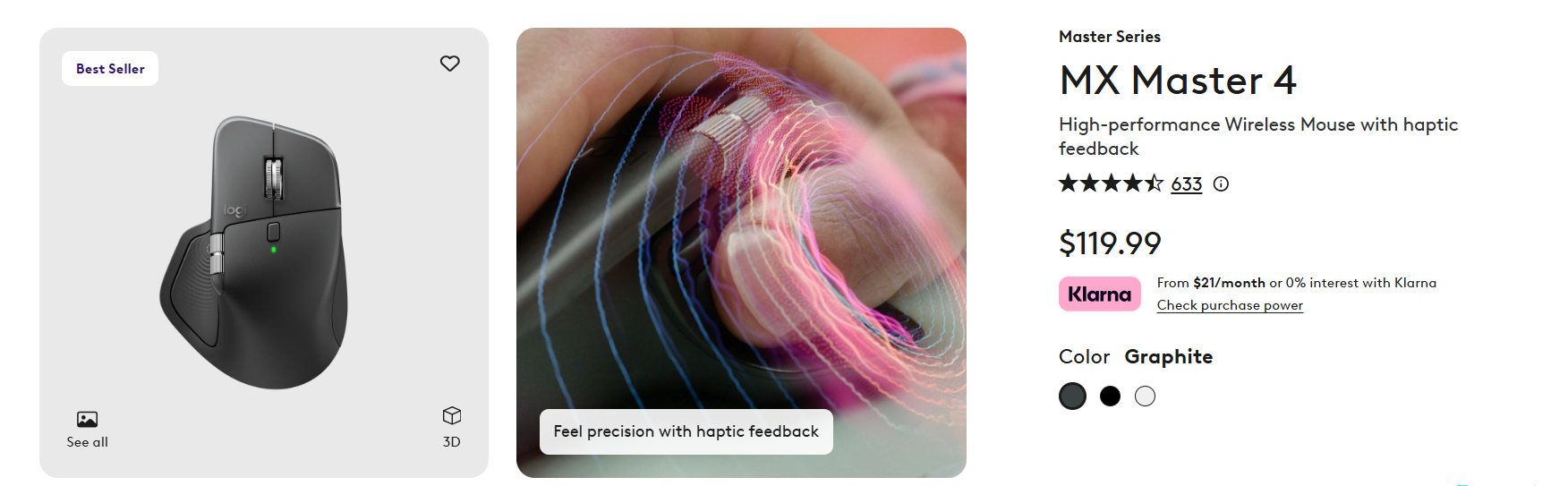
Weirdly enough, the software giant also hasn’t mentioned what devices constitute “compatible input devices”, but haptic trackpad is a definite call. Premium mice like the Logitech MX Master 4 feature haptic feedback by itself, but it remains a question if it’ll get feedback for the above-mentioned actions.
Haptic feedback effects can be turned on or off by going to Settings > Bluetooth & devices > Mouse > Haptic signals.
Microsoft is not avoiding regular touchpads, though. A recent Canary build update mentioned a new setting for the Touchpad that allows users to customize how large the right-click zone size is, ranging from small, medium, and large. This feature is only for touchpads with a pressable surface.
Windows OEMs need to prioritize haptic touchpads
Right now, this feature lives and dies with hardware, and that’s the problem. Microsoft can build all the haptic feedback experiences it wants into Windows, but if OEMs don’t ship devices that support it, none of it matters.
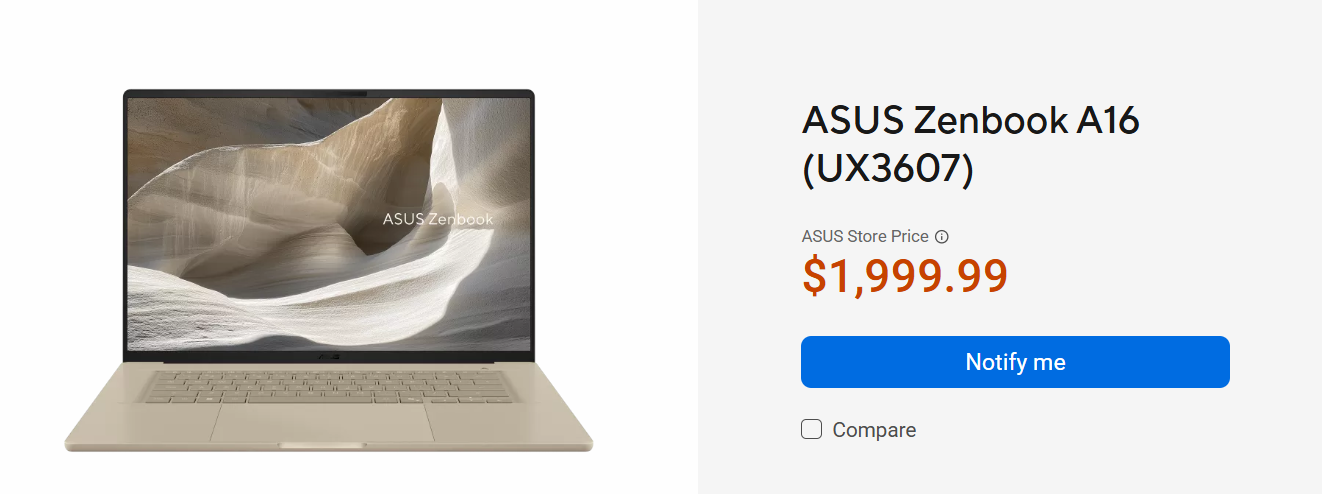
The recently launched ASUS Zenbook A16 with Snapdragon X2 Elite Xtreme was lauded for its performance. But even with its now inflated price of $1,999, it doesn’t have a haptic touchpad.
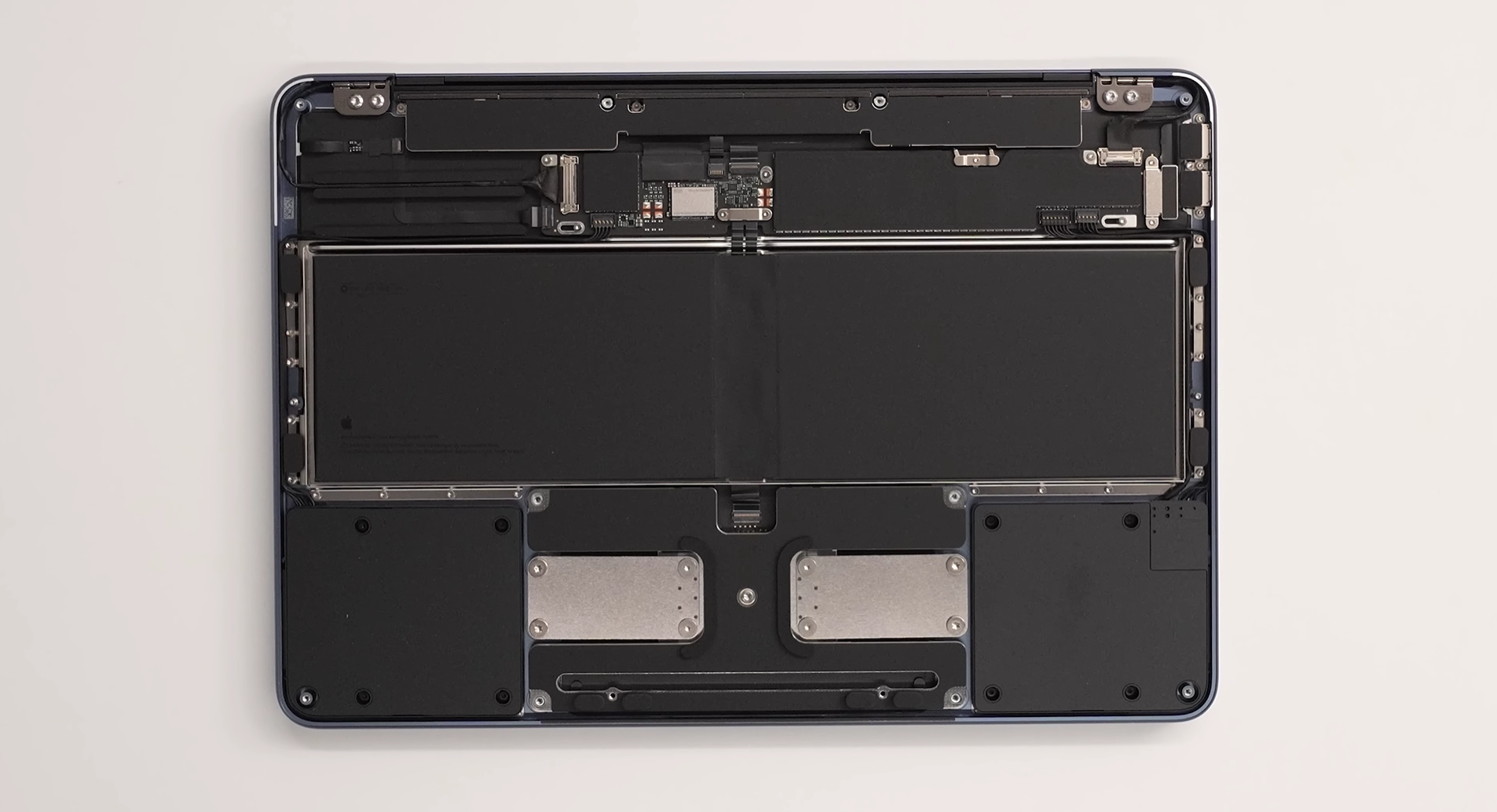
Meanwhile, Apple has made it a standard across almost its entire lineup, and users have come to expect that level of feedback and precision.
MacBook Neo is the only laptop from Apple that doesn’t have a haptic touchpad, but even that has a new mechanism that feels better than regular Windows touchpads.
Once users experience haptics from a MacBook, they’ll be hard-pressed to go back to regular touchpads. And right now, OEMs need all it takes to convince users to stick to Windows.
Haptic feedback effects, which Microsoft announced, have the potential to make Windows laptops feel premium. But it’s up to the OEMs to take the effort to bring it over to more budget PCs.
The post Windows 11 adds haptic feedback for snapping, resizing, and more but most laptops can’t use it yet appeared first on Windows Latest