
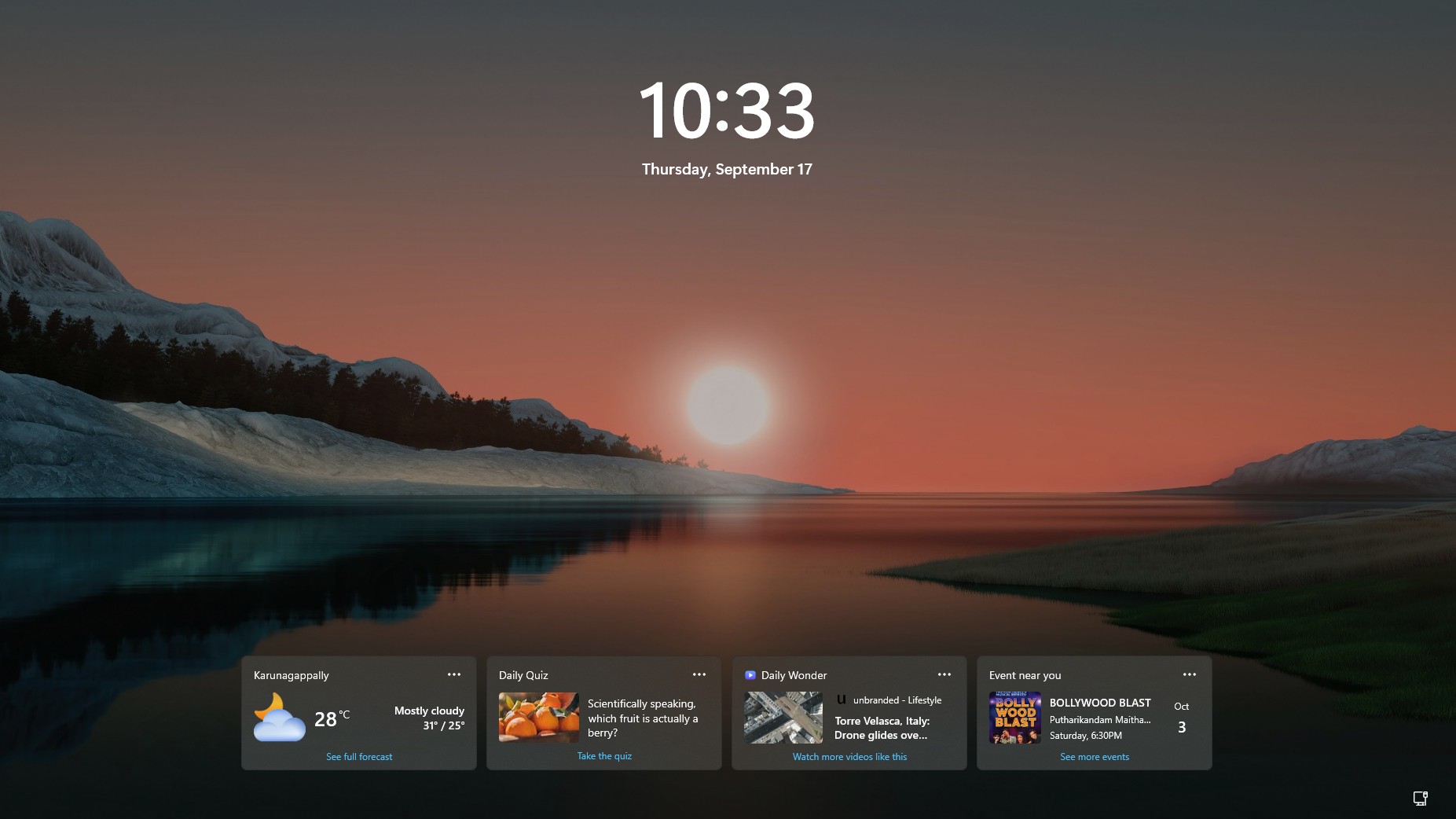
Microsoft just quietly removed the most annoying part of the Windows 11 lock screen. Windows Latest first spotted a new addition to Microsoft’s release notes saying Weather is now the only widget shown by default on the lock screen, with users able to add other widgets from Settings.
Windows 11 originally put Weather, Sports, Money, and other MSN-powered cards on the lock screen. Microsoft later let people customize which widgets showed up, but the default experience was cluttered. Now the company is effectively admitting the lock screen works better when it does not throw a mini news portal at you.
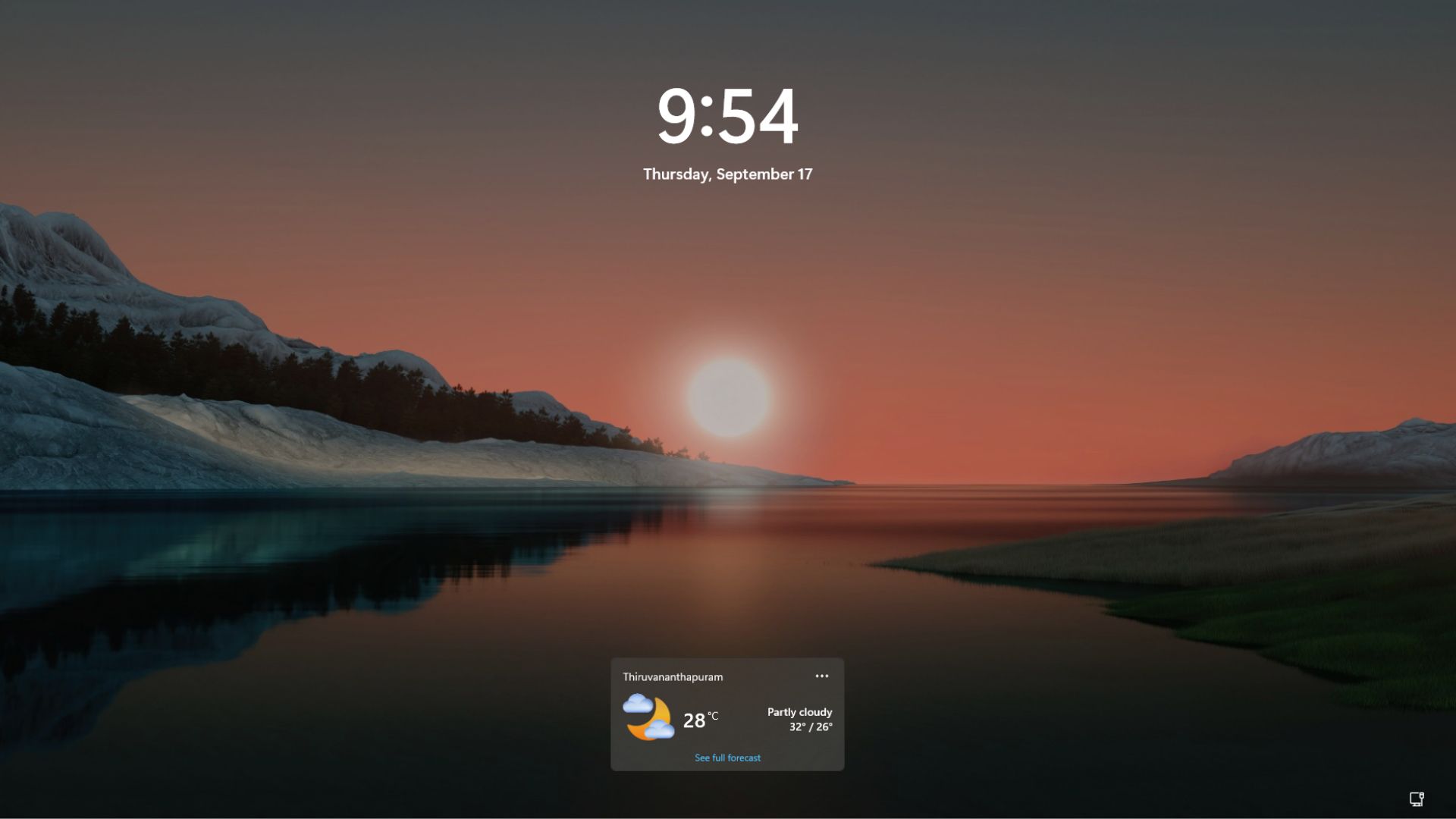
Of course, this is a much-needed change. But after going through Microsoft’s lock screen widget controls, I also have a few questions about why the Windows 11 lock screen still feels so bland, for lack of a better word.
Microsoft is finally making the Windows 11 lock screen quieter
The new addition showed up in the change log for the August 27 preview update, which is what Microsoft added into the mandatory September 8 Patch Tuesday release. Microsoft added the entry on September 14, almost a week after releasing the update:
“[Widgets] New! To provide a quieter, more focused Widgets experience on the lock screen, Weather is now the only widget shown by default. You can add other widgets in Settings > Personalization > Lock screen. This change began rolling out to new users in July and is now rolling out to existing users”
Lock screen settings previously showed Weather and a useless bunch of cards like Daily Wonder, Daily Discovery, and Events Near You, all switched on by default. After the update, there is only the Weather widget.
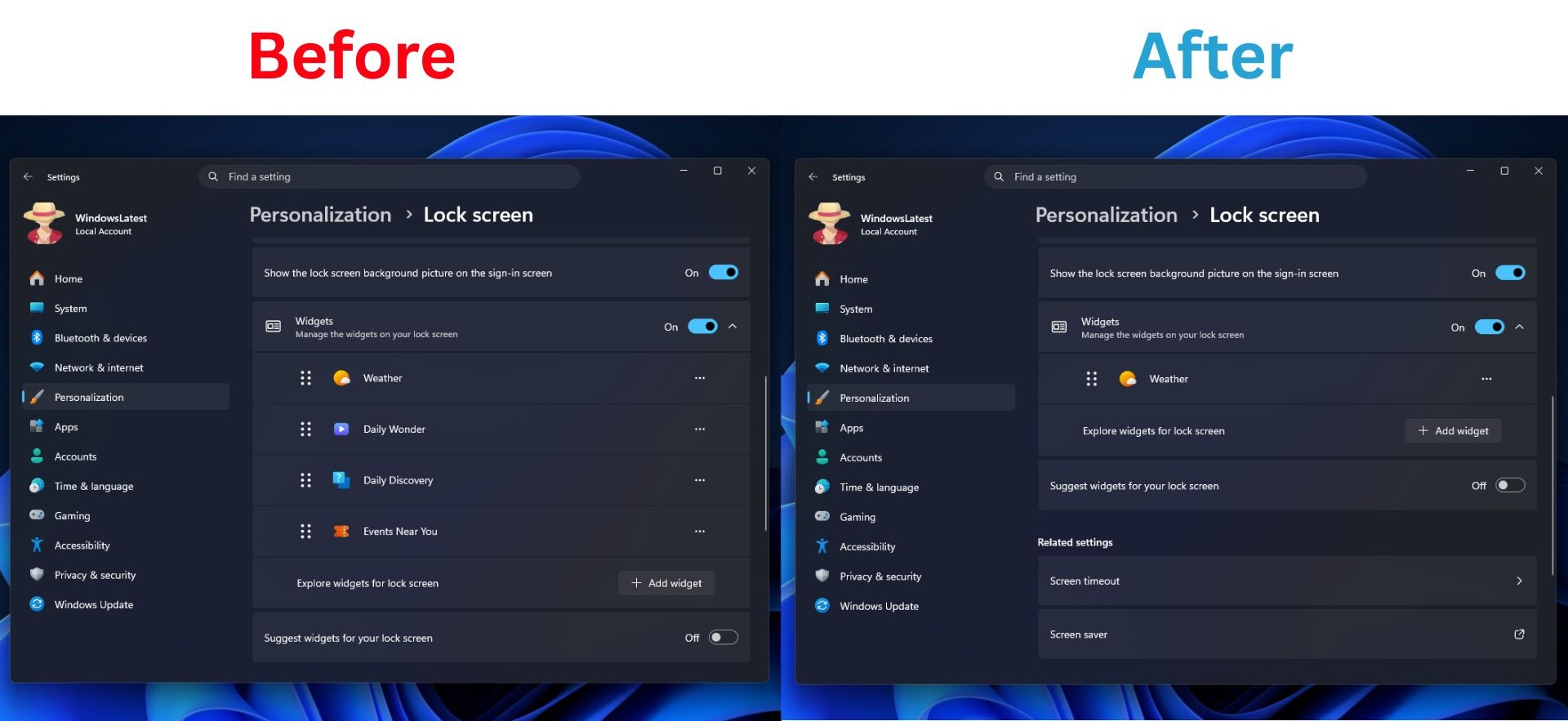
You can still go to Settings > Personalization > Lock screen and click Add widget to add these widgets back, along with anything else that supports the lock screen’s small widget size.
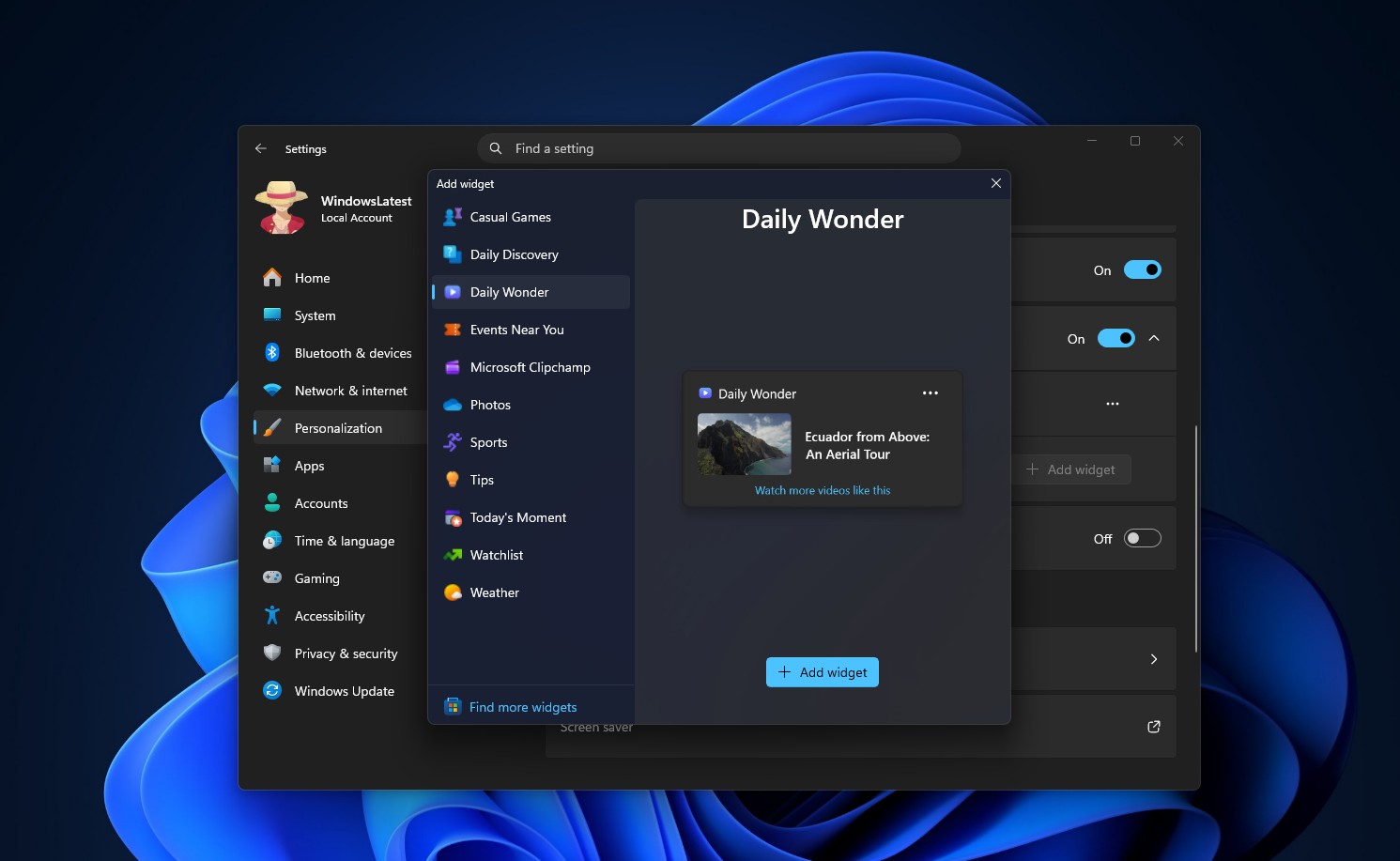
And if the whole thing is too much, you can also turn off Lock screen Widgets completely, which is what I normally do.
The September 8 update, which brought a movable taskbar, also caused some problems, like Remote Desktop breaking on some PCs, along with Hyper-V and WSL issues, and USB audio devices losing sound on others. Microsoft also confirmed the audio bug in its advisory soon after.
The emergency KB5129195 fix that followed on September 14 patched Remote Desktop and multichannel audio, and that’s when Microsoft added the change in Widgets to the release notes.
Windows 11’s lock screen has come a long way, but Microsoft still has work to do
Go back to March 2024, when Microsoft began rolling MSN-powered Weather, Sports, Money, and traffic cards onto the Windows 11 lock screen by default. I had mixed feelings when it arrived. But plenty of people did not like it at all, and that is understandable. A lock screen is something you see every time, so turning it into another Microsoft content surface is excessive.
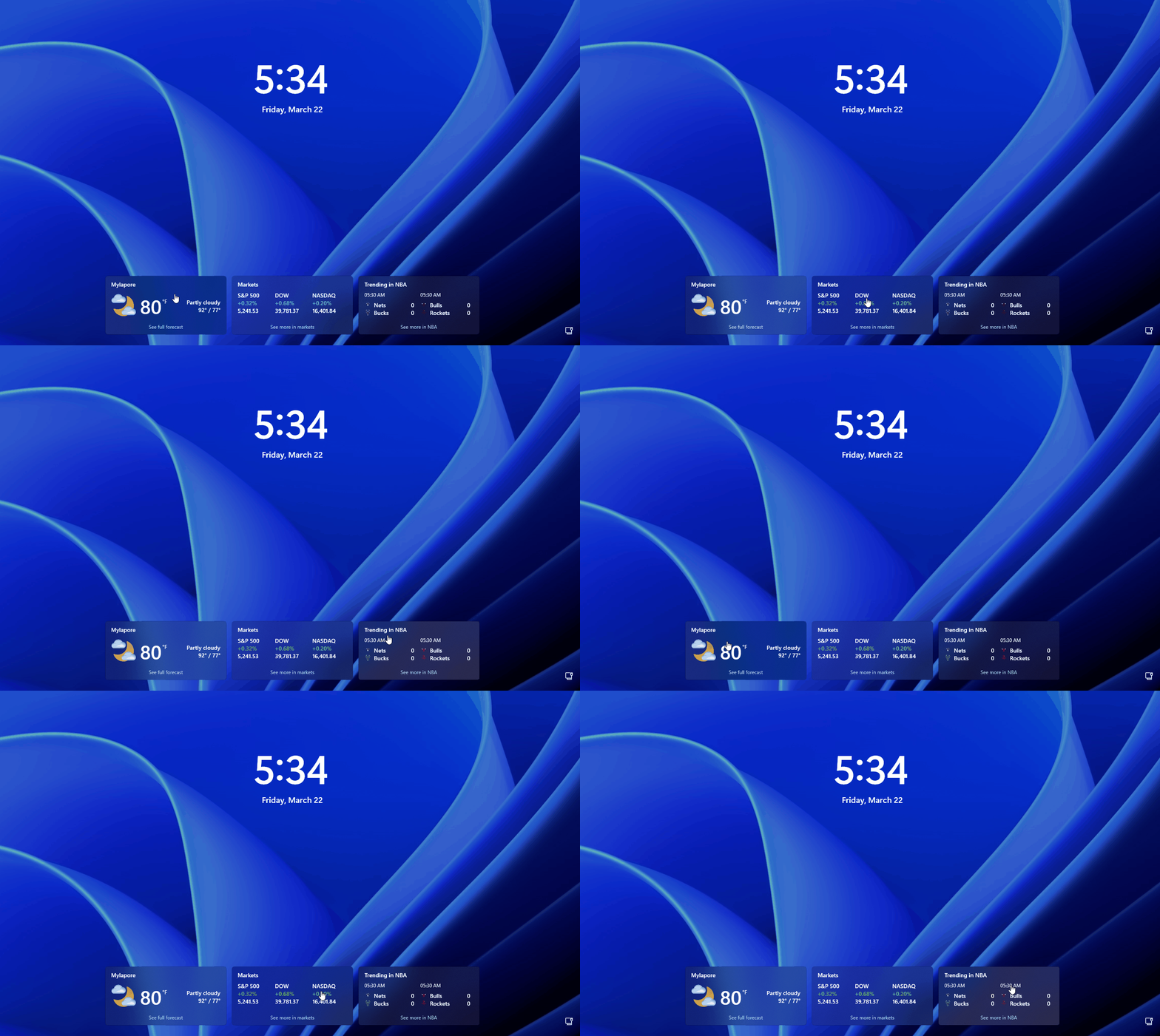
Microsoft finally let people customize the lock screen widgets in February 2025. We tested it and found you could add, remove, and rearrange widgets, including third-party ones like Spotify.
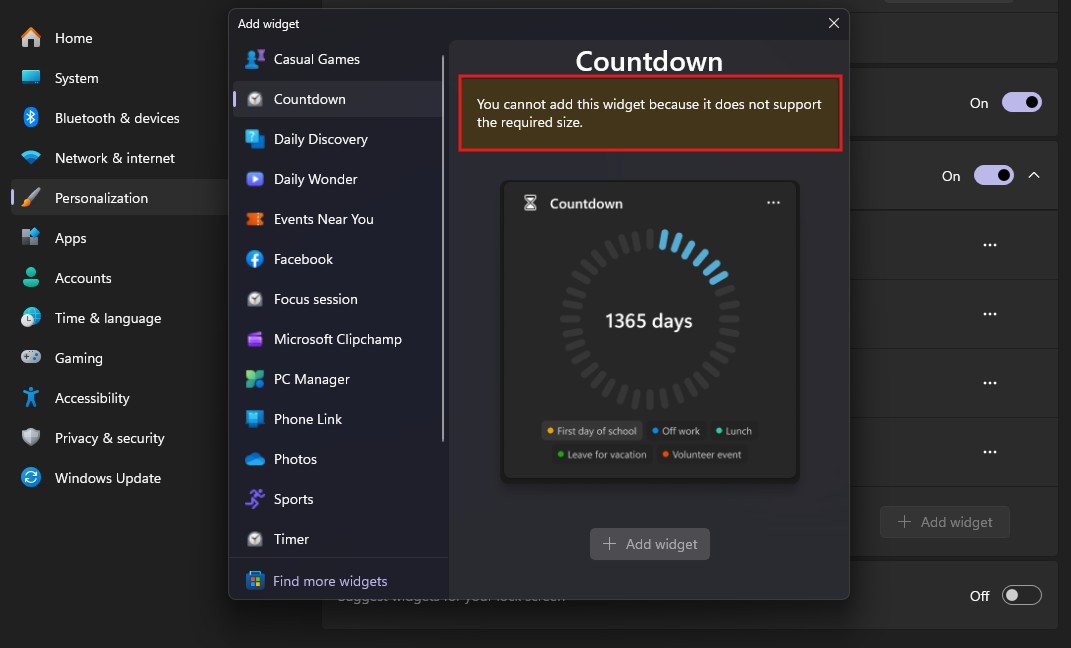
The catch was, and still is, that only widgets supporting the lock screen’s required small size can be added. A Countdown widget would make real sense on a lock screen, but the panel just tells you “you cannot add this widget because it does not support the required size,” which is a strange limitation to still have this far in.
As for MSN, in May 2026, Microsoft turned off the MSN feed and ads in Widgets by default, also disabling the panel opening on hover and reducing taskbar alerts.
In July, Windows Search dropped the same MSN clutter, losing the image of the day, daily quiz, and trending searches from its UI. Somewhere in Redmond, someone is probably tracking how much MSN traffic these costs. I am sure the three-trillion-dollar company will survive.
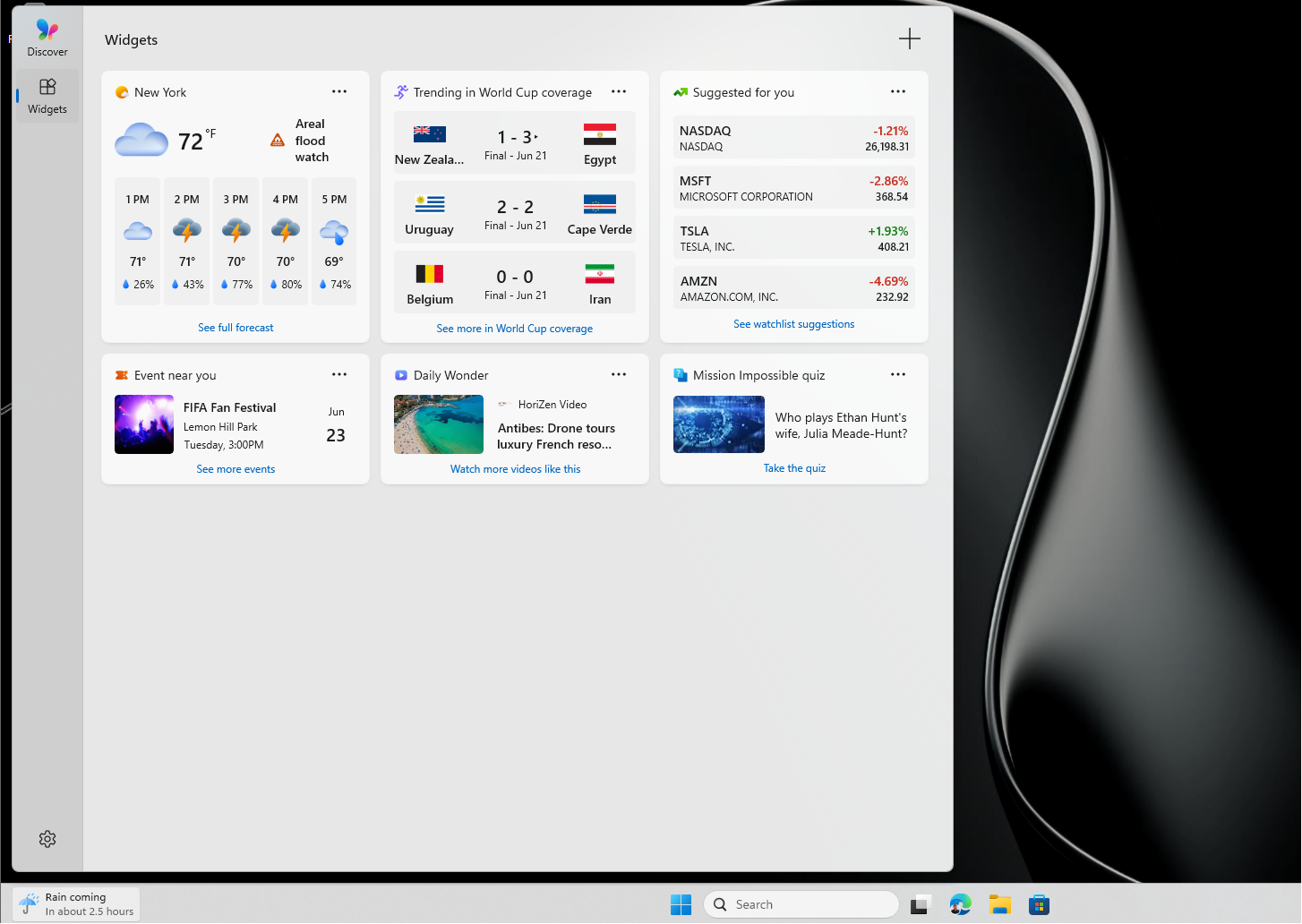
My criticisms remain, though. The widget catalog is still thin, and not every widget supports the lock screen size limit. I would like better clock customization too, something closer to the blur and depth effects in iPhone lock screens.
Animated profile pictures would also make things feel more personal, and my registry workaround already proves Windows can technically display an animated GIF as your account picture, including on the lock screen, without official support.
Windows 10 had more personality through Spotlight, and its lock screen photo of a New Zealand beach recently went viral, which makes me wonder why Windows 11 didn’t make a similarly big effort here, especially given how many Windows 10 features got delayed or dropped in the transition.
I would also like to know how much memory these widgets consume once active on the lock screen, given how resource-heavy the Widgets experience already is.
That said, Microsoft is finally making the lock screen less of an MSN feed, and that is a welcome change. But the company should not stop at removing clutter. Windows 11 needs a lock screen that feels personal, useful, and properly designed, not one that just has fewer things.
The post Microsoft turned Windows 11’s lock screen into MSN hell, now it’s undoing most of it appeared first on Windows Latest