
You’ve probably seen headlines about Windows 11 improving in different ways this year: redesigned dialogs, a movable taskbar, less Copilot. Now we have confirmation from one of Microsoft’s most senior engineers that Windows 11 is getting faster too.
Windows 11’s biggest complaints have been remarkably consistent for years, with sluggish performance on anything short of high-end hardware, and an OS that feels more interested in showing you ads.
Back in March, Microsoft acknowledged all of it. Windows president Pavan Davuluri confirmed a major Windows 11 update with faster File Explorer, reduced Copilot integration, and lower memory usage, and it was a response to years of user complaints.
Four months later, several of those promises have shipped already, and Davuluri’s most recent update mentioned optimizing Windows 11 for 8GB RAM devices and above, which I believe is the biggest fix coming to Windows this year.
Still, some of our readers have kept asking us if Windows 11 is going to get faster. We can finally answer that with something more concrete than a PR move.
A senior Microsoft executive confirms Windows 11 is getting faster
A viral X post recently claimed Microsoft secretly added a hidden tracking service to Windows 11 that slows down desktop PCs, a rumor debunked after Scott Hanselman, VP and member of technical staff at Microsoft, stepped in to explain what the service does, first spotted by Windows Latest.
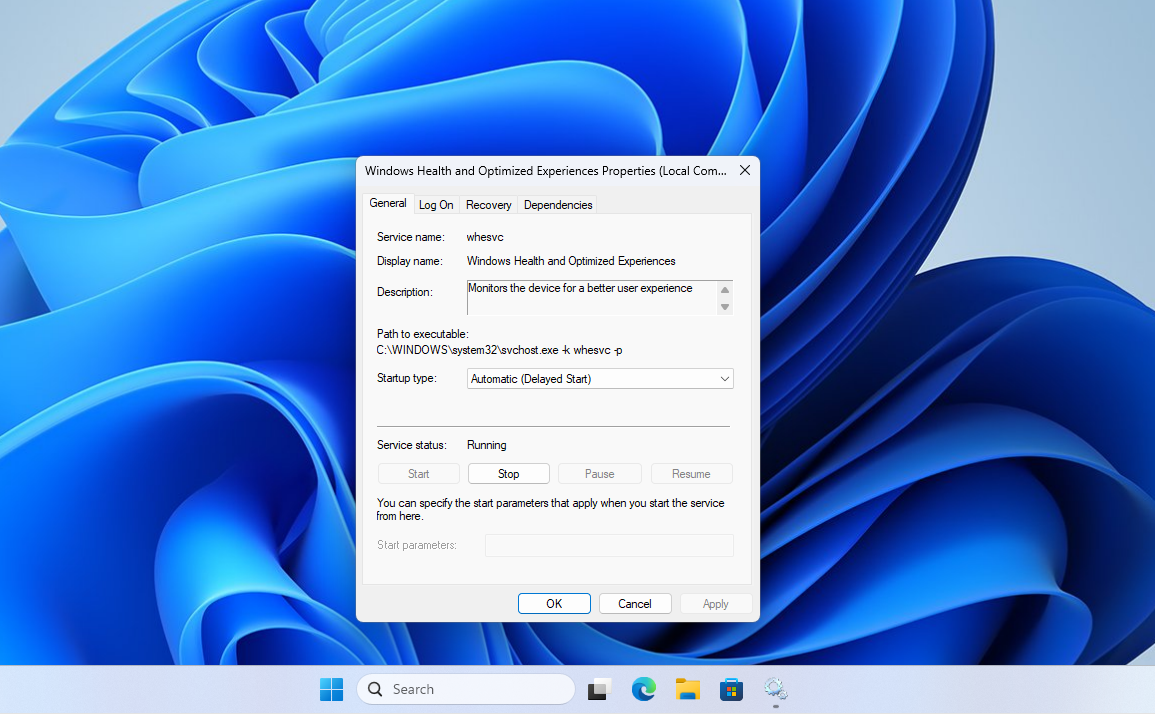
Since the original post made the service seem as something that eats resources and slows the OS down, one user replied to Hanselman, asking:
“Can’t you guys just make windows run faster?”
Hanselman left no room for interpretation:
“Yep. On it.”
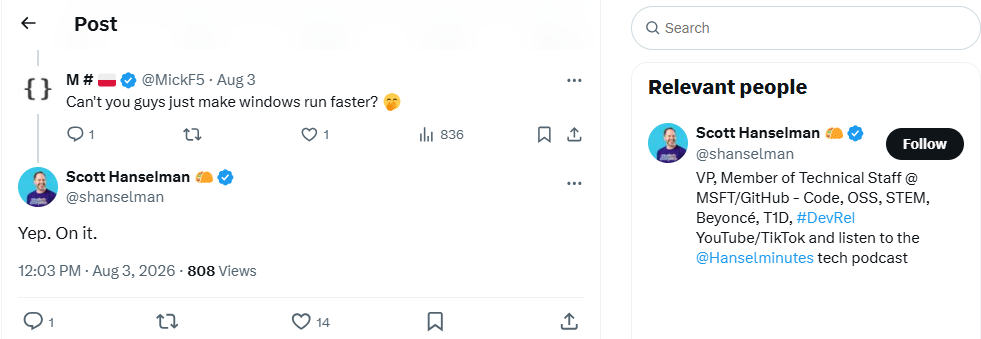
Microsoft knows Windows 11 is slow, and someone senior enough to speak for the company just said so in public. Yes, Microsoft could and arguably should have gotten this right before launching Windows 11 in the first place, instead of spending the better part of five years making it heavier.
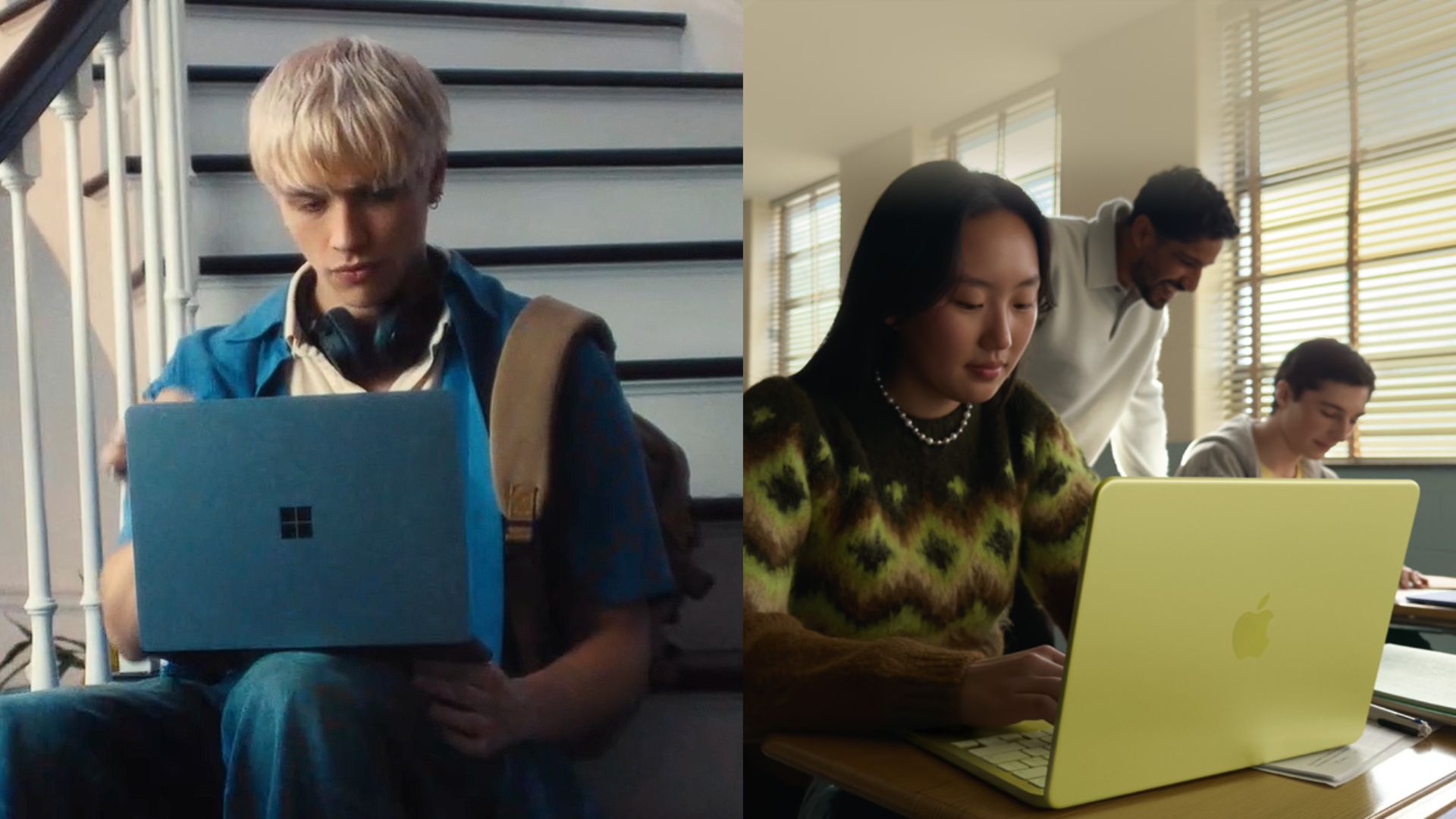
It’s a late fix, but a fix all the same, and as Windows Latest first reported, the MacBook Neo is what finally forced Microsoft to make Windows 11 leaner and faster.
How Microsoft plans to make Windows 11 faster
If you’ve used Windows 11 recently and it felt slightly snappier opening the Start menu or Search, that wasn’t your imagination. It’s the Low Latency Profile, a scheduler-level CPU boost that reached all PCs in June, spiking your processor to max frequency for one to three seconds when you interact with core shell elements. It’s most noticeable on budget and older hardware, less so on machines that were already fast.
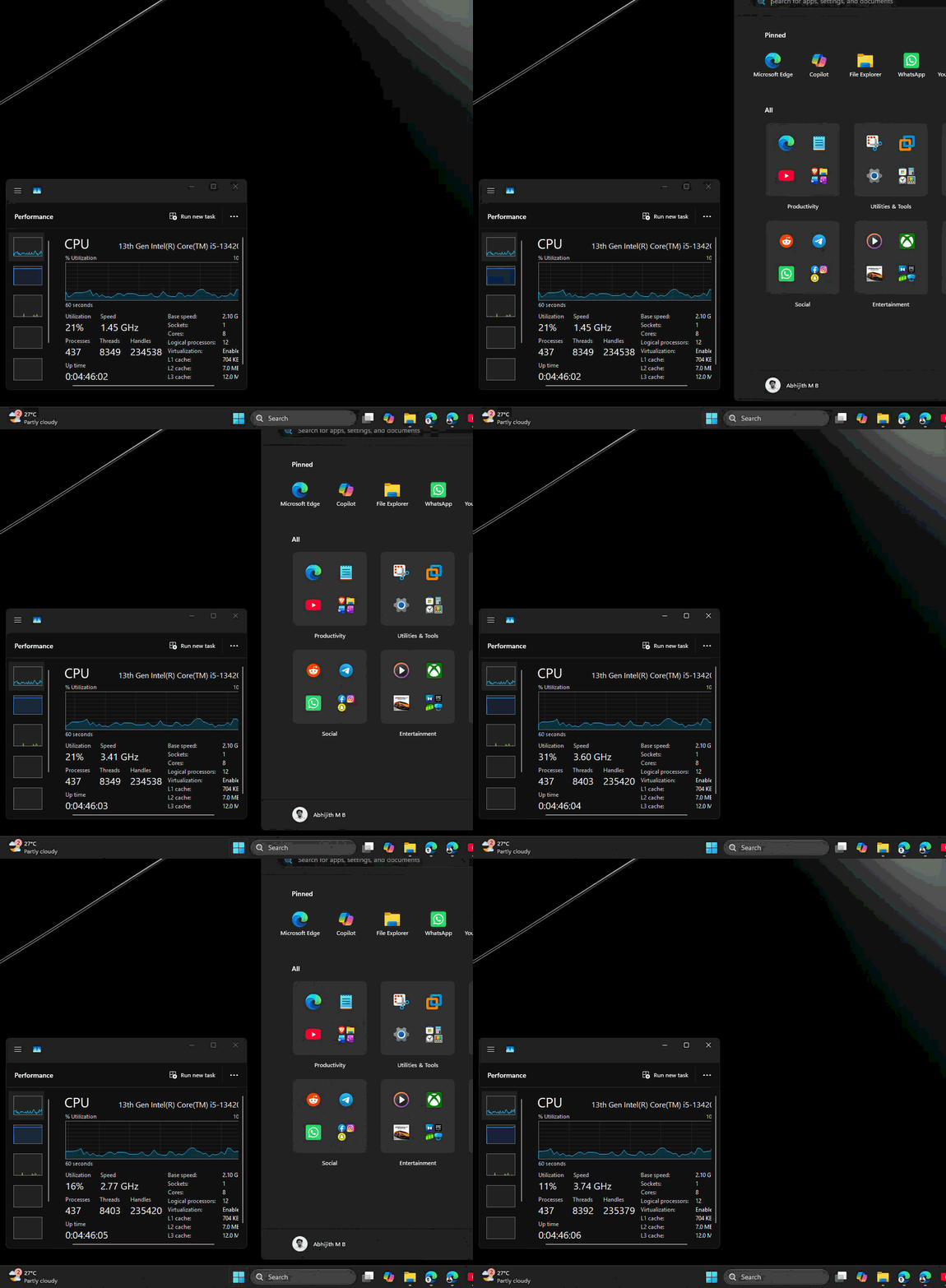
When critics dismissed Low Latency Profile as a lazy trick, comparing it to “flooring my accelerator”, Hanselman personally pushed back and defended it, pointing out that macOS and Linux do the same thing. He was right, and it turned out to be a preview of actual fixes in the OS.
1. RAM optimization is one half of the plan
Windows 11’s memory usage has been Microsoft’s admitted failure this year. The company acknowledged Windows 11 had become a memory hog and promised optimization work for 8GB RAM PCs and above by the end of 2026, a commitment significant enough that Microsoft quietly deleted all their documentation recommending 32GB RAM, an awkward message to keep making once you’ve committed to running well on less memory.
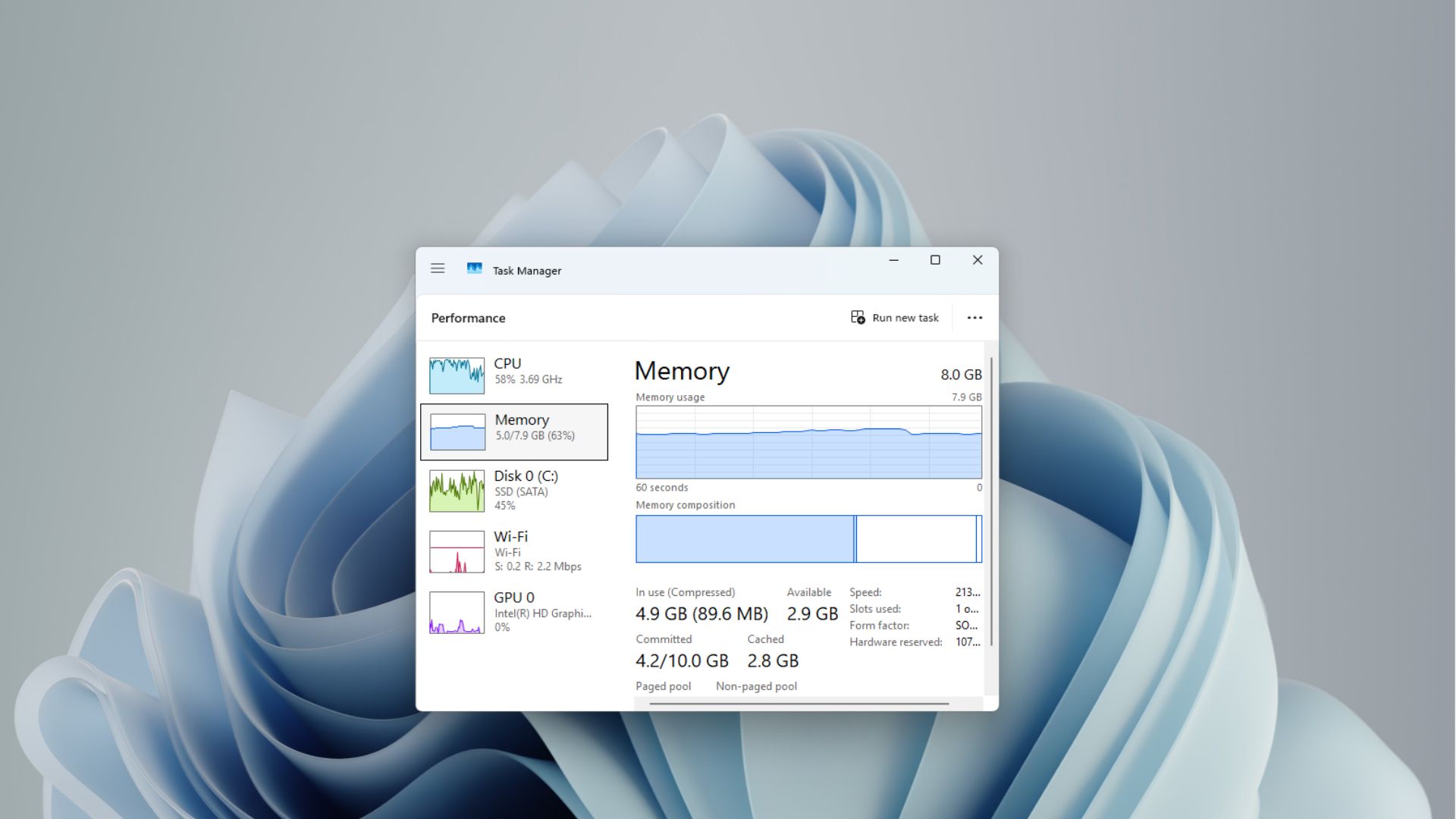
Much of that RAM reduction has WinUI to thank for, which is Microsoft’s native UI framework replacing the older, heavier Win32 and WebView2 code scattered across Windows 11.
Davuluri says: “We’ve strengthened the fundamentals of WinUI 3 and extended it into more of the Windows shell”. He added that Microsoft has been “driving efficiencies across Chromium and WebView2 components when they appear in the operating system,” alongside continued tuning so that WinUI 3 apps use less memory by design.
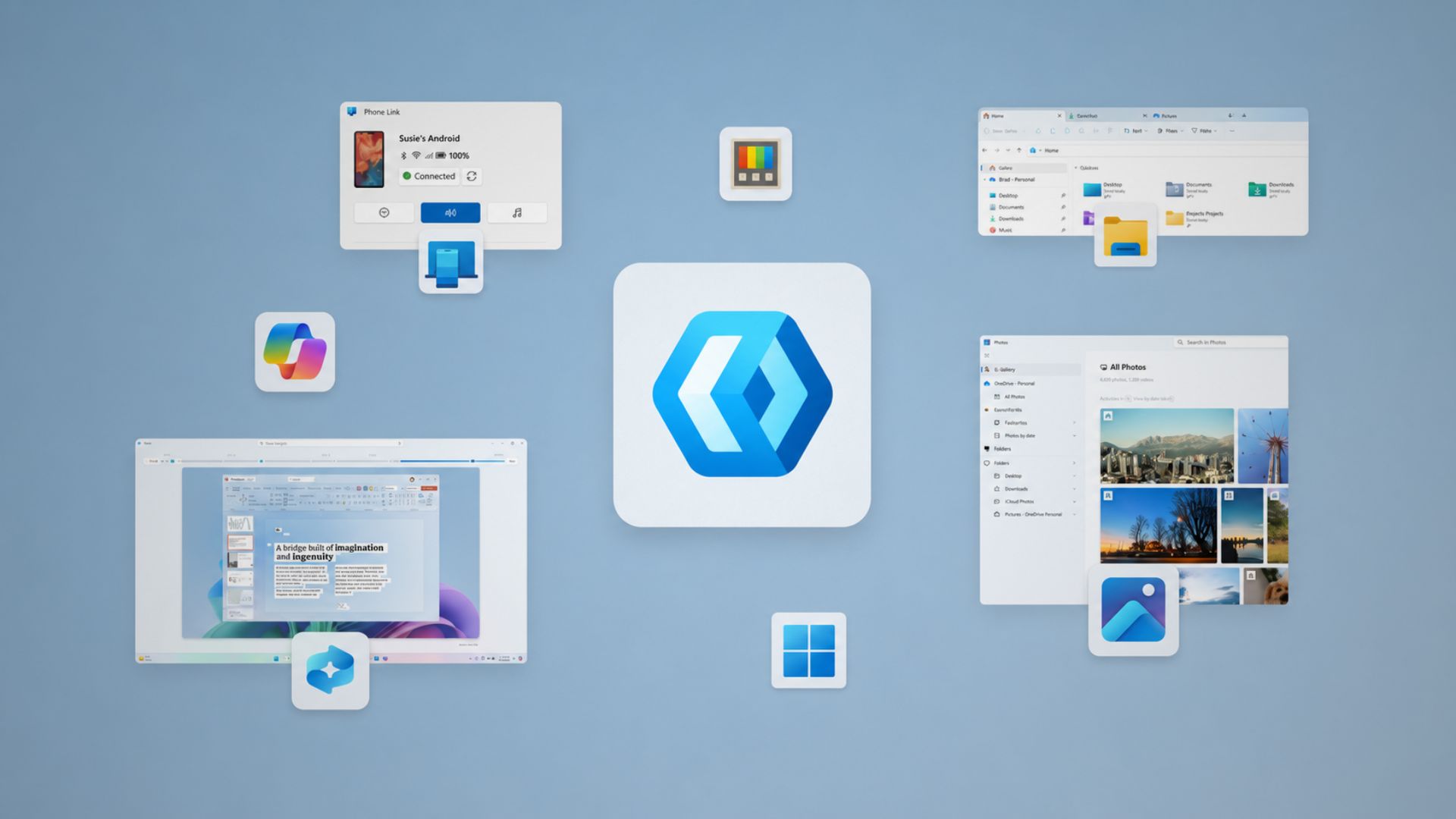
Several dialogs Windows Latest has tracked already show this work in progress. Microsoft has confirmed a UI redesign moving legacy code to WinUI, rebuilt Print Management in WinUI 3, and confirmed AutoPlay is next in line, following the File Explorer Properties dialog and a growing list of other legacy dialogs already rebuilt this year.
2. Everyday speed fixes are the other half
Apart from RAM, Microsoft has been chasing speed in the places people interact with constantly. File Explorer now deletes large, fragmented files faster, search across This PC is getting a dedicated speed overhaul, and Microsoft began rolling out a faster File Explorer launch without relying on preloading back in June.
The right-click menu, confirmed to be loading noticeably faster alongside Quick Settings, rounds out the areas people click through dozens of times a day.
Inbox apps and everyday experiences are getting faster too, and a lot of that also includes removing ads.
Windows 11 is also cutting ads throughout the OS
I can’t think of any other OS that shows ads all the time to make a comparison here. Anyway, in Windows 11, every promotional tile, MSN feed, and web-based suggestion competing for space is also a WebView2 process that also uses a considerable amount of CPU and RAM.
Microsoft decluttered Search after years of MSN tiles, ads, and trivia cramming the home screen, and Windows Latest tested an early version weeks before the official rollout and found it noticeably faster without Bing search results.
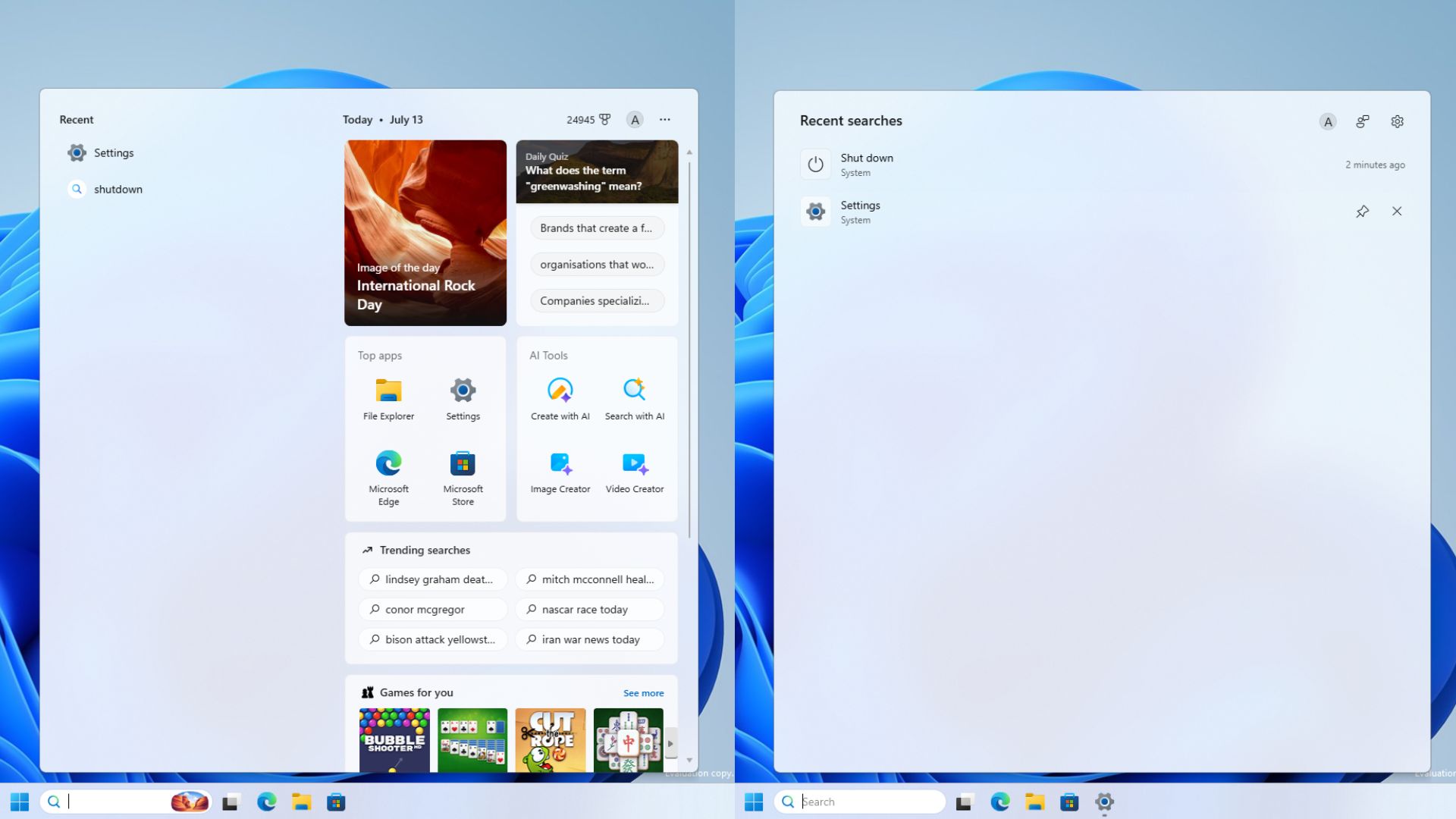
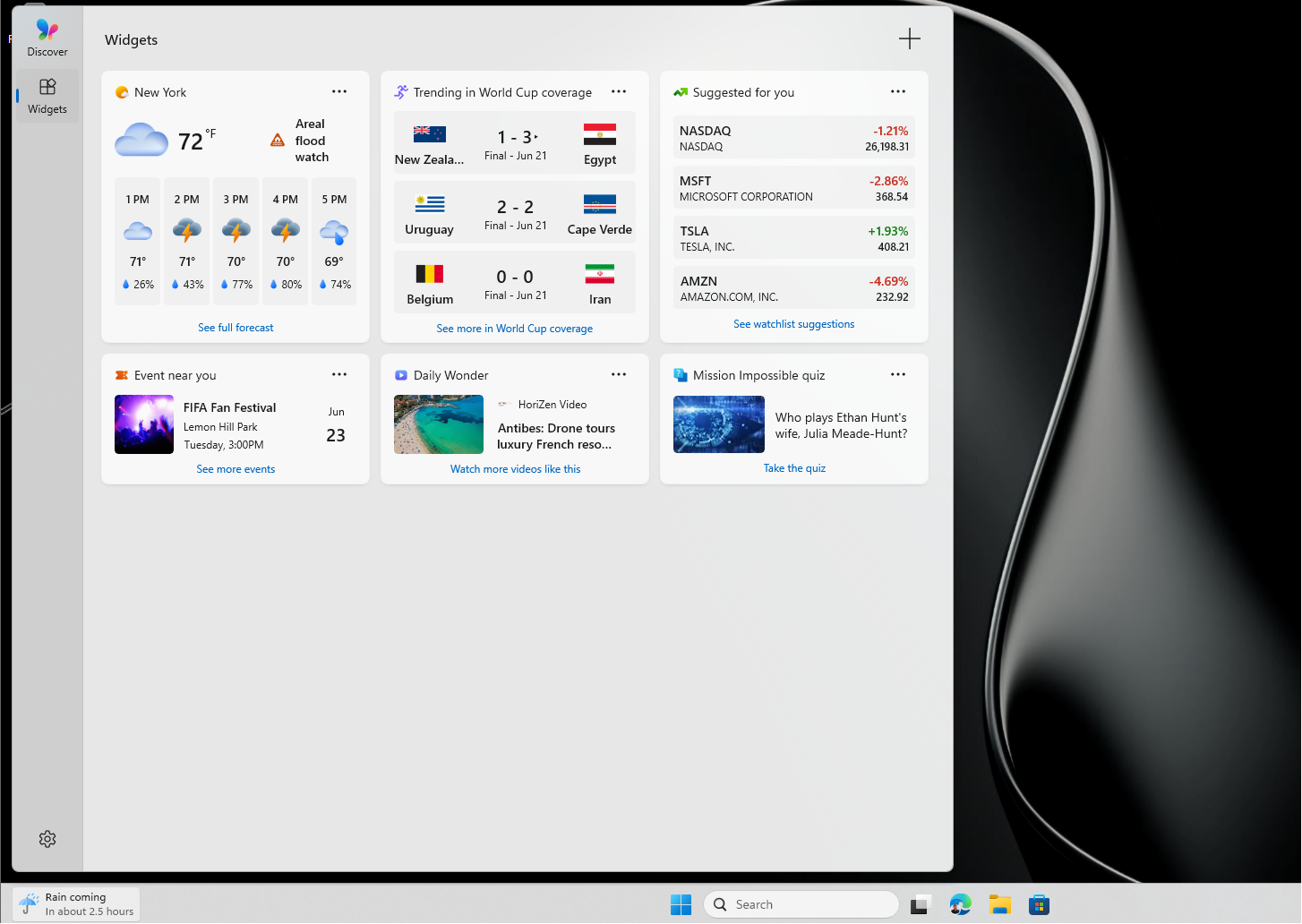
Widgets went through the same cleanup, with MSN feed content and ads turned off by default as of May. Pavan Davuluri also mentioned Widgets getting a WinUI 3 makeover, which is where the real performance gains will be seen.
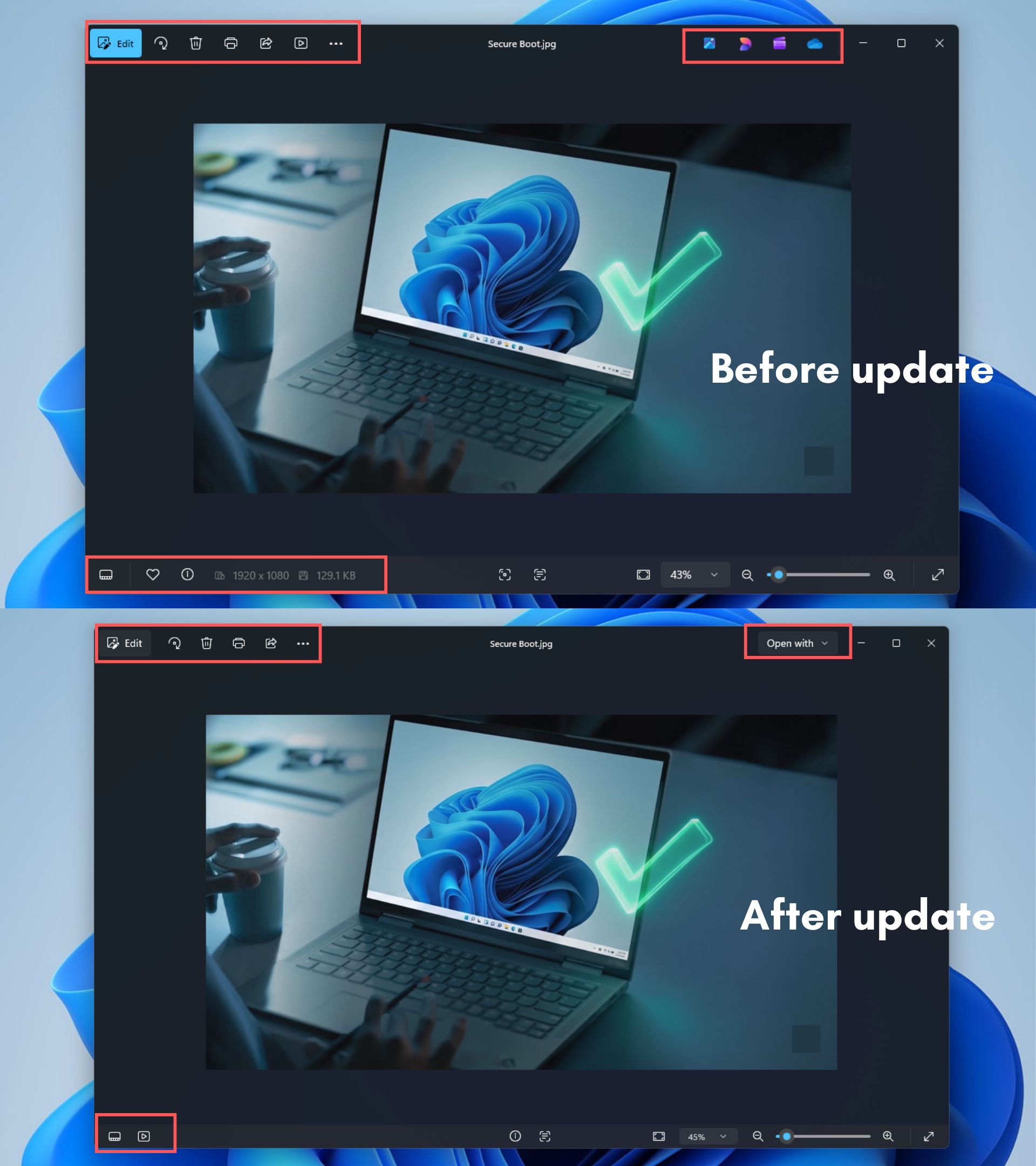
Recently, the Microsoft Photos app got debloated, dropping promotional icons and a cluttered context menu, though Microsoft immediately undercut its own progress by shipping a separate WebView2-based Photos gallery alongside it, proof that this cleanup isn’t happening evenly across every team yet!
2026 might be Windows 11’s biggest year, but the reputation problem remains
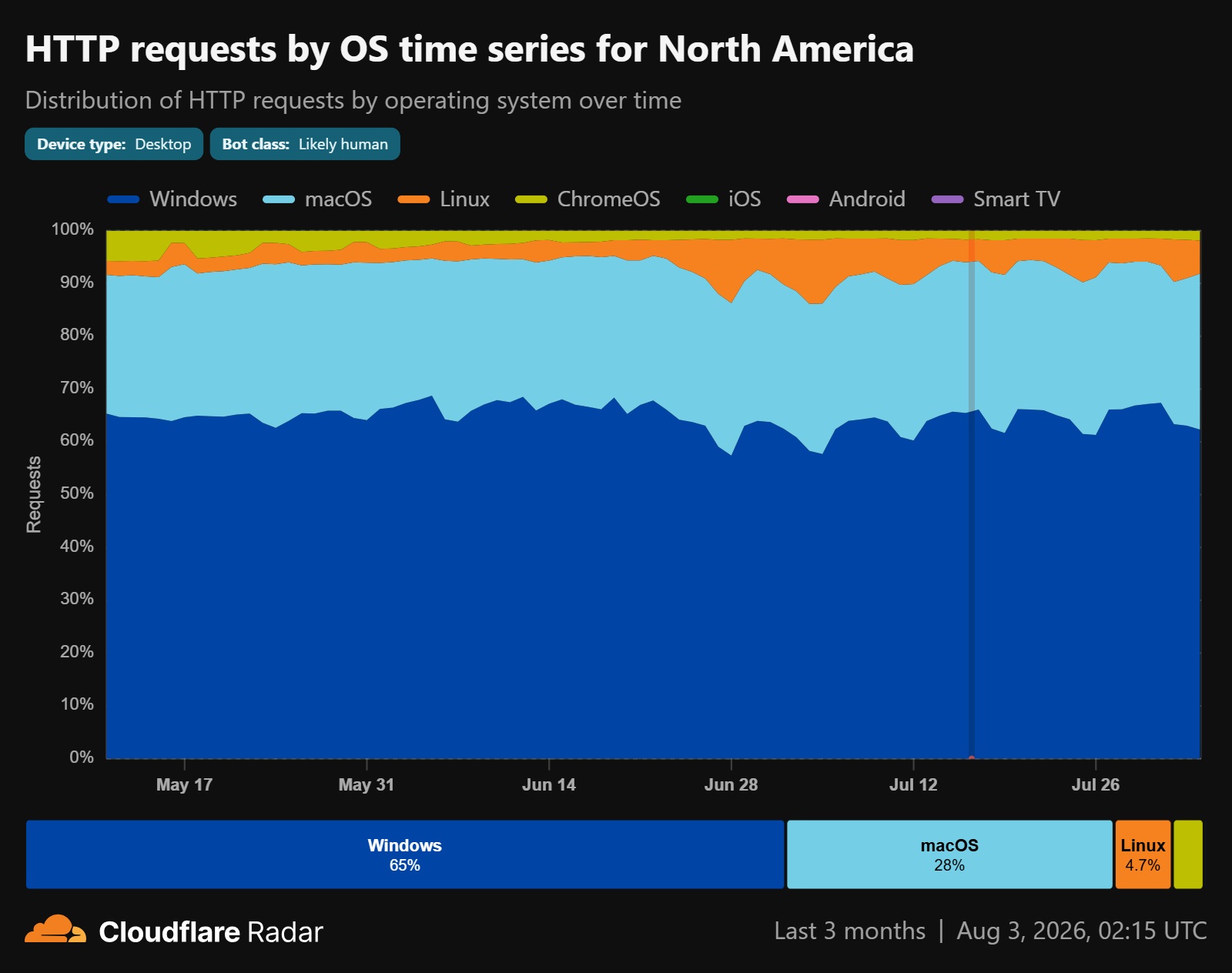
This is arguably the most substantial year of fixes Windows 11 has ever had. And yet when I browse social media on any given week, I still find people declaring they’re done with Windows for good, some really switching, many just venting. Funnily enough, a lot of this online sentiment insisted Linux had already grabbed 10% of the desktop market this year, a claim Windows Latest traced back to just AI crawler bots inflating the numbers.
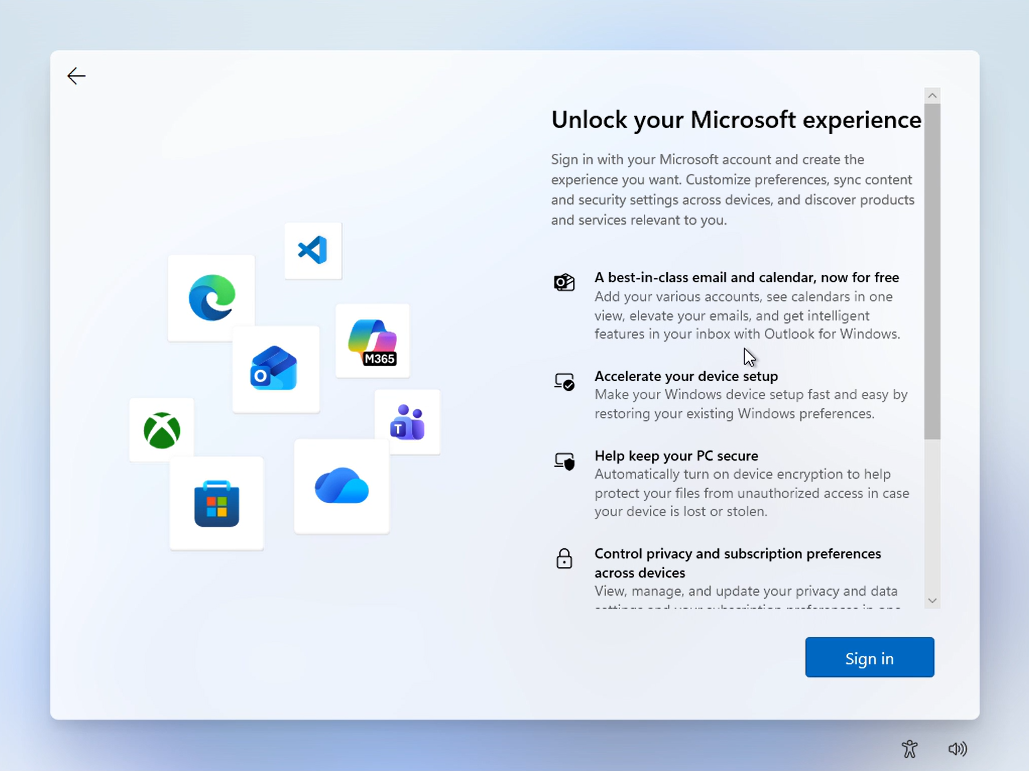
Windows 11’s reputation is bad enough now that even legitimately good news gets read with suspicion, and Microsoft mostly built that skepticism themselves over the past few years. One thing Microsoft still needs to address, or at least talk about openly, is the forced Microsoft account requirement during setup. Microsoft’s latest OOBE improvements say nothing about dropping the mandatory MSA sign-in, the one fix that would probably do more for goodwill than almost anything else on this list.
Speed and fewer ads are measurable wins, and Hanselman’s two-word reply is as close to an unscripted admission as Microsoft gets. But rebuilding five years of trust is the almost impossible challenge.
The post Microsoft admits Windows 11 needs to be faster and drop ads, and some fixes are already shipping appeared first on Windows Latest