
Windows 10 KB5094127 is rolling out as part of Microsoft’s Extended Security Updates program. This update improves the File Explorer search bar, rolls out the Secure Boot certificate, and addresses bugs. You can download the patch via Windows Update, or Microsoft has also posted direct download links for KB5094127 offline installers (.msu).
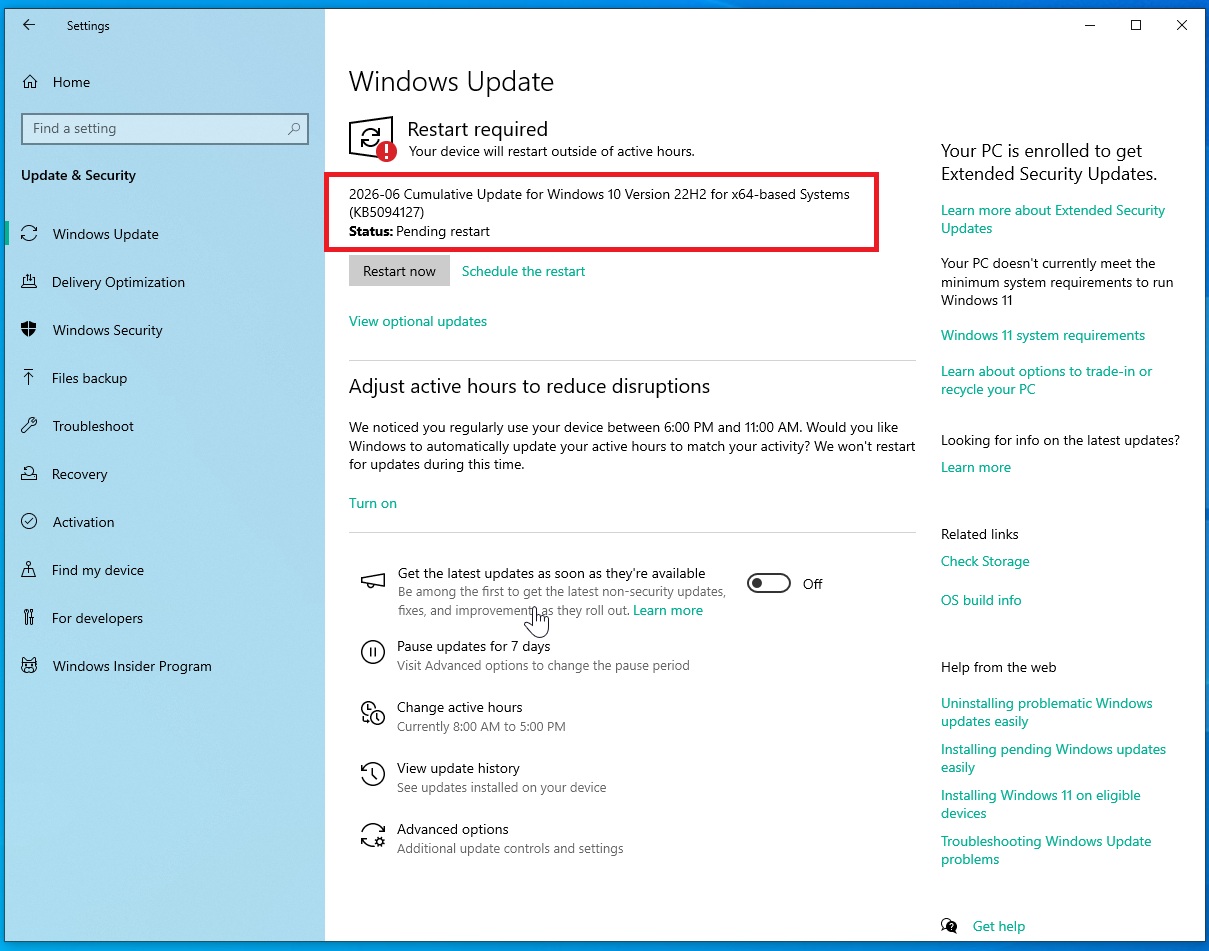
KB5094127 is a mandatory update rolling out as part of June 2026 Patch Tuesday cycle, and it bumps PCs to Windows 10 Build 19045.7417. June 2026 update will automatically unless you’ve paused updates manually or using Group Policy Editor.
This update is labelled as “2026-06 Cumulative Update for Windows 10 Version 22H2 for x64-based Systems (KB5094127)” and it’ll download automatically unless you’ve paused updates. It’s also worth noting that the update may not show up on PCs without Extended Security Updates.
Download Links for Windows 10 KB5087544
Windows 10 KB5094127 Direct Download Links: 64-bit and ARM-64 | It opens Microsfot Update Catalog that lets you download June 2026 update for Windows 10 in .msu, but you don’t have to use Update Catalog. Monthly cumulative updates install smoothly, but if you run into trouble with Windows Update, Catalog is the right way to move forward.
In all other cases, I recommend downloading Windows 10 June 2026 update from Settings > Updates & Security > Windows Update.
In our tests, Windows Latest found that Windows 10 KB5094127 takes approc five minutes to finish downloading, and another minute or two to complete installation.
The update applies smoothly on our PCs, and most of you won’t run into problems. It’s largely because Windows 10 is now in extended support and Microsoft is investing only in Windows 11.
What’s new in Windows 10 Build 19045.7291?
Windows 10 Build 19045.7291 actually comes with a decent improvement, and that is for File Explorer.
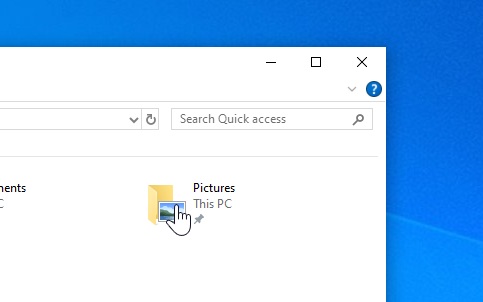
In release notes, Microsoft confirmed that File Explorer’s search bar now works better, but it’s unclear how it improved. My tests show that search in File Explorer now works faster, and is also able to process your request quickly if you’re using non-English language as system default.
“Text now displays more clearly and consistently across search results, Content view, and tooltips,” Microsoft noted.
Secure Boot status reporting in Windows Security
Microsoft told Windows Latest that it’s rolling out Secure Boot update to more PCs with June 2026 update, and that applies to Windows 10 as well. This means, Windows 10 KB5094127 also rolls out Secure Boot to more PCs, but it must have a supported BIOS/UEFI version.
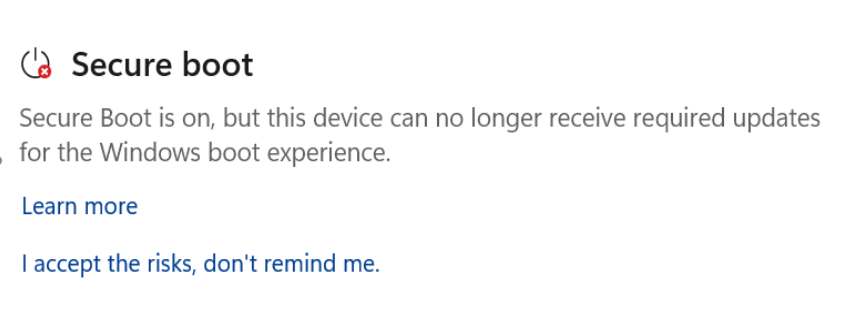
If you’re unsure whether Secure Boot update is applied to the PC, you can verify the status in Windows Security app. To do that, open Security, go to Device Security, scroll a little, and you’ll find “Secure Boot” section. Under Secure Boot section, you can see the status of the certificate, including if it’s up-to-date.
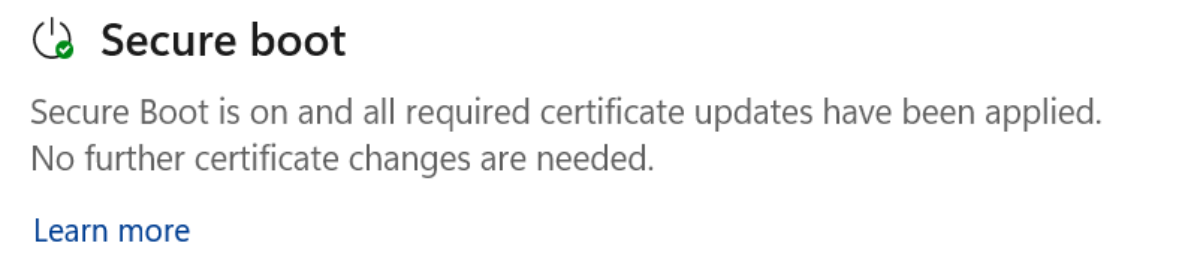
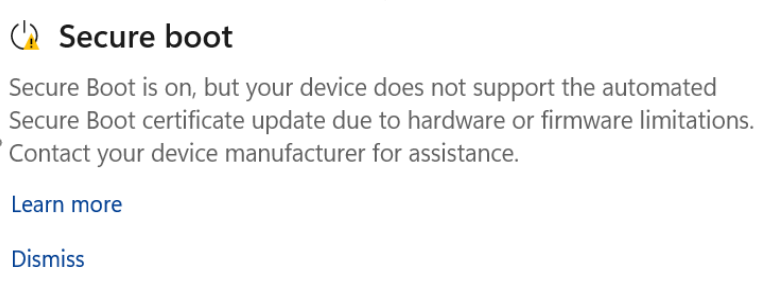
I noticed that my Secure Boot status is green, and all certificates are updated. But in other cases, you might have a yellow warning where Windows clearly warns that Secure Boot is not updated and it needs your attention. In most cases, you’ll be asked to reach out to OEM for an updated UEFI/BIOS.
In case it’s red, it means your device will not updates for boot loader anymore.
Microsoft has also added a new Group Policy called LimitSecureBootRequiredServiceData, under Computer Configuration > Administrative Templates > Windows Components > Secure Boot.
Is Microsoft aware of known issues with the Windows 10 KB5094127?
Microsoft says it’s not aware of any new issues affecting Windows 10, but there’s an old known issue that continues to affect the OS.
In some cases, you could run into BitLocker recovery screen where you’ll be asked to enter recovery key to move to the login screen.
The post Windows 10 KB5094127 improves File Explorer search, direct download links for offline installers (.msu) appeared first on Windows Latest