
Microsoft previously confirmed that the monthly cumulative updates, particularly the May 2026 update, are failing on some PCs with insufficient EFI System Partition space. Now, the company says it has identified the root cause and is rolling out a fix with an optional update (KB5089573). If you install the optional update, you should no longer run into problems.
On May 12, 2026, Microsoft rolled out the Patch Tuesday update (KB5089549) for Windows 11 25H2, 24H2, and older versions. The May 2026 Update shipped with some noteworthy changes, including Xbox mode for desktop and explorer.exe-related fixes. However, at the same time, quite a few users complained that they could not install the update.
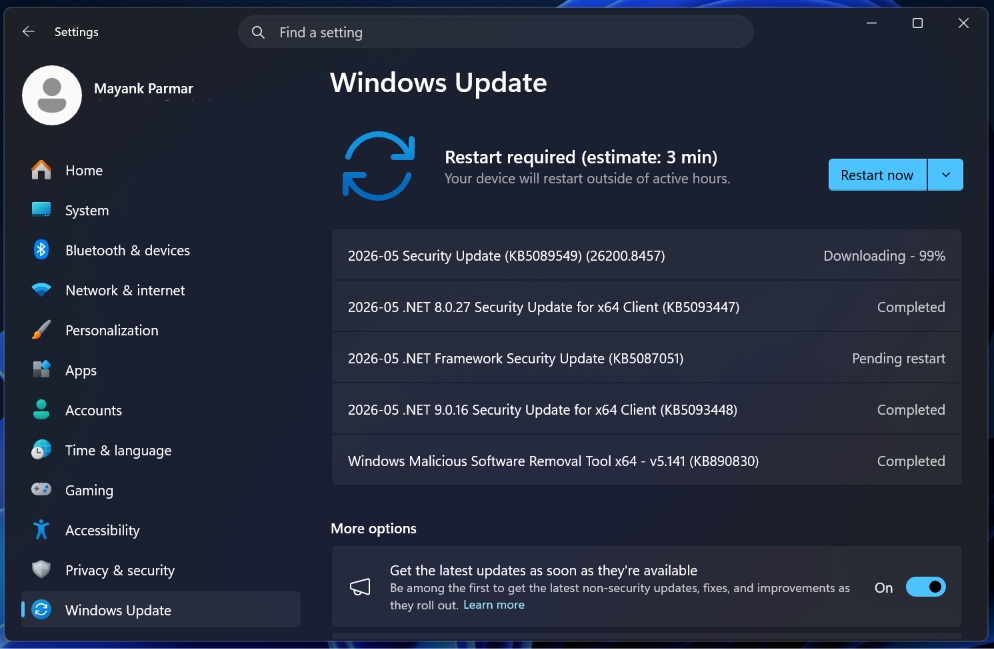
While KB5089549 (May 2026 Patch) installed smoothly on my PC, I heard from consumers that they were unable to install the mandatory update due to a vague error code, “0x800f0922,” which usually occurs when your device has limited free space on a partition called the EFI (Extensible Firmware Interface) System Partition, also known as ESP.
Windows 11 mandates ESP, and it’s present on all PCs regardless of the OEM or Windows version you use
ESP is required because Windows uses it to read boot files. UEFI firmware depends on a specific FAT32-formatted partition (the ESP), which contains the Windows Boot Manager. You can’t boot your PC without it because the hardware firmware depends on it to start Windows.
That’s why ESP is always created automatically when you set up Windows, and hidden in File Explorer because it’s a sensitive/critical partition. It takes only a few megabytes of space. For example, my Windows installation has allocated only 256MB to ESP, and I have more than 100MB of free space in the partition.
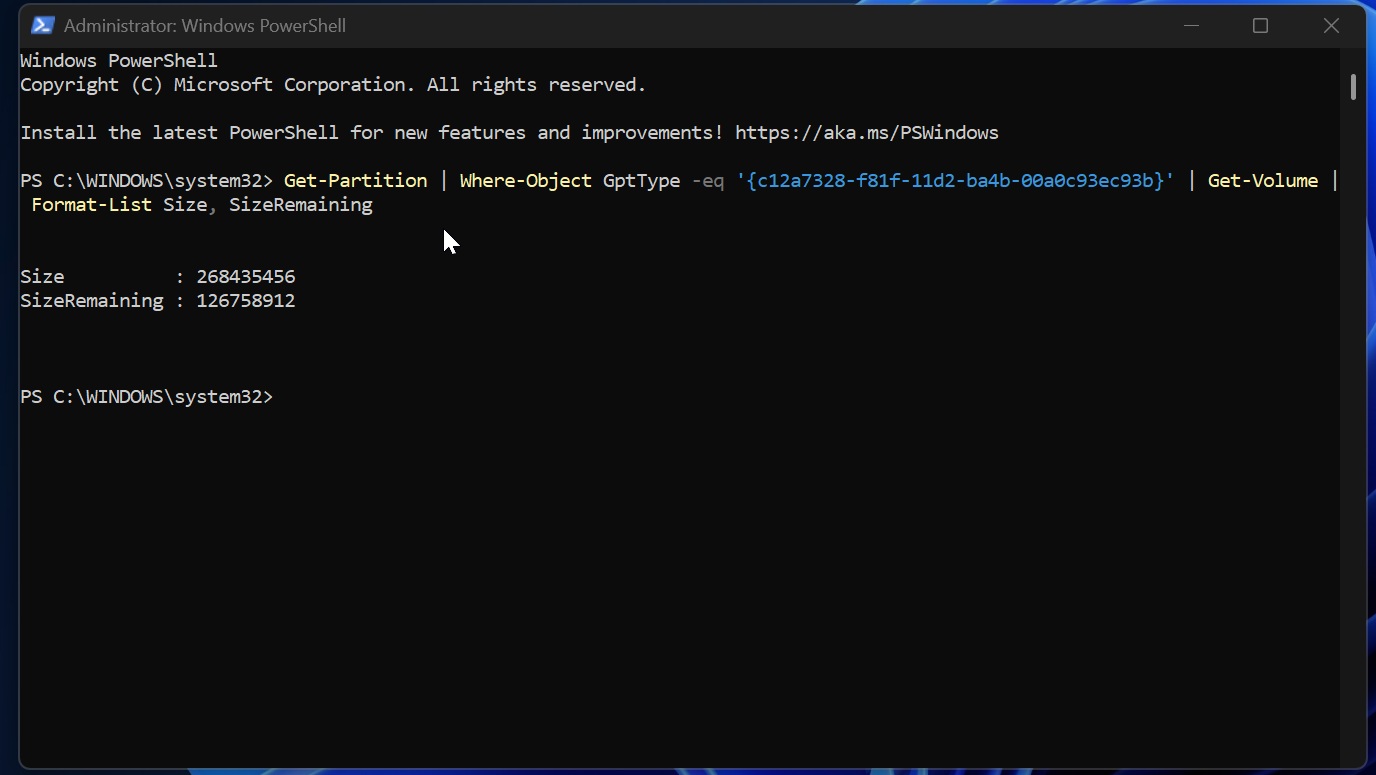
You can check ESP storage on your PC using the following command:
Get-Partition | Where-Object GptType -eq '{c12a7328-f81f-11d2-ba4b-00a0c93ec93b}' | Get-Volume | Format-List Size, SizeRemaining
However, when the EFI (Extensible Firmware Interface) System Partition (ESP) runs out of space, Windows updates can fail due to a recent change.
This issue was introduced with Windows 11’s May 2026 Update, and Microsoft told us that it immediately rolled back the buggy or changed code via a server-side update.
Now, Microsoft has shared some more details. If you were affected, or if you get affected in the future, Windows updates would still download properly, but when you reboot the device to finish applying changes, it would get stuck at approximately 35–36% completio.
At that point, you’ll see the spinning circle screen, and Windows will attempt to roll back the changes.
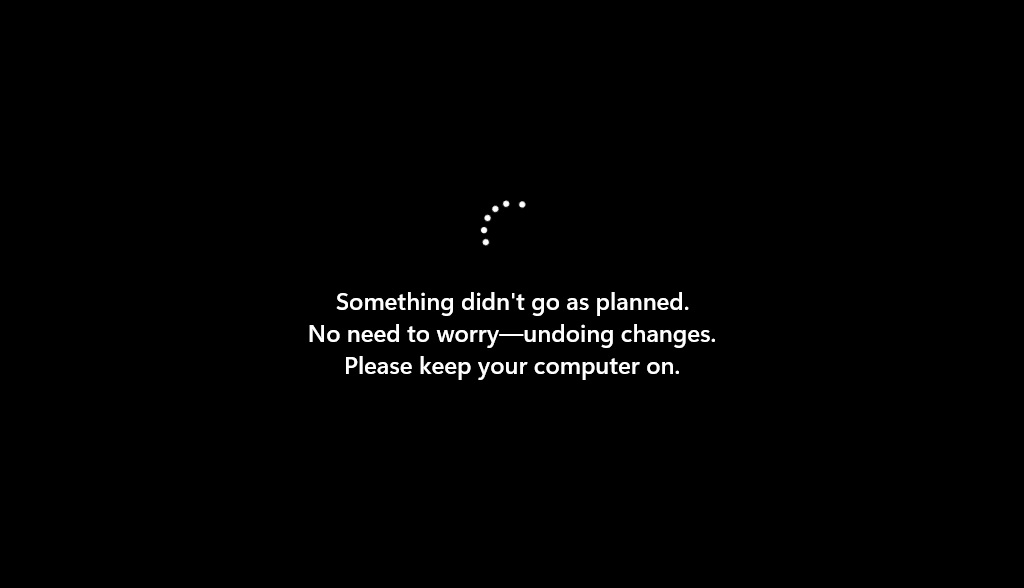
That means you’ll run into the message, “Something didn’t go as planned. Undoing changes,” and the Windows Update history page will log the failure with error code 0x800f0922.
If you use Event Viewer and check C:WindowsLogsCBSCBS.log, you’ll also notice that Windows flagged the issue as insufficient free space on the EFI System Partition.
Why can ESP run out of storage and break Windows updates?
Windows does not continuously consume ESP storage, which is why this partition typically has a disk footprint of less than 100MB while still retaining 60–80% free space. However, in some cases, it can grow in size and eventually end up breaking Windows Update installations. This can happen when you install updates released by OEMs, such as BIOS updates.
If you have 10MB or less of available space in ESP, Windows updates may fail to install.
You can always take the more difficult route and manually increase the size of the ESP, but you shouldn’t do that unless you know exactly what you’re doing. Thankfully, Microsoft has figured out how to deal with the problem, so you don’t have to change your ESP to install updates.
In an updated document, the company says the May 2026 optional update (KB5089573 / Build 26200.8524 or newer) addresses the root cause, and ESP space issues should no longer halt your monthly updates.
Microsoft says you should install this update if previous updates, like the May 2026 Patch Tuesday, failed.
“This issue was resolved by Windows updates released May 26, 2026 (KB5089573), and later,” Microsoft said. “We recommend you install the latest update for your device as it contains important improvements and issue resolutions, including this one.”
It’s worth noting that Microsoft says all future updates will also include the fix for Windows Update failures. So if you don’t want to install an optional update, you can skip it and still receive the fix in the next Patch Tuesday update, which is scheduled for June 9, 2026.
The post Microsoft confirms Windows 11 update is failing on some PCs, explains if you need a workaround appeared first on Windows Latest