
Windows 11 now allows us to choose a custom name for our local user profile folder instead of forcing us to be content with an automated truncation script that uses the first five letters of the email ID we use for logging in during setup. The long-awaited capability officially arrived with the May 2026 Optional Update KB5089573.
As someone who often creates new VMs to test Windows builds, I have always cringed at seeing my default folder name, and it doesn’t help the fact that Microsoft already forces us to sign in with a Microsoft account. This wouldn’t have been an issue if we could use a local account. Hopefully, the update that drops the forced Microsoft account sign-in during setup will also come soon.
In case you’re wondering, in Windows 11, the default user folder is the personal directory created under C:Users, and it serves as the home location where documents, downloads, pictures, and other profile data are stored, making it one of the most important folders on your PC, and till now, you didn’t even have control over naming it!
Anyway, the new option to change the default user folder name is available on the device name page when you set up your Windows 11 PC. This isn’t exactly new, as earlier in March, we reported that Microsoft quietly introduced the change in Windows 11 Insider Preview Build 26300.8068. The highly anticipated addition has now graduated from testing and is available to all production users as an optional update, with a broader rollout scheduled for the mandatory June 2026 Patch Tuesday security release.
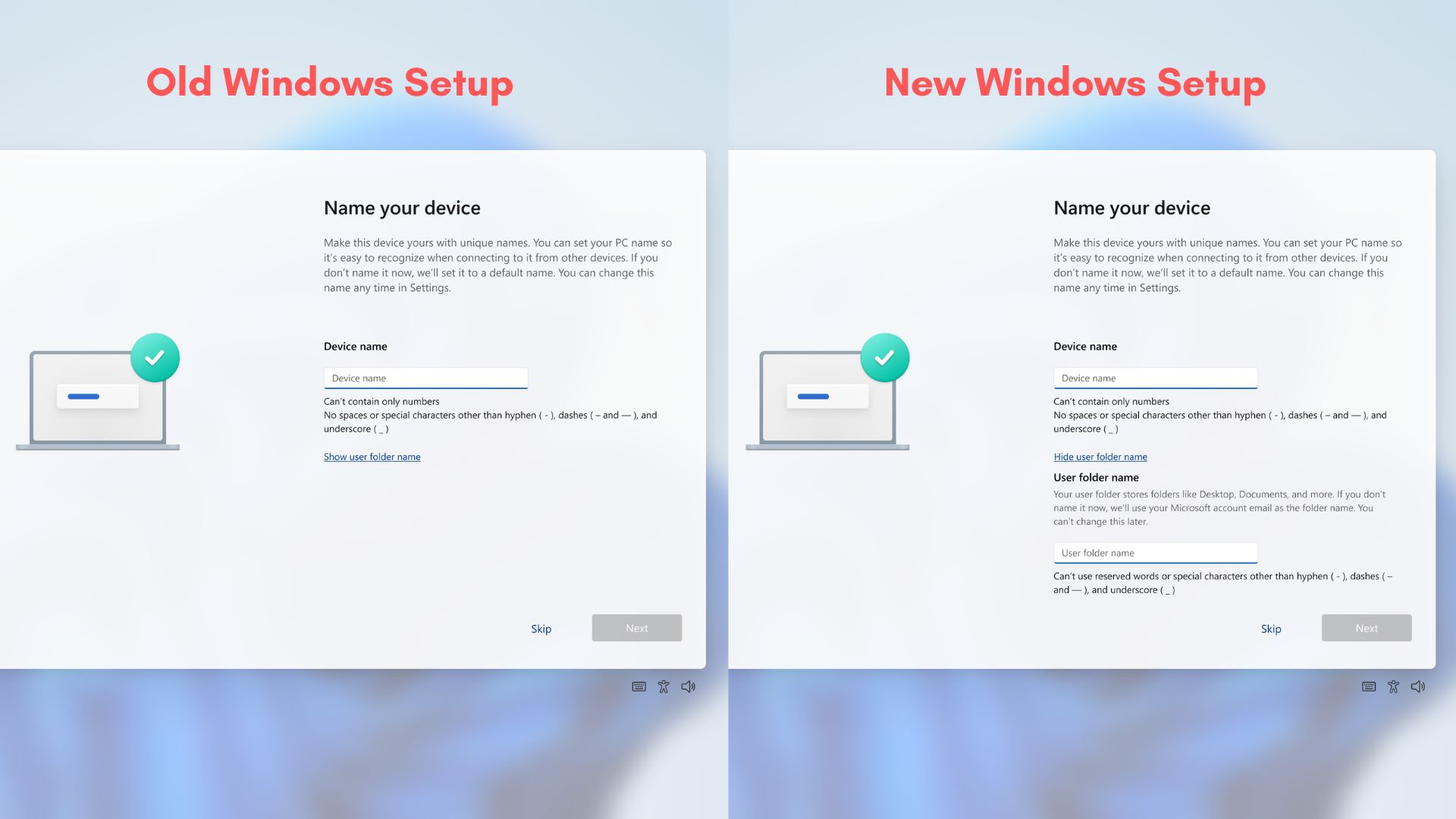
However, a major limitation remains because you can only make this folder modification during the initial device setup phase.
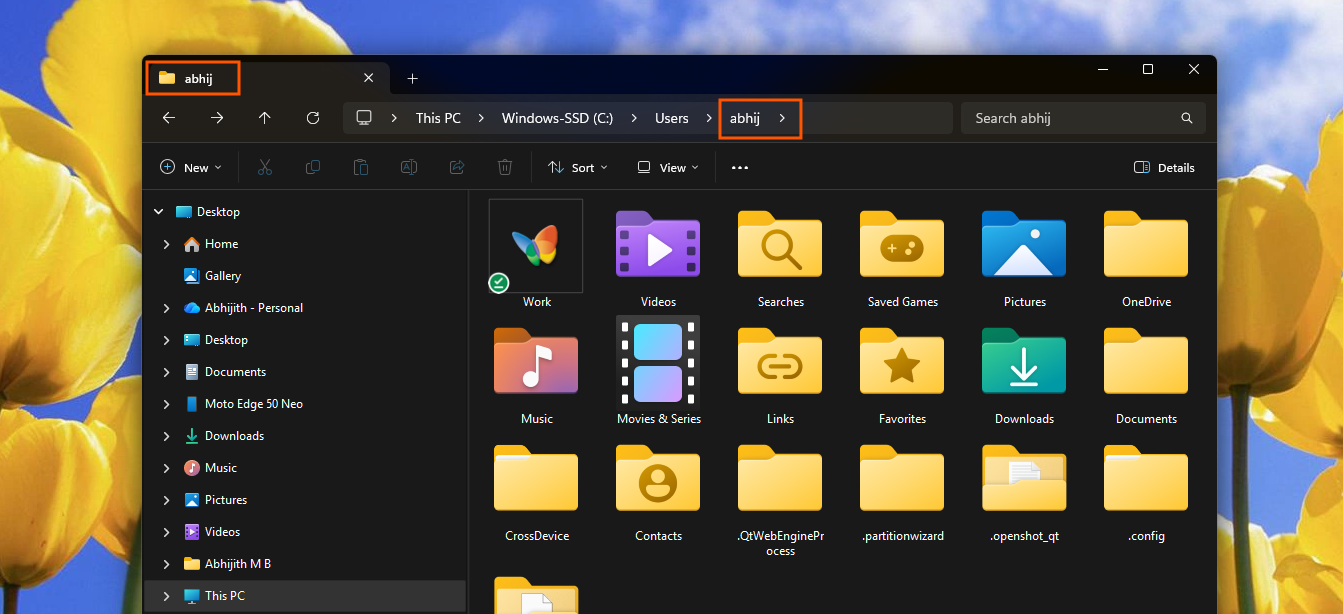
Microsoft defaulted to the first five letters of the email ID to create the user folder name
The old design of the device name page limits user customization options severely. During a standard Windows 11 setup, you’ll see the option to add a Device Name. You can skip it, and Windows will add a default name, which is totally fine because you can change it later.
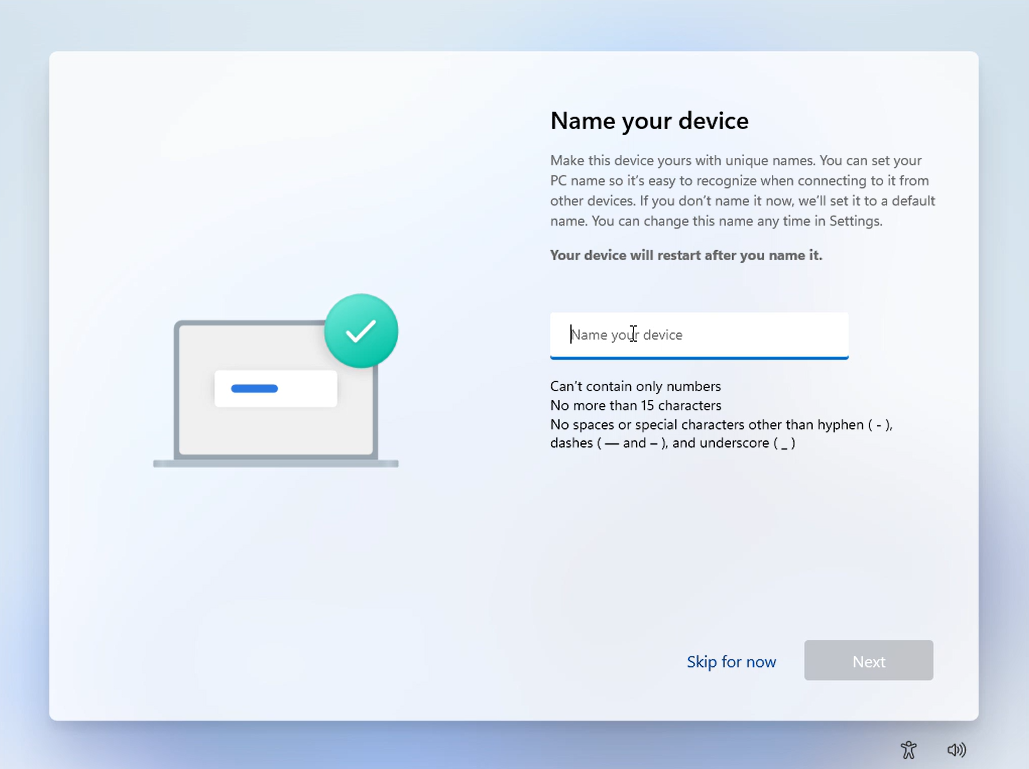
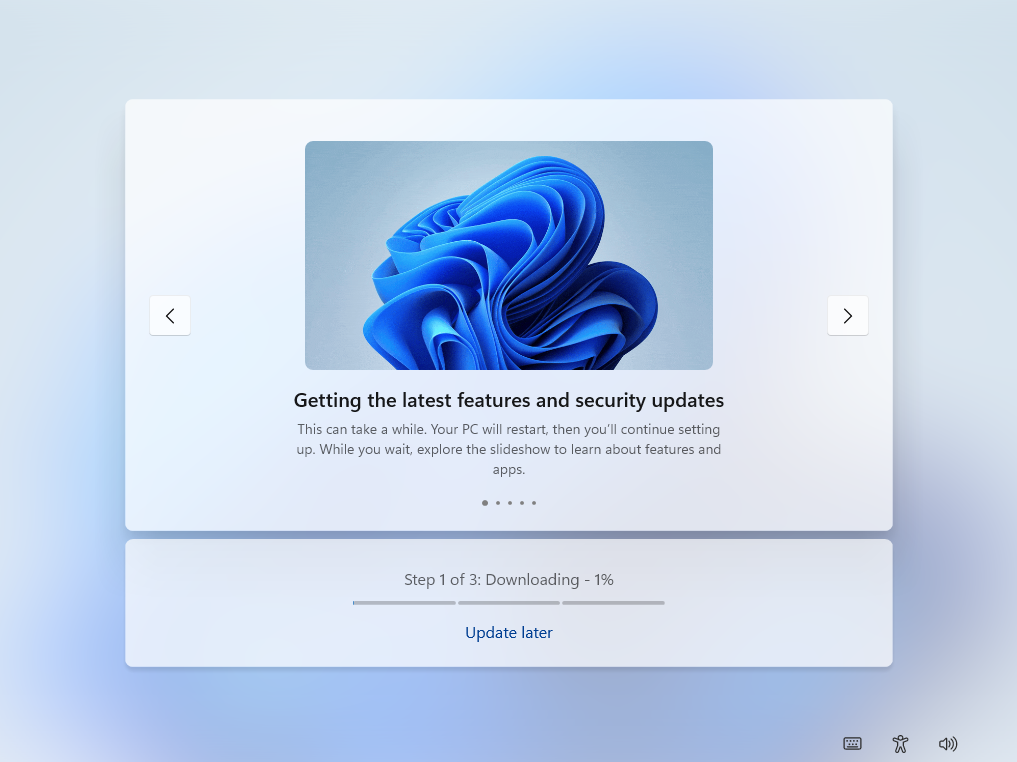
During setup, the device name page is the first thing you see, and after this, you’ll be taken to the page that checks for updates, and almost always, there will be an update or updates which would take anywhere from 30 to 45 minutes to finish installing. Luckily, Microsoft told Windows Latest that they are now allowing users to skip Windows updates during OOBE.
Then you can’t proceed without signing in to your Microsoft Account, and that is when the first five letters of your email address would be taken to permanently etch it on your default user folder name.
My default user folder name is truncated to abhij, which has absolutely no real meaning and sounds incredibly weird. The folder name constantly nags me every single time I browse through the local directory structure or launch the terminal. Many users face a similarly annoying outcome if their personal email address contains numbers or symbols near the front.
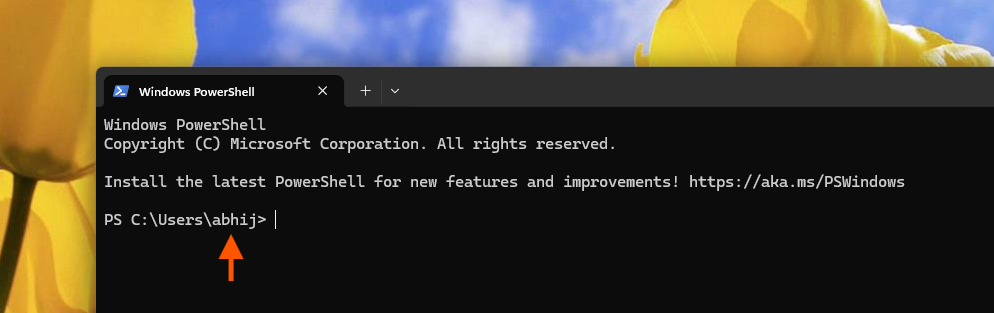
Beyond being a visual annoyance for everyday users, the five-letter truncation causes real architectural problems for developers and system administrators. Many legacy development tools, custom environment variables, and automated build scripts use specific, uniform directory structures. When Windows creates an unpredictable, truncated username path, automated scripts may fail to locate local files, forcing software developers to manually rewrite path definitions across their entire workspace.
How to configure a custom user folder name during Windows 11 setup
Pretty soon, when you install Windows 11 or if you buy a new Windows 11 laptop, you’ll see the Device name page with the new “User folder name” option:
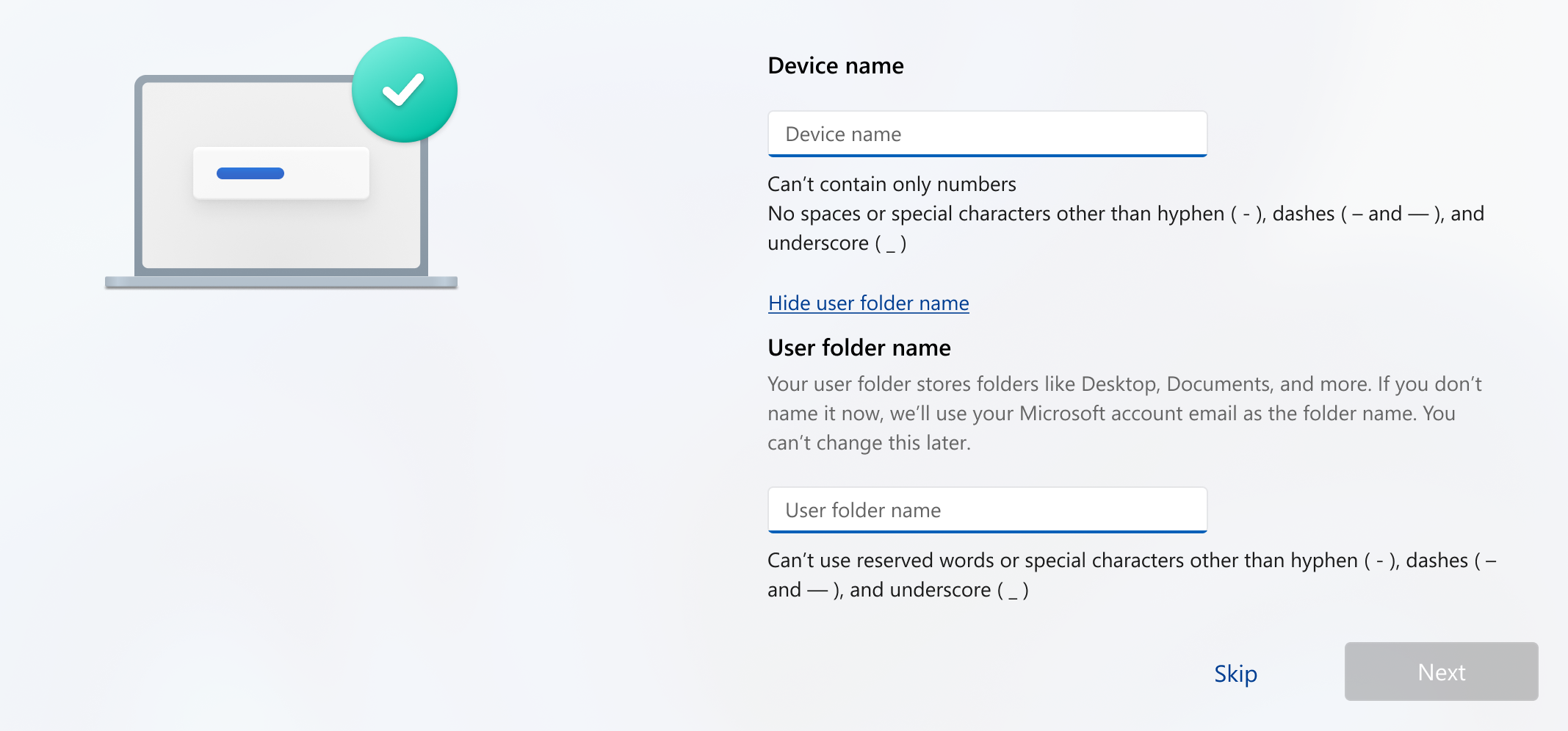
In the release notes, Microsoft states: “You can now choose a custom name for your user folder on the Device Name page during Windows setup. The updated experience makes it easier to select a custom name during setup only. If this step is skipped, Windows uses the default folder name and continues setup as usual. User folder names must follow standard Windows naming requirements.”
So, basically, this update has no practical benefits for existing users because, as we are already well past the setup screen, we can’t change our default user folder name. For many people, the only “clean” way to fix the folder name would be a full Windows reinstall or buying a new PC altogether. And honestly, wiping an entire setup just to fix a folder called “abhij” or “john1” sounds absurd.
Microsoft also added a few restrictions for custom user folder names, which makes sense because these folders are deeply tied to the Windows file system. According to Microsoft’s official naming rules, you cannot use reserved characters like:
< > : ” / | ? *
You also cannot use reserved system names like CON, PRN, AUX, NUL, COM1, or LPT1. Folder names also cannot end with a space or a period.
Technically, Windows allows spaces and Unicode characters, but I would still strongly recommend sticking to a simple name with standard letters. A clean folder path like C:UsersAbhijith is much less likely to cause issues with older command-line tools, scripts, development environments, or game mods compared to something filled with spaces or symbols.
But if you were already planning on a fresh install or factory reset, and this new user folder naming feature just adds to the reasons, one important thing to keep in mind is that Microsoft is rolling out this feature gradually using Controlled Feature Rollout. Even if you install the May 2026 Optional Update, there is a chance the new “User folder name” field may not appear during setup yet.
So, wiping your PC right now could leave you with the same five-letter truncation problem after reinstalling Windows.
Either way, this is one of those small Windows 11 improvements that make the OS feel more thoughtful. Between the ongoing File Explorer reliability fixes and Microsoft’s renewed focus on native Windows experiences, Windows 11 finally feels like it is fixing long-standing annoyances instead of just layering more features on top of them.
The post Microsoft is killing Windows 11’s awkward 5-letter user folder name after years of complaints, but only for new setups appeared first on Windows Latest