
Windows updates are usually quick as long as you have a stable internet connection. The monthly cumulative updates, which can be as large as 5GB, do not take more than 10 minutes to finish applying, but in some cases, Windows updates can take a while to install even after an instant download. Microsoft says it’s intentional behavior, but why?
When you click “Restart” to finish applying an update, Windows reboots, and you’ll land on the spinning circle screen, as shown in the screenshot below:
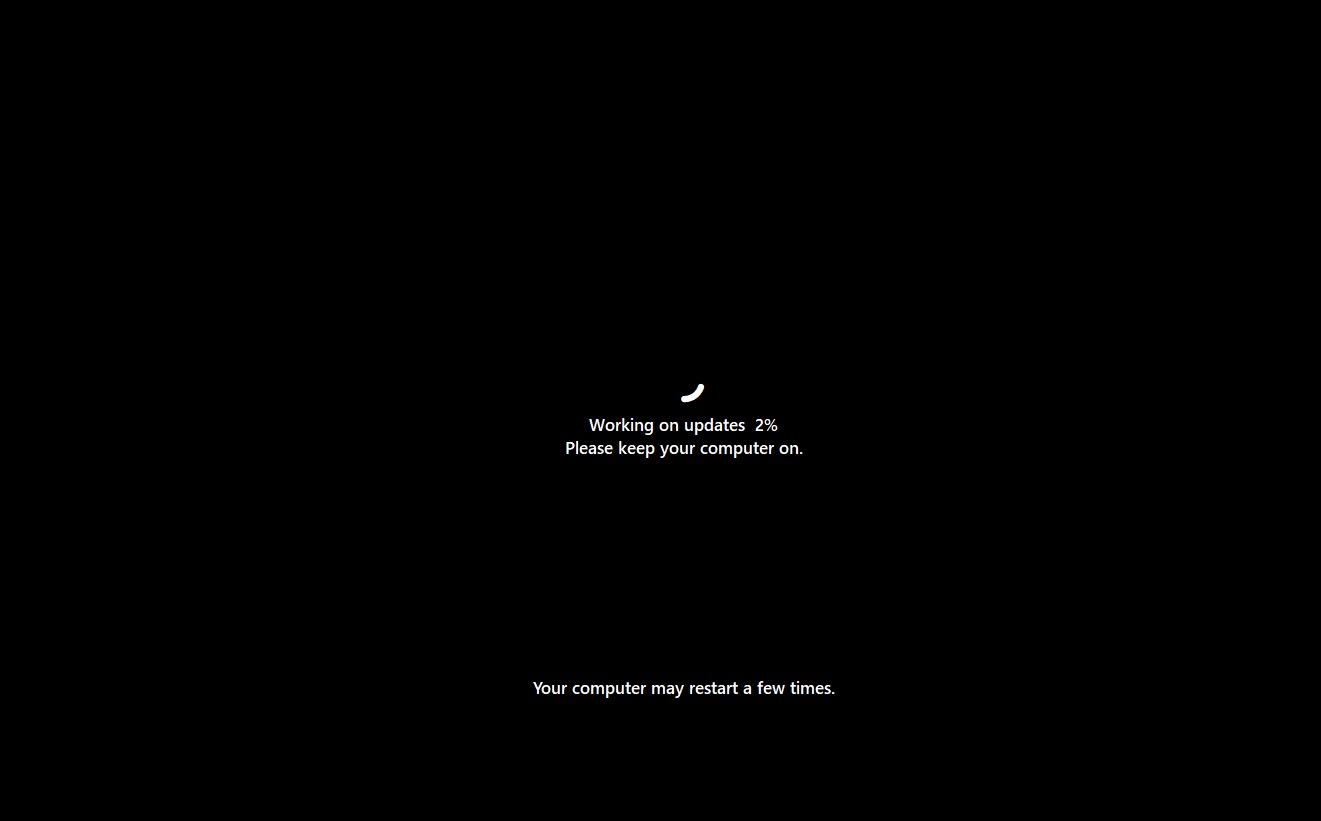
During the spinning circle screen, Windows 11 is attempting to install the update by replacing the updated files. But sometimes, it could appear stuck, and you might worry that the PC has entered a bad update state. However, don’t worry, as Microsoft says Windows 11 now turns on automatic recovery for update failures.
Windows detects when an update is having trouble installing, and it’ll take steps in the background to enable a smoother installation. That means Windows Update won’t end abruptly or send you back to the desktop with a vague error code on the update page. Instead, Windows tries to automatically recover from the failure and continue the update.
“[Windows is] taking additional steps in the background to help the update complete successfully without user intervention,” Microsoft explained in a new document. “This means your device will automatically attempt to recover from installation failures in real time, causing some updates to take longer to complete.”
While a longer installation is frustrating and worrying, Microsoft says the early results have been positive. Windows updates now have higher success rates, thanks to the background recovery checks.
At the same time, if your update is not in a risky state, you might observe faster downloads and installations, especially if you live in an area with poor connectivity or don’t use the device every day. Microsoft says it has reduced download and installation time on most computers, but changes are still rolling out.
“These improvements are particularly impactful for devices that spend less time online or in areas with poor connectivity, leading to higher rates of update success,” Microsoft noted.
Microsoft wants to win back fans, and Windows Update is getting the much-needed changes
Microsoft has promised to patch up Windows 11, with CEO Satya Nadella confirming that the company plans to “win back” fans. But you can’t win back users with forced Windows Updates. One of the most annoying areas of Windows is still Windows Update, which used to give users more control in Windows 7 and older versions.
In addition to reduced failure rates and faster downloads, Microsoft is testing a new feature that allows you to pause updates for as long as you want.
Right now, you can pause updates for up to five weeks, but after the deferred period ends, Windows will attempt to install updates before you can pause them again. In the worst cases, the “Shut down” and “Restart” buttons will install updates instead of shutting down the PC or rebooting.
Microsoft has actually patched these annoying behaviors. The Shut down and Restart buttons will no longer force install updates by bypassing your deferred Windows Update settings.
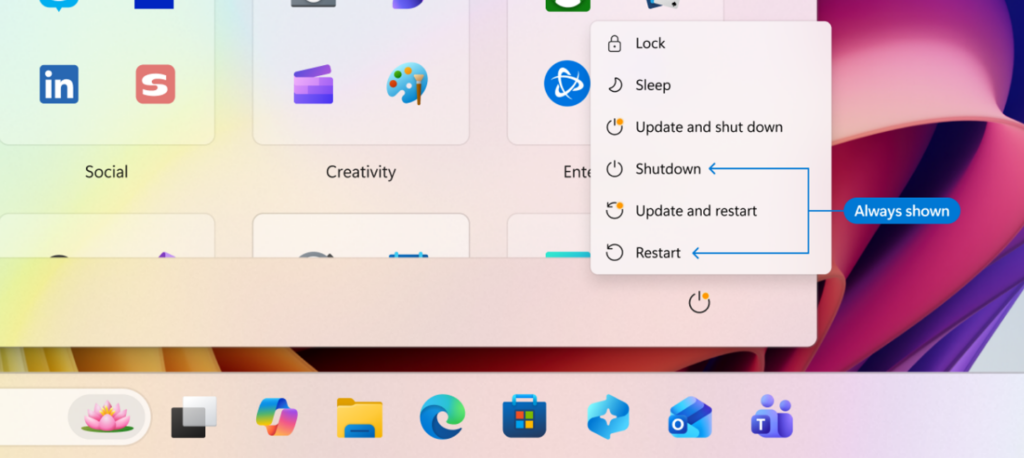
Now, you can pause updates for as long as you want. As you can see in the screenshot below, you can use a new calendar view, pick a date until which you’d like to pause updates within a 35-day period, and then pause updates again after 35 days without any forced update trigger.
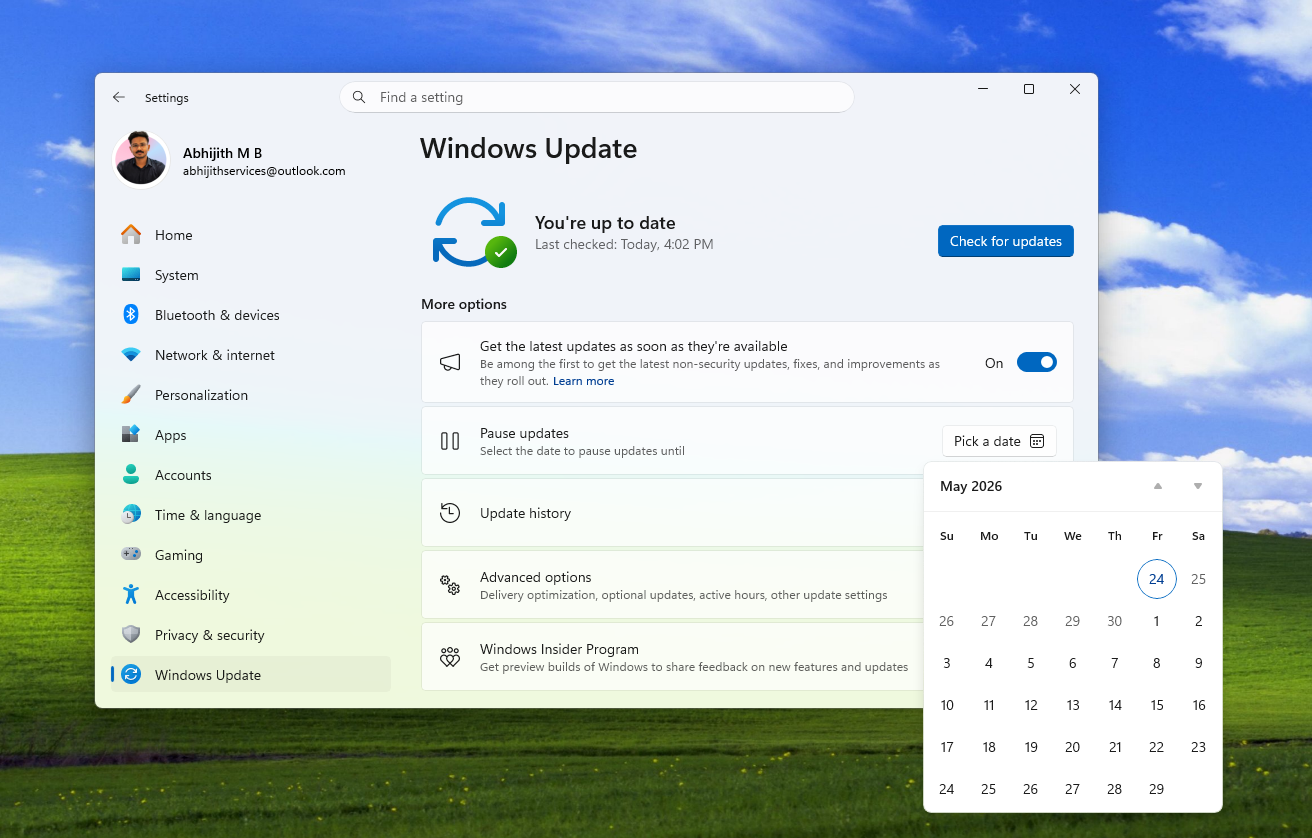
This means you can pause updates for as long as you’d like.
All these changes will begin rolling out to everyone in the coming weeks.
The post Microsoft reveals why some Windows 11 updates can take a while to install, even after a quick download appeared first on Windows Latest