
Microsoft Outlook is not working for some users, and it’s been a week since the problem first surfaced. The new Outlook app, which will soon replace the classic one, is not launching at all for Windows 11 users. The Event Viewer shows an error code 0xc0000409, and nothing happens after clicking the icon.
Windows Latest spotted a Reddit post for Outlook mentioning, “The app (on my laptop) is not opening. Is anyone else having this issue?” He further added that the app had failed to open since last night, which was six days ago. The post was meant to check if it was a widespread issue, and several other users chimed in, sharing their version of the problem.
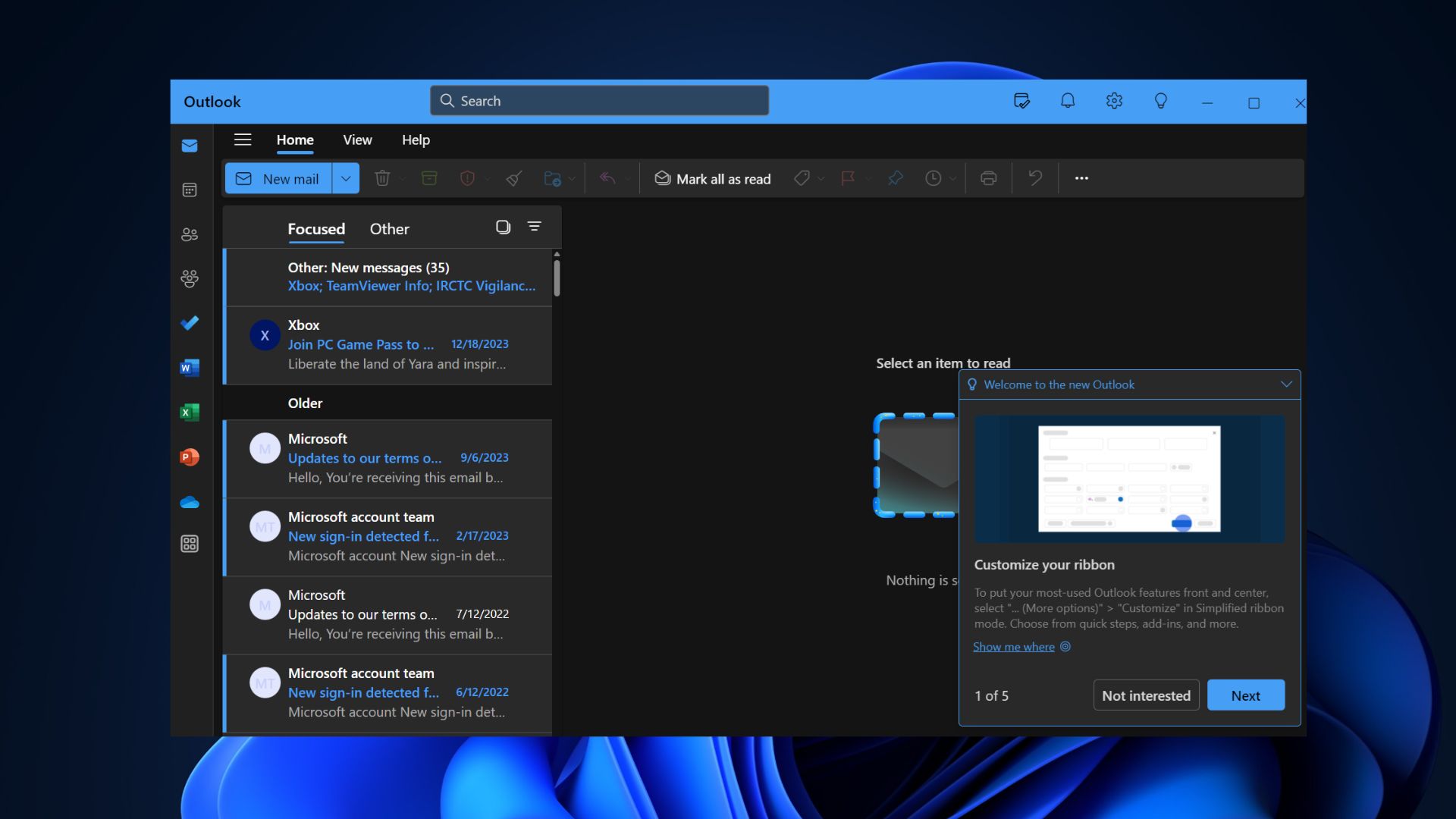
This wasn’t an isolated incident, as several other posts began popping up on the official forums. One of them was posted today with the title “Outlook will not open”, a generic problem.
The automated AI reply suggested doing the usual repair, reset, safe mode, and reinstall methods. These methods are basic troubleshooting steps you can take, but they didn’t seem to have any effect.
Windows Latest spotted another forum post sharing that the Outlook app failed to work with Microsoft 365. It also had the same AI-generated replies followed by a moderator’s question.
However, the issue was only isolated to the new Outlook app for Windows 11, and the other platforms, both mobile and the official website, worked fine. So, users could get some work done while this problem was resolved.
What can you do to fix the new Outlook app not opening issue?
We suggest trying the regular troubleshooting methods first. After you exhaust these, you can try one of the methods suggested in the same Reddit post. It involves deleting two Outlook app subfolders named Olk and OneAuth.
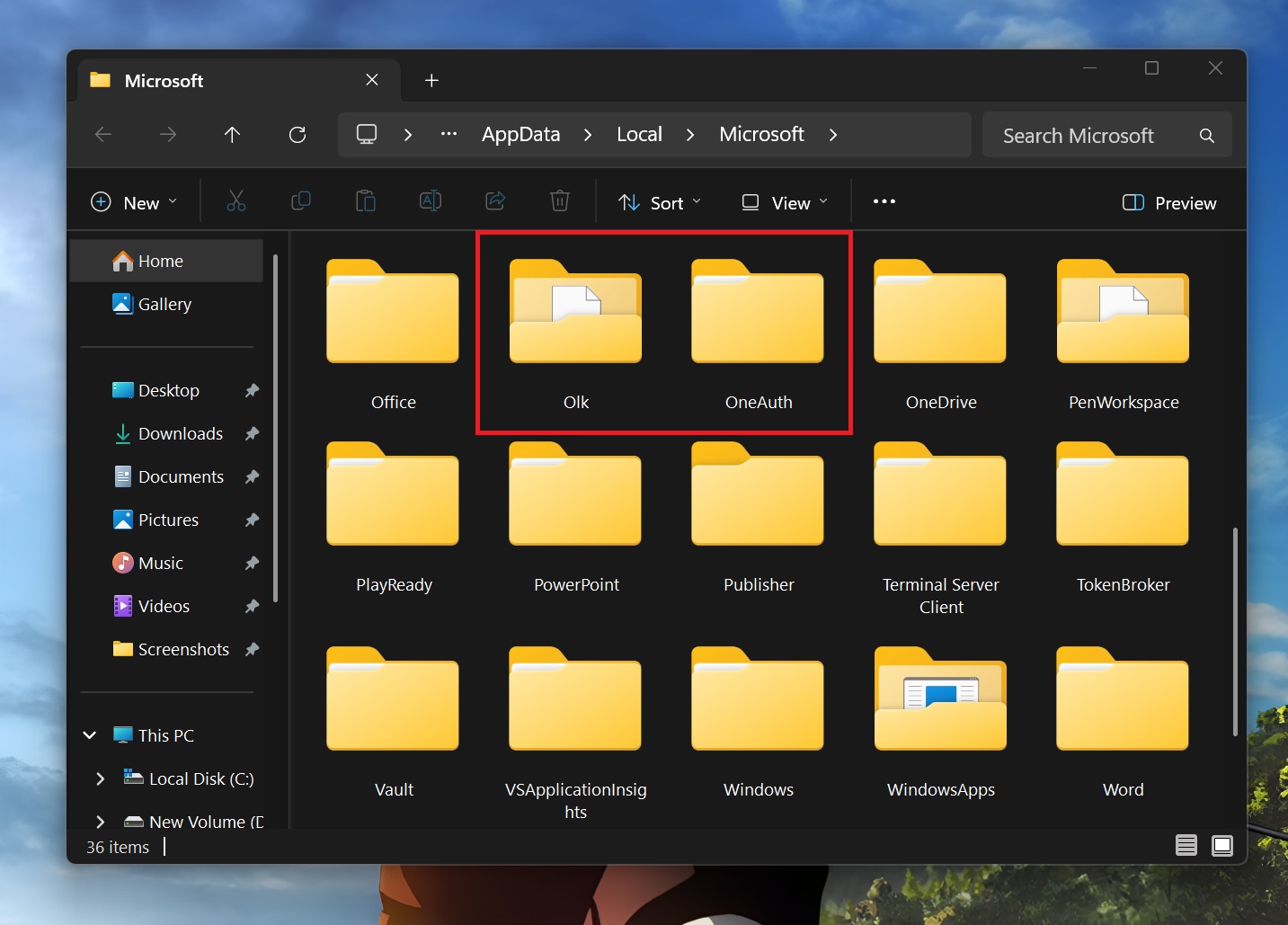
Before you hastily remove them, understand what these folders contain. Olk folder is a temporary storage for all the stuff you download or open from emails. It acts as a duplication prevention mechanism and is present inside the %localappdata%Microsoft folder.
Similarly, the OneAuth folder acts as a temporary storage for the authentication actions. If you delete these two, the app should start working again. However, we suggest making a copy of both these folders on another disk as a preventive measure.
To delete these folders:
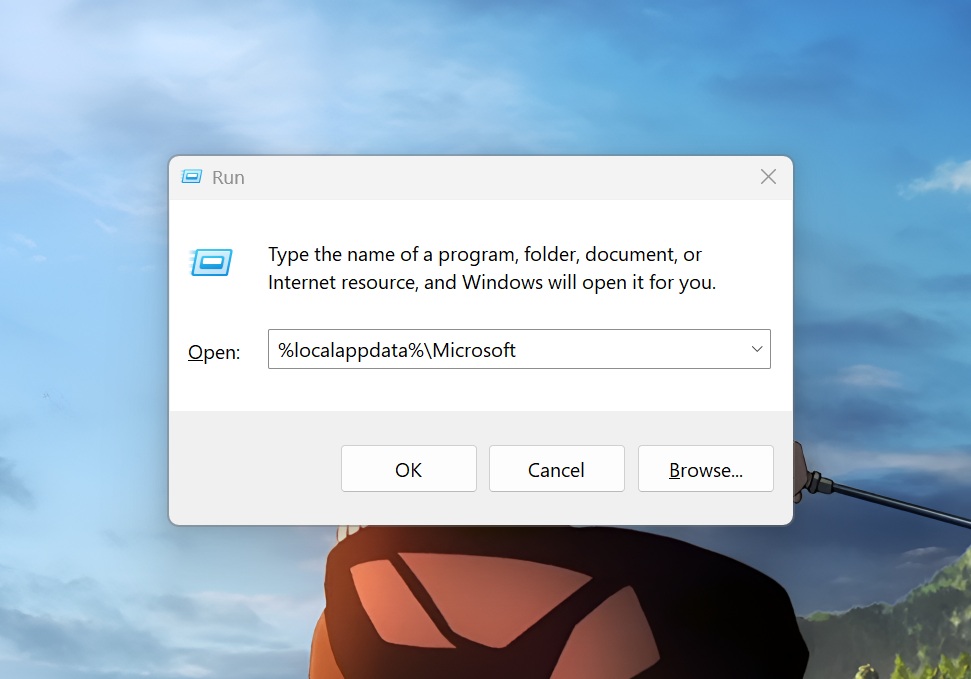
- Press the Win + R key to open the Run dialog box.
- Type %localappdata%Microsoft and press Enter.
- Locate the Olk folder and delete it permanently.
- Then, delete the OneAuth folder as well and close the File Explorer.
- Restart Outlook, and it should work fine now.
Note that Windows Latest tried recreating the same issue on multiple Windows 11 machines. Both of them prompted for an Outlook app update, and it worked fine. Microsoft has also not mentioned anything about Outlook in the Known Issues portal. There have been incidents of the app not working on Windows 10 as well.
The post New Outlook won’t launch on Windows 11 for some users, but there’s a fix if you ever run into the issue appeared first on Windows Latest