
In a surprising move, Microsoft has already moved its new WinUI 3-based Print Management tool into the Windows 11 Release Preview channel, bringing the decades-old printer administration utility much closer to regular PCs. We tested it on our test PC with the latest Release Preview update.
Windows 11 Builds 26100.9267 and 26200.9267, also known as KB5120998, went out to Release Preview on August 14, 2026, for both 24H2 and 25H2. Release Preview is the last stop before an update reaches everyone, which makes this appearance more significant than the earlier sightings in Beta and Experimental builds.
Print Management has existed as an MMC-style administrative console for years, mostly untouched while Microsoft rebuilt much of the rest of Windows 11. Fortunately, as with several other legacy dialogs, 2026 is the year Microsoft finally started working through this backlog.
Microsoft’s new Windows 11 Print Management is already in Release Preview
We have confirmed that the new Print Management app is present in Release Preview, following its earlier appearance in Beta and Experimental builds. We were among the first to spot it in early August, and covered the WinUI 3 rebuild in detail, when it was still an early Insider experiment, sitting alongside the old MMC-based console with no word from Microsoft about replacing it.
Microsoft usually doesn’t send half-baked experiments to the Release Preview channel for Insiders, so its presence here means it’s about to ship broadly.
The August optional update is the next step
Here’s how the rollout is shaping up:
- August 14: KB5120998 reached Release Preview as builds 26100.9267 and 26200.9267.
- Late August: KB5120998 is expected to become the optional, non-security preview update for supported Windows 11 24H2 and 25H2 PCs.
- September 8 (second Tuesday): The changes from the August preview are expected to roll into the regular September cumulative update, following Microsoft’s normal monthly servicing model.
The September date isn’t guaranteed, though. Microsoft could still hold Print Management back even if the rest of KB5120998 moves forward on schedule. The company’s Release Preview notes don’t specifically list Print Management in the changelog either.
So, what exactly are Windows 11 users getting when this rolls out?
Windows 11’s new Print Management looks modern, but Microsoft kept the useful stuff
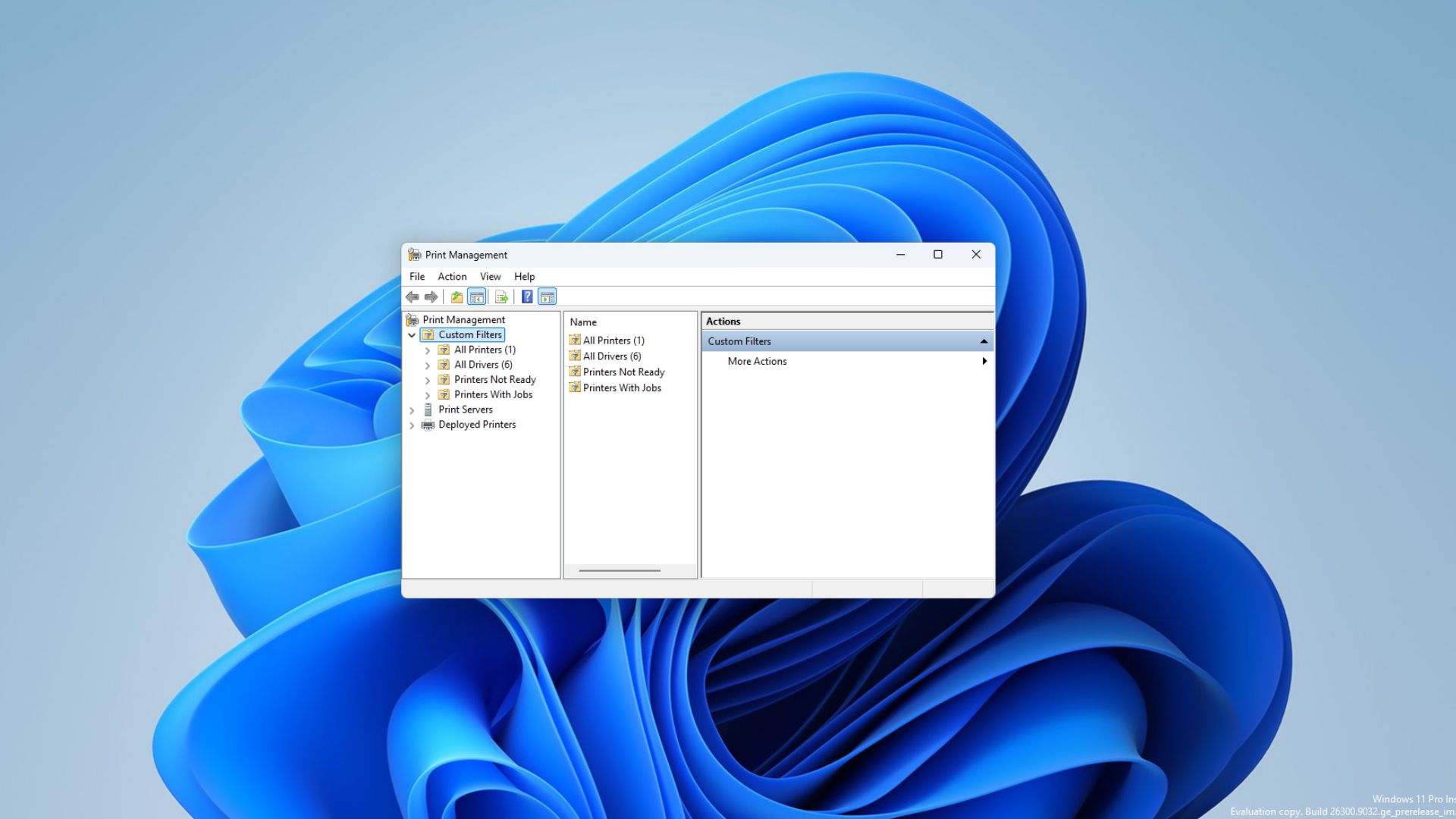
One look at the two versions side by side and the difference is obvious. The old Print Management console looks like a product that escaped from an older version of Windows, complete with a File/Action/View/Help menu bar and a cramped three-pane tree view straight out of Server Manager.
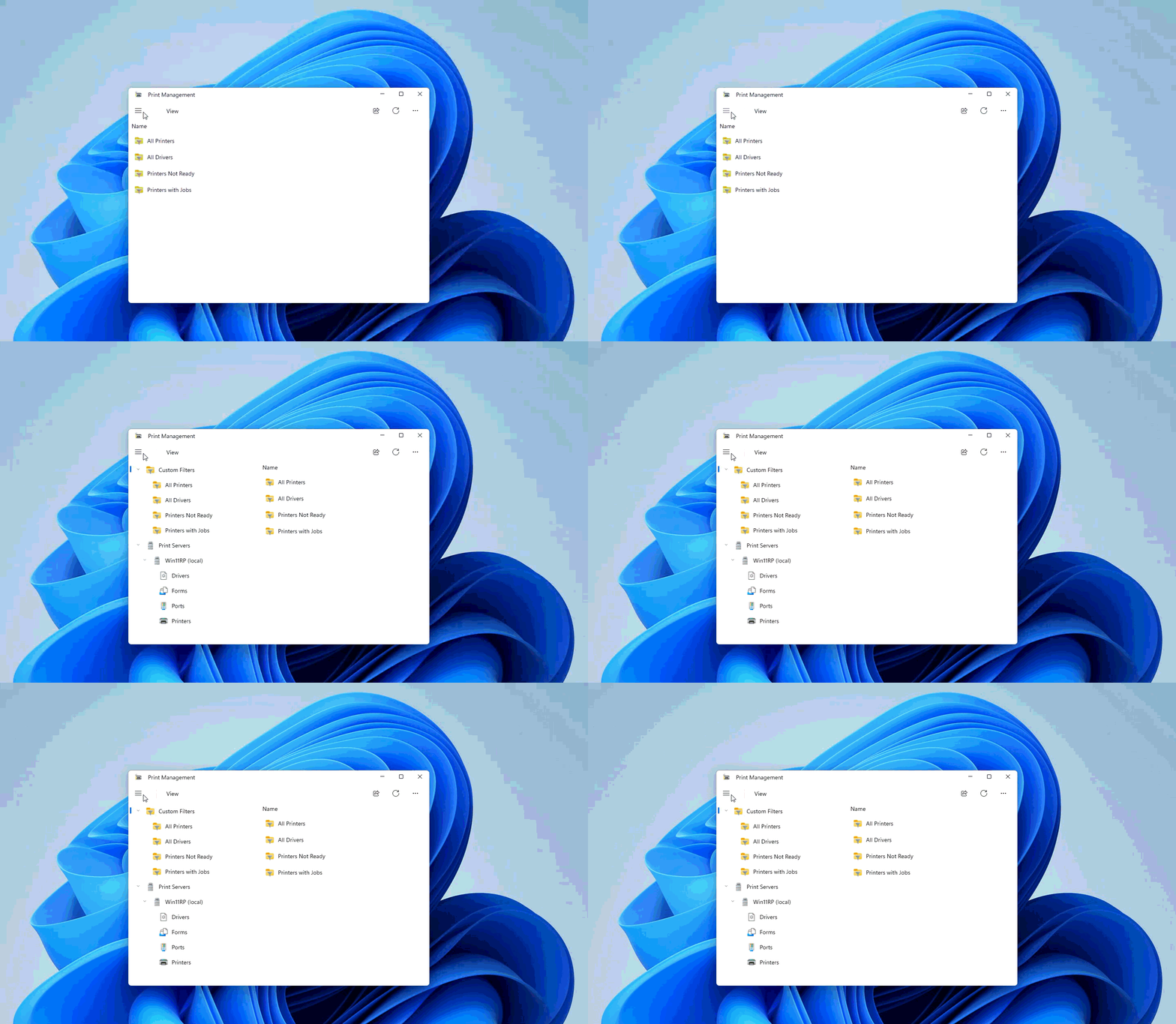
The new one looks like a Windows 11 app, with a hamburger menu, modern spacing, and dialogs that match the rest of the OS.
The new Print Management app is still a serious administration tool
It isn’t just a screen for picking your default printer. Administrators and power users can manage printers and print queues, printer drivers, printer ports, print servers, shared printers, and driver configuration. Our earlier testing found all of these areas remain available, just reorganized.
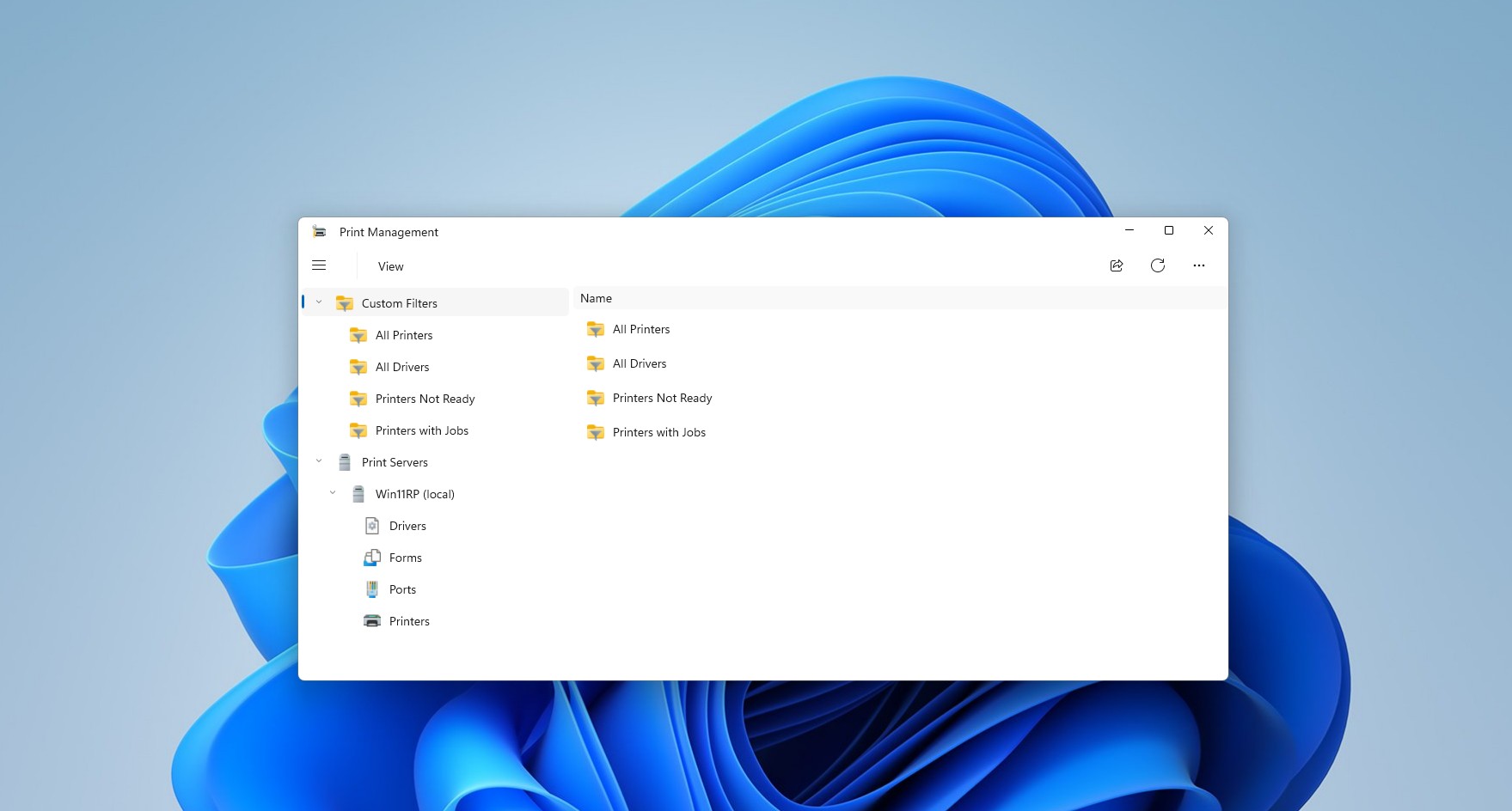
The main window presents All Printers, All Drivers, Printers Not Ready, and Printers with Jobs through a modern sidebar, alongside a Print Servers section that expands to show Drivers, Forms, Ports, and Printers.
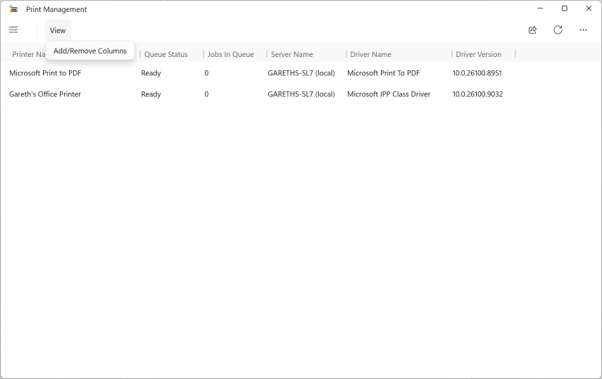
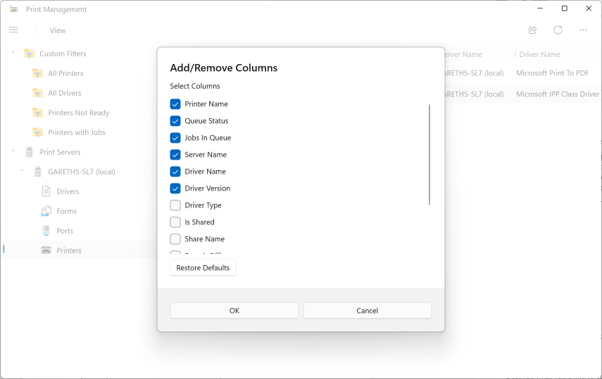
The column selector has been modernized too, letting you pick what shows up in the list, including printer name, queue status, jobs in queue, server name, driver name, and driver version, through a clean Add/Remove Columns panel instead of a cramped right-click menu.
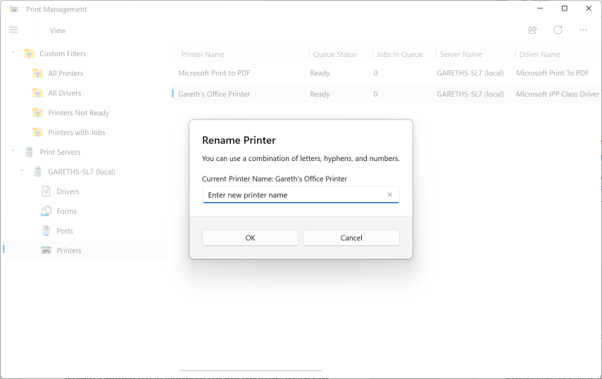
Rename Printer is now a simple modern dialog with a single text field and OK/Cancel buttons.
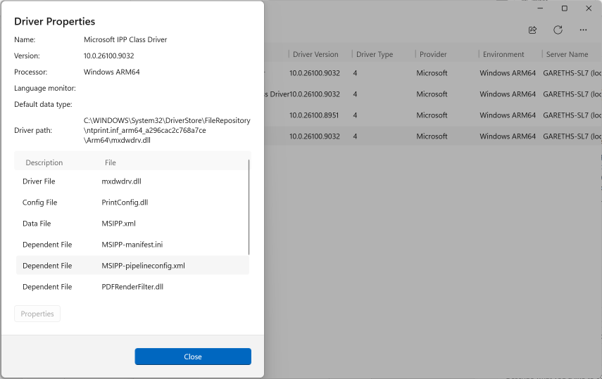
Driver Properties still shows the same info as before with driver file paths, config files, dependent files, laid out in a scrollable list that’s easier to read.
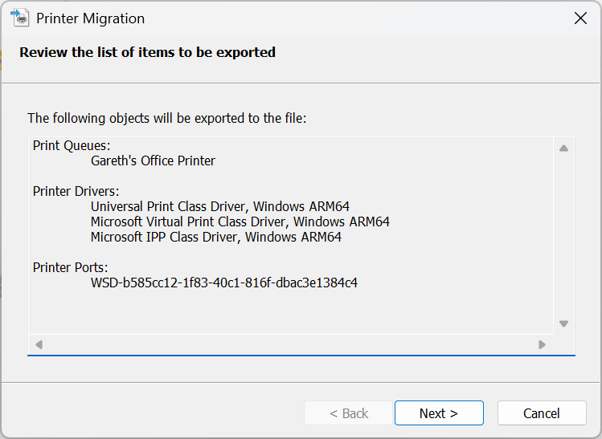
The printer migration screen also confirms Microsoft isn’t stripping out the administrative side of the tool, letting you review which print queues, drivers, and ports are about to get exported.
And yes, this confirms that there’s still some legacy baggage left. Earlier testing also found users had to launch the app with Run as administrator manually, and some dialogs still open the older-looking interface. Don’t call this a complete replacement yet, as Microsoft could still change the app, delay it, or keep the classic MMC version running together with it. Release Preview makes the wider rollout far more likely, but it doesn’t confirm Microsoft has officially retired the old console.
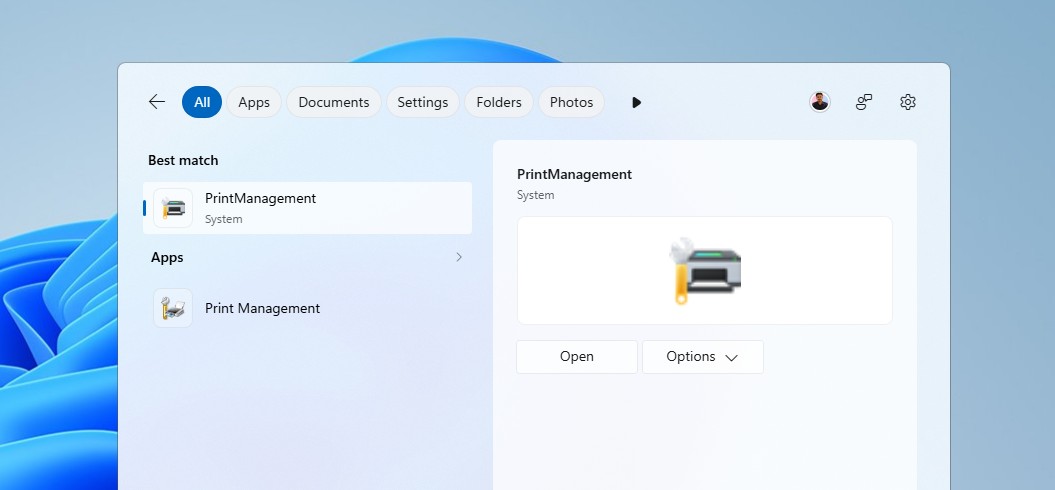
Microsoft is finally cleaning up Windows 11’s legacy UI
For the past few months, Windows Latest has been tracking Microsoft’s work on switching legacy elements in Windows 11 to WinUI 3, as opposed to the earlier habit of adding dark mode onto decades-old code!
March Rogers, Microsoft’s Partner Director of Design, confirmed the new File Explorer Properties dialog was rebuilt in WinUI 3 from scratch, with more of Windows UI getting similar treatment.
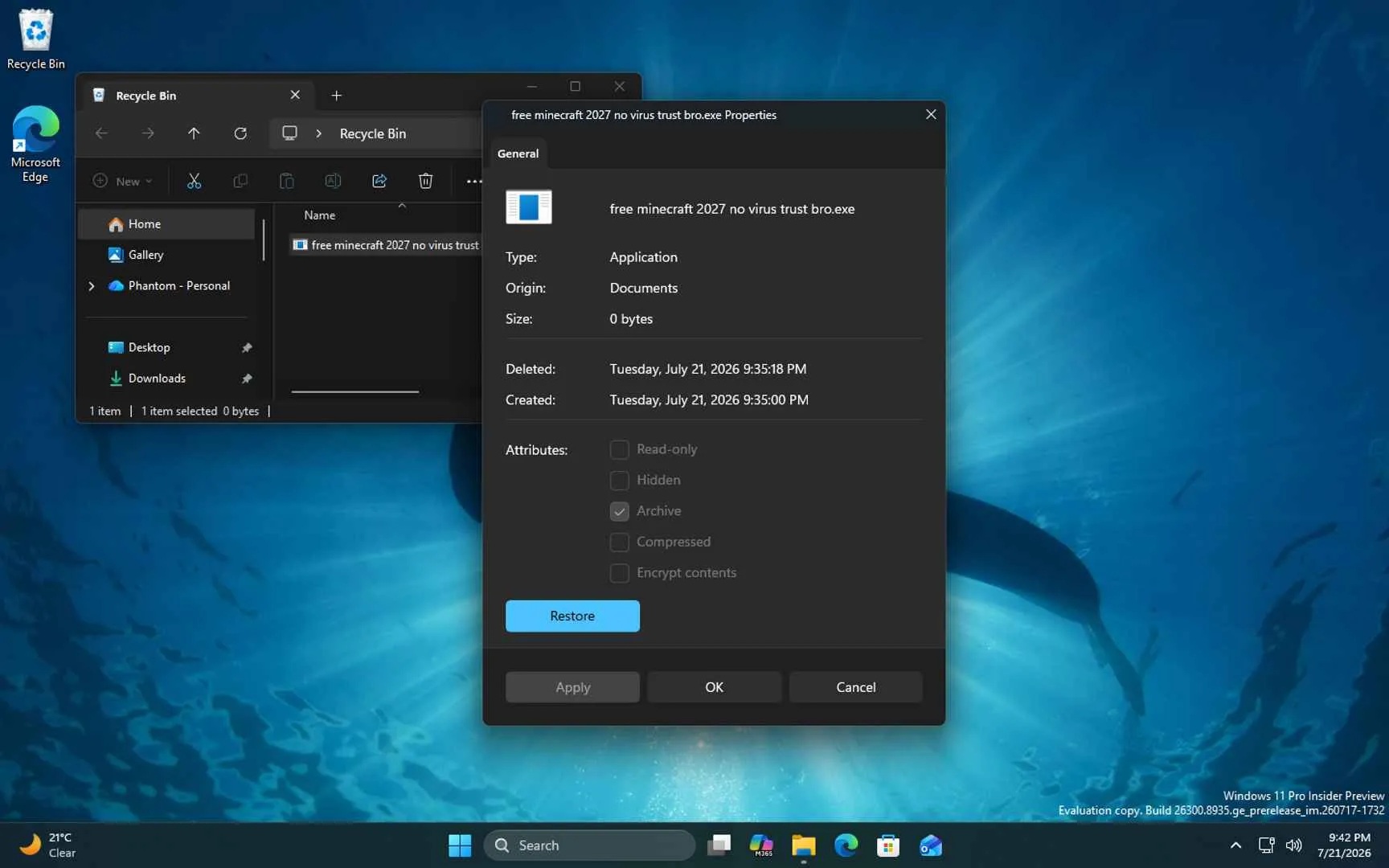
Microsoft has also been working through the old file-copy dialogs, the Run dialog, and other legacy pieces one at a time this year.
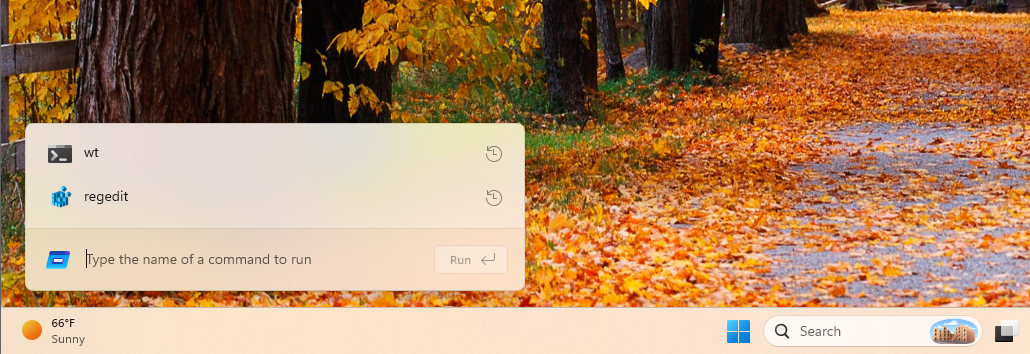
The Run dialog rewrite is a good example of the payoff, with Microsoft’s telemetry showing the new WinUI 3 version loading in 94ms, faster than the 103ms median for the Windows 95-era version it replaced.
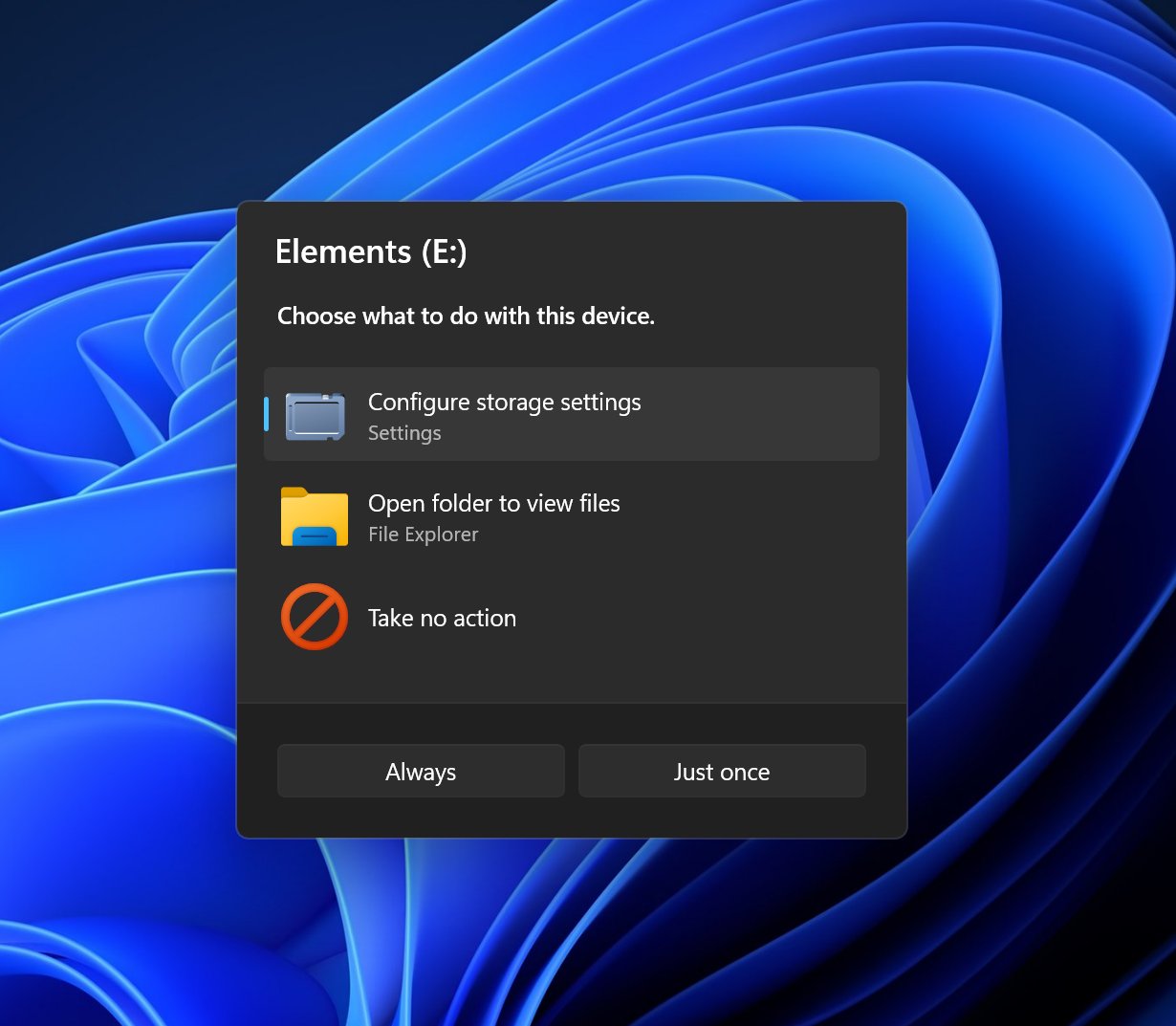
Autoplay is next in line, and Windows Latest already got a look at its new design, moving from a small top-right flyout to a proper centered dialog for the first time since Windows 7.
Of course, making a printer window prettier isn’t the important part here. And we are not justifying the company’s decision to do all this work after the backlash that Windows 11 has amassed. Either way, Microsoft is finally touching the less glamorous parts of Windows that most people rarely see until they need them.
Print Management is not a headline feature, but it’s part of the cleanup Windows needs. If Microsoft can modernize these old administrative tools without taking away the controls power users depend on, Windows 11 will slowly stop feeling like several generations of the OS stitched together.
The post Microsoft just rebuilt one of Windows 11’s oldest tools in modern UI, rollout starts in the next few days appeared first on Windows Latest