
Microsoft is shutting down Microsoft Publisher on October 1, 2026, and it’s now reminding everyone that it’s finally time to move. This was mentioned in an email titled “Important update to your Microsoft 365 subscription,” and Microsoft also used it as an opportunity to remind you that it’s still committed to improving your Microsoft 365 subscription.
“We regularly review how our subscribers use features within Microsoft products,” Microsoft noted in an email seen by Windows Latest.
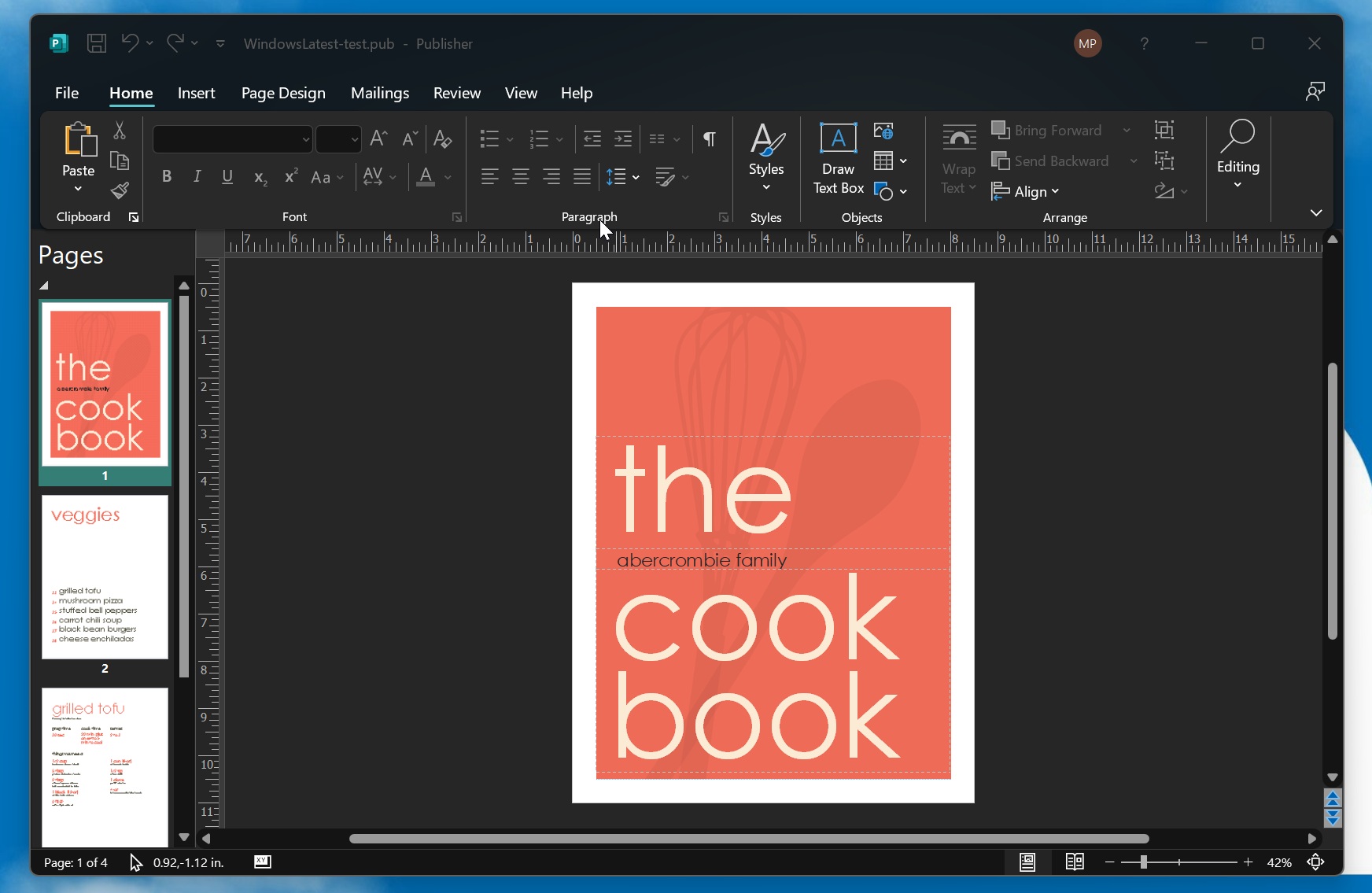
Microsoft says it found that most people don’t use Microsoft Publisher, which is why it makes sense to direct resources to other products, such as Microsoft 365 Copilot.
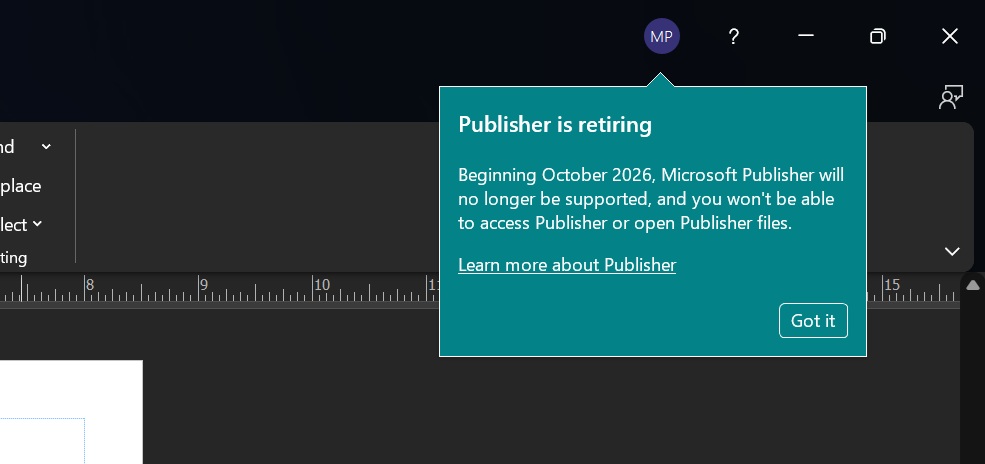
It also wants you to believe that shutting down Publisher was a good move, and that it benefits everyone, including those who pay for Microsoft 365.
“Many common Publisher scenarios are available in other Microsoft 365 apps, including Microsoft Word and PowerPoint,” the company argues, and explains that “Microsoft Publisher will no longer be supported as part of Microsoft 365” starting October 1, 2026. By then, you need to convert your Publisher files to PDF or Word.
If you don’t convert them, you will be unable to open or edit these files, as Microsoft Publisher in Microsoft 365 will stop working. Of course, you can keep using Publisher if you purchased a perpetual license of Microsoft Publisher.
We’re dedicated to improving your experience, and it was necessary to remove Publisher, says Microsoft
“At Microsoft, we are dedicated to providing our customers with the tools they need to achieve what matters, in their work and life,” the company argues.
But that does not mean supporting products for as long as quite a few people use them. It means disinvesting in products, and even shutting them down, so the resources can be used for other things, such as building New Outlook or Microsoft 365 Copilot.
I do not entirely disagree with Microsoft, as most of the features that people use in Publisher have been moved to PowerPoint. You also have Microsoft Designer, which is similar to Canva, but is entirely powered by AI.
Microsoft says most people used Publisher to create templates, labels, envelopes, calendars, cards, etc., and all of that can be done in apps like Word and PowerPoint.
But can you use Publisher via a perpetual license?
Yes, you can use Publisher if you own a perpetual license, but the catch is that Office 2021 LTSC support ends on October 13, 2026, and that wraps up Publisher support as well.
You can keep using it, but it may be vulnerable and subject to possible attacks, particularly at a time when AI is facilitating threats.
Microsoft says you should convert existing files to another format before Publisher stops working
If you use Publisher via Microsoft 365, you have until October 1, 2026, to keep using it. On October 2, you’ll no longer be able to access Publisher at all through Microsoft 365, so you need to move all your files to a supported format as soon as you can, or you’ll be left with the choice of purchasing a perpetual license of Office.
To migrate Publisher files, open the Publisher file, click File, select Save As, and choose PDF as your format.
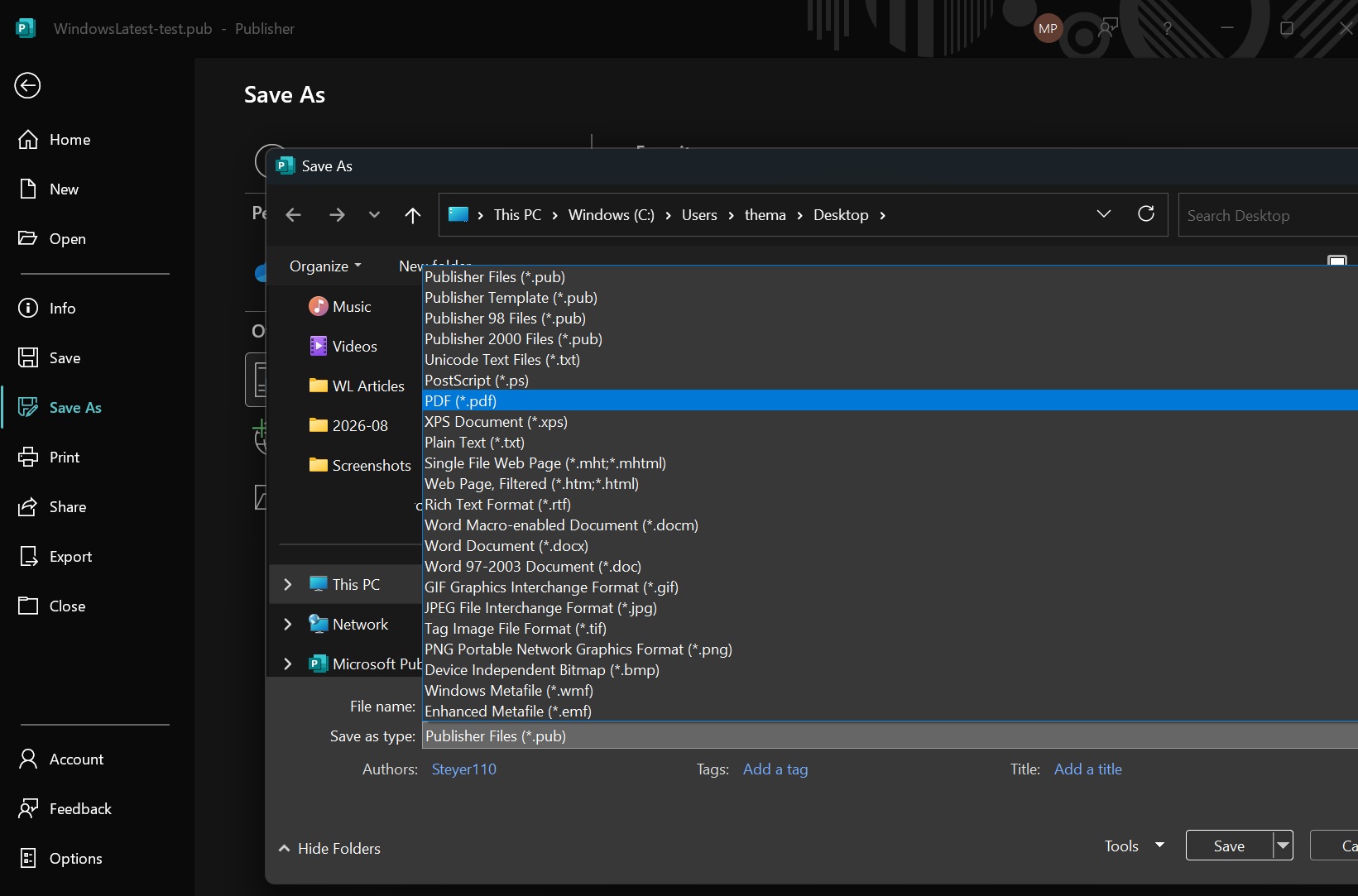
You need to repeat the same step for all your files and migrate them manually before the deadline hits.
The post Microsoft says it’s committed to improving Microsoft 365 by shutting Publisher down, and you have 2 months to save your files appeared first on Windows Latest