
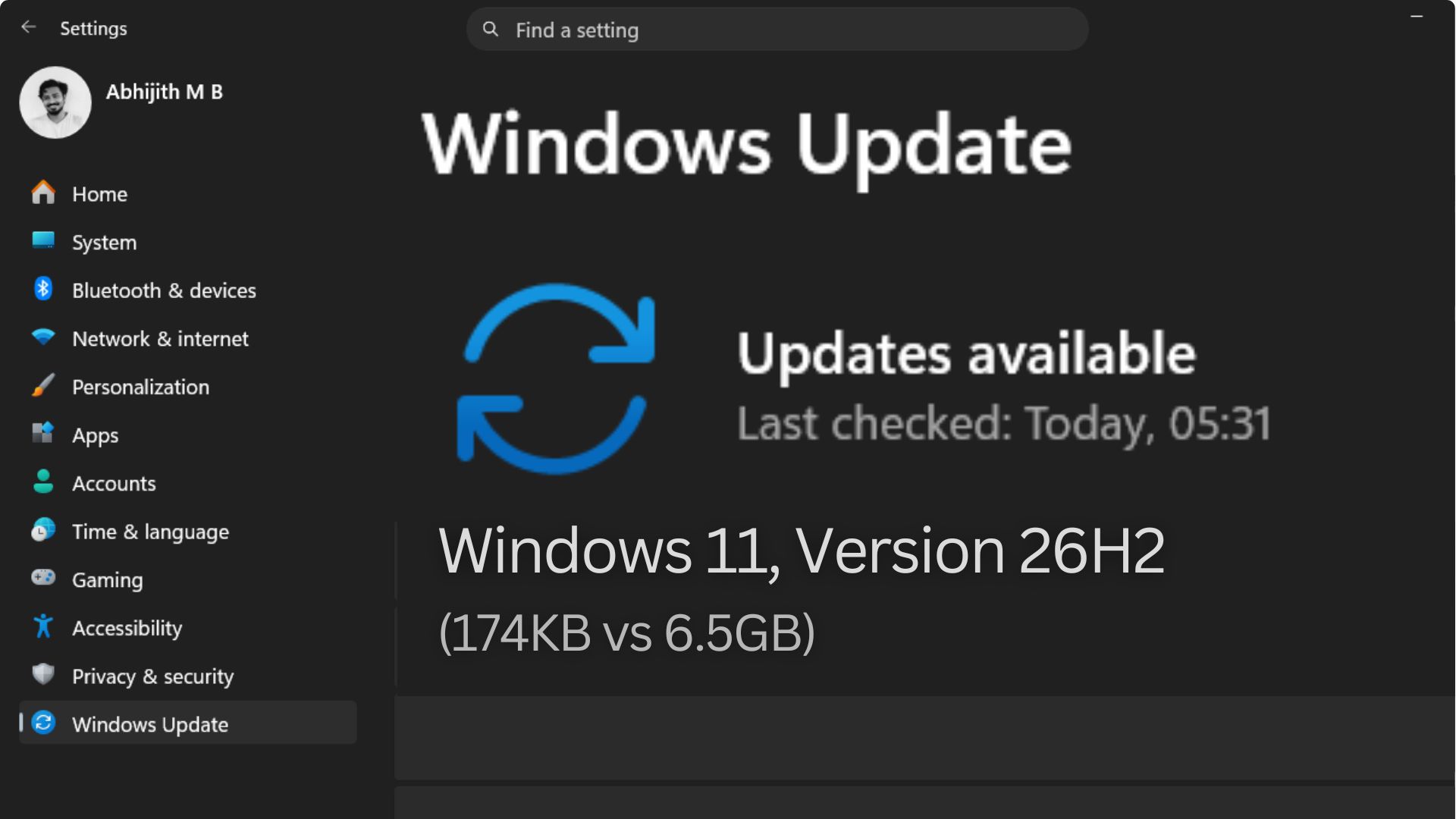
The “big” Windows 11 update for the year 2026, aka Windows 11 26H2, is arriving this fall as a mere 174KB enablement package for anyone already running Windows 11 24H2 or 25H2. For context, upgrading from 23H2 to 26H2 requires close to 6.5GB (not a typo).
Windows 11 update, depending on which version you are on, can weigh either 174 kilobytes or roughly 6.5 gigabytes. The reason is the shared servicing branch model. With Microsoft now force-installing Windows 11 25H2 on all eligible Home and Pro PCs ahead of the 26H2 launch, we’ll tell you why going from 25H2 to 26H2 is easier than ever.
Why Windows 11 24H2 was such a big upgrade
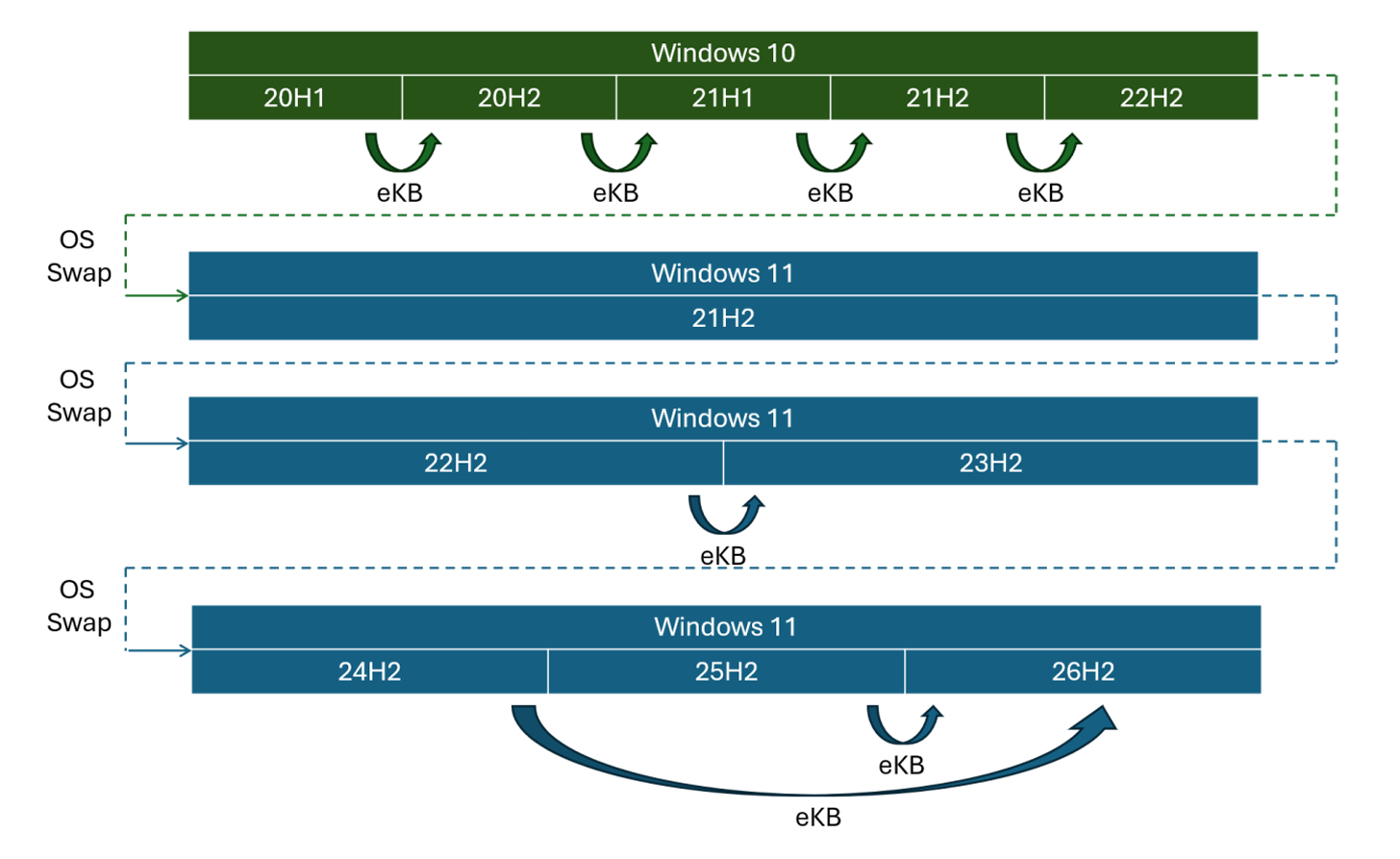
Windows 11 24H2, released in October 2024, was a full operating system replacement. Microsoft calls this an “OS swap.” When you upgrade from a version on a different source code branch, Windows pulls down a completely new OS image, installs it on top of the existing system, migrates your settings and data, and boots into it. It is the same process Windows has used for decades.
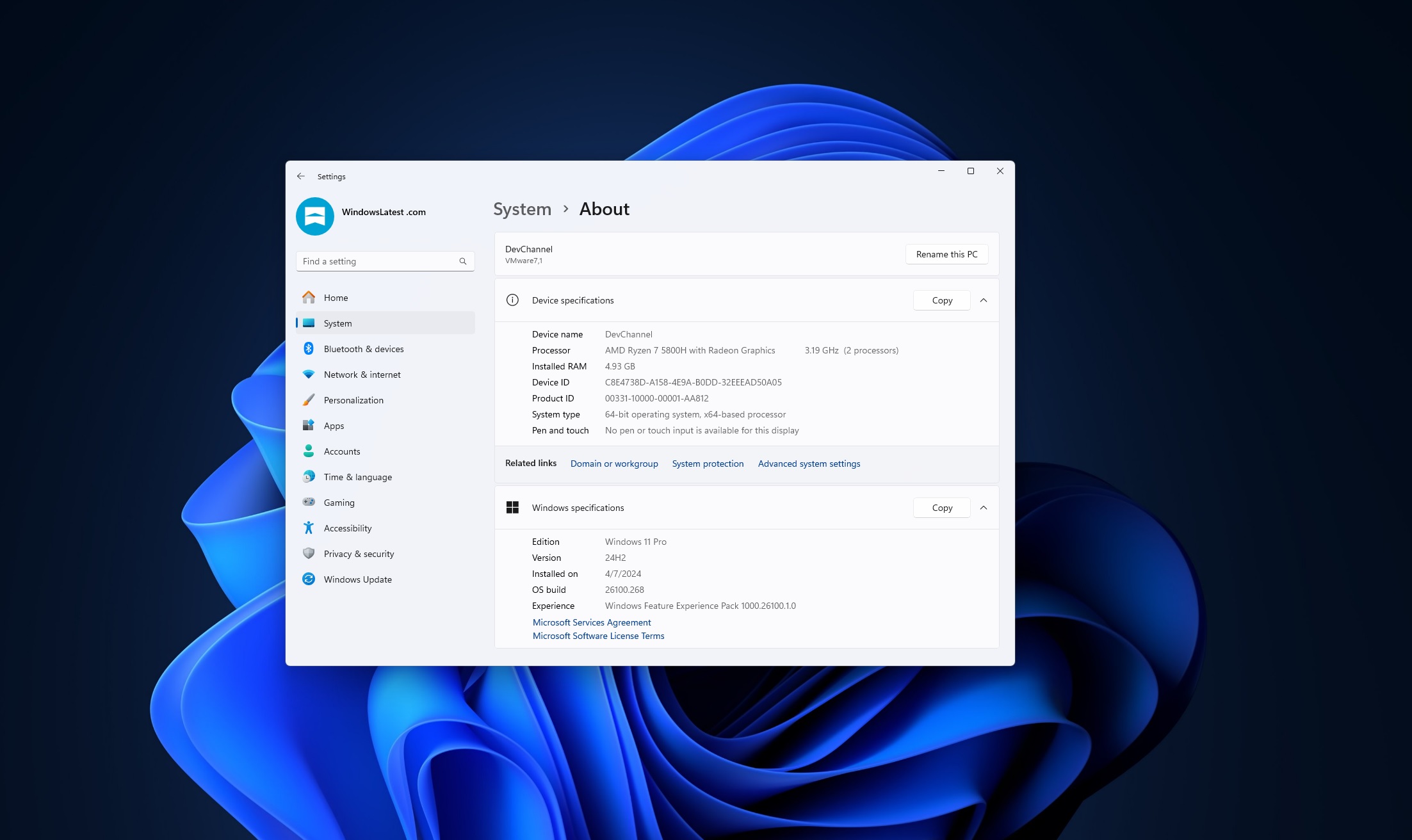
The package for that kind of upgrade consists of two major components. There is the base 24H2 image, which is 5.3GB, and the final cumulative update payload that brings it up to the 25H2 level, which adds another 887MB. If you were coming from Windows 11 23H2, the complete upgrade process meant downloading close to 6.5GB of data, followed by the familiar sequence of spinning progress rings and multiple restarts.
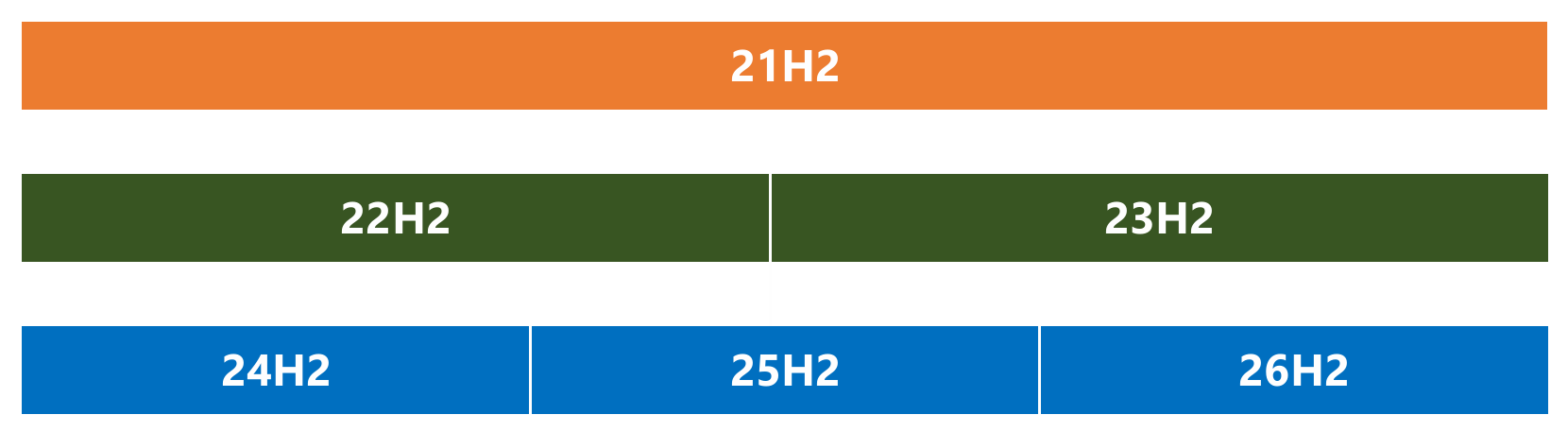
The 23H2 to 24H2 jump was large for a specific reason: these two versions do not share the same source code branch. Windows 11 23H2 came from the 22H2/23H2 branch, while 24H2 introduced an entirely new branch. Every time Microsoft creates a new branch, upgrading between them requires a full OS swap, no matter how similar the two versions look.
What the Windows shared servicing branch really means
Starting with Windows 10 version 1909, Microsoft began experimenting with something different. Instead of forking a new branch for each annual release, the company kept the same source code and quietly staged the next version’s features through regular monthly Patch Tuesday updates, in a disabled state. When the time came to release the new version, a small “enablement package” simply flipped a switch to turn those features on.
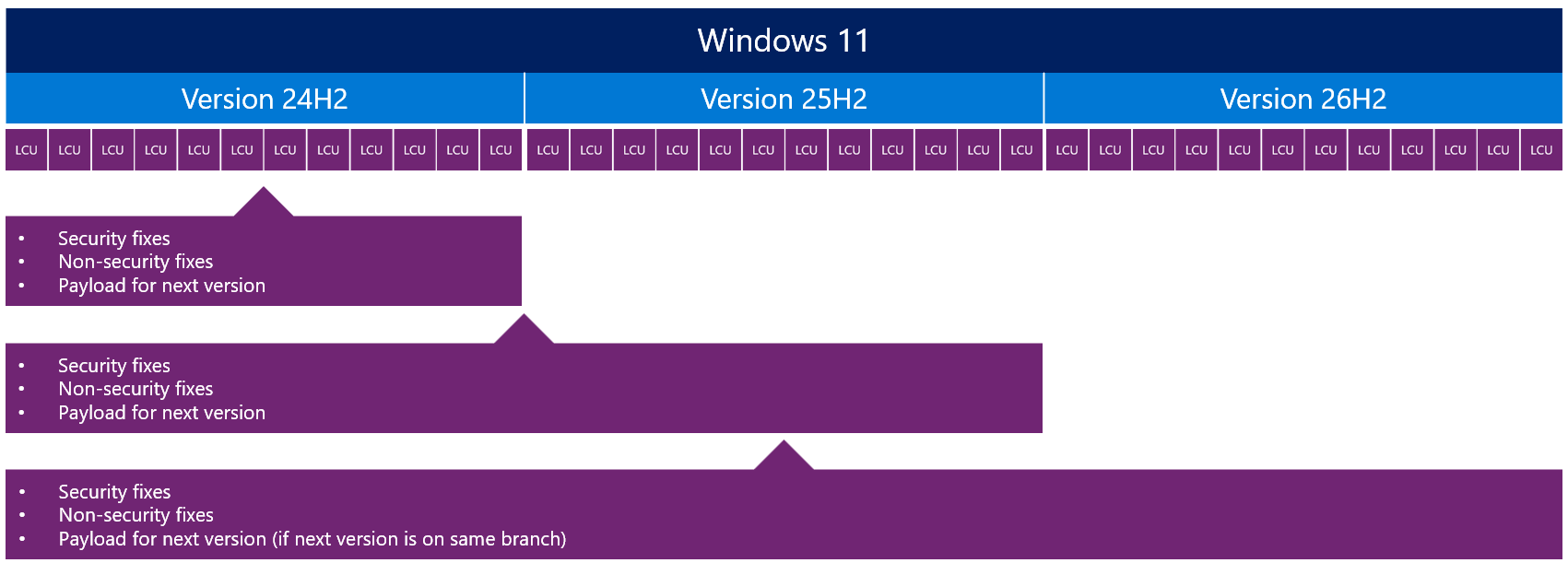
Windows 11 24H2, 25H2, and 26H2 all share the same source code branch, codenamed Germanium internally. Every month, when your PC installs a Patch Tuesday update, it is receiving security patches as well as the dormant code for the next version of Windows. By the time Microsoft officially releases 26H2, every device running 24H2 or 25H2 will already have the feature code sitting on it, disabled, and waiting.
Because all three versions share the same source code, the same security fixes, and the same regression testing baseline, the only differences between 24H2, 25H2, and 26H2 is which features have been switched on, with newer features reserved for the newer version.
Why 26H2 is just 174KB and how the enablement package works
Once your device is on 24H2 or 25H2 and has received recent cumulative updates, the 26H2 feature code is already present. The upgrade to 26H2 works like this: the disabled feature flags on your device are changed to enabled, the device restarts, the new features become active, and the build number moves from 26200 to 26300. The package responsible for all of that weighs 174KB.

Even the screenshots I add to these articles are larger! The entire process takes only minutes and requires one restart, compared to the extended installation sequence of a traditional feature update.
Microsoft confirmed these numbers in a June 2026 whitepaper on the shared servicing model. For the 25H2 upgrade as a reference point, the enablement package was 174KB against a full 25H2 feature update of close to 6.5GB, which is about three-thousandths of one percent of the full package size. The 26H2 enablement package follows the same pattern and the same figure.
For organizations managing hundreds or thousands of PCs, the benefit is far more than the download size. They can considerably reduce compatibility testing to only the newly enabled features instead of testing the entire application and hardware stack, because technically, the OS code has not changed. Microsoft’s guidance is that IT teams can treat a 24H2-to-26H2 upgrade the same way they would treat a monthly quality update.
Why upgrading from 23H2 still requires the full 6.5GB download
Not every Windows 11 version qualifies for the enablement package, though. Windows 11 23H2 is on the 22H2/23H2 branch, which is a completely separate code repository from the 24H2/25H2/26H2 branch. There is no shared foundation, so there is no staged code to activate. A device on 23H2 still needs the traditional OS swap to reach 26H2.
Windows 11 23H2 already reached end-of-life for Home and Pro users in November 2025, so most devices that were on it have already been moved up, either to 24H2 or directly to 25H2. If your PC is somehow still on 23H2, the upgrade to 26H2 will come as a full feature update, and not an enablement package.
As expected, Windows 11 21H2 and 22H2 are on their own earlier branches and have been out of support for some time. Devices that lingered on those versions would have needed a full OS swap to reach any version in the current 24H2/25H2/26H2 branch.
What about Windows 11 26H1, and why is it different?
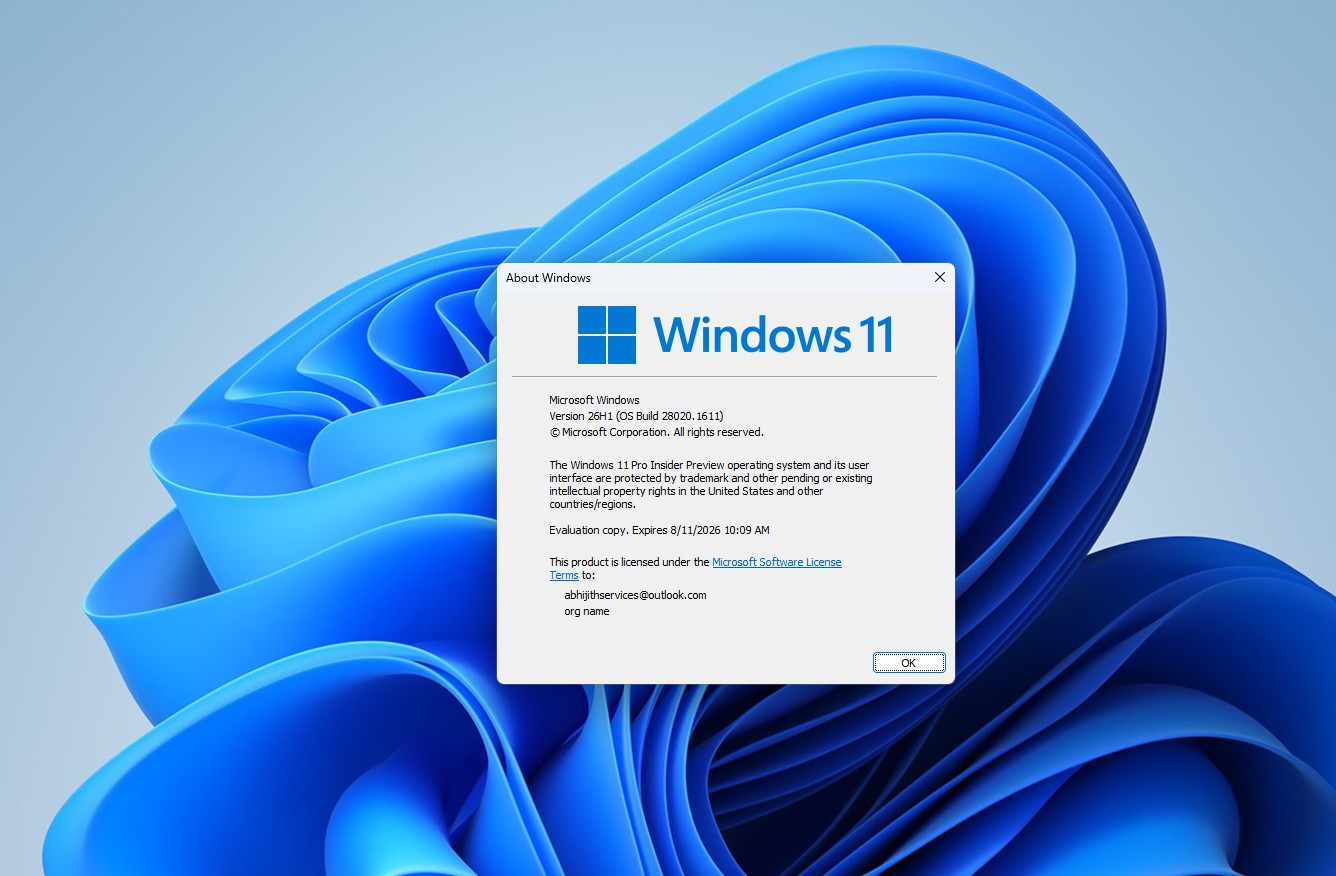
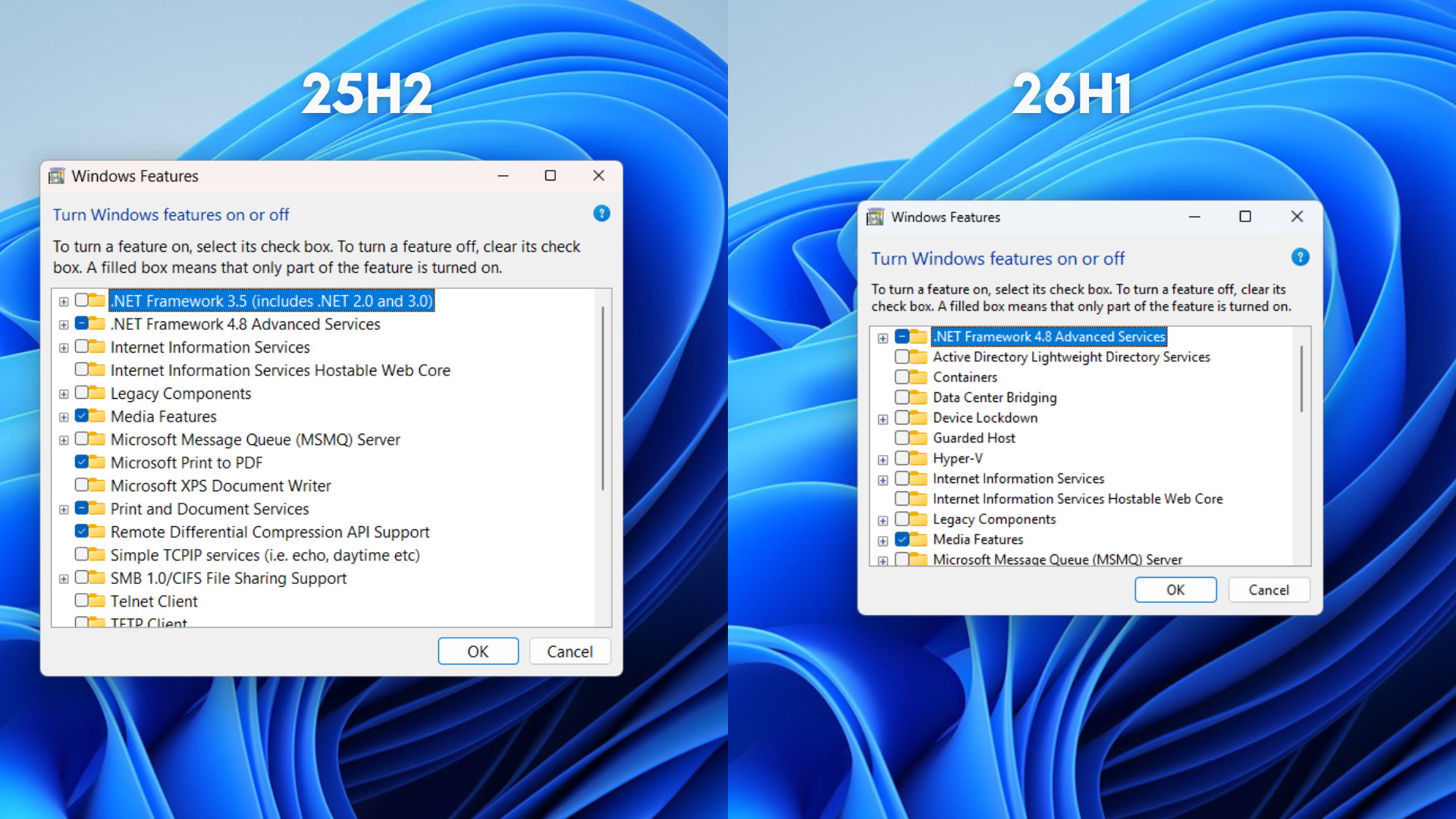
You may have seen news about Windows 11 26H1 and wondered where it fits. The short answer is that it does not apply to your existing PC. Windows 11 26H1 is exclusively for devices with next-generation silicon, specifically the Snapdragon X2 and potentially upcoming ARM-based chips. It is built on a completely different platform branch called Bromine, not Germanium.
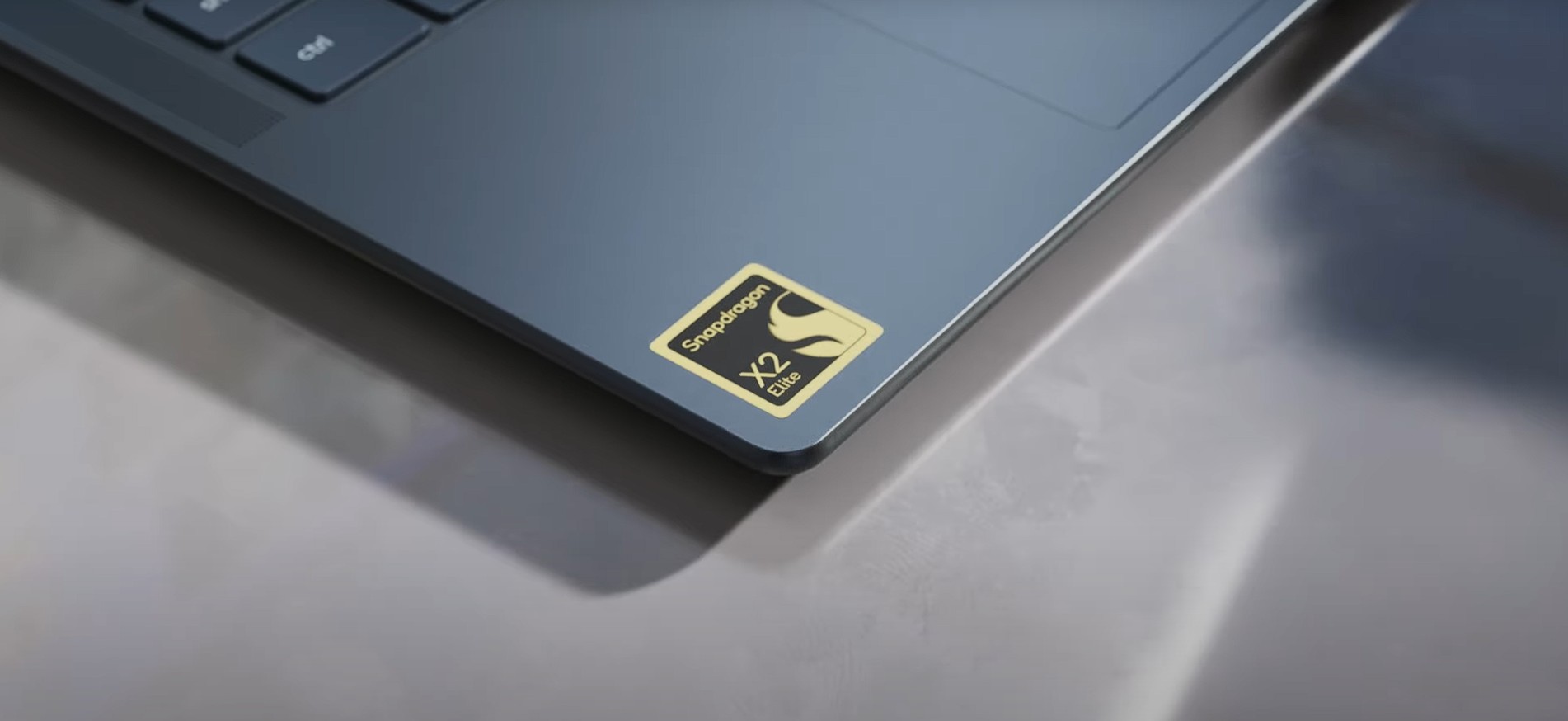
Because 26H1 and 26H2 are on different internal platforms, devices running 26H1 cannot upgrade to 26H2. Microsoft has confirmed that those devices will follow a separate path to a future Windows release. It is a version number that is higher than 26H2 on paper but represents a different OS lineage.
For the vast majority of users on Intel and AMD hardware, 26H1 holds no relevance. The update you will see this fall is 26H2, and it will be a 174KB enablement package if you are already on 24H2 or 25H2. If you want a hands-on look at what 26H1 is like in practice, we covered it separately.
When to expect Windows 11 26H2 and how to get it
Microsoft has confirmed Windows 11 26H2 for a fall 2026 release with no changes to hardware requirements. Any device running 24H2 or 25H2 today is already eligible. Based on previous release patterns, October is the most likely target, though Microsoft has not confirmed a specific date.
When it arrives, devices on 24H2 and 25H2 will receive the update through Windows Update automatically over time, or you can check manually by going to Settings > Windows Update > Check for updates. The install will take a few minutes and one restart. The support lifecycle will reset as well, with 24 months for Home and Pro editions and 36 months for Enterprise and Education editions from the general availability date.
The enablement package also explains why Microsoft is aggressively pushing 25H2 to all eligible consumer PCs now, ahead of the 26H2 launch. Getting every device onto the shared branch means that when 26H2 arrives, the update path for the largest possible set of users is the 174KB package, and not 6.5GB.
The post Windows 11 26H2 is just 174KB, which is 0.003 % of 24H2’s size. Here’s how appeared first on Windows Latest