
Microsoft’s Outlook for Windows has a notification problem that is hard to ignore. Clicking a Windows 11 notification for a new email is supposed to take you straight to that message. Instead, the new Outlook makes you wait, and the numbers are embarrassing.
Windows 11 ships with two versions of Outlook. There is Outlook Classic, the long-running Win32 desktop app built for power users, and there is the new Outlook, which Microsoft is pushing as the future of email on Windows. The newer one is built on WebView2 and is, in essence, a browser window that loads Outlook.com. If you have ever used both side by side, you already know which one feels faster and which one does not.
Outlook has had a complicated reputation for years. The original Win32 app became infamous for being bloated and difficult to configure. Microsoft’s answer was to ditch native code and rebuild from the web up. The result, called the new Outlook, replaced the lightweight UWP Mail and Calendar apps that some Windows users had grown used to. Windows Latest reported back in 2023 how users protested when Microsoft announced plans to retire those UWP apps in favor of a web wrapper. The company pushed ahead anyway, and by late 2024, the Mail and Calendar apps were officially shut down.
Microsoft has also been pushing the new Outlook at enterprises, though it postponed the forced opt-out deadline to March 2027 from the originally planned April 2026. A delay of a full year shows that even Microsoft knows the app is not fully ready for every workload. New Outlook has improved in real ways since launch, but the performance story is still a mixed one, and nowhere is that more apparent than in how it handles notifications.
New Outlook takes 10 seconds to go from notification to the respective mail
Before getting to the frustrating part, credit where it’s due, New Outlook used to be noticeably slow to launch from scratch, but not anymore.
Outlook (classic) vs New Outlook:
New Outlook now opens almost as fast as Outlook Classic, which is still slightly quicker of the two. But I would say both are neck and neck, at least when it comes to opening speeds.
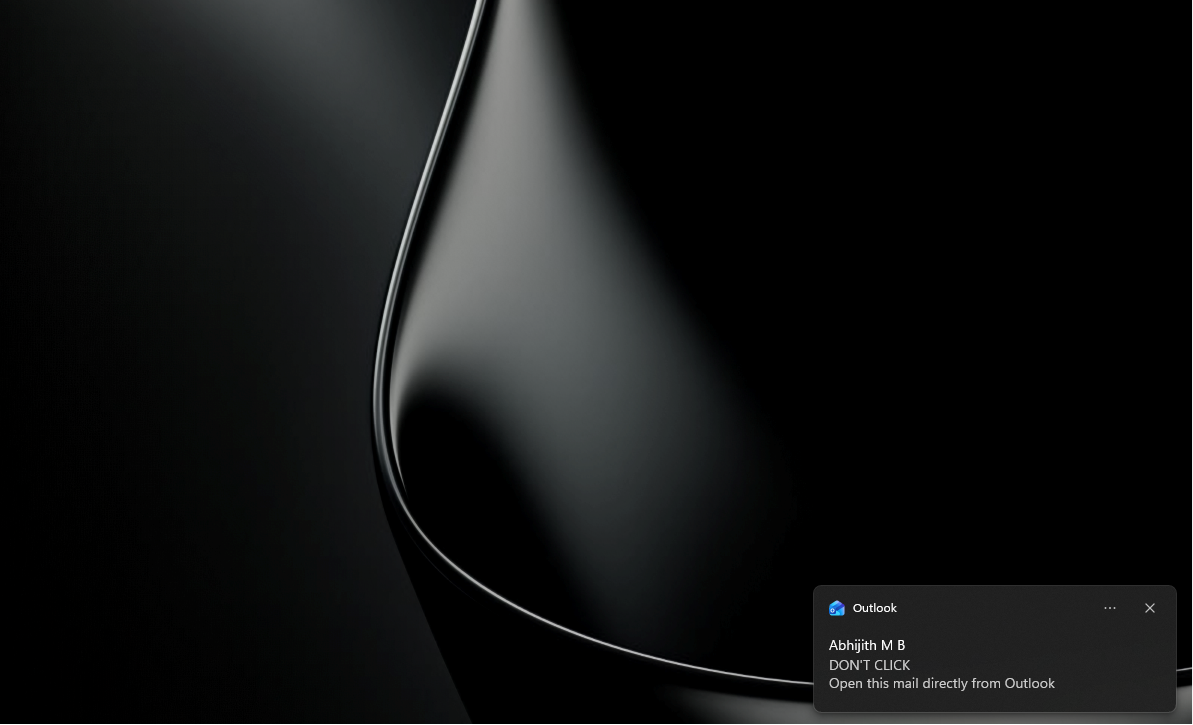
However, when a new email arrives in Windows 11, a notification banner appears at the bottom right of your screen, and that’s where the problem starts. Clicking that banner, or from the Notification Center, is supposed to take you directly to the email that triggered it.
With Outlook Classic, it opens that specific email almost instantly.
With the new Outlook, clicking the notification opens the app, loads the full inbox, and then takes around 10 seconds before the specific email from the notification shows up on screen.
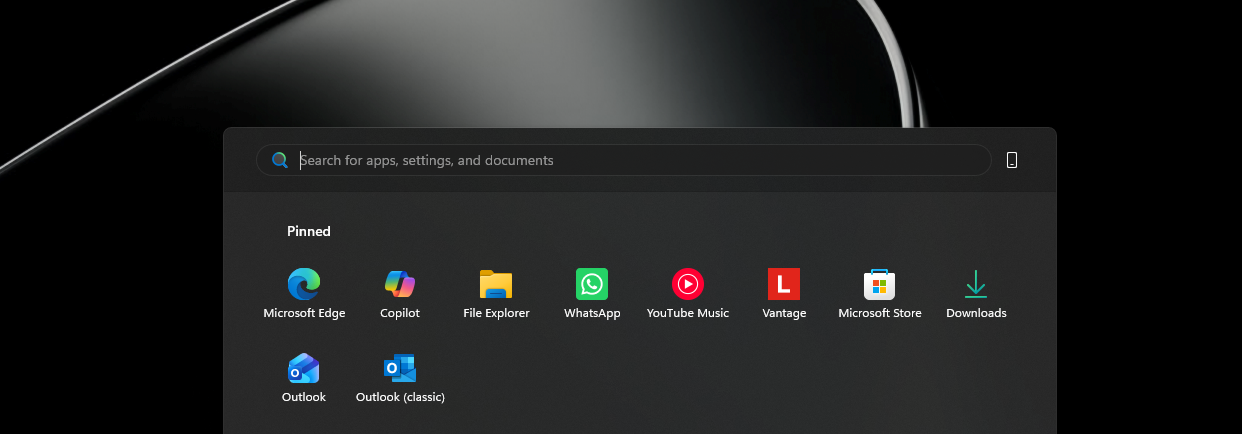
What makes this even more absurd is that if you ignore the notification banner and instead open Outlook directly from the Start menu, you can find and click the new email from within the app and be done with it, all before the notification banner even disappears from the screen.
Five seconds to open Outlook and click an email manually. Ten seconds wait time to see that same email if we click the notification directly. This is ridiculous, even for Microsoft.
And, as it turns out, this isn’t a problem Microsoft can easily fix with an app update.
Outlook is based on WebView2, and like all web apps, it’s slow
New Outlook is built on Microsoft Edge’s WebView2 runtime, which is a Chromium-based rendering engine. Every time you interact with the app, including clicking a notification, a browser-like process chain has to do the work. The app has to initialize or resume its web layer, authenticate, load the relevant mail thread, and render it, all through that web engine.
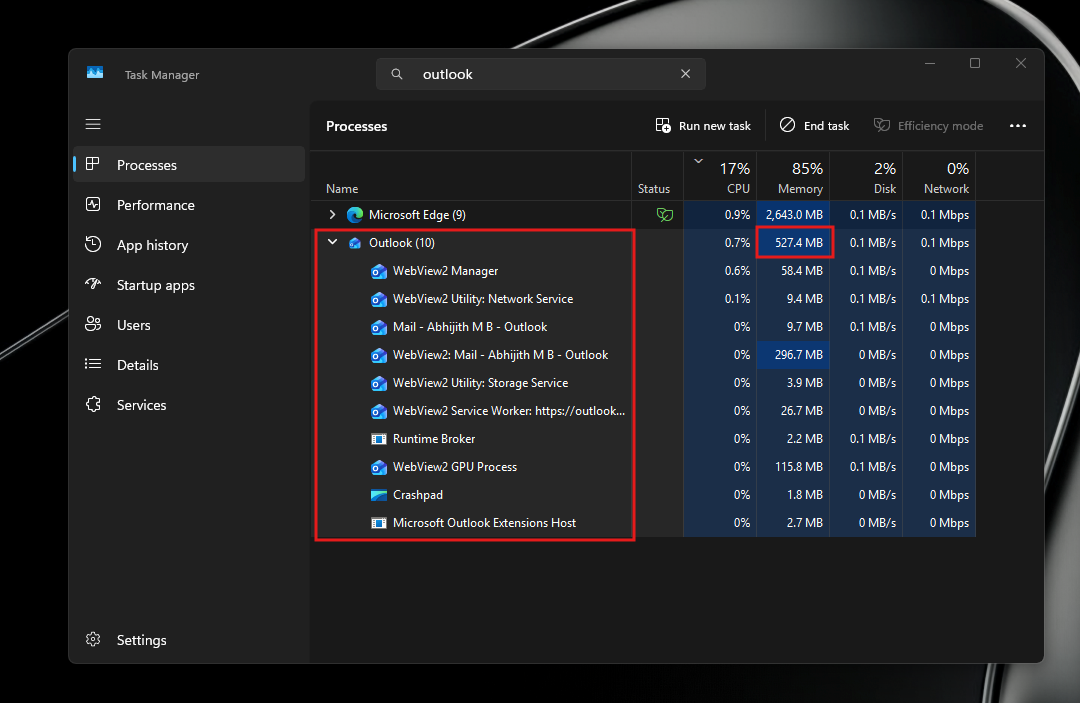
As Windows Latest reported in December 2025, Microsoft acknowledged this slowness and was testing a new API called “Delayed Message Timing” to help diagnose performance issues in WebView2 apps. However, we haven’t seen any use of that API while clicking Outlook notifications.
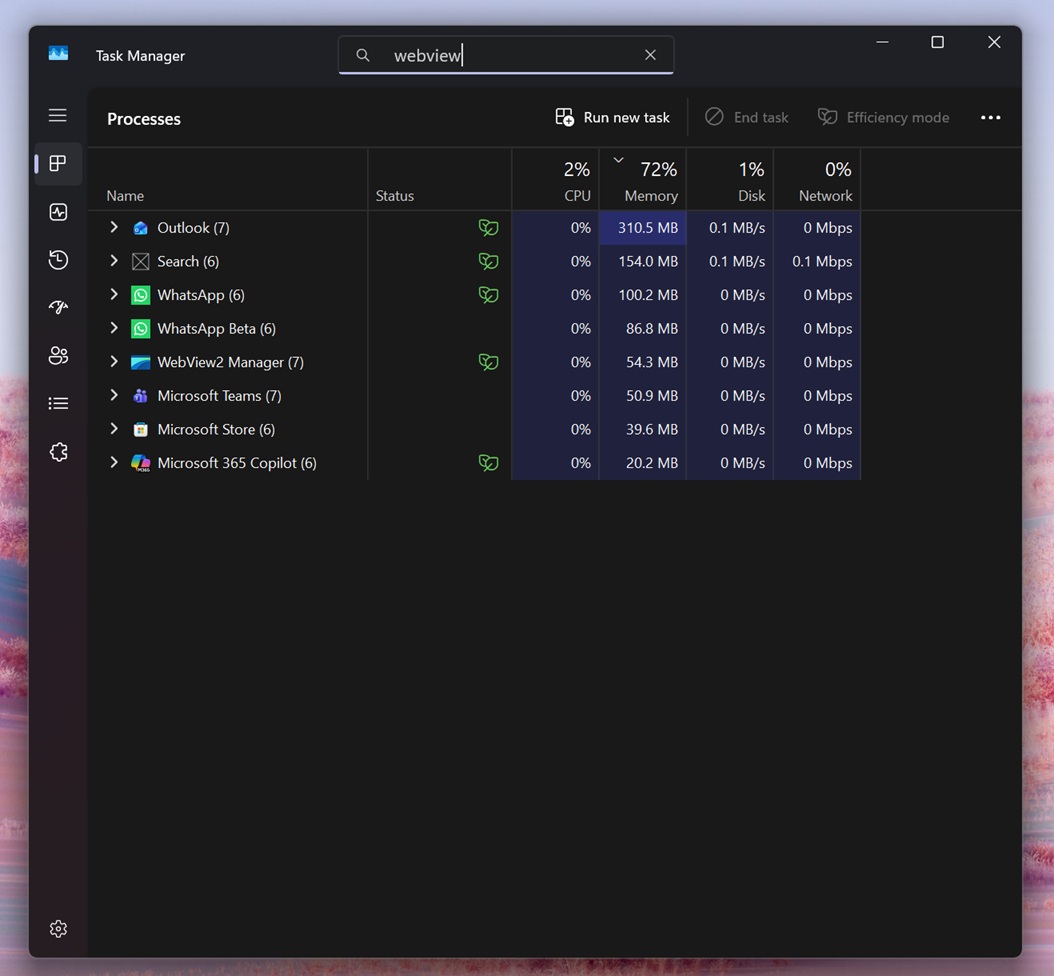
New Outlook runs as 10 separate processes in Task Manager, compared to Outlook Classic, which runs as a single compact process. The list inside the new Outlook includes WebView2 Manager, multiple WebView2 Utility processes, a WebView2 GPU Process, a WebView2 Service Worker, and more. Each of those is essentially a browser component. They all consume memory individually, and they all take time to resume from a suspended state when you click a notification.
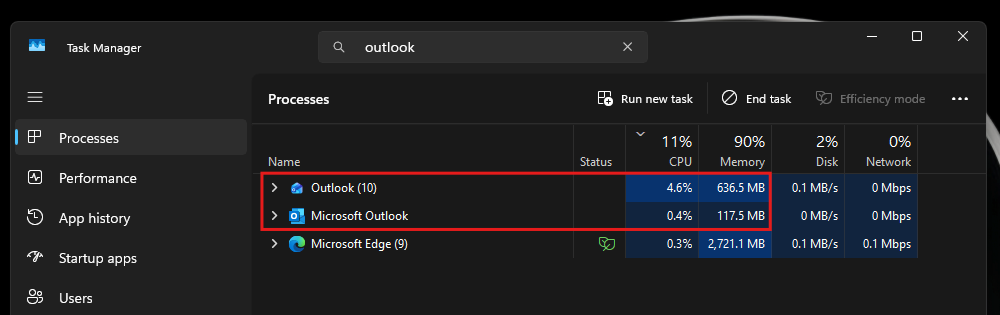
Speaking of memory, the new Outlook uses between 490 MB and 636 MB of RAM while idle, with individual sessions varying based on mailbox size. Outlook Classic, doing the same job, uses around 117 MB to 148 MB at idle. A roughly fourfold difference.
As for CPU, new Outlook uses around 4% at idle while Outlook Classic uses less than 1%. These numbers are from my own measurements using Task Manager with both apps open simultaneously.
Of course, these issues are common to all web apps. As we reported, WhatsApp now consumes 1.2 GB of RAM doing nothing after Meta replaced its native WinUI app with a WebView2 wrapper.
Microsoft has been aware of the offline and performance limitations of new Outlook for some time. The company spent much of 2024 trying to make the app work properly without an internet connection, something Outlook Classic handles natively by caching mail locally. A web app, by design, is always reaching out to a server.
New Outlook is improving, but the gap with Classic isn’t closing anytime soon
In fairness, the new Outlook has come a long way since its rocky debut. The March 2026 update added better folder search options and improved shared mailbox access, two areas where the app lagged behind Classic for a long time. The May 2026 update brought automapped calendar support, so switching from Classic to new Outlook no longer drops your shared calendars. Teammate calendars now show up automatically in the navigation pane.
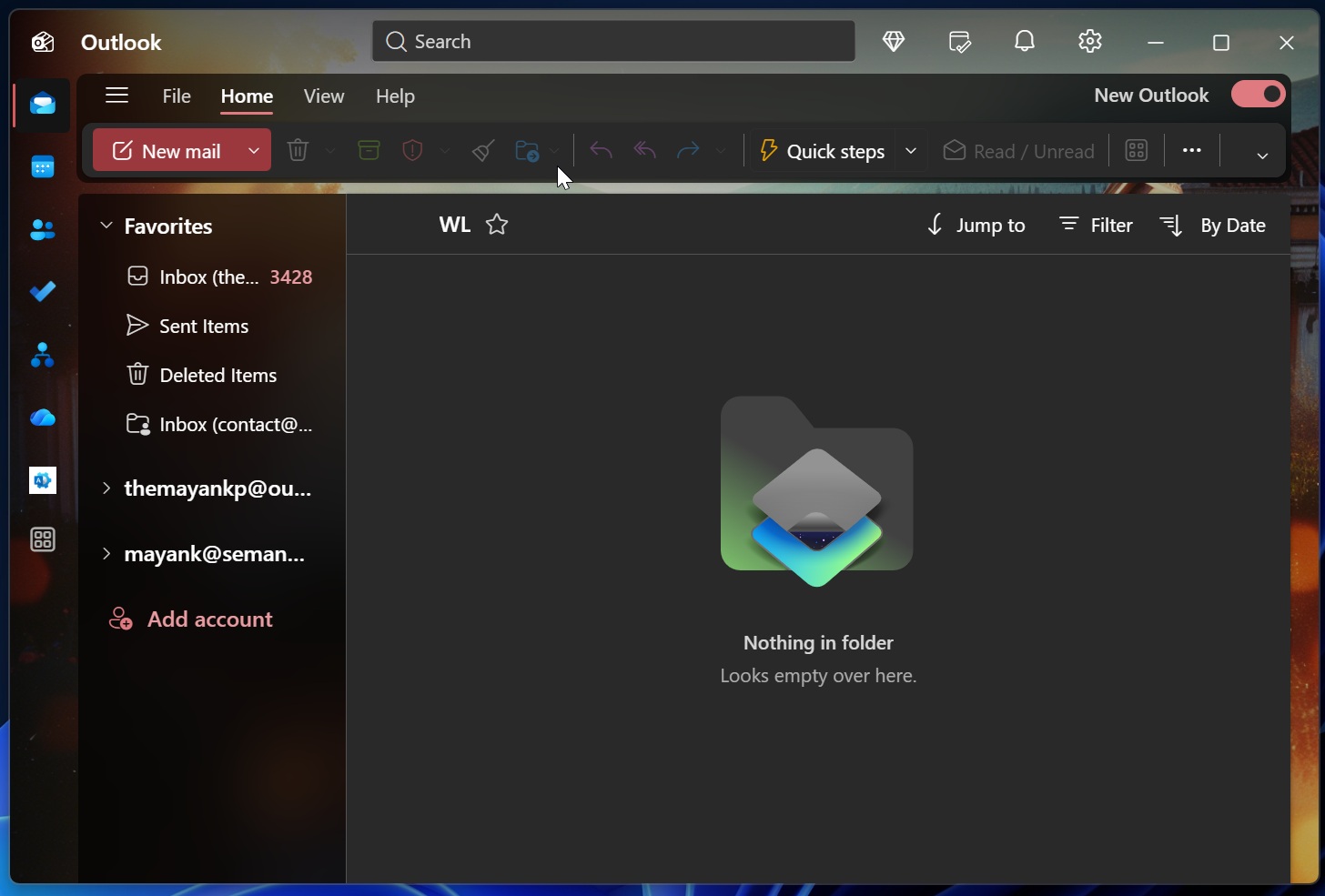
More recently, Microsoft confirmed a June 2026 update with five notable additions, including an all-accounts inbox view (also called Unified Inbox) arriving in August 2026, improved mail merge, and expanded .PST support. The .PST import update in July 2026 will let users bring in calendar items and contacts from local archive files, which was a long-standing pain point for anyone switching from Classic.
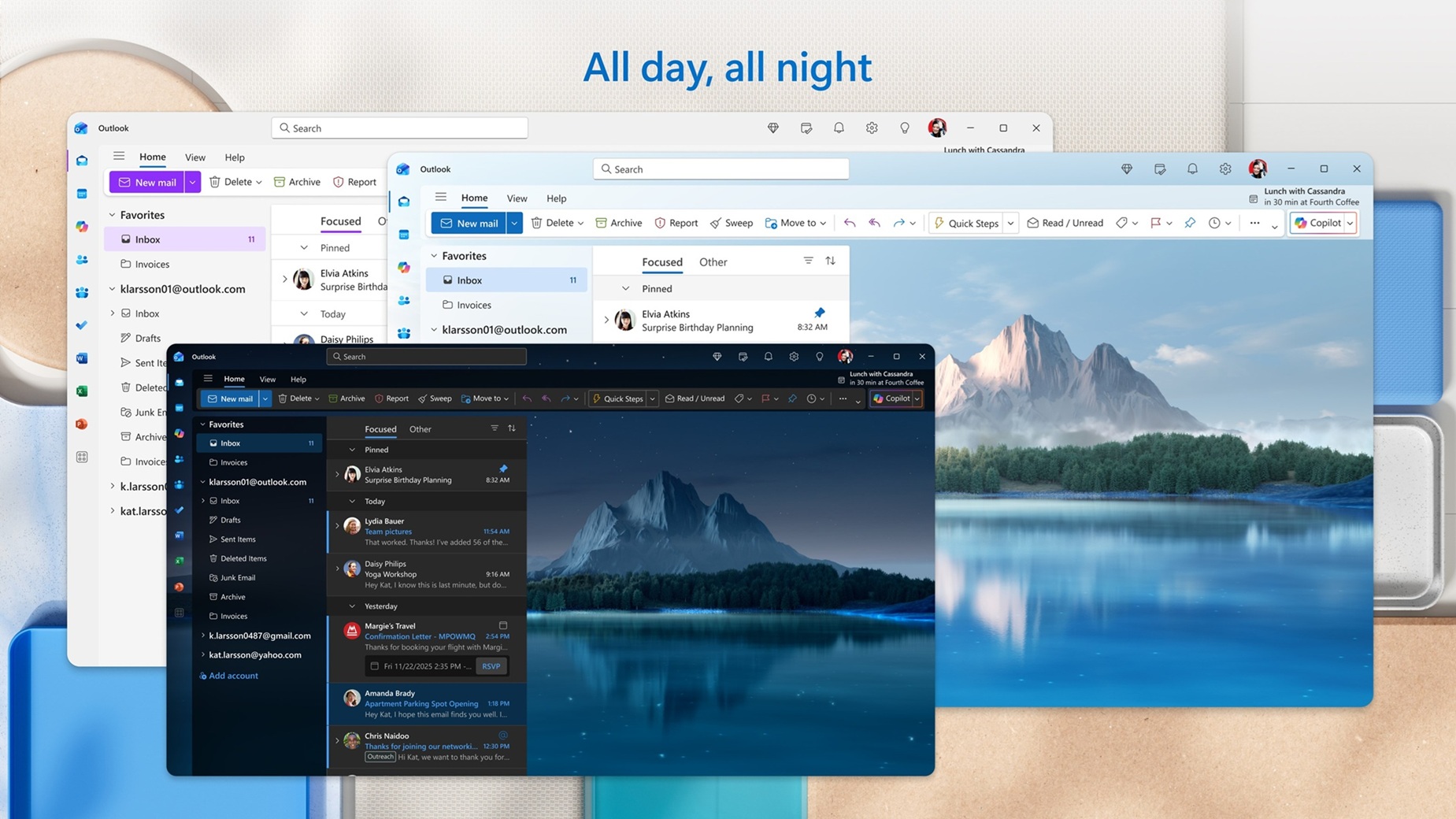
The push to get people to switch is getting louder too. Microsoft listed 15 productivity features in early June 2026 as reasons to make the move from Classic. The list includes offline access, richer Copilot integration, faster search, improved calendar controls, and more. Many of those features are things Classic users have had for years, which makes the framing a bit odd, but the direction is clear. Microsoft wants new Outlook to become the default experience for everyone.
We were also told in late 2025 that a calendar agenda view in the Notification Center was coming, bringing back a Windows 10 feature that went missing with Windows 11. The agenda view, when it arrives, will also be powered by WebView2. Whether it introduces similar delays remains to be seen.
A web app cannot fix performance issues
Microsoft celebrated growth for new Outlook in 2024, but a significant portion of that growth came from forced migration. People did not choose the web app because it was faster. They were moved to it because the apps they previously used (Mail + Calendar) were shut down.
New Outlook opening fast from the Start menu is a real improvement. The work being done on new features shows that Microsoft is listening to complaints. But until the notification experience matches what Outlook Classic has been doing without issue for years, the new Outlook is still working around a fundamental constraint imposed by the WebView2 architecture.
The only solution, as you might’ve guessed, is the move to WinUI. We already reported that Microsoft is now fully committed to WinUI, with Rudy Huyn preparing a team to make native Windows apps, and so we may see a native Outlook too…
For now, if fast notification handling is important to your workflow, Outlook Classic is the more reliable choice. Classic Outlook is still available to download and is supported until April 2029. The new Outlook will keep improving, but some of its limitations are baked into how it is built, and those are harder to fix with a feature update.
The post Microsoft’s new Outlook takes 10 seconds to do what Outlook Classic does instantly on Windows appeared first on Windows Latest