
Previously, if you played music on your laptop and closed the lid, audio would continue to play. But that changed in Windows 11 24H2 or 25H2, as music no longer plays when the lid is “intentionally” closed.
With Windows 11 25H2 or 24H2, Microsoft quietly shipped significant improvements to Modern Standby, and some of the improvements are actually nice. But there’s one change that you might not have really realized. After recent Windows updates, if you play music and put the PC to sleep or close the lid, it will stop playing.
Turns out it’s expected behavior, and this “feature” is tied to Windows 11’s Modern Standby. In fact, Microsoft has also acknowledged it in one of its documents:
“Starting from Windows 11 version 24H2, audio playback is not supported when standby is entered explicitly (power button press, lid close, or through the Start menu),” Microsoft noted in a document spotted by Windows Latest. “Audio playback is only supported when idling to screen off.”
How the audio behavior changed in Windows 11’s Modern Standby
I realized Microsoft quietly changed the audio behavior when I booted one of my older laptops lying in a corner, running Windows 11 23H2. When I connected my headphones and put my laptop into sleep mode, it continued to play audio.
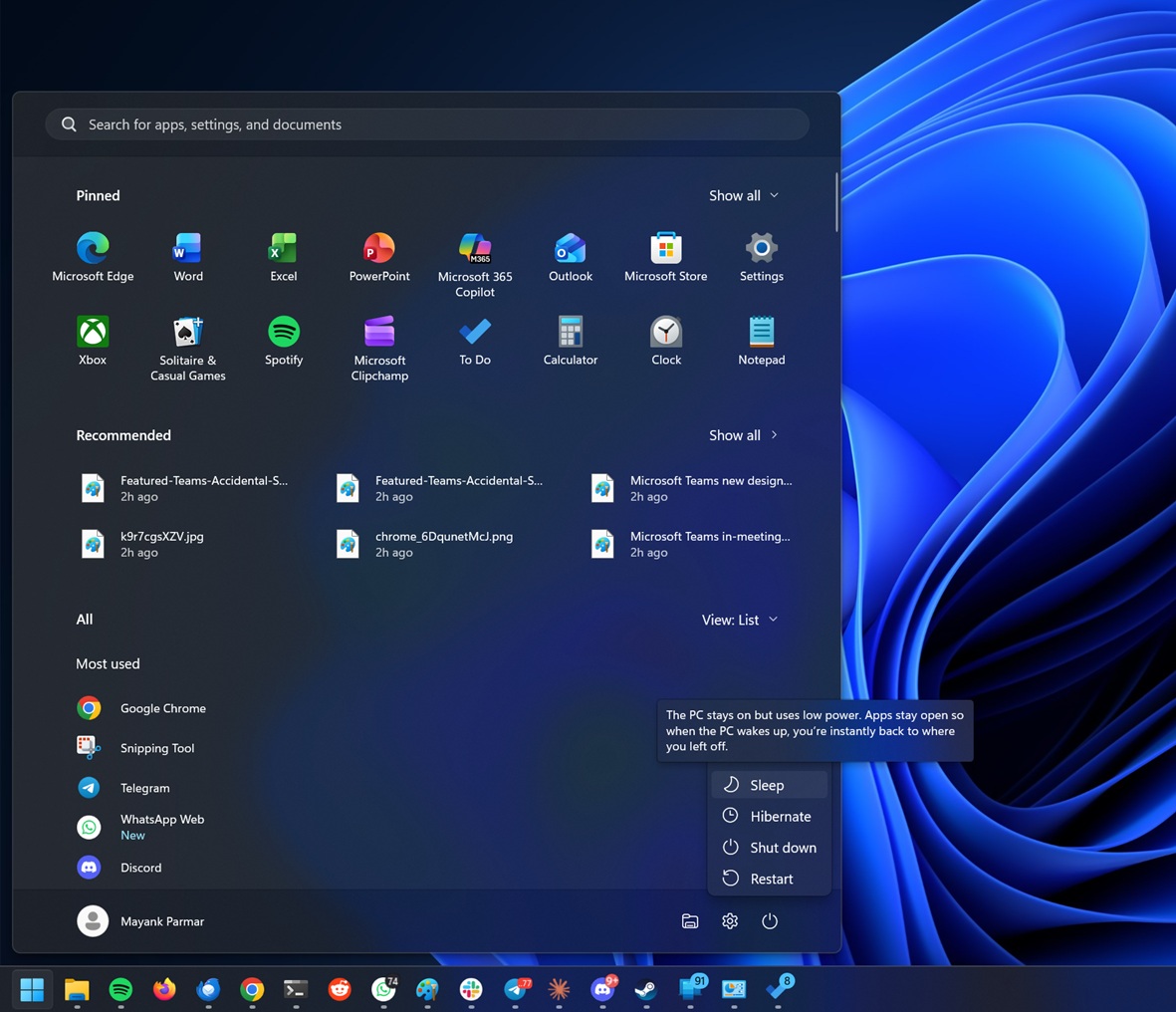
On the other hand, if you close the lid of your laptop or click on “Sleep” in Windows 11 24H2/25H2, you’ll observe that it pauses music, and then resumes instantly when the PC wakes up.
Modern Standby has a bad reputation, where it can hurt battery life or use more power than it saves, but it has gotten a lot better over time. This audio change appears to be part of those efforts.
When does audio still play in Windows 11?
It is worth noting that Windows 11’s recent changes specifically affect explicit entry into Modern Standby. That means audio still works when the device naturally idles to screen-off.
I looked at another document where Microsoft says internal speaker audio is Yes for “Idle to Standby” on both AC and DC, but No for explicit standby on both AC and DC. The same applies to Bluetooth speakers.
In other words, if Windows turns off the screen because the device has been idle, audio can continue. But if you intentionally put the PC to sleep by closing the lid, pressing the power button, or using Sleep from Start, Windows 11 24H2 no longer supports audio playback in that state.
Also, it affects devices that are plugged in, as the Microsoft document says explicit standby audio is disabled on both AC and DC power.
If you want the audio to keep playing, you’ll need to change what happens when you close the laptop’s lid.
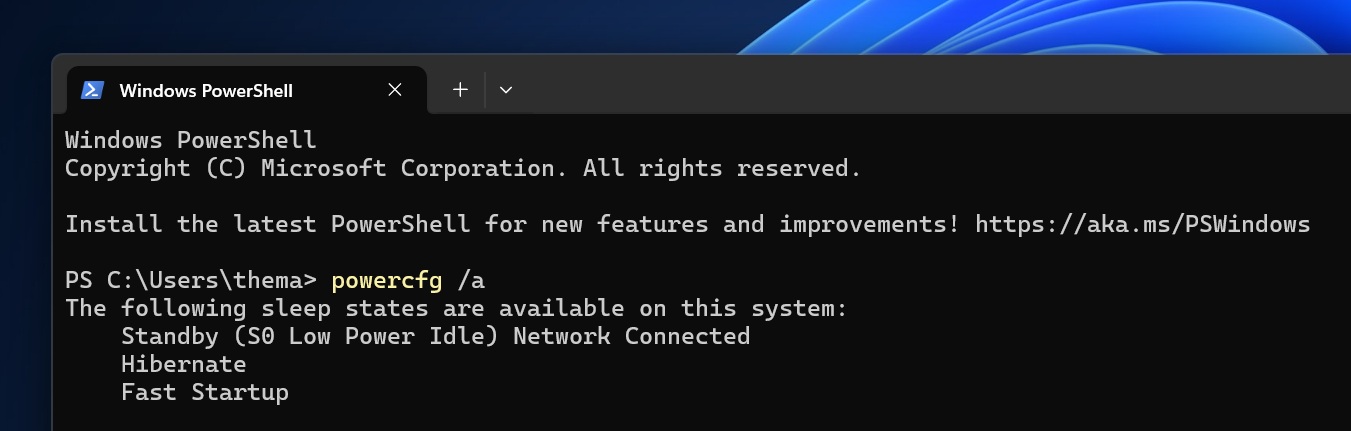
On some devices, you may also be able to disable Modern Standby, but that is not a simple supported toggle on most modern Windows laptops.
More recently, Microsoft made a change to Windows 11’s Modern Standby that prevents the feature from triggering unexpected wake-ups or battery drain. It also added a policy that disables most “wake up” PC sources when excessive drain is detected, which means the device can only wake through the power button or opening the lid.
All these changes are quite interesting, as Microsoft rarely talks about Modern Standby in public. If you look at these behind-the-scenes improvements, you’d realize the company is fully committed to the idea and is still quietly rolling out changes to make it more useful.
The post Microsoft quietly changed Windows 11 to stop playing audio when you close the lid or press Sleep, and it’s due to Modern Standby appeared first on Windows Latest