
Microsoft has confirmed they won’t be making “immediate changes” to Windows 11’s transparency options, pointing users toward third-party tools like Windhawk instead of building macOS-style Liquid Glass controls natively into the OS.
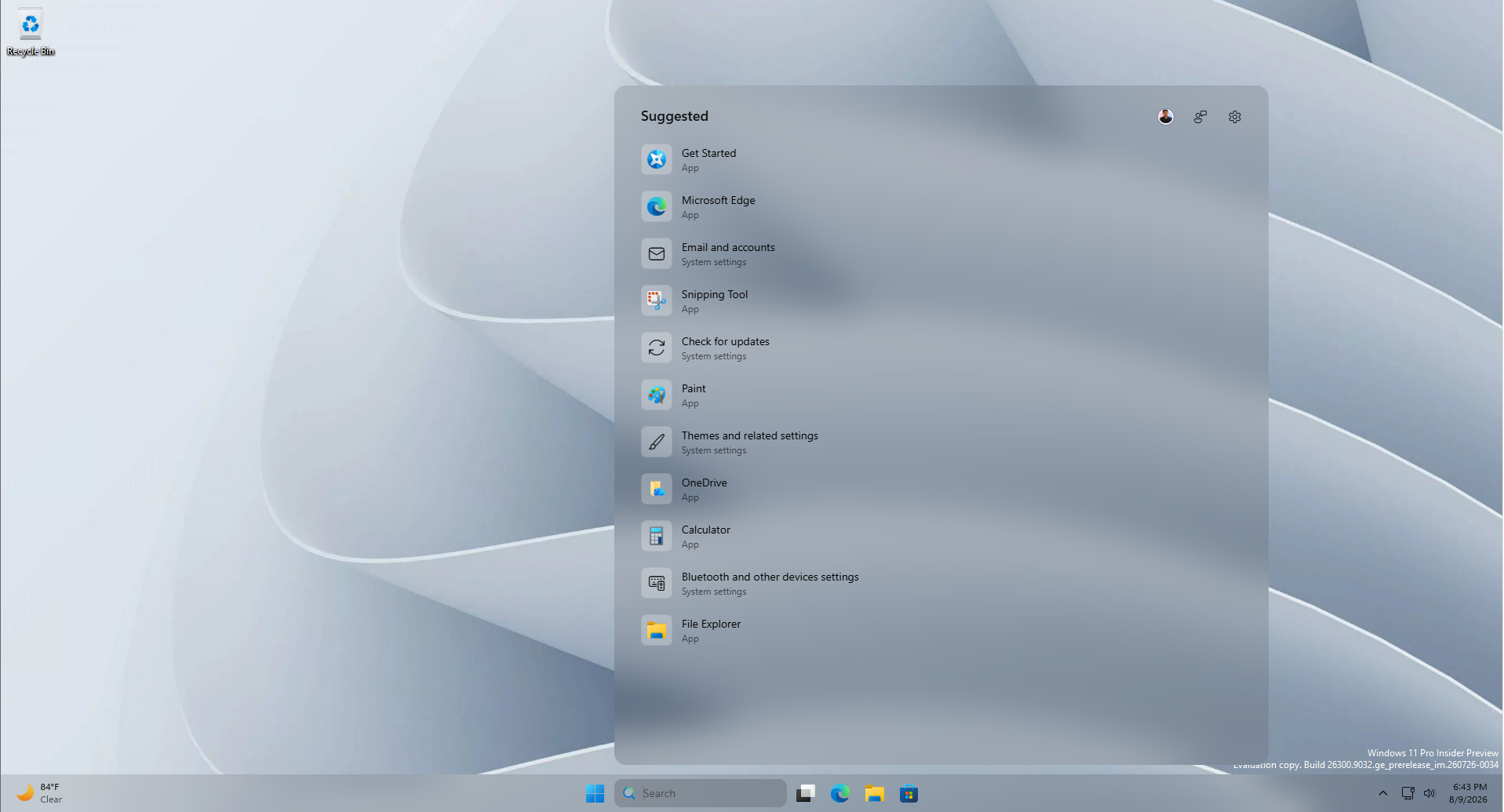
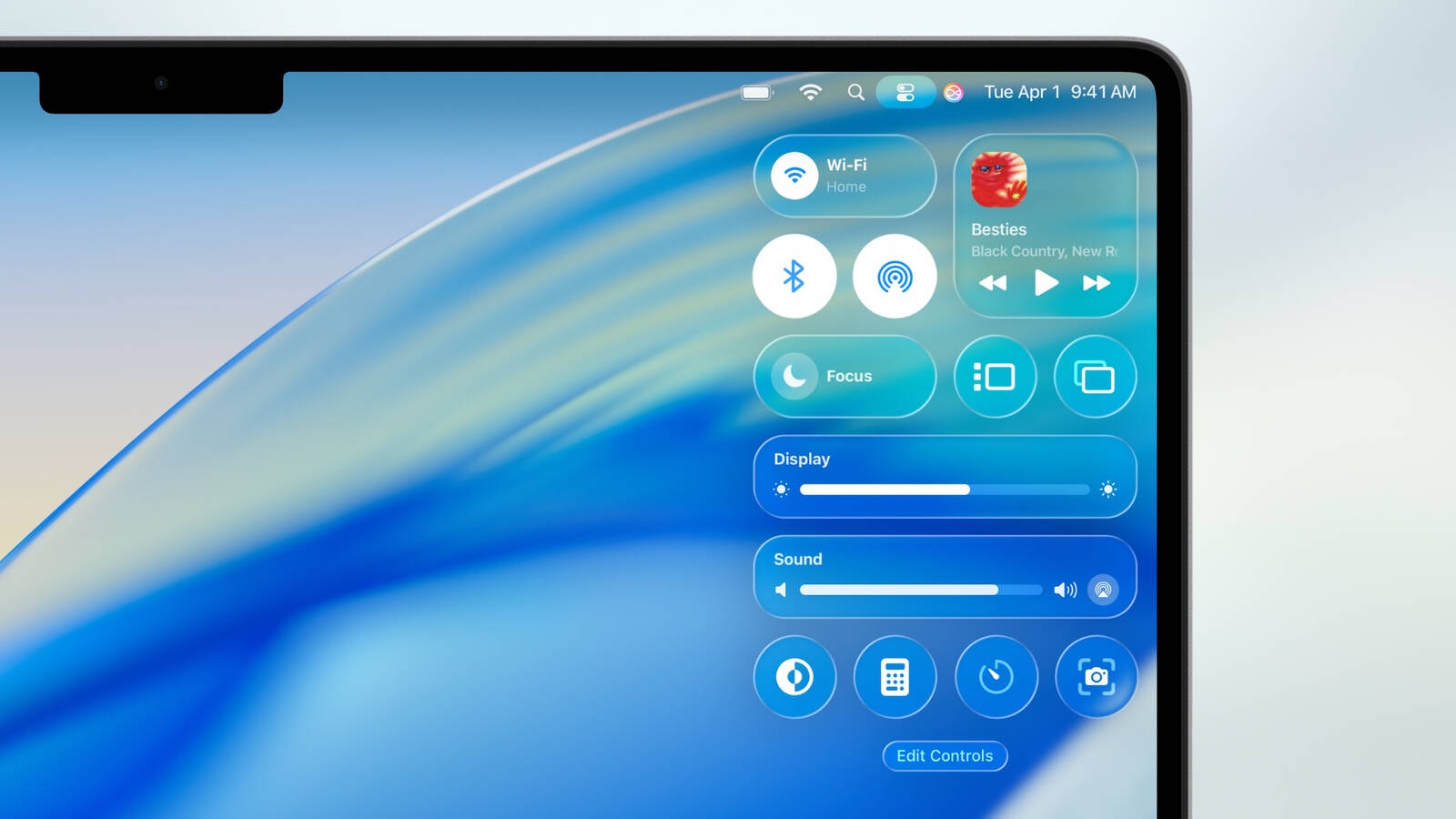
Apple’s Liquid Glass redesign launched at WWDC 2025 to a rough reception, with users calling out legibility problems across iOS, iPadOS, and macOS. Apple toned it down before the public release that September, then refined it even more at WWDC 2026 with a slider letting users dial the effect anywhere from ultra clear to fully tinted.
A year later, Liquid Glass is spreading into more apps and even websites, and naturally, people keep asking if it’s possible for their Android phones and Windows PCs to have something similar.
2026 has otherwise been the year Microsoft finally started fixing Windows 11. The company’s March commitment anchored in three pillars: Performance, Reliability, and Craft. Several of the bigger requests for “Craft”, like a movable taskbar, a resizable Start menu, have already shipped to Insiders. Transparency, it turns out, isn’t one of them.
Why Microsoft won’t add more transparency controls to Windows 11
On June 11, March Rogers, Partner Director of Design at Microsoft, posted about a Start menu settings update rolling out to Insiders, section toggles, resizable Start, an option to hide your name while screen sharing. A user named Emrah replied asking why Windows won’t let people adjust taskbar and Start menu transparency.
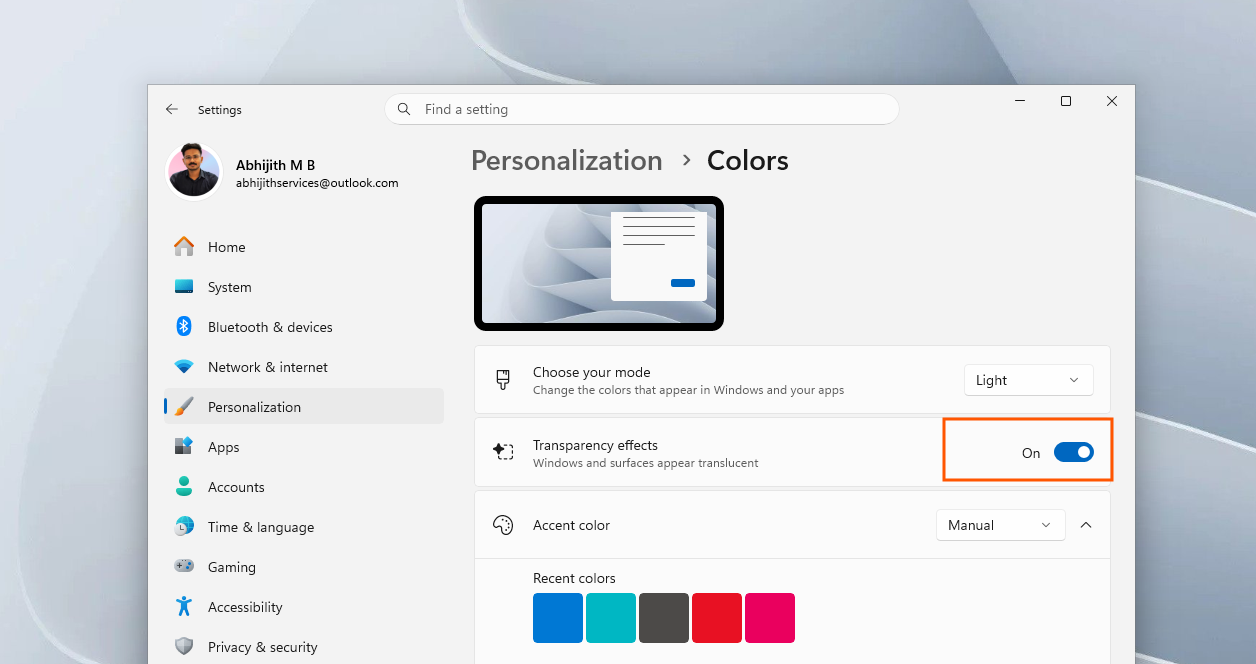
Rogers said that transparency effects can be turned off in Settings by going to Personalization > Colors, and also mentioned that Windows doesn’t allow us to make things more transparent than the default effects, because it may hinder legibility and usability.
That’s a fair point, but Emrah wasn’t asking for less transparency. He posted a screenshot of his Windows 11 desktop with Start menu, notifications, and calendar all rendered with a heavy frosted-glass blur using Windhawk’s TranslucentStartMenu mod, text and icons still fully legible. It’s the closest thing to Liquid Glass Windows 11 has right now.
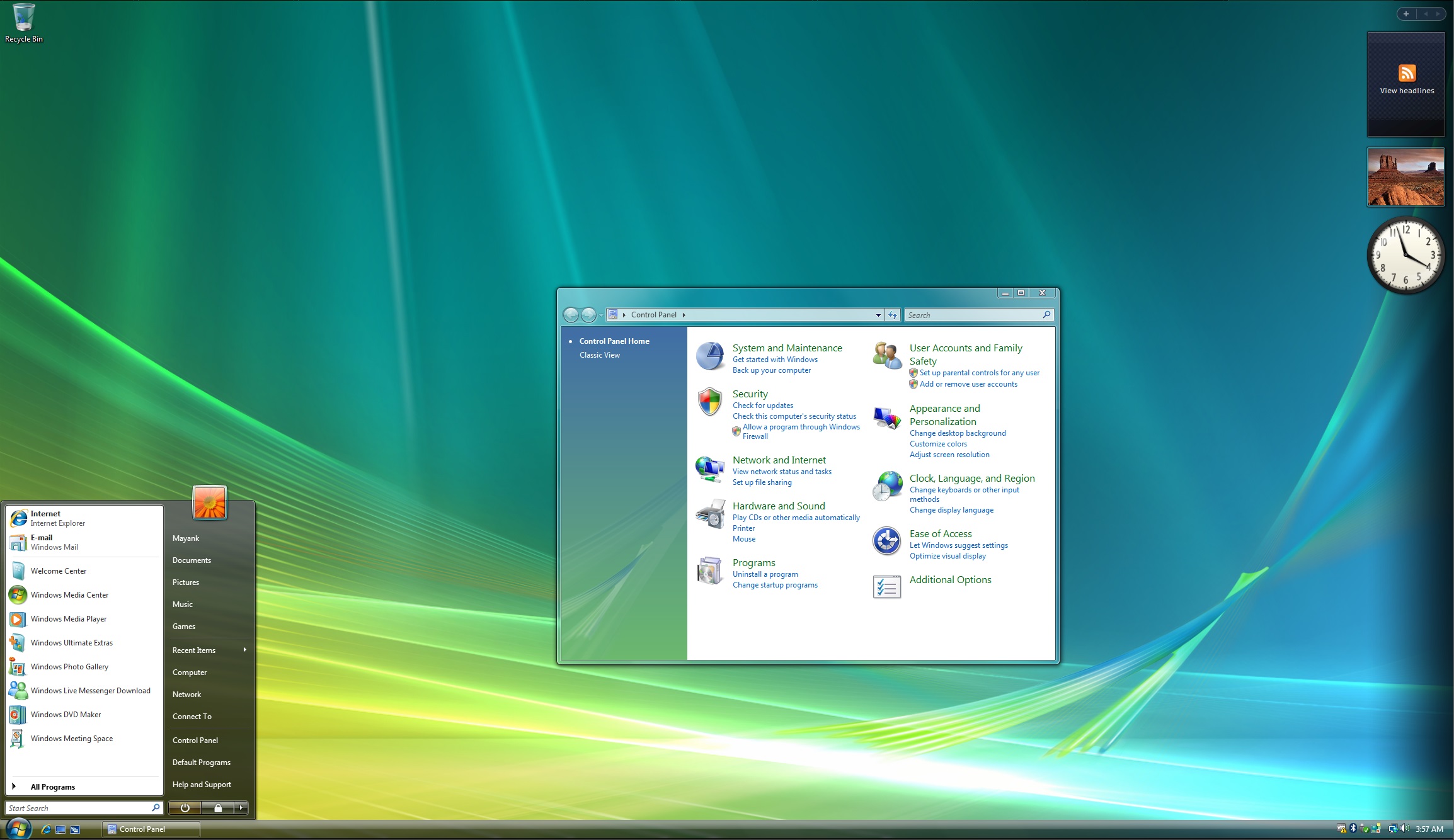
Also, in case you forgot, Windows actually did Liquid Glass first, nearly two decades ago. Windows Vista’s Aero Glass, introduced back in 2007, gave Windows a translucent, frosted look. But we all know what happened next when Microsoft dropped it in Windows 8 in favor of the flatter Acrylic and Mica effects.
Real reason why Microsoft cannot bring transparency effect customization to Windows 11
Under a July 31 post by Design lead, Marcus Ash, about the Windows quality update, Emrah brought up again the topic of transparency, and we finally got the actual reason from March Rogers himself as to why Windows 11 won’t see a transparency slider anytime soon:
“Whenever we consider large scale visual changes to Windows, like the transparency option you suggested, we think hard about who will benefit from the investment, usability and accessibility considerations, and can we deliver a high quality experience.”
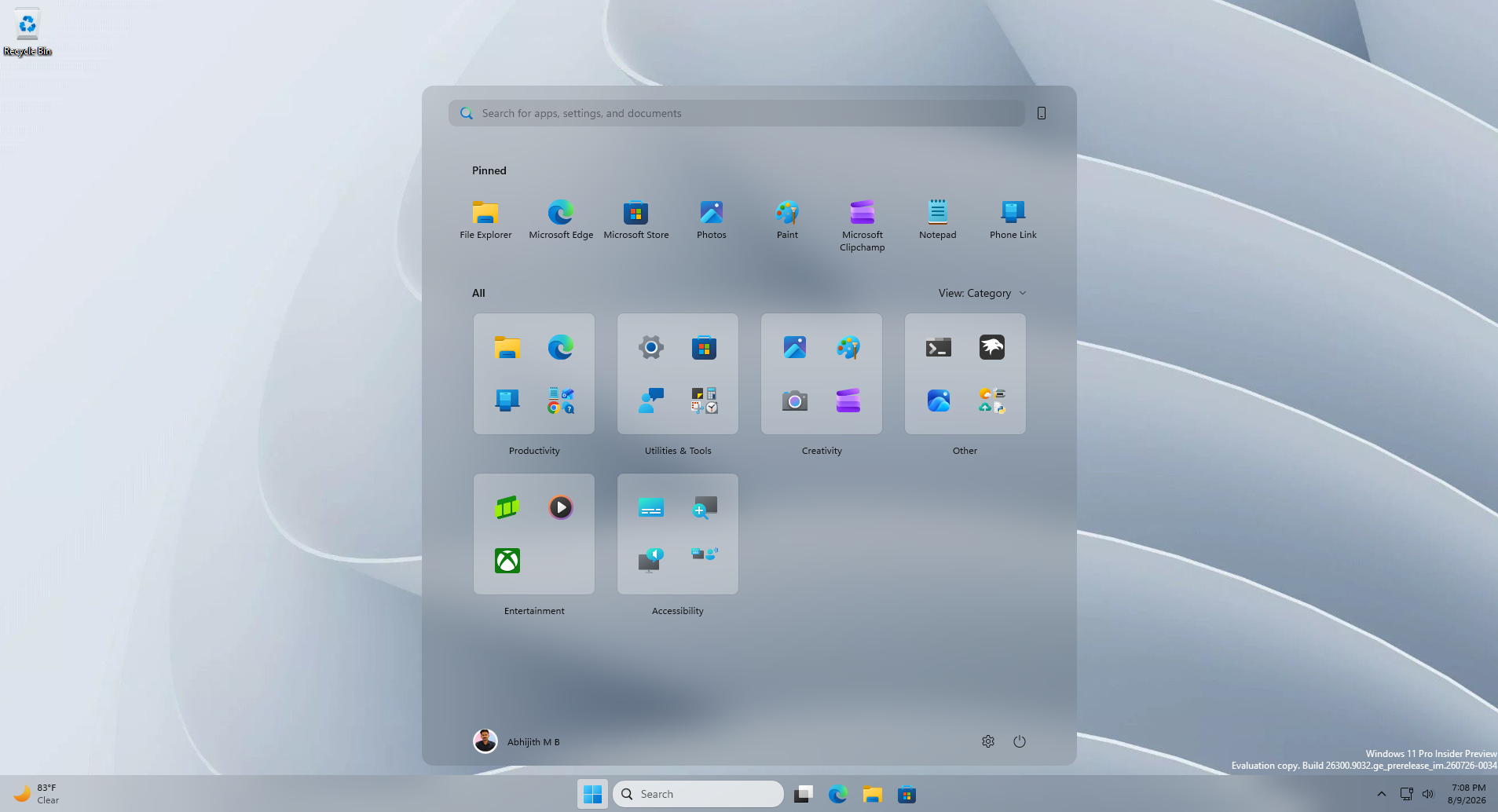
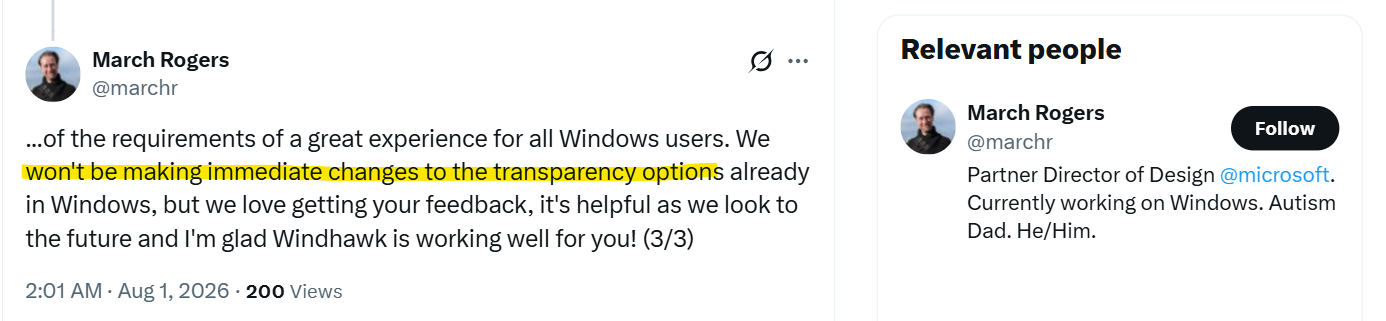
Rogers also mentioned Windhawk as part of the reasoning, noting that Microsoft looks at what its developer community is “already providing”, and said that any changes will be done only when Redmond feels confident that they can meet all of the requirements of a great experience for all Windows users.”
And on the topic of if we’ll ever see native glass-like effects in Windows 11, March Rogers said: “We won’t be making immediate changes to the transparency options already in Windows”, though Rogers said the feedback was still useful for the future.
However, as Emrah said, native OS features are inherently more stable and carry far less risk of bugs than anything built by outside developers, and that customization is the argument people already use to defend switching away from Windows.
Liquid Glass keeps showing up in more places, including redesigned apps, even websites experimenting with a frosted look, and it’s a little deflating knowing Windows, which arguably did this look first, won’t get equivalent native controls anytime soon.
Windows 11 is already getting some of its most requested customization changes
To be fair to Microsoft, transparency isn’t the only customization request on the table, and several others are moving fast. Windows Latest covered 10 new features coming to the taskbar and Start menu back in June, including a movable taskbar, a true smaller taskbar option, and Start menu section toggles for Pinned, Recent, and All Apps.
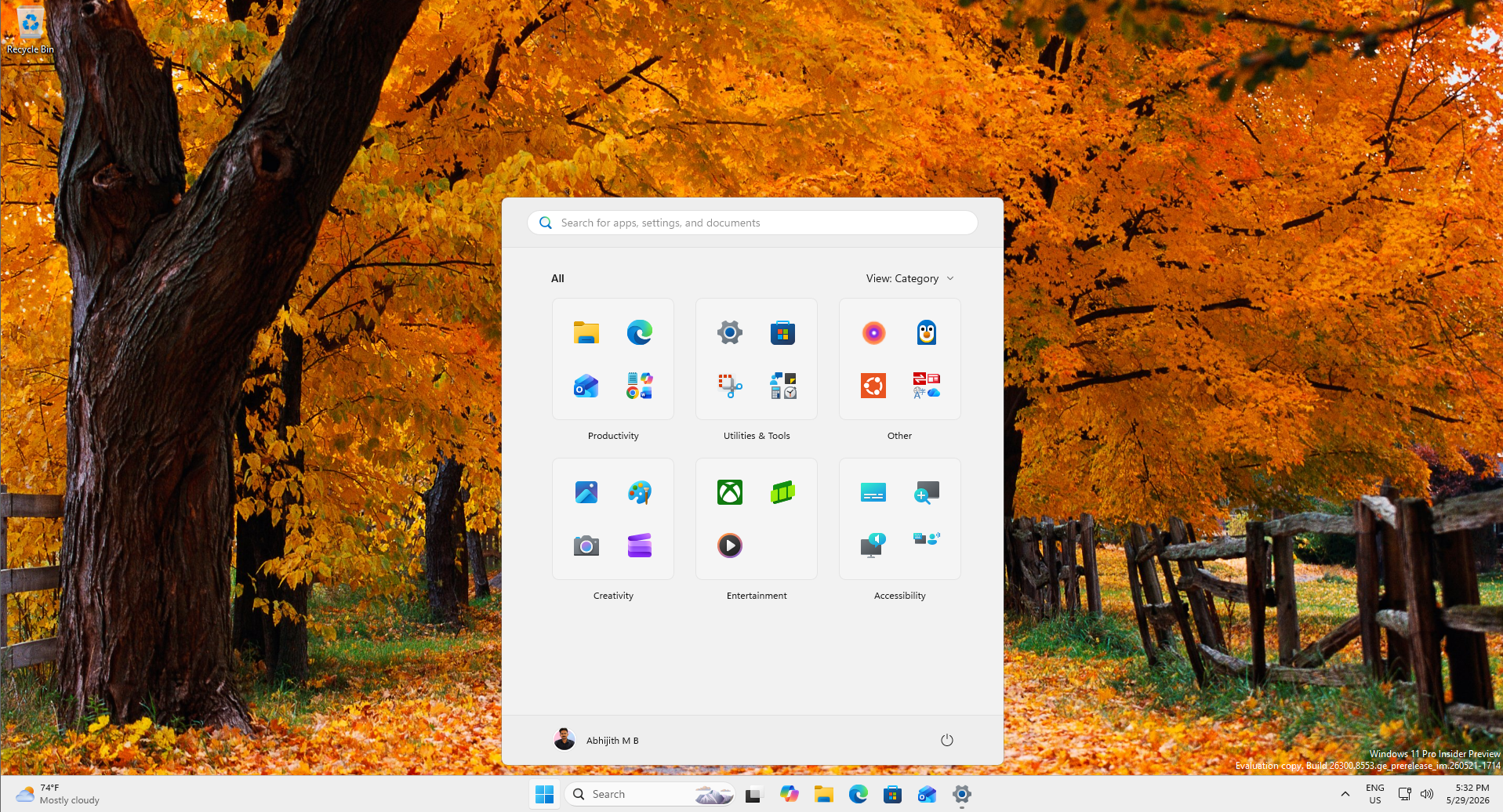
We tested the new Start menu’s customization options ourselves and came away impressed at how far it goes. Microsoft has also been testing taskbar positions per monitor and made the Start menu resizable with small and large layout options, something users had been asking for since launch.
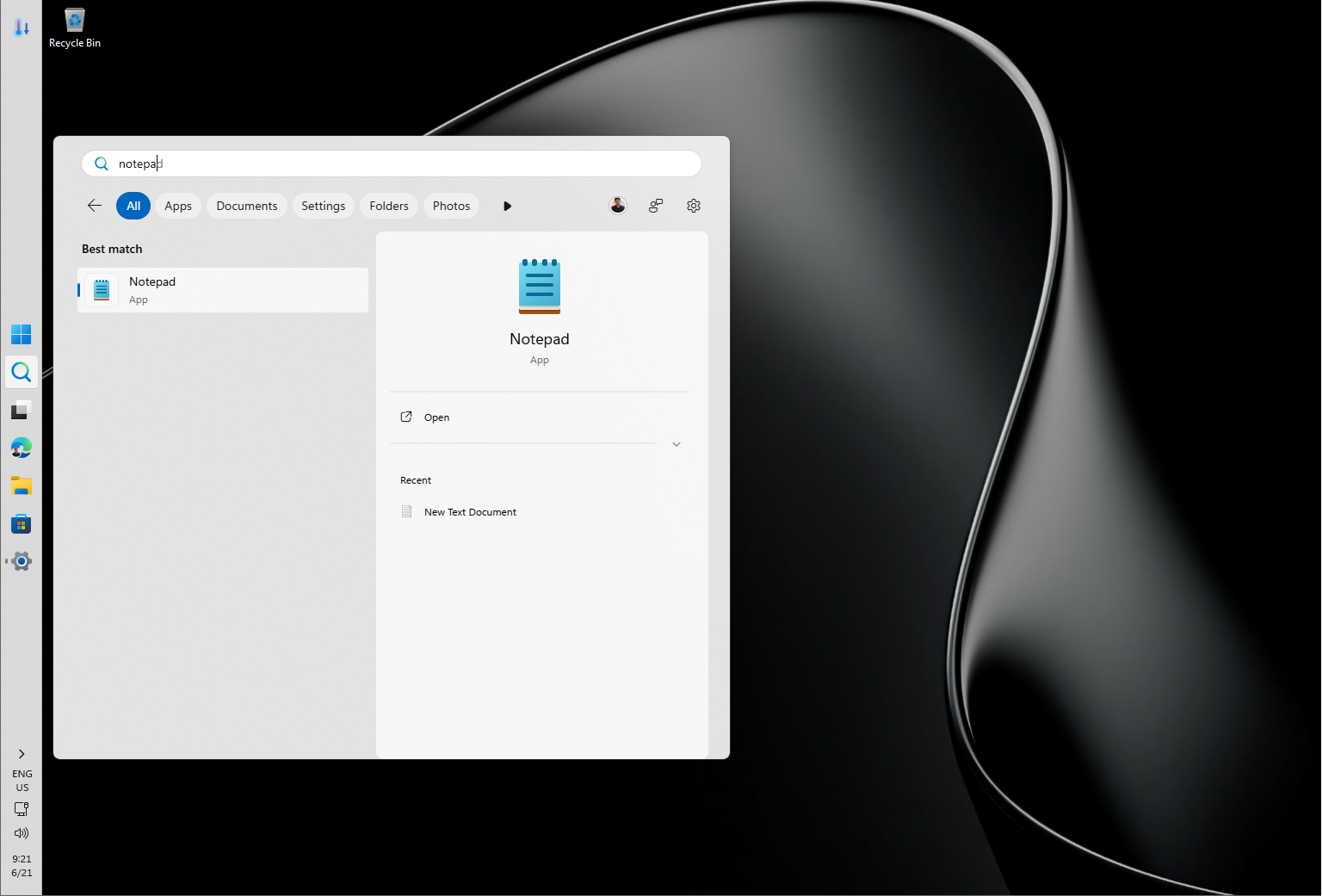
We also reported that Microsoft tested five different Start menu designs before, and even after all these changes, some still argue Windows 10’s taskbar remains better than Windows 11’s.
And for the sake of more practicality, Microsoft has also decluttered Windows Search and made search results more customizable.
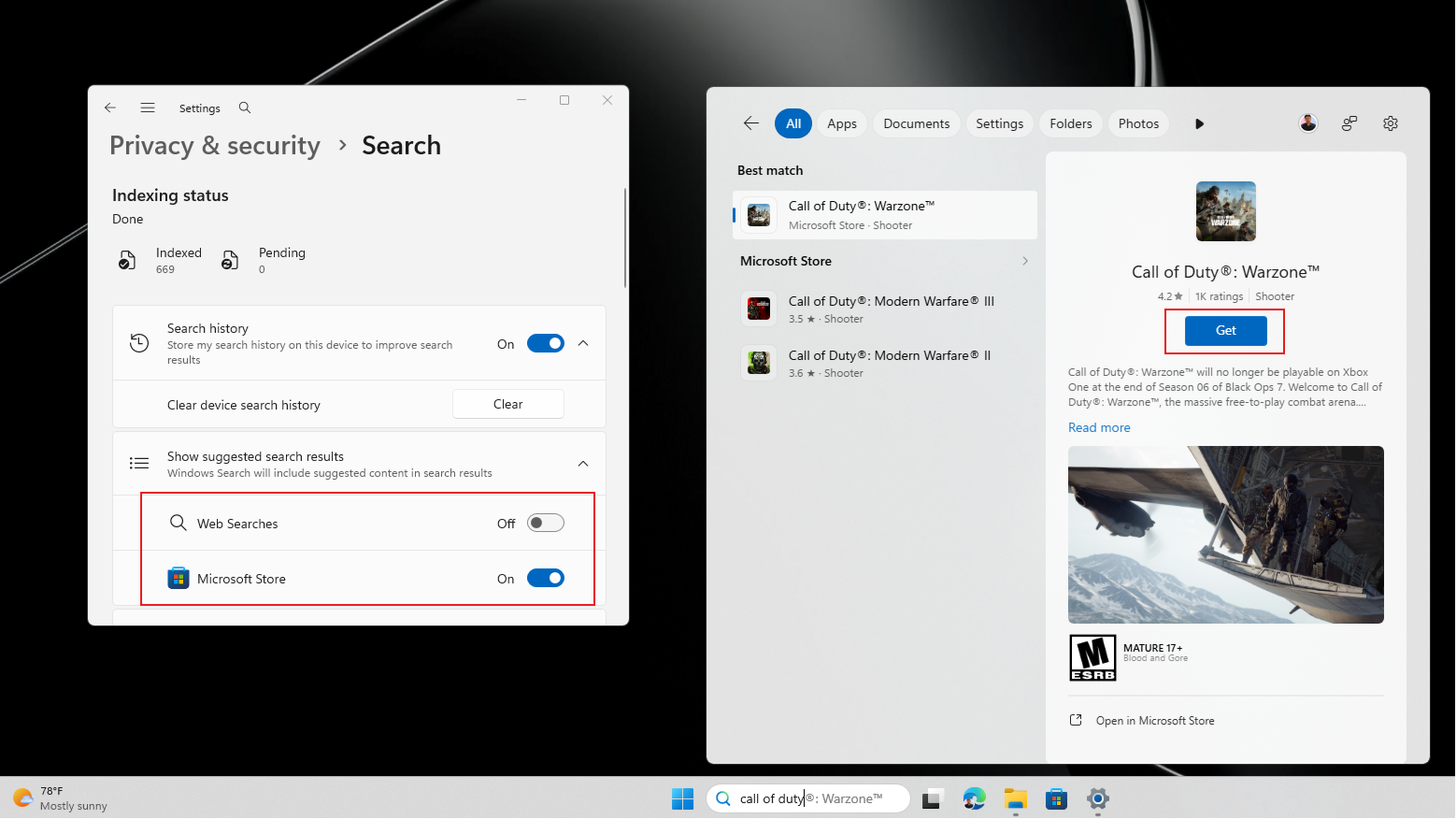
Truth be told, most of this should have shipped on day one back in 2021. But at least Windows 11 remains customizable through third parties, which is more than can be said for some other platforms!
How to enable transparency effects in Windows 11 right now
To get a frosted-glass look in your Windows 11 PC, you can install Windhawk, a free, open-source mod manager for Windows.
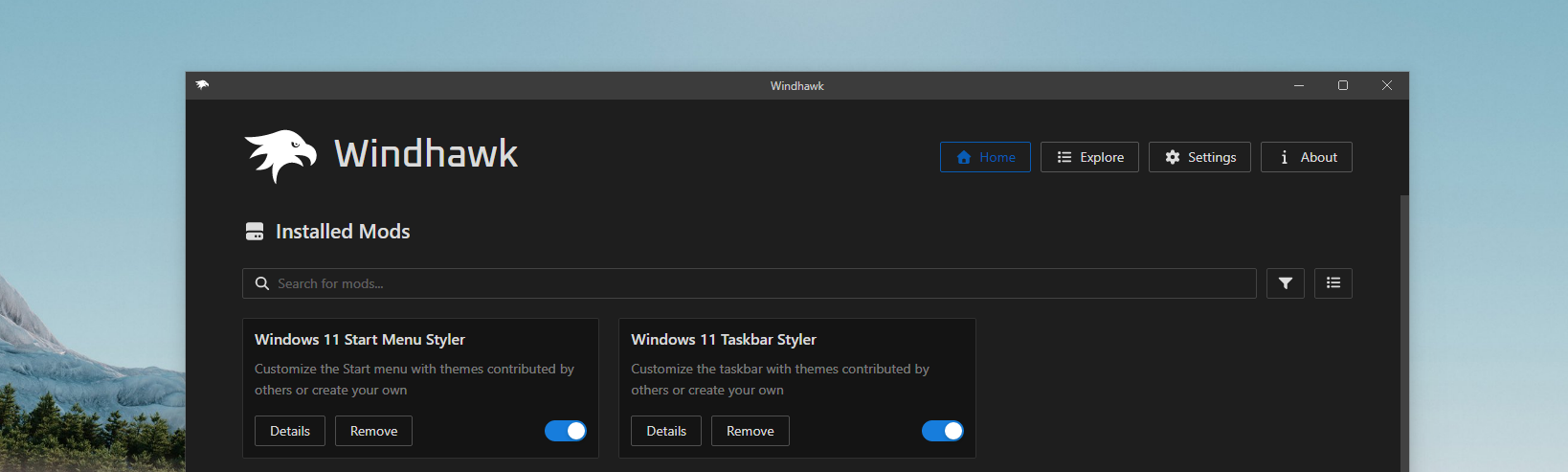
Once installed, search for the Windows 11 Start Menu Styler and Windows 11 Taskbar Styler mods, enable them, and apply the TranslucentStartMenu and TranslucentTaskbar themes from their settings tab, either by selecting it directly or pasting in the theme’s style code manually.
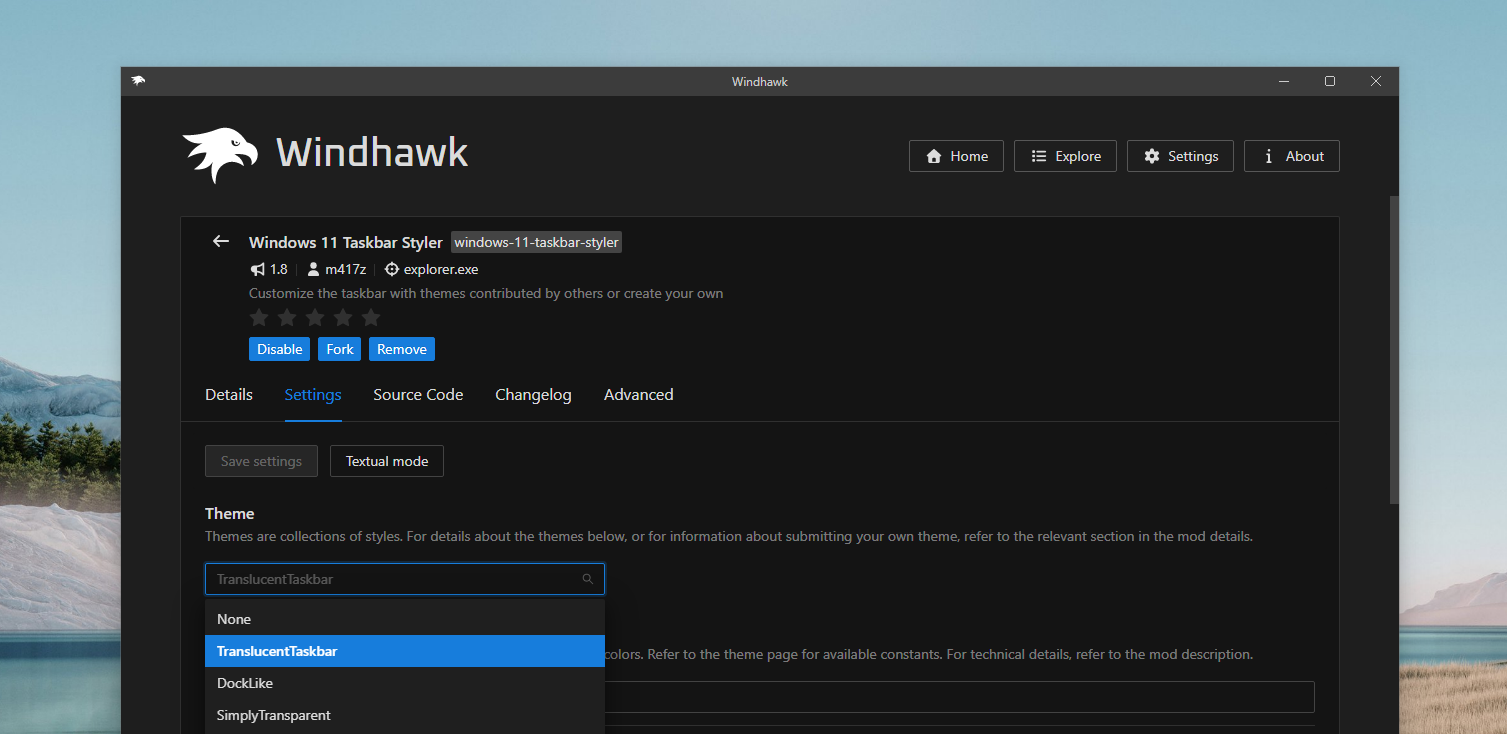
You can also add this style approach to File Explorer and other shell surfaces through Windhawk’s mod catalog.
Either way, personally, I’d rather Microsoft keep its attention on optimizing Windows 11 instead of chasing deeper customization like this, right now. There’s still plenty of unfinished work, the ongoing WinUI 3 migration across legacy dialogs, and inbox apps like Weather that remain bloated WebView2 wrappers. Get the fundamentals right first. Glass, be it liquid or frosted, can wait.
The post Microsoft reveals why Windows 11 won’t get Liquid Glass-style UI, even though Windows Vista did it first with Aero appeared first on Windows Latest