
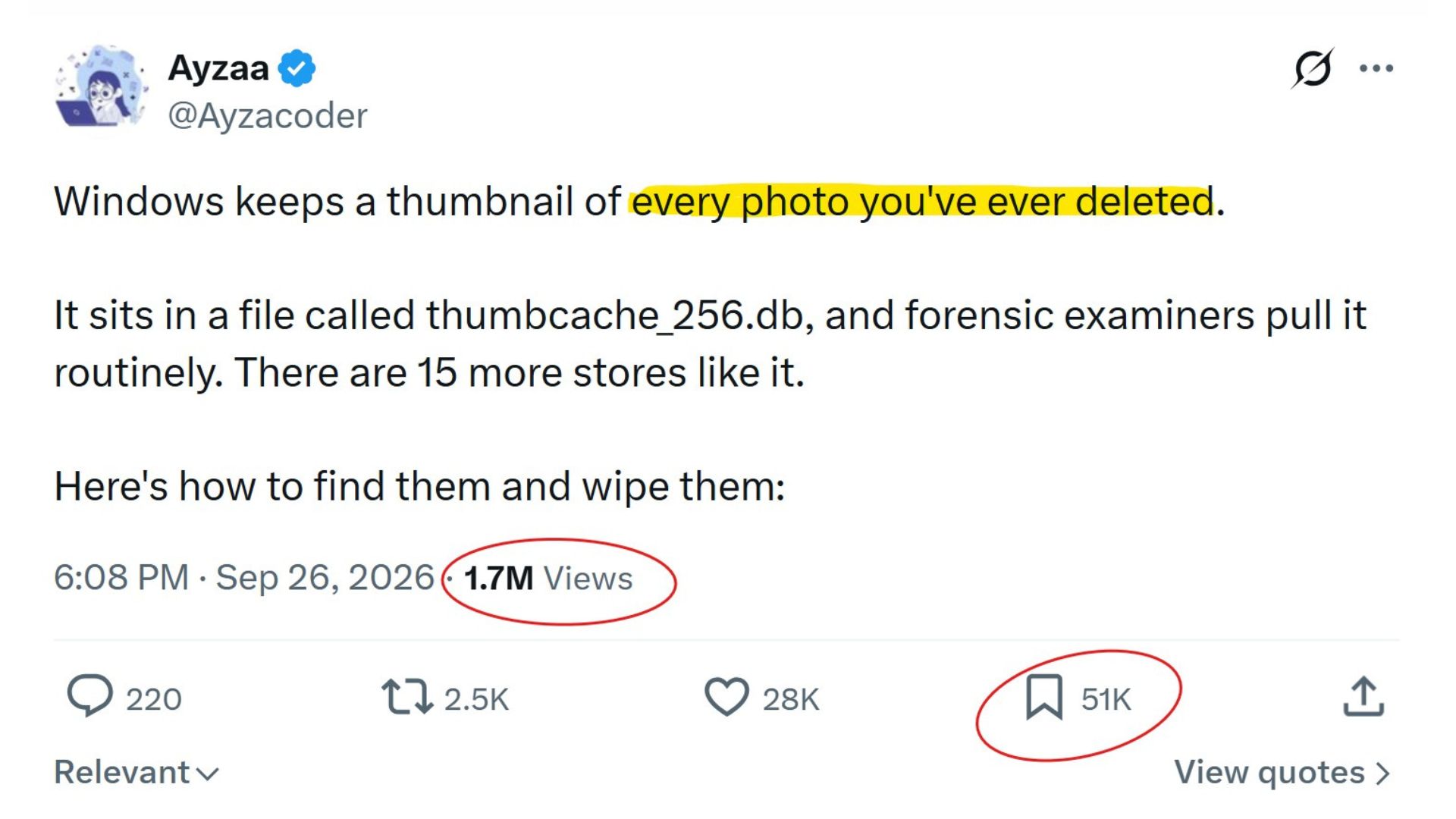
A viral post on X claims that Windows keeps a thumbnail of every photo you’ve ever deleted, stored secretly in a file called thumbcache_256.db. It sounds scary for a desktop OS used by 1.5 billion people. The post has 1.7M views so far, and I received several DMs asking if they should follow the instructions in the tweet.
To be fair, this is a Windows feature. File Explorer does keep a thumbnail cache, so it doesn’t have to regenerate image previews when needed. However, the post goes too far on multiple levels.
Also, before you panic, this isn’t a Windows-only habit. macOS has Quick Look thumbnails, Linux desktops have a shared thumbnail cache standard, and Android has APIs to generate and fetch image thumbnails.
Scrolling through thousands of photos wouldn’t be smooth or efficient if the OS has to generate previews from scratch.
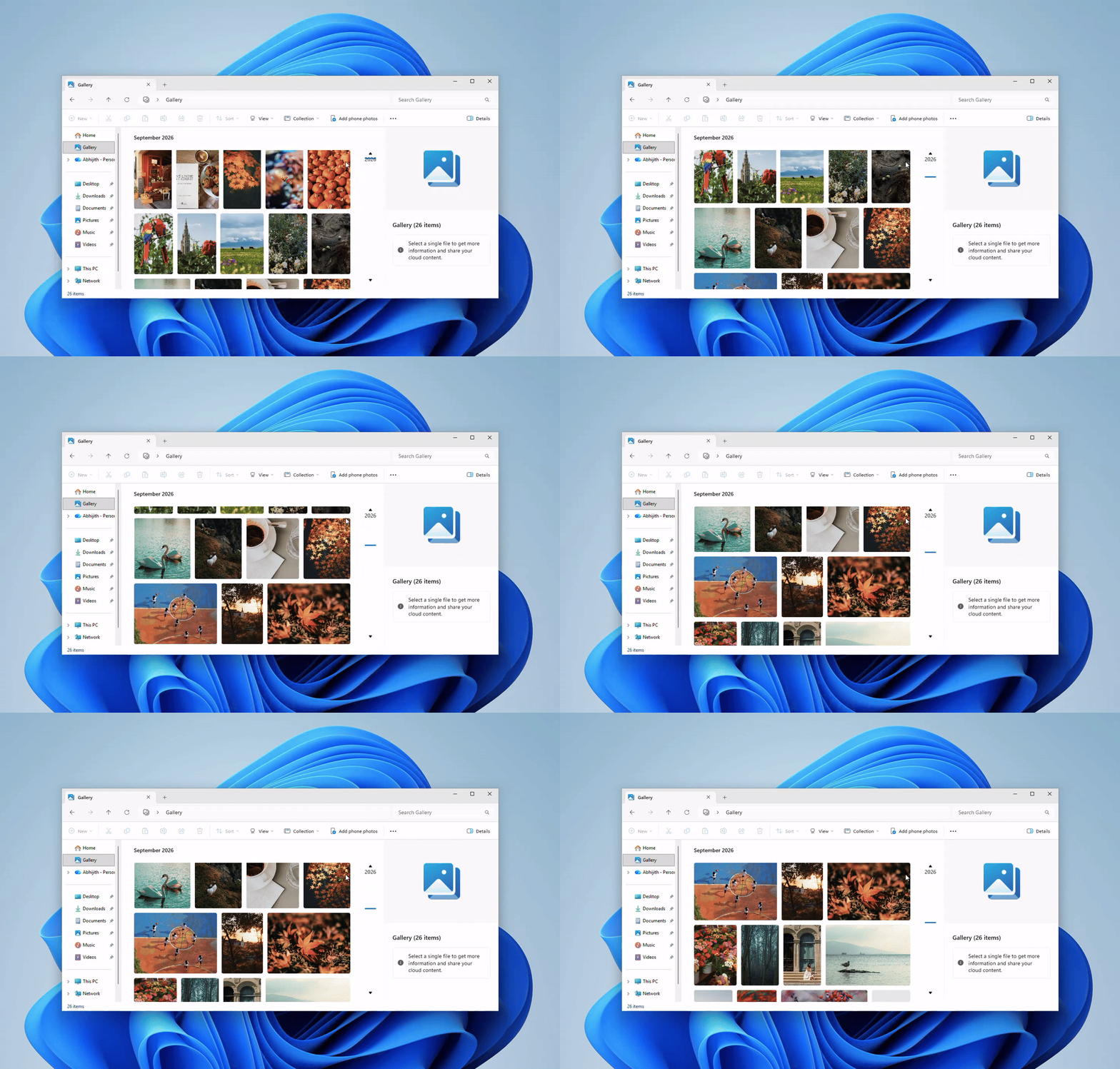
Then again, if you’re still concerned, Windows does offer an easy way out. You can clear the cache in a few clicks, and on Pro and higher editions, Microsoft even has a policy that stops thumbnail caching.
How to see and remove the thumbnails Windows may have kept
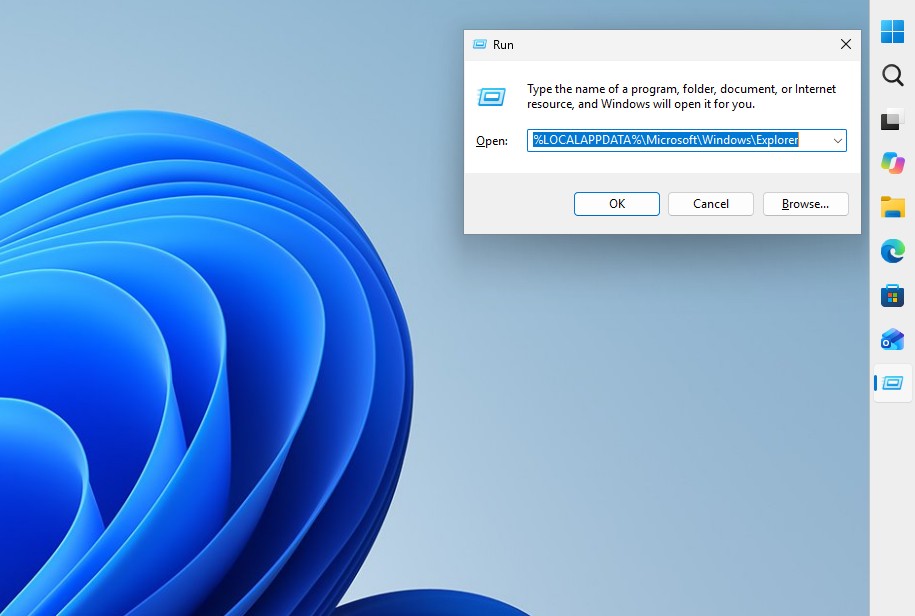
Press Windows + R, paste %LOCALAPPDATA%MicrosoftWindowsExplorer and hit Enter. You’ll see database files like thumbcache_32.db, thumbcache_96.db, thumbcache_256.db and thumbcache_1024.db. Each of these have previews of a different size, and the set varies between Windows versions.
Windows Vista introduced this central cache. In Windows XP, every folder had its own hidden Thumbs.db file, and Microsoft says the global cache fixed the old approach’s inability to handle previews across folders.
Opening this folder won’t show you a gallery of deleted photos, by the way. You’d need a tool like the open-source Thumbcache Viewer to pull images out of these databases.
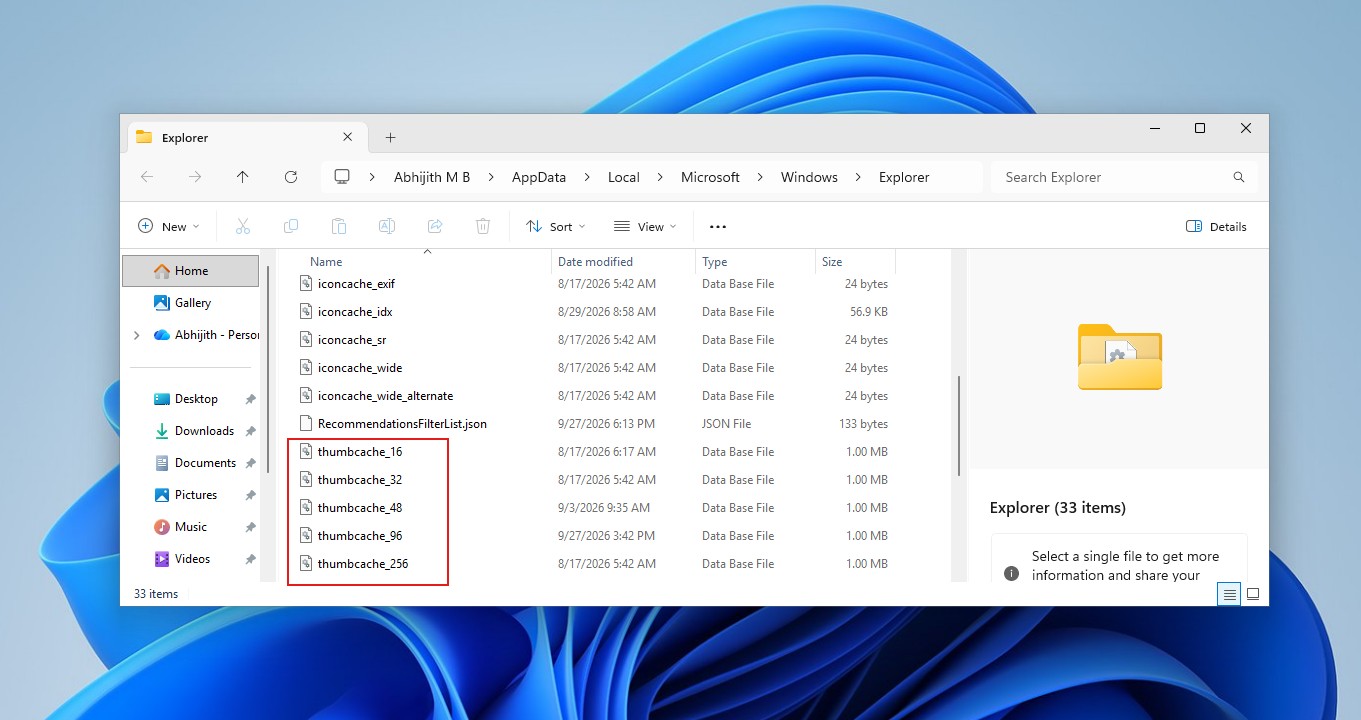
Most importantly, “every photo you’ve ever deleted” is farfetched and I’ll tell you why. At 4:01, I downloaded three images, opened them, deleted them and checked the folder. The thumbcache files were there (of course), but their last modified date was September 17 instead of September 28, which means nothing new was written to them. I used the PC for a while, restarted it and checked again. Still no change.
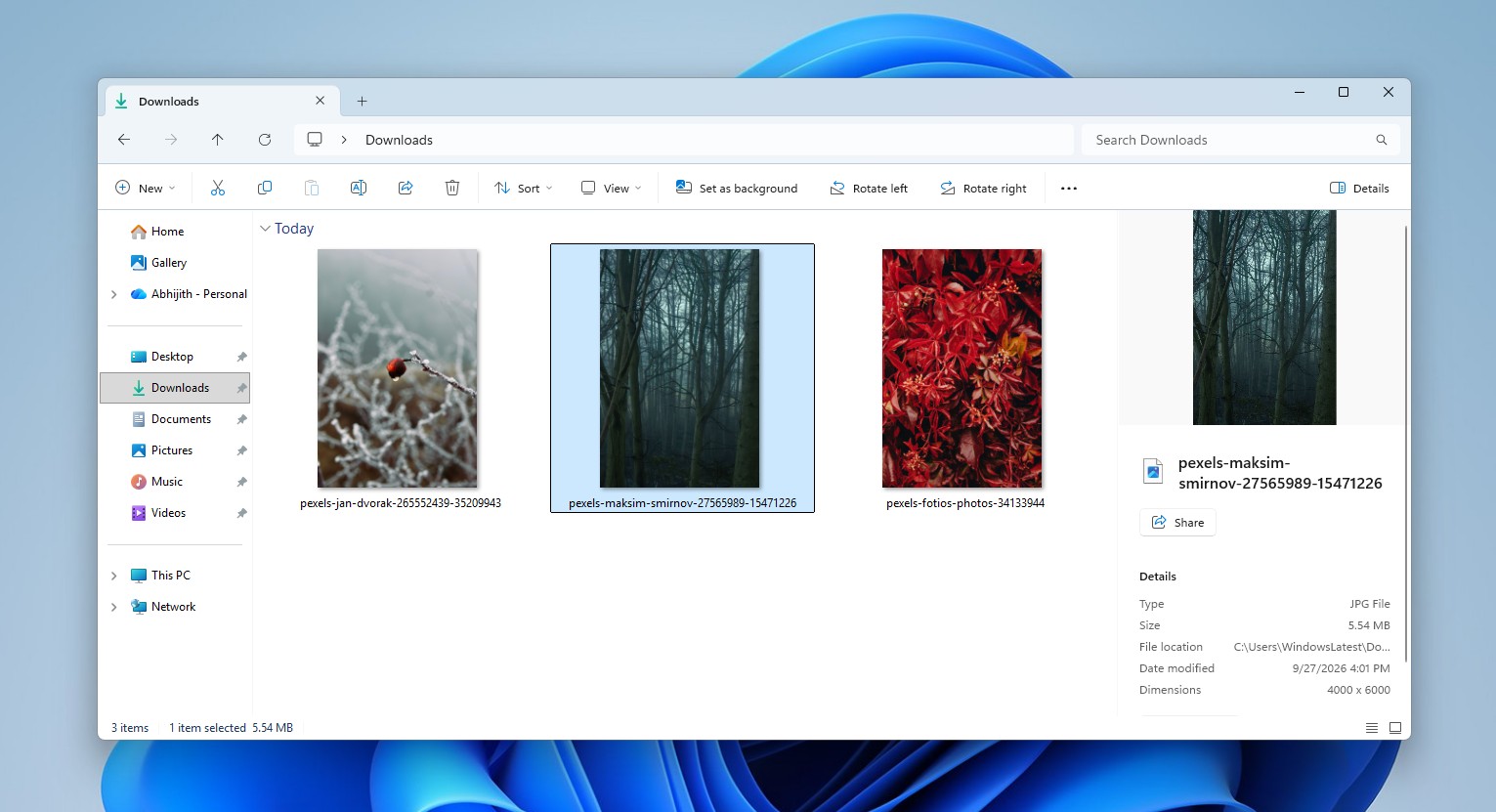
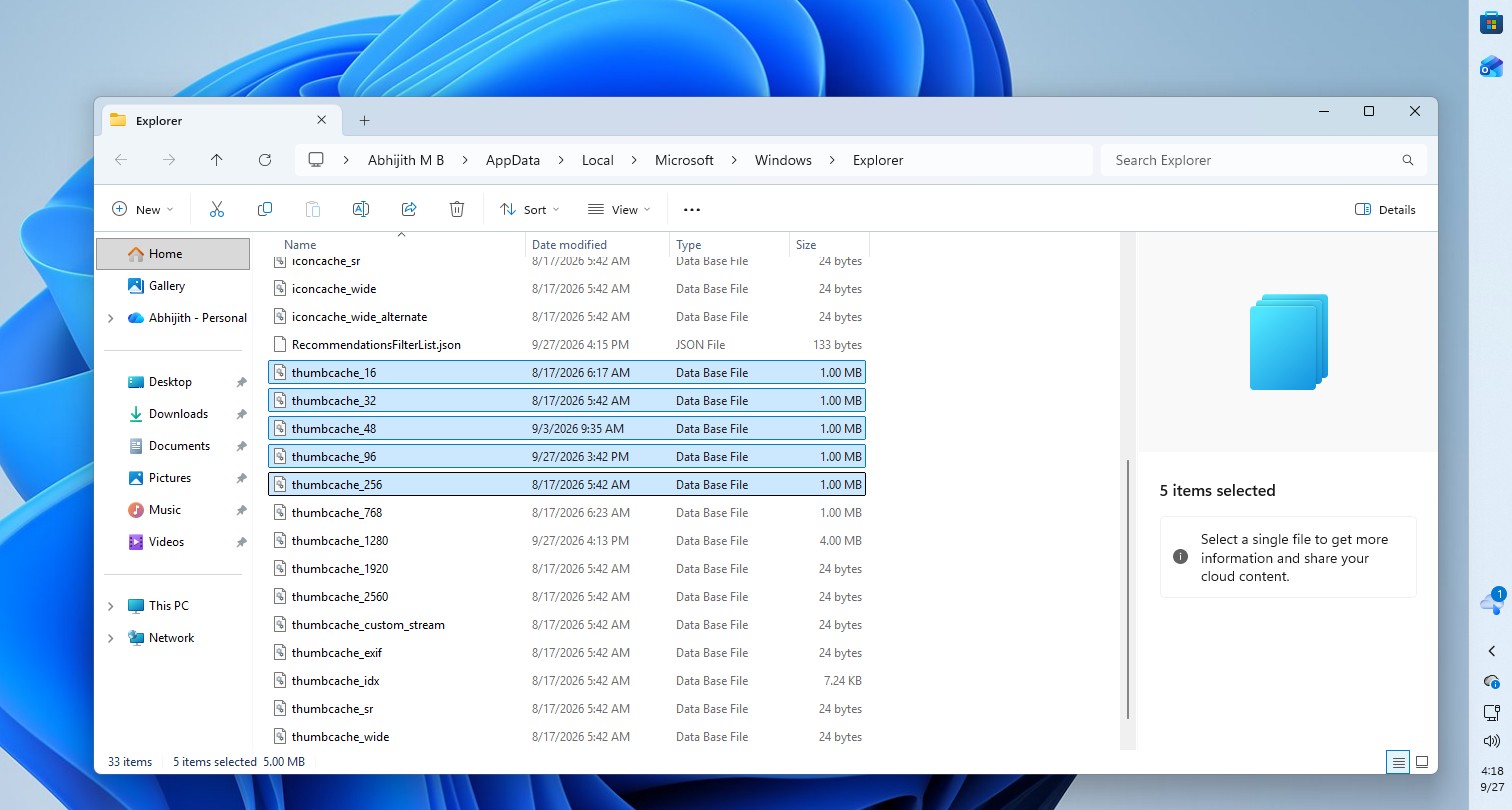
Microsoft’s Raymond Chen explained why back in 2016. Merely creating or copying image files doesn’t create thumbnail cache entries, which come from “Explorer or any other application that uses Explorer’s thumbnail cache.” If Explorer didn’t display a thumbnail of your photo, there’s likely nothing to find. In my case, I opened the images without browsing them in a thumbnail view, which may be why no preview was cached.
The cache exists purely for speed. When an app asks for a thumbnail that isn’t cached, Windows extracts one from the source file and stores it, according to Microsoft’s thumbnail cache documentation. The cached copy exists separate from your photo, which is why deleting the photo doesn’t remove it.
Anyway, if you want to remove the thumbnails of your photos that Windows created, follow these steps:
- Press Windows + R, type cleanmgr and press Enter. It opens Windows Disk Cleanup.
- Select your Windows drive, usually C:
- Tick Thumbnails and untick the other categories if you only want to remove previews.
- Click OK, then Delete Files.
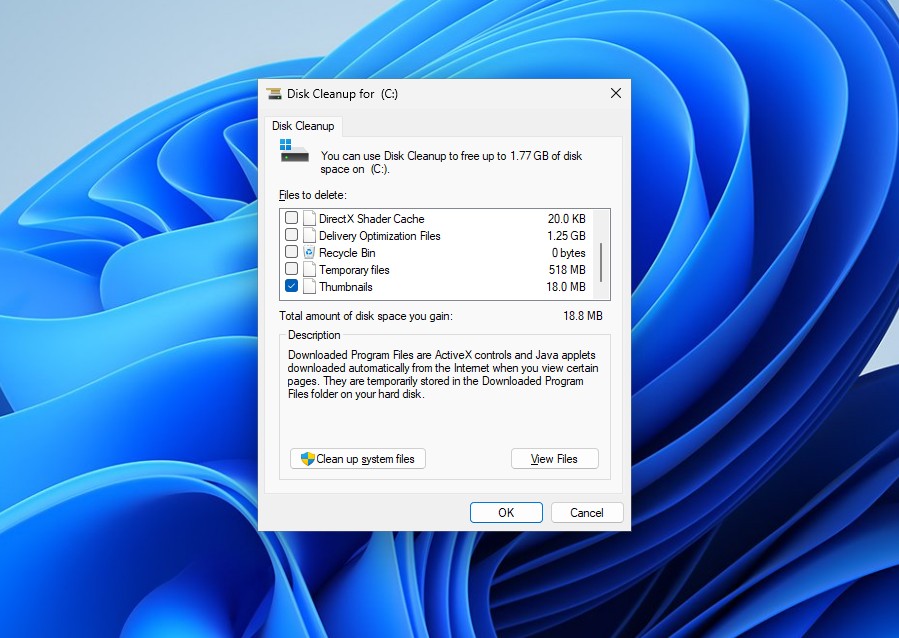
Microsoft lists Thumbnails as a Disk Cleanup category, and unlike what the viral post says, you don’t need to tick Temporary files. Windows will rebuild the cache as you browse folders.
If you want Windows to stop caching thumbnails for good, Windows 11 Pro, Enterprise and Education versions have a policy for it. Open gpedit.msc, go to User Configuration > Administrative Templates > Windows Components > File Explorer and enable Turn off caching of thumbnail pictures, which sets the NoThumbnailCache value.
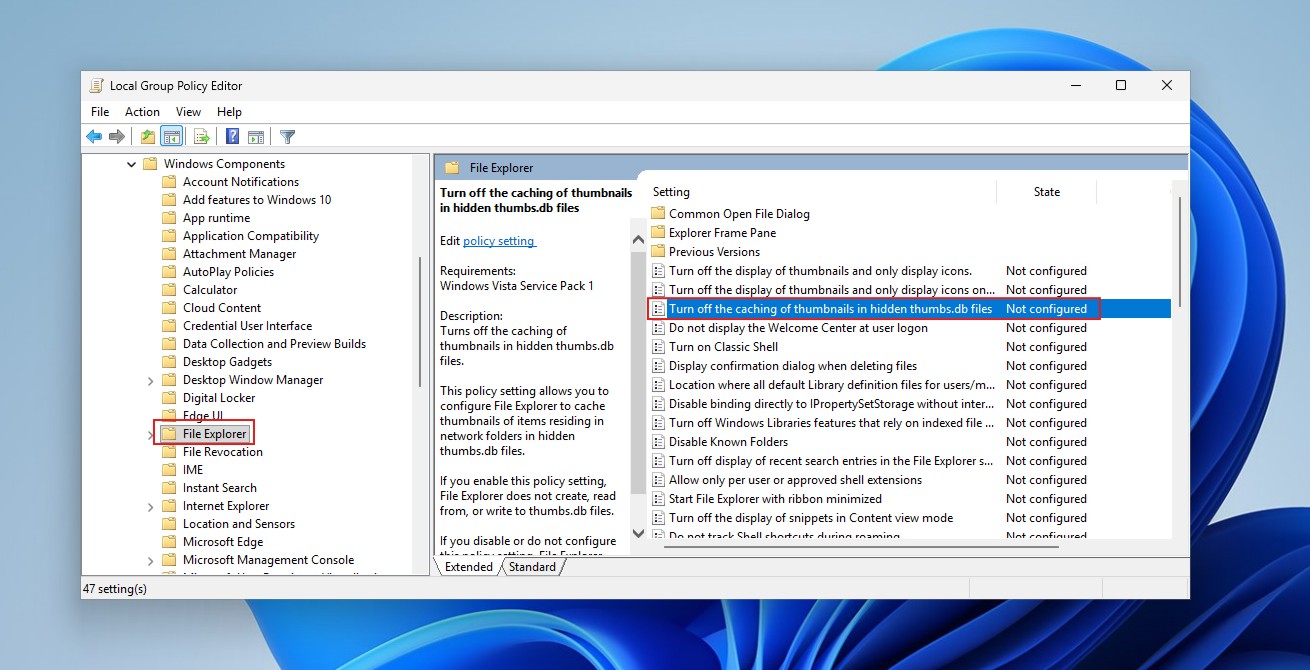
Microsoft recommends it for shared or security-sensitive PCs because “the thumbnail cache can be read by everyone.”
On Windows 11 Home, the closest option is File Explorer > Options > View > “Always show icons, never thumbnails,” which stops Explorer from generating previews.
Windows doesn’t save every deleted photo, but the thumbnail cache can outlive the original
A thumbnail has to exist first, and Windows doesn’t cache every file. Microsoft’s API documentation includes a WTS_EXTRACTDONOTCACHE flag that lets apps extract a thumbnail without adding it to the cache.
Chen also explained in 2017 that Explorer deliberately skips thumbnails for files marked offline in archival systems, because generating one means reading the file, and “opening a folder would recall every file!”
So, a thumbnail isn’t guaranteed to exist, it isn’t guaranteed to survive forever, and it isn’t your original photo.
Surviving thumbnails do have forensic value, though. Researchers found that deleting a source file on Windows 7 didn’t remove its cache record, and later work showed how investigators use these caches to identify images. That said whether a 32-pixel preview can reveal a person or a place depends heavily on the image.
As for the rest of the thread, most claims have a kernel of truth wrapped in absolute language.
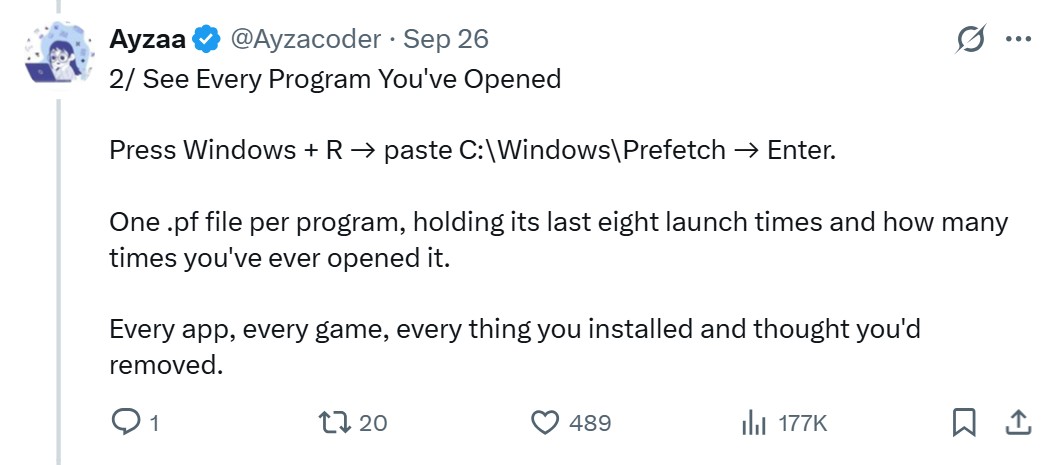
Prefetch files in C:WindowsPrefetch do store a run count and up to eight recent launch times per program. However, Windows 8 and later (yes, Windows 11, too) keep around 1,024 of them, and an app run from two locations gets two separate records. It’s a performance-optimization caching system, and not a lifetime log of every app you’ve installed.
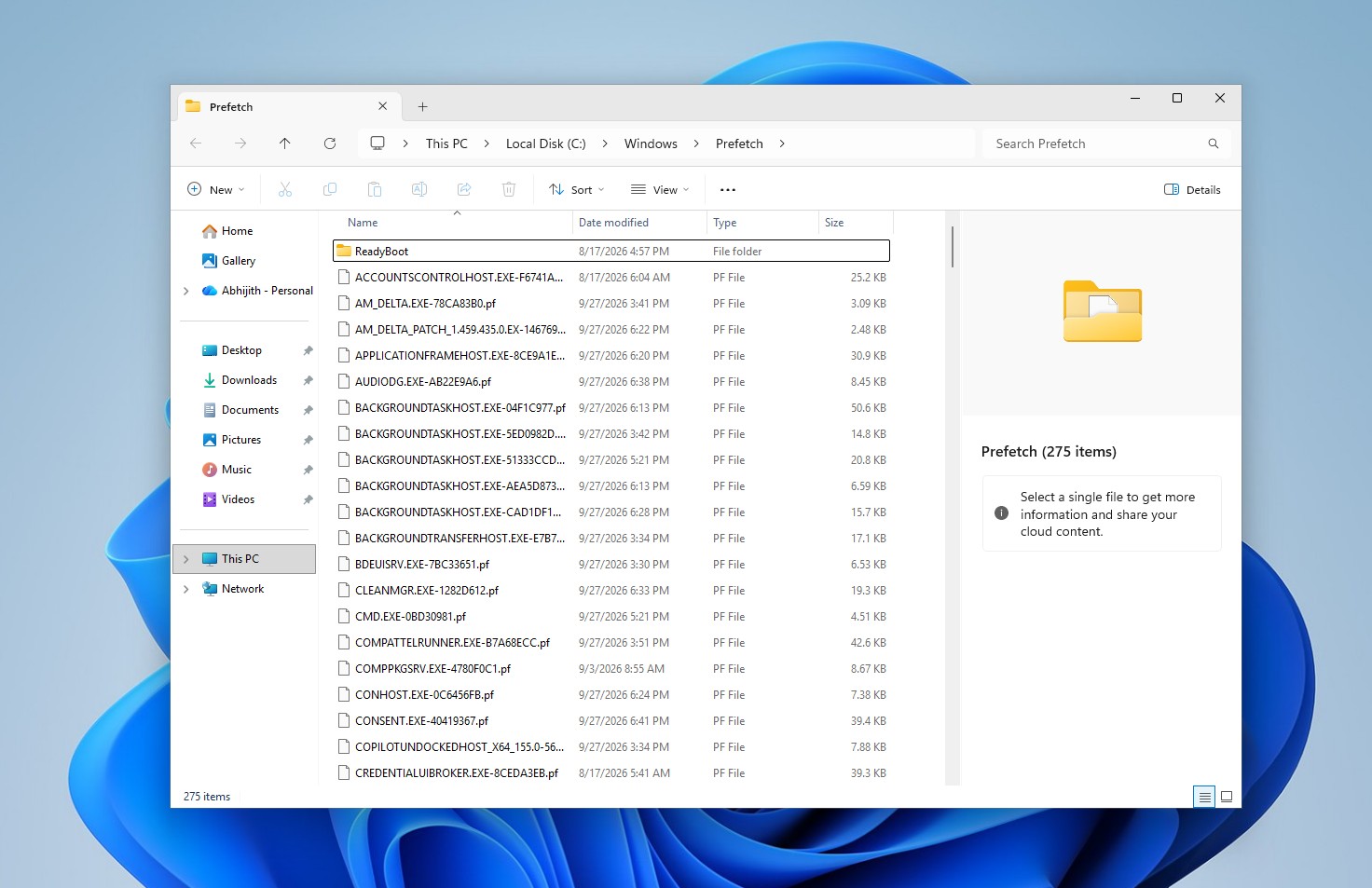
In case you’re worried, just select all, and press Delete to remove all the files in Prefetch. It exists to speed up the launch times of applications.
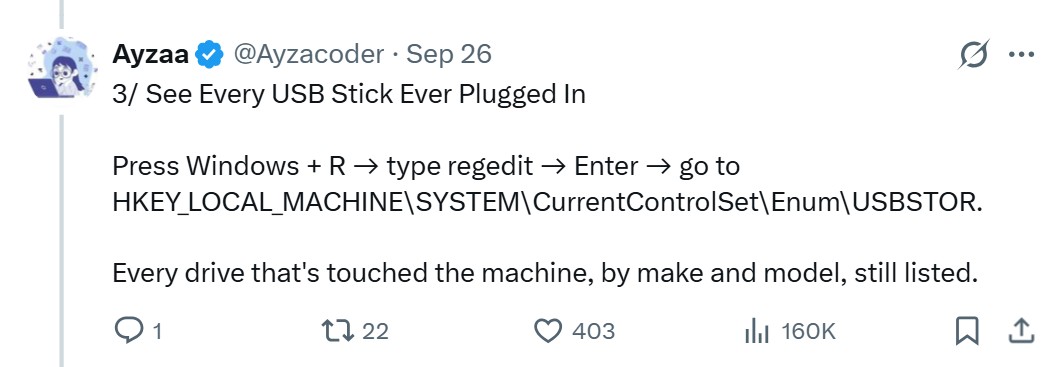
The USBSTOR registry key keeps entries for USB storage devices after you unplug them, but it isn’t a complete, permanent device history.
The Wi-Fi trick works. Running netsh wlan show profile name=”NETWORK NAME” key=clear shows the saved key if you have the permissions, but Windows keeps the key encrypted and decrypts it only when asked.
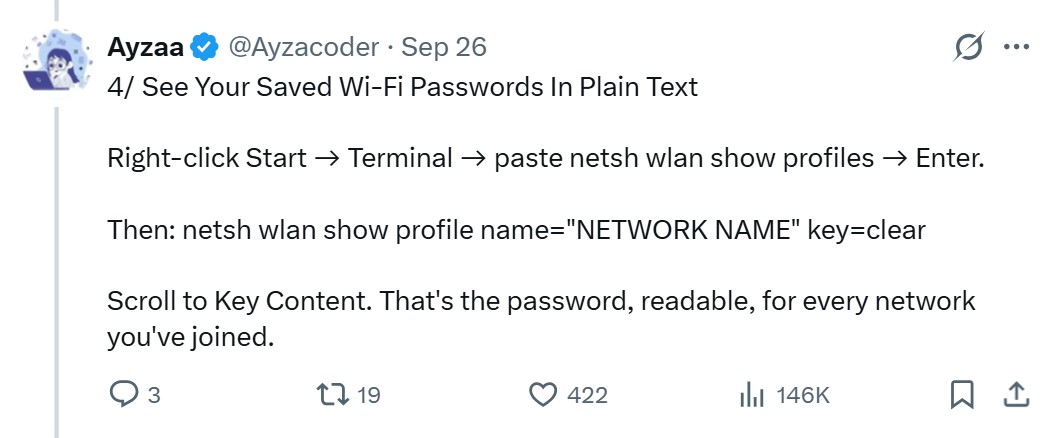
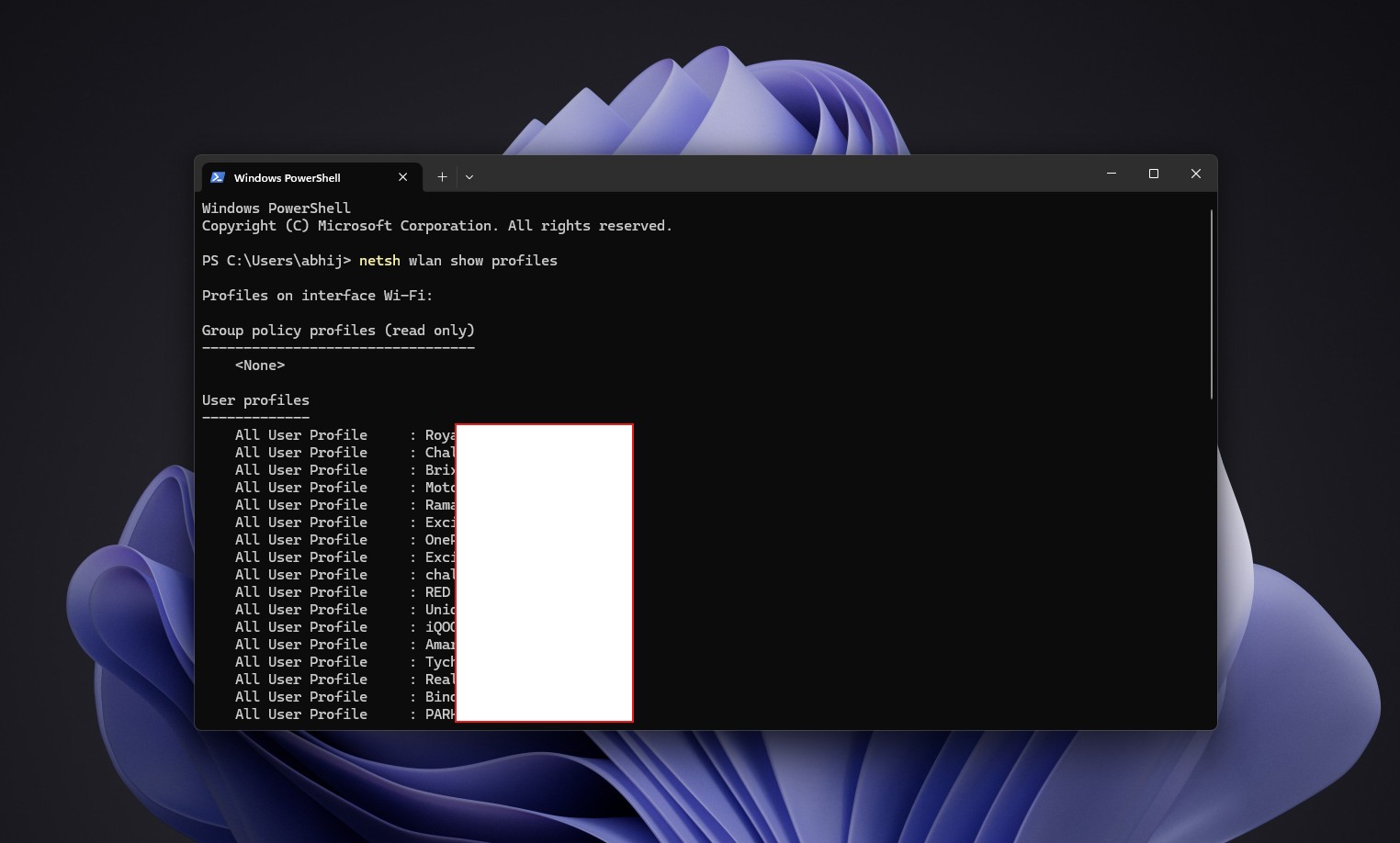
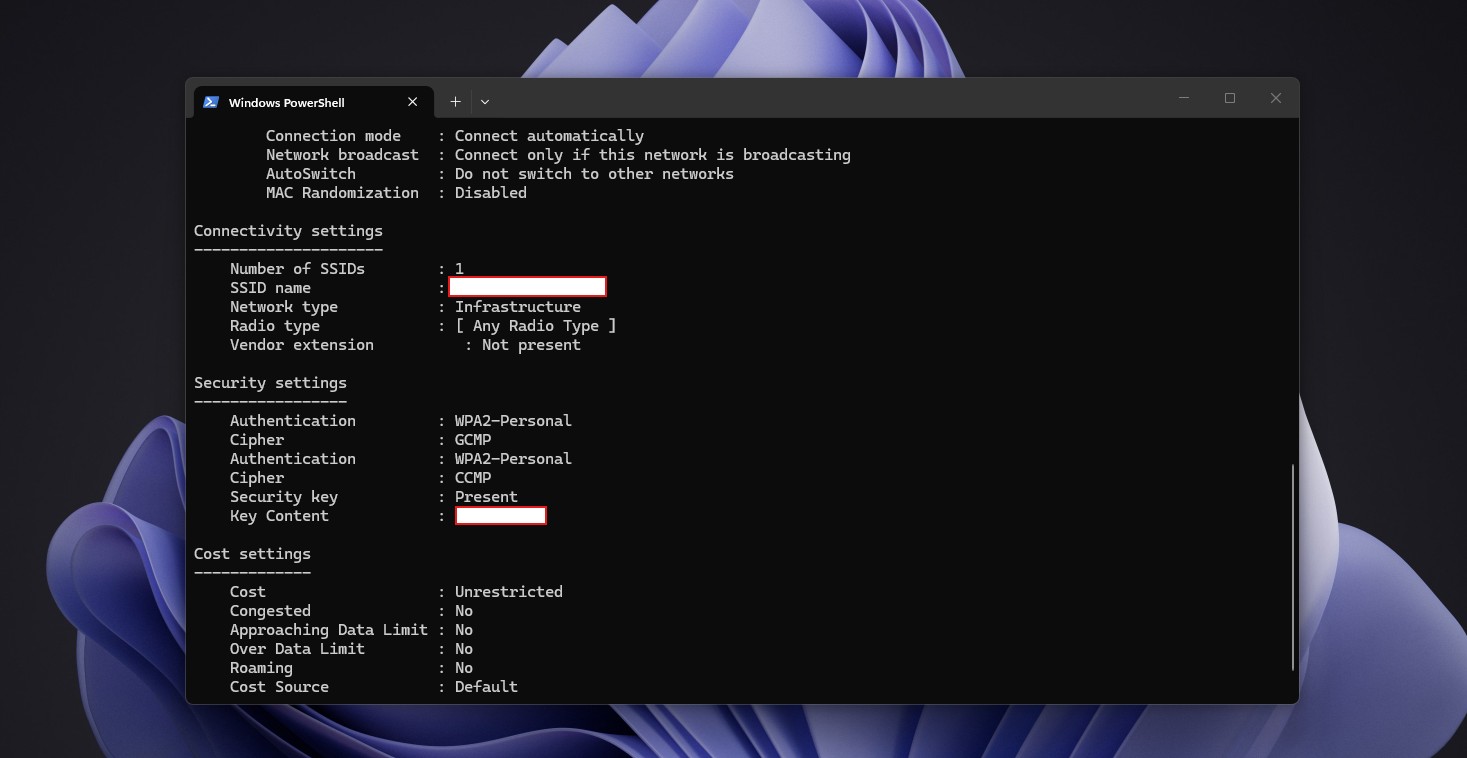
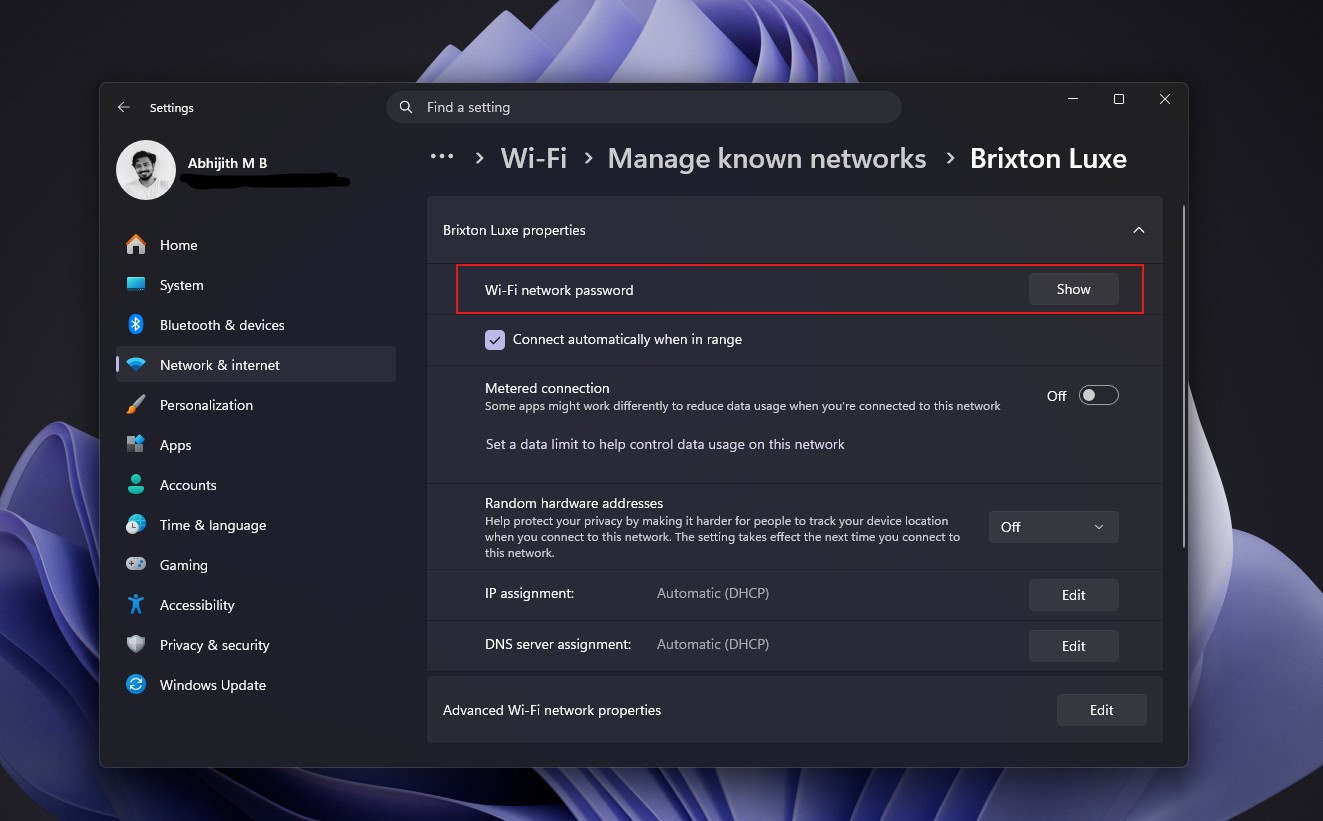
Yes, it shows the password. But, in Windows 11, if you get pass the login screen, you can find the password of any known network by going to Settings > Network & Internet > Wi-Fi > Manage known networks. Then select a network and literally click Show in the Wi-Fi network password section. Also, my Android phone has the same setting. So, what’s the whole point of the tweet apart from fearmongering?
Then the post makes Clipboard history seem like a nightmare. It’s not. First of all, Clipboard history (Win + V) is off by default.
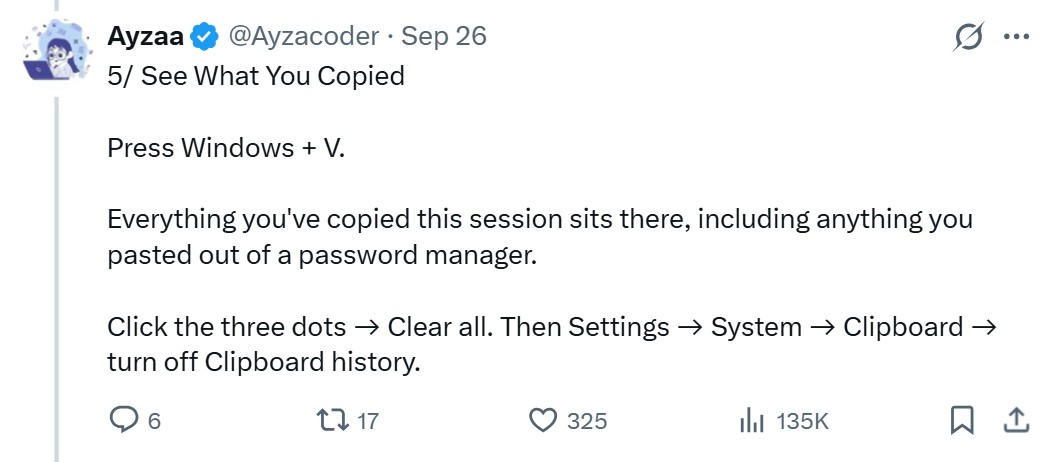
It holds 25 entries at most and clears unpinned items on restart. I use Windows + V every single day, and my only complaint is that 25 isn’t enough!
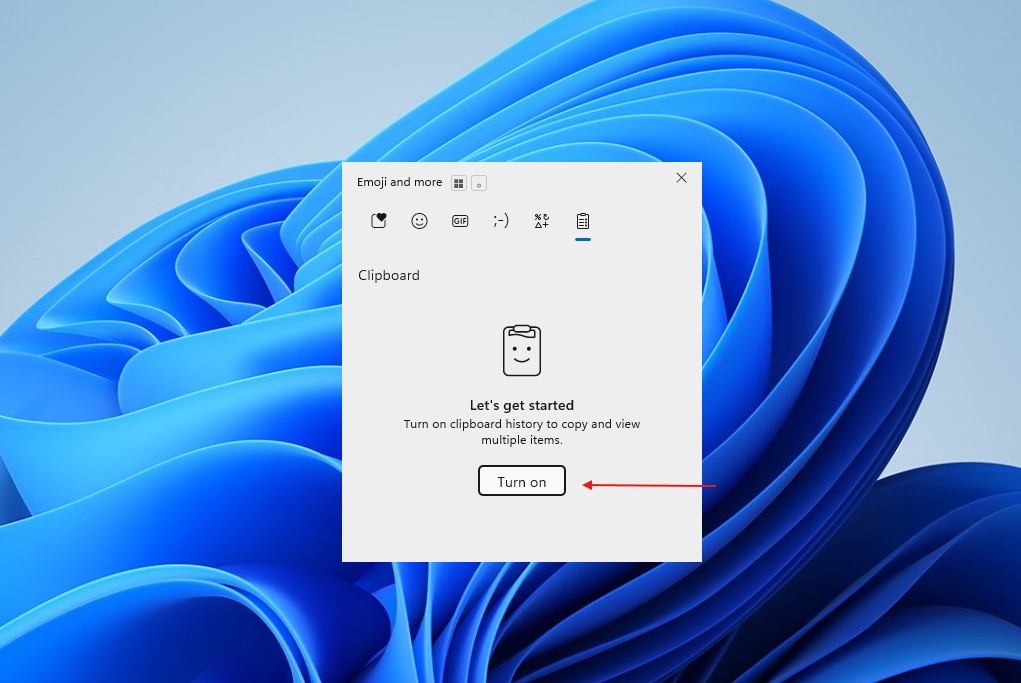
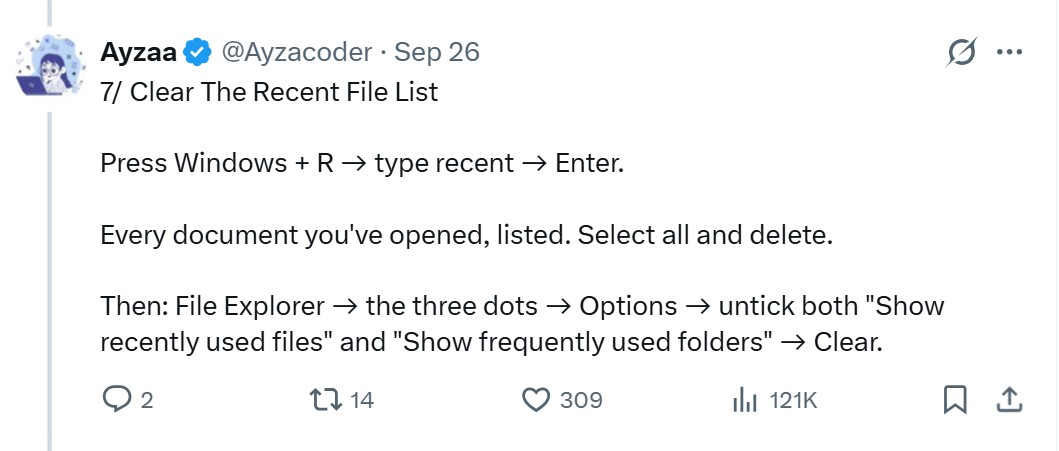
Finally, the Recent folder holds shortcuts instead of copies of your files, and apps can choose not to record what you open. Clearing it is harmless, though, and turning off “Show recently used files” in File Explorer’s Options stops new entries.
Every OS caches previews, and AI agents are what makes it scary
Linux desktops store thumbnail previews in a cache folder inside your home directory, as defined by the freedesktop.org thumbnail standard. Apple offers Quick Look thumbnailing to apps and tells Photos developers to cache thumbnails for smooth scrolling, and Android has had a thumbnail API for years.
The lesson here is that deleting a file and erasing every trace of it are two different things. Windows keeps resized copies of your profile picture that stick around even after you delete the original, and file-system tunnelling can give a brand-new file the creation date of one you just deleted.
These are all okay until we think about AI agents running amok in our devices. Microsoft has pledged to make Windows 11 the OS for building AI, with agents that work on local files, and it will ask for consent before an agent accesses folders like Documents and Pictures. It’s also adding controls that block apps from spying on your camera and mic.
There’s no evidence that AI agents read thumbnail caches, but the more software can reach your local data, the more you need to know what happens when you press Delete.
Disk Cleanup has limits here. So, if you need forensic-grade removal, Microsoft’s legacy tool SDelete overwrites deleted data in unallocated disk space.
The viral post somewhat gets it right about the part where Windows keeps the thumbnail cache after you delete the original image. But calling it a thumbnail of “every photo you’ve ever deleted” is outright misleading.
Needless to say, as Windows, macOS, and Linux hand more of our files to apps and AI agents, basic stuff like deleting a file shouldn’t compromise our privacy.
Here’s the crazy viral post that started it all.
The post Windows 11 can keep thumbnails of photos you deleted. Here’s how to remove them appeared first on Windows Latest