
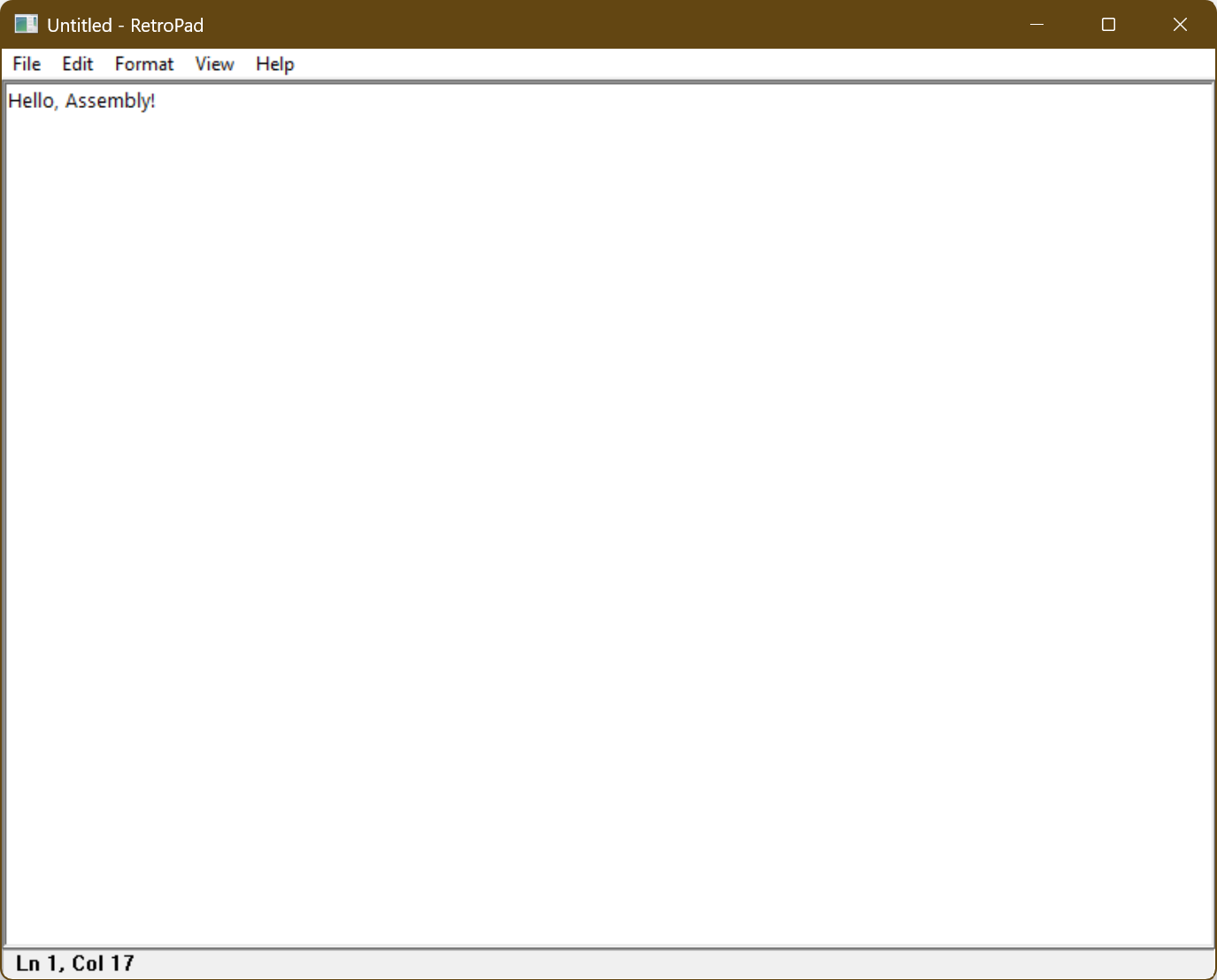
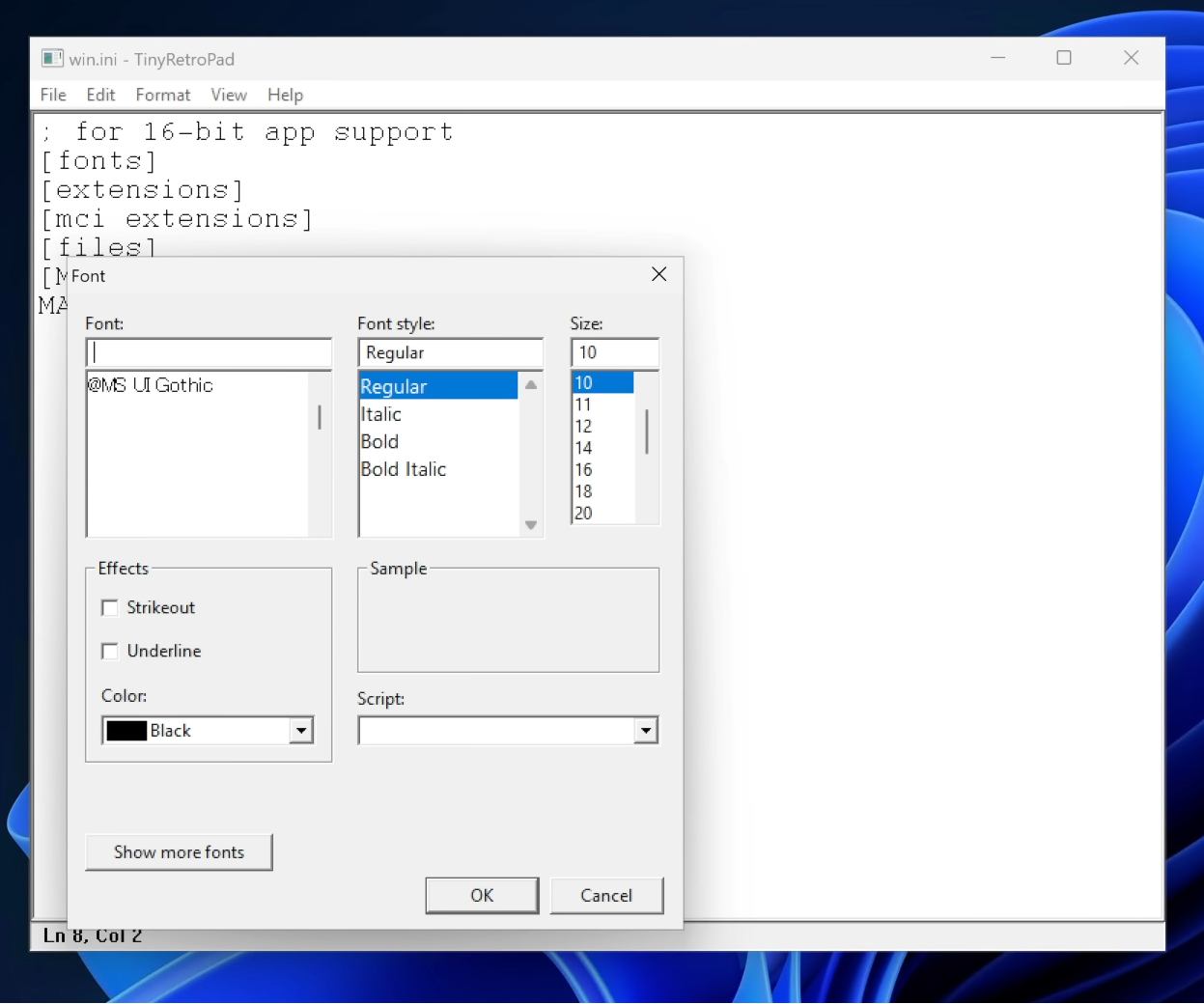
Dave Plummer, the retired Microsoft engineer who built Task Manager and helped ship Space Cadet Pinball, has recreated Notepad in roughly 2.5 kilobytes. The project is called TinyRetroPad, and despite the size (or lack of it), it still has Open, Save, Find and Replace, printing, font selection, word wrap, and the unsaved changes prompt, packed into an executable that is significantly smaller than the featured image above this paragraph.
Plummer has spent recent months telling Microsoft what they do not want to hear about Windows 11. He argued the OS needs its own Windows XP SP2 moment, a stretch where Microsoft drops new features and only fixes what is broken. He has also said Windows 11 has turned into a sales channel for Microsoft’s other products, nudging users toward Edge, OneDrive, and Copilot.
At a time when Memory and storage cost a fortune, what we’re interested in is how an app was created with an install size that mocks the entire fabric of software development.
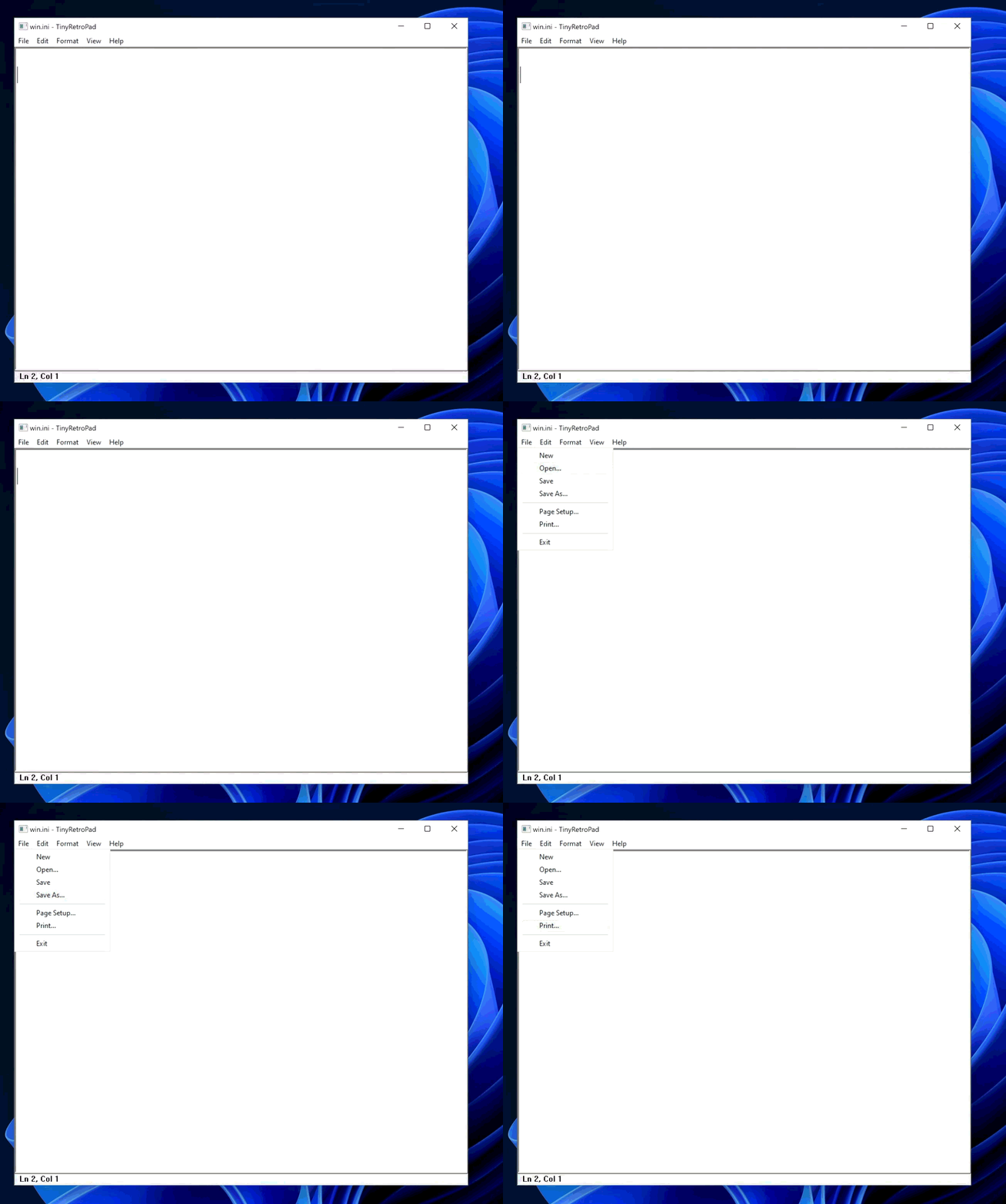
How does TinyRetroPad fit an entire Notepad into 2.5KB?
Plummer explains this isn’t really a magic trick. Windows already contains most of what makes up a Windows application: a window manager, menus, common dialogues, clipboard handling, edit controls, font selection, and file open and save dialogues, along with printing infrastructure. A tiny native Windows program doesn’t have to bring along its own entire civilization.
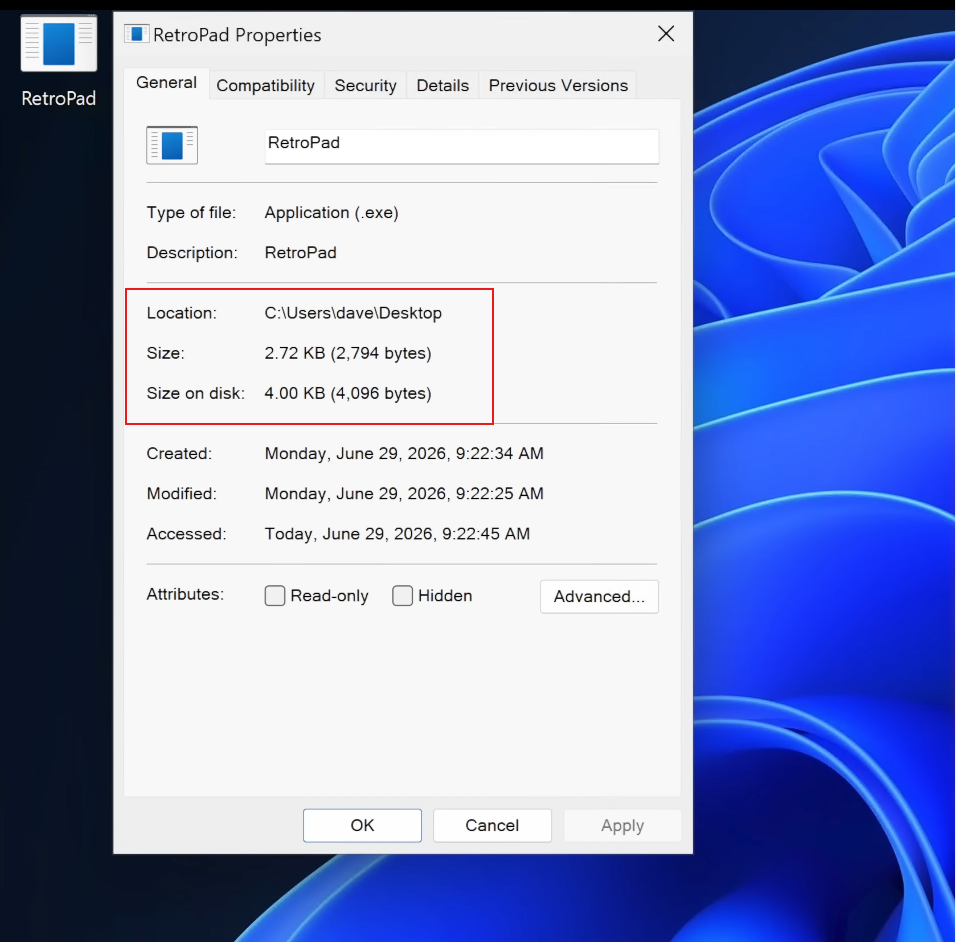
As Plummer puts it, “it arrives with a lunchbox and a map of the city.” A mature operating system is also a giant library of already solved problems, and because that machinery is already installed on the machine, a tiny executable can call into it and appear to perform miracles.
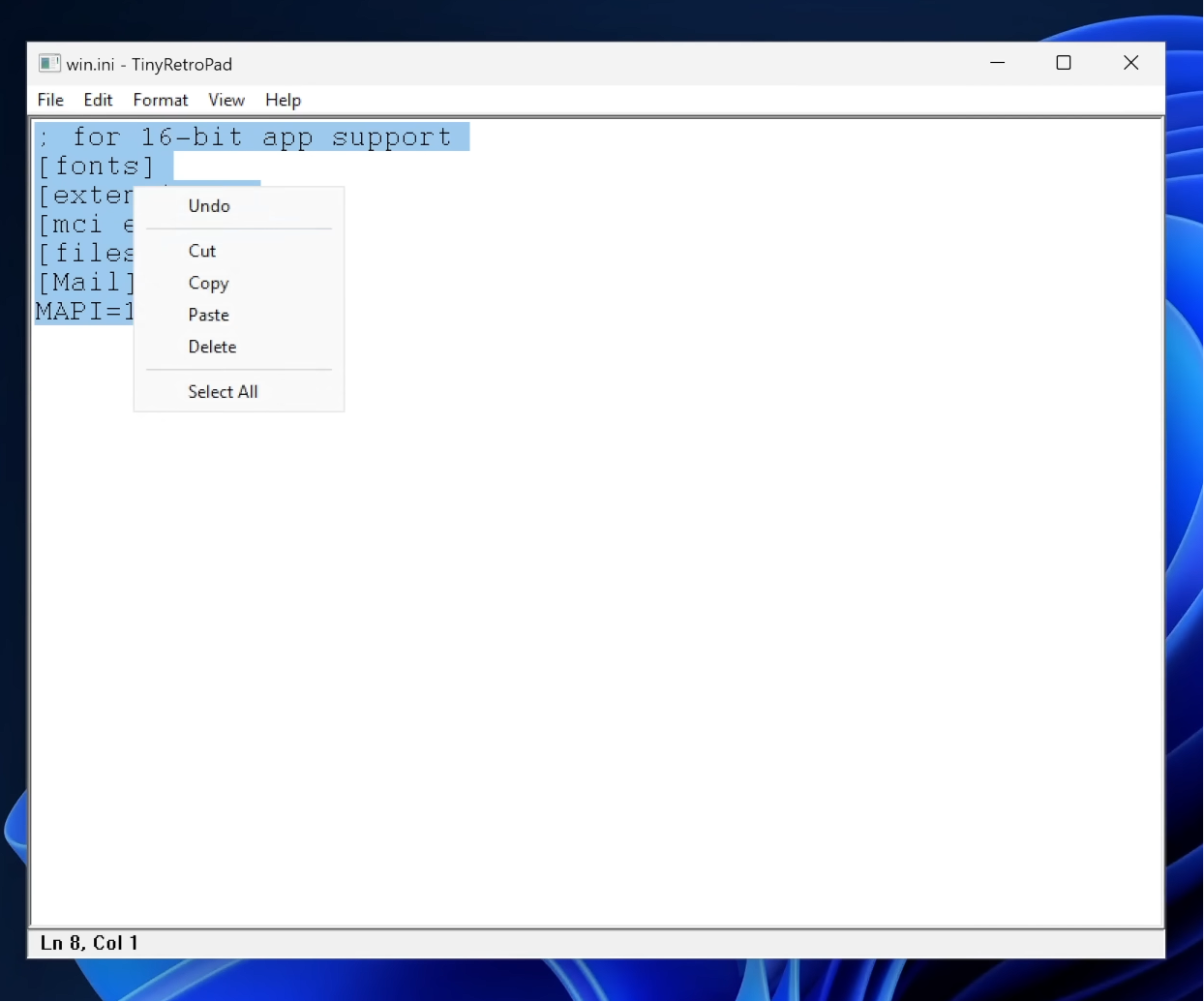
TinyRetroPad is a fork of Matt Power’s Dave’s Tiny Editor, itself built on tiny.asm, a project Plummer wrote years ago to prove what the smallest complete Windows application could look like. It’s a thin wrapper around RICHEDIT50W, the rich text control Windows has carried for decades. Drawing characters, managing the cursor, handling selection, cut, copy, paste, undo history,
Windows already does all of it inside that one control. Early versions used the plainer EDIT control and got down to 890 bytes, though Windows Defender wasn’t a fan of how aggressively that build was compressed. Later versions moved to RICHEDIT for cheap access to the Courier font and bigger file support, settling at 981 bytes before a single menu existed.
The growth log Plummer kept shows what each addition cost:
- The File menu brought it to 1,375 bytes.
- The unsaved changes prompt, which needed a real dirty flag and a close, pushed it to 1,622 bytes.
- Find and Replace came at 2,143 bytes
- Printing was the biggest single jump, getting the whole thing at 2,476 bytes.
None of this works without Crinkler, a compression linker built for the demoscene that squeezes and rearranges the executable instead of just linking it. Sometimes a whole feature adds nothing to the file size because the code happens to compress well. Sometimes a clean function ends up bigger than an ugly, repetitive one, since Crinkler compresses repetition far more efficiently than a lookup table full of branches.
It’s also not a finished product. There’s no Releases page, so running it means assembling it yourself with MASM and Crinkler, and it warns that Crinkler-built executables can trigger antivirus false positives. The open GitHub issues read like a list of what a 2.5KB program gives up. One user reported it chewing through around 500MB of RAM on 64-bit Windows 7, and others found it won’t run on Windows XP SP3 at all.
Why the internet keeps calling Windows 11’s Notepad bloated
Modern Notepad has spent the last couple of years turning into a case study in feature creep. The notepad.exe on a typical Windows 11 install comes in at around 352KB, with an install size closer to 808KB, because that exe is really a stub pointing at a UWP and WinUI app adding up to roughly 5MB on disk. The original XP-era Notepad was about 65KB in total.
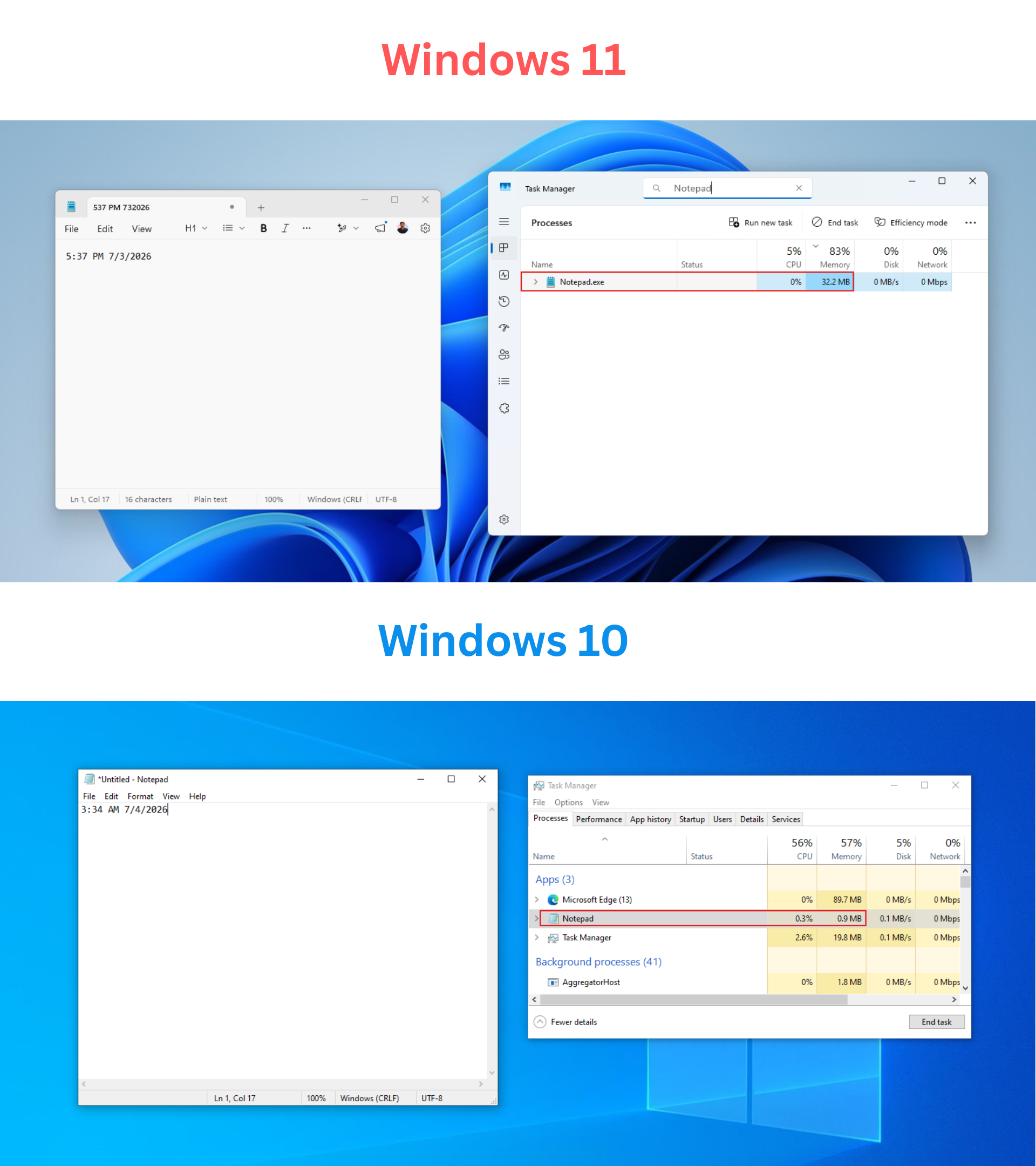
Of course, you’re not losing any precious memory because of the bloated Notepad, but the way Microsoft deviated it from being a simple text editor is what created all this backlash.
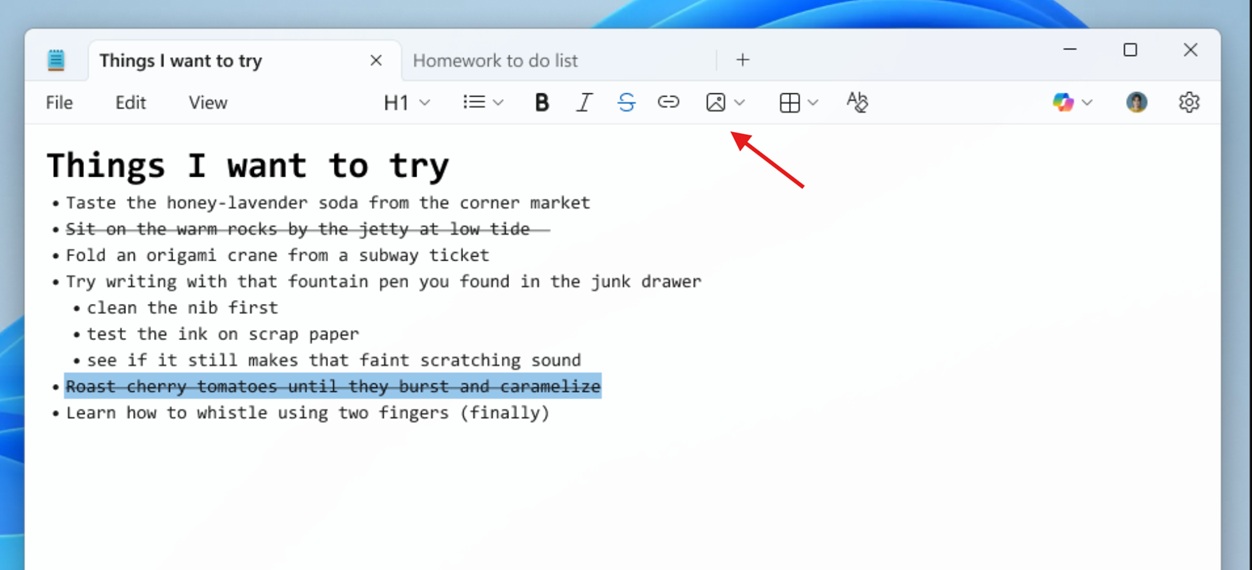
Tabs and autosave were welcome additions, and now I can’t think of Notepad without these. But in June 2025, Notepad gained Markdown formatting, and users pointed out that Windows already had WordPad for that job before Microsoft killed it off.
By August, the right-click menu had grown so cluttered with Copilot options that Microsoft had to redesign it just to make cut and paste findable again. A Create a table tool arrived in January 2026, and image support followed in February, built on that same Markdown engine.
That month gave us proof that this feature creep costs something real. Microsoft confirmed an 8.8 rated remote code execution flaw, tracked as CVE-2026-20841, where a malicious Markdown link could let an attacker run code with the victim’s own permissions just by getting them to click it inside Notepad. A plain text editor with no link handling could never have that problem.
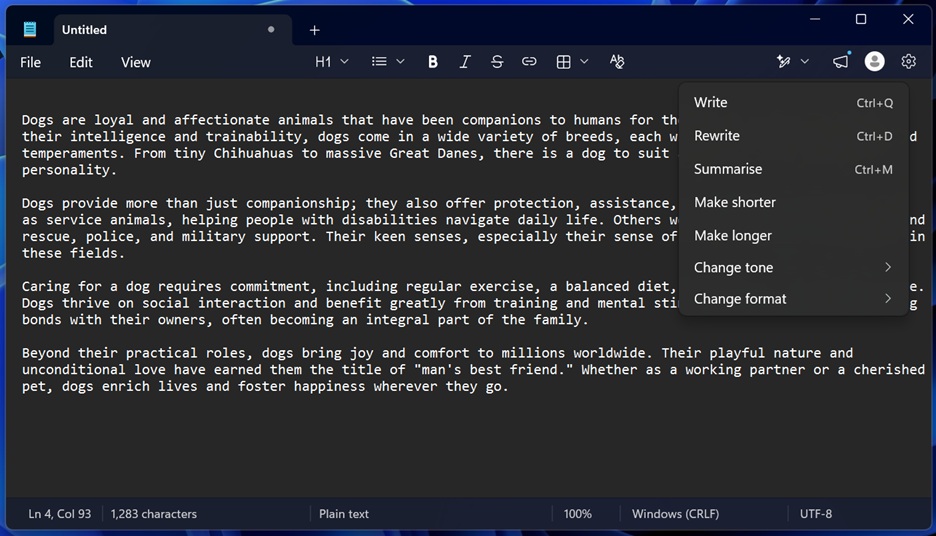
By March, Microsoft scaled back Copilot branding across several apps, and by April, Microsoft mostly just renamed Copilot to Writing Tools in Notepad instead of pulling the AI features out.
The real argument is about Windows, not Notepad
Windows 11 LTSC, the long-term servicing edition Microsoft builds for enterprises that can’t tolerate constant change, still ships the classic Notepad with no Copilot and no Markdown, and neither does Windows 10’s. The plain Notepad TinyRetroPad is recreating what was never deleted. Microsoft just quietly retired it from Windows 11.
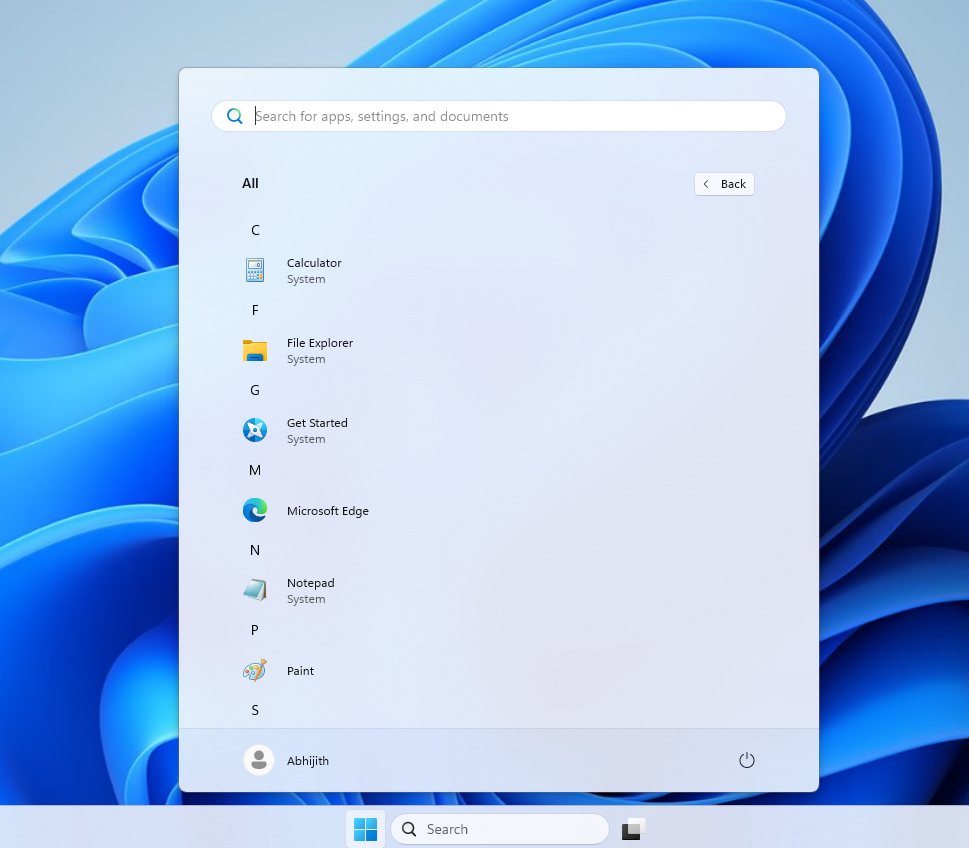
Plummer has said the point was never to get anyone to use a hand-assembled 2.5KB editor. It’s to show how much untapped potential already sits inside Windows, because modern app development defaults to bundling everything an app might need instead of asking what the OS already provides.
In a recent test, Windows Latest found that Windows 11’s Media Player, takes a few seconds to open a video and uses 377MB idle, against 103.4MB and instant playback on the legacy version, one that predates HEVC yet plays it better than the modern app does without a $0.99 Store add-on.
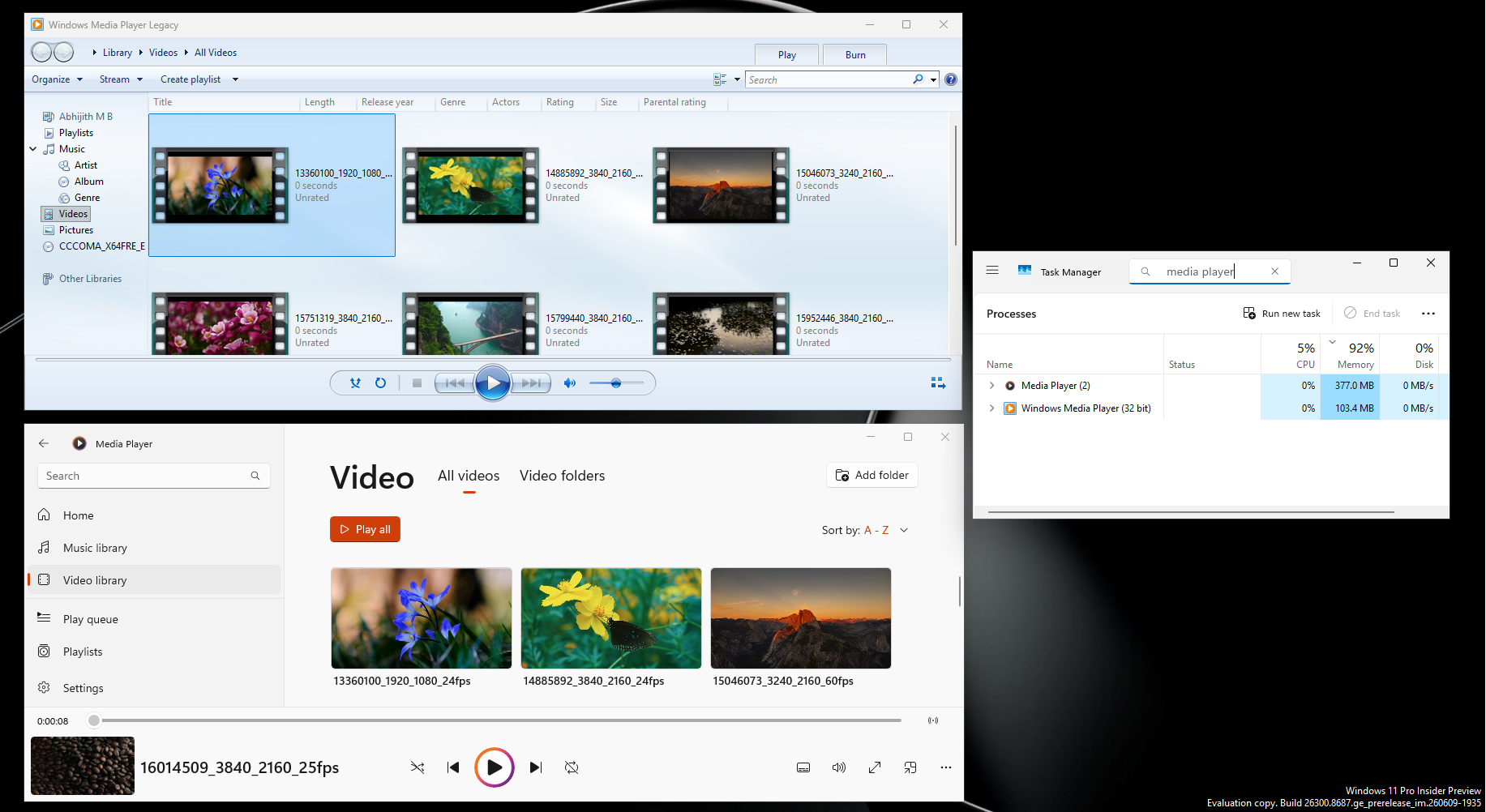
Sure, we need modern-looking apps in Windows 11, but that mustn’t come at the cost of efficiency and control. We’re not saying that Microsoft isn’t allowed to bundle subscription plans in their inbox apps, but Windows 11 itself isn’t free. It’s paid software. Microsoft’s decades-old classic apps still look good and are robust. Also, the software giant built Calculator, Notepad, and Media Player decades ago without today’s tools and infrastructure. What needs to change isn’t the hardware. It’s the mindset that every rewrite needs to be as efficient as possible, just for the sake of it being possible.
The post Ex-Microsoft engineer rebuilds Notepad in 2.5KB using nothing but stuff Windows already had appeared first on Windows Latest