
If you use social media and follow tech, you might have noticed “Microslop” comments under posts about Windows 11. First spotted by Windows Latest, now there’s even a browser extension for Google Chrome called “Microsoft to Microslop” that replaces every mention of “Microsoft” with “Microslop” on the internet.
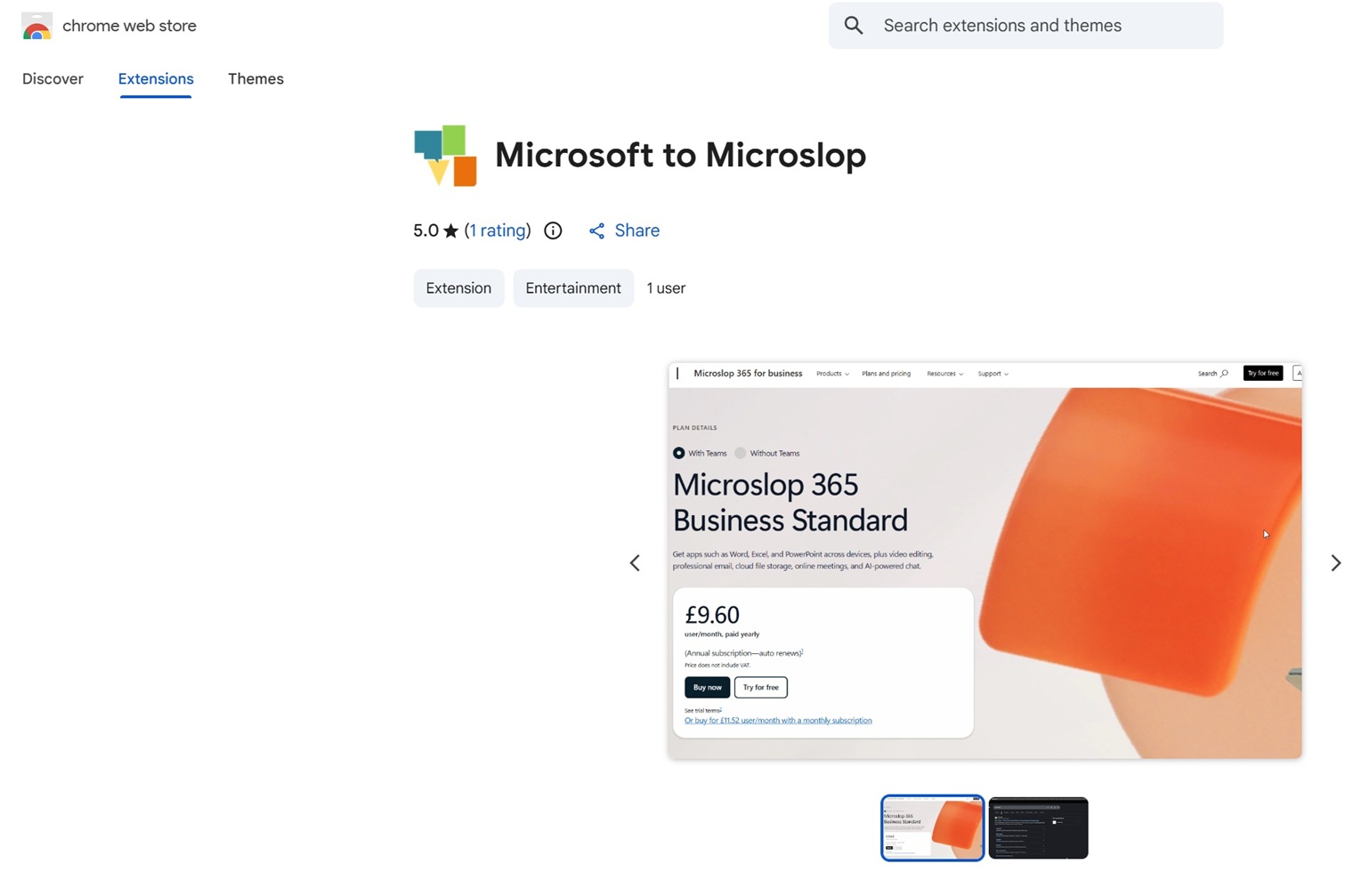
On the Chrome extension store, the developer says the extension changes “Microsoft” to “Microslop,” but it does not collect or store any data.
“This extension only visually manipulates the text – the real data on the webpages is not manipulated. If you inspect the element, it will still contain the correct “Microsoft” expression, so no links or download-links will break,” the developer wrote.
Now, if you aren’t up-to-date with the trend, ‘slop’ is a term people use for low-quality AI output, so when upset consumers call Microsoft “Microslop,” they’re calling out the company’s attempts to push AI everywhere in Windows 11.
Copilot is now hurting Microsoft’s reputation because of deeper integration
Microsoft launched Copilot in early 2023, and it’s been around for almost three years at this point, but the perception has gradually shifted from “wow” to “we don’t want this.”
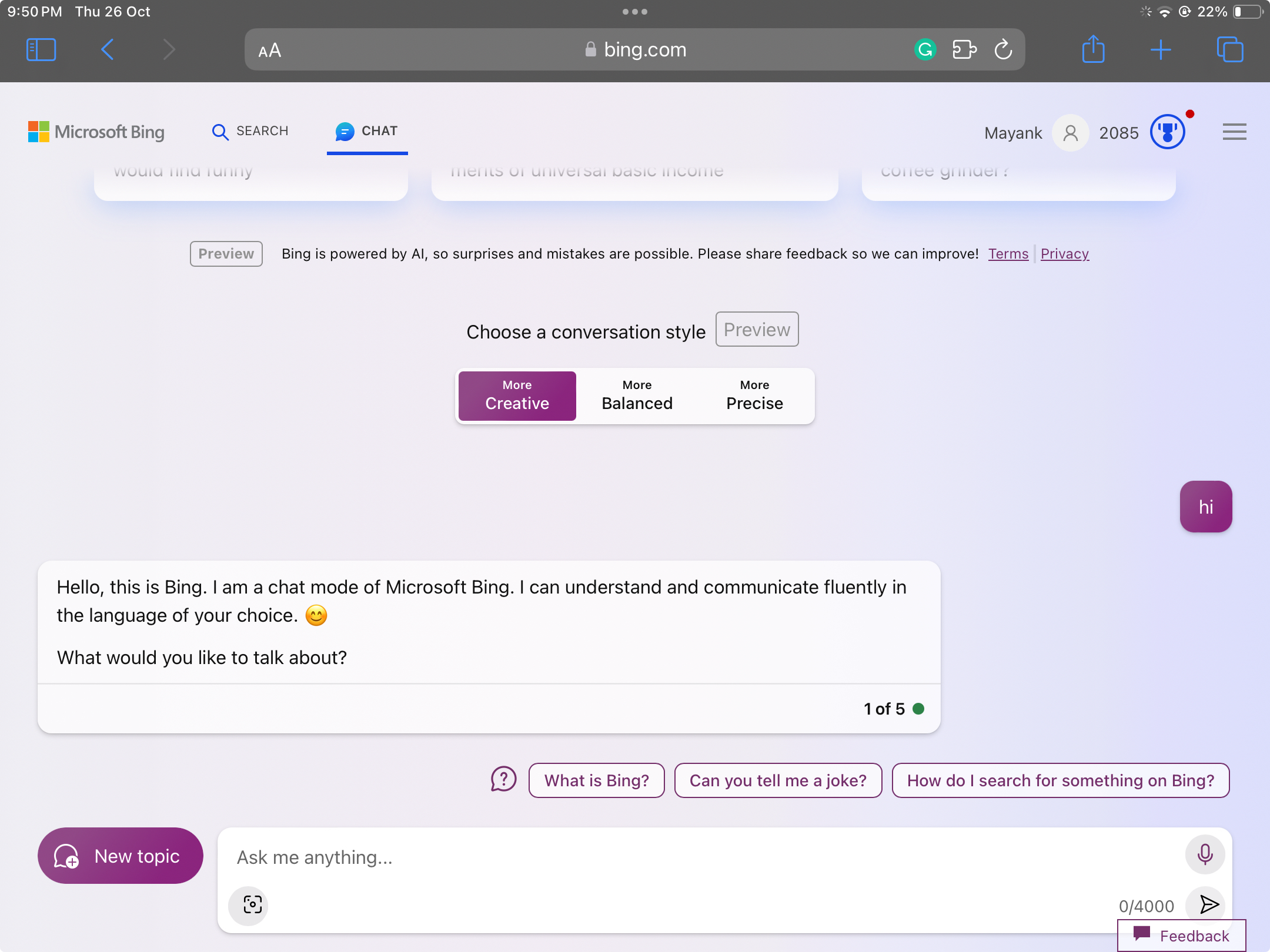
I was one of the early adopters of Copilot, originally called Bing Chat, when the AI had a ‘Sydney’ personality, which could have been controversial, but it was probably one of the reasons why people looked forward to Copilot.
It was all going well until Microsoft began adding Copilot to every product. The Copilot push in Windows 11 really began in May 2023, when Microsoft announced Windows Copilot built into the OS.
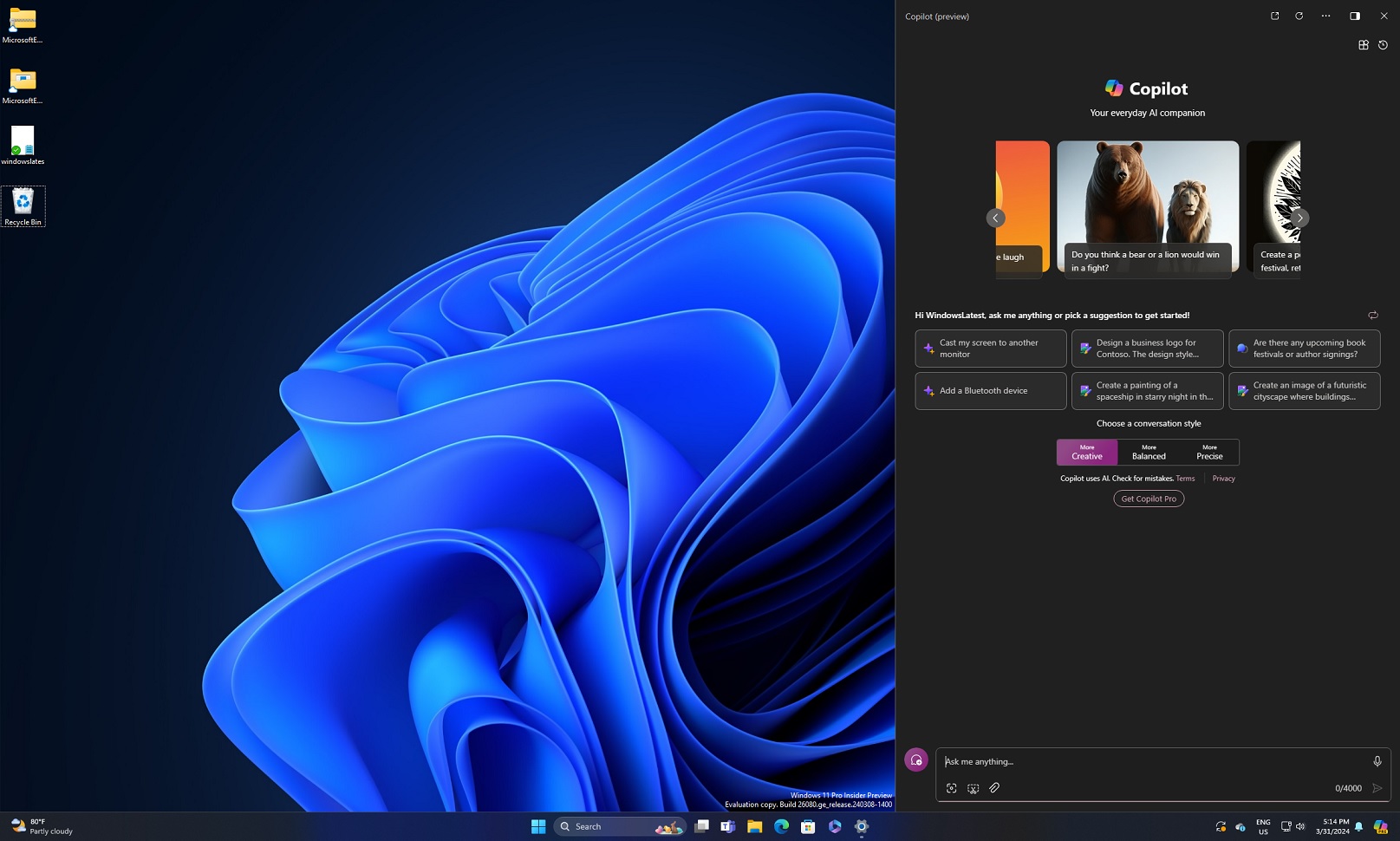
Around that September 2023 period, Microsoft also started adding “AI” ideas into built-in Windows apps.
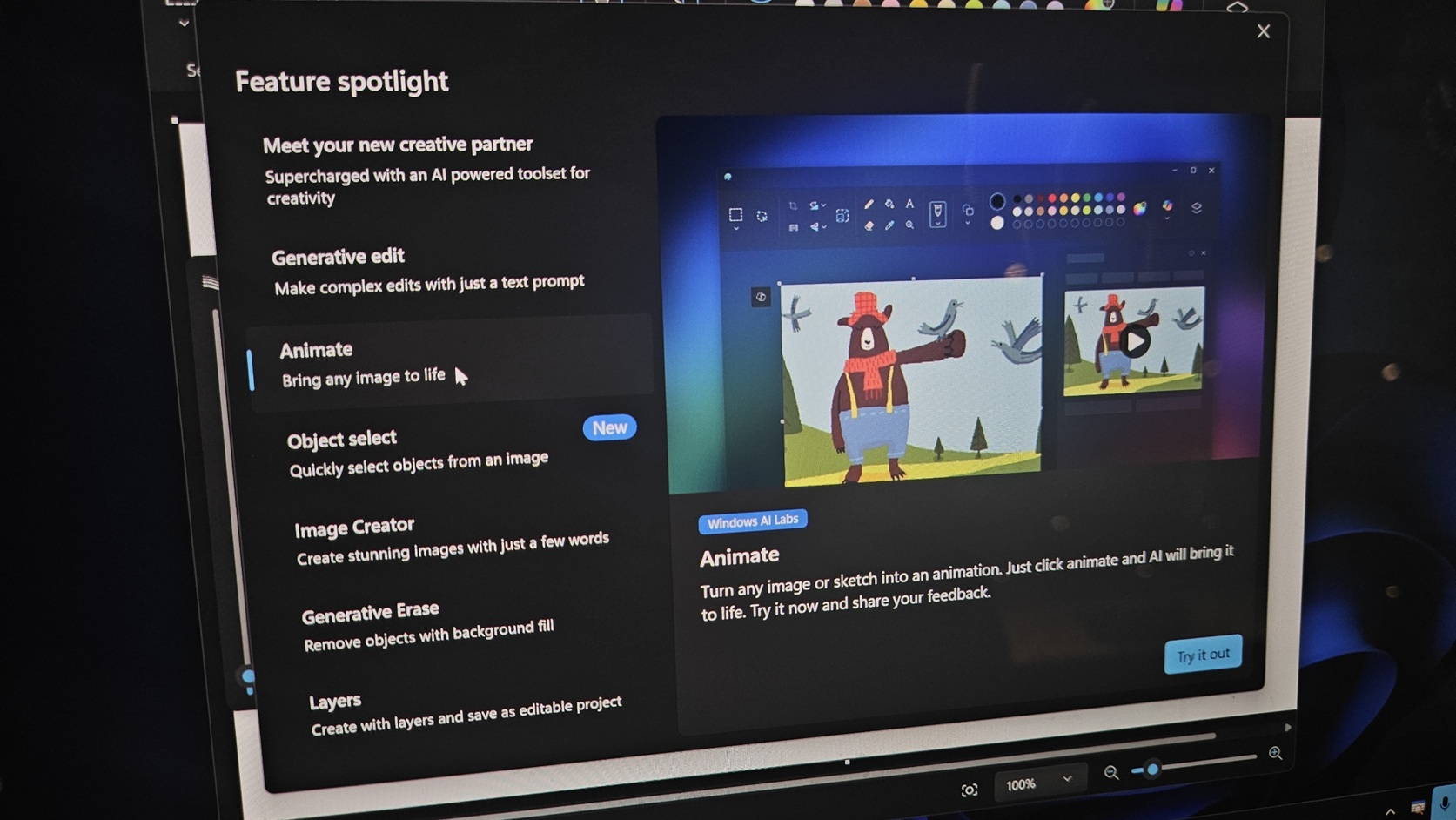
Microsoft said it was updating inbox apps like Paint, Snipping Tool, and Photos with AI features. In late November 2023, Windows Latest reported that Paint’s DALL-E 3 (OpenAI’s image model) integration started rolling out. Then Microsoft brought AI directly into Notepad when the company began testing Summarize.
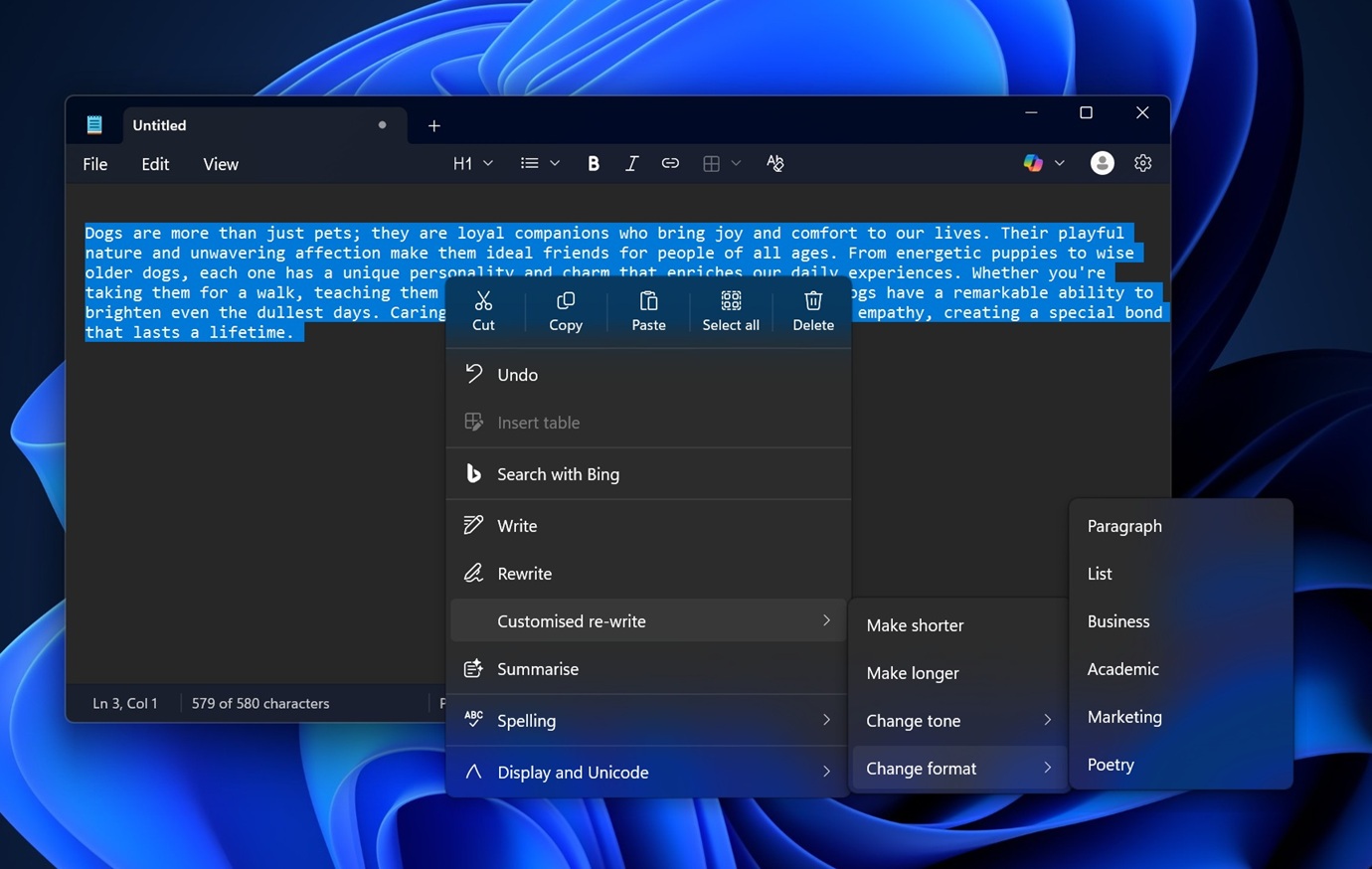
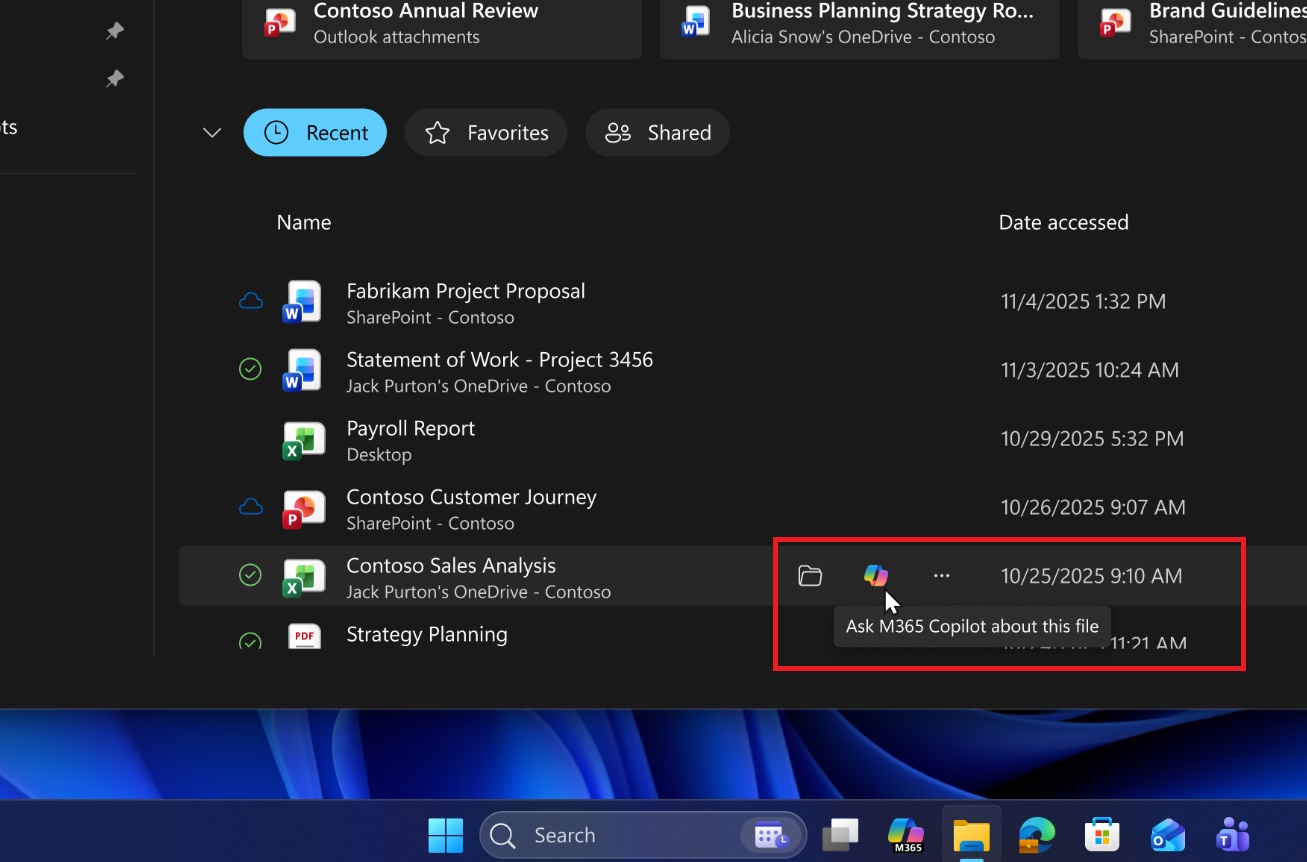
Copilot also started appearing in places like File Explorer (for example, “Ask Copilot” in the right-click menu, and later “AI actions” in File Explorer). And now, Microsoft is mulling a strategy that loads Copilot inside File Explorer, likely in a sidebar similar to the Details or Preview pane.
Social media is even creating marketing images for Microslop
The frustration has reached a point where Microsoft is getting heat for anything AI, even when it’s actually useful.
“Microsoft CEO Satya Nadella’s insistence that we should stop calling their AI offering ‘slop’ is hilarious, especially when it’s so abysmal to use. Forcing a dedicated “slop button” onto keyboards is making them a laughing stock and tanking their operating system, ” one of the frustrated Microsoft customers wrote in a post on X.
Some Redditors have also created marketing images for “Microslop,” and while they’re funny, they should serve as a wake-up call for Microsoft.

The Windows giant really needs to either build truly useful AI features or stop forcing people to use AI products at all. If Windows had a master switch that turns off AI everything, nobody would make a fuss about Copilot.
PC makers are starting to shift their tone
Dell also agrees that AI PCs are not selling, and it’s going back to its roots. That means Dell plans to focus on gaming hardware, build quality, battery life, and other factors instead of getting all in on AI PCs.
The post Windows 11 users coin “Microslop” as AI backlash grows, and even a browser extension that renames Microsoft to Microslop appeared first on Windows Latest