
In April 2026, Microsoft said it would add Copilot directly to Outlook’s search menu and invade your regular search results with AI-generated suggestions. The feature began rolling out in June 2026, but it hasn’t gone down well with many users, as Copilot gets in the way of finding regular emails. Microsoft now says the Copilot integration has been canceled.
Microsoft strongly believed that adding Copilot to Outlook Search would help you become more productive. The company said Copilot-powered suggestions would appear in the Outlook search menu, above your usual search results for emails and calendar events.
This meant you would need to scroll down to find actual emails and calendar events in the search results.
For those unaware, Copilot-powered suggestions relied on contextual awareness and tried to find the perfect match for your search query, along with a short summary. It turns out that most users did not like the idea, especially because the feature could not be easily turned off.
In an update posted on July 23 and spotted by Windows Latest today, Microsoft confirmed that it had decided not to move forward with the change and apologized for any inconvenience.
“We have decided not to move forward with this change at this time. We apologize for any inconvenience,” the company said.
This change applies to Outlook for Windows, Android, iOS, and the web. Outlook Classic was never affected to begin with.
It’s rare for Microsoft to roll back AI-related features from its products, so it’s a welcome change. At the same time, Microsoft recently confirmed that it’ll add Copilot to Outlook Classic and has no plans to back down.
Outlook Classic to get full-fledged Copilot integration
Until now, Microsoft had only planned to add Copilot to New Outlook, as Outlook Classic was supposedly in maintenance mode and would only receive fixes. But that appears to have changed, as Microsoft plans to integrate Microsoft 365 Copilot directly into the compose experience in Outlook Classic.
“This update allows users to create, refine, and edit email content in real time with Copilot assistance, helping improve productivity while maintaining full control over final content,” the company noted.
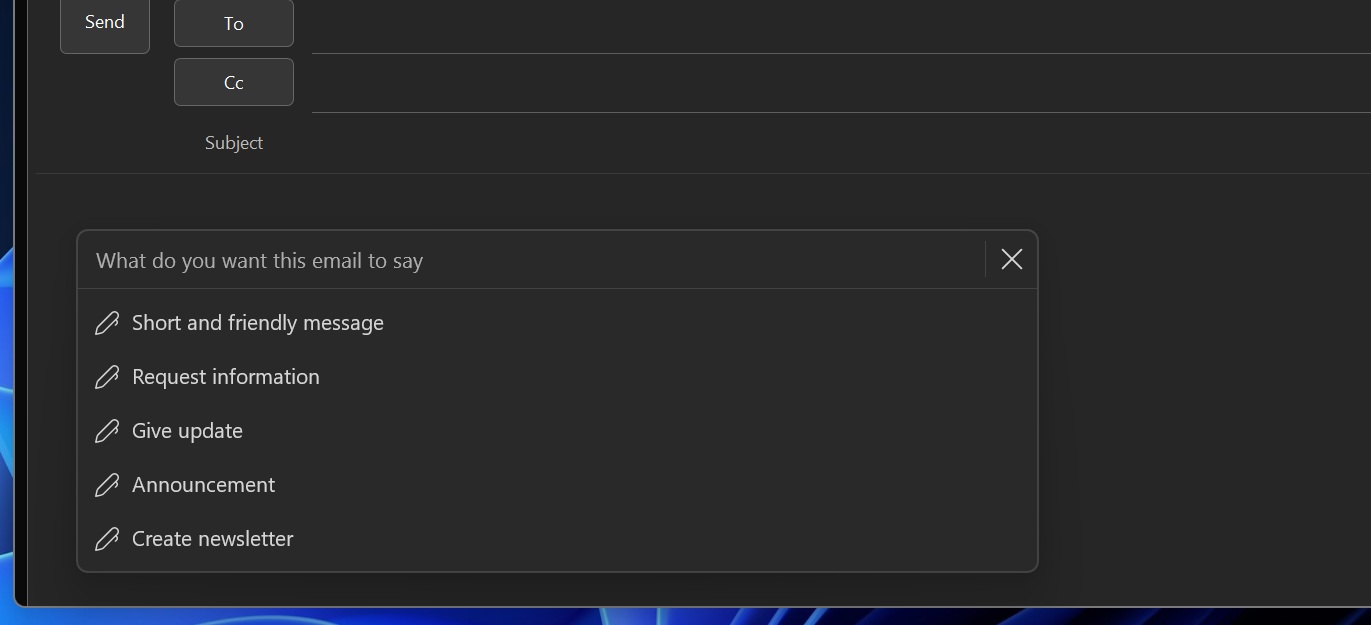
For example, you can hover over the compose box, and Copilot’s flyout will automatically pop up, allowing you to write an email from scratch or improve what you’ve already written.
Windows Latest also found that Microsoft is testing a new floating Copilot button that would appear at the bottom-right corner of the screen, as it wants AI to remain visible at all times. The idea is similar to what we have already observed in Office apps such as Excel and Word, where Copilot can appear as a floating button.
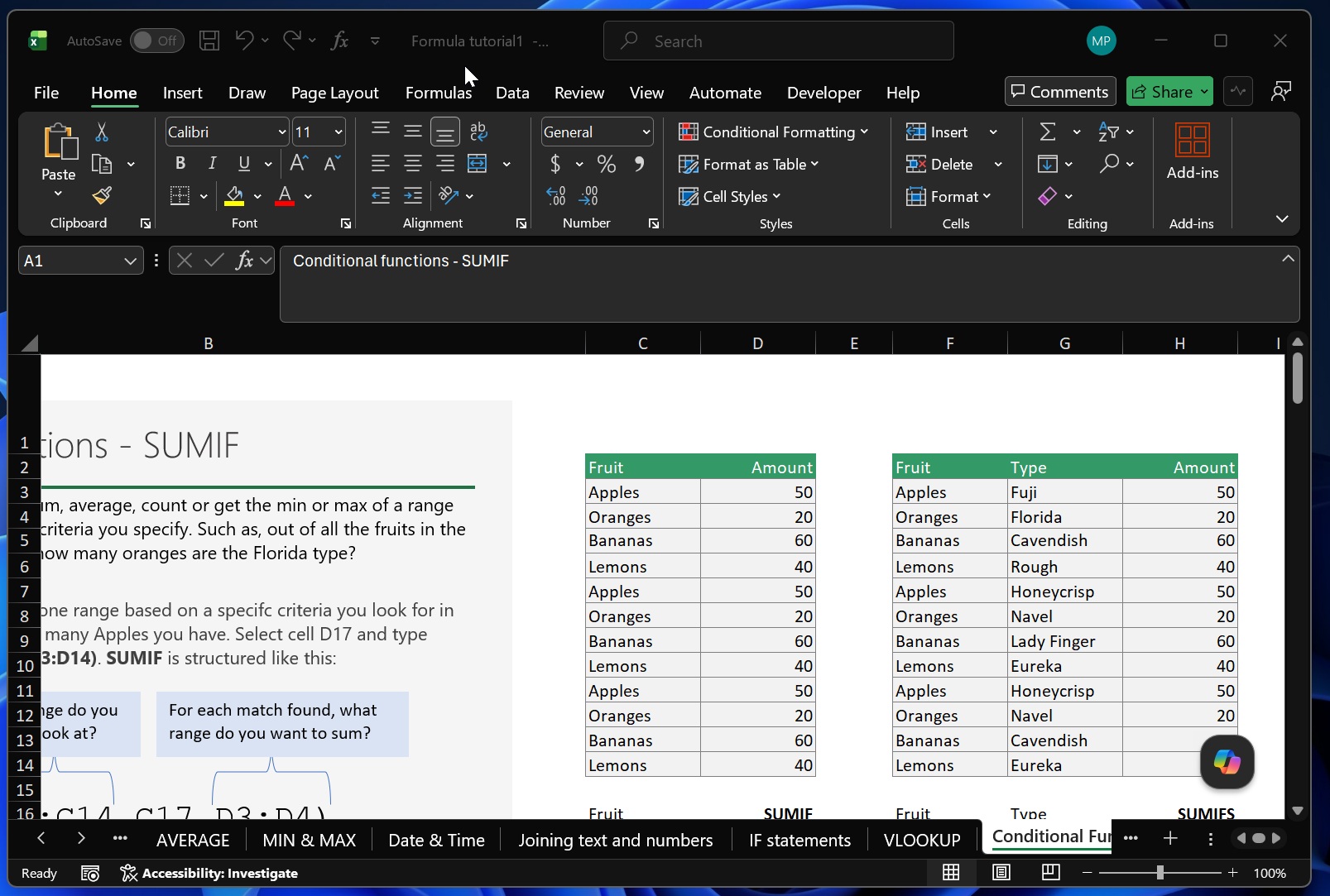
You’ll be able to move Copilot back to the ribbon menu, but of course, Microsoft appears to be missing the point that some users do not want AI turned on by default. I am not seeing any changes that would let you decide how, or whether, Copilot should be enabled after an update. Everything is being enforced automatically.
The only way to avoid Copilot in Outlook appears to be downgrading or switching to a non-Copilot Microsoft 365 license.
The post Microsoft canceled Copilot Search for Outlook after user outrage, in a rare AI reversal appeared first on Windows Latest