
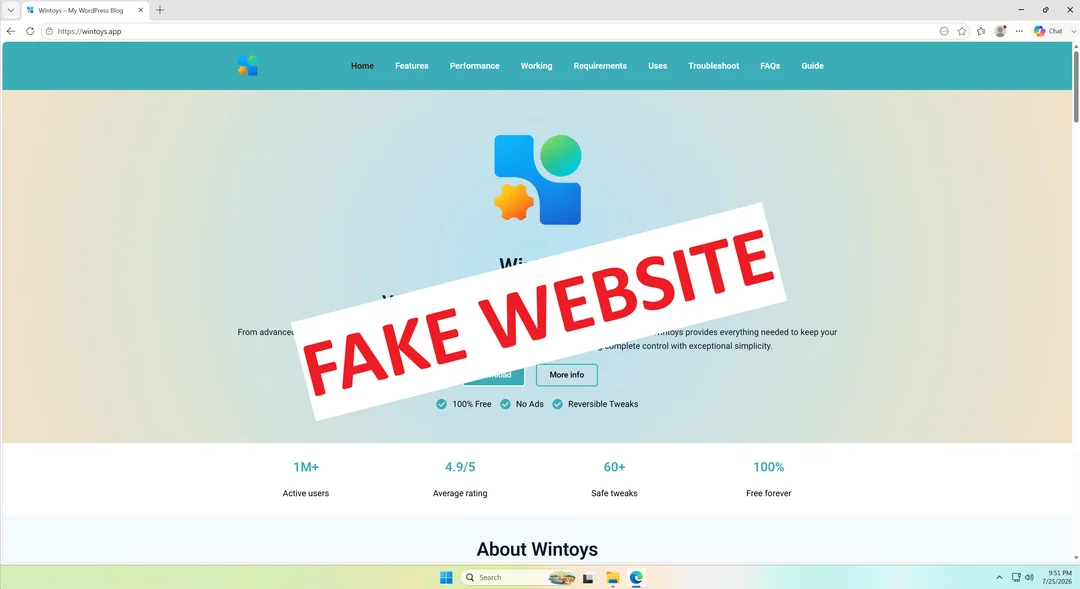
More than 70 popular Windows apps now have fake websites impersonating them, and some are already serving malware. The list includes widely used tools like PowerToys, CrystalDiskMark, EasyBCD, Lively Wallpaper, and Wintoys, all cloned onto lookalike domains that in most cases rank above the real project pages on Google.
Some apps on this list have already had their fake sites confirmed as active malware distributors. They may be pushing a trojanized installer that sets up a remote-access service on victims’ PCs.
We strongly recommend downloading Windows apps only from the Microsoft Store or from the developer’s official website or GitHub page, and never from a random search result, however convincing it looks. If you’ve visited any of the following websites, treat your PC as compromised and scan it immediately:
Full list of fake websites impersonating Windows apps
The following domains were identified as impersonating legitimate Windows applications, all registered to the same owner through Epik Inc. before being moved to Dynadot LLC in July. Remember, not a single one of these is an official source for the apps it claims to represent, and please do not open these URLs. For testing, you can use Windows Sandbox.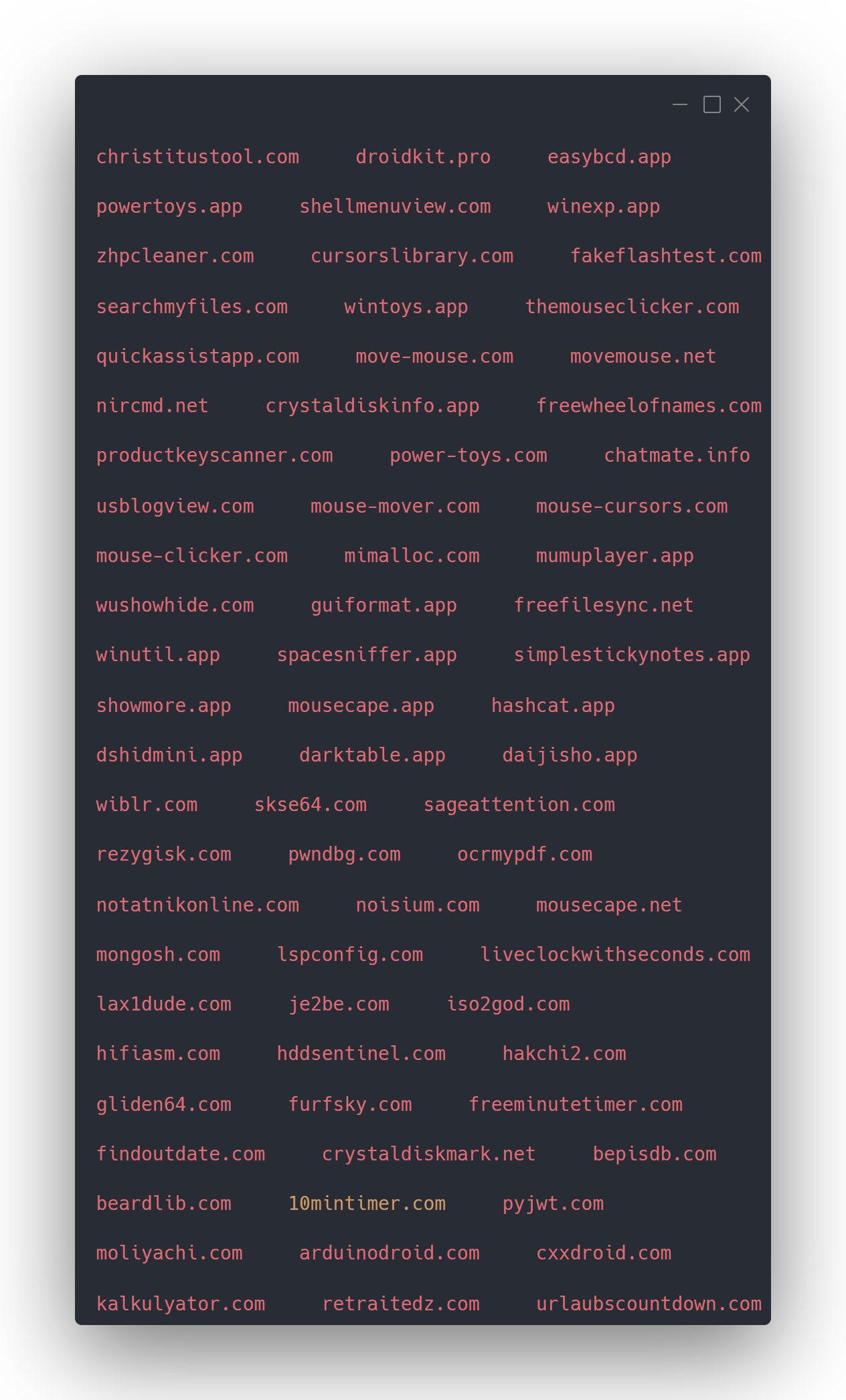
Again, in case we are not clear already, steer clear of every domain on this list. They are not affiliated with the developers whose apps it claims to host.
How a developer discovered 70+ lookalike domains while checking his own app’s reviews
Bogdan Pătrăucean, the developer behind Wintoys, a Windows optimization tool available on the Microsoft Store that lets users clean, repair, and tweak system settings without opening the terminal, habitually searches his app’s name on Google to see new reviews or user questions. During one of these searches, he found a domain he had not purchased showing up in the results (wintoys.app).
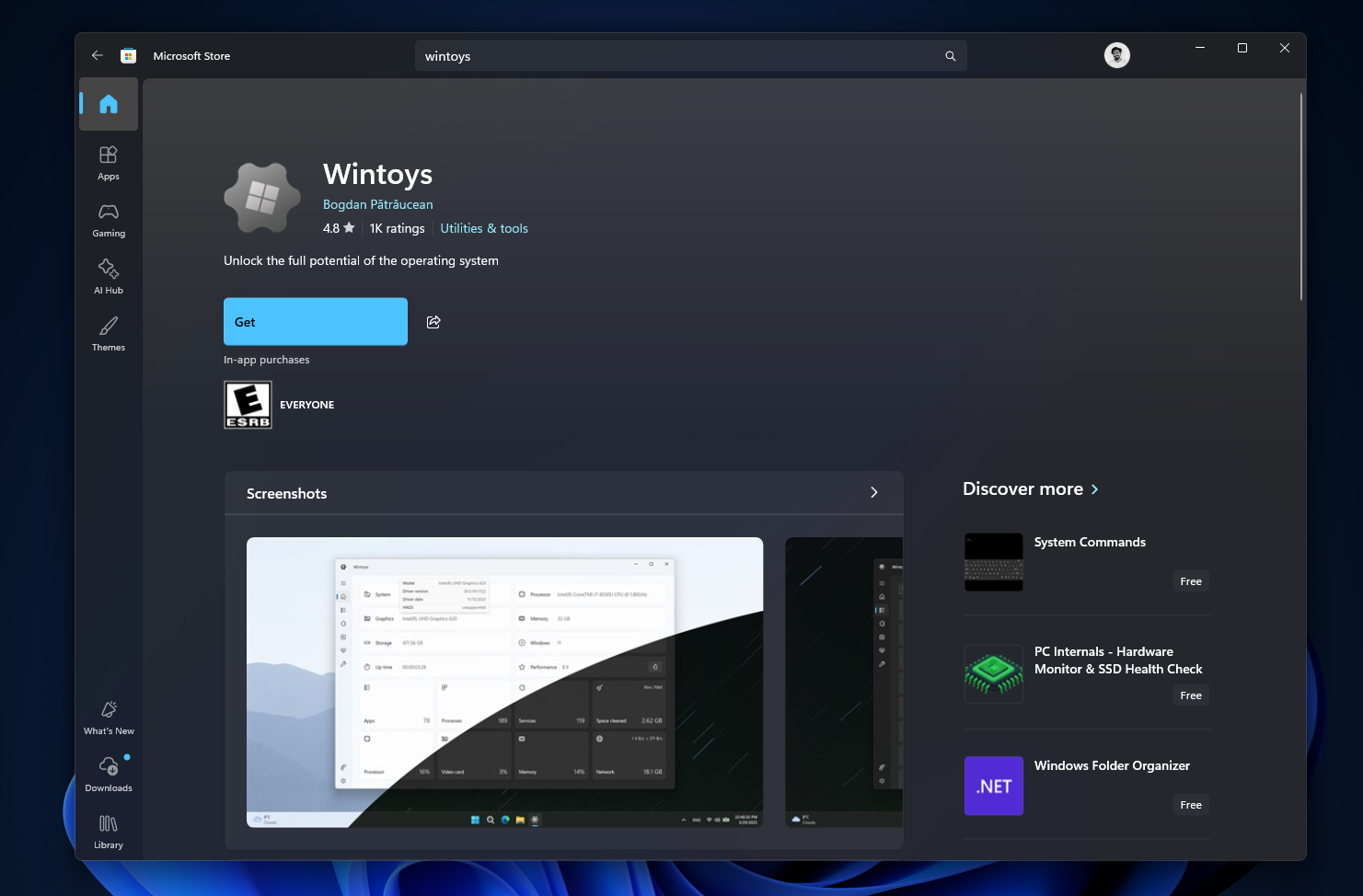
u/Bogdan_X explained on Reddit that the site was built on WordPress, with generic, inaccurate AI content, and used his old logo. Its download button surprisingly goes to the real Microsoft Store listing, which is likely why it hadn’t raised alarms yet.
He tried to trace ownership of the domain but couldn’t, since it was registered through Epik Inc., which bundles free WHOIS privacy into every domain, keeping the buyer’s identity hidden by default. What he did find was a troubling list of 72 domains.
Even Microsoft’s own PowerToys has a fake website!
These sites build trust first, then swap in malware later
According to Check Point Research, these impersonation sites have a three-stage playbook:
- They rank for a popular app’s name in search results
- Appear harmless at first by linking to real download sources
- Then quietly swap those links for malware after getting traffic and trust.
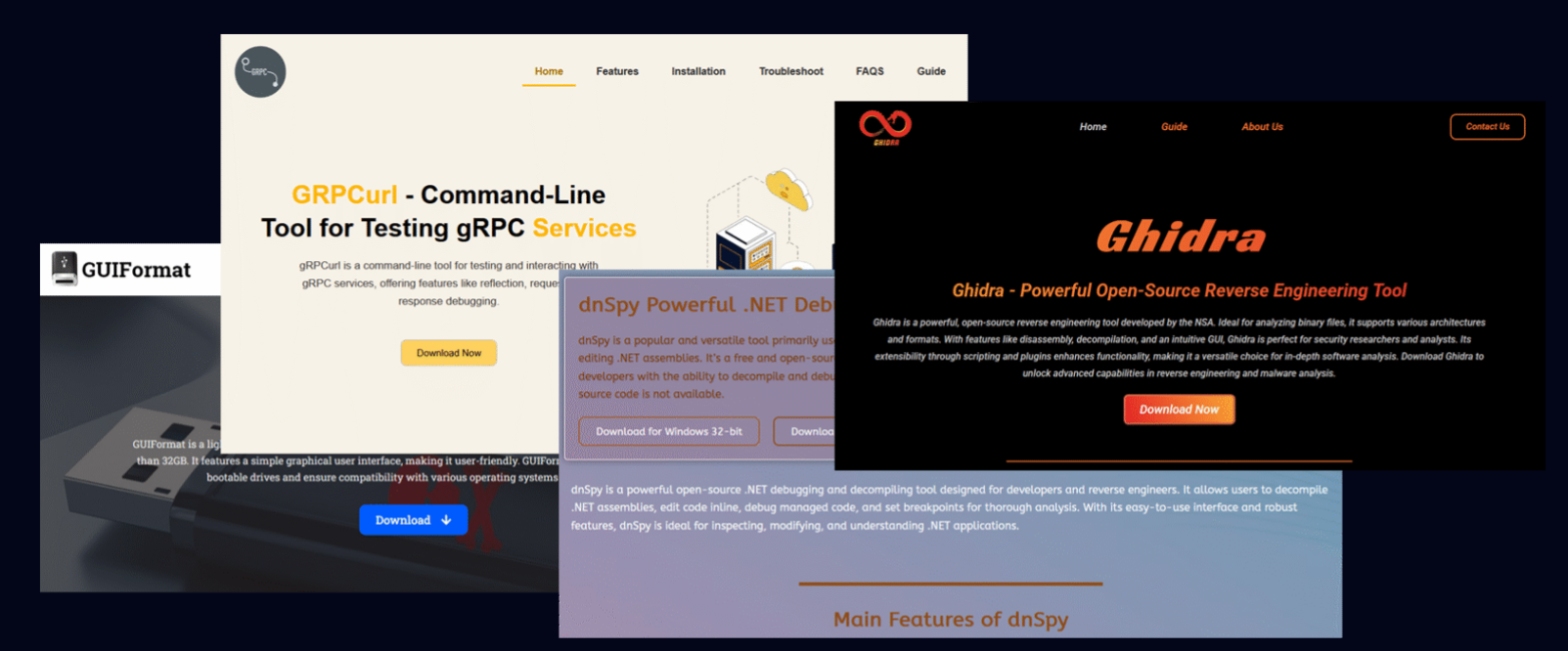
Check Point found that some of these sites load a script from Amazon CloudFront that intercepts the click on a download button and reroutes it through a Traffic Distribution System, a filtering layer that decides where to send each visitor based on their location, browser, and whether they look like a bot or a security researcher.
Check Point traced malware families including RemusStealer, an infostealer targeting over 20 browsers and cryptocurrency wallets, and AnimateClipper, which swaps copied crypto wallet addresses for the attacker’s own. A cluster of these domains had been silently building search rankings since at least September 2025, with malware distribution that began in January 2026.
Lively Wallpaper and SignalRGB confirm active attacks
Two developers on this list have already confirmed their impersonators are distributing real malware.
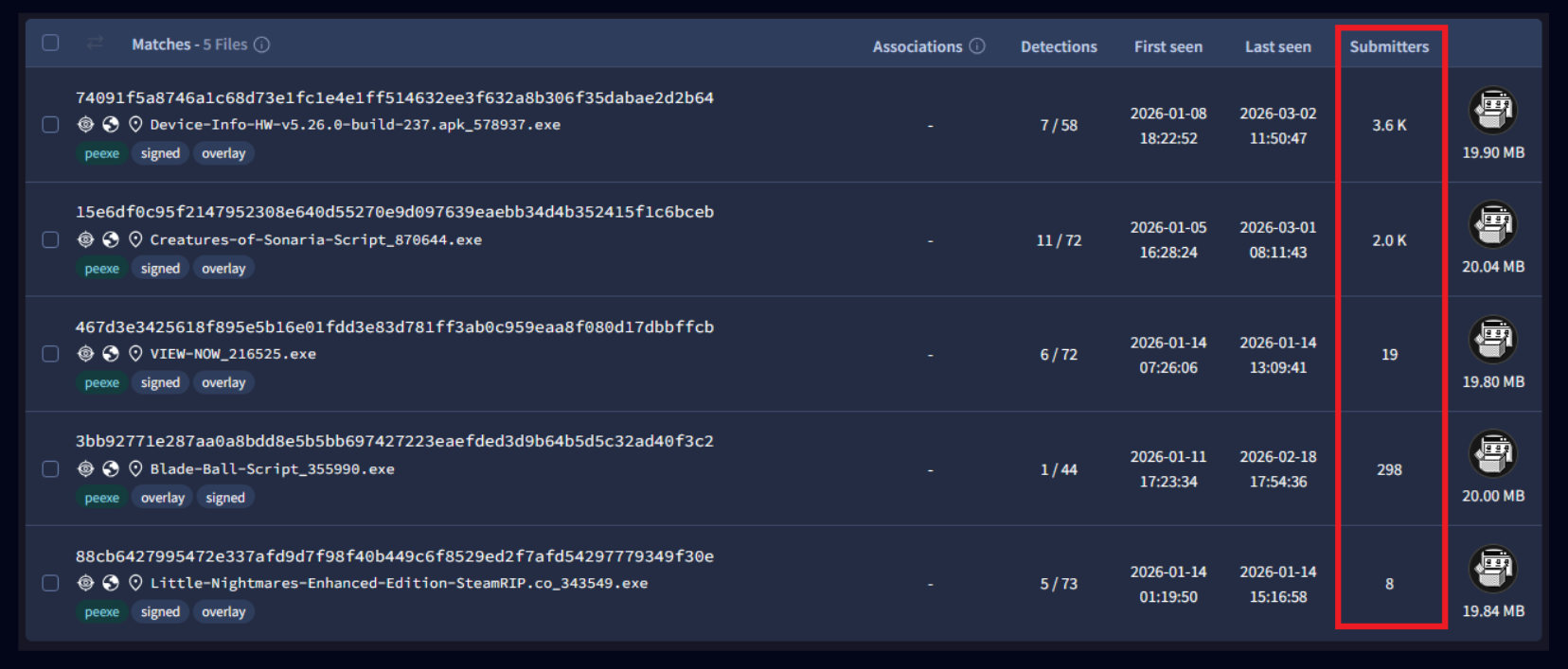
A GitHub issue filed against Lively Wallpaper describes a fake site at livelywallpaper.app serving a trojanized installer through a script hosted on giize.com. The installer bundled a legitimate DirectX setup file alongside a malicious, unsigned DLL, and installed a persistent remote-access service along with bandwidth-sharing software that likely resold the victim’s internet connection.
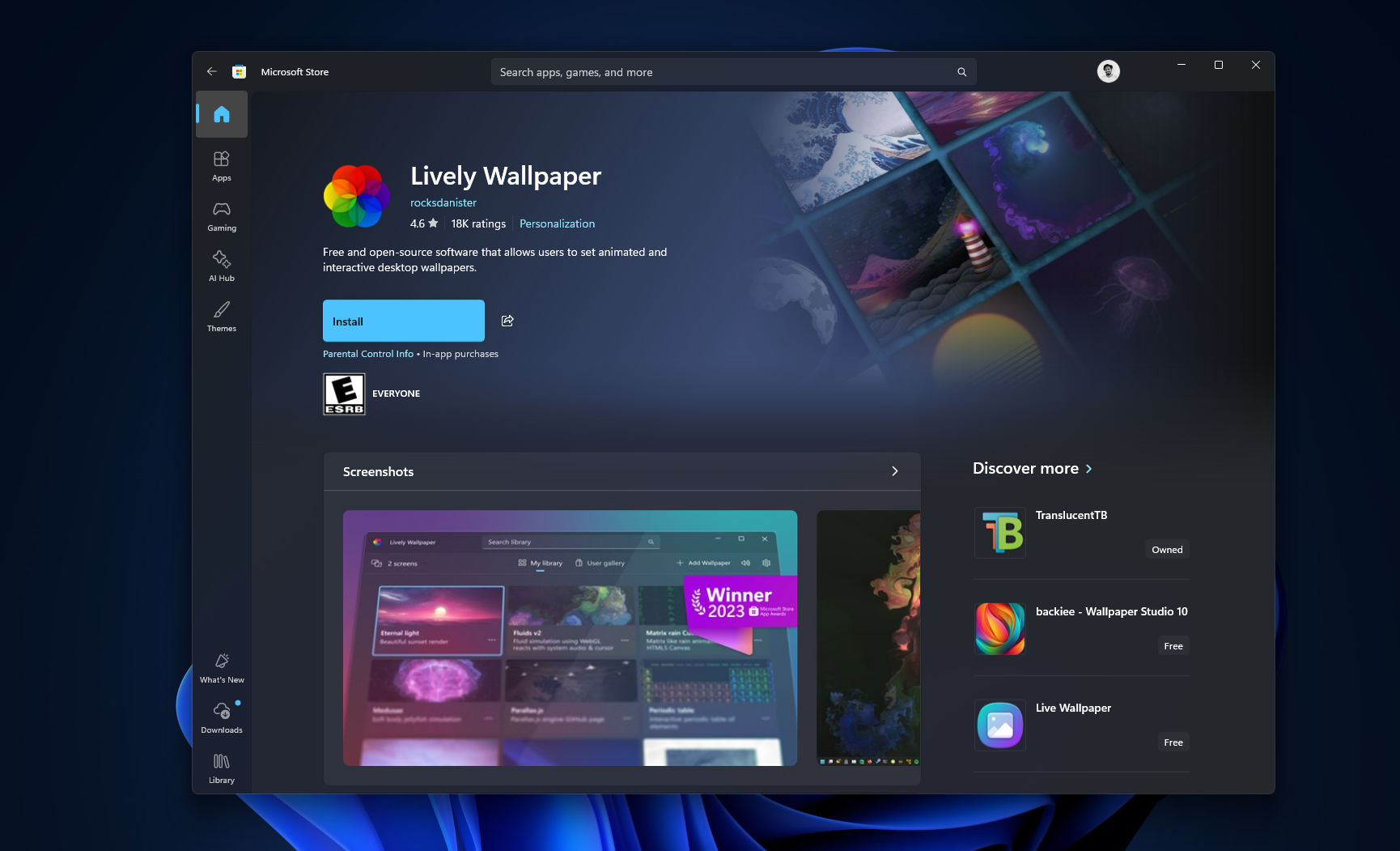
Lively’s developer confirmed the domain has no affiliation with the project and recommended users to the official Microsoft Store listing instead.
SignalRGB posted on Reddit about a fake site at signalrgb.io, which the team says has managed to rank near the top of some search engines, including Bing. The team later flagged a second impersonating domain, signal-rgb.net, and urged users who downloaded from either site to delete the file and run a full malware scan.
One commenter on the SignalRGB thread reported success getting a domain taken down after reporting it to Cloudflare with evidence, with Cloudflare confirming it had restricted access to the reported URL and forwarded the abuse report to the hosting provider.
Cloudflare flagged one domain within an hour, but most others are still unprotected
Cloudflare acted fast when the wintoys.app domain was reported, adding a “Suspected Phishing” interstitial warning that shows if a user visits the fake site, telling them the page has been reported for potential phishing. Pătrăucean confirmed the warning went up in under an hour of filing the report.
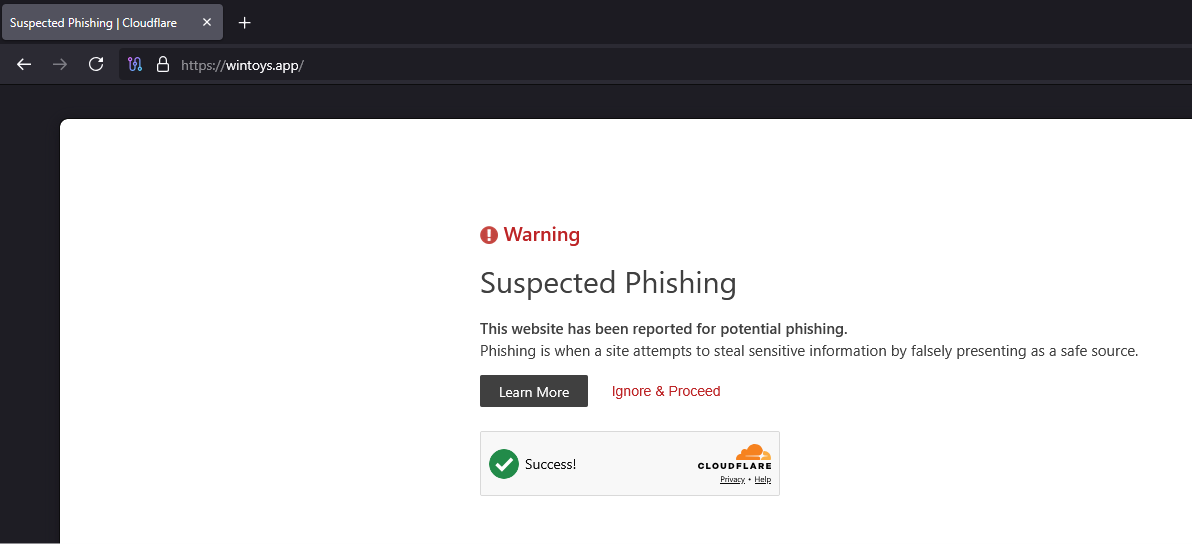
However, Cloudflare’s abuse form only accepts one domain per report, and Pătrăucean said that despite listing all 72 domains in his submission, the other 71 will likely be unprotected.
The 72 original domains have since been added to Hagezi’s DNS blocklist, a popular adblock list used by millions of people, which will now block those sites automatically for anyone running it. MKVToolNix, the popular video remuxing tool, has also been listed in this project.
Mica For Everyone, a Windows theming tool, is also being impersonated through a domain registered with Spaceship and hosted via Hetzner behind Cloudflare, the same registrar used for the fake Lively Wallpaper and SignalRGB sites. Its maintainer said the registrar’s abuse email went nowhere, and without a trademark on the app’s name, a formal takedown wasn’t an option, so the only workaround was asking Cloudflare to add a malware warning.
It isn’t confirmed if this is one operator spreading impersonation targets across multiple registrars to slow down takedowns, or several unrelated attackers copying the same playbook.
Windows apps aren’t uniquely at risk, but the platform makes them an easier target
This isn’t a Windows-specific flaw, and macOS isn’t inherently safe. The difference is scale. Windows is on a far larger share of desktop PCs than macOS, and a larger user base means more search volume for utility software, which makes Windows tools a bigger, more profitable target for this kind of operation.
Microsoft’s reputation adds to the problem. Years of ads, bloatware, and upsells in Windows 11 have left plenty of users skeptical of the Microsoft Store, so they turn to Google Search.
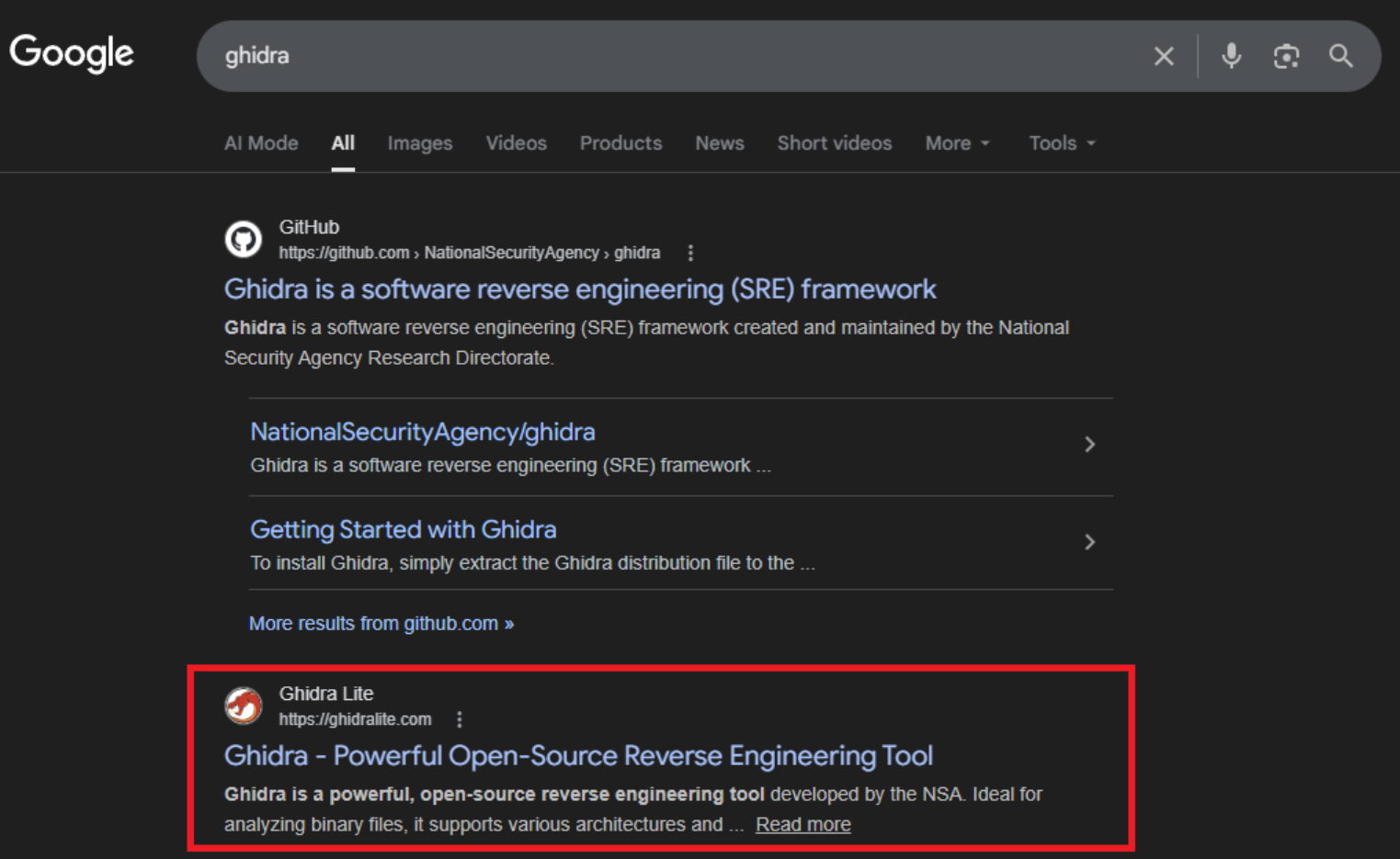
Ironically, searching the Microsoft Store first is still the safer move. If something goes wrong with an app sourced from the Store, at least Microsoft’s review and reporting systems give you a place to escalate.
Windows Security has also gotten considerably better at catching this kind of threat. We previously reported that Microsoft has quietly confirmed most Windows 11 users don’t need third-party antivirus software, since Windows Security already runs Microsoft Defender Antivirus, SmartScreen, Smart App Control, ransomware mitigation, and cloud-delivered protection as one stack.

Smart App Control can block unsigned or unrecognized executables from running, including installers downloaded from a fake site. SmartScreen also checks the reputation of files and URLs as you download them.
How to download Windows apps safely
- Always check the domain in your address bar before downloading anything, especially if you reached the site from a Google search.
- Use the Microsoft Store or the developer’s official GitHub releases page over a project’s standalone website when both exist.
- If you download an installer from a site you’re not fully sure about, scan it with VirusTotal before running it (Note that even VirusTotal is not foolproof).
- Check whether the file is digitally signed by right-clicking it, going to Properties, and looking at the Digital Signatures tab.
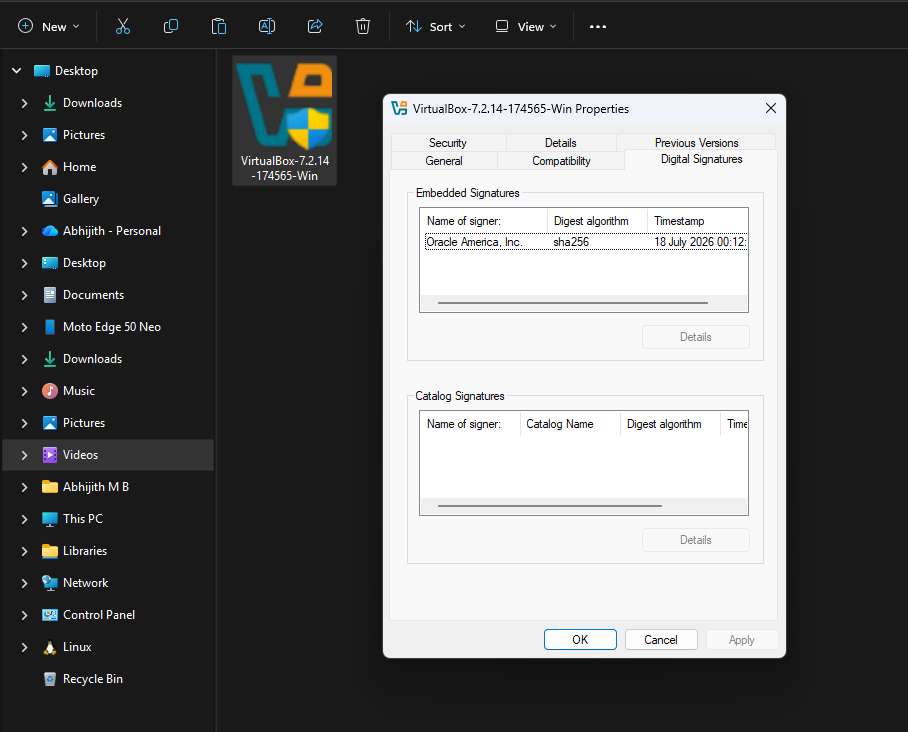
App development has increased drastically, and the internet still isn’t safe
Claude Code and Codex have drastically lowered the barrier to building software, and more developers means more targets for this kind of operation. We need to understand that not every developer has the budget or time to run brand-monitoring services.
However, there are a few things that devs must take care of. Listing an app on the Microsoft Store is the most effective step and it now costs nothing to do. Microsoft dropped its one-time developer registration fee for individual developers in 2025, and extended the same to company accounts in May 2026, removing what used to be a $19 to $99 barrier.
For developers who already run their own project website, investing a little time in basic SEO, clear page titles, proper meta descriptions, and submitting to Google Search Console, makes it harder for a fresh impersonation domain to outrank the real one.
Of course, none of this makes impersonation impossible, but it raises the cost of running the scam.
I know I’m repeating myself, but if you’re downloading a Windows app, check the Microsoft Store first. If a developer only distributes through their own website, verify the URL.
The post Be careful downloading Windows 11 apps from Google, 70+ fake sites are pushing malware right now appeared first on Windows Latest