
Paint never got close to being Illustrator. It was simply there whenever somebody needed to draw something, paste a screenshot, resize an image, or make a terrible school project.
Paint goes back to Windows 1.0 in 1985, and Microsoft said in 2017 that after 32 years, it had “a lot of fans.” By the company’s own count, more than 100 million people used it every month.
Still, Microsoft tried to replace it. In 2017, Paint was marked deprecated, with Paint 3D positioned as the successor to Microsoft’s “3D for everyone” vision, and a Windows 10 preview build even warned: “This version of Paint will soon be replaced with Paint 3D.” People pushed back hard enough that Microsoft reversed course within a day: “MS Paint is here to stay.” Humans won.
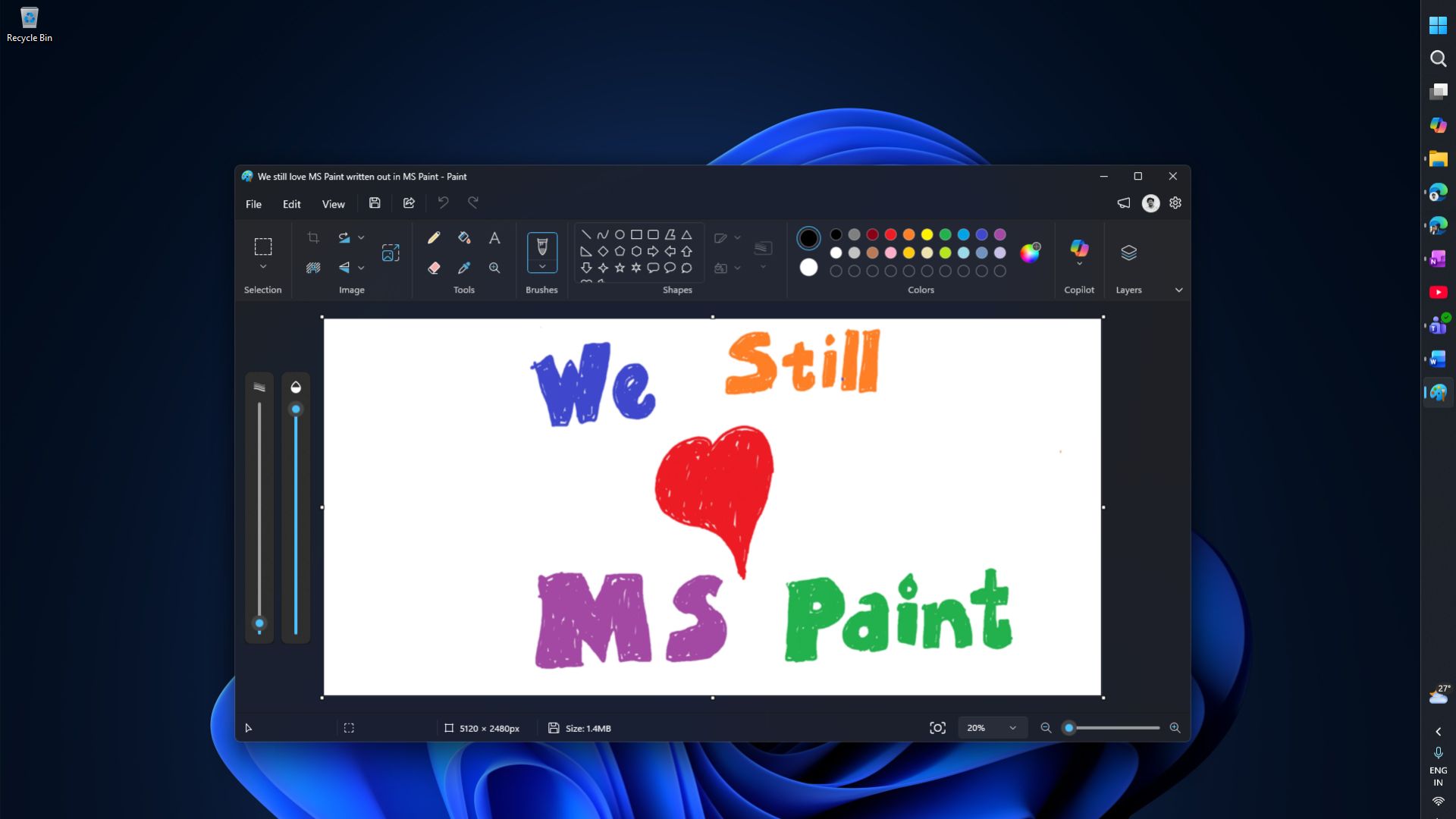
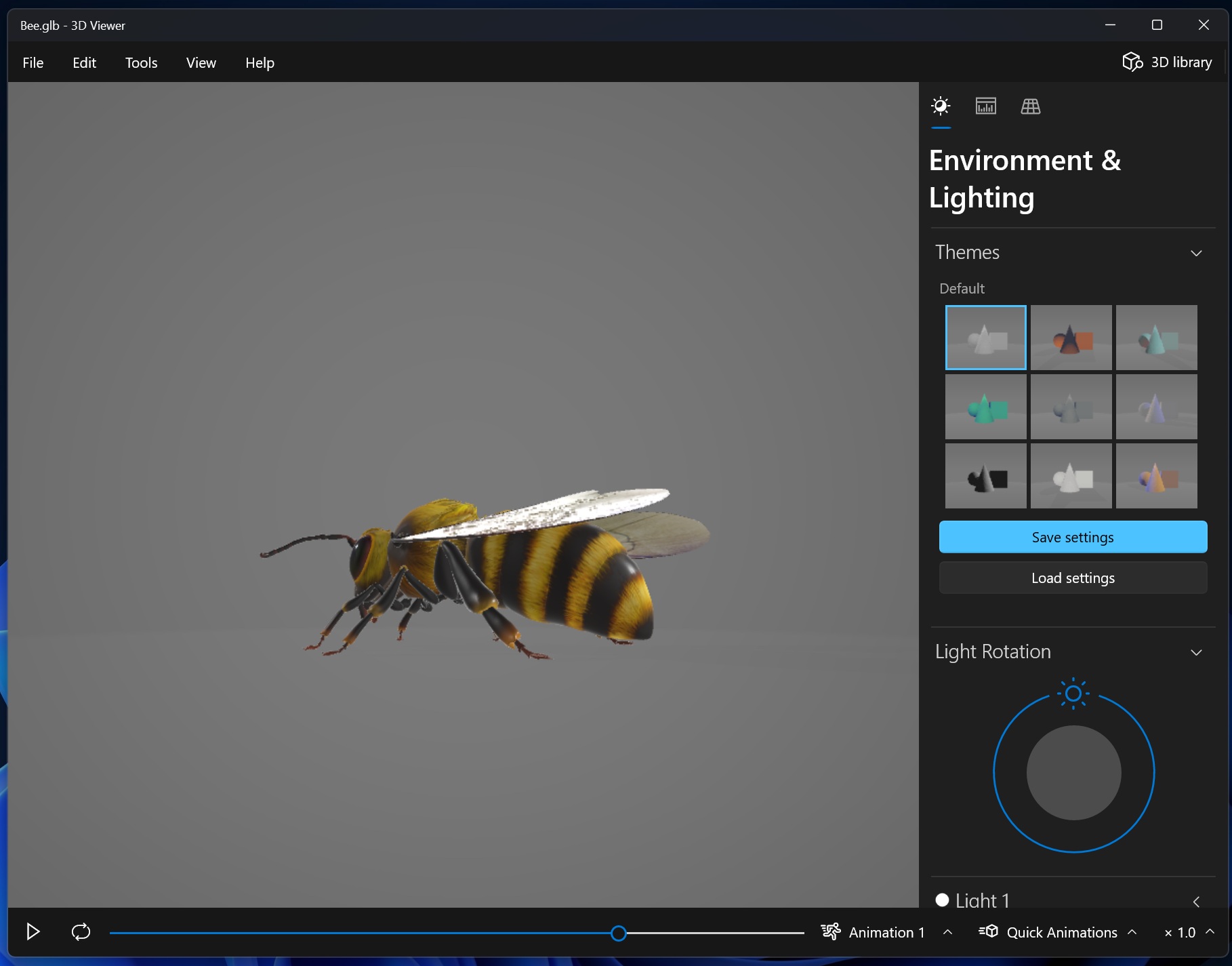
Paint survived and moved to the Store. But Paint 3D didn’t. Microsoft deprecated it in August 2024 and pulled it from the Store that November. Now, in 2026, 3D Viewer followed it out the door, closing out the last remnant of the Creators Update’s 3D ambitions.
Meanwhile, the Paint that got saved now ships with a Copilot hub, Image Creator, Generative Erase, Cocreator, and animation tools.
The question has to be asked: Was there a better way to do all of this?
Paint 3D was much more ambitious than people remember
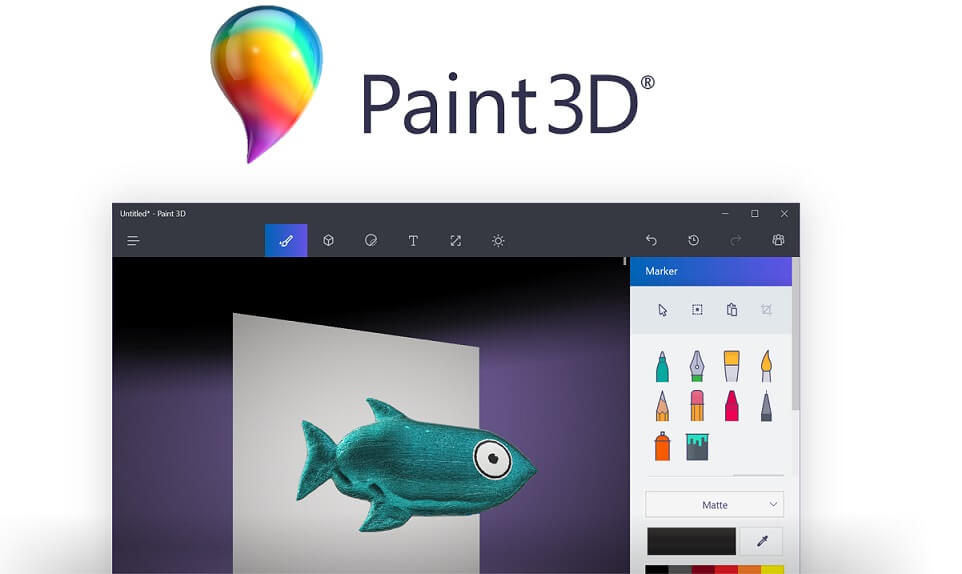
Microsoft launched Paint 3D as part of “3D for everyone,” letting users create or reshape 3D objects, change textures, convert 2D images into 3D art, and pull models from the Remix 3D community, which Microsoft said held over a million objects.
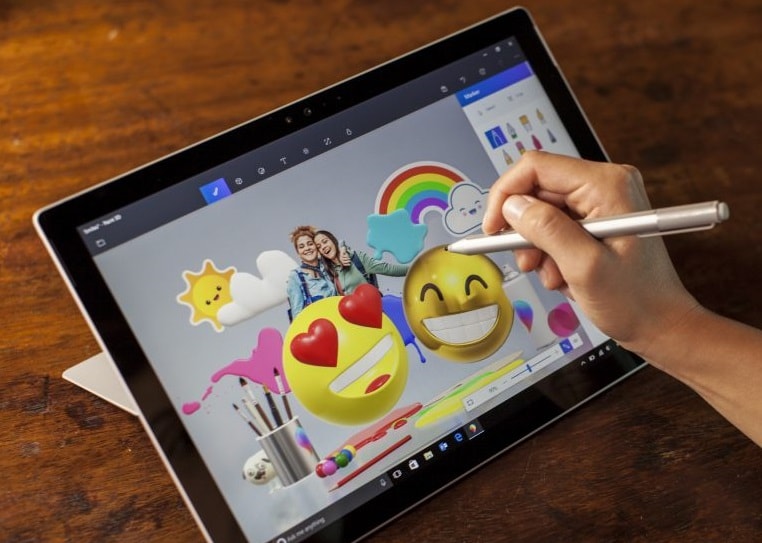
- 3D Doodle let you draw a rough shape and watch it turn into a rotatable object.
- Brushes worked on 3D surfaces instead of a flat canvas.
- Photos could become stickers wrapped around a model.
- Magic Select could cut an object out of a photo and drop it into a scene.
- A History Slider gave you an almost unlimited undo system.
- The Mixed Reality Viewer let you place a finished model in the real world with your camera. I was fascinated by the depth mapping this feature had.
Microsoft’s ambition was anything but subtle: “3D will offer the next major boost to human productivity,” the company said, adding that with Paint 3D, the 100+ million people already using Paint “can all become 3D creators.” Microsoft wanted Paint’s whole audience to follow it into 3D.
So why didn’t Paint 3D become the next Paint?
Some users didn’t see why they needed 3D at all. Others found the interface awkward, missed basic text controls, or ran into precision problems with object alignment once they wanted more than a simple shape.
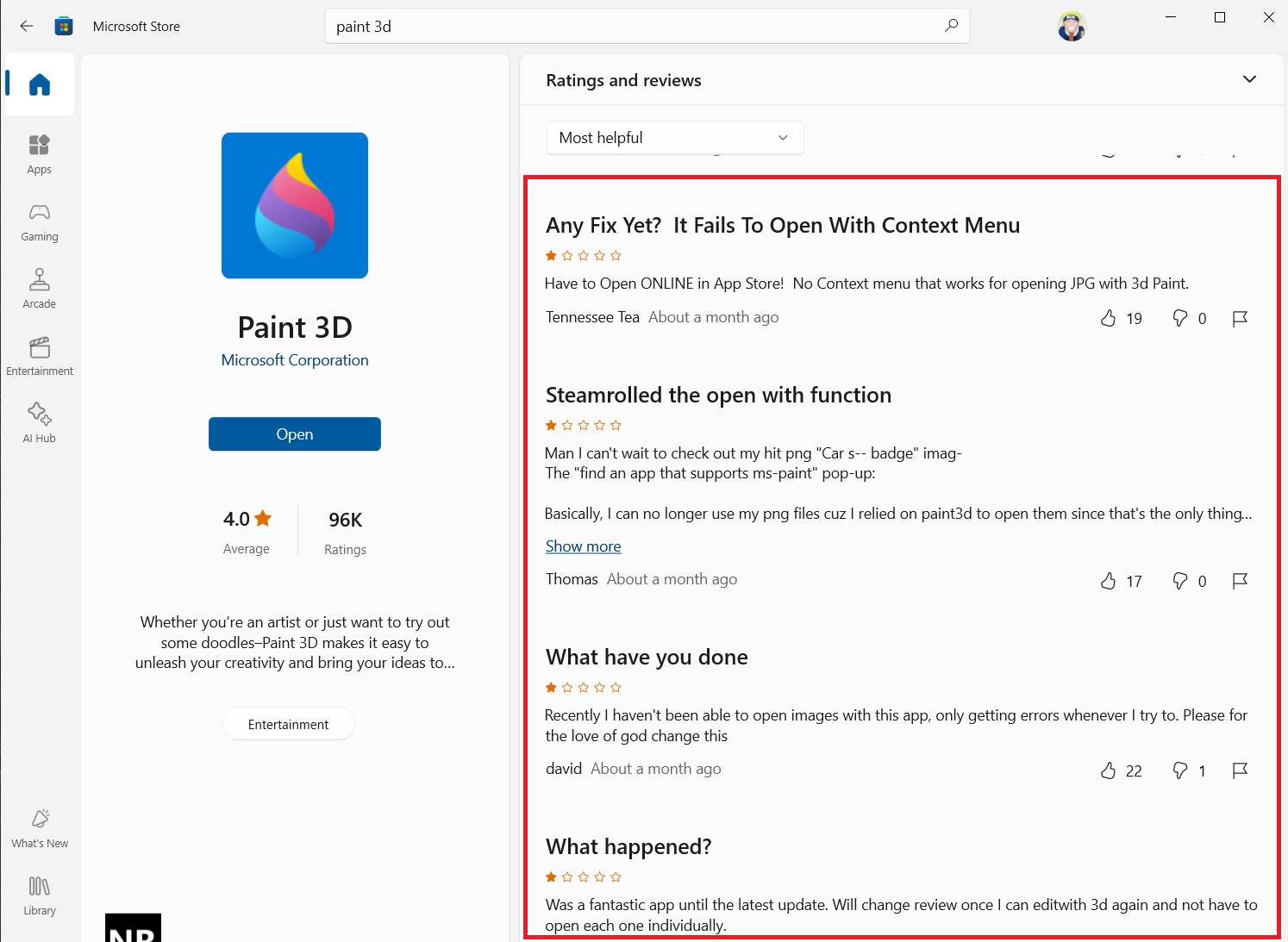
Paint 3D ended up being too different from Paint for people who just wanted Paint, and too limited for anyone doing 3D work, and never quite polished enough for anything in between.
The ecosystem around it collapsed too. Remix 3D shut down in 2020, Windows Mixed Reality faded out, and 3D Objects integration got pulled from File Explorer. Whatever momentum Paint 3D needed to survive was long gone before Microsoft pulled the plug.
Microsoft slowly dismantled its 3D dream
By 2021, Microsoft had stopped preinstalling Paint 3D and 3D Viewer on clean Windows 10 installs and pulled “Edit with Paint 3D” from the context menu, even while still promising the app would be maintained.
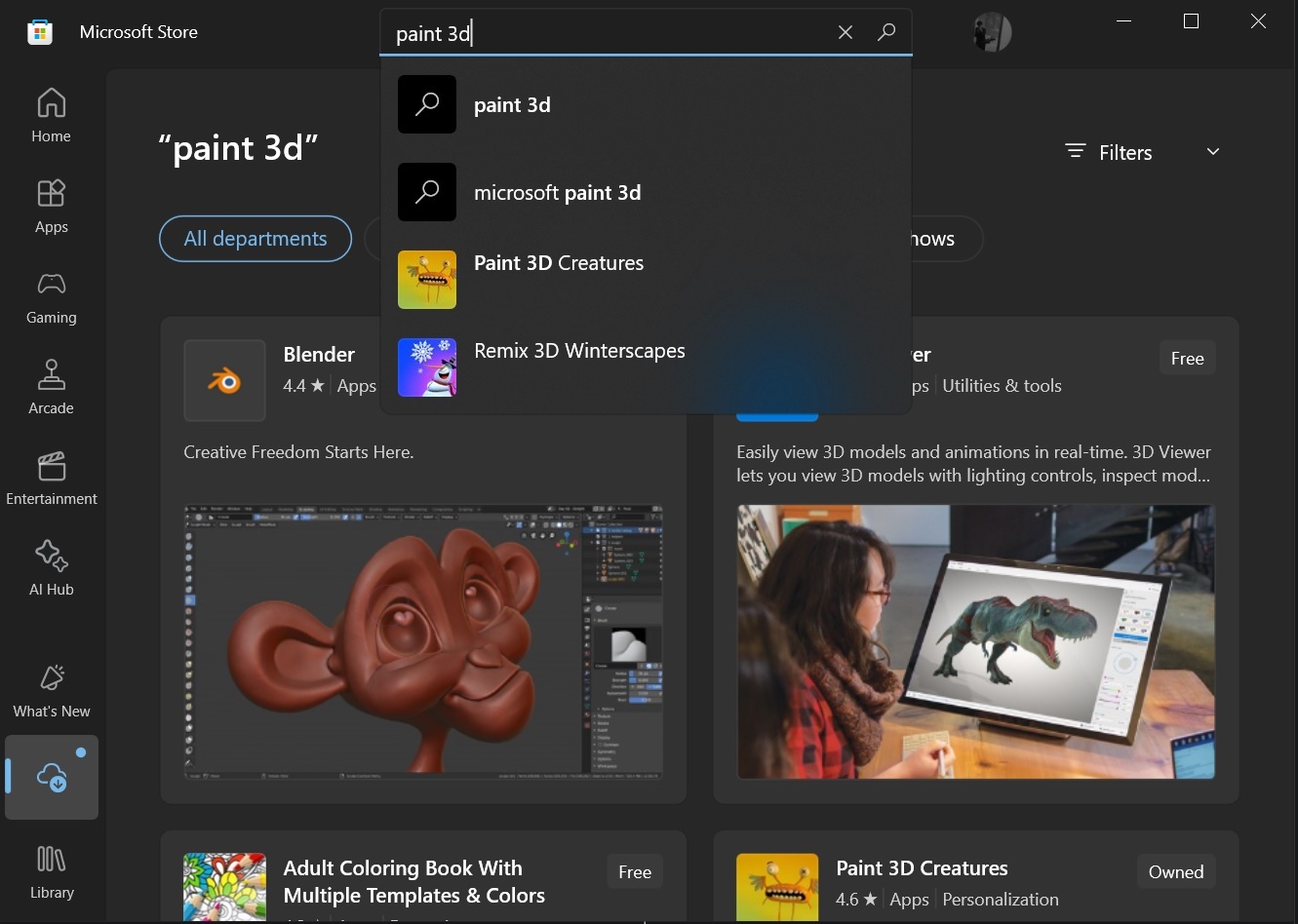
Microsoft announced Paint 3D’s deprecation in August 2024, and deleted it from the Store on November 4. Existing installs kept working, though. Then in February 2026, Microsoft confirmed 3D Viewer was next: “3D Viewer is deprecated and will be removed from the Microsoft Store on July 1, 2026.”
Meanwhile, Microsoft turned Paint into an AI playground
While Paint 3D got quietly dismantled, Paint kept receiving some investment. Microsoft added background removal, layers, transparency, and a .paint project format that preserves an editable state instead of flattening everything to PNG.
Then the AI wave arrived: Generative Erase reached everyone in January 2025, and by March 2025 Microsoft bundled everything into a Copilot hub with Image Creator, Generative Erase, Background Removal, and Cocreator for Copilot+ PCs.

Paint later picked up a Photoshop-like Project file system, AI-generated short animations, and a toolbar-hiding option alongside more AI features.
In even funnier capabilities, Azure CTO Mark Russinovich built a way to run DOOM inside Paint by pasting rendered frames through the clipboard: “Paint renders the game but does not compute it. Paint has never computed anything. That’s the joke.”
I love MS Paint, but I never wanted Paint 3D to go away
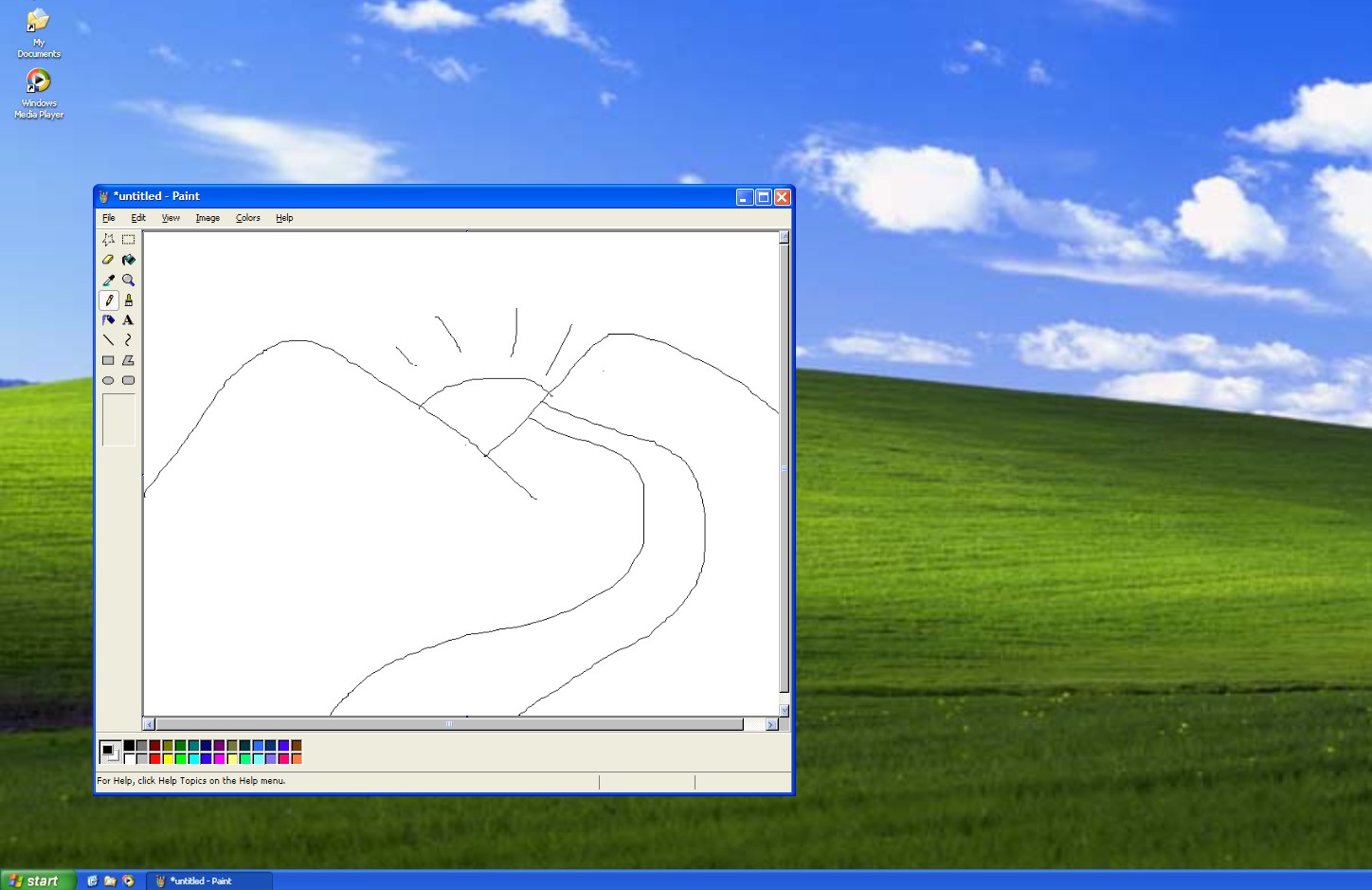
The very first thing I did on a computer, 25 years ago, was drawing the quintessential mountain scenery in MS Paint on a Windows XP PC at my school computer lab. We were asked to follow our computer textbooks that had instructions on using MS Paint. It was all in black and white and hard to follow, though.
Years later, I never got to learn how to draw well on MS Paint, but I remember opening Paint 3D on my Windows 10 ASUS laptop that I got in 2017 at college. I loved it. I could draw any shape and make it 3D. I could even paint in 3D. I felt it had immense potential.
Then, 3 years later in 2020, I had my first job where I was asked to create computer textbooks because the ones school students used were outdated, with Windows 7 and Windows 8 references. The textbooks I made were a huge hit in multiple schools because they featured Windows 10, a little bit of programming, some basic knowledge about AI, and how robotics worked. Later, when I got feedback from students, I was told their favourite part was Paint 3D.
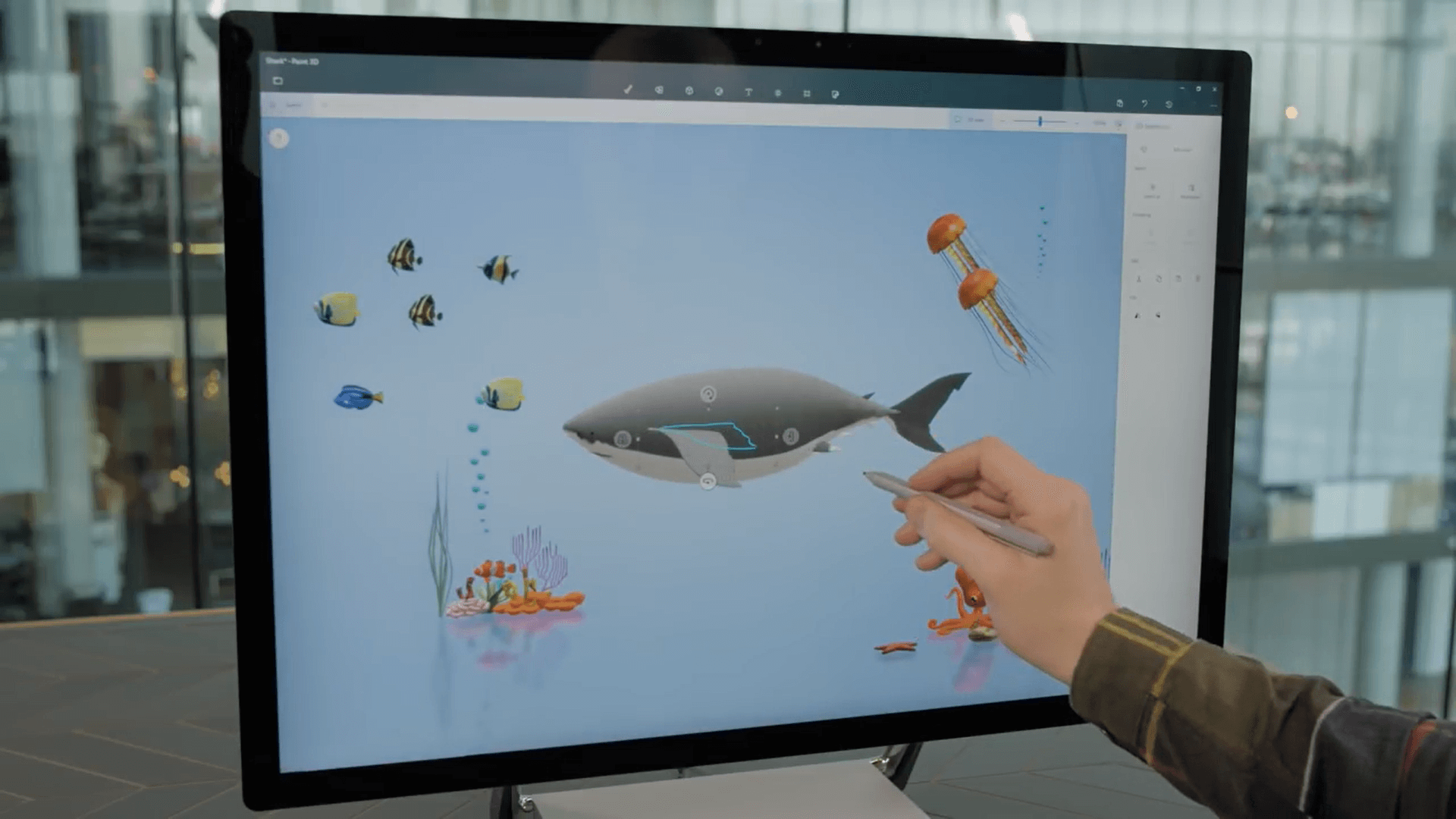
Guess what? So was mine. I spent months preparing some of the best guides on how to use Paint 3D, took hundreds of screenshots, and added them to the books. Teachers told me students were using their creativity more because they had access to a ton of 3D models in Paint 3D.
So, when I saw the news that Microsoft was removing Paint 3D, I was deeply saddened. I understand the love for MS Paint, and I’m glad we still have Paint. But Paint 3D didn’t have to go away.

Paint 3D had a lot of potential
I understand that people hate every new app Microsoft makes, and Paint 3D was no exception. People didn’t find a use for it. However, do I use MS Paint nowadays to draw? Absolutely not. I use it to remove backgrounds from images and sometimes resize them. These aren’t the main functions of Paint. Similarly, Paint 3D could’ve had some capabilities like this.
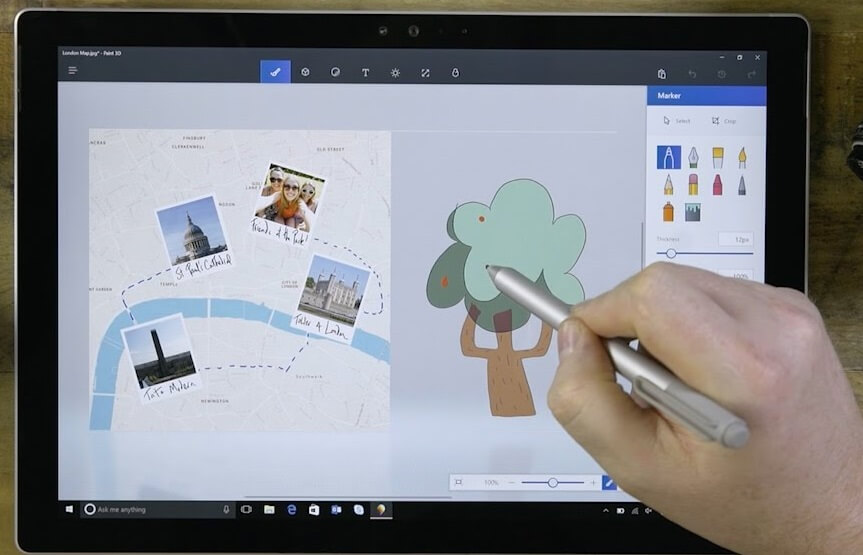
Adobe Illustrator is professional software, powerful but far too complicated for someone who just wants to draw a basic illustration. That’s where we can use Paint.
Blender is extraordinarily capable but has a steep learning curve for someone who wants a simple 3D bedroom mock-up. SketchUp is friendlier but still professional-oriented. Paint 3D had a real shot at becoming the Paint of 3D.
Funnily enough, Microsoft’s Copilot Labs currently has a 3D Model generator described as a way to “turn images into 3D models with one click,” supporting output in GLB, STL, and GIF. It doesn’t connect to Paint 3D. But imagine if it did: you could create 3D floor plans, room mock-ups, furniture arrangements, school projects, simple product mock-ups.
Microsoft could still save Paint 3D without bringing it back
Microsoft has clearly decided it doesn’t want to keep investing in Paint 3D. Fair enough. But a good piece of software doesn’t need to disappear because of that.
At a time when Microsoft is facing growing criticism over the direction of Windows and its aggressive push toward AI, it has a surprisingly simple opportunity: open-source Paint 3D. Let the community take it forward.
It doesn’t need to become Blender; that’s the whole point. It could stay a simple, approachable 3D creation tool for people who never wanted to learn professional software, with developers free to modernize the UI, add Blender or SketchUp file compatibility, or experiment with local AI generation.
3D Viewer deserves a similar path, reborn as an open, lightweight gallery for browsing whatever 3D models are stored on your PC. Paint 3D for creating, 3D Viewer for browsing.
Microsoft spent years trying to convince us that everyone needed 3D, only to eventually throw away the tools it built for that future. If it no longer wants that future, perhaps it should at least let the community decide what to do with it.
The post Microsoft tried to kill Paint in Windows for a successor nobody wanted, then killed the successor appeared first on Windows Latest