
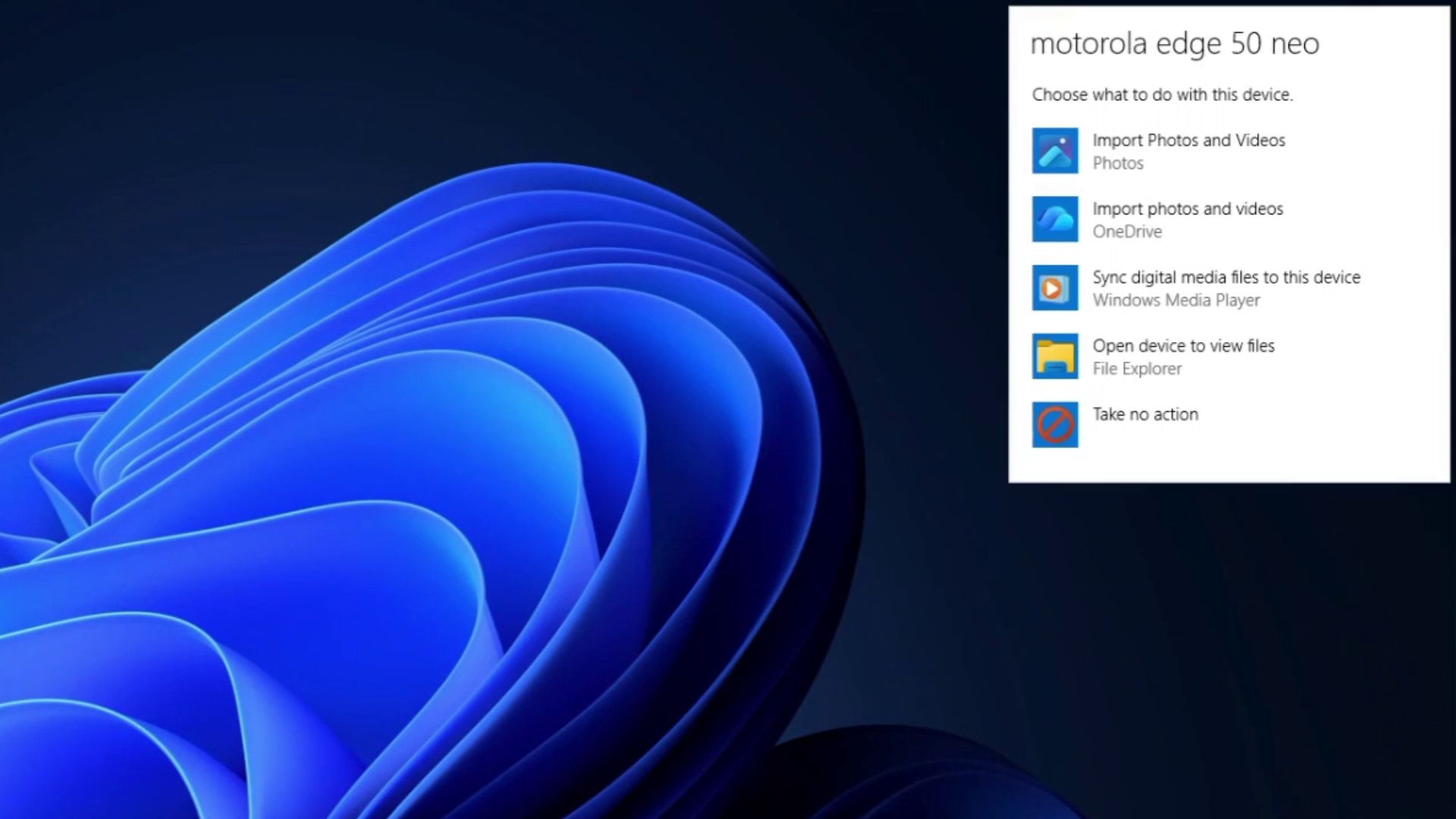
As Windows 11 goes through its biggest UI cleanup year yet, it turns out Microsoft actually explained decades ago why the old UI elements still survive today in the OS. A Microsoft engineer wrote about it in 2003, and after reading it, I feel the situation still describes half of what’s wrong with Windows 11 today.
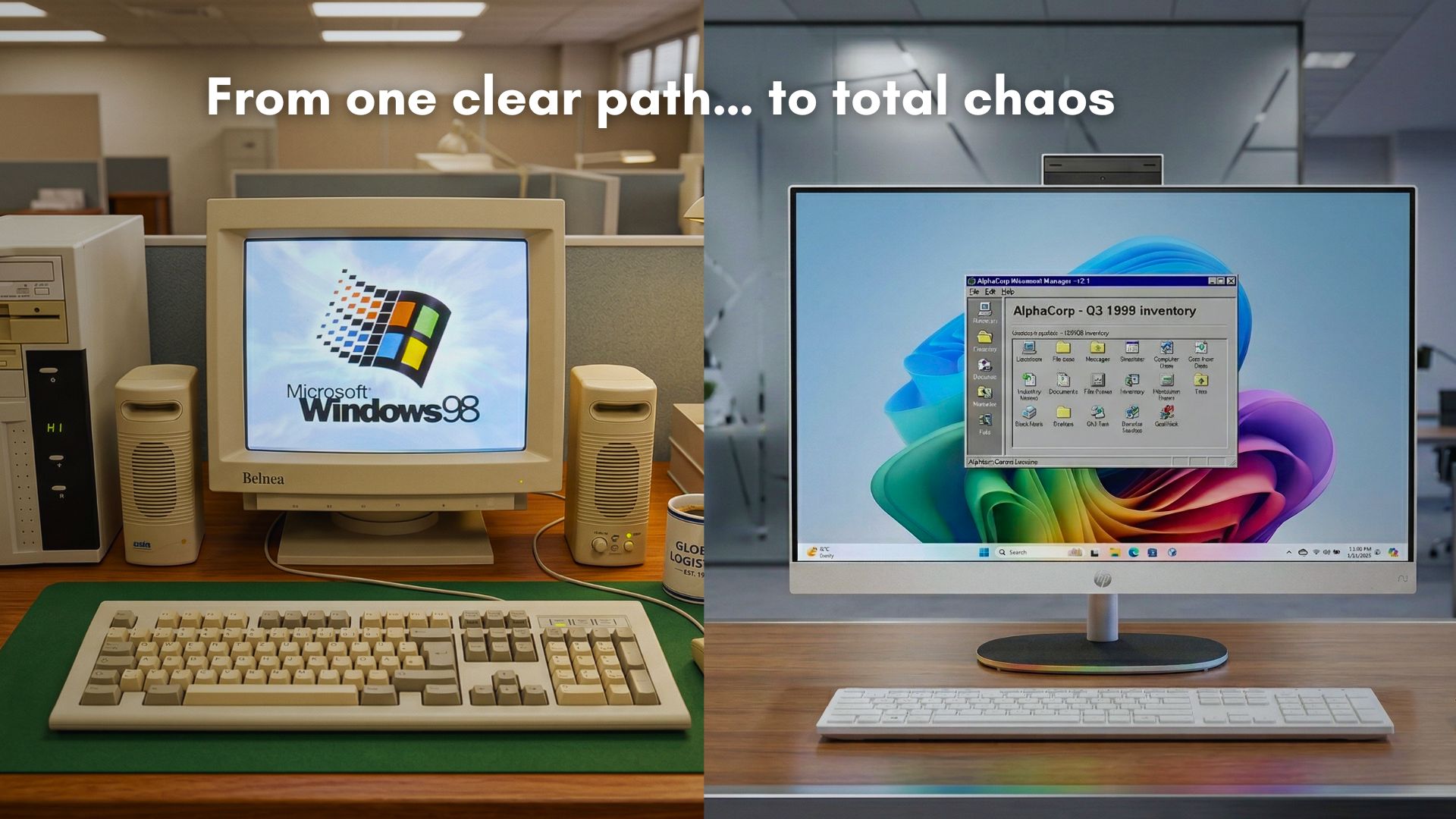
Back then, old interfaces stuck around because Microsoft deliberately gave users a way to get back to them (a temporary bridge while everyone adjusted). Today, we still see legacy UI in Windows 11 because Redmond never got around to finishing the replacement.
Microsoft had a surprisingly good reason for keeping old Windows UI
On October 20, 2003, Raymond Chen published a post on his Old New Thing blog explaining how Alt+Tab ordering works, based on window Z-order.
Microsoft did not replace the old Alt+Tab behavior and tell everyone to deal with it. When Windows 3.1 introduced the newer task switcher, the company added a Control Panel option that let users switch back to the older behavior from Windows 3.0 and earlier.
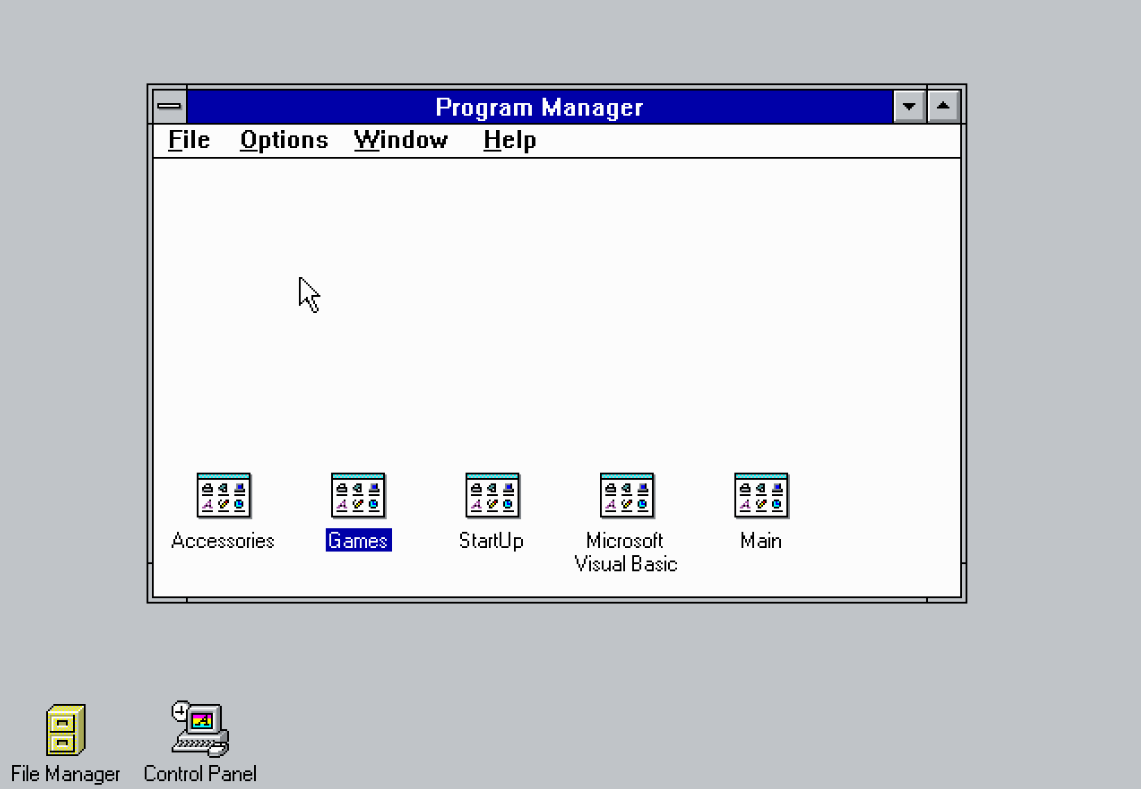
The old version of Alt+Tab behaved much like Alt+Esc, moving through windows in Z-order, and it would automatically bring a minimized window back when you switched to it. Microsoft called the newer system “fast task switching,” and they were concerned enough about the change that they even provided the SPI_SETFASTTASKSWITCH setting for programs to switch back to the old behavior.
Nobody complained, according to Chen, so Microsoft eventually removed the old task-switching system, and the new Alt+Tab that we have now became the default.
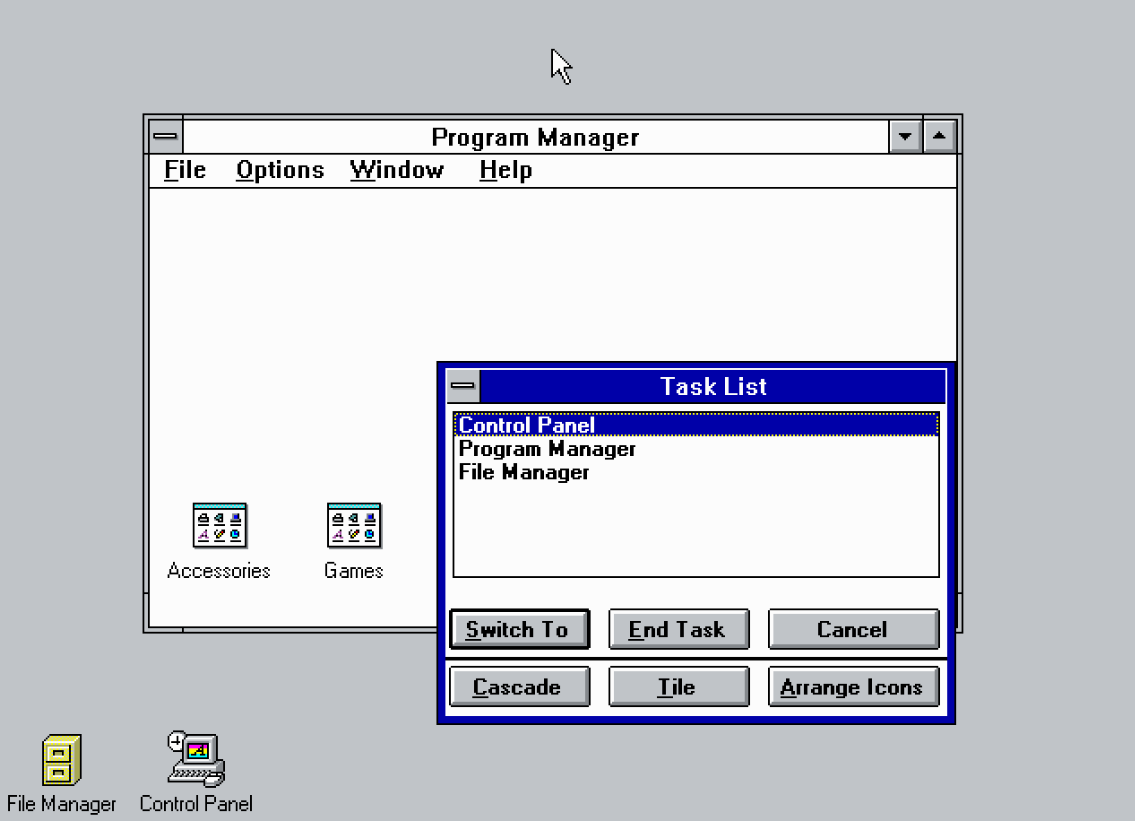
Microsoft gave users a way to keep the old interface while they adjusted to the new one.
The software giant could introduce a new interface without immediately forcing every user and every company to adapt overnight. Once the replacement had proved itself, the old implementation could go. The closest analogy that I can think of in modern-day Windows is the Controlled Feature Rollout (CFR) technology.
Chen then explains why Microsoft bothered with any of this in the first place: “It turns out that corporations with 10,000 employees don’t like it when the user interface changes, because it forces them to spend millions of dollars retraining all their employees.”
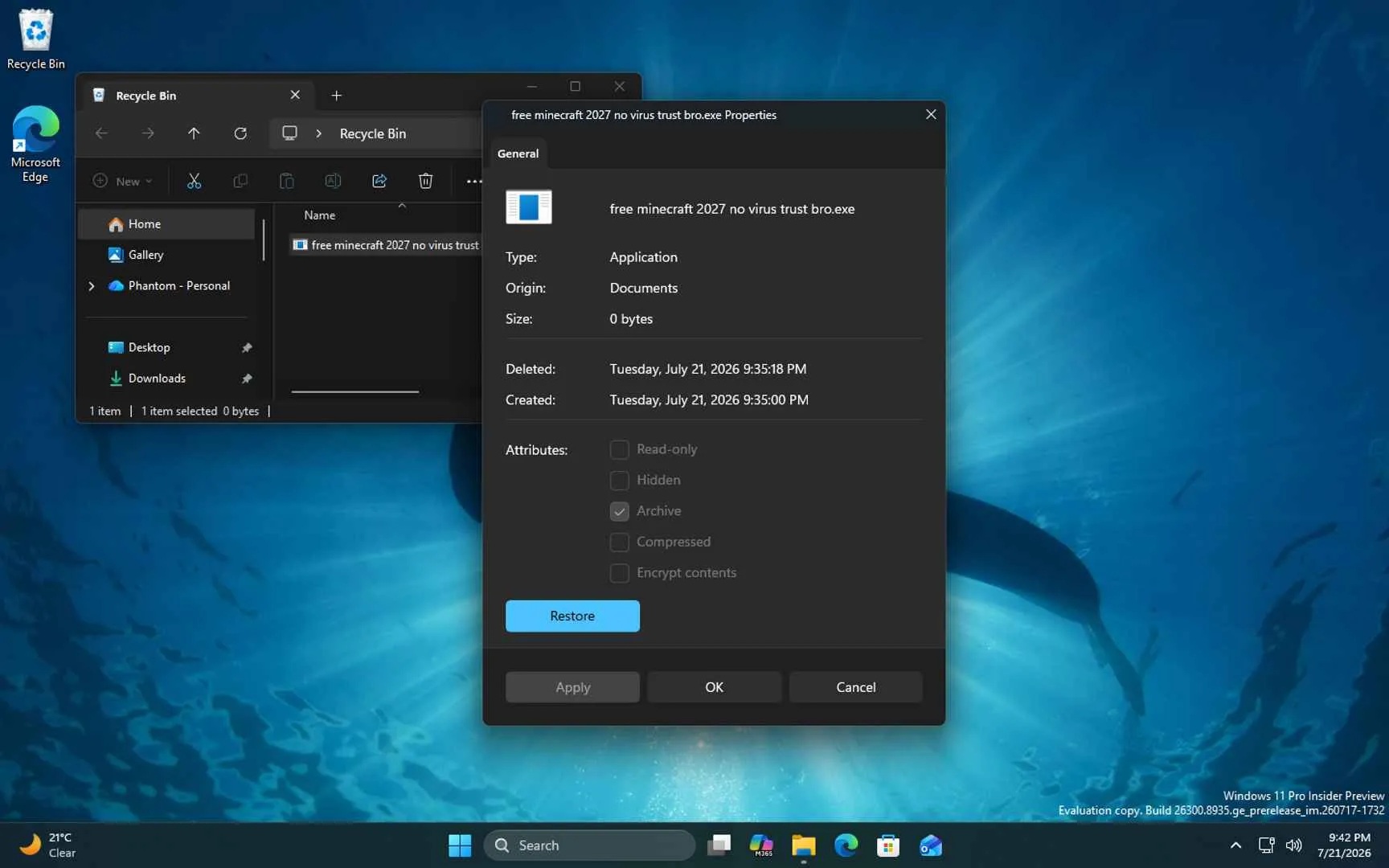
As I test multiple Windows 11 Insider builds, I am pretty used to seeing UI changes and adjust fairly quickly. But for companies where employees do their jobs being agnostic about the OS their PC is running on, changing an interface has a huge cost, and it’s monetary for enterprises and laborious for the users.
As Microsoft needed all that enterprise business, giving people an escape hatch was part of them managing that cost responsibly.
Windows changed, and the old UI stopped going away
Things changed somewhere between 2003 and today, though. Now we have old UI in Windows 11 not as a courtesy while people adjust, but because Microsoft hasn’t finished building whatever is supposed to replace it, and pulling the trigger too early risks breaking something crucial for an enterprise that uses Windows PCs.
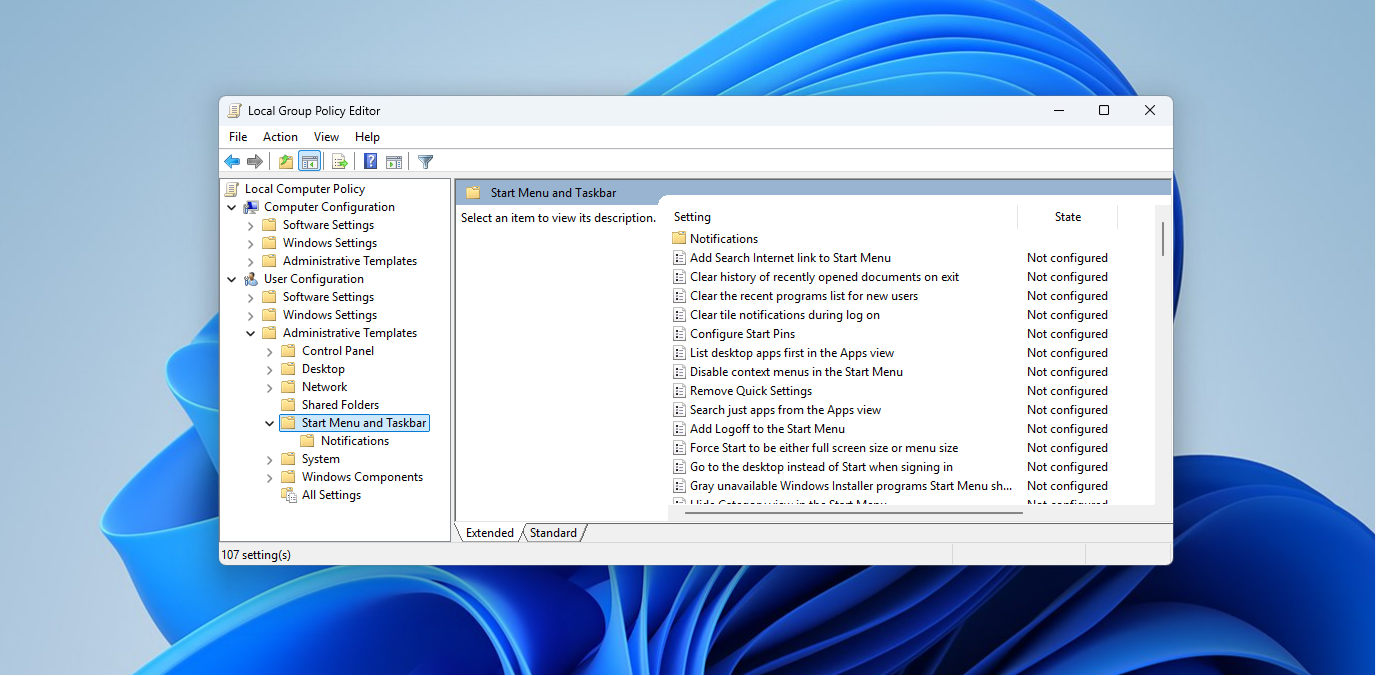
Of course, IT Admins still use the Group Policy Editor to ease up on the changes that Microsoft brings to Windows.
Let’s take a look at the Control Panel. Windows Latest reported in April that March Rogers, Partner Director of Design at Microsoft, confirmed the team is still migrating Control Panel controls to the Settings app, and it’s slow going specifically because of network and printer drivers.
“We’re doing it carefully because there are a lot of different network and printer devices & drivers we need to make sure we don’t break in the process,” Rogers said.
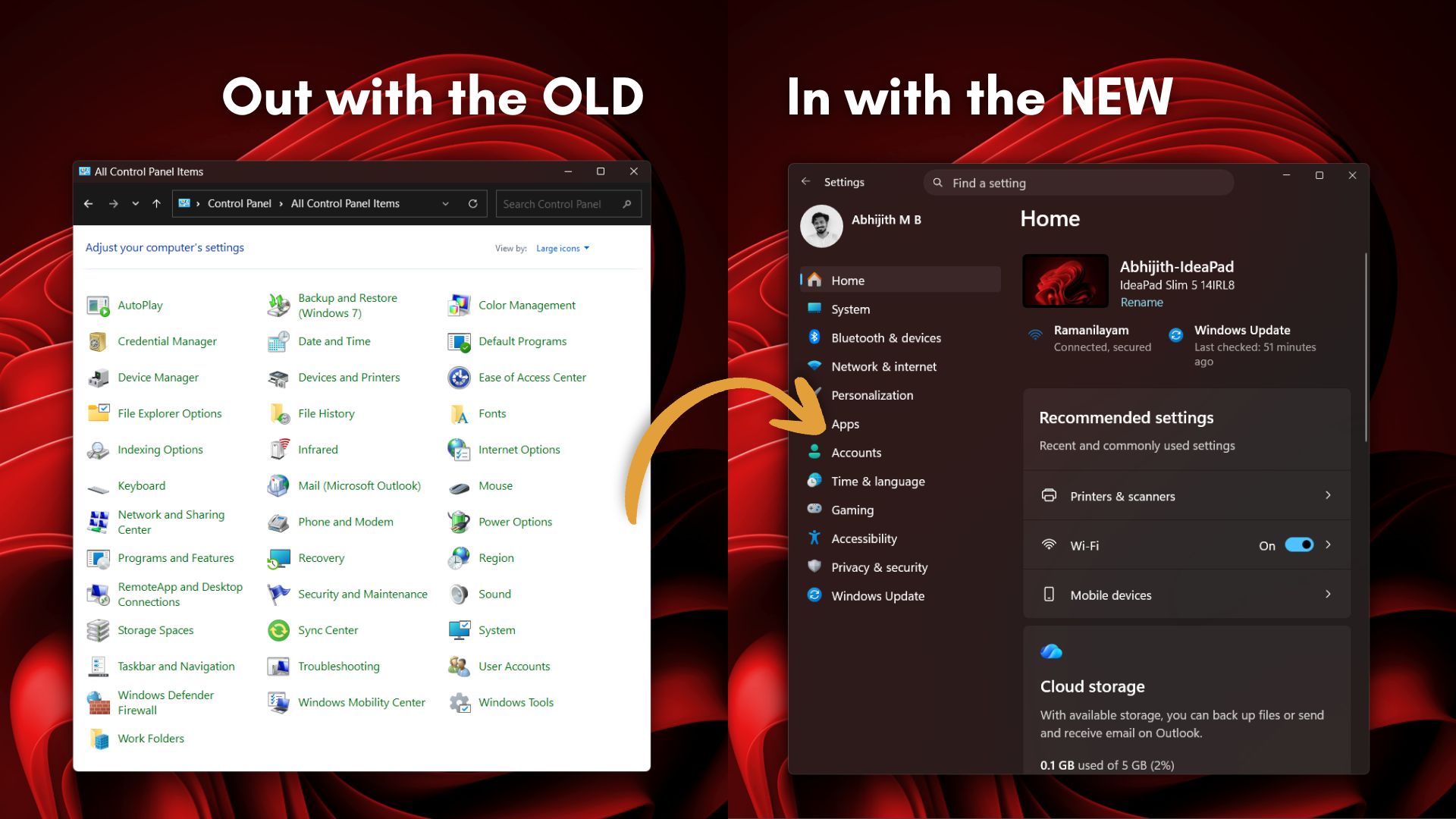
Unlike macOS, which can deprecate old hardware support more aggressively thanks to a much smaller, and dare I say, submissive user base, Windows has spent decades supporting drivers and devices that businesses still depend on, and, unfortunately, that history is why Control Panel refuses to die.
Lack of focus made RAM-hungry WebView2 ubiquitous
Microsoft also had the distasteful habit of never finishing a UI framework before jumping to the next one. Win32 gave way to MFC, then came .NET-era frameworks, then XAML-based ones with hardware acceleration, a cross-platform detour that went nowhere, then UWP during the Windows 8 and 10 era. Finally, we are at WinUI 3.
Somewhere along the way, Microsoft started reaching for WebView2 instead of finishing the native framework (WinUI) it kept building. Today, as we first reported, Windows 11’s default Weather app is a WebView2 wrapper burning over 1.2GB of RAM at idle, nearly five times what the macOS Weather app uses.
This corporate habit of unfinished replacement gave way for sluggish third-party apps too. WhatsApp on Windows uses up to 600MB doing nothing, and Electron-based Discord climbs as high as 4GB.
Whoever gets blamed, it’s the Windows we use that inherits the RAM bill!
Microsoft is finally rewriting Windows 11 instead of covering it up
What makes 2026 different is that Microsoft appears to be eating the frog by replacing old code instead of painting over it. Windows Latest covered the new File Explorer Properties dialog in July, a rebuild in WinUI 3 of a dialog that goes back to Windows 95.
The new Run dialog is interesting because Microsoft’s telemetry showed it loaded in 94ms compared to 103ms for the legacy version. Old code sticking around isn’t always about performance. Sometimes it survives because rewriting it without breaking anything is harder than leaving it alone. It’s not a skill issue either, because we are actually talking about Microsoft, of all companies! But when Redmond does the rewrite properly, the result is measurably faster.
The Start menu shows why rewriting takes so long
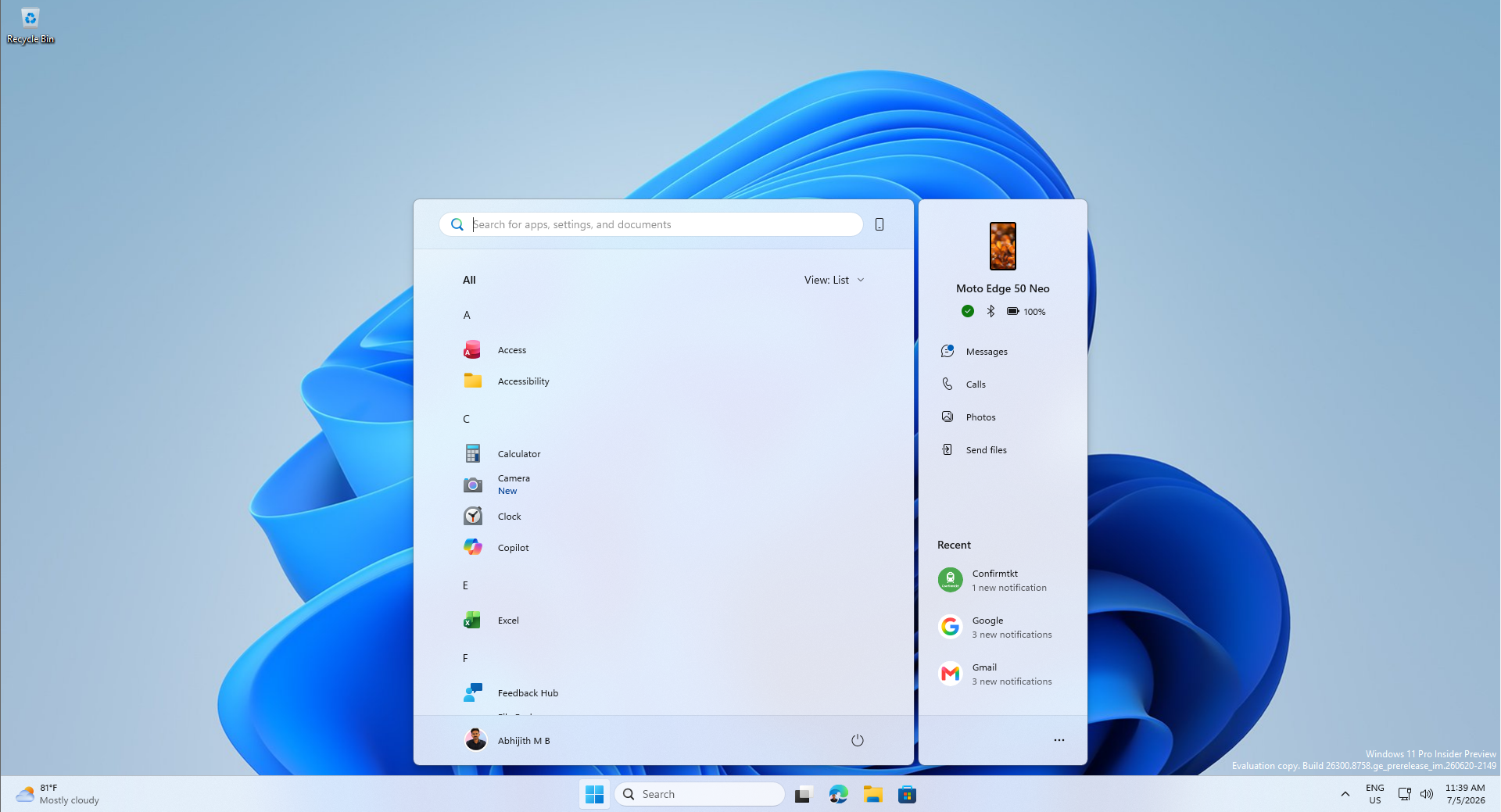
Windows Latest reported in March that Microsoft is moving the Start menu’s shared UI infrastructure to WinUI to cut interaction latency. Parts of the Start menu, including the Recommended section and All Apps list, were originally built in React Native, because it let the team iterate and ship faster.
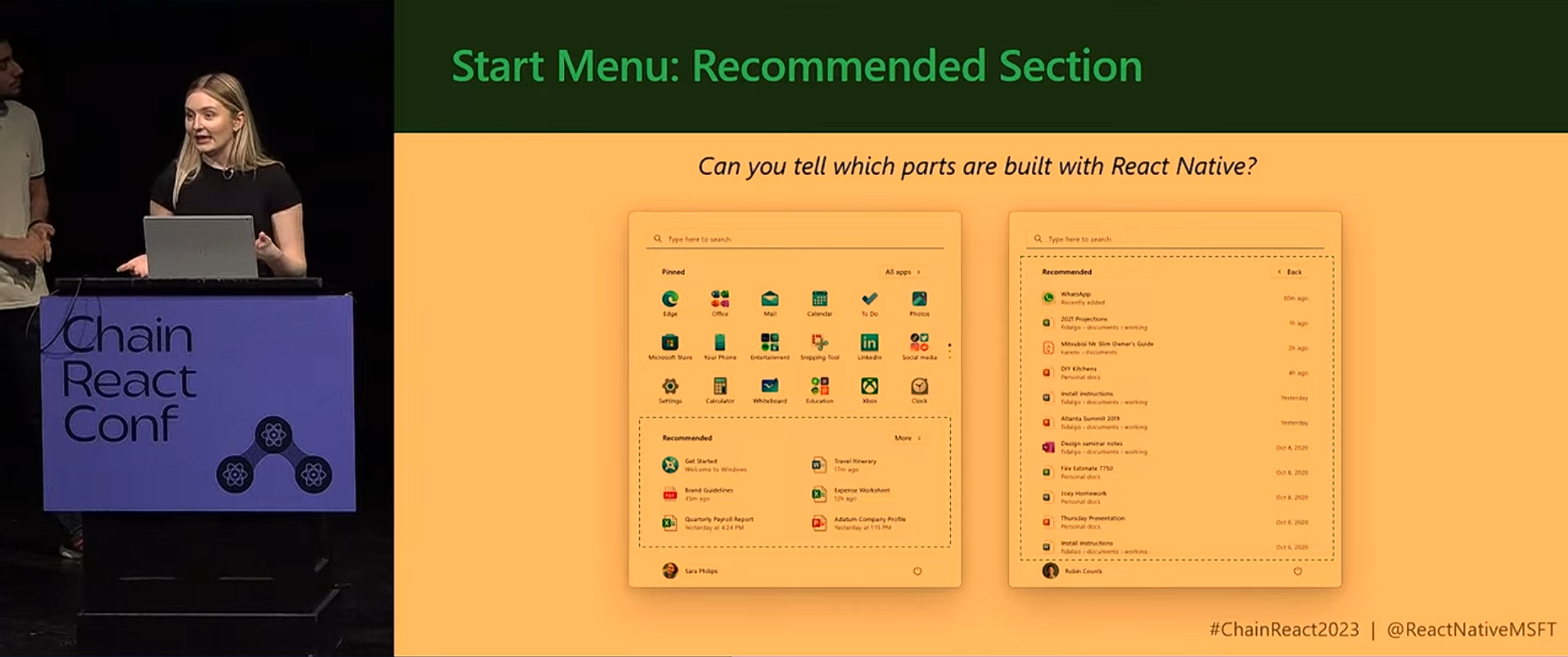
Microsoft’s WinUI team has said performance, fundamentals, and bug fixing come before new features, and that memory usage and the framework’s move to the system compositor need to be ready before the Start menu can be rewritten in WinUI.
The 5000-year-old idea is to get the foundation stable first! And then move one of the most-viewed parts of the OS onto it.
In July, Satya Nadella told investors Microsoft is investing in Windows to ensure it has the “best quality and fundamentals,”. If you think about it, it’s the same instinct Raymond Chen described in 2003, of course, aimed at a much bigger backlog!
Chen’s approach in 2003 was to give people a way back, wait until complaints stop, then remove the old thing. However, Windows lost that discipline, and the old UI is piled up because the replacements are not quite finished. That said, 2026 looks like the year Microsoft is finishing the job.
The post Microsoft explained 23 years ago why Windows keeps old UI, and Windows 11 still can’t escape it appeared first on Windows Latest