
One of the major problems pulling Windows 11 down is the built-in apps and the native framework, and Windows Latest has learned that Microsoft is preparing a major update focused on memory management. I’m told that the WinUI-based Start menu and Agenda view in the Notifications center are still happening, but Microsoft is optimizing WinUI before the rollout.
Details about memory management were also teased at Build 2026 for developers, but much of that was strictly related to WinUI.
At Build 2026, Microsoft said it has been making changes to WinUI so it uses less RAM, and that is particularly important before core Windows elements, such as the Start menu, are rewritten in WinUI.
According to Chris Anderson, who is an engineer on Microsoft’s Windows UI team, more changes are planned and broadly teased “performance, fundamentals, and quality” fixes for WinUI ahead of bigger plans.
One notable change is the company’s plan to move WinUI to the Windows system compositor, which should make apps and the OS a bit faster.
“On the performance side we’ve invested heavily in really improving memory usage as well as switching over to a system compositor, which should yield some even better performance improvements. And this stuff all actually hit the public in our Git repo,” Anderson said.
As much as all of us want to see native apps in Windows, particularly those built using WinUI, there’s no denying that the framework isn’t exactly optimized for performance. It can feel slow, and most of you have already experienced it firsthand.
For example, try setting File Explorer to open “This PC” and compare its performance against the “Home” tab, which takes considerably longer to load.
I’m told that Microsoft is internally testing memory usage, performance, and reliability fixes for WinUI before shipping the new Start menu built using the framework.
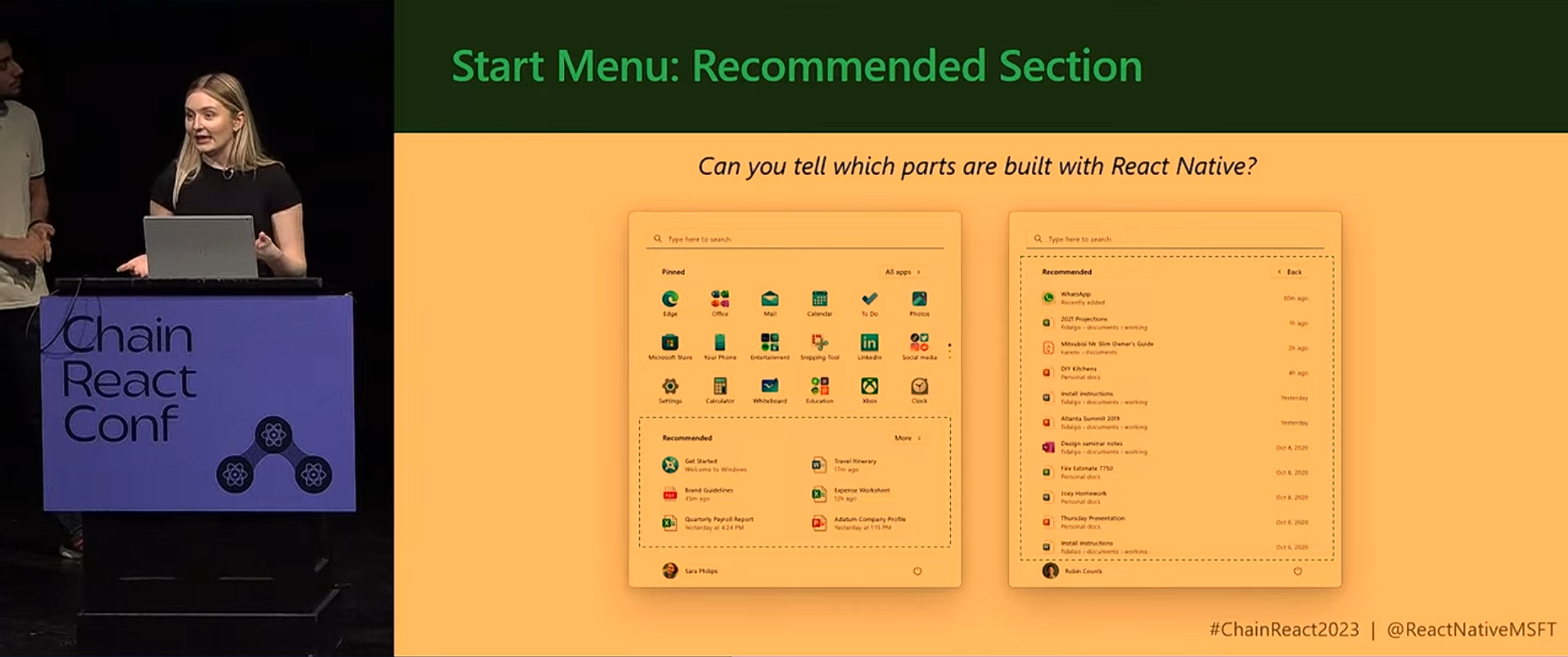
There largely won’t be any visible changes to the Start menu when the WinUI version rolls out, but it should stutter a bit less on low-end PCs and use less RAM overall.
Unfortunately, we don’t have the numbers yet, so I can’t tell you whether an app using 300MB of RAM might drop to 250MB, 200MB, or something else after adopting the changes.
At Build 2026, Microsoft also said it has plans to roll out new WinUI features, but that won’t happen unless the performance issues are addressed. Right now, the focus is entirely on fixing bugs so WinUI feels more responsive, and it’s necessary ahead of the Start menu changes.
“I really want to spend the time before I dive into the new and exciting things that I think are attractive and shiny baubles in the feature,” Anderson said.
“…This is really the core features that people have been asking for and really need to be productive on top of WinUI. The first and foremost is performance, fundamentals, quality, fixing a lot of bugs.”
Microsoft is also preparing built-in DataGrid and Charting controls for WinUI to convince enterprise developers to switch
“We’re also adding in a lot of new controls,” Anderson said. “We have DataGrid and Charting that are up and coming that should be out relatively shortly. These will be showing up in the core WinUI bits and will allow you to go after a lot more of these data-oriented scenarios.”
There are two reasons why Microsoft is adding these controls to WinUI. First, it wants to reduce developers’ dependence on separate libraries for common enterprise app features, which is quite obvious.
Second, it hopes that enterprise developers will begin using WinUI to build their apps. If that happens, you can expect Microsoft to invest more in WinUI, and more legacy apps to move to the new native framework.
However, Microsoft did not say that using the built-in controls will necessarily reduce an application’s RAM usage.
Microsoft wants to get WinUI right before moving more Windows 11 components to the native framework
Microsoft says it is integrating WinUI into the Windows shell more quickly, and additional first-party Windows experiences will be built with it.
“We’re really trying to push hard to stretch WinUI to be accessible for any use case that we want. We’ve started to integrate it into the shell at a much faster rate. And so you’re going to see a lot of the first-party features coming from Microsoft being built on top of WinUI.”
That means Microsoft can’t make Windows 11 faster if the core framework ‘WinUI’ itself is slow.
The company argues that WinUI is being used inside the Windows shell, and it’s also found in a number of native Windows apps. Framework overhead can negatively affect Windows performance, and that’s why the company wants to optimize WinUI.
Microsoft did not identify which Windows 11 features will move to WinUI next. It also did not confirm whether existing shell components will immediately be updated to use the memory improvements. But we know that the Start menu and Agenda view in the notifications are two top features moving to the native code.
Still, the company says more first-party features are coming to WinUI.
“We hope to see a lot of third-party developers really start to adopt it,” Anderson said. “We’ve seen some pickup already, but we know that the move to adopt a new UI framework can take a long time, especially in enterprise spaces.”
“We see this as our time to really start showing that we are putting our muscle behind this and that we’re committed to moving WinUI forward. And that is fully our intention.”
Microsoft admits WinUI still has major feature gaps
Performance is not the only reason developers have been reluctant to move their applications to WinUI.
Microsoft says developers continue to rely on open-source libraries because WinUI is missing capabilities they need, including a complete system tray implementation and richer data controls.
“The second thing we’ve heard a lot is, beyond DataGrid and Charting, there’s just a ton of feature gaps in the platform,” Anderson said.
“Everything from what are you doing on the system tray? And you have limited use of Windows. A bunch of people use open source libraries to fix these gaps, and can we just get the platform fixed?”
“We have a large backlog,” Anderson said. “We’re going to start working through that and really start trying to address the feature gaps that people are calling out. But it’s been one of the biggest issues.”
Furthermore, Anderson addressed developers who remain concerned that Microsoft could abandon WinUI and replace it with another framework.
“Probably the number one thing is, are you guys actually serious this time? Are you going to stick with this framework? WinUI 3 is four years old. Are you going to keep going, or is this the year that you’re going to announce a brand-new framework yet again?”
“And I will say that, no, we have no intention of building a new framework.”
Microsoft is also dropping the version number from the framework’s name.
“In fact, we’re dropping the number, and we’re referring to WinUI as just WinUI because we have no intention of really making a massive shift, breaking change on it,” Anderson said.
The post Microsoft admits Windows 11 native apps hog RAM, promises a WinUI performance boost before Start menu rewrite appeared first on Windows Latest