
Microsoft previously confirmed that it was investigating a known issue where Windows 11 boots into the BitLocker screen after monthly updates. This issue is now patched with the Windows 11 May 2026 Update.
When your PC hits a BitLocker recovery screen, you’ll be asked to enter a 48-digit recovery key, and if you don’t, you’ll be stuck on the screen. Thankfully, recovery keys are always synced to the Microsoft account, and the company is now addressing the root cause.
For those unaware, BitLocker is enabled by default on all modern PCs, particularly after the Windows 11 24H2 release in 2024.
In fact, if you clean install Windows 11, Microsoft will automatically turn on BitLocker. In other words, most users aren’t aware that BitLocker is turned on by default.
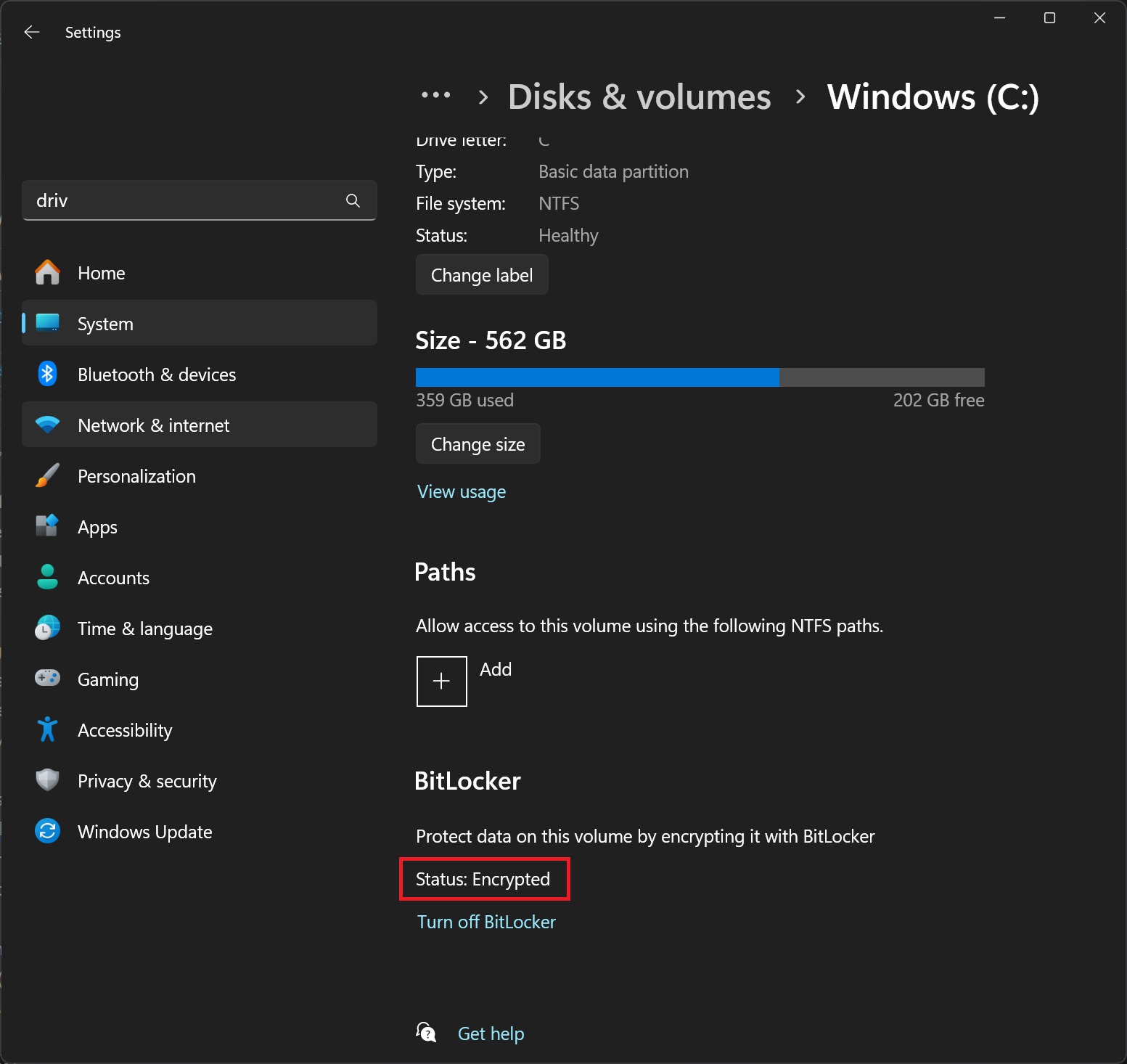
BitLocker isn’t necessarily a problem because it’s a security feature that encrypts your storage drives and blocks unauthorized access.
BitLocker recovery screen is usually triggered only when you try to change your hardware, including upgrading your RAM and CPU. It can also trigger recovery mode due to TPM updates and, lately, Windows updates.
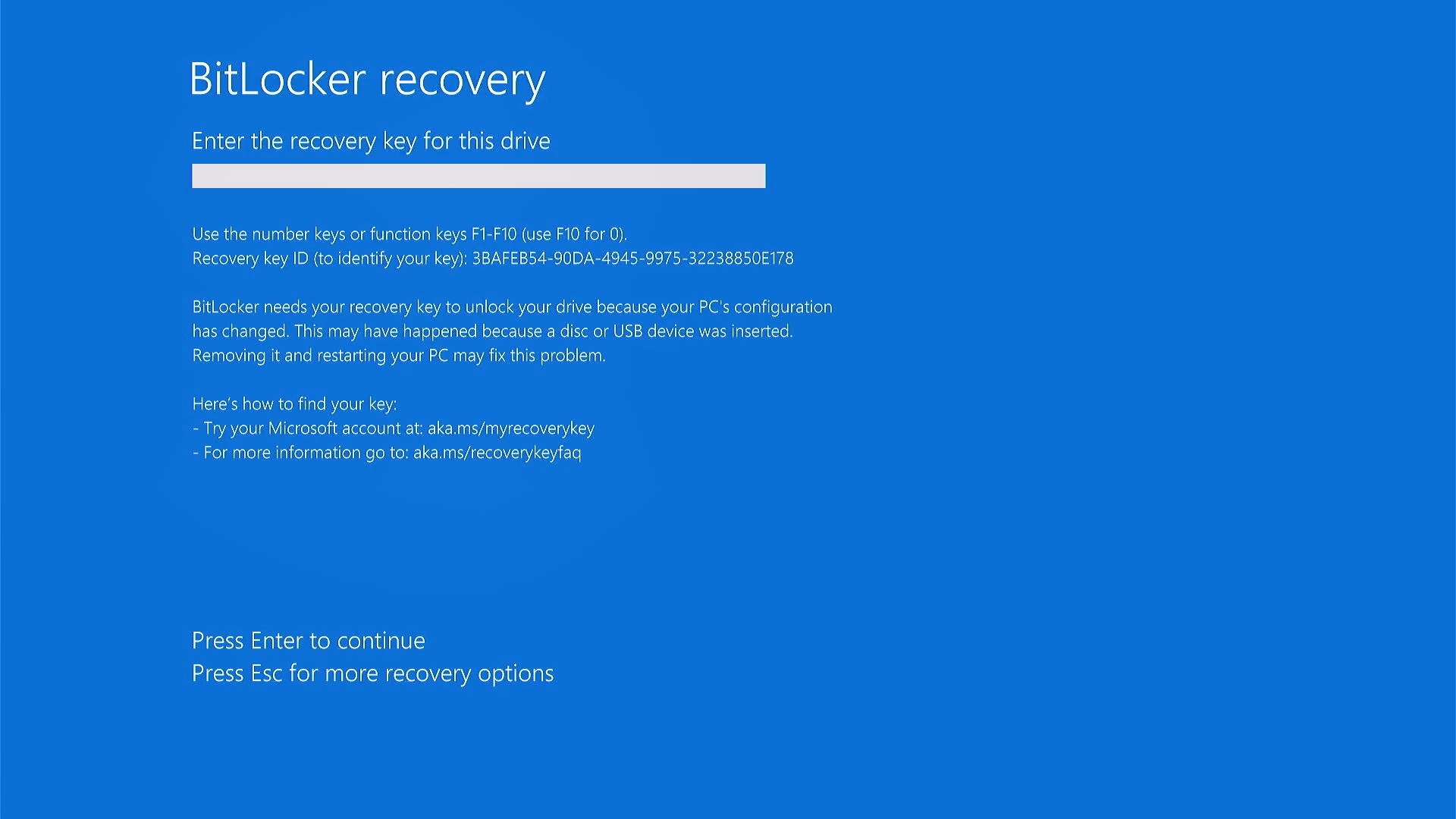
For example, in May 2025, Windows Latest found that users were running into BitLocker recovery mode after the mandatory Patch Tuesday update. Later, we found similar complaints in October 2025 after the monthly cumulative updates, and Microsoft also confirmed the reports.
We’ve seen similar reports in January 2026, but those were isolated cases. Later, Microsoft confirmed it was aware of a rare situation where the BitLocker recovery screen would affect certain PCs after the April 2026 update.
This month, Microsoft released the May 2026 cumulative update, and it doesn’t appear to cause BitLocker alerts for any PCs. That’s because Microsoft has finally addressed the root cause and confirmed that the bug was specifically affecting some PCs that used an unrecommended BitLocker policy.
“Some devices with an unrecommended BitLocker Group Policy configuration might be required to enter their BitLocker recovery key on the first restart after installing this update,” Microsoft explained in a support document spotted by Windows Latest.
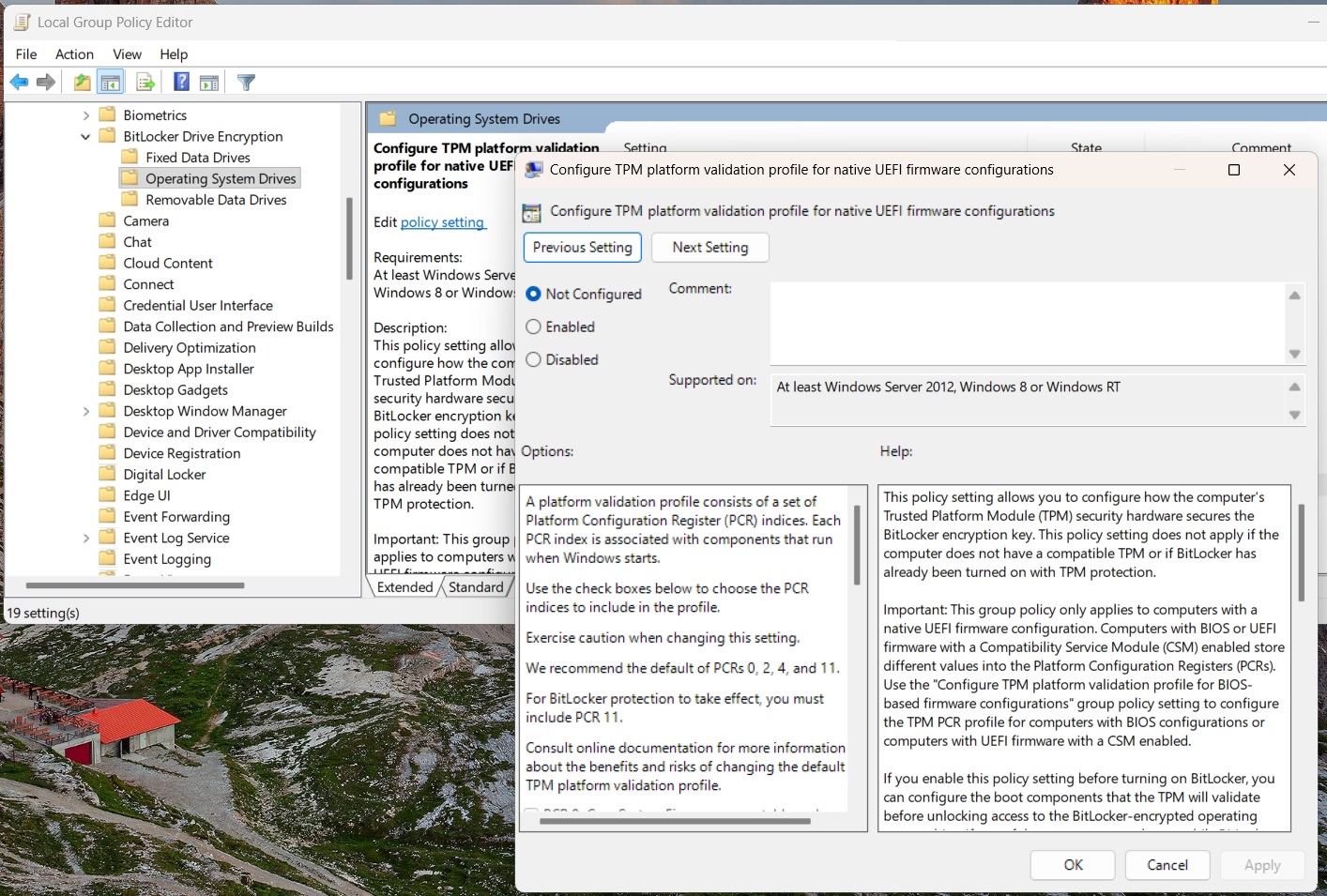
“BitLocker recovery key only needs to be entered once — subsequent restarts will not trigger a BitLocker recovery screen, as long as the group policy configuration remains unchanged,” the company noted.
Microsoft insists that most consumers won’t run into BitLocker recovery alerts, but that doesn’t appear to be the case based on reports on the company’s own forums. Regardless, it looks like all BitLocker-related problems are now fully patched.
According to the support document, Microsoft has patched all BitLocker issues with Windows 11 KB5089549 (May 2026 Update).
“This update addresses an issue where some devices might enter BitLocker Recovery after updating boot files on systems with certain Trusted Platform Module (TPM) validation settings,” the company noted.
Right now, Windows 11 KB5089549 appears to be a pretty decent update, and it doesn’t cause major problems. In fact, it’s actually one of the best updates, as it addresses bugs slowing down File Explorer, rolls out Xbox mode to more PCs, and adds AI agent support for the taskbar, and more.
The post Microsoft confirms Windows 11 no longer triggers BitLocker recovery screen after monthly updates appeared first on Windows Latest