
Shopify CTO Mikhail Parakhin, who previously served as Bing search boss and also took on broader responsibilities as the head of a new Windows team, says he fought hard against Microsoft’s decision to remove the movable taskbar in Windows 11, and that they dropped it to focus on a new “symmetric panes” UX.
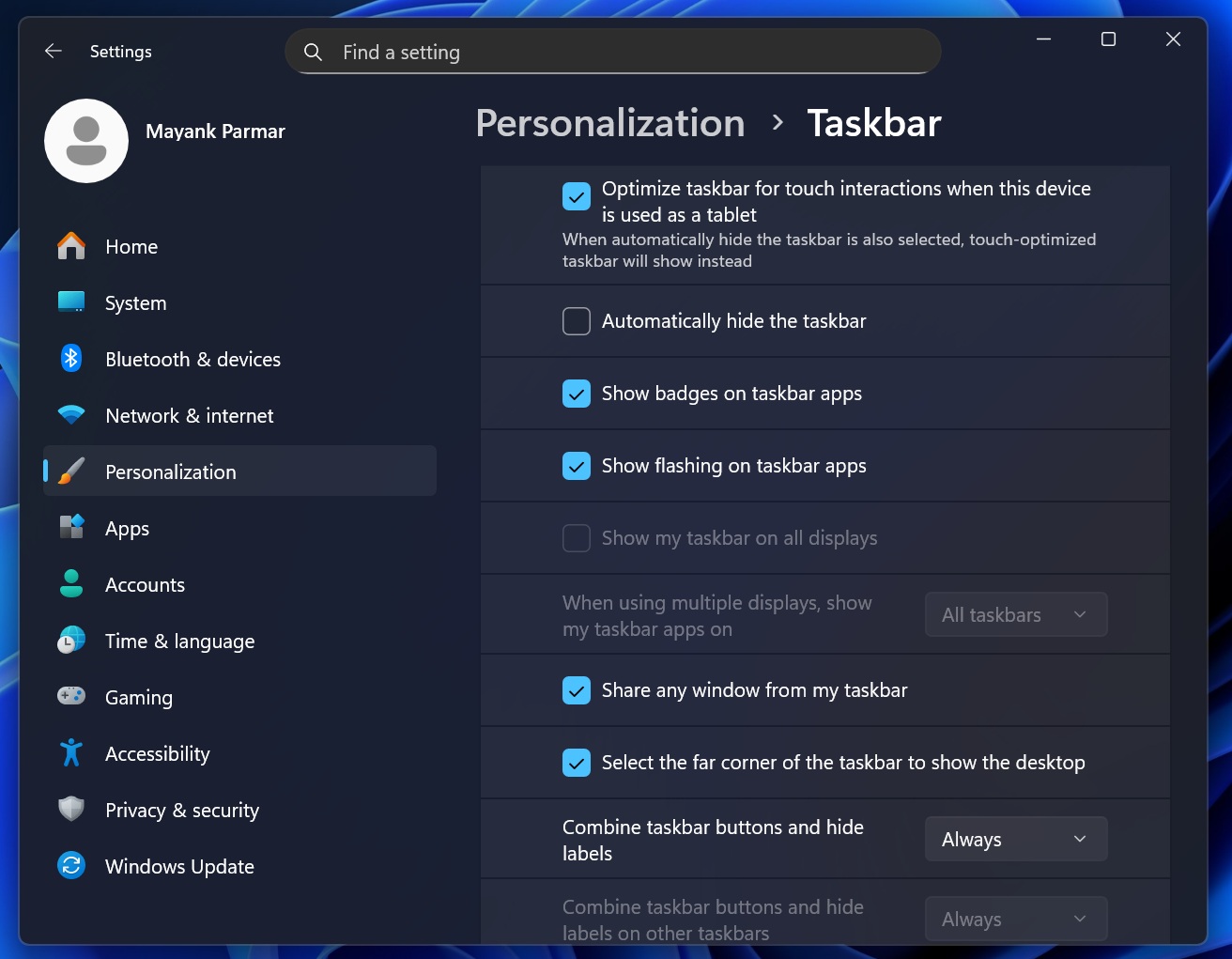
Windows 11 is not exactly a bad operating system. There are things I like about Windows 11, and then there are things I straight-up hate, and that is largely true for all products Microsoft makes lately. One of the most upvoted feedback items in the Feedback Hub is the ability to move the taskbar, and the second is a toggle to resize it, similar to Windows 10.
Microsoft’s former Windows boss, who also advocated for Bing pop-ups in Windows 11 and Edge, considers the movable taskbar, particularly the vertical taskbar with the disappearing feature turned on, as the best UX for productivity.
Mikhail also says macOS copied the idea of a “disappearing” taskbar from Windows, as Microsoft’s operating system had it since 1995.
“Yes, obviously, vertical and disappearing: Windows had it since 95, that’s how I use it my whole life. Mac copied it from Windows when it acquired Dock in macOS,” Microsoft’s former Windows boss responded when a user told him that they prefer the “macOS option of having it disappear.”
But why was the movable taskbar removed from Windows 11?
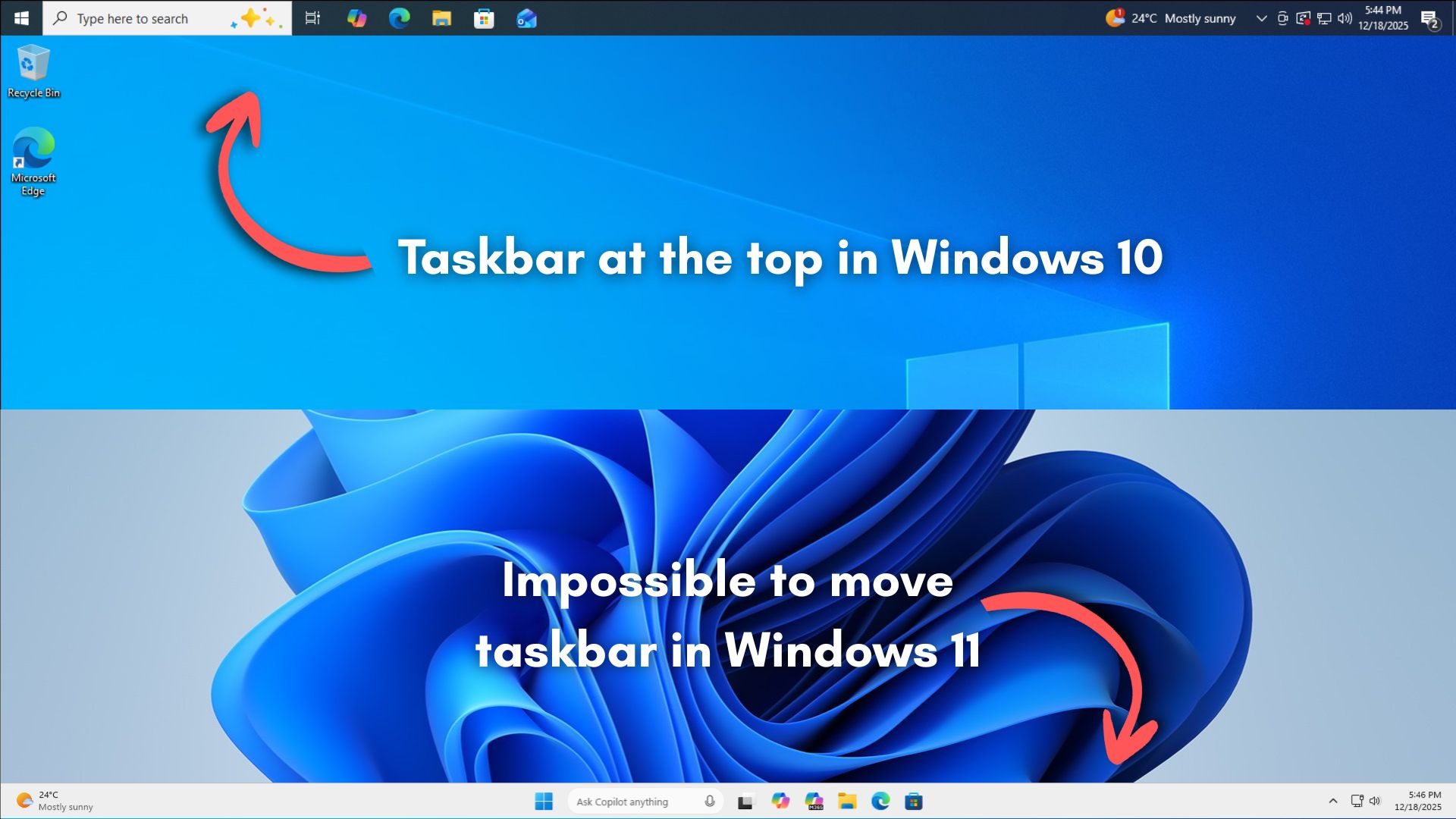
Microsoft dropped the vertical taskbar because it wanted to focus on the “centered-Start menu” and create a symmetric pane UX where Windows is meant to feel balanced and predictable, almost like two “side panels.”
That means Microsoft not only wanted to create a centered Start menu UX, but also give each side of the screen a clear “job.”
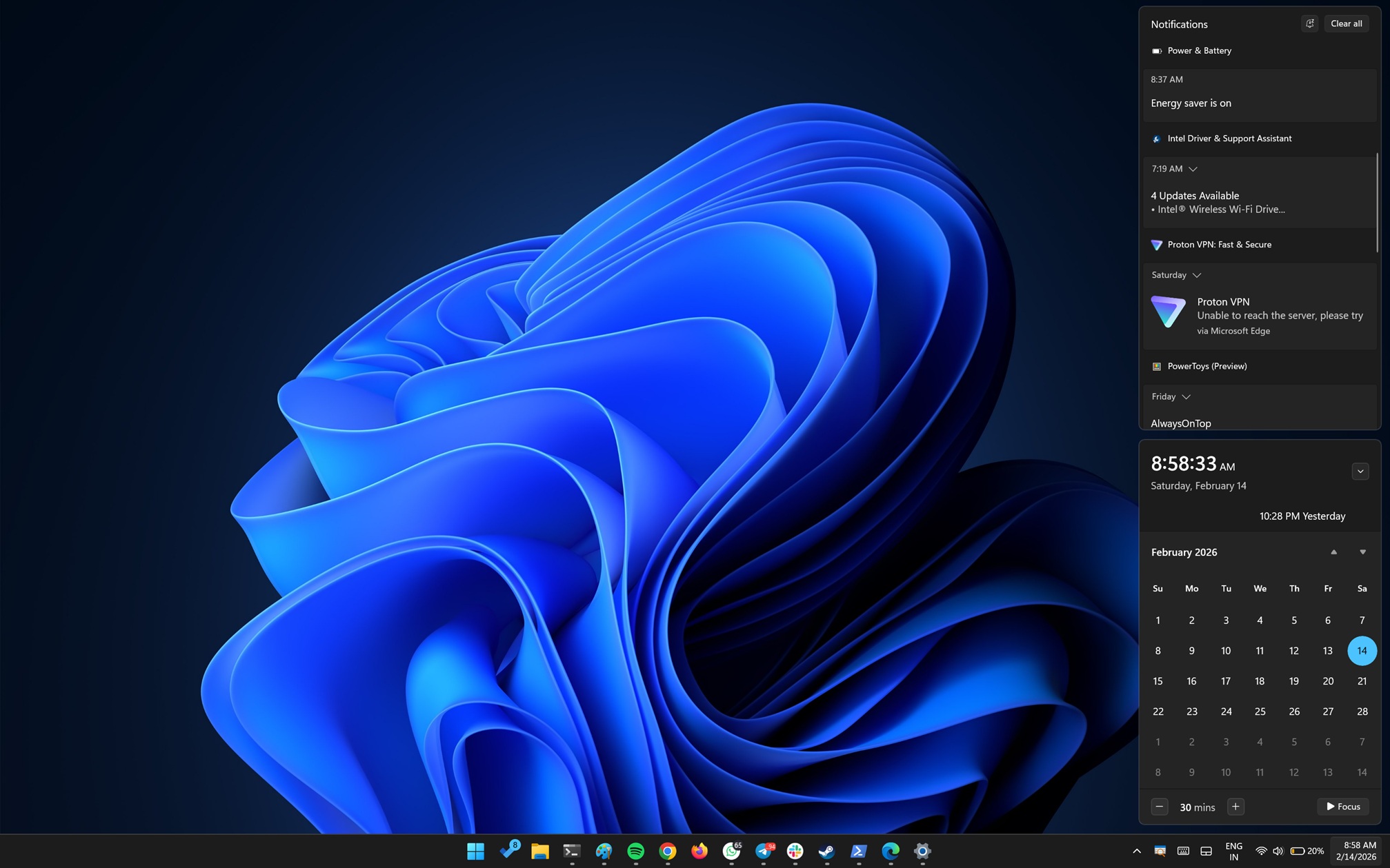
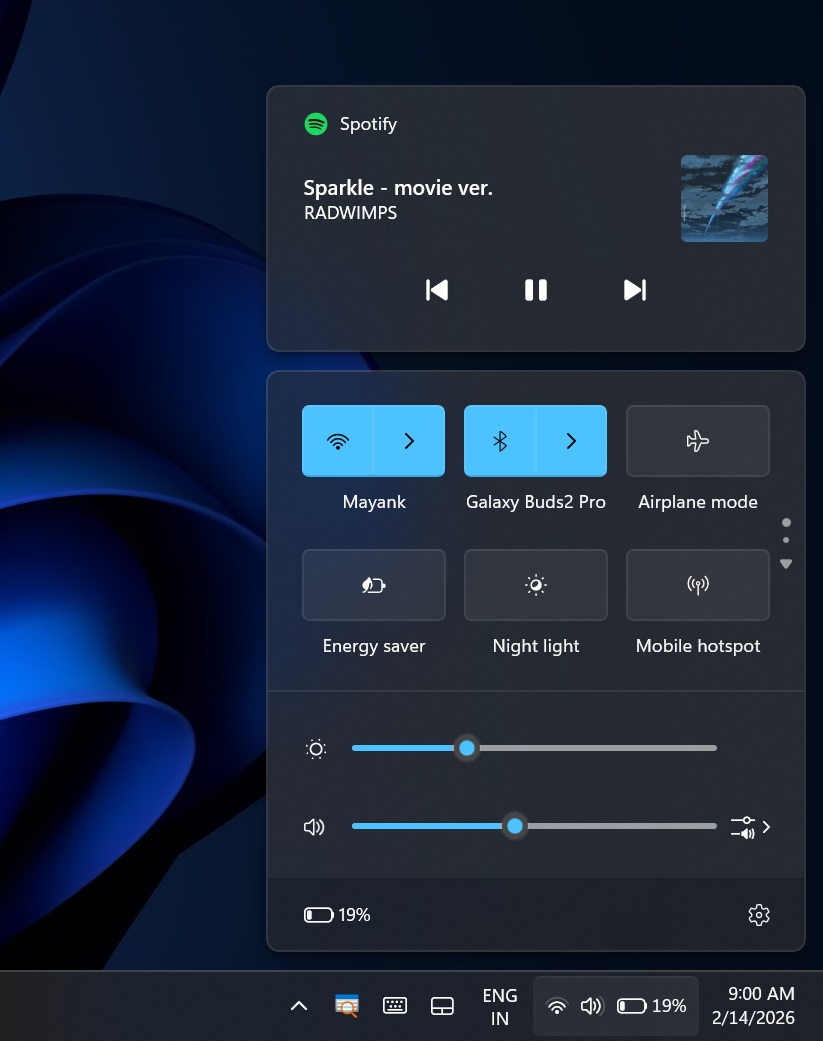
On the right side of the screen, we have the “controls” area, such as your quick settings to turn on or off features like Wi-Fi and Bluetooth, and also manage your notifications.
There are also plans to add back Outlook Agendas to the Notification Center in Windows 11. We are not getting Agendas on the left side because the right side is meant to be the “control” and “notifications” region, while left side is all about information.
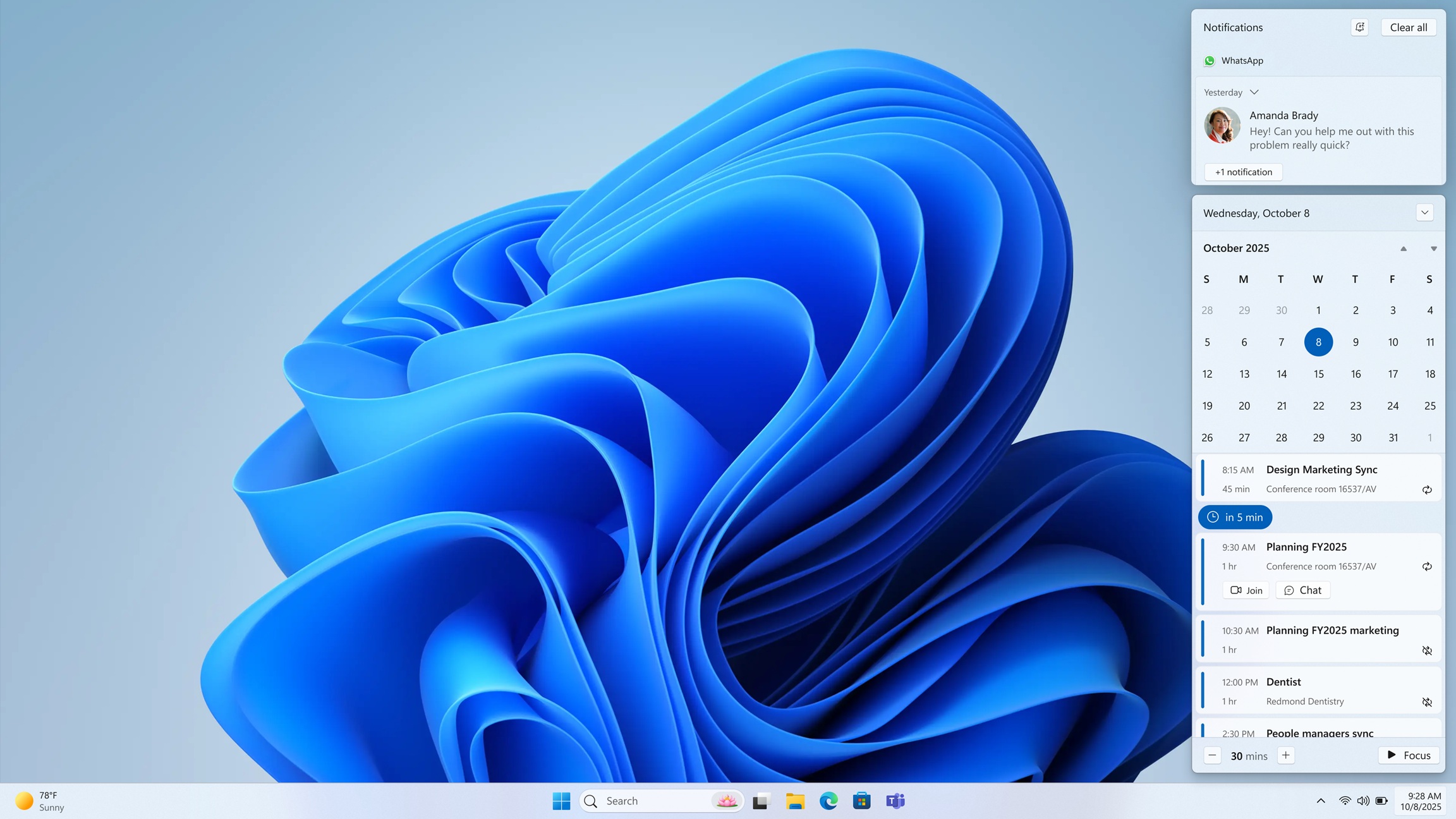
On the left side, we have widgets like weather and MSN, which “pushed” the Start menu to the center, according to the former Windows/Bing boss.
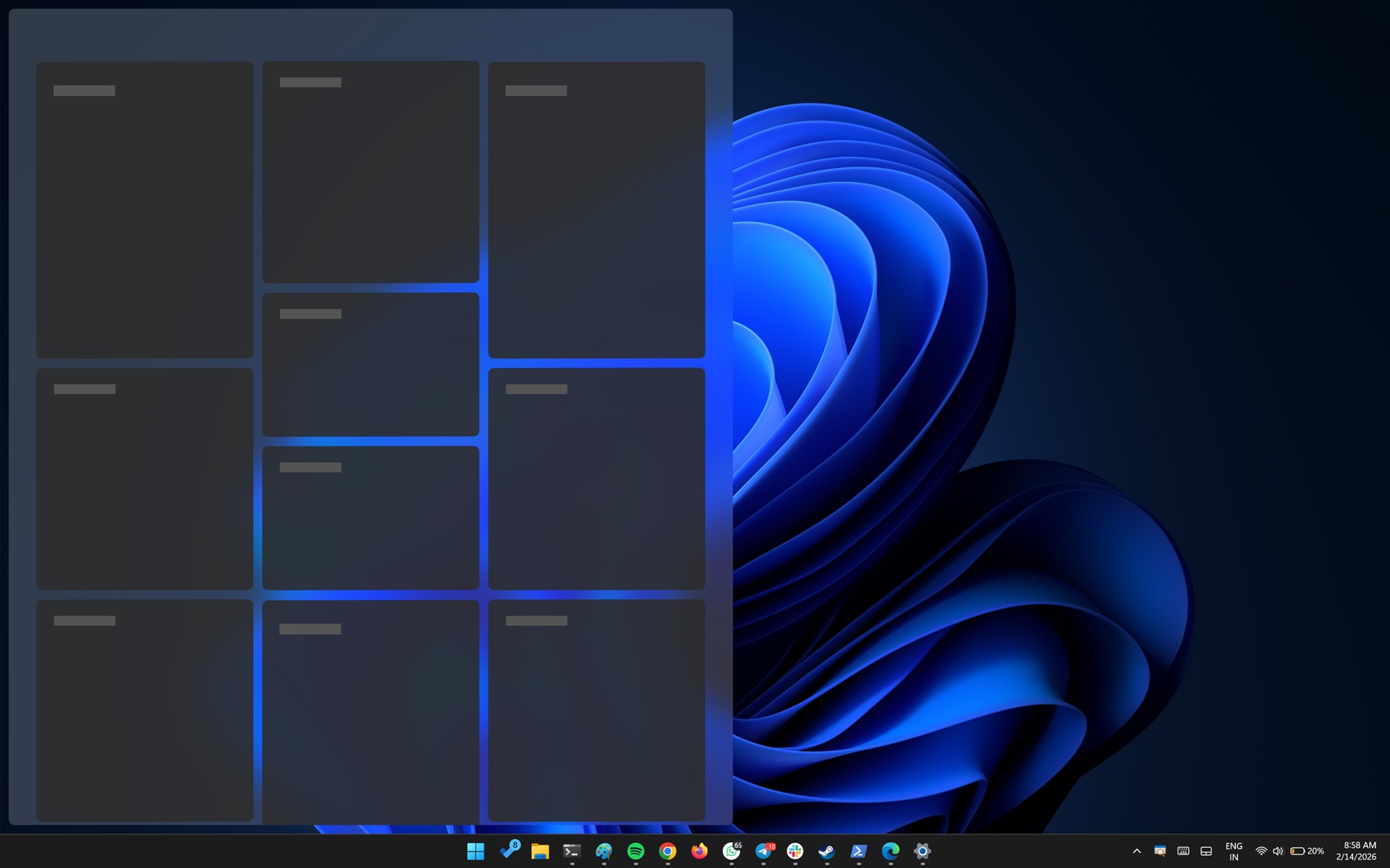
Microsoft’s designers envisioned a clear UI and UX hierarchy where Windows 11 puts all your system controls on the right instead of flyouts or pop-ups coming out of every area, and shows information on the left side.
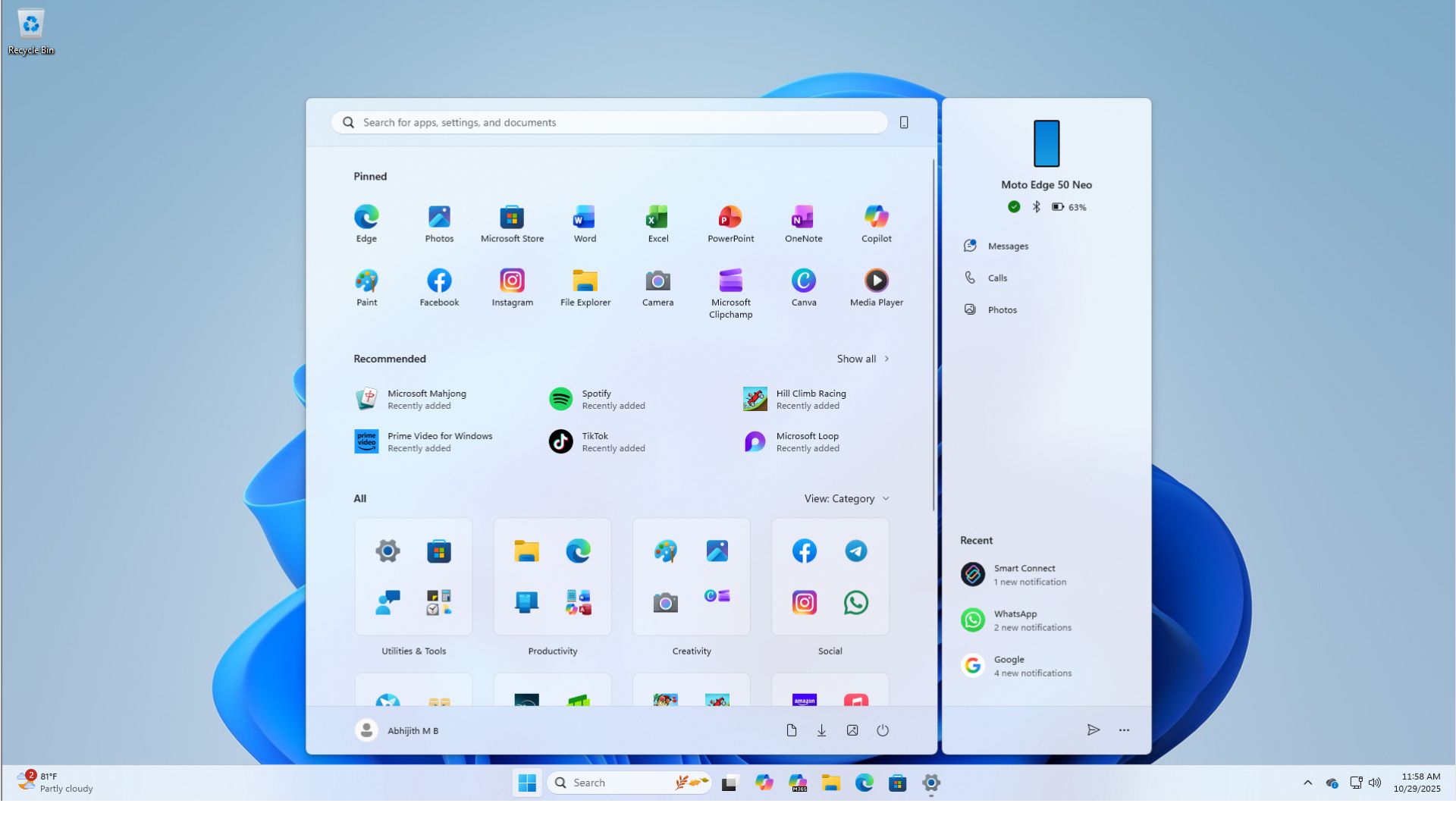
This is also why the vertical or movable taskbar did not make the cut, as a taskbar on the left would compete with the widgets panel, and a taskbar on the right would run into the notifications area.
“The vision was to create symmetric panes: you have notification/system controls/etc. pane on the right, Weather/Widgets/News pane on the left. That pushed Start menu into the center position. If you have the taskbar vertically, it starts conflicting with the panes…,” the former Windows and Bing boss argues in a post on X.
Mikhail’s statement aligns with what we heard from Microsoft’s designers in 2021. As Windows Latest previously exclusively reported, Windows 11 designers were against the idea of a movable taskbar because it breaks the “flow” and causes a “sudden reflow…”
“When you think about having the taskbar on the right or the left, all of a sudden the reflow and the work that all of the apps have to do to be able to have a wonderful experience in those environments is just huge,” a Microsoft designer who worked on the new UI/UX argued back then.
The good news is that Microsoft is internally planning to bring back the “movable” taskbar to Windows 11, and you will be able to resize it as well, similar to how you could in Windows 10 and all older versions of Windows for decades.
Microsoft also plans to reduce Copilot integration in Windows and focus on performance optimization, as it hopes to win back users in 2026.
The post Former Bing boss says Windows 11 killed the vertical taskbar for symmetric UX, says it was the best productivity feature appeared first on Windows Latest