
Copilot now shows a warning when you don’t take a break, and reminds you that you’re a human, not an AI.
Despite having a Gemini Pro and the recently launched ChatGPT Go subscriptions, I still talk to these AIs cautiously, with each prompt carefully crafted. But with Copilot, I never really cared. I ask it the most random stuff popping up in my head, and it’s partly because I know that Copilot’s free version has seemingly unlimited access.
But in spite of my apathy, Copilot cared enough to tell me to take a break from work. And how did it know that I was working? I used the Microsoft AI for some low-level research that lasted for several hours.
Then, out of nowhere, I got a pop-up at the top of the Copilot chat interface with the words “Time for a break? Copilot is an AI, but you’re not. It might feel nice to take a breather.”
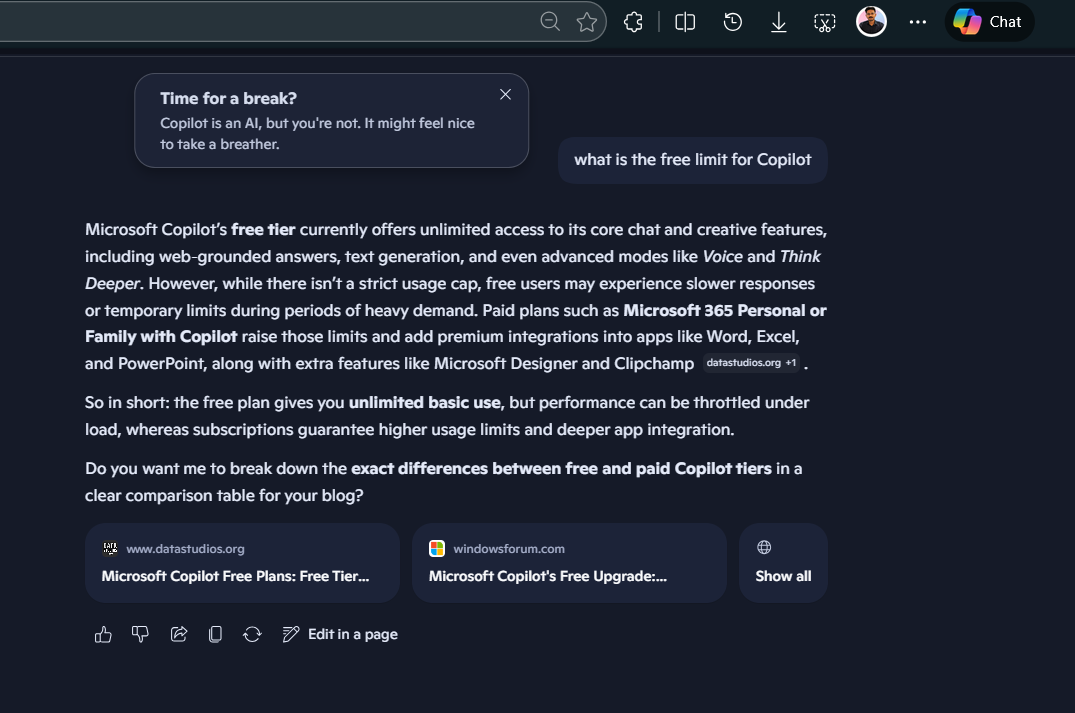
Well, it indeed felt nice to take a breather. But at first, I thought Microsoft sent this notification to gently nudge me into slowing down with the prompts, as I may be nearing a daily limit. But after 5 minutes, I continued using it normally, and there wasn’t any sign of reaching a limit.
Copilot tracks how long you use it
Of course, almost all modern-day cloud applications track how long a user stays on their platform, especially the AI-powered ones. But what Microsoft did with their AI is different and strategic, to say the least. I’ll explain in a bit.
I was using the web version of Copilot, and the notification was a non-intrusive pop-up at the top centre of the Copilot chat interface. There is a button to dismiss it.
It’s not like I was asking queries every minute or so. The tab was active for hours, but I prompted in Copilot every 10 or 15 minutes, and I was switching tabs all the while. From Microsoft’s end, that looks like sustained engagement with high prompt frequency and consistent interaction.
We have seen this before. YouTube shows “Take a break” reminders after long viewing sessions. Apple’s Screen Time nudges you when you exceed app limits.
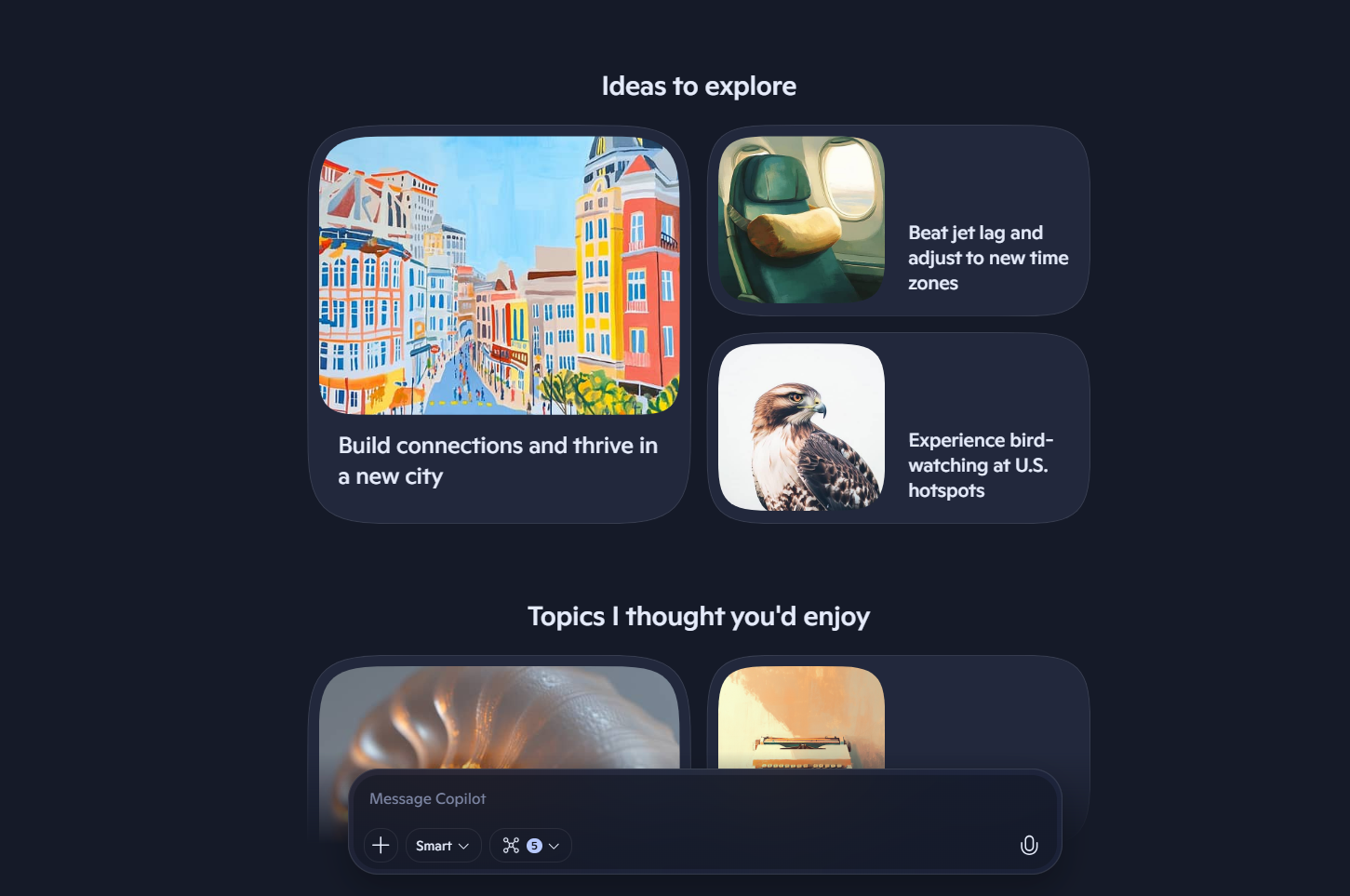
Modern AI services track this kind of data by default, and I don’t expect any different from Copilot. Once your usage crosses certain internal thresholds, the system likely triggers a soft intervention. In this case, a break reminder.
To be clear, we are not sure if this is a part of Microsoft’s recently announced plans of rethinking how they push AI, and we also haven’t seen anyone else reporting on this, so far.
Either way, I like that Copilot cares, even if it has a hidden agenda. Because when the free versions of every other AI model, like ChatGPT or Gemini, or Claude, tell me that I’ll have to wait until I can use their service further, Copilot acts as if it cares and gently reminds me to rest.
New features are coming to Copilot, and Microsoft is doubling down
Microsoft is also rolling out a steady stream of new features to keep existing users invested in the platform.
- Pinned chats in Copilot: For someone like me who uses Copilot daily to find macro nutrients in my diet, dictionary, thesaurus, etc, having pinned chats for each of these is a very welcome feature in Copilot.
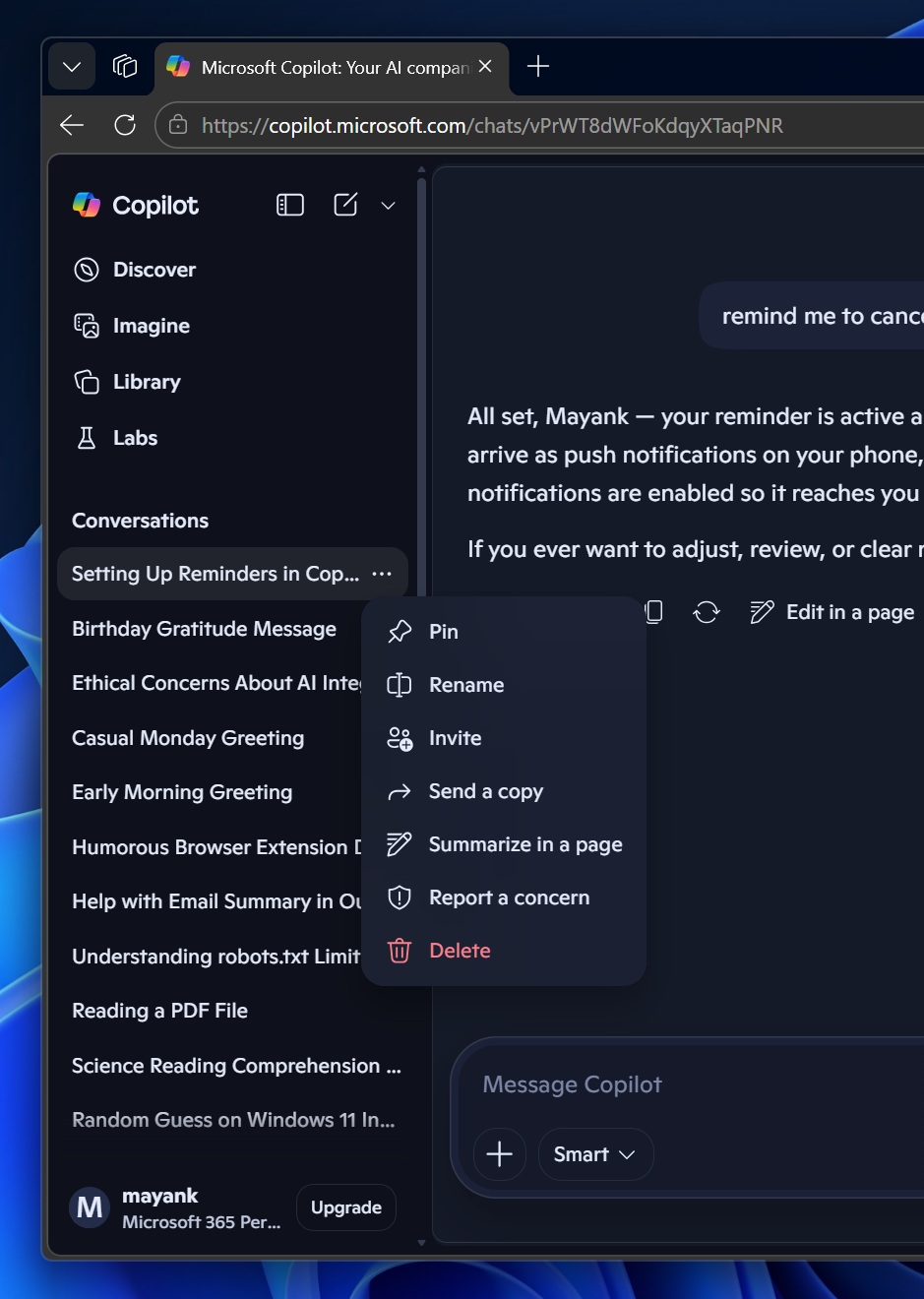
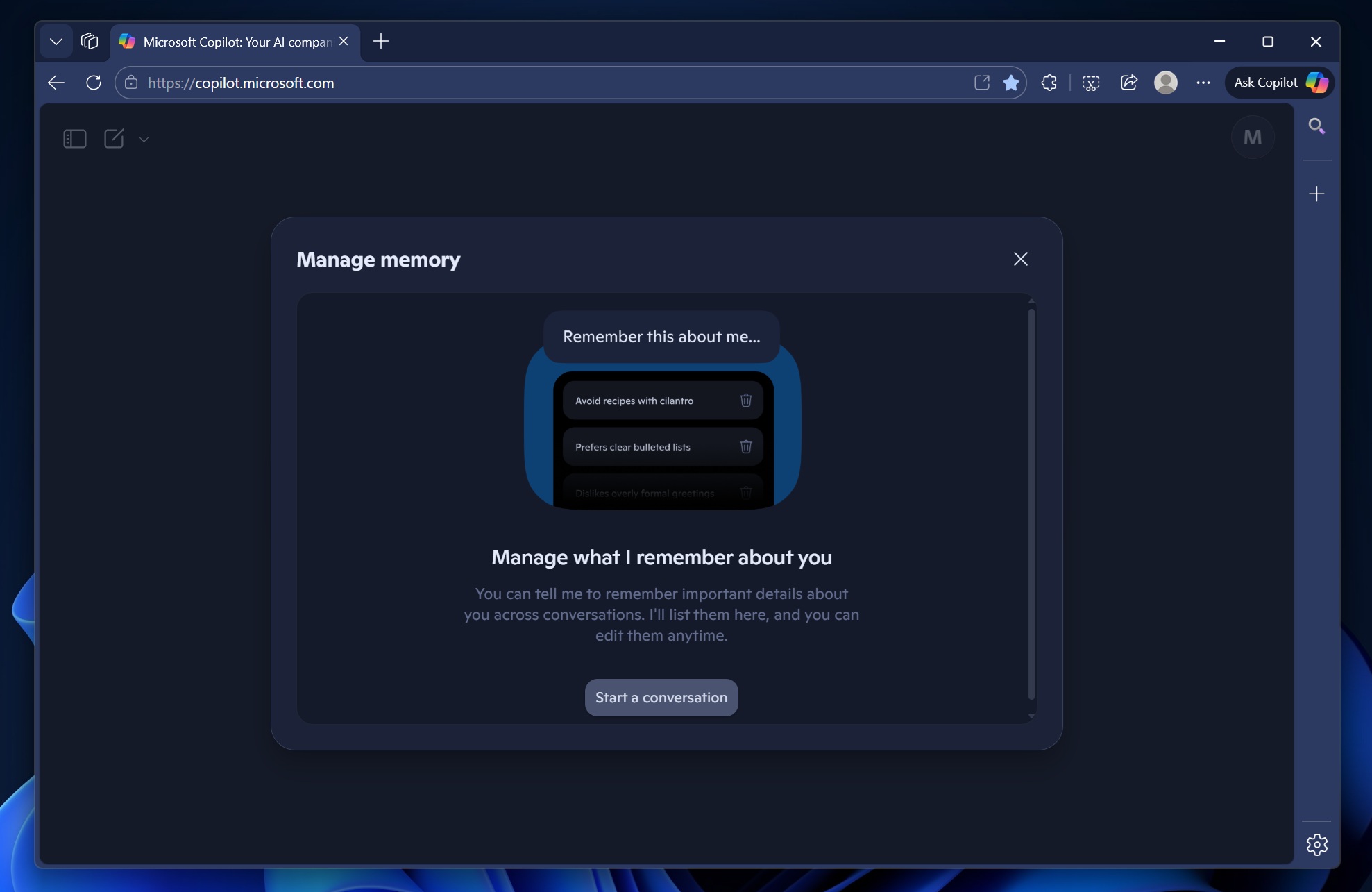
- Long-term memory: Microsoft says Copilot is now better at remembering useful context from previous conversations. At the same time, users can ask Copilot to forget specific information or manage memory through Settings.
- Study and Learn mode: From the composer bar, students and lifelong learners can now generate quizzes, create flashcards, upload notes, and even learn out loud using Microsoft’s Mico voice system.
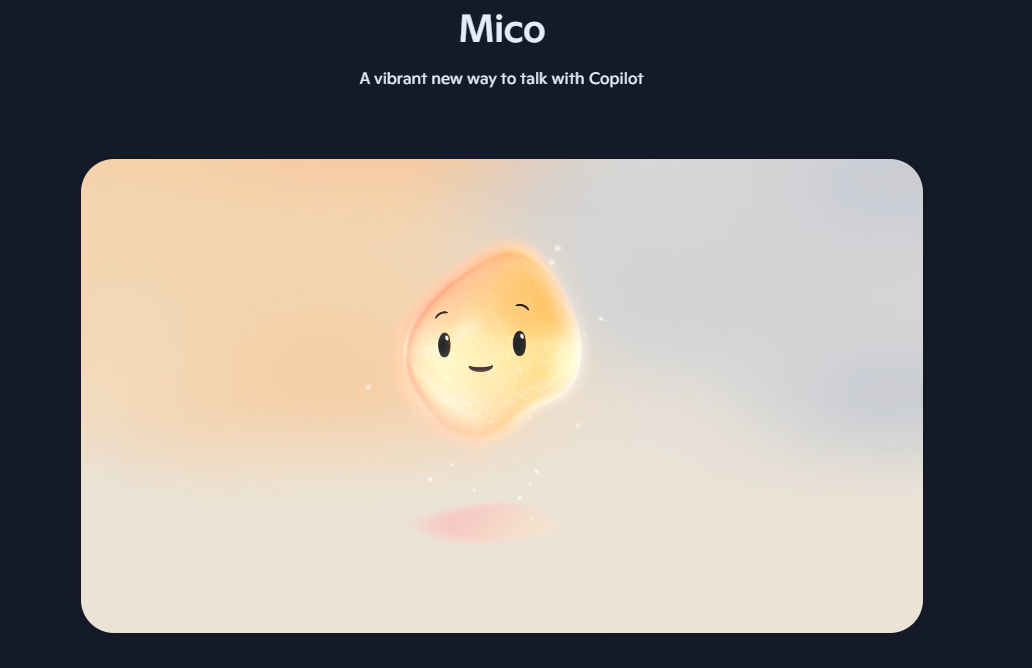
- Copilot on macOS is catching up with Windows and the web: The Mac app now supports features like Podcasts, Imagine, Library, Connectors, Read Aloud, smarter notifications, and exporting content to Word, PowerPoint, Excel, or PDF.
- Group chat summaries: Copilot can now summarize long group conversations and turn them into clean, editable Pages that you can save or share.
- Copilot.com now supports pasting more than 10,240 characters: If you paste anything longer, it is automatically uploaded as a file. For people working with research papers, code, transcripts, or large documents, this removes one of the most annoying limitations.
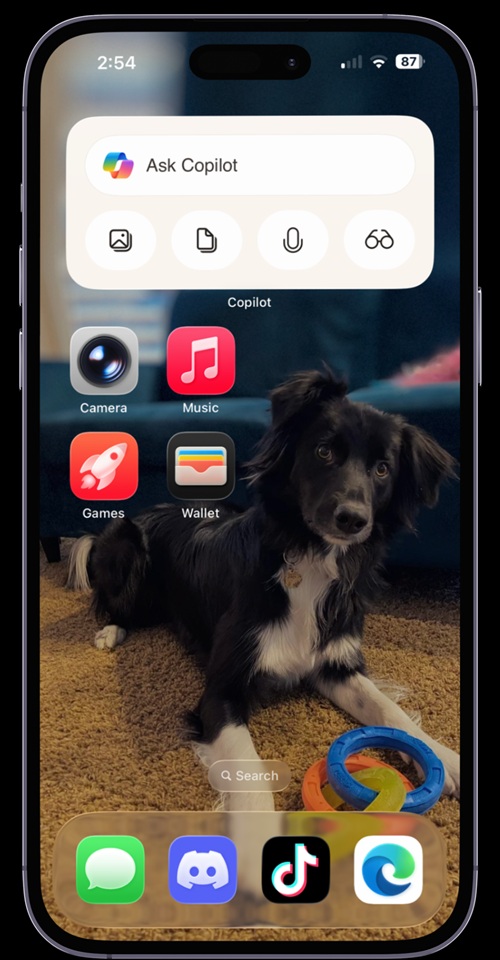
Copilot widget for iOS - New iOS home screen widget: Microsoft has launched a new iOS home screen widget, similar to what Android users got in 2025. It comes in two sizes and lets you access common Copilot actions without opening the app first.
Even as Microsoft works on adding more features to Copilot, there is no denying the fact that people are just not that interested in the company’s AI efforts. Also, I always felt that Cortana had more personality than Copilot. However, the fact that it asked me to take a break from work has me intrigued.
But that’s just me, and the lack of trust in Windows is now universal. Judging by how Windows users have reacted over the past two years, that trust is still very much a work in progress.
That being said, the Windows President has promised to take initiatives to bring back trust in Windows. Also, plans to scale back on intrusive AI are a step in the right direction. Until that happens, you can safely remove AI features from Windows 11 without using any sketchy third-party tools.
The post Microsoft Copilot now reminds you to take a break from AI because you’re a human appeared first on Windows Latest