
Microsoft is finally migrating all settings and controls from the Control Panel to the Windows 11 Settings app. However, phasing out the 40-year-old tool that can adjust all your computer settings won’t be an easy task. Fortunately, the company is aware of this and is taking the necessary steps to avoid breaking any drivers or devices during the transition.
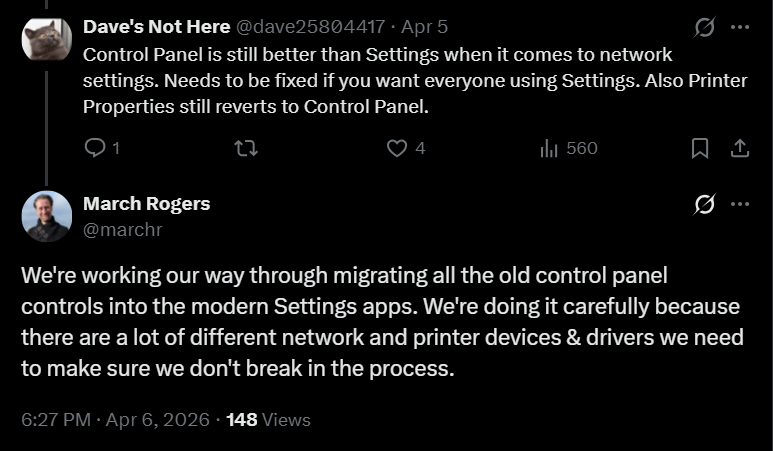
March Rogers, Partner Director of Design at Microsoft, in a reply to a user’s comment on his X post, has officially confirmed that his team is “working our way through migrating all the old control panel controls into the modern Settings apps.”
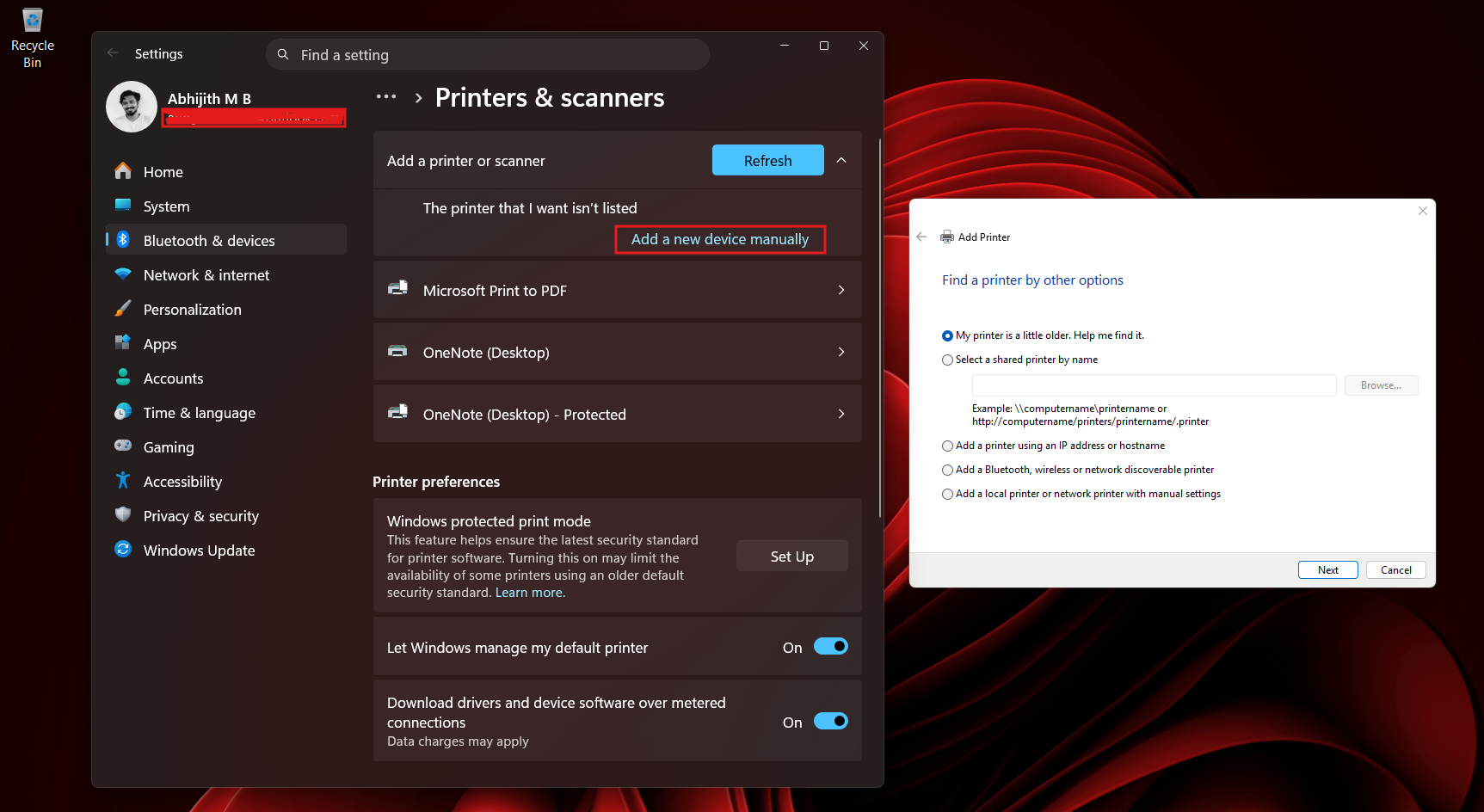
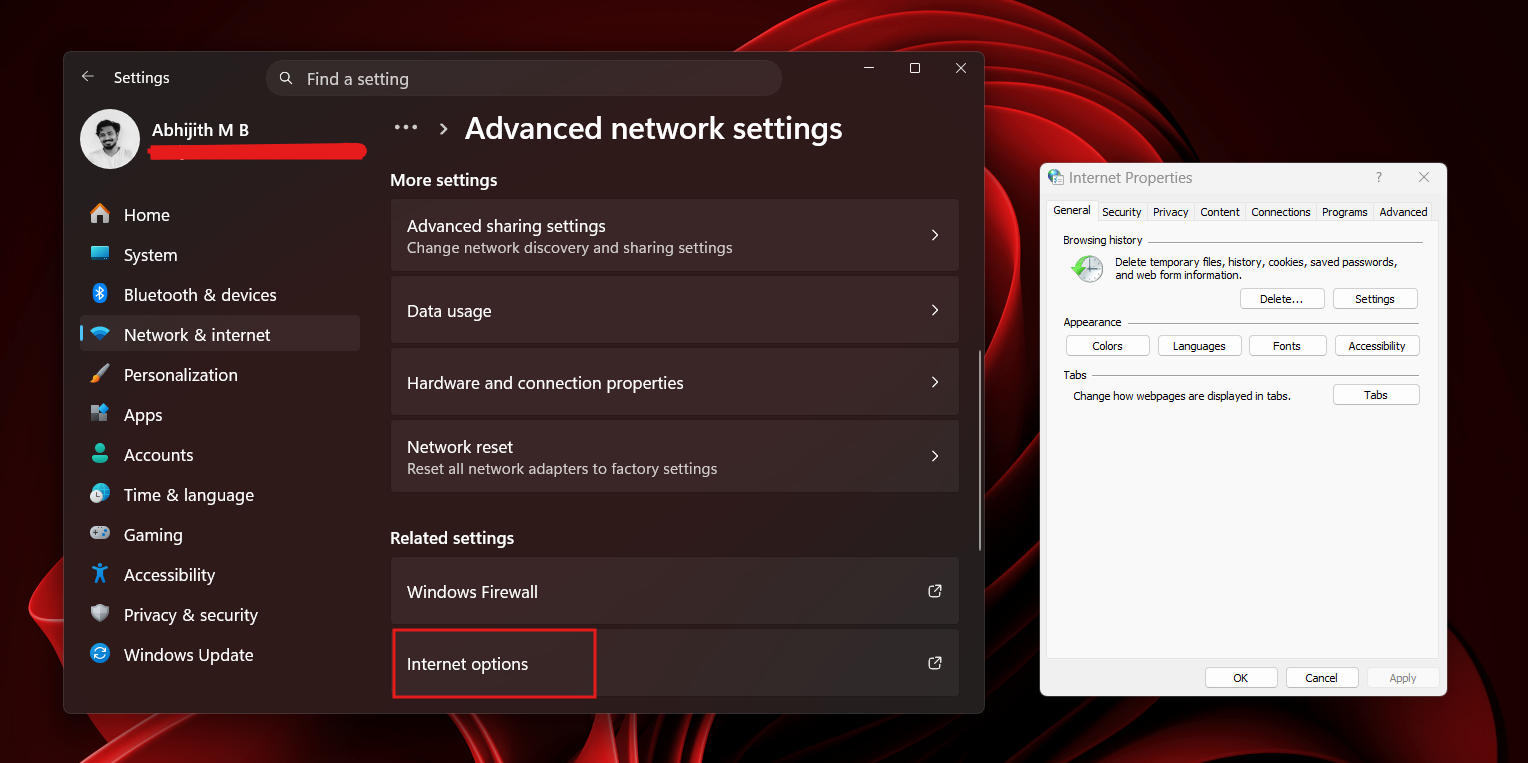
The user’s comment was actually referring to the fact that the legacy Control Panel was superior to the Settings app in areas such as Network settings and Printer Properties, which still defaults to the Control Panel for manually adding a new printer or scanner, for example.
March’s original post included all the new design changes coming to the Settings app in April, along with a few additional features. This month, several Settings pages are getting redesigned for clarity, the account dialogue box is getting dark mode, and the Pen settings page is also getting a few improvements.
However, as the X user noted under the Design Lead’s post, there are several things that need to be fixed if Microsoft wants everyone to use the modern Settings app.
Microsoft explains why it just can’t kill Control Panel
March Rogers mentions that Microsoft is migrating all Control Panel controls to the Settings app carefully, which essentially means that there are a lot of things at stake and that the Windows development team is aware of it.
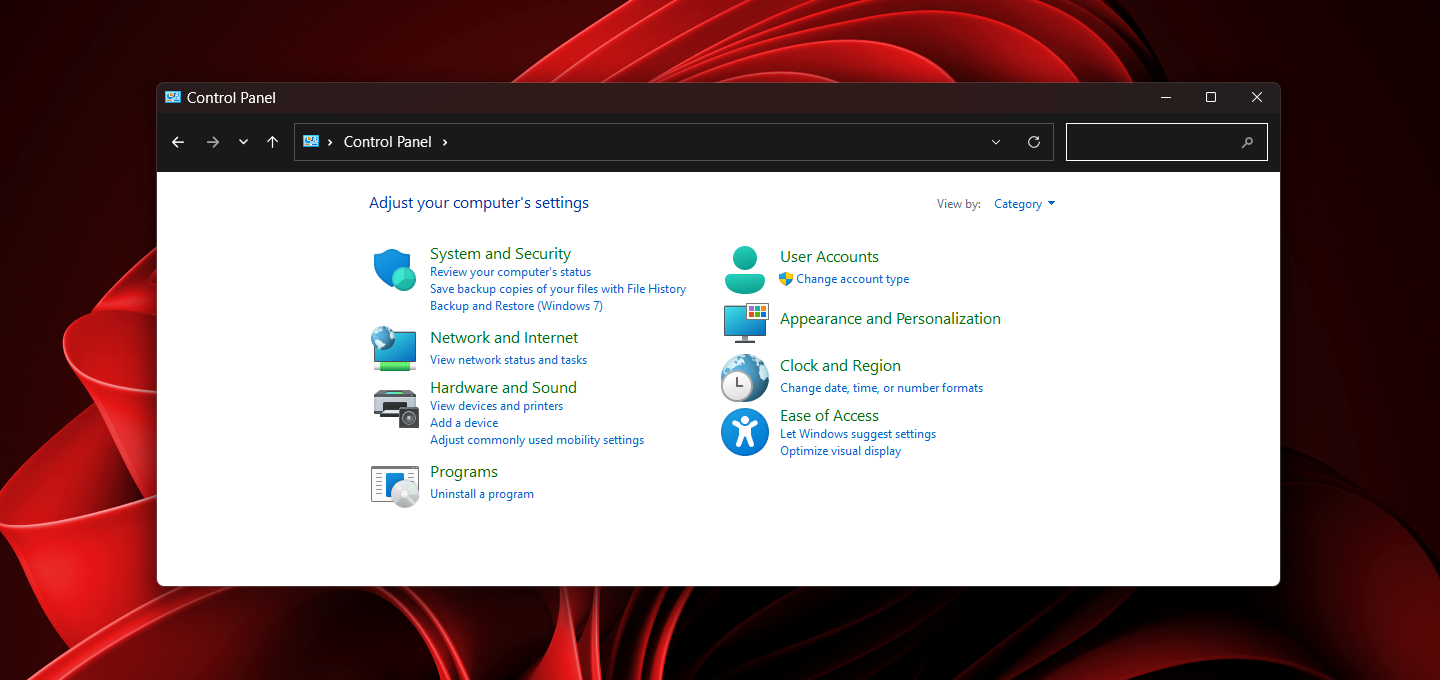
Unlike macOS, which depreciates legacy drivers and old hardware support courtesy of its low market share, Windows has always supported decades-old devices and drivers, which has now become a double-edged sword, as it’s the exact reason why Microsoft just can’t get rid of the age-old Control Panel.
“We’re doing it carefully because there are a lot of different network and printer devices & drivers we need to make sure we don’t break in the process,” says the Microsoft Design lead.
March hasn’t yet given a timeline as to when or if they’ll finish transitioning all the Control Panel settings to the Windows 11 Settings app. But the fact that they’re slow and deliberate about it is reassuring, because no one likes it when Windows breaks decades-old pieces of code, but they are all strangely complacent when Apple does it.
In the case of printer drivers, for example, Apple has effectively “deprecated” the old way of doing things by moving away from vendor-specific drivers (like HP or Epson), in favour of AirPrint. If a printer doesn’t support AirPrint, it becomes a “brick” on newer macOS versions.
When macOS Catalina dropped 32-bit support, many drivers for older USB-to-Ethernet adapters, Wi-Fi dongles, and specialized networking gear simply stopped working.
In Windows, adding old drivers and managing devices is a walk in the park, but it needs the Control Panel, because Device Manager, which is the primary place to manually install, update, roll back, or uninstall drivers, is still not part of the Settings app.
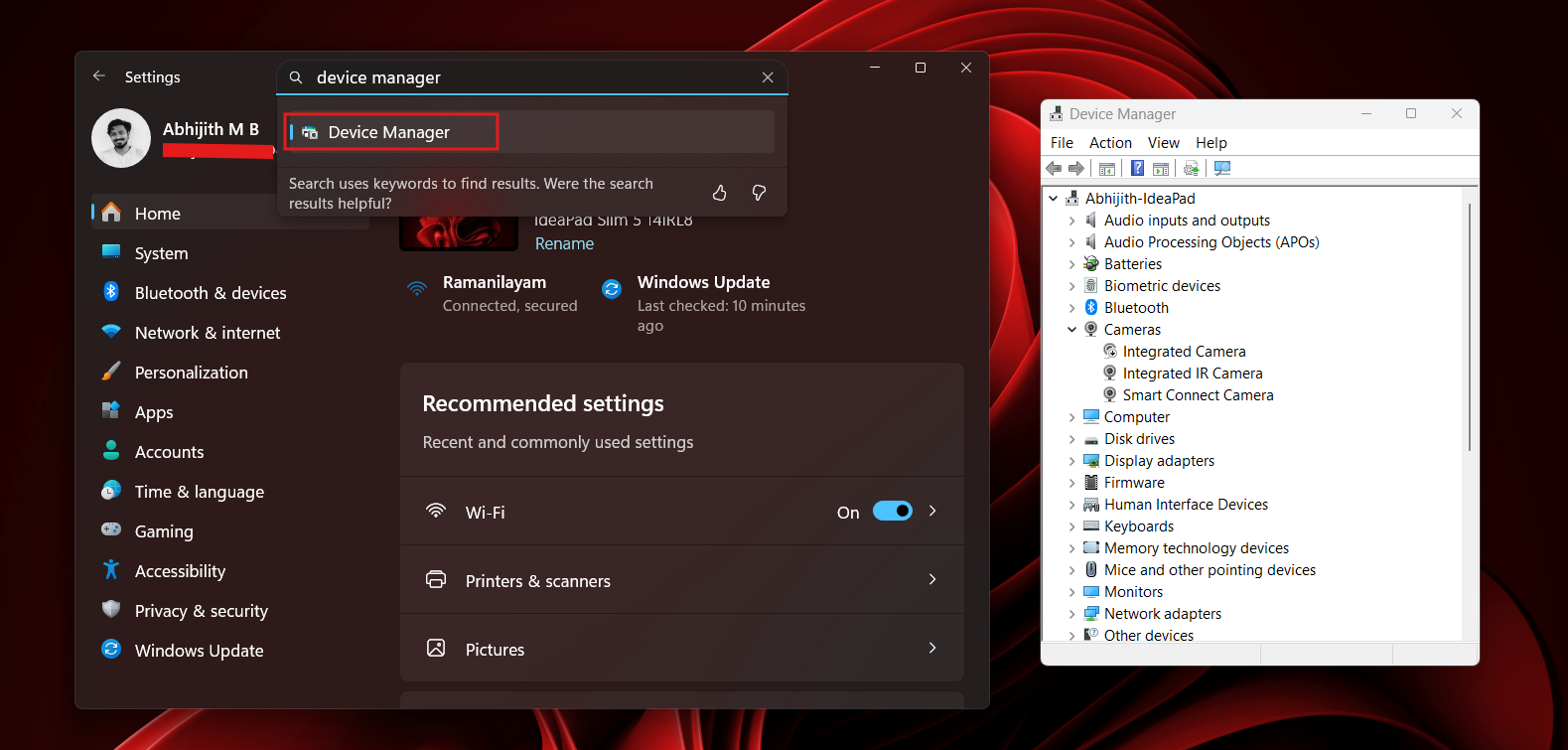
Yes, the Settings app does have support for managing peripherals through the “Bluetooth & devices” page, but it isn’t as intuitive and comprehensive as Device Manager.
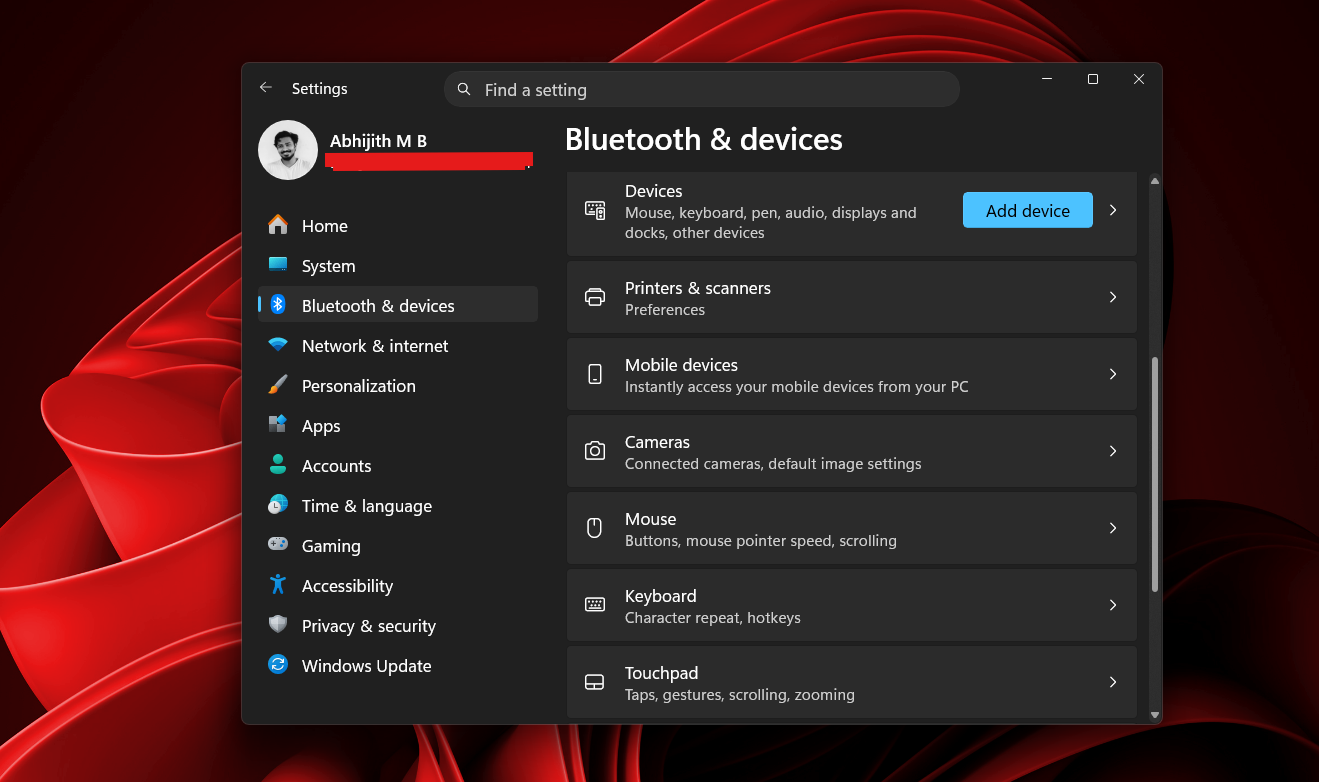
The Control Panel is now 4 decades old
I like the Control Panel because I’ve seen the same thing since my first days of using a PC, which was more than 2 decades ago. It just works. But it doesn’t have the aesthetics of modern Windows 11.
And it matters to me because I’ve had enough of seeing design inconsistencies in Windows 11. It is so culturally embedded in our lives that there are memes about this.
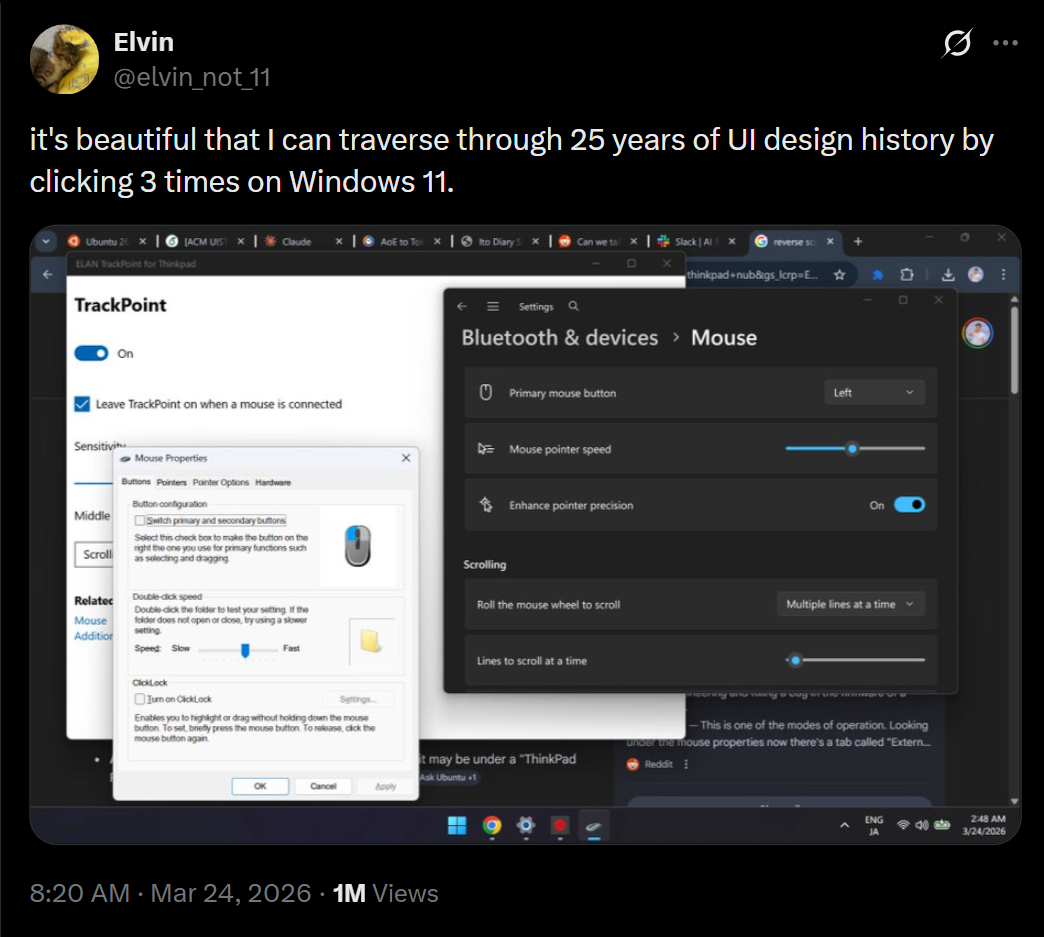
At this point, a transition to modern Settings is more than necessary, and it’s great to see Microsoft finally working on it. But in the effort to fix Windows 11, Microsoft should make sure that the eventual transition from Control Panel to the Windows Settings app doesn’t sacrifice the granular control provided by legacy tools like Device Manager, so power users can still troubleshoot complex hardware issues without being restricted by a simplified interface.
The post Microsoft explains why it still can’t fully kill Control Panel in Windows 11 appeared first on Windows Latest