
The Windows team has confirmed that major improvements are already in development for Windows Search after years of complaints about slow results, irrelevant web suggestions, and poor local indexing.
When Microsoft told the world that it was fixing Windows 11, little did people anticipate the depth of their commitment. The company promised improvements in performance and reliability, including a faster File Explorer, refinements to the taskbar, reduced and less intrusive Copilot integrations, and a lot more.
In fact, the announcement covered almost all issues that users have been complaining about for years. However, there was some specific stuff that wasn’t included, and users were vocal about it on X. What followed were posts and replies from the Windows engineering and leadership team listening to user feedback, while assuring them that fixes were on the way.
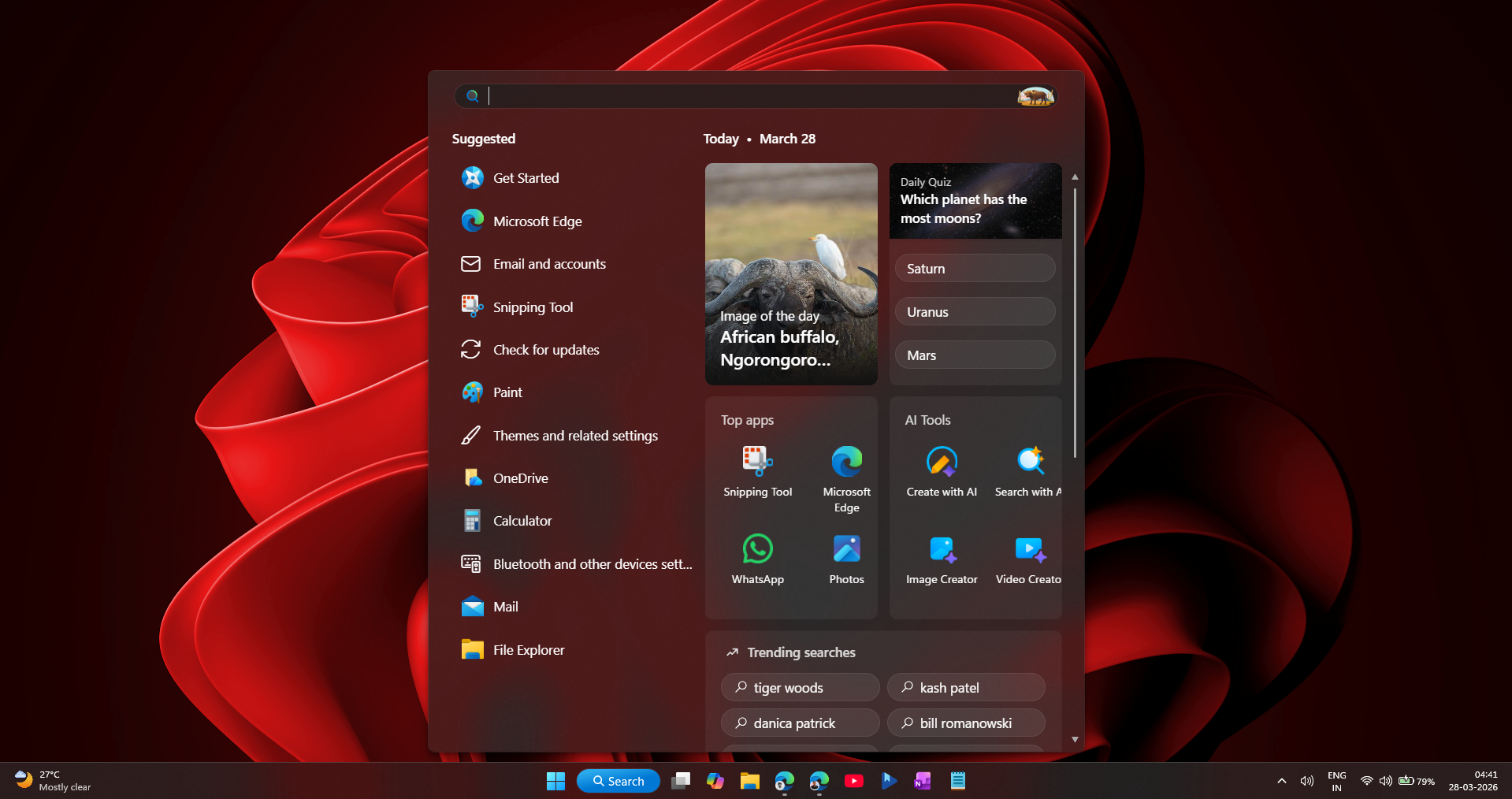
Windows Search was one part of the OS everyone hated, and unsurprisingly so. It is slower than previous Windows versions, often fails to find local files, has too many ads and recommendations, and clutters results with web content instead of just showing what’s on the PC.
Several users have chimed in about Windows Search under the OS Shell Product Head, Tali Roth’s X post about improvements coming to Start, Taskbar, File Explorer, and more.
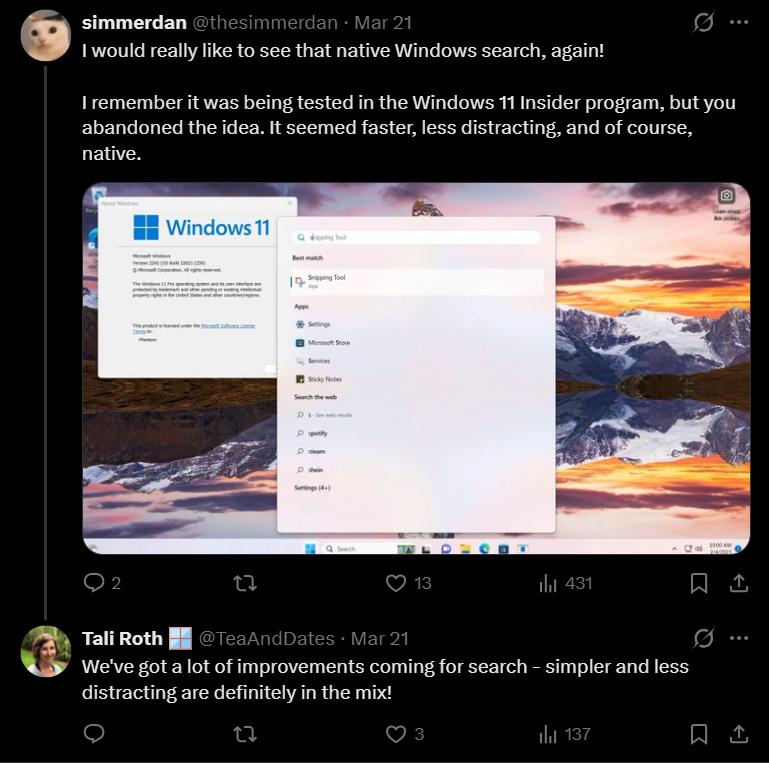
Tali Roth was quick to respond, confirming that there were a lot of improvements coming to Search while also explaining how they are going to do it.
Windows Shell Product Head confirms improvements coming to Windows Search
Tali Roth, who leads key Windows Shell experiences, has been actively replying to user feedback. As first spotted by Windows Latest, in response to a user asking for a cleaner, native search experience, she said:
“We’ve got a lot of improvements coming for search – simpler and less distracting are definitely in the mix!”
Fixing ranking issues in Windows Search results
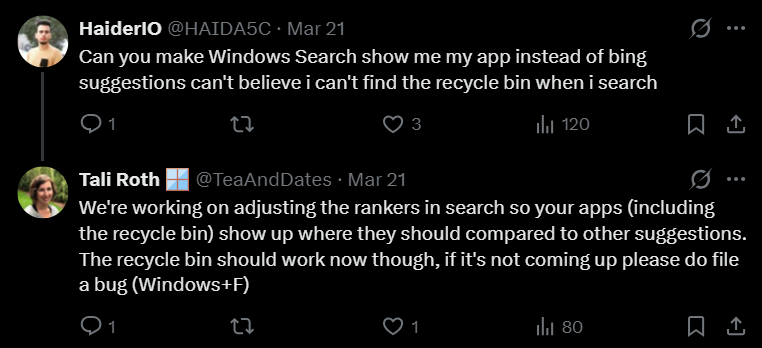
In a separate reply, Roth addressed a complaint where even something as basic as the Recycle Bin didn’t show up properly in results:
“We’re working on adjusting the rankers in search so your apps (including the recycle bin) show up where they should compared to other suggestions.”
Windows Search uses internal ranking systems that decide what shows up first. These rankers weigh multiple signals, including usage patterns, system data, and web integrations. Over time, Bing results and suggestions have been given too much weight, sometimes pushing down local results that users actually want.
What Microsoft is working on here is making sure:
- installed apps appear instantly and consistently
- Core system components are always discoverable
- local files are ranked higher than external suggestions
Based on what Tali Roth said, the Search results panel is likely getting cleaner, with less emphasis on recommendations and visual clutter. Second, the experience is moving toward faster interactions, where typing leads to immediate, predictable results instead of a mix of content types fighting for attention.
Microsoft is also working on more native UI frameworks like WinUI 3. Reducing reliance on layered or web-connected components can directly lower latency and make interactions feel more responsive.
Why Windows 11 Search is broken compared to previous versions
Underneath all the criticism, Windows Search hasn’t actually been “rebuilt” from scratch. It still relies on the same core system that has existed for years, with the Windows Search Indexer service (SearchIndexer.exe). This service continuously scans selected locations, builds a local index, and is supposed to return results instantly without scanning the disk every time.
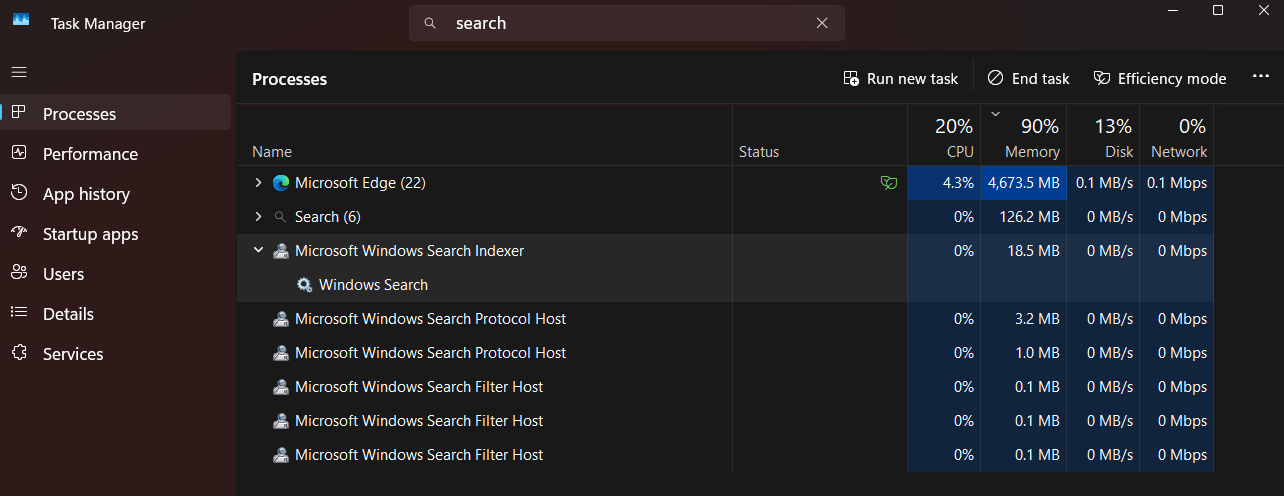
However, modern Windows Search is no longer just querying a local index. It now routes queries through multiple systems at once, including local indexing, ranking logic, cloud signals, and Bing-powered web integration. Even the UI itself is no longer a simple native list. It’s built with modern components that can dynamically fetch and render content.
At some point, Windows Search became a meme. The classic example, which got millions of views on social media, is searching for “Terminal” and getting results related to the movie instead of the actual app.
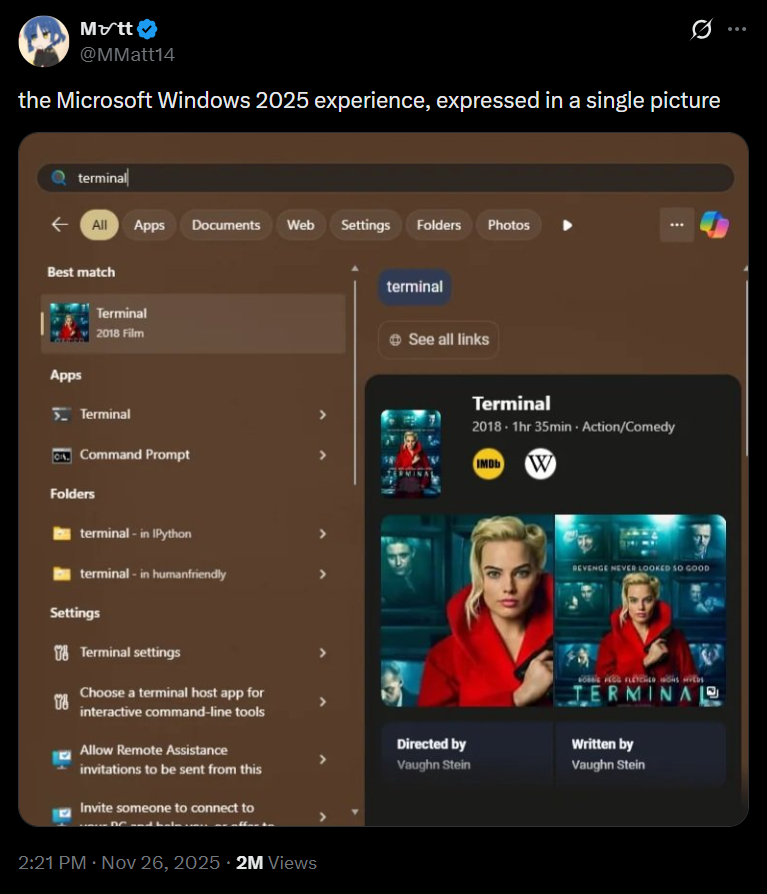
Of course, it’s a fake scenario, but users believed it because of how they feel about Search today. When something as basic as launching an app feels unpredictable, trust is lost.
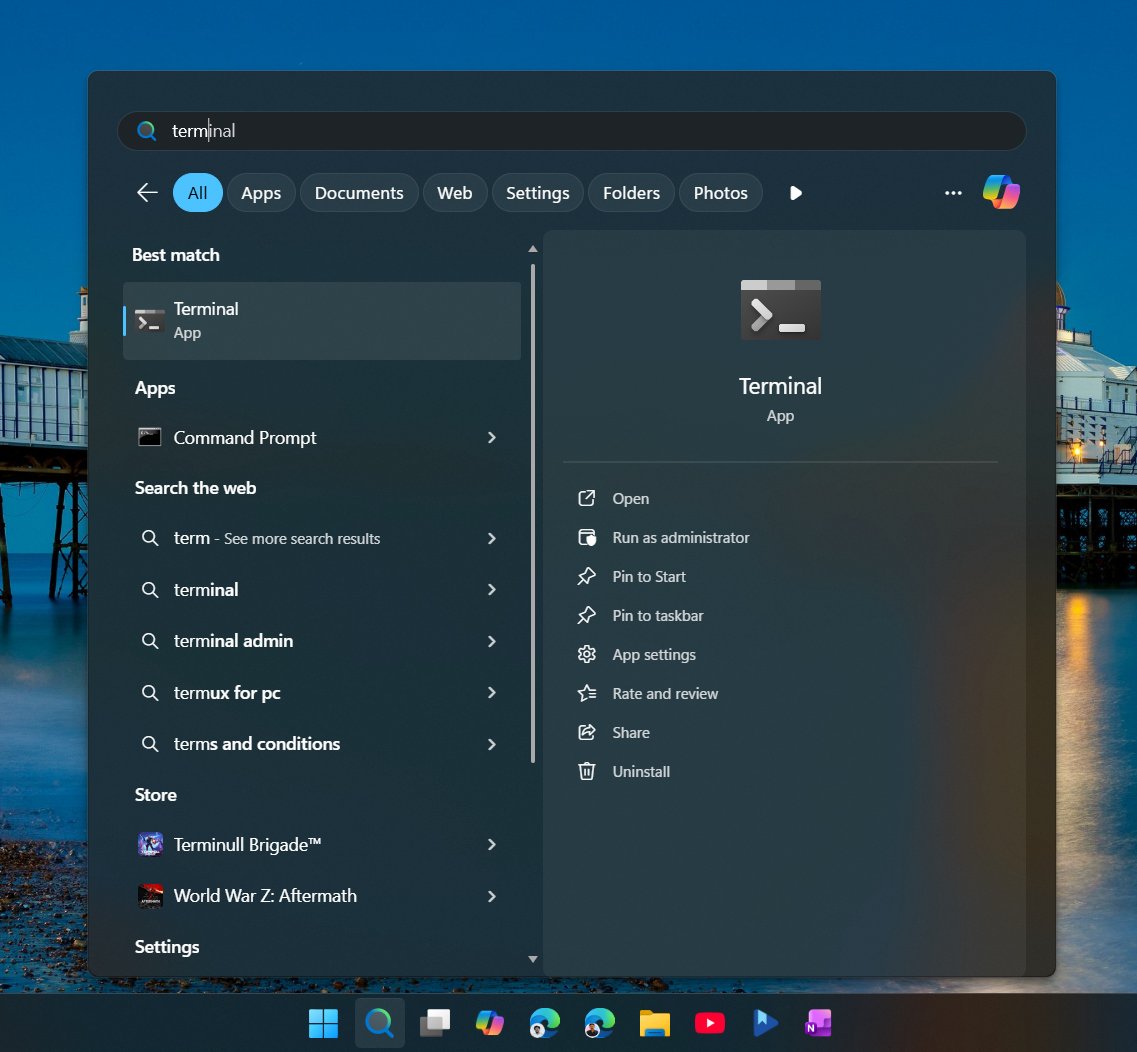
Older versions of Windows didn’t have this problem because they didn’t try to do as much. Windows 7 Search was aggressively local-first. Windows 10 started blending web results, but it still respected intent most of the time. Windows 11 pushes that integration further, and in doing so, it blurred the purpose of Search itself.
If you open Windows Search today and don’t type anything, what you see is a feed…
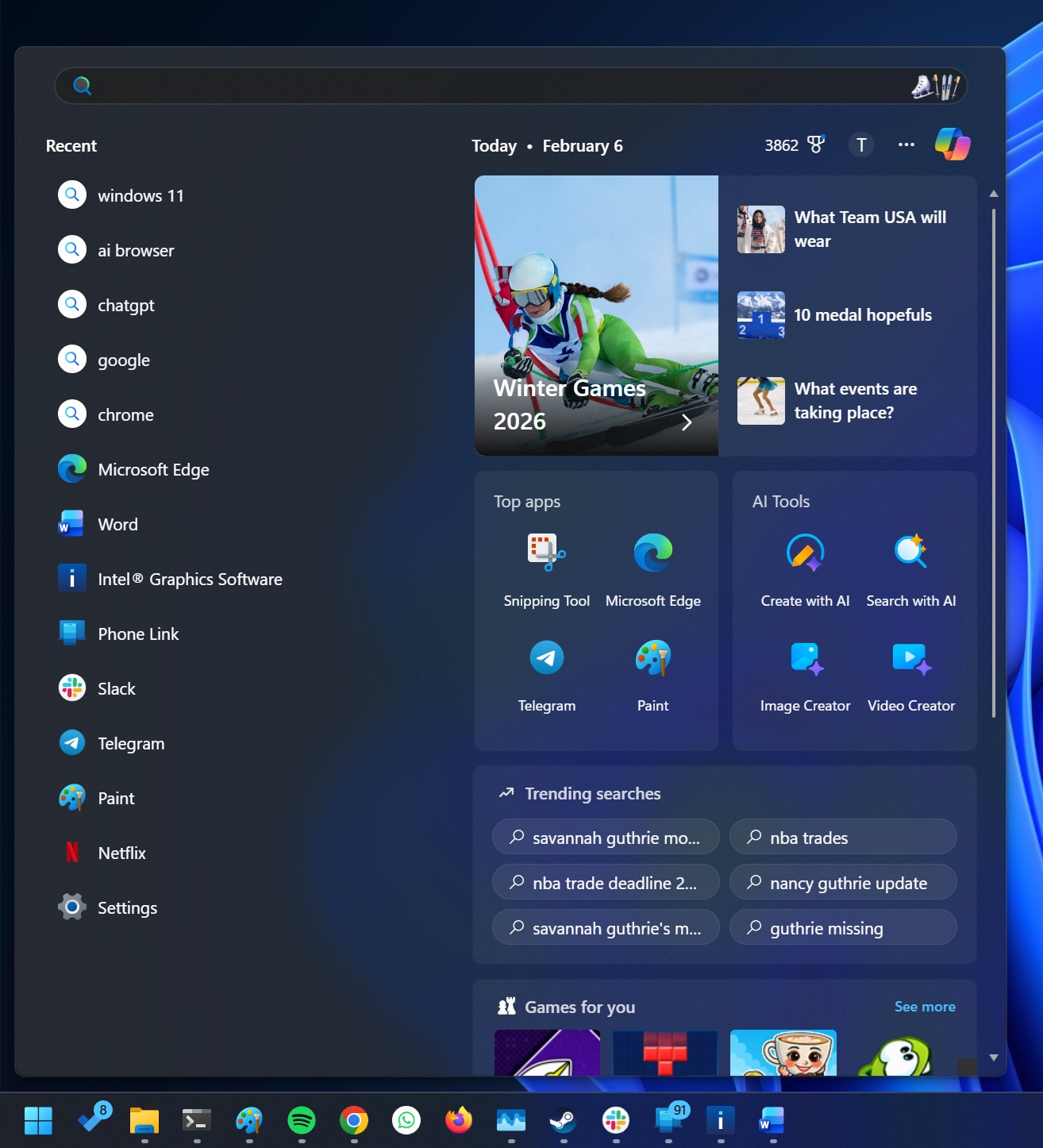
There are sections like:
- Top apps
- AI tools
- Trending searches
- Games for you
- Trending news from the web
- Even “popular recipes”
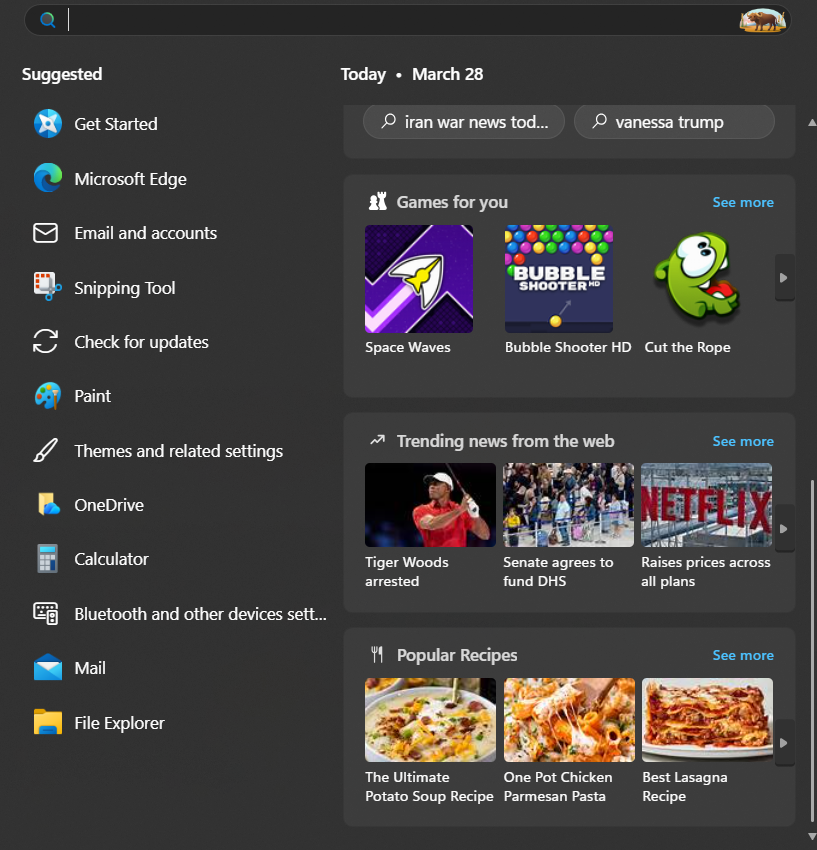
At this point, it feels more like a Bing-powered content hub. The intent is obvious. Microsoft wants Search to show content. You’ll also see Copilot logo here, as if it wasn’t already there by defualt on the taskbar.
When someone opens Search, they are trying to find something specific. An app, a file, a setting, not trending topics, games, and definitely not recipes.
Even the newly added “AI tools” section is absurd in my opinion. These tiles don’t actually perform any system-level action. Clicking them simply redirects you to Bing in a browser. There is no real utility to the search experience.
This is how Windows Search slowly lost its identity. It’s no longer clear if Search is trying to be:
- a launcher
- a file finder
- a web search engine
- or a content surface
And when one tool tries to do everything, it stops being great at the one thing users rely on it for.
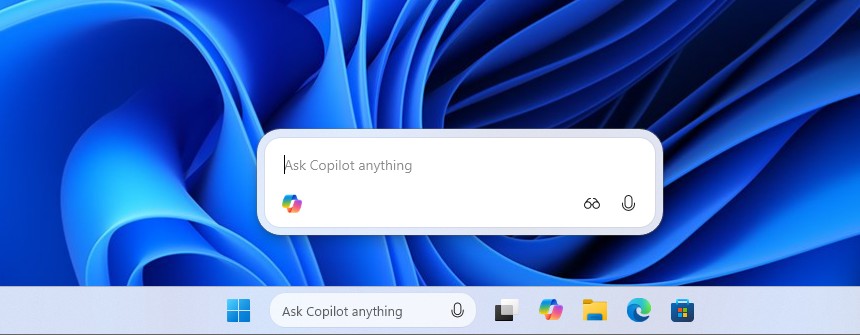
Interestingly, Microsoft already has a cleaner search solution called “Ask Copilot”, which doesn’t have any of the recommendations and is as fast as regular Search, but of course, it’s “Copilot” so no goodwill points here.
But there’s an even better form of Windows Search that doesn’t come by default with Windows.
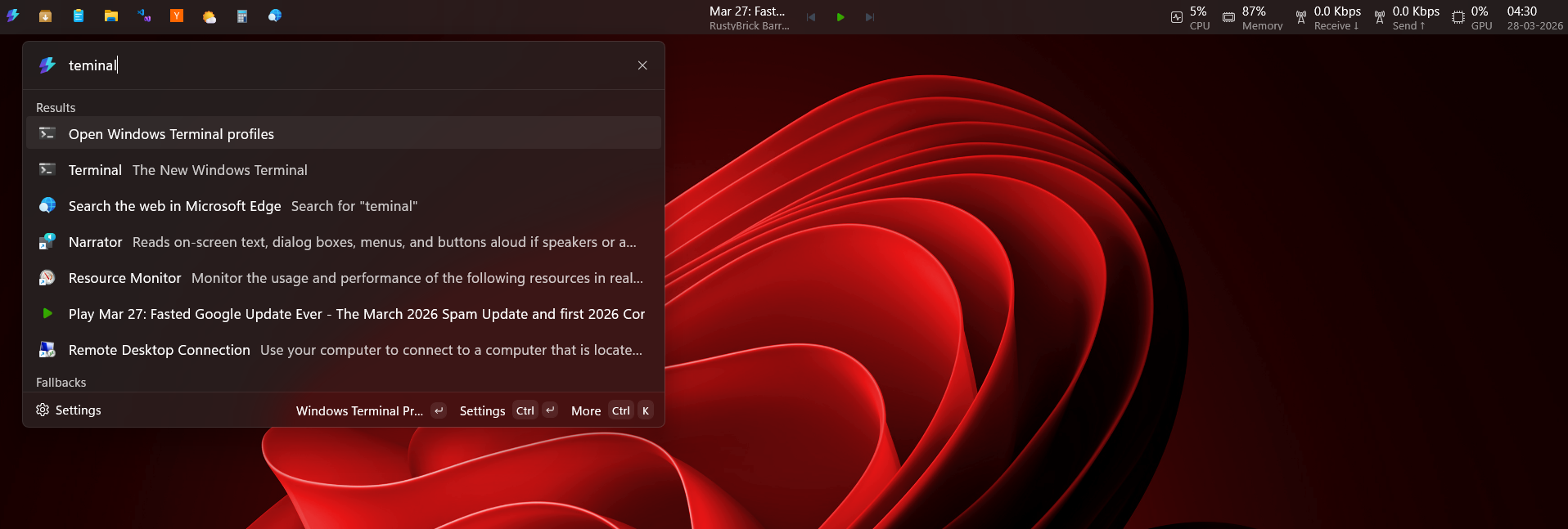
PowerToys Command Palette, especially with the new Dock, feels much closer to what users actually want. It is fast, keyboard-first, and strictly focused on actions. You type, it responds instantly, and it doesn’t try to recommend content or push web results. In many ways, it behaves more like macOS Spotlight than Windows Search itself.
The problem isn’t that Microsoft doesn’t know how to build a good search experience. It’s that the default Windows Search drifted too far from its original purpose.
The good thing is that Microsoft understood where they faltered. Search, File Explorer, updates, and system behavior are all being reworked with the same goal to make Windows feel fast and predictable.
If Microsoft follows through on what it’s been discussing publicly, 2026 could be the year Windows starts to feel like a cohesive system again.
The post Microsoft confirms major Windows 11 Search improvements after years of complaints appeared first on Windows Latest