
Microsoft says it’s taking a step back and temporarily disabling the automatic installation of Microsoft 365 Copilot on Windows 11.
In September 2025, Microsoft confirmed it was auto-installing Microsoft 365 Copilot (formerly called Microsoft 365 / Office Hub) on Windows, and that was in addition to the consumer’s Copilot app.
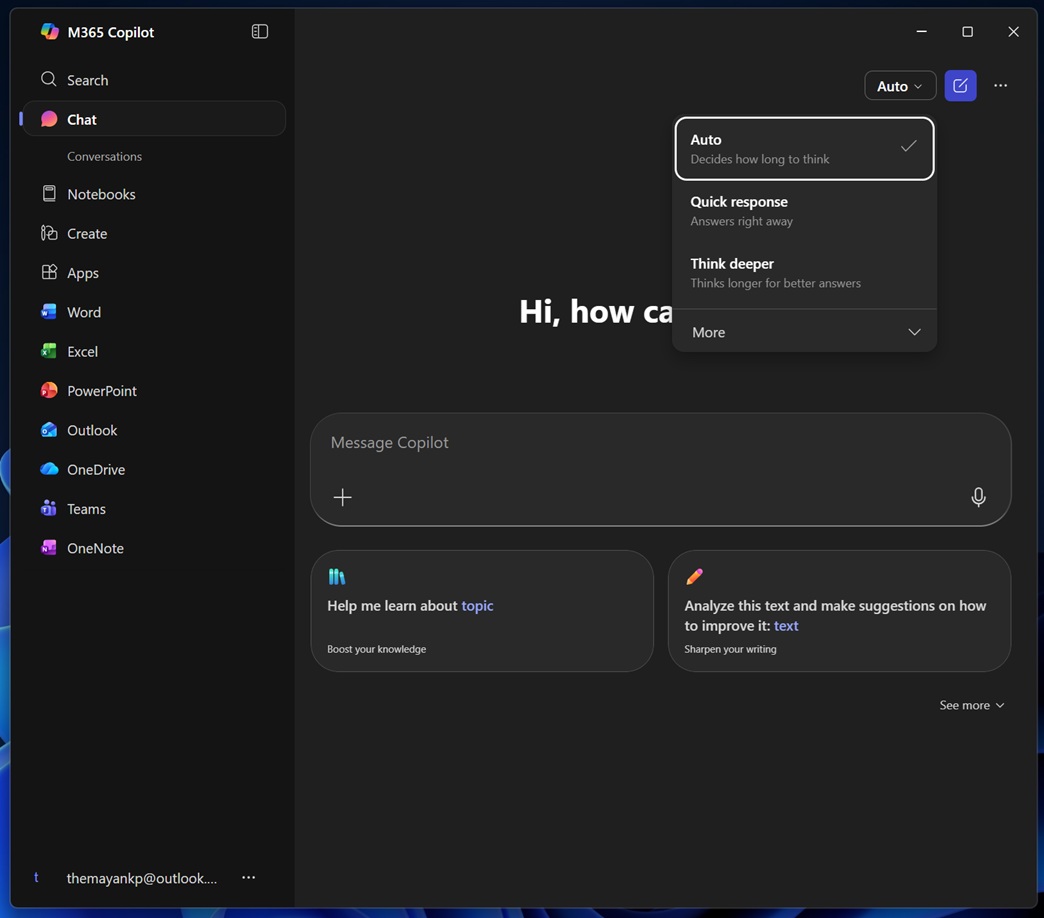
While Copilot is pre-installed, Microsoft 365 Copilot was an optional app, but that changed last year with forced automatic installation.
“Starting in October 2025, Microsoft will begin automatically installing the Microsoft 365 Copilot app on Windows devices that have the Microsoft 365 desktop client app,” Microsoft warned last year.
Turns out, it did not go well with the commercial customers, who were always given a choice to opt out of the forced install.
“Automatic installation of the Microsoft 365 Copilot app on Windows devices with Microsoft 365 desktop apps, planned for December 2025, is temporarily disabled,” Microsoft noted in an updated Admin 365 dashboard status seen by Windows Latest. “Existing installations remain unaffected. Admins can deploy the app via other methods and should await further updates.”
Microsoft argues it has “temporarily disabled the automatic installation,” and it’ll “provide another update once we re-enable these installations,” but it looks like it’ll be a while before the rollout resumes.
What exactly is the Microsoft 365 Copilot app, and why did Microsoft decide to install it automatically?
While ‘Copilot’ is for consumers, Microsoft 365 Copilot is optimized for Office apps, as it helps you summarize your documents, create PowerPoint presentations, search across your cloud storage for Office files, and use AI to walk through them.
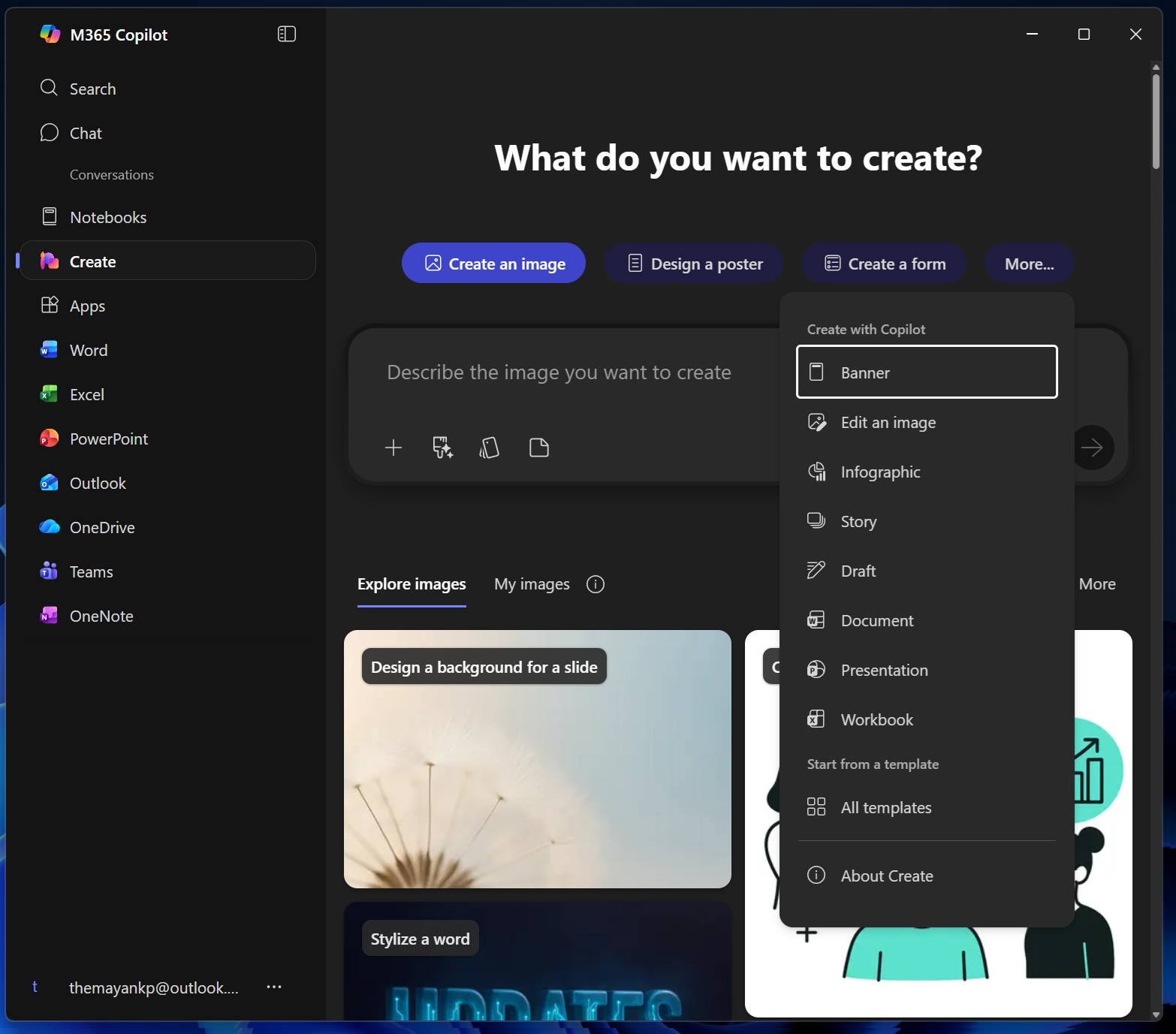
For example, if you open the Microsoft 365 Copilot app and head to the ‘Create’ section, you could create an image, a poster, a form, a workbook, and many other Office-related tiles using AI. It also has an AI-powered notebook feature that lets you create pages and meeting notes, ask questions, analyze content, and draw insights using Copilot.
Microsoft justified the forced installation of Microsoft 365 Copilot for “productivity” with “enhancing features” and simplified access to Copilot.
Fast forward to March 2026, and it looks like Microsoft has hit the brakes on the forced installs.
Microsoft is under damage control mode, and it’s been internally evaluating plans to make Windows a better platform
Microsoft has been under heavy criticism for pushing Copilot down our throats, whether it’s consumers or commercial customers.
In fact, not only is Microsoft losing the AI race, but it’s also hurting its own reputation. The internet does not synonymize Microsoft with AI, but rather trolls the company with ‘Microslop,’ and it’s only getting worse.
Microsoft is dialing back Copilot integration in Windows 11, and it’s also planning to focus on the pain points, such as performance or the lack of an option to move the taskbar around.
The post Microsoft says it won’t auto install Microsoft 365 Copilot app on Windows 11, likely due to outrage over ‘Microslop’ appeared first on Windows Latest