
Windows 11 KB5077181 is actually a pretty decent update after a long time. In our tests across hundreds of machines, Windows Latest did not observe any major issues. In fact, KB5077181 could make some PCs faster if explorer.exe was hanging on your system, and it also fixes the black screen issue on Nvidia GPUs.
KB5077181 is a mandatory release, so it will install whether you like it or not, and we also recommend installing it for multiple good reasons.
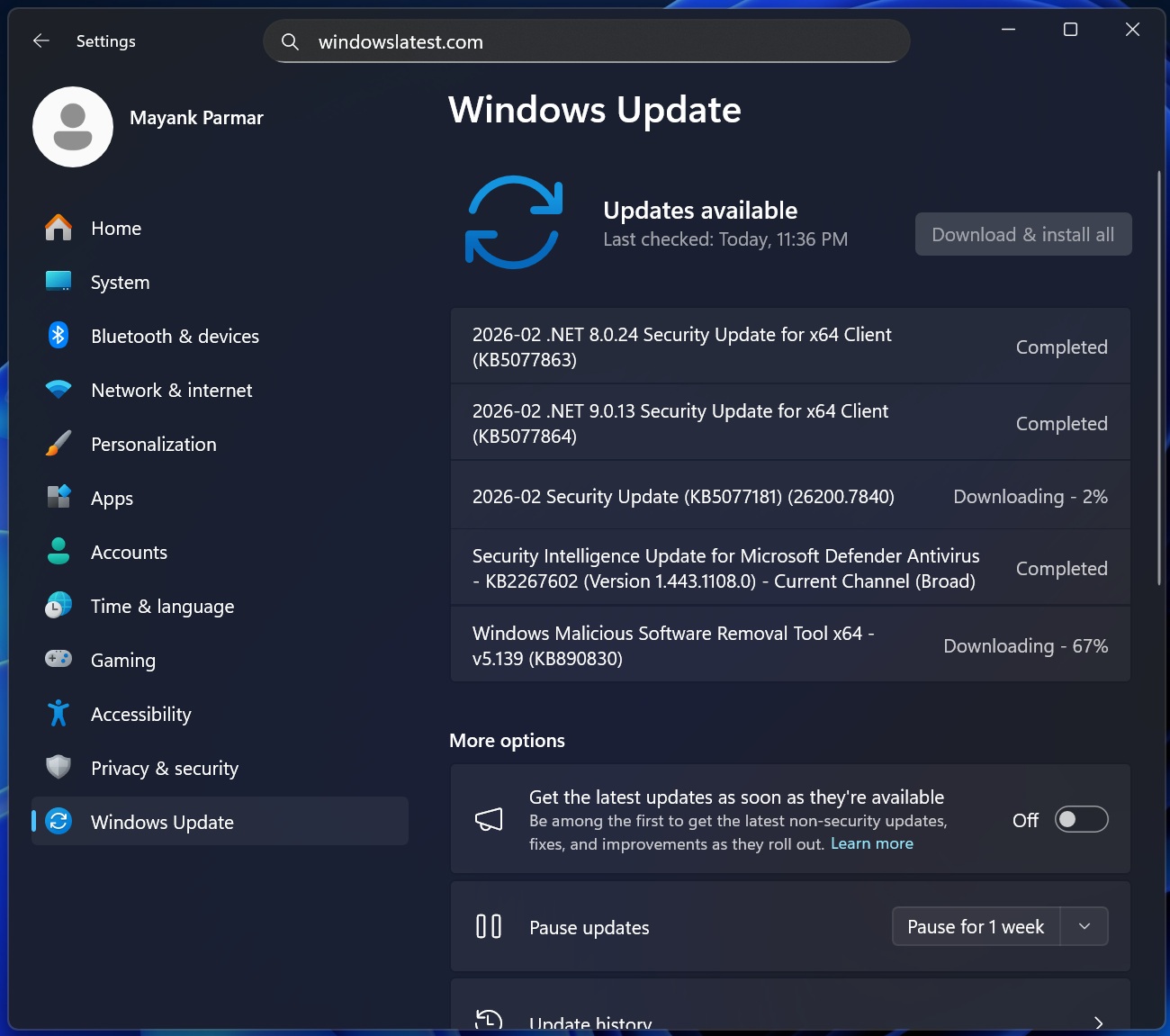
First, it fixes up to 58 critical flaws in Windows 11, including a bug where Windows Notepad could be exploited for a remote code execution vulnerability. Second, there are new features to test, including a handy Apple Handoff-like Resume feature to continue phone tasks on your PC.
Gaming issues should now be fixed, at least for some of you
Windows 11’s January 2026 updates were a rough ride for some of us, as they caused multiple major issues, including a bug that triggered a black screen.
Windows Latest also learned that the update led to frame rate drops and artifacts in certain games, but the good news is that most of the gaming issues are now patched.
I installed the February 2026 Update (KB5077181), which bumped my PC to Build 26200.7705, and I can confirm I no longer run into artifacts when playing titles like Forza Horizon 5.
Forza Horizon 5 was one of the games previously affected by graphical glitches after the January 2026 Update, but Windows Latest can now confirm that Microsoft has ironed out the problem, or Nvidia’s driver update has helped fix it.
While I no longer see most of these problems across my PCs, it does not mean artifacts or other gaming issues are resolved for everyone. We need to understand that Windows updates roll out changes gradually, so even if you are using Windows 11 Build 26200.7705 like me, you may not have all the changes applied to your PC yet.
Major Windows 11 fixes or new features can take days or weeks before they are applied to all PCs. Microsoft employs this gradual rollout approach even for bug fixes, so it does not end up breaking something else.
Windows 11 KB5077181 also fixes the Nvidia black screen problem
KB5077181 officially includes a fix for the black screen bug that specifically affects certain Nvidia GPUs, but we do not have a list of those specific variants at this point. Microsoft has officially acknowledged the problem, but it is buried deep in the long release notes, so most of you would not even notice it.
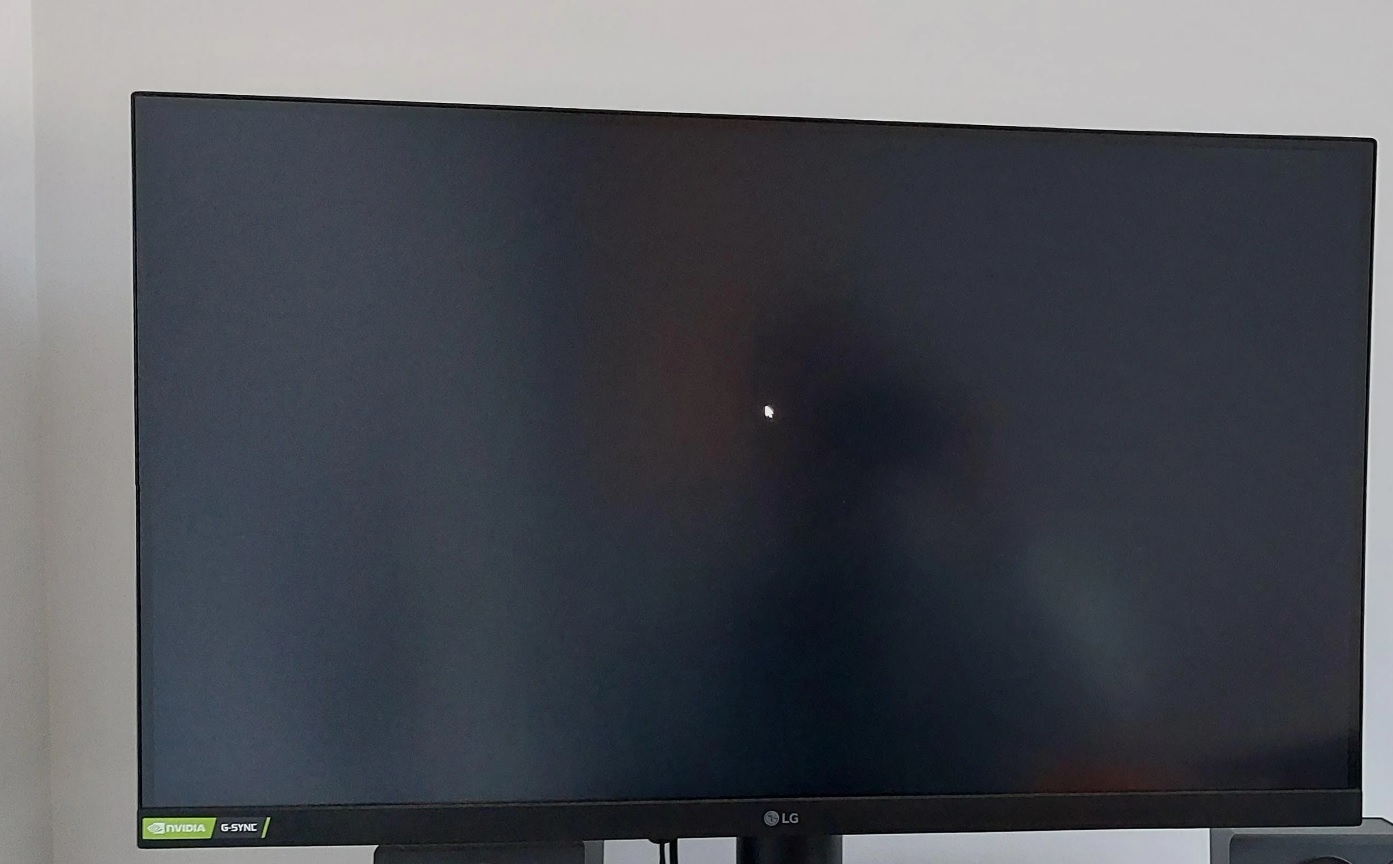
After the January 2026 update (KB5074109), black screen problems and system freezes were widely reported. One user wrote in a Feedback Hub post:
“I have a laptop with an Nvidia GPU. Since last week, whenever I used any graphics-heavy apps/games, they kept crashing. Sometimes when I tried closing the app or forcefully closing via Task Manager, the entire Windows system used to get frozen. Some games refused to start and froze the system. On 15-01-2026, Security Update KB5074109 was installed. After uninstalling it, those games/apps now launch without freezing Windows.”
Another user described a similar experience:
“With KB5074109 installed, at random times, the screen goes black for a few seconds and then returns. The desktop zooming in/out animation plays as if a monitor has been powered on or off, and can make the screen disappear for 10-15 seconds. An Nvidia RTX 4090 with 3 displays connected is my system encountering this issue.”
There were dozens of similar complaints on the Feedback Hub and Nvidia’s forums. Nvidia even advised some users to uninstall the January update if they continued to experience black screens or instability. However, security updates can only be removed within ten days of installation, which means most users were stuck with the January update issues.
Now, you do not have to uninstall any update. Windows 11 KB5077181, the February 2026 update, officially addresses the issue.
“This update addresses black screen issues in isolated multiuser environments, typically after a Windows upgrade,” Microsoft noted in the release notes that also apply to KB5077181 update.
It also appears that Microsoft fixed a related issue where certain GPU configurations could trigger a boot failure with a KERNEL_SECURITY_CHECK_FAILURE error.
Last but not least, Windows Latest can confirm that Microsoft fixed an issue that froze and even crashed explorer.exe immediately after you logged in. Windows 11 is almost unusable when explorer.exe crashes, as the taskbar, Start menu, and desktop disappear. But these issues are now finally fixed.
These fixes are rolling out with the February 2026 Update, and to verify if the update is installed, go to Settings > System > About.
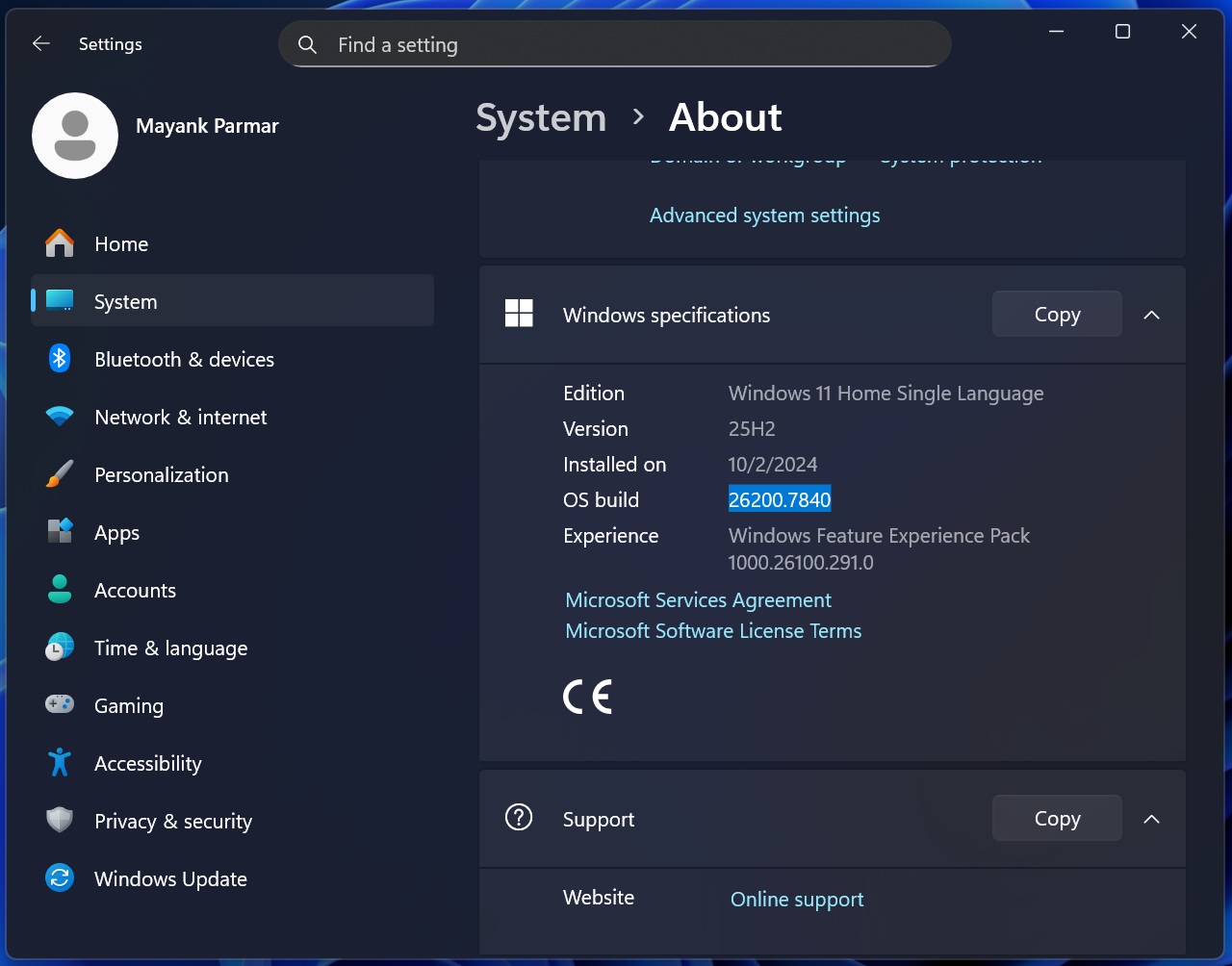
If you have Build 26200.7840 or newer, you have everything you need, but as mentioned earlier, changes roll out gradually, and you may need to wait for them to apply to your system.
The post Windows 11 KB5077181 fixes gaming bugs, Nvidia black screen, and performance issue affecting explorer.exe, taskbar, and Start menu appeared first on Windows Latest