
Microsoft has confirmed a major Remote Code Execution vulnerability in the modern Notepad app on Windows 11, and the fix is now rolling out as part of the February 2026 Patch Tuesday update.
The vulnerability, tracked as CVE-2026-20841, affects the Windows Notepad app and has been rated Important with a CVSS score of 8.8. According to Microsoft’s Security Response Center (MSRC), the flaw could allow a remote attacker to get code to run on a PC if a user opens a specially crafted Markdown file in Notepad and clicks a malicious link.
Yes, we are talking about Notepad.
The same lightweight text editor that, until recently, barely did more than open .txt files has now evolved into a modern app with Markdown rendering, clickable links, and Copilot integration. And with Markdown rendering and clickable links, there’s now a bigger attack surface than the classic plain-text Notepad ever had.
Maybe some things are better left untouched.
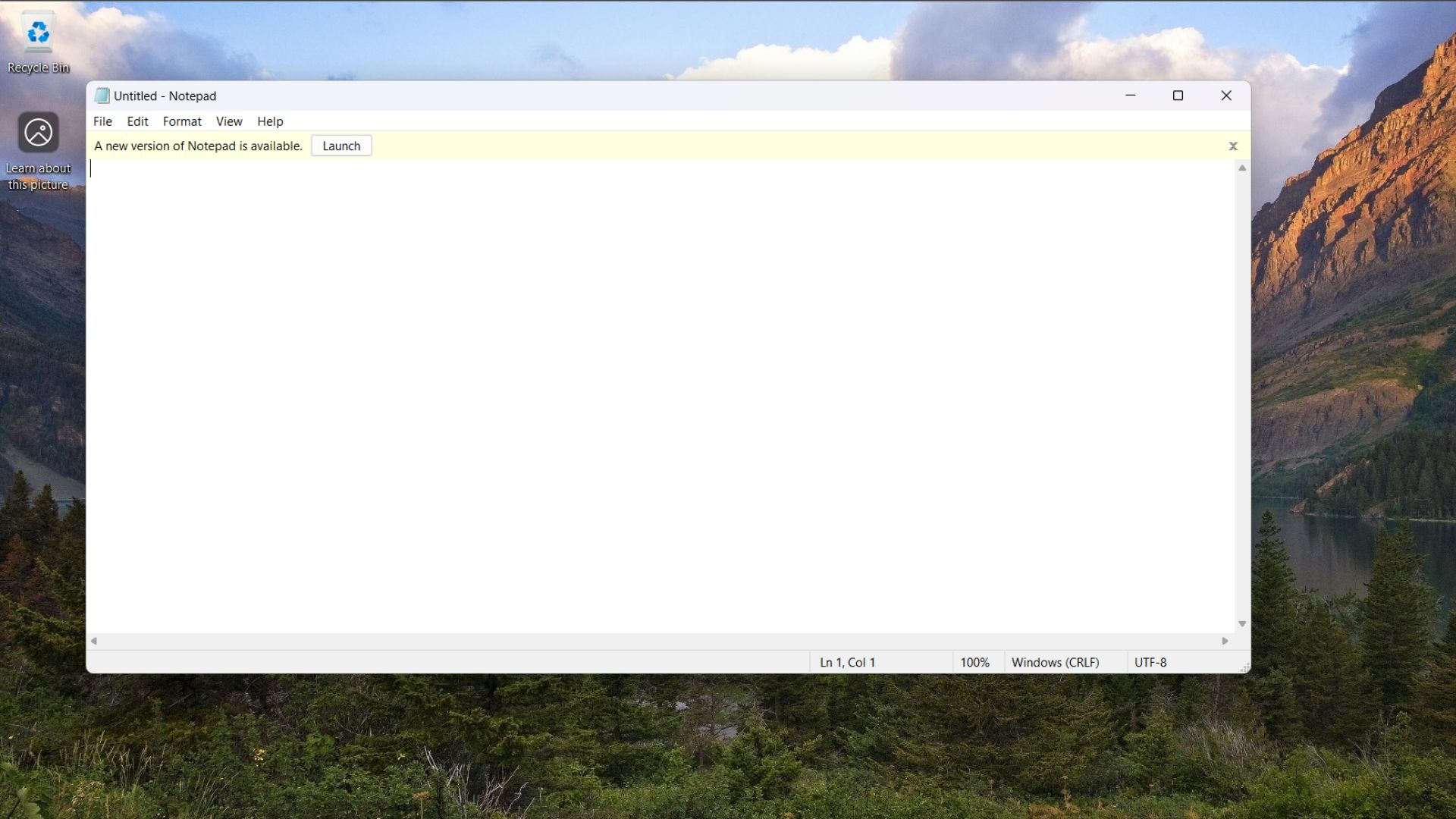
Microsoft says the issue stems from “improper neutralization of special elements used in a command, a category known as command injection”. It means Notepad can launch unverified protocols from links inside a Markdown file, which can lead to loading and running remote content.
In plain English, attackers could send an email and trick you into opening a malicious .md file and viewing it in Notepad, and if you click the link in Notepad, unaware of the issue, as it is a “simple text editor,” then malicious code could run with the same permissions as your user account. If you’re signed in as an admin, the impact could be much worse.
Fortunately, Microsoft has not observed active exploitation, and the vulnerability was not publicly disclosed before the fix. The bad news is that the attack requires only user interaction, which means a convincing phishing email with a malicious Markdown attachment could be enough to trigger it.
How does the Notepad markdown vulnerability work?
Microsoft classifies CVE-2026-20841 as a command injection issue, officially tracked under CWE-77: Improper Neutralization of Special Elements used in a Command.
It’s not as complex as it sounds, though.
A Markdown file is a simple text file that uses the Markdown language to format text. It usually has a .md or .markdown file extension.
A Markdown handler, like the one in Notepad, is a tool that simply processes Markdown files, allowing you to load and manipulate them easily.
When Notepad opens a Markdown file, it can render clickable links. In this case, the app’s Markdown handler did not properly validate certain special elements embedded inside a malicious link. If a user clicks that link, Notepad could launch an unverified protocol handler, which may load and execute remote content.
In other words, a specially crafted Markdown file could contain a link that could trigger a command that pulls code from a remote server and runs it on your PC.
Microsoft states that the malicious code would “execute in the security context of the user who opened the Markdown file”. That means the attacker would gain the same permissions as the victim. If the user has standard privileges, the damage is limited to that scope. If the user is running as an administrator, the impact could be devastating.
That explains why Microsoft marked the impact as High across:
- Confidentiality (data theft possible)
- Integrity (files or system settings could be modified)
- Availability (system stability could be affected)
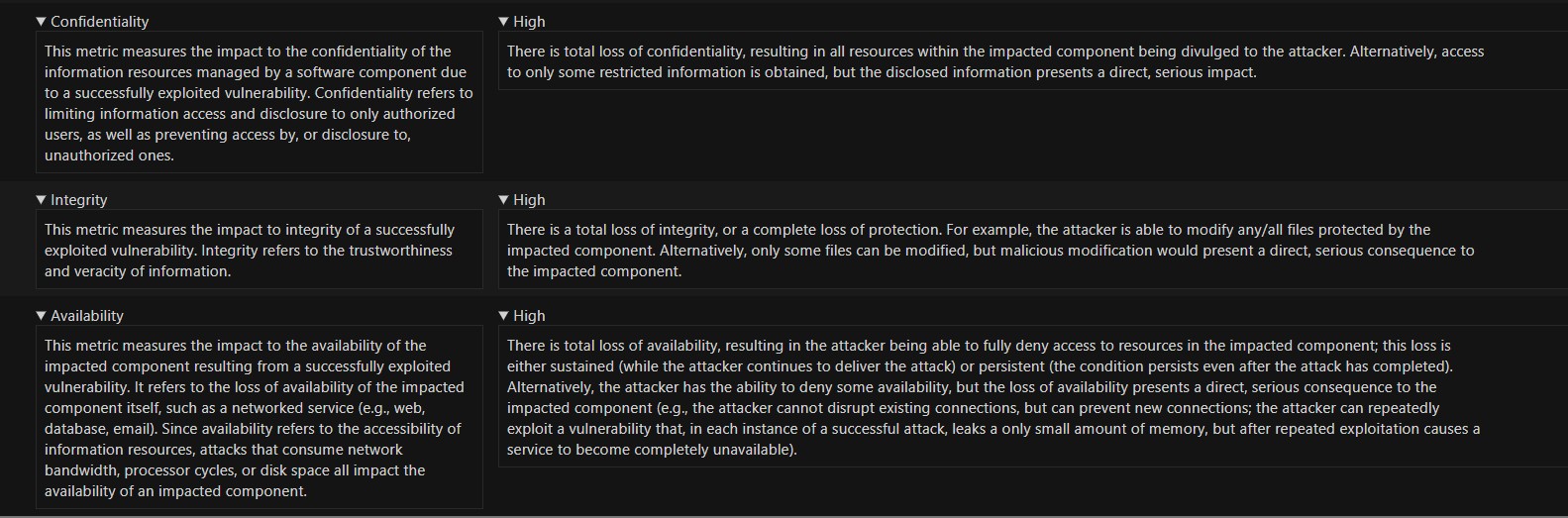
The vulnerability carries a CVSS 3.1 base score of 8.8, which places it in the high severity range.
Here’s what the key CVSS metrics mean:
- AV:N (Attack Vector: Network) – The attack can be delivered remotely, such as through email or a download link. The attacker does not need physical access.
- AC:L (Attack Complexity: Low) – The exploit does not require unusual conditions.
- PR:N (Privileges Required: None) – The attacker does not need prior access to the victim’s system.
- UI:R (User Interaction: Required) – The victim must open the Markdown file and click the malicious link.
- Scope: Unchanged – The exploit affects the same security boundary as the vulnerable component.
The important part here is User Interaction Required.
This is not a wormable vulnerability. It cannot automatically spread across networks on its own. It requires social engineering. An attacker would likely need to trick a user into opening a malicious Markdown file, possibly with a phishing email, a chat attachment, or a downloadable file as a false reward.
The exploit code maturity is currently listed as unproven, and Microsoft says it has not found any active exploitation in the wild. Still, because the attack requires only a single click inside a file that looks harmless, it remains a serious issue, especially in an enterprise where Markdown documentation files are common.
Why have modern Notepad features increased the risk of an attack?
For years, Notepad was one of the safest apps in Windows for the one reason that it did nothing apart from text editing. You couldn’t even format the text. Of course, links were out of question. Its simplicity was its strength.
But Windows 11 changed that.
Microsoft modernized Notepad with support for Markdown rendering, clickable hyperlinks, autosave, tabs, and the most hated of them all, Copilot integration. Notepad is no longer just a plain-text editor. It now parses structured content and interacts with system protocols in ways the classic version never could.
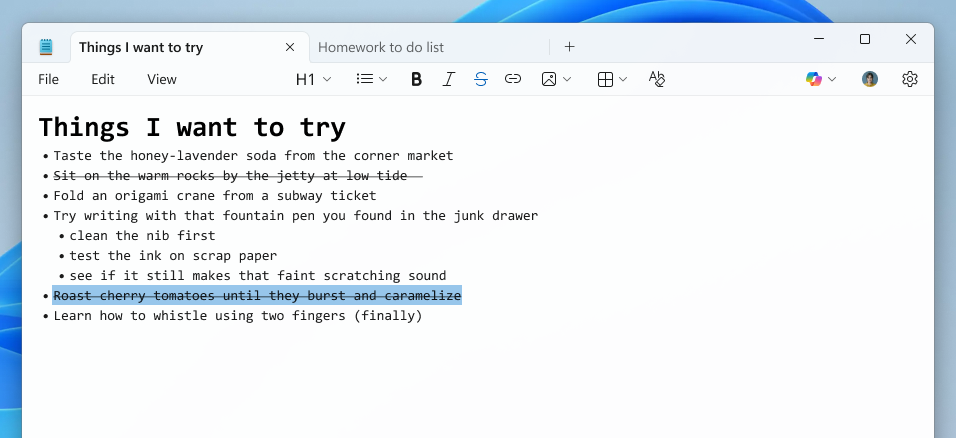
Markdown support gave Notepad the ability to interpret links inside files and make them interactive. If a seemingly trustworthy and built-in app across a billion devices starts handling protocols and external content, the risk naturally increases. Any weakness in how special characters or commands are processed can be abused.
CVE-2026-20841 is an example of that risk materializing. This type of issue simply could not have existed in the original, barebones Notepad because it lacked those capabilities.
The security fix for this vulnerability is already rolling out as part of the February 2026 Patch Tuesday update for Windows 11 and inbox apps (via Store).
The post Microsoft confirms 8.8-rated security issue in Windows 11 Notepad due to modernization efforts, Patch Tuesday fix rolling out appeared first on Windows Latest