
We installed some popular apps on Windows Arm-based PCs, and the overall experience is quite decent, even when apps are emulated, thanks to the new Prism layer. But in some cases, Windows on Arm may not be the best choice.
Whenever there’s a post published talking about the Snapdragon X or X2 series processors, you will undoubtedly see mention of application compatibility. Now, Windows ARM has had a rather tumultuous history. It was first released with the Microsoft Surface RT and ended up, arguably, a flop.
Fast forward to the present, where the Snapdragon X Series is in full swing with a more mature Windows ARM OS behind it, complete with a new compatibility layer called Prism that enables emulation of features that could previously only run on x86/x64 processors like Intel and AMD.
But Prism is only part of the story. More and more developers have released ‘native’ ARM64 apps that run in native ARM-compatible code on these devices, increasing performance and battery life at the same time.
Native vs emulation
One of the first things to understand is the difference between emulating an application in Prism and running native ARM-compatible code.
Emulation uses an application compatibility layer that Microsoft developed in conjunction with Qualcomm, called Prism.
This ’emulation’ allows applications that were natively compiled for x86 hardware to run on ARM-compatible CPUs like the Snapdragon X Elite, without needing to be recompiled into native ARM code. This layer is arguably the most important change in modern Windows ARM systems.
It allows almost all applications to ‘just work’ without needing to think about it. However, there are some downsides, and this is mostly in the efficiency and battery life department.
Having applications run in Prism does have system overhead in terms of increased CPU and RAM usage, which can reduce battery life and performance. This will vary from app to app and depends on what functions of the Prism emulation layer it is accessing.
Playing a game that relies heavily on the GPU and AVX functions? Expect lower frame rates, higher fan speed, and lower battery life. Running a utility application that displays a cat running in time with CPU use? Expect it to perform nearly identically to what you’d see on an Intel or AMD system.
For applications that are natively compiled as ARM code, Prism does not apply. This means that applications will run without needing to access the Prism layer, running code natively in the OS without the extra overhead. This means apps will run as well (or sometimes better) than they would on any x86 system.
These apps will provide you with the best in performance and battery life, as they are specifically optimized for the architecture of the CPU you are running.
Testing the app compatibility question
But what I think most people want to know is this: is app compatibility still as big of an issue as people keep claiming it is? Let’s dive in.
I’ve been using a Microsoft Surface Laptop 15 with the X Elite CPU and 32GB RAM for the past year or so as my daily driver for web browsing, productivity, and multimedia applications, along with some light development work like compiling apps.
If you want the short answer to this question: no, app compatibility is not really an issue. Sure, there are some apps that don’t work, and there are some drivers that do not have Windows ARM versions, but these are few and far between.
Yes, some of you may rely on these specific apps, and they may be deal breakers for you. However, I would bet that for the majority of people reading this, a Snapdragon X Elite would be an excellent choice.
| Emulation or Native | Does it work? | Issues | |
|---|---|---|---|
| Productivity | |||
| Microsoft Office | Native | Yes | No |
| Adobe Acrobat | Emulated | Yes | Some slowdowns, x86 version only |
| Microsoft Edge | Native | Yes | No |
| Google Chrome | Native | Yes | No |
| Mozilla Firefox | Native | Yes | No |
| Slack | Native | Yes | No |
| Private Internet Access | Native (beta) | Yes | No |
| Proton VPN | Native | Yes | Some features missing |
| SurfShark VPN | Native | Yes | No |
| Multimedia | |||
| VLC | Native (beta) | Yes | No |
| Screenbox | Native | Yes | No |
| Cinema 4D | Emulated | Yes | No |
| Adobe Premiere | Native (beta) | Yes | No |
| Adobe After Effects | Native (beta) | Yes | No |
| Audacity | Native | Yes | No |
| Specialized Apps and Utilities | |||
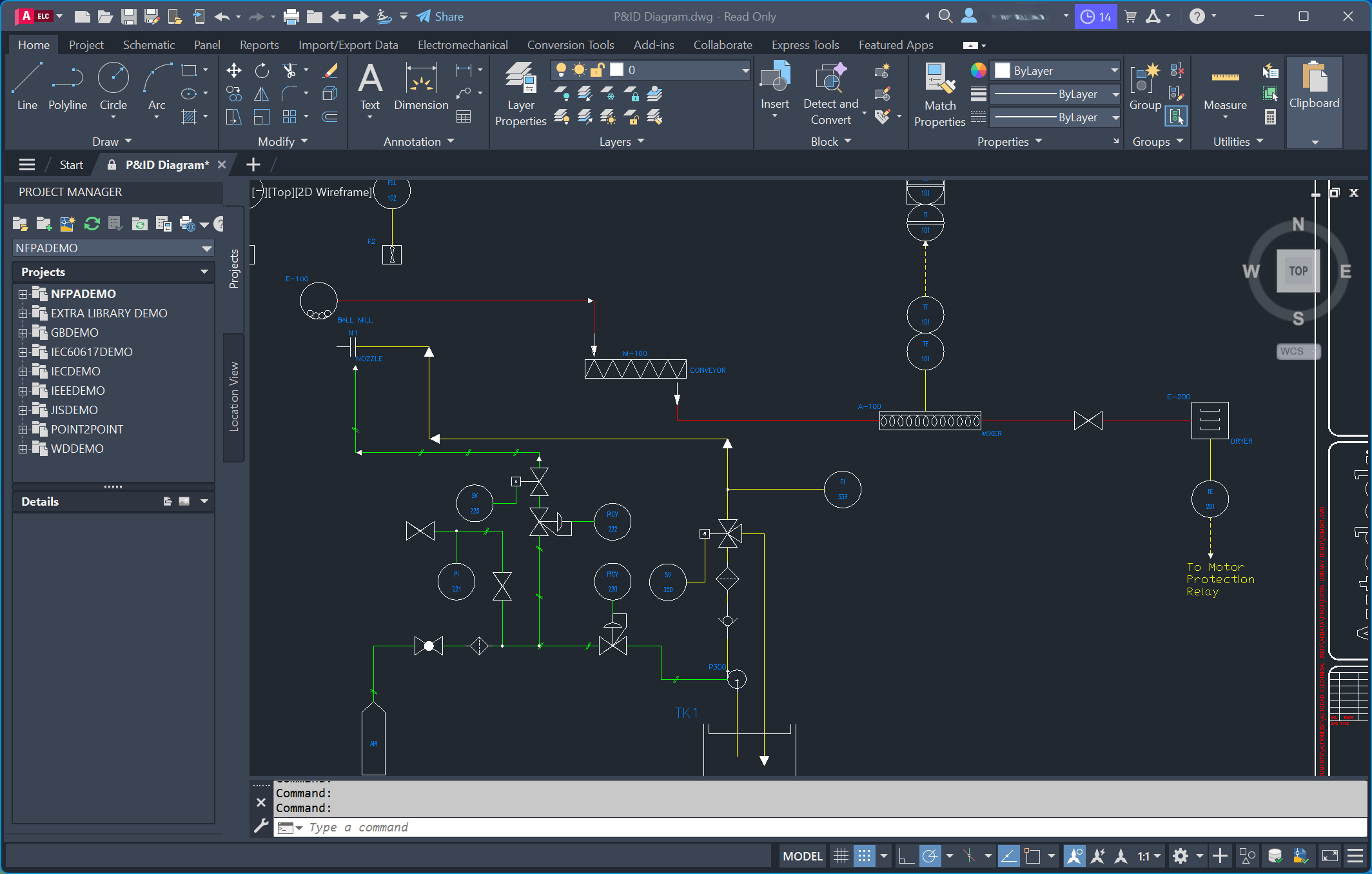
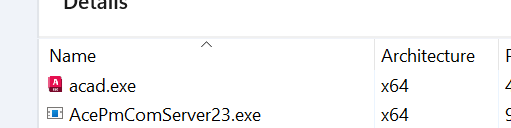
| AutoCAD | Emulated | Yes | Officially not supported, but works |
| Solidworks | Emulated | Partially | Officially not supported but will run, however certain features do not work |
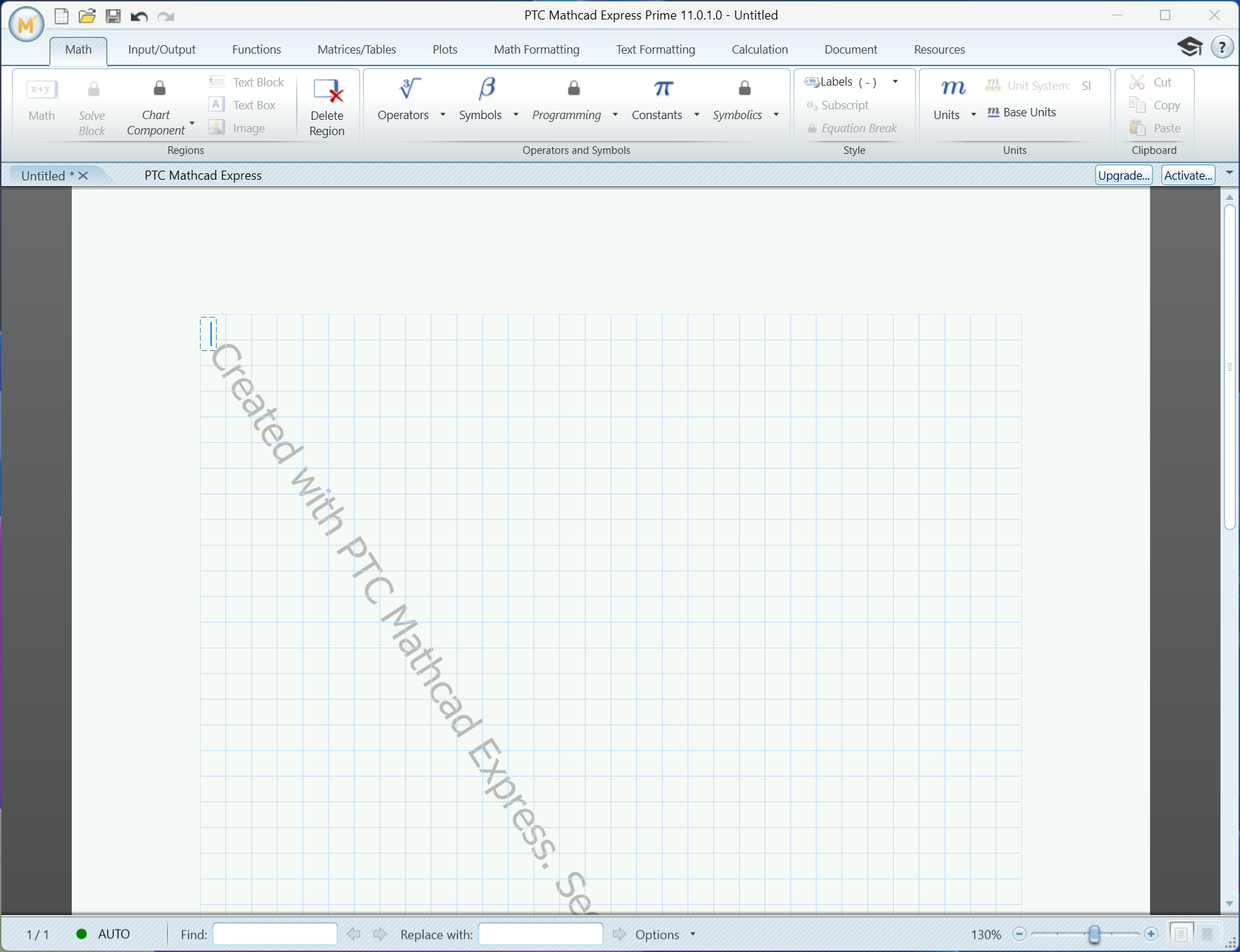
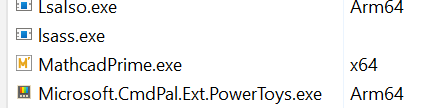
| MathCAD | Emulated | Yes | No |
| Matlab | Emulated | Partially | Some features do not work on ARM |
| Powertoys | Native | Yes | No |
| Games | |||
| Steam | Emulated | Yes | No |
| Fortnite | Emulated | Yes | No |
| World of Warcraft | Native | Yes | No |
| VR Chat | Emulated | Yes | No |
This is not an exhaustive list of applications, either.
If you want to see a specific app tried out, hit me up in the comments below. You can also check sites like https://armrepo.ver.lt/ to check if the app you are looking for has a native version.
The post Is app compatibility still a problem on Windows 11 ARM? I tested some popular apps appeared first on Windows Latest