
Microsoft says Windows 11’s background processes should no longer trigger Modern Standby issues, which means your PC will not use excessive battery when it’s in the special “sleep state,” and it will also not wake up out of nowhere.
All newer Windows 11 PCs come with “Modern Standby,” which offers phone-style sleep. In Modern Standby, Windows enters S0 power, which is a very low-power idle state. To verify which sleep states your PC supports, you need to open Command Prompt and run the following command: powercfg /a
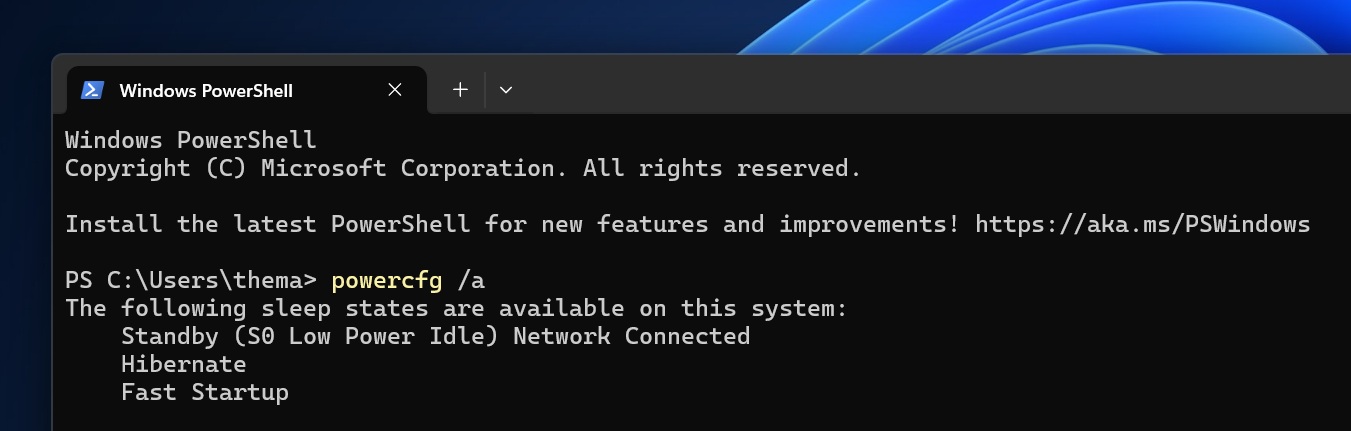
If you see S0 Low Power Idle, it means you have Modern Standby enabled on your PC. Most newer PCs use Modern Standby because it’s required by Microsoft, according to a Dell support document.
In theory, Modern Standby is a pretty nice addition to Windows, but some people have been reporting all kinds of issues.
For example, a thread on Reddit goes as far as claiming Modern Standby is damaging their battery. Of course, it’s a far-fetched claim, but we cannot deny the fact that Modern Standby has caused issues on some PCs, especially with battery backup. If you dig deeper into Feedback Hub, you’ll find similar complaints.
Modern Standby causes excessive battery usage and unexpected “wake up”
Now, even Microsoft has quietly admitted at least one root cause.
In a year-old support document now spotted by Windows Latest, Microsoft confirmed that Windows 11 version 24H2 or newer added guardrails to stop Modern Standby from draining battery or causing surprise wakeups.
For those unaware, it looks like certain background processes in Windows 11 can try to break through the deep sleep state enforced by Modern Standby and turn on the device, which leads to excessive battery usage. That’s because you are not even aware that the device is no longer in a sleep state.
I’ve observed it on one of my devices when I close the lid at 100% battery, and I come back to see the laptop has run out of power.
In newer Windows builds, if Windows detects excessive battery drain during Modern Standby, it will try to prevent the PC from waking up unless you explicitly open the lid or press the power button.
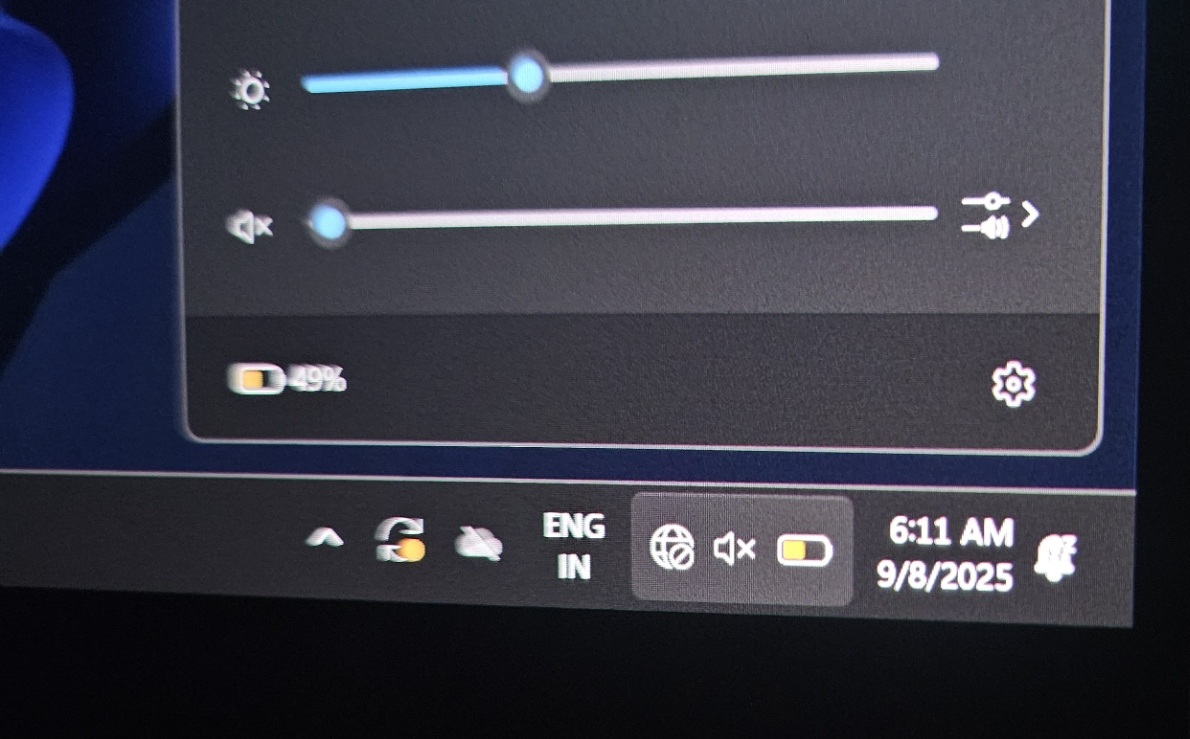
In this new “protective” state, Microsoft says waking is limited to intentional actions such as pressing the power button or opening the lid.
“Starting in Windows 11, version 24H2, a new power-saving measure was introduced to Modern Standby to prevent unexpected battery drain. If excessive battery drain is detected, most wake sources will be disabled. In this state, the device can be woken from Modern Standby by pressing the power button or opening the lid,” Microsoft noted in a support document spotted by Windows Latest.
Windows Latest also found that Windows 11 24H2 tightens behavior around lid-closed scenarios through input suppression.
In version 24H2 or newer, pressing the power button will trigger input suppression, which means the display should not turn on in clamshell mode when the lid is closed unless an external display is connected.
“Starting from Windows 11, version 24H2, pressing the power button will engage input suppression. The display will not turn on in clamshell mode if the lid is closed, unless an external display is connected,” Microsoft explained.
These improvements are available for everyone now and do not require any specific update as long as you’re using version 24H2 or newer. But what about you? Have you run into issues due to Modern Standby? Let me know in the comments below.
The post Microsoft confirms Windows 11 no longer triggers unexpected wake-ups or battery drain due to Modern Standby appeared first on Windows Latest